github[github.com]
Are you tired of creating translations for your mods?
Ye me too.
Do you get frustrated when you do everything correctly but it doesn't work the way you wanted?
Ye me too.
Do you get angry at the files when you have to sort everything instead of opening it in a single file and using something to translate (like Google Translator)?
Ye especially me.
Well, now you can use something like Google Sheets to edit your localizations!
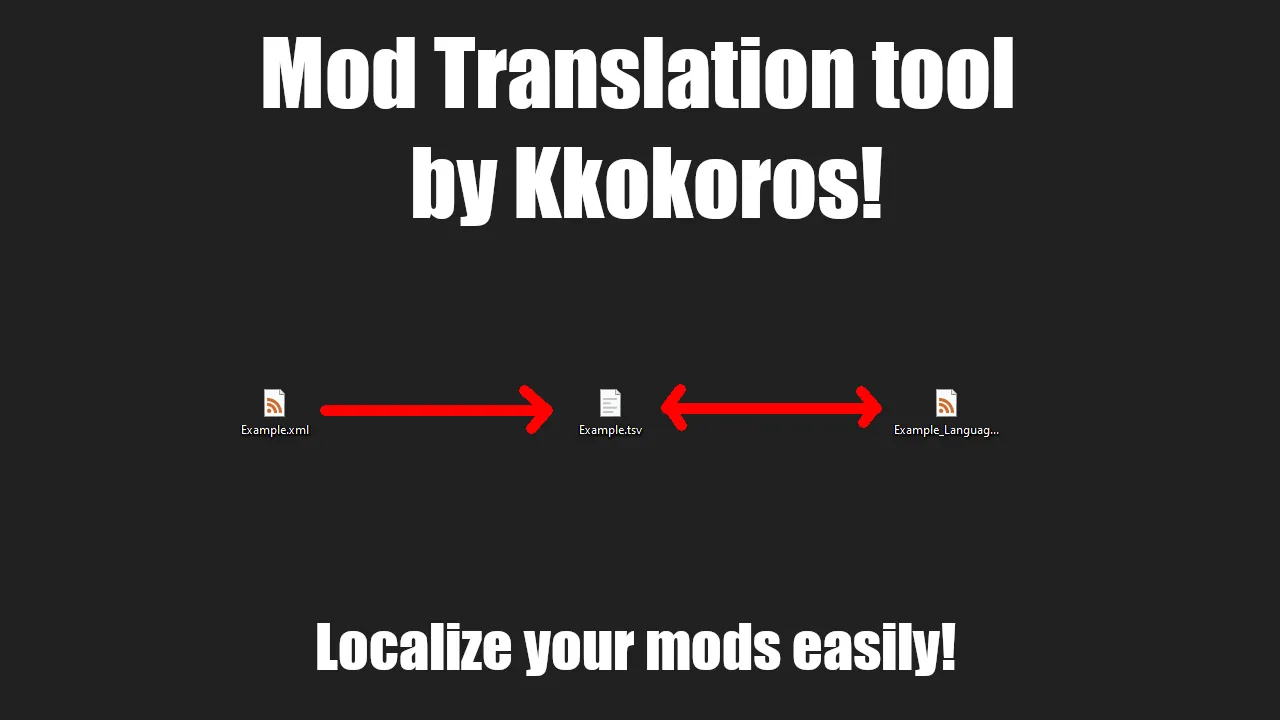
You just need a single CSV or TSV file!
The workflow is simple!
You need a CSV or TSV file... yes, that's it!
You can find a video explaining on the steam page how to use this mod but also you can edit the file on your own.
First, two lines are for language codes and integration into RimWorld structure.
The third line and other are where the work begins!
Let's look at an example file from my other mod! A wooden arm!
<HediffDef ParentName="KokuaddedProsteticBasic">
<defName>KokuWoodenArm</defName>
<label>wooden shoulder-arm</label>
<labelNoun>a wooden arm</labelNoun>
<description>An installed wooden arm.</description>
...
</HediffDef>
We can see this stuff right there! Now, to turn this into the correct format, we need to take the "FamilyName" of this def and a "ChildName".
The FamilyName is the name, it is "HediffDef," and the ChildName is "KokuWoodenArm." So to translate a specific string, we need to provide this format:
FamilyName&ChildName.SubName. Therefore, for this one, it is HediffDef&KokuWoodenArm.label.
\t = tab
So the file should look like this:
Key\t
Language Name En\t
HediffDef&KokuWoodenArm.label\t
Now, translate it to two languages. I choose English and Polish!
Key\ten\tpl
Language Name En\tEnglish\tPolish
HediffDef&KokuWoodenArm.label\tWooden arm\tDrewniane ramię
...
When you are done with translations, you should open RimWorld and go to settings. Then correctly fill in the fields and click a button. When you are done, restart the game and see everything done!
If you got lost, see the video to know how it works!
For now, it works with DefInjected only.
 [ko-fi.com]