Tired of opening a dozen info cards just to decide which weapon, shirt, floor, crop, animal, or pawn is actually better?
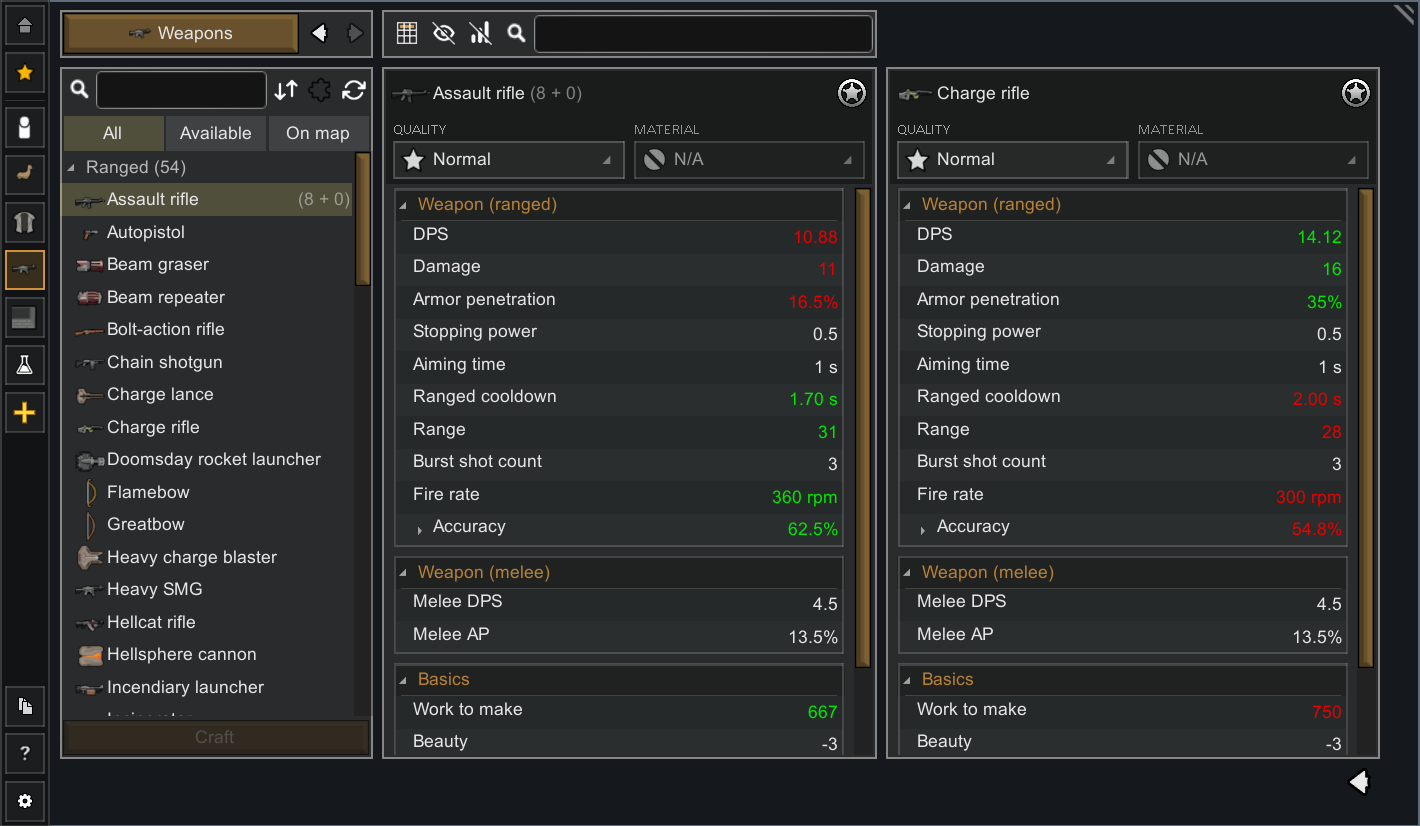
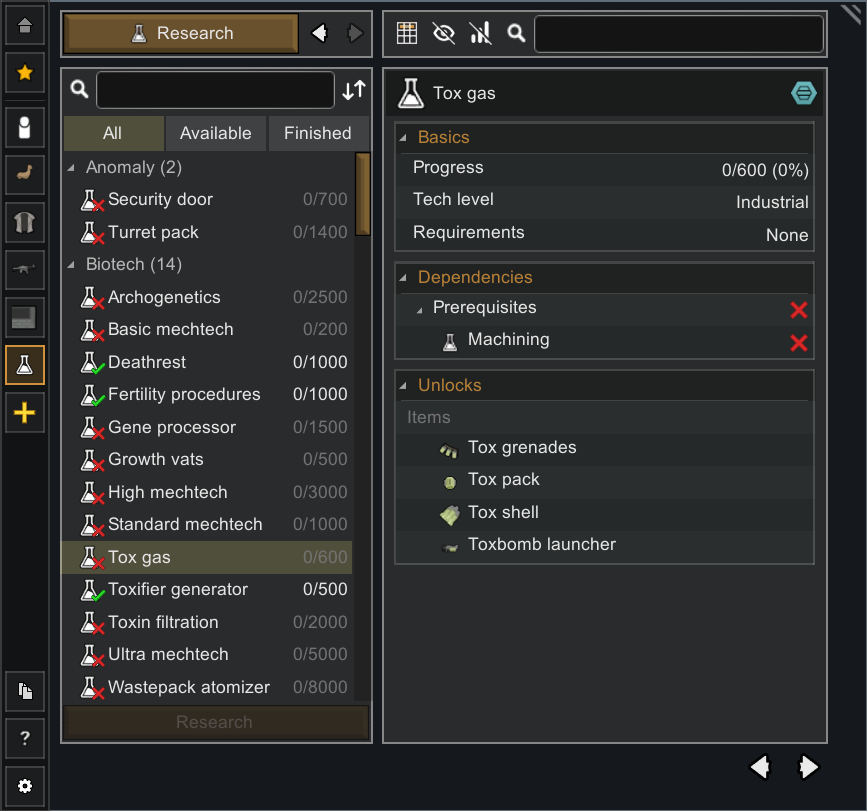
Omni Tab adds a RimWorld-style comparison window for browsing and comparing game content side by side. Pick entries, preview quality or material changes, and read the important stat differences at a glance.


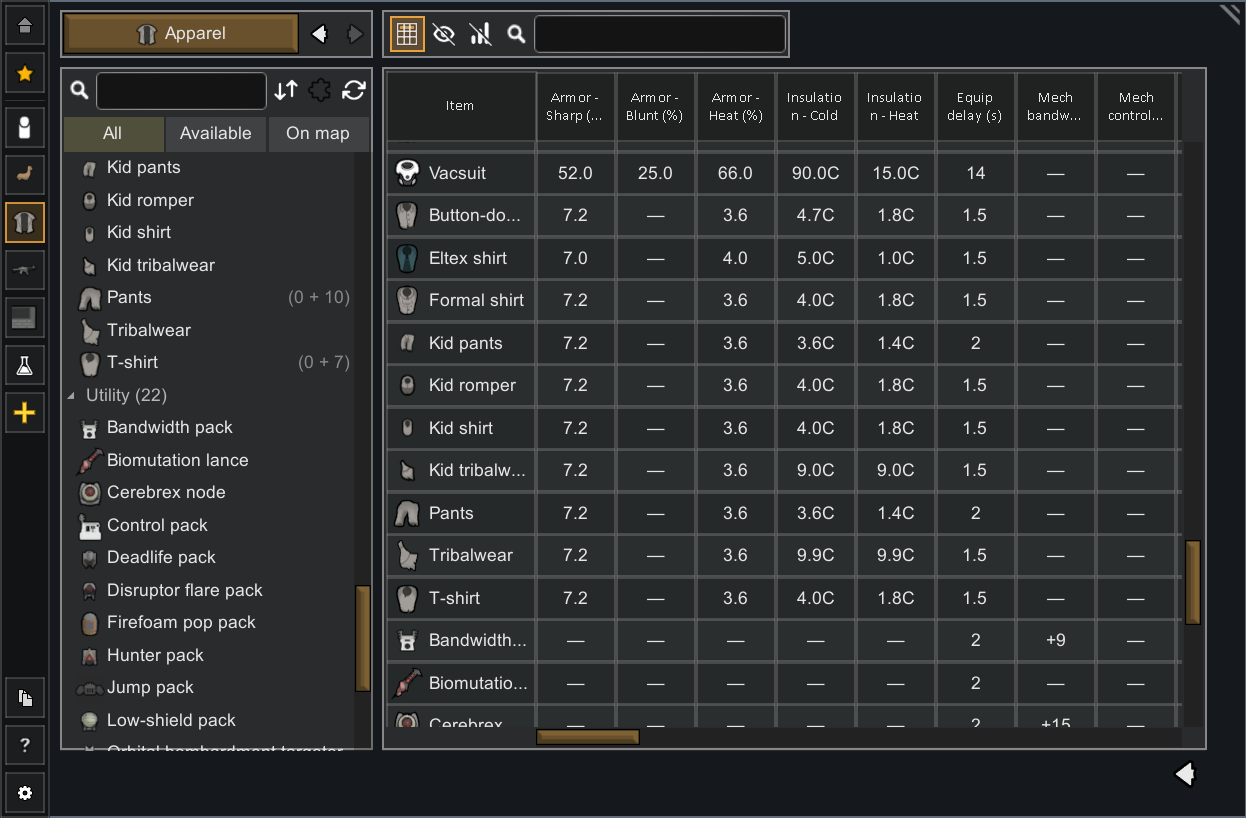
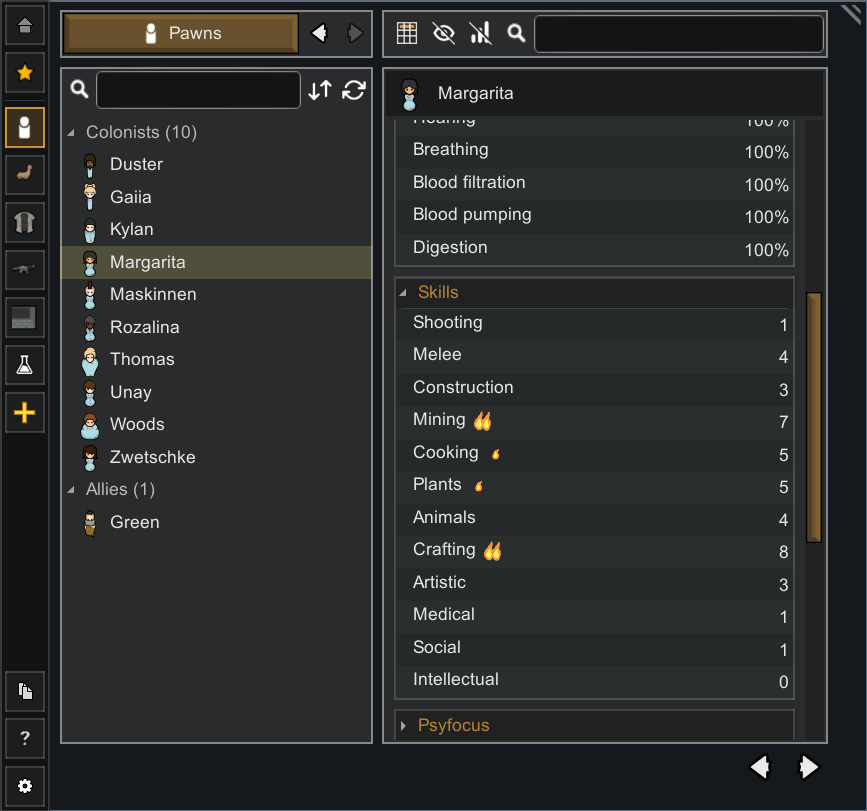
- Side-by-side comparison for weapons, apparel, buildings, plants, floors, animals, mechanoids, and live pawns (including modded items)
- Color-coded stats with clear better/worse highlighting
- Spreadsheet-like view toggle
- Quality and material previews
- Search, filter, group, and sort
- Favorites for frequently compared items
- Floors support with terrain stats and a room preview
- Live pawn comparison for colonists, prisoners, slaves, allies, enemies, animals, wildlife, and mechs
- Map-aware tools: resources and stuff counts, on-map filtering, and more
- Quick and context actions: build, compare, release, slaughter, ...
- Bill creation: crafting bill shortcuts
- Data export: CSV/XLSX export, useful for for modders and theorycrafters
 These are possible future improvements, not current features.
- Full compatibility with Combat Extended
- Spreadsheet view improvements


- Discoveries: undiscovered things can be hidden or shown as "???", depending on your settings.
- Combat Extended: Omni Tab correctly loads CE stats, but it does not currently provide an accurate compare system.
 Q: Is it safe to add mid-game?
A: Yes.
Q: Is it safe to remove mid-game?
A: It should be safe, but as always with mod removal, keep a backup save first.
Q: Does Omni Tab replace the vanilla info card?
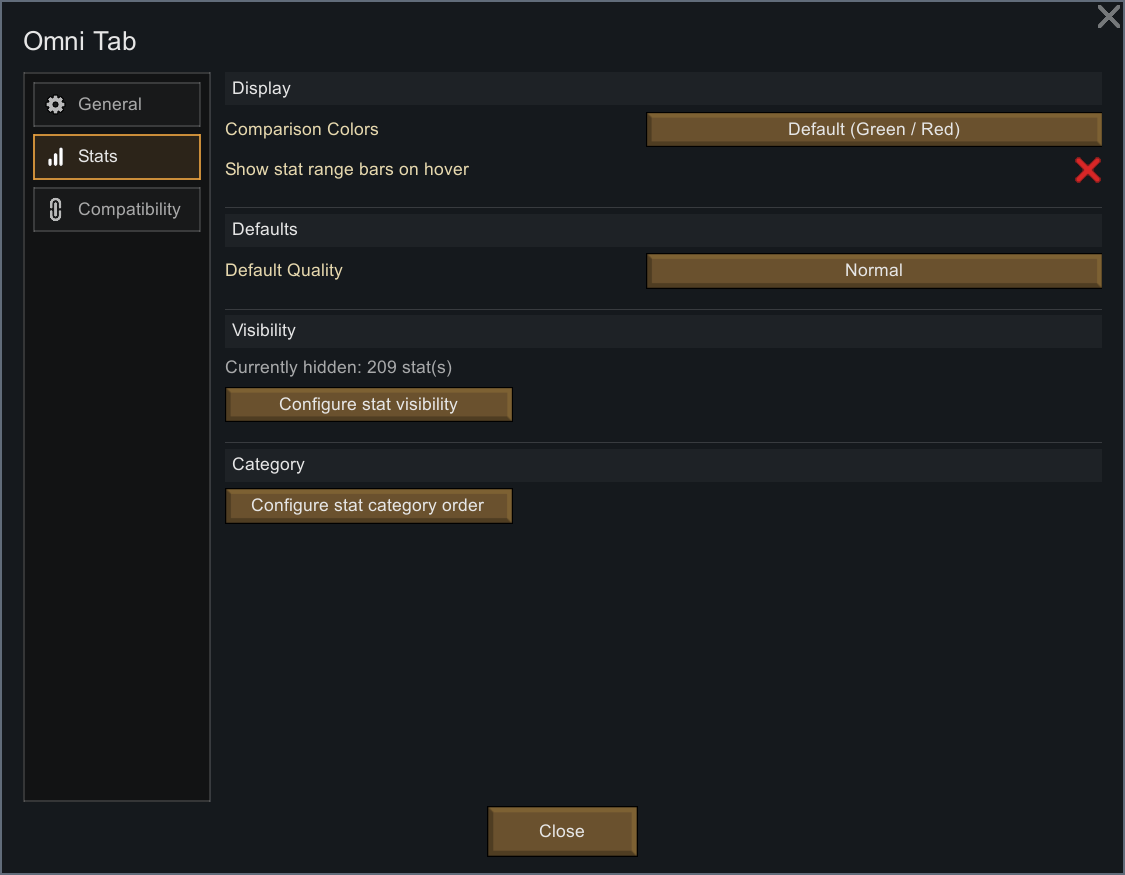
A: Only if you enable that behavior in settings. You can also use Shift-click behavior to keep both available.

- Better Scrollbars for cleaner scrollbar visuals.

- Tynan Sylvester, creator of RimWorld
- vtec160, idea maker and beta testing
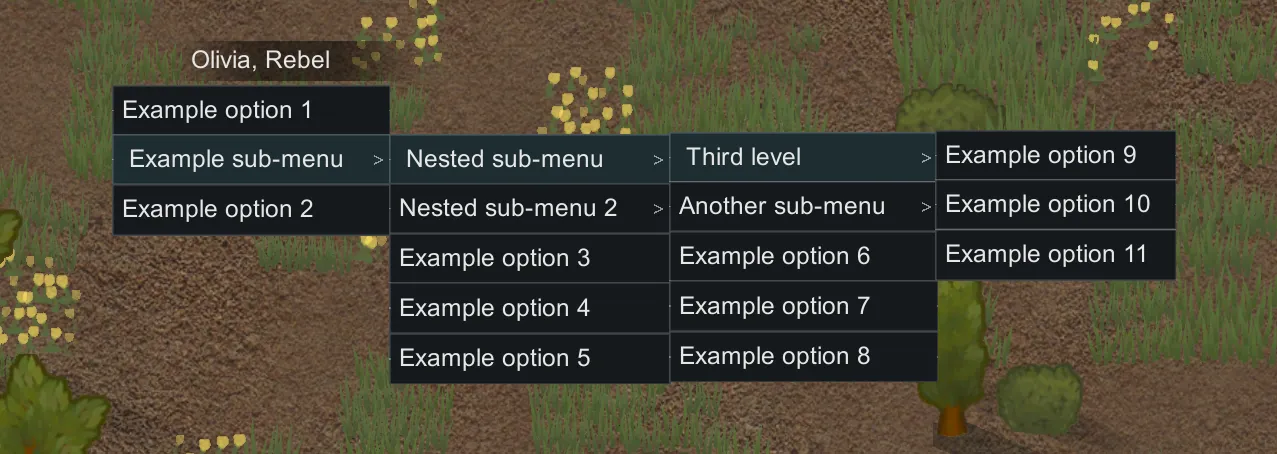
- kathanon, for Float Sub-Menus

 [ko-fi.com]