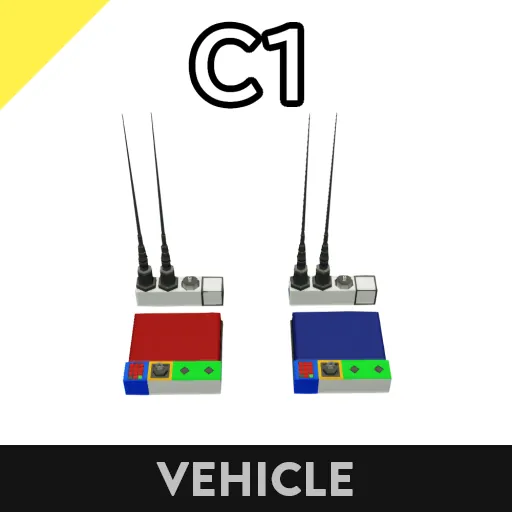
C1 Communication equipment (frequency hopping)
Overview
This is a frequency-hopping communications device. It uses 50 random frequencies to prevent interference from jamming devices.
Specifications
[list]
[*] Communicates by switching between 50 frequencies every tick.
[*] The number of frequencies used for frequency hopping can be changed.
[*] Can transmit and receive 30 composite channels. (Normal mode)
[*] Can transmit and receive 14 composite channels. (Integrity-enhanced mode)
[*] Integrity-enhanced mode completely prevents 1-tick interference.
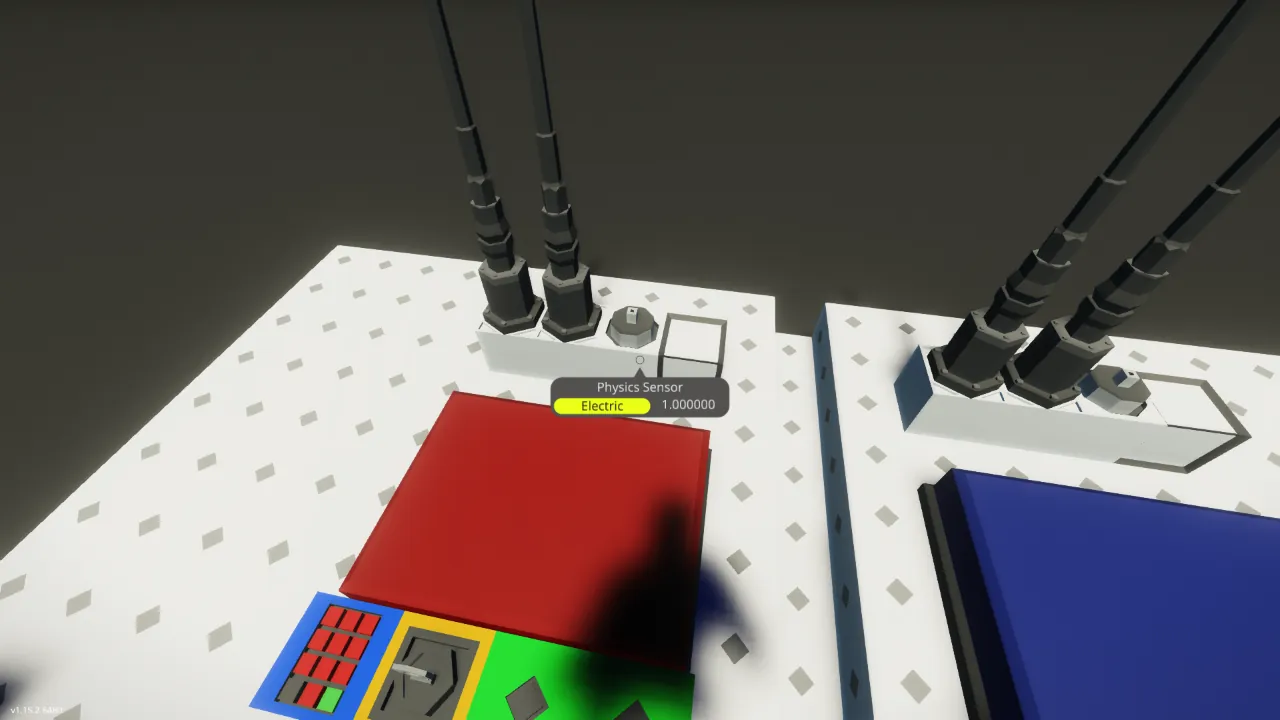
[*] The random number generation seed value uses a physics sensor.
[/list]
Caution
When turning on both "Power" key buttons, if there is a delay of 7 to 11 ticks on one side, communication will not be successful.
Turn on "Power" simultaneously, or wait about 1 second before turning on the other side.
Operation Instructions
How to Connect (Normal Mode)
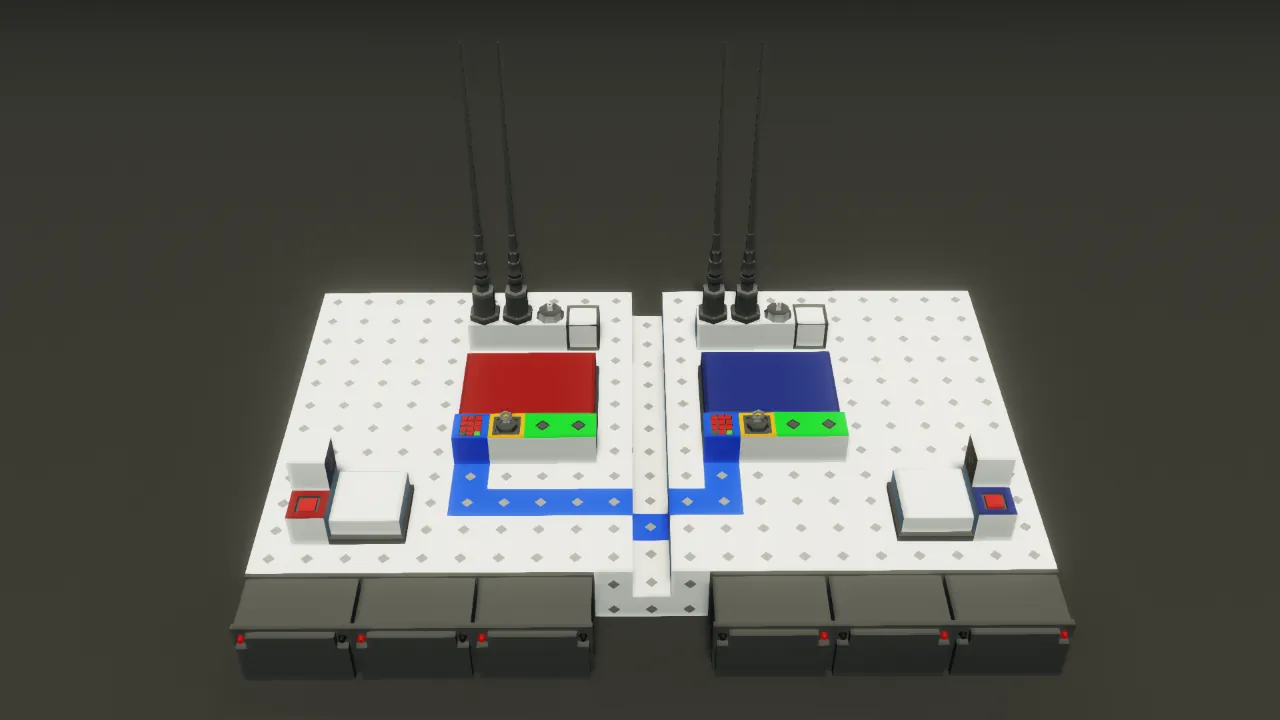
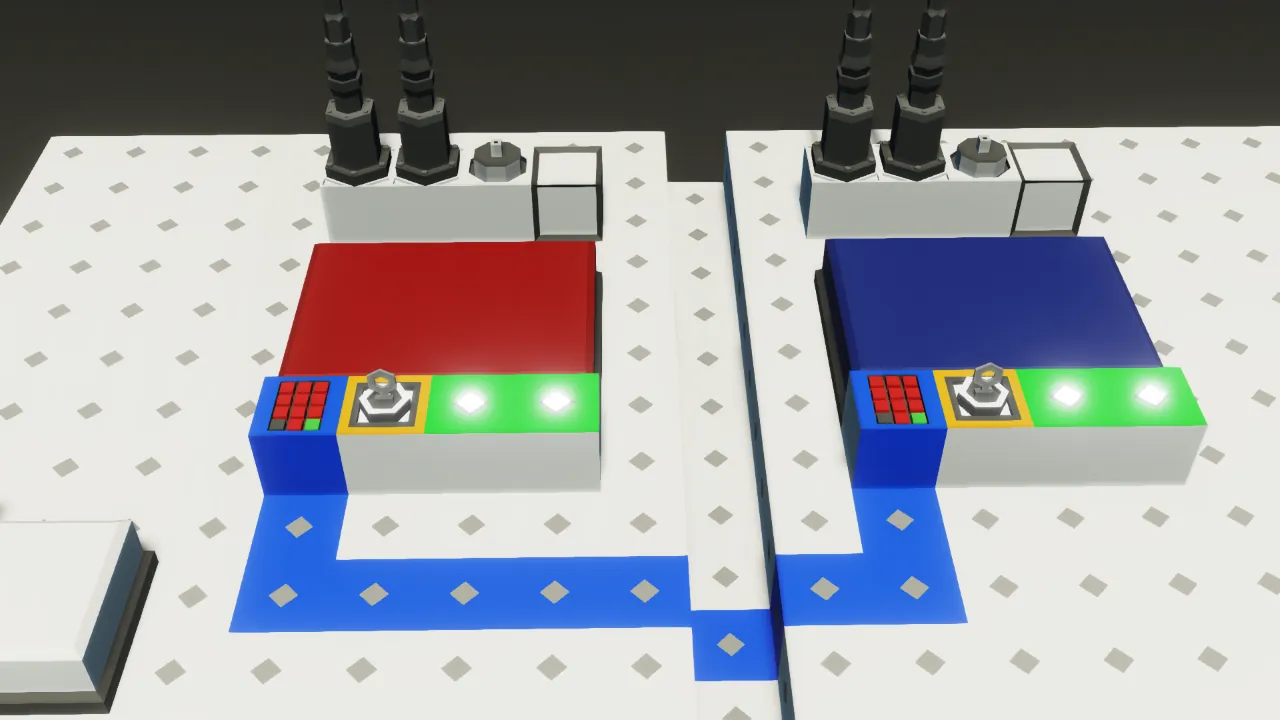
1. Enter the key sharing frequency in the "Key sharing frequency" keypad on the left. (A key sharing frequency of approximately 4 digits that is easy to remember is fine.)
2. Turn on the "Power" key button on the left.
3. Enter the key sharing frequency entered in step 1 in the "Key sharing frequency" keypad on the right.
4. Turn on the "Power" key button on the right.
5. Communication will begin.
How to Connect (Integrity Enhancement Mode)
1. Set the "Integrity enhancement mode" property on both microcontrollers to "on."
2. Set random integers between 0 and 16777215 inclusive to the "Integrity enhancement mode seed 1" through "Integrity enhancement mode seed 3" properties on both microcontrollers. (Although it will work without changing these values, changing them will make it less susceptible to interference.)
3. Connect as described in "How to Connect (Normal Mode)."
The number of available composite channels will be reduced from 30 to 14.
How to change the number of frequencies used for frequency hopping
1. Enter the number of frequencies you want to use in the "Number of frequencies used for frequency hopping" property of both microcontrollers.
In normal mode, this reduces the impact of jamming. (If one frequency is identified and jammed, it will be jammed once per Number of frequencies [tick]).
In integrity-enhanced mode, the probability of jamming can be reduced.
If destroyed
1. Repair it using a welding torch.
2. Turn off the "Power" key buttons on both sides.
3. Repeat the connection procedure.
If the microcontroller is destroyed, synchronization will be lost, so turn both off and reconnect.
Installation
1. Move it using cut and paste.
2. Connect a merge or power node.
Programs
[url=https://steamcommunity.com/linkfilter/?u=https%3A%2F%2Fdrive.google.com%2Fdrive%2Ffolders%2F1MtM7BL_OcqNMl3oiP0vI8JNLDhgLulnD%3Fusp%3Dsharing]https://drive.google.com/drive/folders/1MtM7BL_OcqNMl3oiP0vI8JNLDhgLulnD?usp=sharing[/url]
Others
[list]
[*] You can remodel it.
[*] You may distribute it secondarily (if you modify it).
[*] You can incorporate it.
[*] You can make a video.
[*] You don't have to get permission.
[/list]
I used google translate