DESCRIPTION
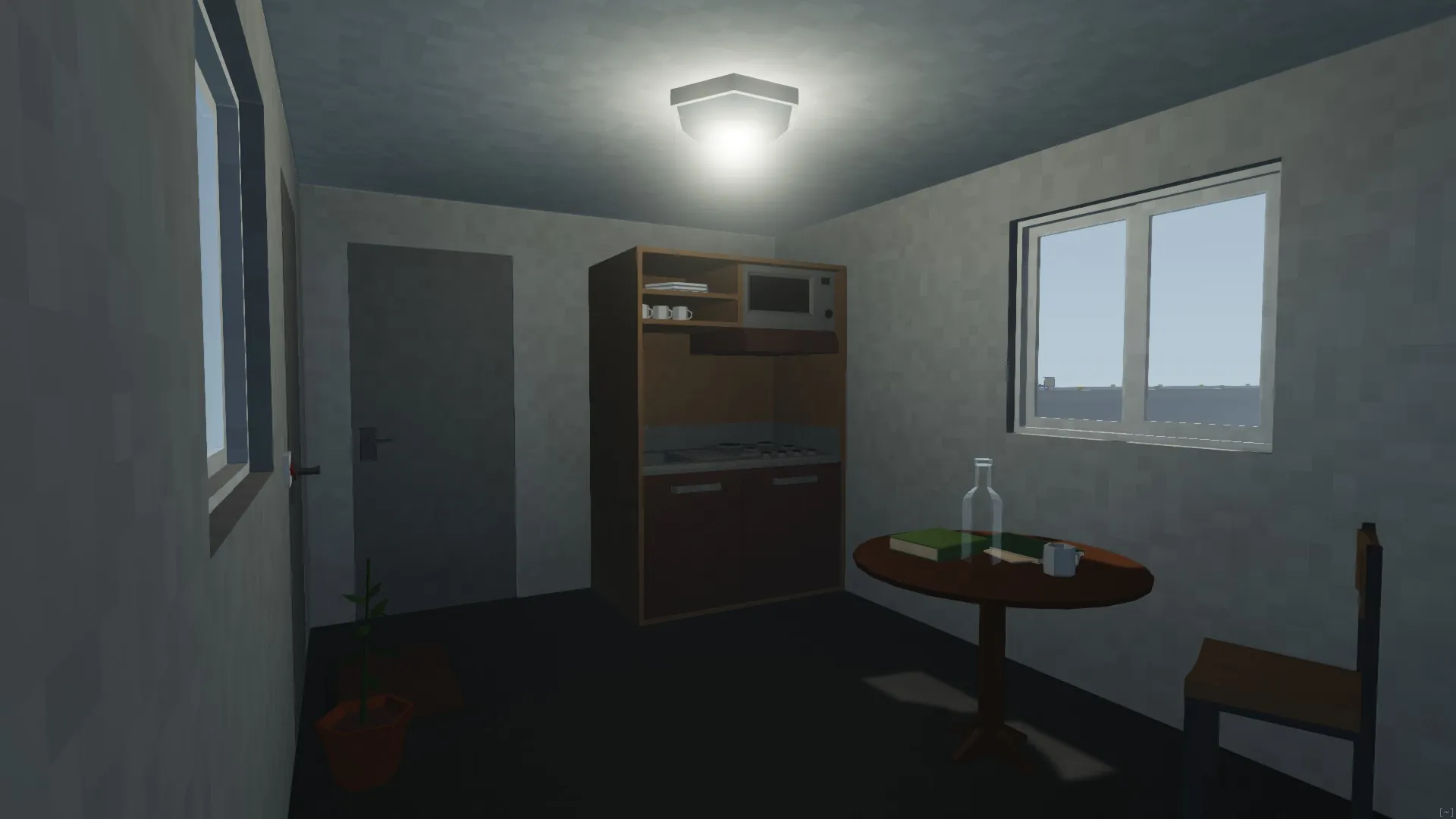
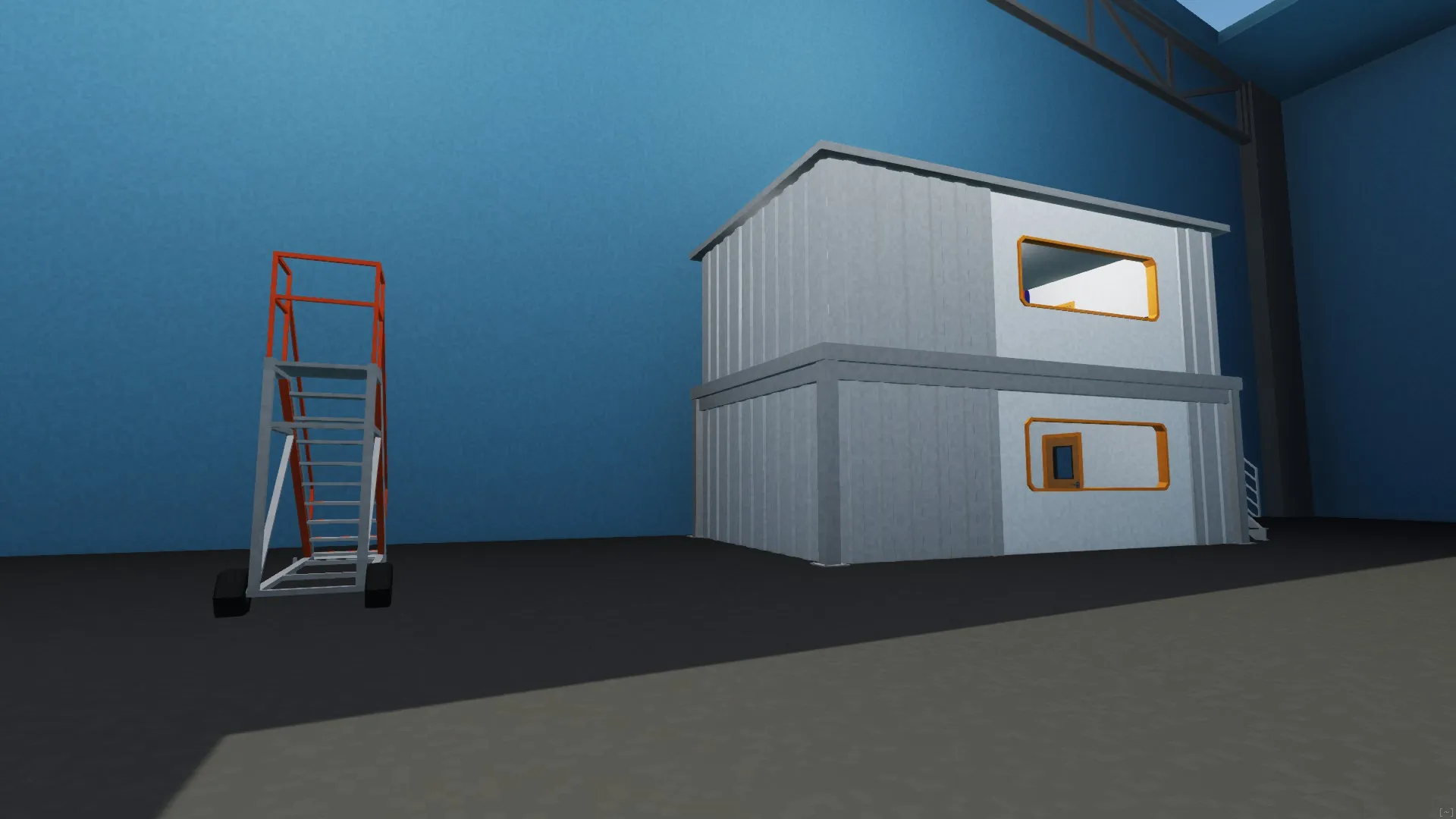
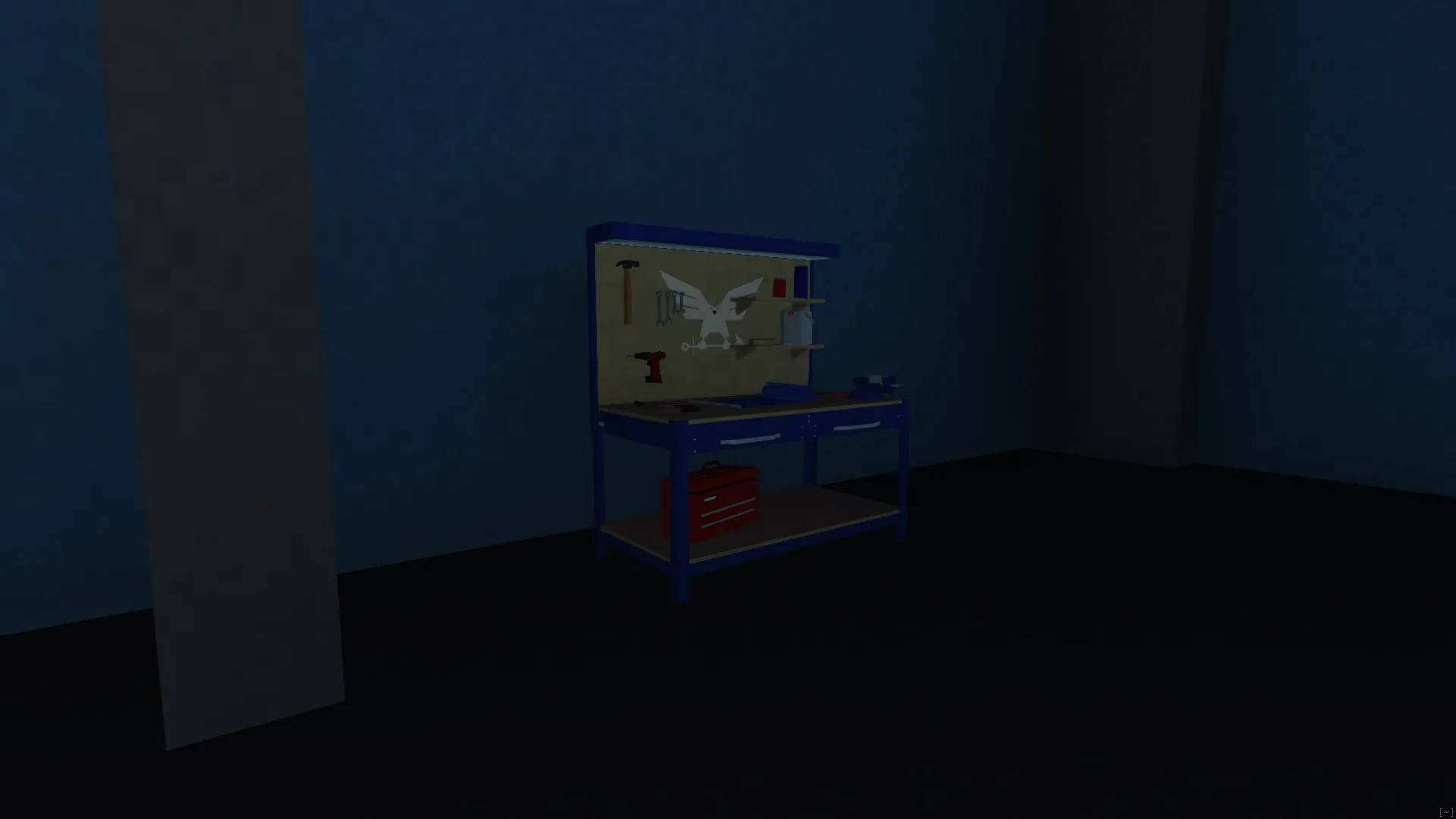
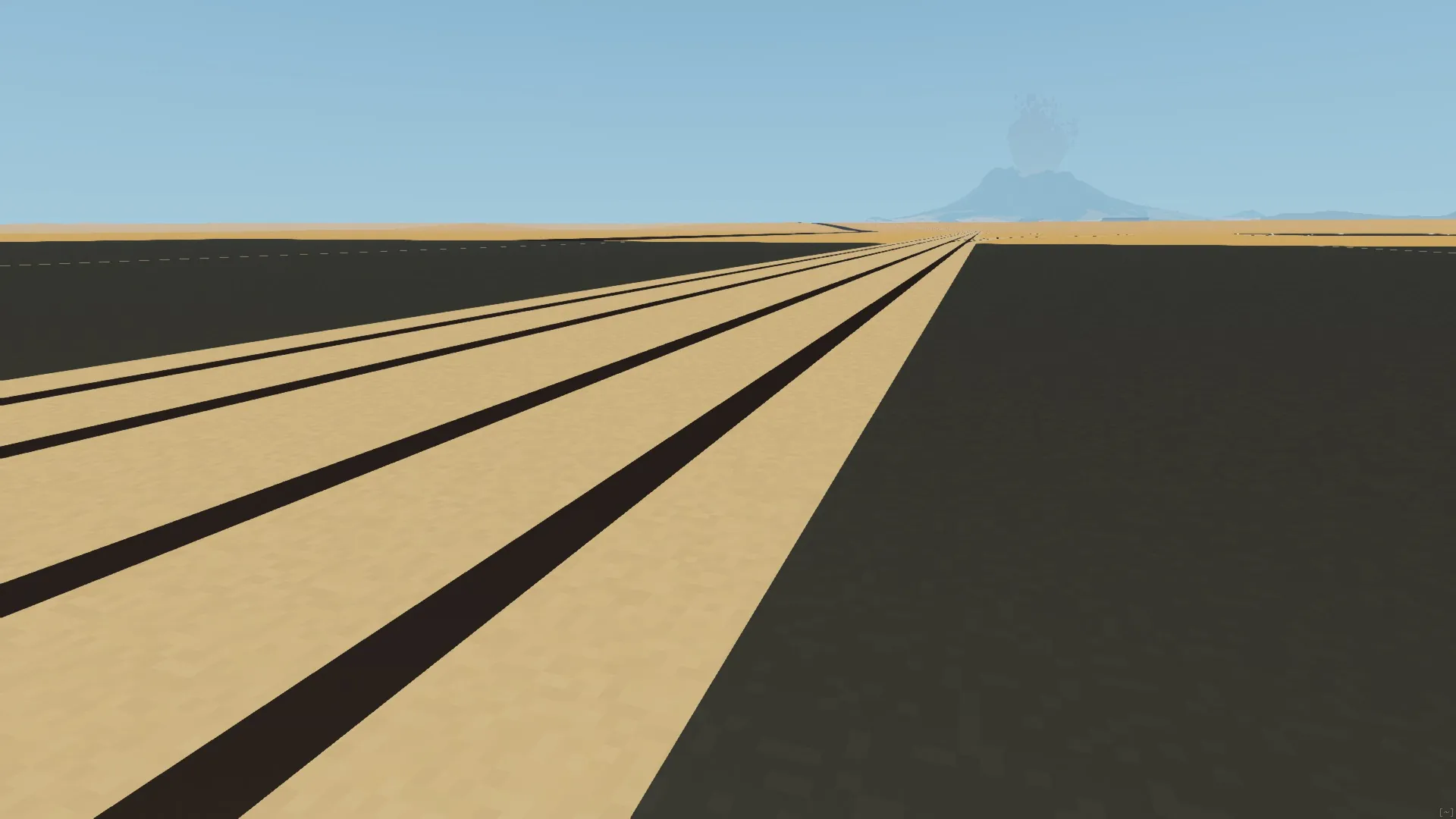
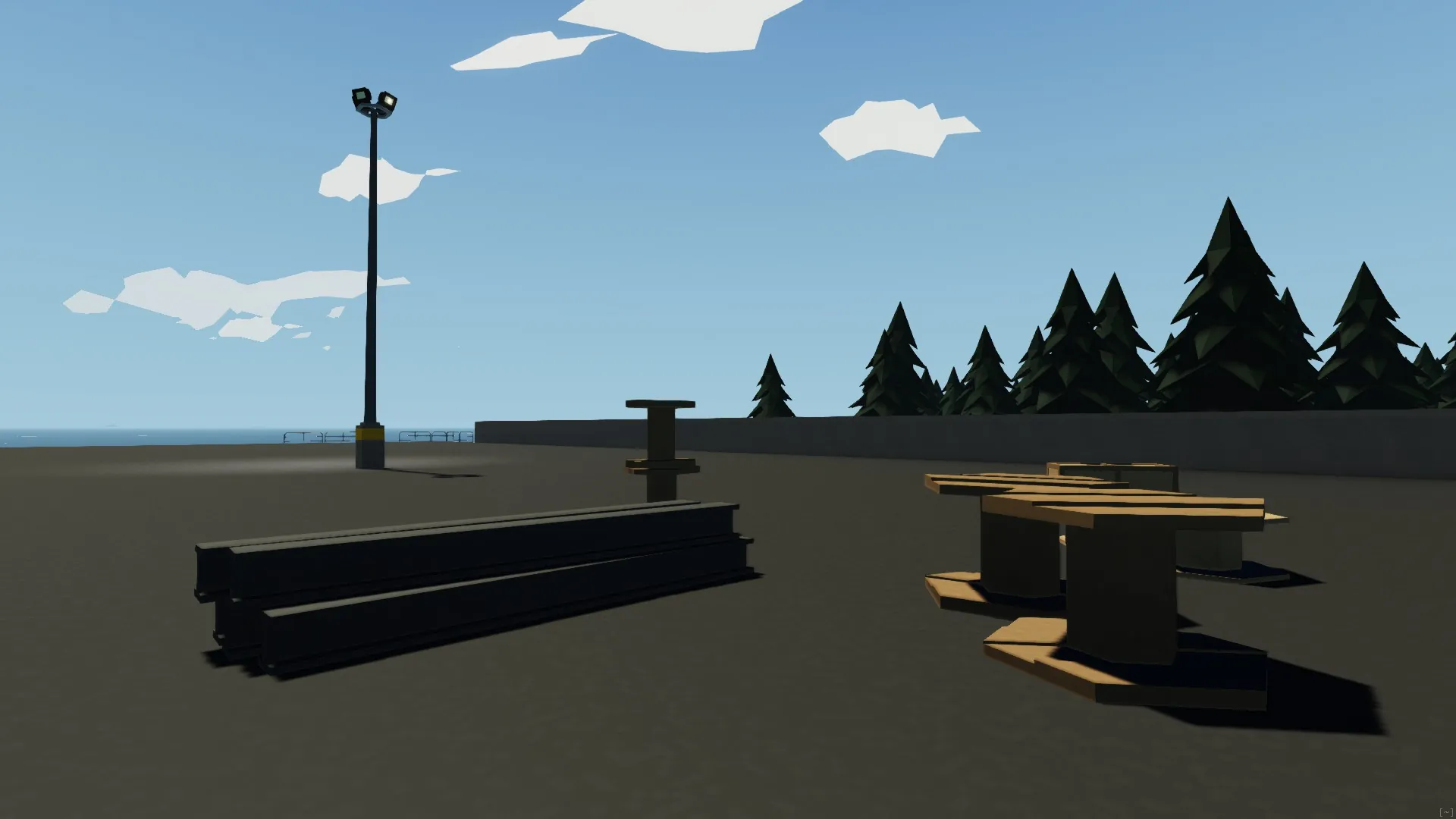
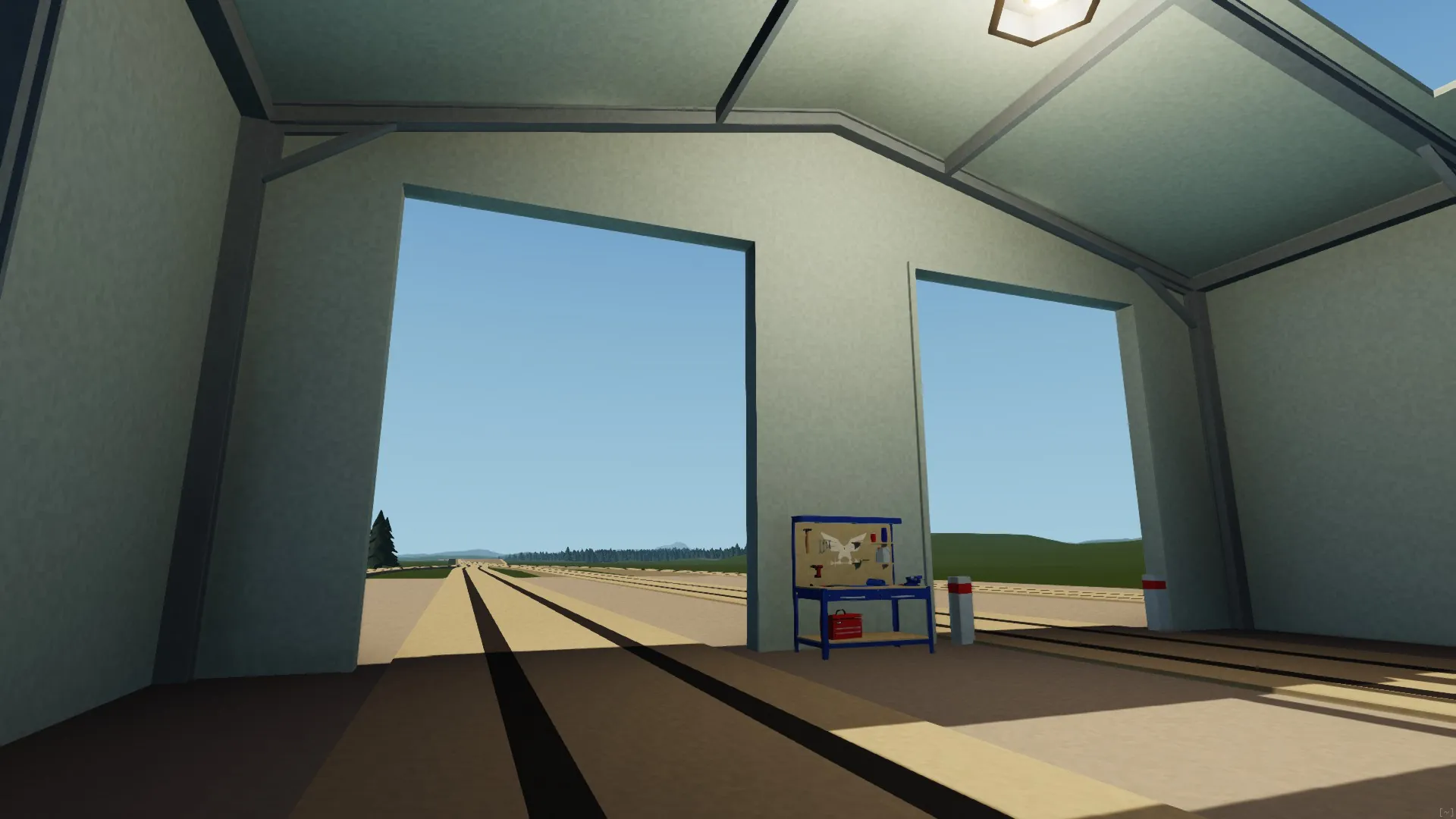
This mod enhances the visual clarity of Stormworks by adding a subtle object-space grain pattern to all opaque surfaces. It helps break up flat-colored surfaces and improves spatial perception without changing the game's visual style.
FEATURES
- Subtle grain anchored in object space (doesn’t move with camera)
- Zero performance hit
- Compatible with all creations
- Customizable grain size and intensity
Customization
- On Windows, the default location of "opaque.glslf" is:
\Program Files (x86)\Steam\steamapps\workshop\content\573090\3557122578\graphics\shaders
- On macOS, the default location of "opaque.glslf" is:
/Library/Application Support/Steam/steamapps/workshop/content/573090/3557122578/graphics/shaders/
- To adjust the grain size, open "opaque.glslf" and go to line 37. Replace 16.0 with any power of 2. Higher values produce a finer grain.
- To adjust the grain intensity, open "opaque.glslf" and go to line 76. Change the values "0.95" and "1.0", which define the lower and upper limits of the intensity range.
CREDITS
- This mod was originally made available on NexusMods by user MaTTaXger, You can find the original version here [www.nexusmods.com].
According to Section 2 of "Permissions and credits" on the page linked above, the file may be uploaded to other sites by another user without explicit written permission as long as proper credit is given to the original creator.
NOTES
- This mod is not compatible with Opal Shader.
- Bigger Grain Preset
- Comments are disabled. For support, consult the community or linked documentation (If applicable).