DESCRIPTION RECOMMENDED TO READ BEFORE USE
For convenience, it will be divided into sections.
----------------Introduction-----------------------
Surely you wanted to make a long journey on a ship, but you were too lazy to constantly adjust the ship because of the waves. This microcontroller will help solve your problem. You just need to enter the coordinates of the place where you want to arrive.
IMPORTANT POINT! The ship WILL NOT maneuver itself from obstacles, it will simply turn and go to the coordinates. In order to avoid collisions, it is recommended to use "Cut-Off", but more on that later.
----------------How does it work----------------
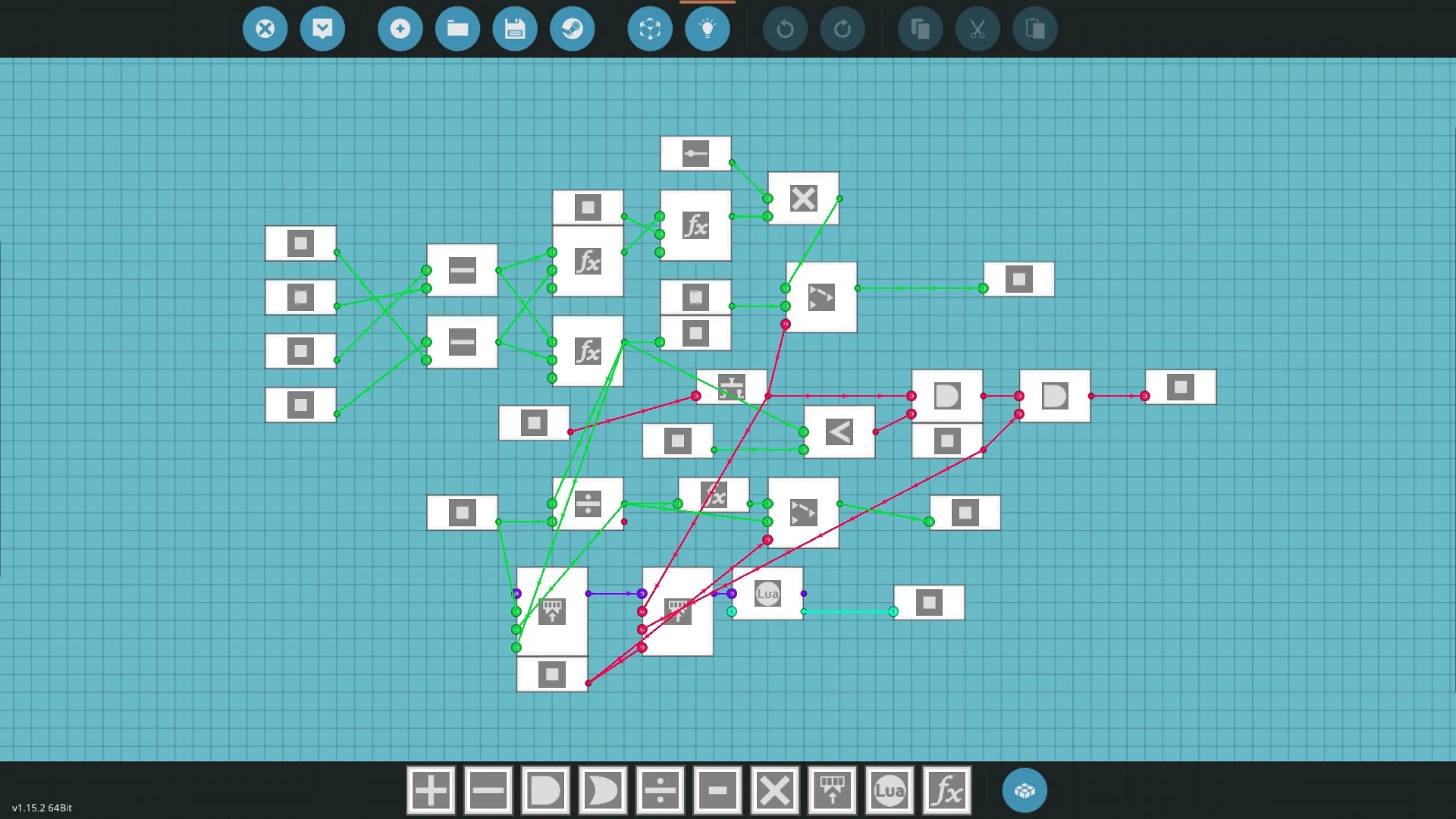
The autopilot uses radar to track its current location and the side where the ship is looking. Using trigonometry, it turns a certain value until it turns on the desired course.
--------------------What's new--------------------
- More accurate turn calculations
- Ability to display information on the monitor
- Other minor conveniences
- Correction of a bug due to which the autopilot turned incorrectly in storm conditions
--------------------What values does the microcontroller receive and give out-----------
Receives:
- Sensor values (Sensor X, Sensor Y, Heading)
- Large Keypad values to set the final coordinates for the autopilot (KeyBoard X, KeyBoard Y)
- The value by which the ship is currently turned (Steering A/D)
- Small Keypad value (distance to the target at which the autopilot will automatically turn off (Cut-Off distance))
- Current ship speed value (Current speed)
- Cut-Off, Autopilot signals (On or off)
- Signal about changing the time calculation from seconds to minutes, convenient for long trips (Switch)
Gives:
- Cut-Off signal to turn off the autopilot
- Time and distance values to the target (Time to destination, Distance)
- Rudder's turn value to turn the ship to the desired course (Steering)
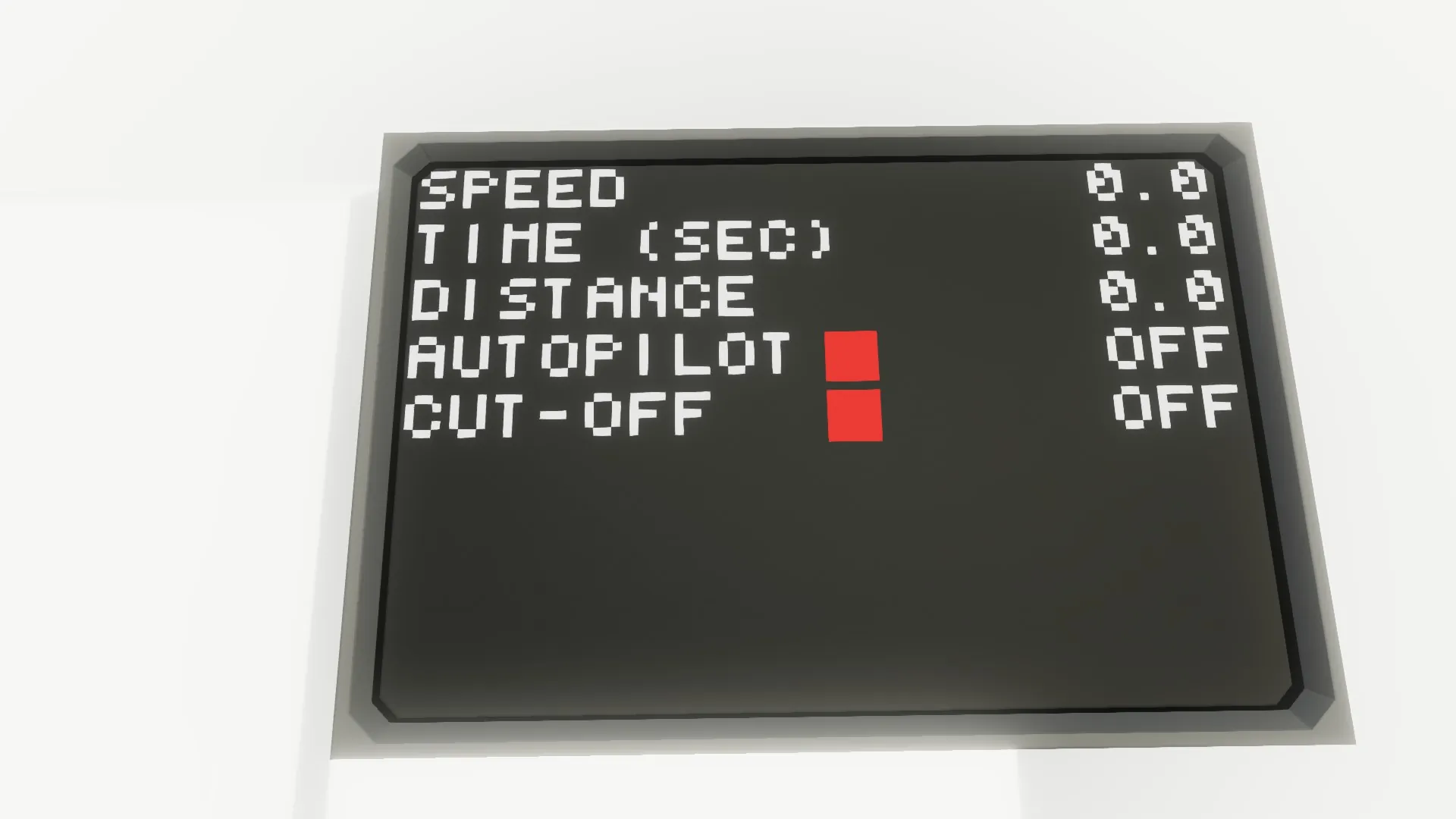
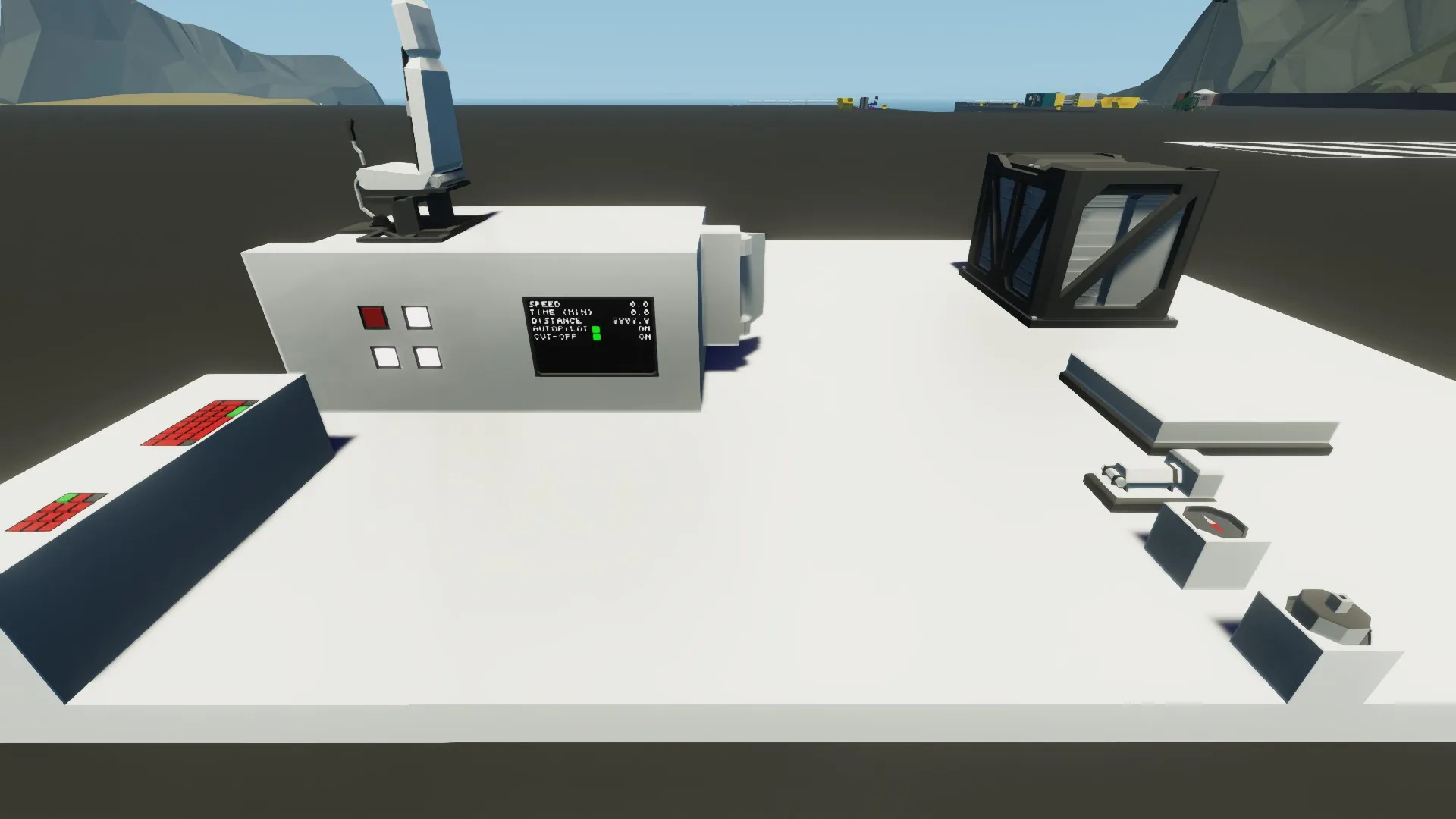
- Video signal "Information about autopilot" to display information about the autopilot on the monitor. Convenient and compact.
-------------------------------What can this autopilot do-------------------------------
- Change the course to the coordinates you select
- Display the distance to the selected location in meters, the current speed of the vessel and the time to the selected location in seconds (can be changed to minutes via "Switch")
---------------------------------What do you need to connect--------------------------
There are mandatory blocks without which the autopilot will not work, and there are those that can be omitted.
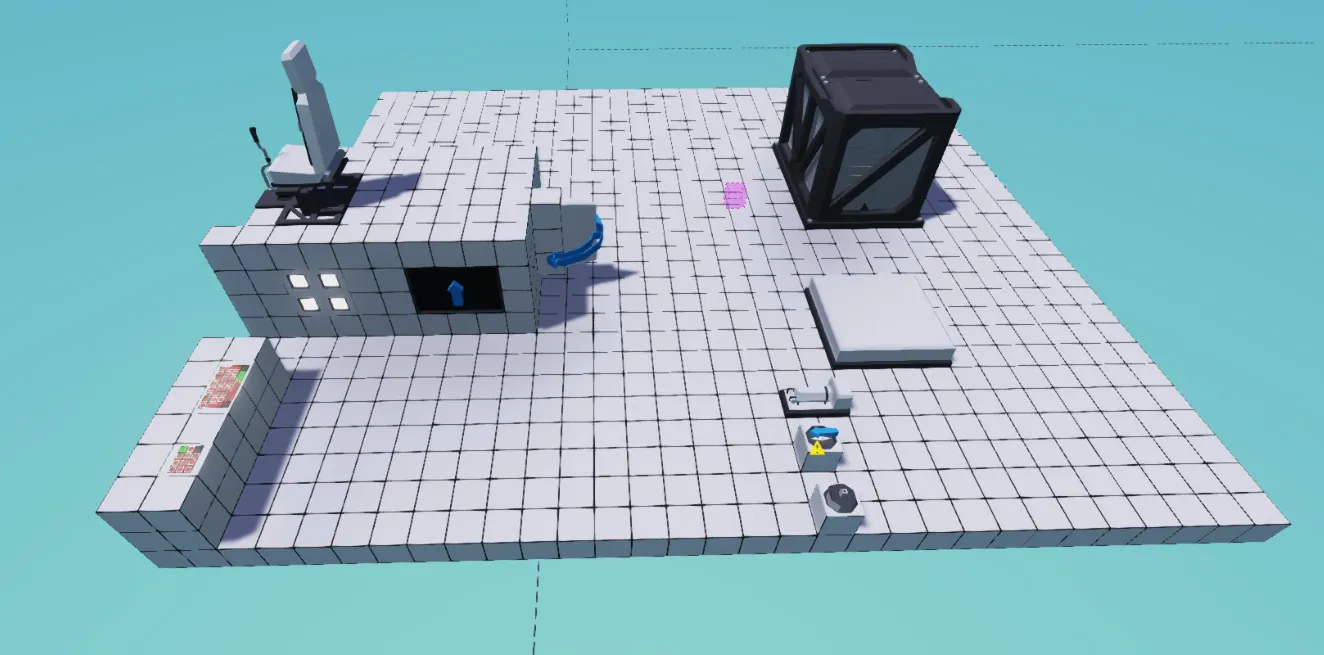
- Pilot Seat (required)
- GPS sensor (required)
- Large Keypad (required)
- Small Keypad (can be done without, but recommended)
- Toggle, Push Buttons (required)
- Compass sensor (required)
- Rudders (required)
- Battery (required)
Also, to see information about the autopilot, you need to install 1 set of 2 blocks (both are possible if you so desire):
1) - Display 2x3 (This display takes up the least space and shows all data about the autopilot)
- Toggle button x1 (To turn on the monitor)
2) - Digital display/Dial/Instrumental panel (displays information about the autopilot)
---------------------------------------How to connect----------------------------------------
There is a brief instruction in the description of each element of the microcontroller. Here will be a detailed one.
1) Install the microcontroller itself
2) Install the GPS sensor, power it up and connect "Sensor X" to "GPS X", "Sensor Y" to "GPS Y"
3) Install the Compass sensor so that its arrow (blue) points to the bow of the ship, power it up and connect "Heading" to it
4) Install the Push Button, power it up and connect "On/Off Push" to it, as well as "Cut-Off"
5) Install the Pilot Seat and connect "Steering A/D" to the A/D buttons
6) Install the Toggle Button, power it up and connect "On/Off cutoff" to it
7) Install the Small Keypad, power it up and connect "Cut-Off distance" to it
8) Install the Large Keypad, power it up and connect "KeyBoard X" to "Output A", "KeyBoard Y" to "Output B"
At this stage, the autopilot will already work, but we can improve it:
9.1) If you decide to use a monitor (Display 2x3), power it with electricity and connect "Information about autopilot" to it
9.2) If you decide to go the other way, then install Digital display/Dial/Instrumental panel, power them with electricity and connect "Time to destination", "Distance", "Current speed" to them
10) Install Toggle Button, power it with electricity and connect "Switch" to it
------------------------------------Future updates------------------------------------
- More information will be added regarding the operation of the autopilot
- Speed adjustment depending on the distance to the target, so that the ship stops exactly at the specified coordinates
- If you think that the autopilot lacks this or that function, write in the comments, most likely it will be added in the next autopilot update
-------------------------------------Conclusion------------------------------------------
Thanks to everyone who read this description, I wish you successful use of the autopilot. If you have questions about the autopilot, write in the comments, I will answer all