What is this mod
This is a small QoL mod for modders. If you are not a modder, just ignore this mod unless your modder asked you to add it to your mod list.
For modders
Basic functionality
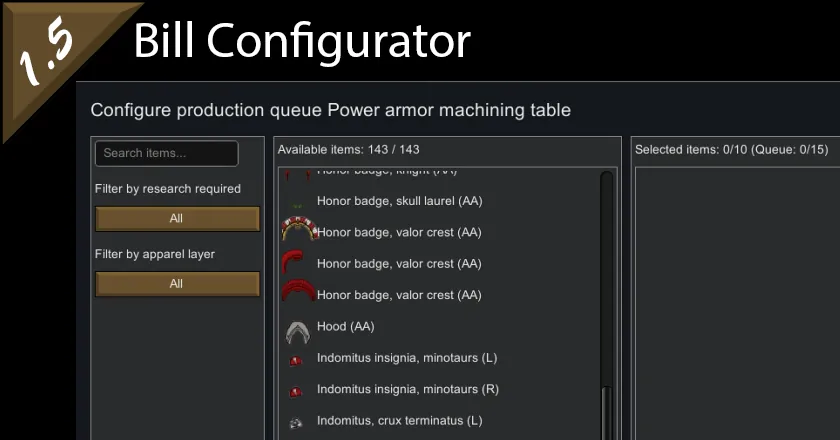
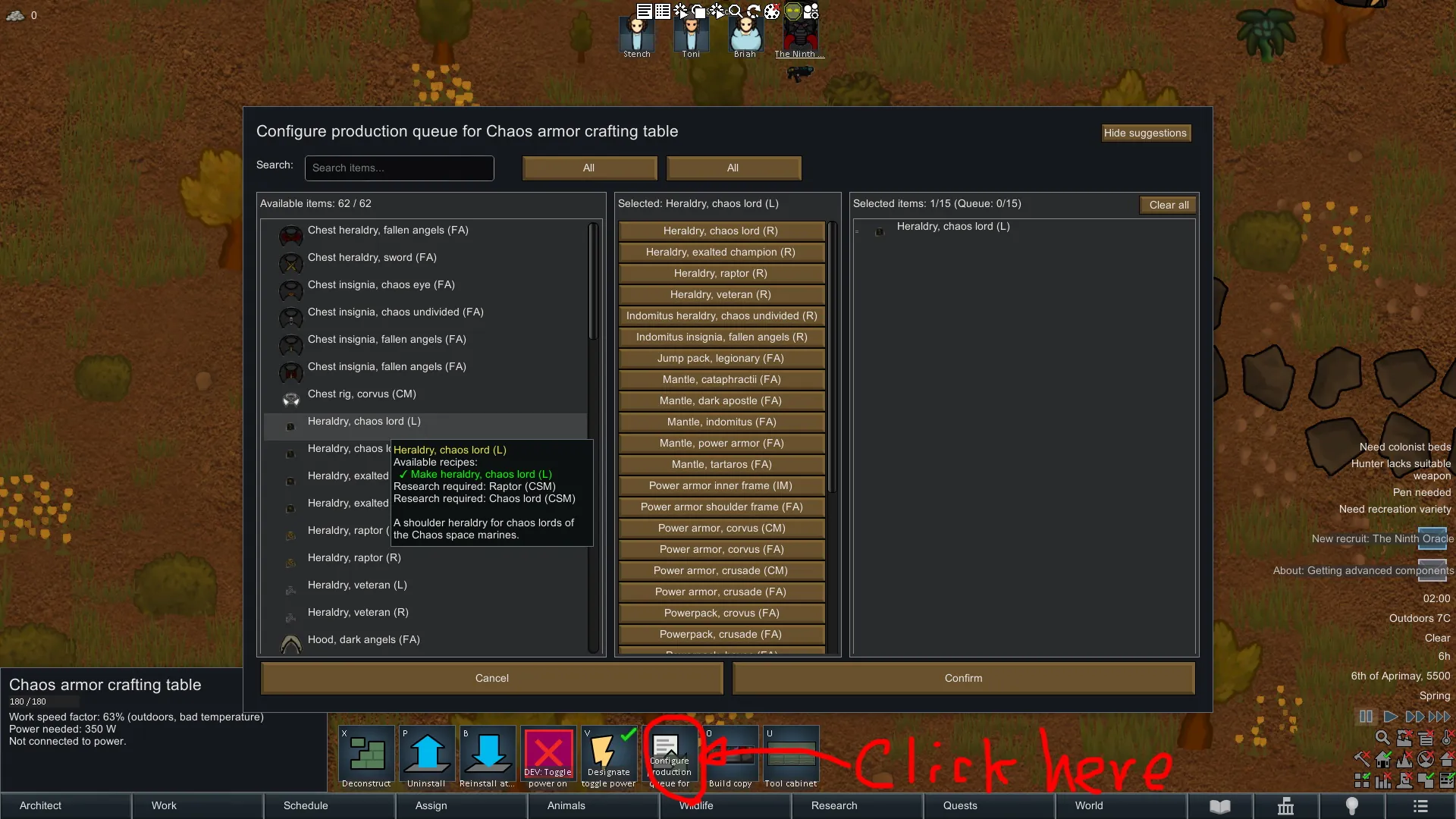
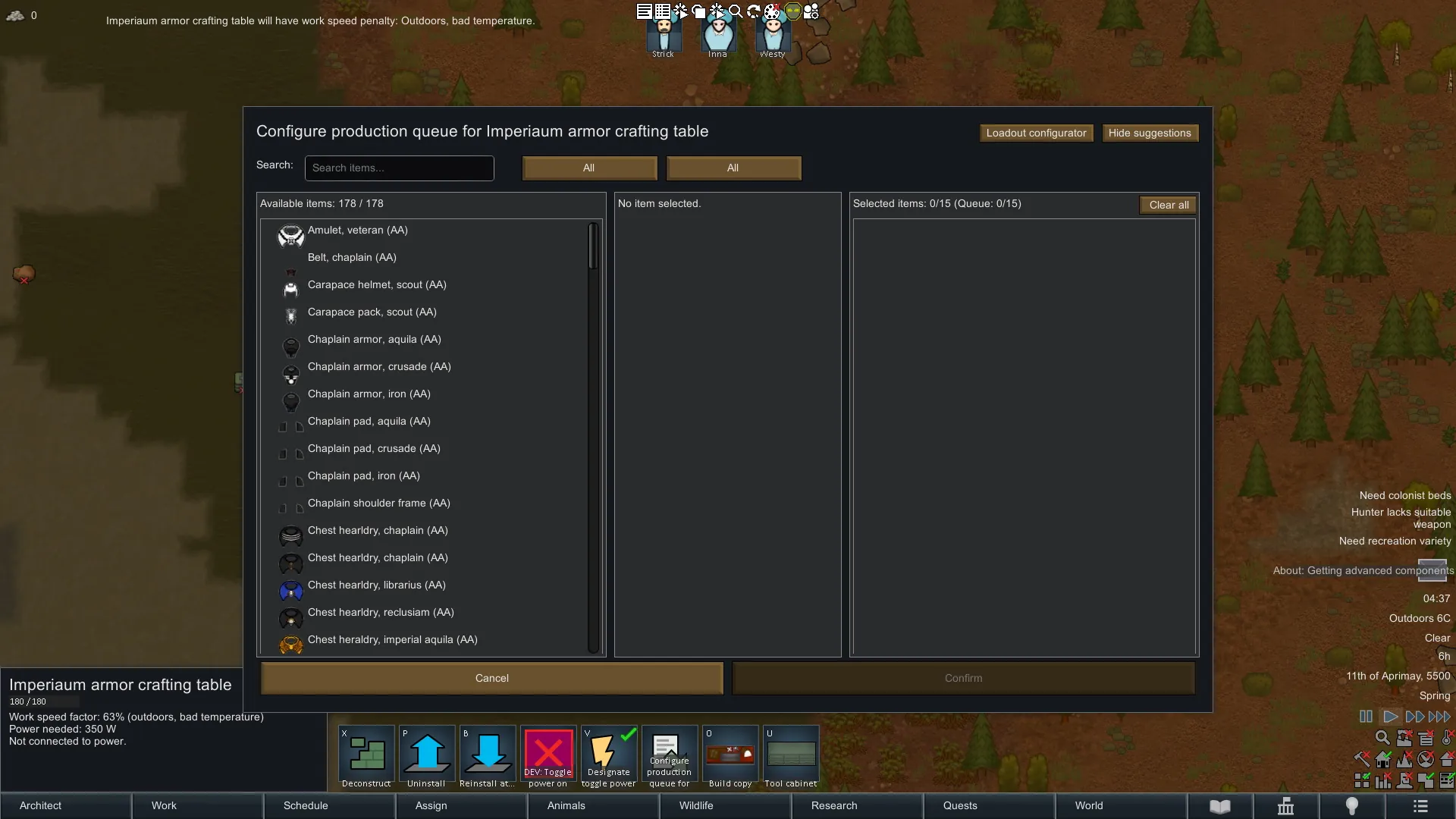
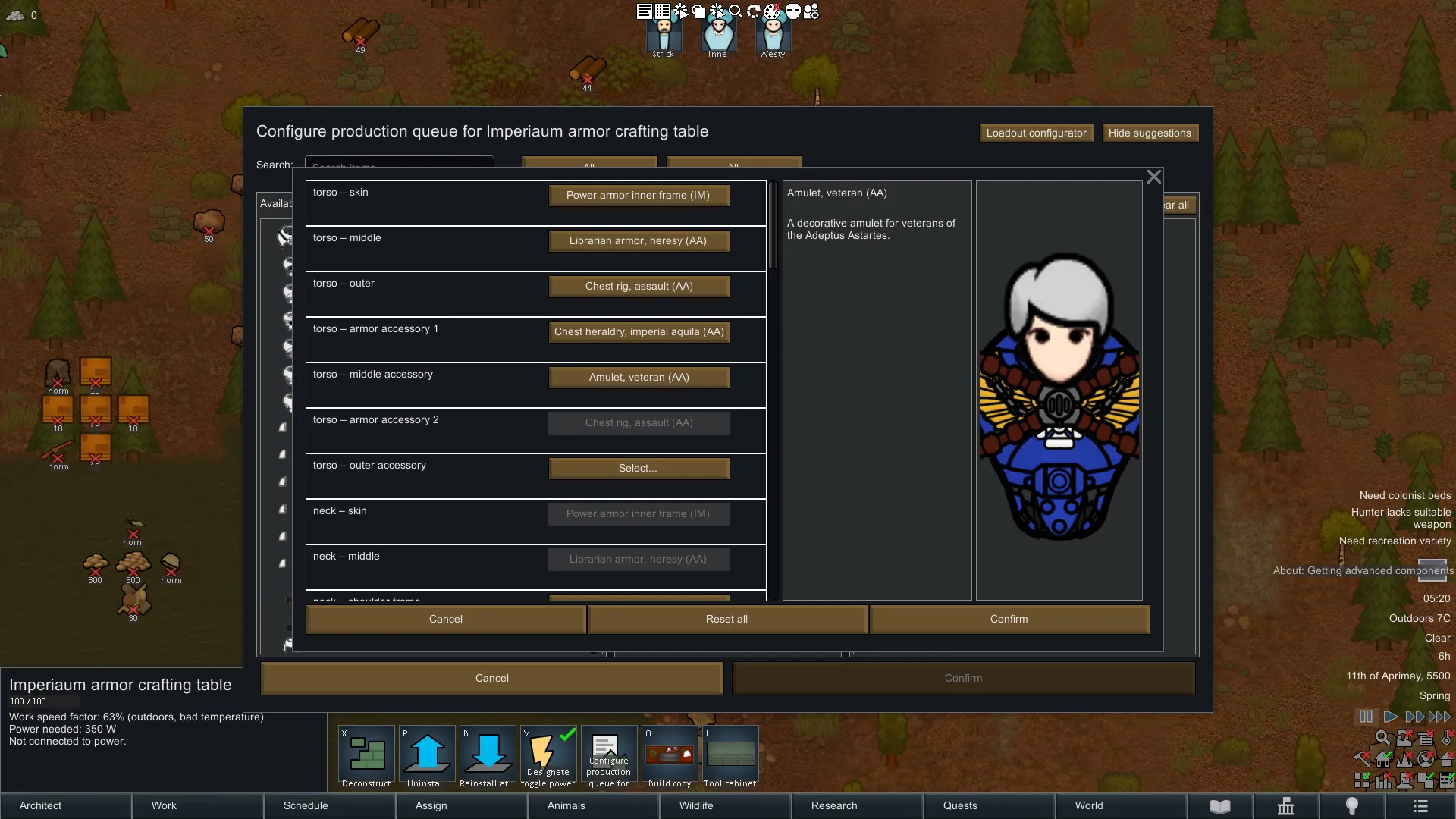
Above screenshot pretty much explain everything straightforwardly, but this mod provides a dialog and comp to integrate the dialog to any work bench.
Dialog_BillConfigurator
The pop-up window itself on above screenshot. It collect all possible recipe from the designated workbench by using CompBillConfigurator.
Then, it filters items whether it can be currently added to the work bench as a bill - say, if any item that hasn't finished research prerequisite(s) filtered out at this moment.
Those filtered items will be listed on mid pane, from above screenshot titled as Available items: 143 / 143.
Users can simply click any of them to put them to selected items (right hand side pane on the screenshot), or using filters on left hand side pane for easier search.
Left hand side pane provides three filtering functions - top side is search function, which is exactly same as vanilla 1.5's search tab.
Next one is Filter by research - this pull down menu auto read all research prerequisite from available recipes, and if uses select Specific (or relevant label that can be configured by you per each work bench) from the pull down menu, it will generate next button to allow users specific researches by label in ResearchProjectDef.
Last one is filter by apparel layer - as it is only available for apparels, if users change it from all, all non apparels will be disappeared from the list.
CompProperties_BillConfigurator
This CompProperties aims to customize UI and text elements by you. It provides few options, and you can find the sample text on ModFolder > 1.5 > CompExample.txt.
These labels can be customized per each work bench. If you don't put any of below, then the assembly shows default hard-coded message instead.
- titleLabel: Change title of above Dialog. On sample screen shot, it is "Configure production queue".
- defaultDescription: Change description but actually above UI doesn't include this element, so you can ignore it.
- searchPlaceholderLabel: Change place holder of search box. On sample screen shot above, it is "Search items..."
- availableItemsLabel: Change pane title of available items. On sample screen shot above, it is "Available Items:"
- selectedItemsLabel: Change pane title of available items. On sample screen shot above, it is "Selected items:"
- buttonConfirmLabel: Change the button label of confirm.
- buttonCancelLabel: Change the button label of cancel.
- researchFilterLabel: Change description of research filter. On sample screen shot above, it is "Filter by research required"
- apparelLayerFilterLabel: Change description of research filter. On sample screen shot above, it is "Filter by apparel layer"
- queueItemsLabel: Change sub label after selectedItemsLabel. On sample screen shot above, it is "Queue:"
- noResearchFound: Returns sting if there is no specific research available at the moment when users try to filter by specific research.
- configureApplied: Returns sting when bills added to work bench. The text will be shown up to player on left upper side of screen.
- configureCancelled: Returns sting when user clicked cancel button. The text will be shown up to player on left upper side of screen.
- UIIconPath: you can put your custom Gizmo UI icon path here to replace them.
- noItemSelected: you can change default message on selected items pane.
- selectedLabel: text left hand side of search bar.
- noSuggestionLabel: you can change default message on suggestion pane.
- ceAmmoCompClass: No need to change - added this for future compatibility if CE team changes their Ammo Comp class.
Further localization
Some common UI element / message are keyed in Language folder. Open Languages > English > Keyed > Messages.xml, and section of <!-- Common Key - Hard coded into assembly so please make translations for these one -->.
Section of <!-- ===== Sample Keys for CompProperties_BillConfigurator ===== --> provides some sample keyed strings for CompProperties_BillConfigurator.
Update History
15/4/2025:
1. Bill Configurator updated - now it has loadout configurator that supports you to see the preview or items per body parts selection.
2. You can change default preview pawn's gender / bodytype by using CompProps. Check the sample text file in the mod folder.
3. Know issue: If item is made out of stuff, the color keep changing on the preview pane - I'm looking into it the root cause as well as CE compatibility.
Any question?
Leave message here - I'll not accept any friend invitation and not use Discord or any other communication path outside of Steam.
Licensing
CC BY-NC-SA 4.0[creativecommons.org]