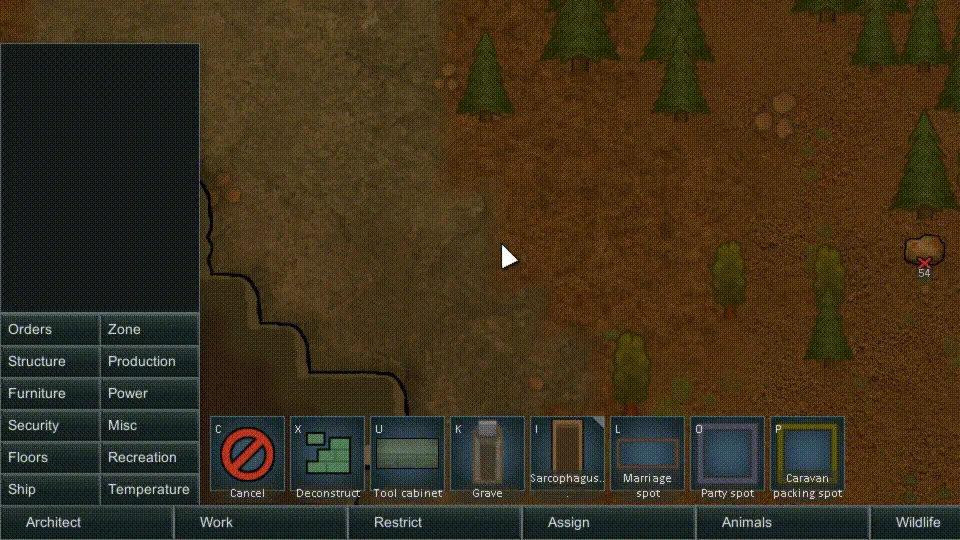
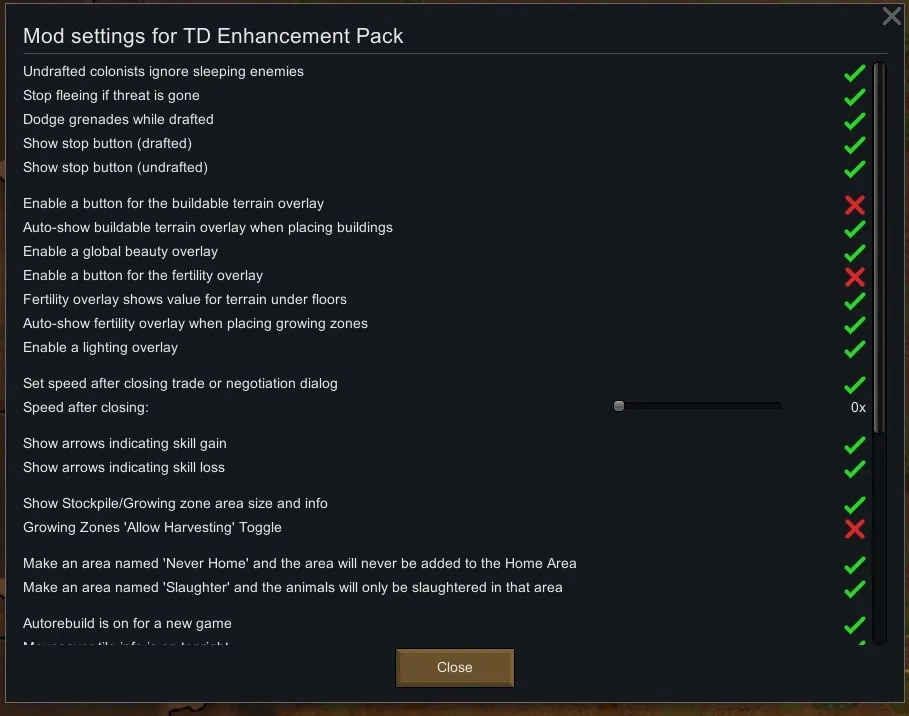
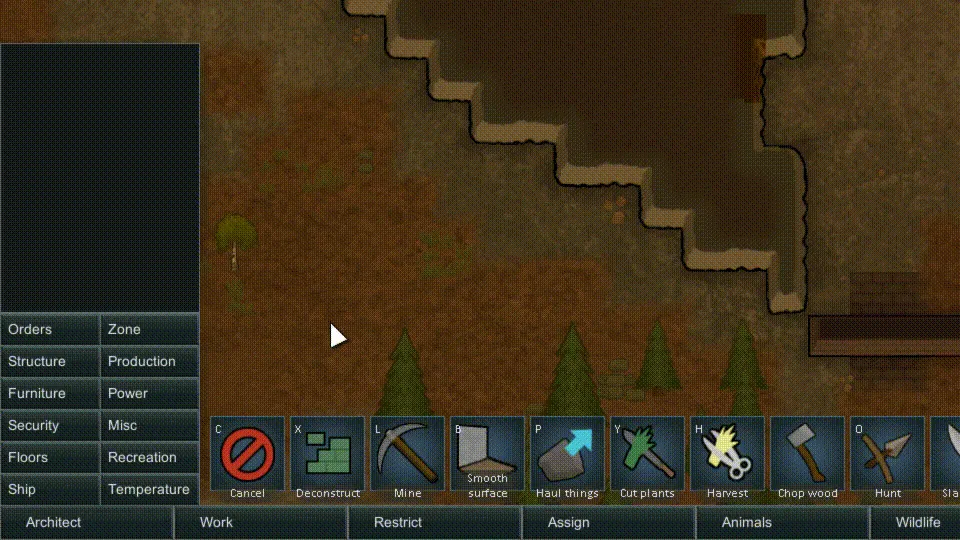
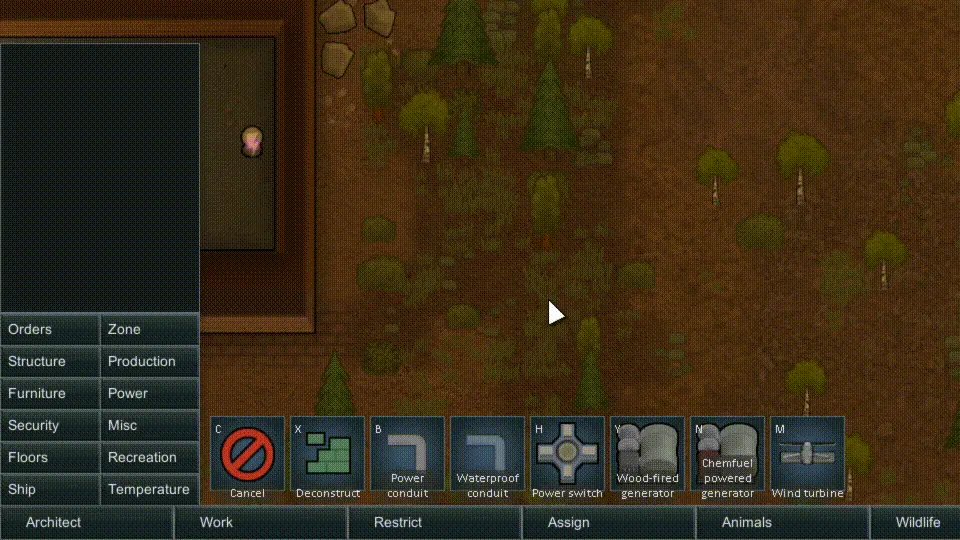
I've updated the mod to 1.6 for now ^.^ It's a big mod with a lot of changes, so some might be broken. Feel free to let me know and I'll fix them.
Original Mod
Github[github.com]
Original Description
A whole bunch of UI enhancements or tiny improvements.
Most things can be toggled on/off in settings. Features that only add a little UI or don't really change how the game works will default on, but features that change how something works will default off. (Maybe something that is an unarguable improvement will default on.)
Feature List:
Area/Zone things
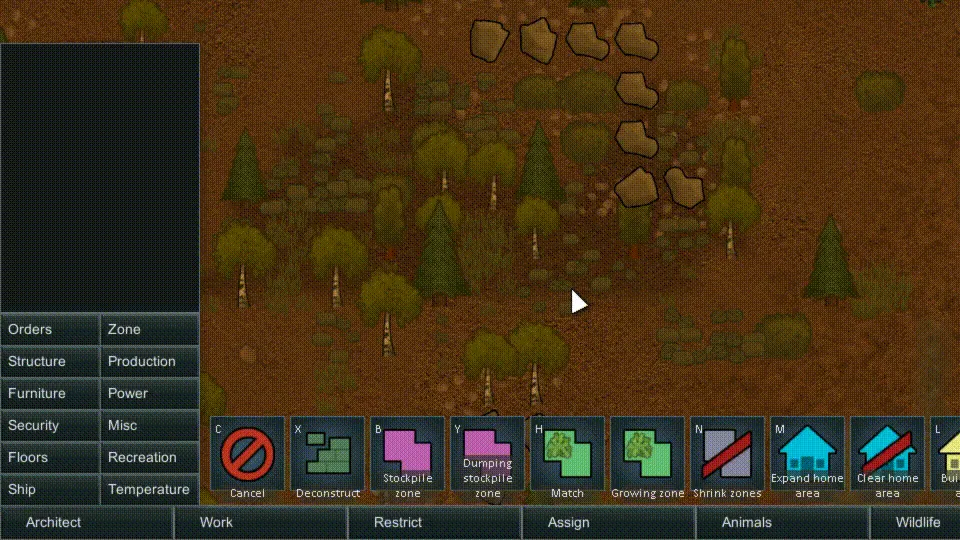
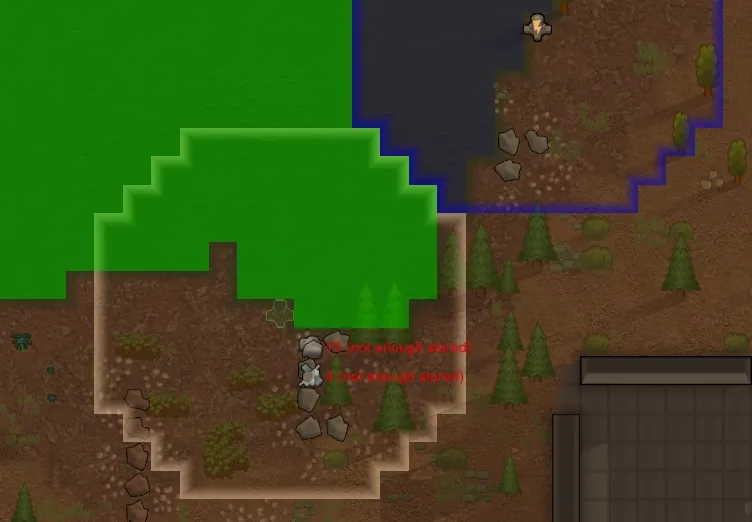
- A Match Grow button, to add a growing zone and only add matching terrain.
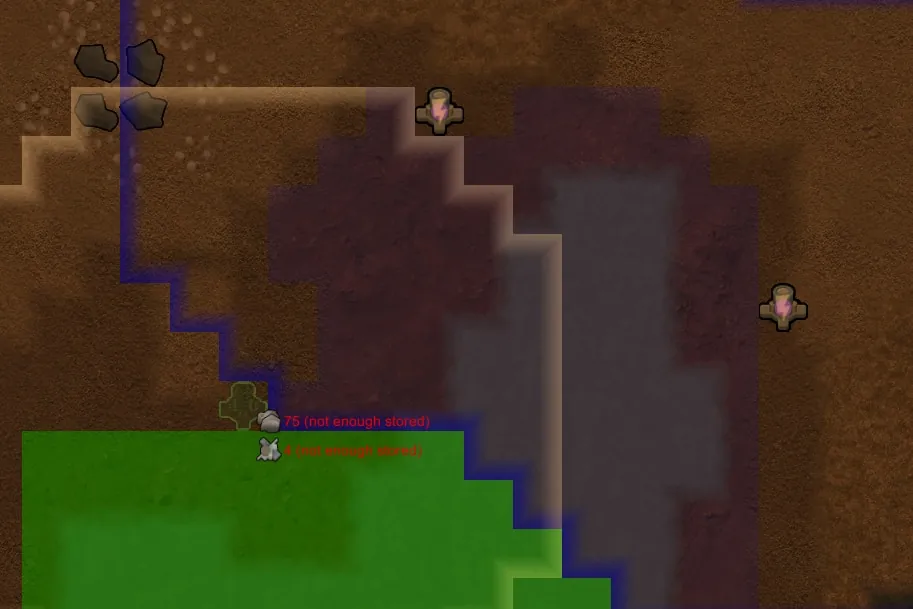
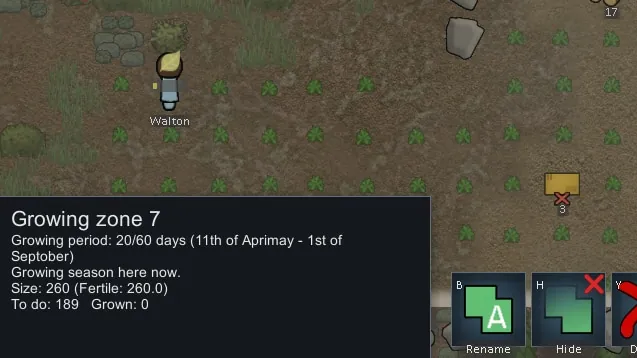
- Zone/Stockpile size count, accounting fertility. Empty/Fully grown plant count.
- Urgent Refill of stockpiles - Using Allow Tool (e.g. freezers near the cook).
- Area editing: can be reordered, recolored, cleared, and copy/pasted in the area manager
-- Home/Roof area can be pasted into another area by right-clicking the paste icon
-- Clicking the area name in the manager jumps to adding to the area.
-- Unlimited number of areas (Since Area Unlocker isn't compatible with other area features)
- Areas are tagged for Colonist or Animal and don't show up as selectable when not tagged
-- (Dropdown menu isn't affected, that code was much nastier and I never use that menu anyway)
-- Colony Manager is also patched to respect the tag
- Make an area named 'Never Home' and the area will never be added to the Home Area
- Make an area named 'Slaughter' and animals will only be slaughtered in that zone.
- Cleaner zone edges (and range indicators). The corners are filled in now, and it's so sad how it used to look in retrospect.
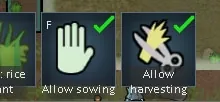
- A button to toggle harvestable on growing zones / Hydroponics.
Overlays
- Overlays, overlays, overlays
(No integration is done with 1.1 overlays, but there's an option to remove them)
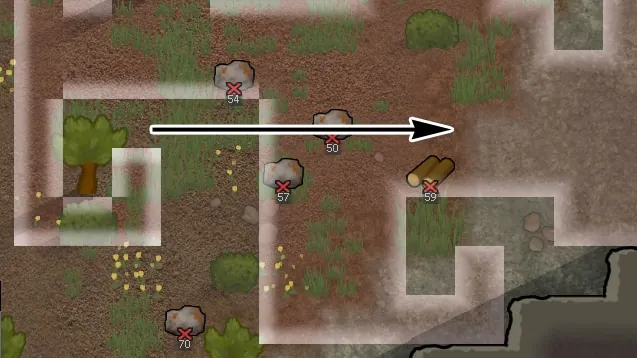
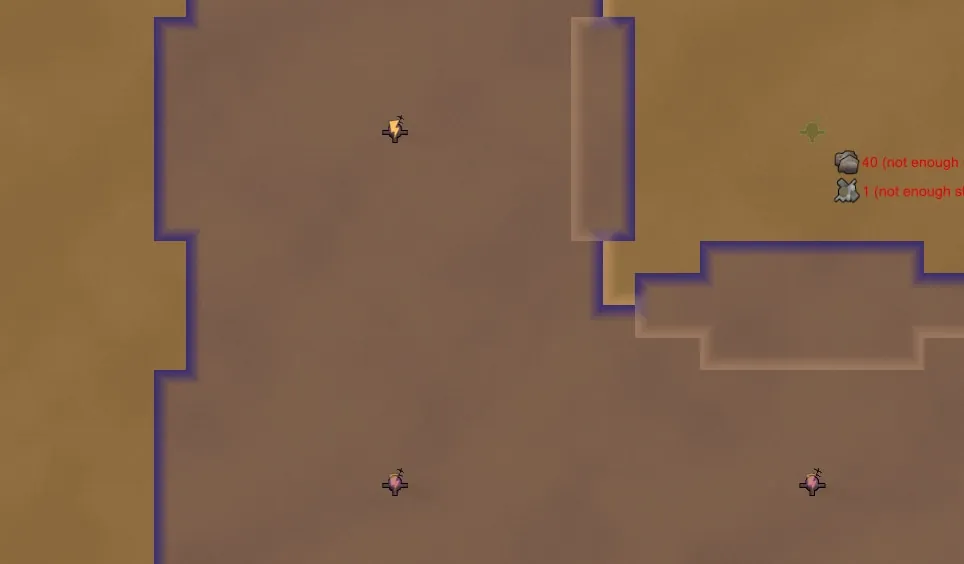
-- Terrain buildability
-- Building coverage (e.g. trade beacons, moisture pumps, and all traps show IED)
-- Terrain fertility
-- Harvest progress
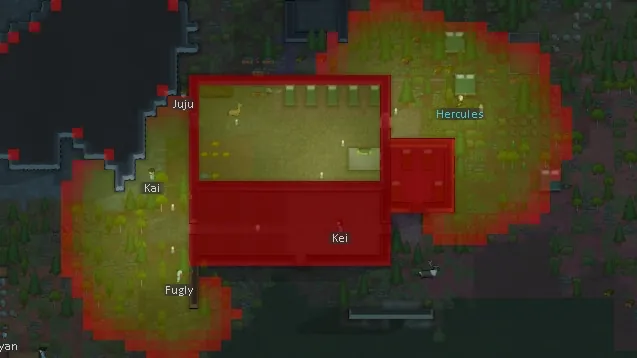
-- Lighting
-- Beauty
-- Walk speed
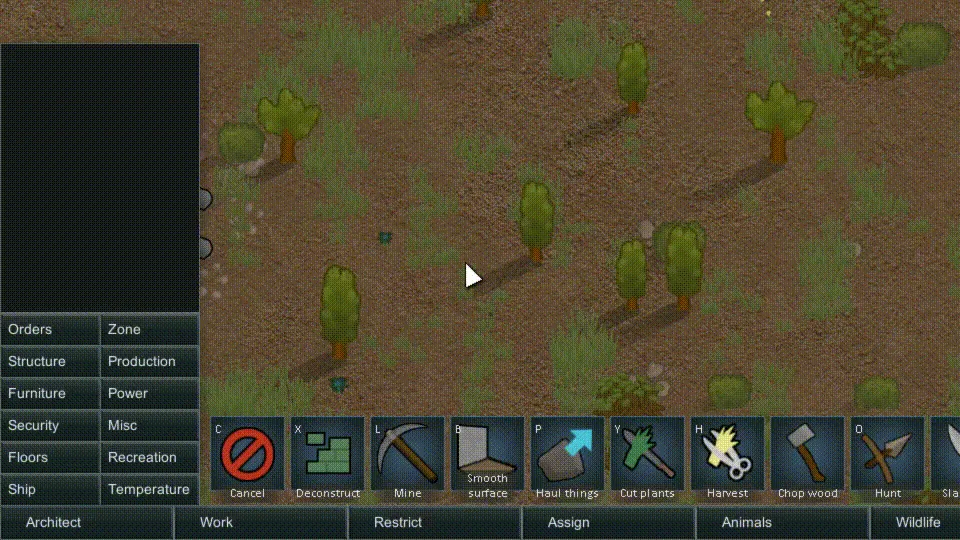
- Overlays Auto-show when tools are selected. Additional auto-only overlays:
-- Smoothing stone
-- Placing Wind Turbines shows wind blockers
-- Placing Geothermal generators shows vent locations
-- Chopping Wood shows tree growth
Game Improvements
- Blueprints will have their area cleared by multiple people (not just delivered to by multiple) and by non-builders (e.g. tree cutters)
- A Sarcophagus is preferred over graves for dead colonists (simply by setting default to Critical)
- When you start a new game, auto-rebuild is checked on.
- Caravans auto-add anything that is selected on the map when the caravan dialog is opened.
- Caravans remember their list when closed/re-opened (also transport pods)
- Deep Drilling for rocks gets you a variety of rocks (that are available on the map ; usually it got the only same rock)
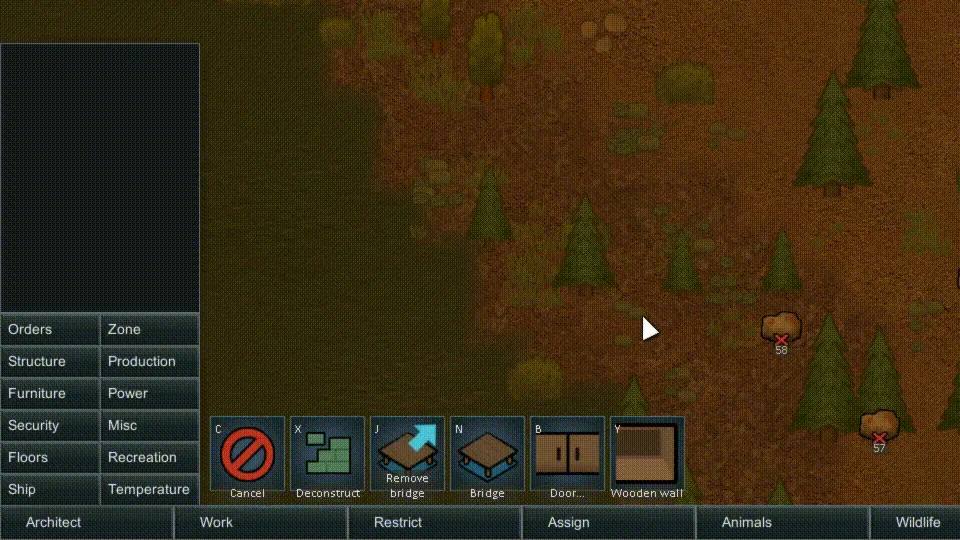
- Blueprints can be placed with any material: right-click the building tool to choose the stuff.
- Trade requests take your least valuable items first (still requiring normal quality)
- Transport pods re-build after launch
- Count Equipped works for any bill
- Shift-ctrl-click to queue job to front of the job queue (just like shift-click queues to end of queue)
UI / Info
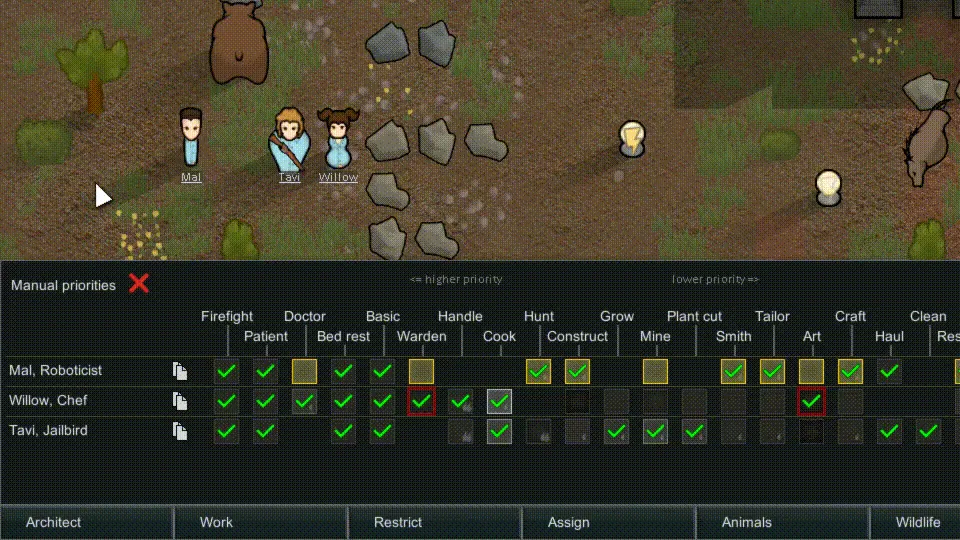
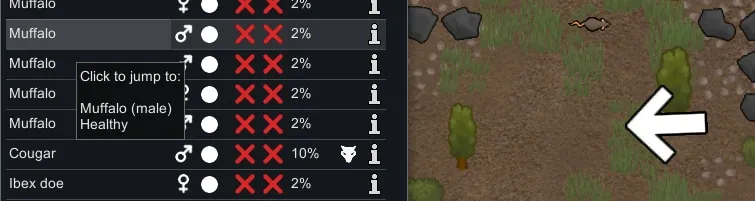
- Colonist table selection is like normal selection - highlights the selected colonists, shift-click to select more, and doesn't close the tab when you click a name.
-- There's also an arrow pointing to the person the mouse is over.
- Selection info panel has a button to zoom to selected things
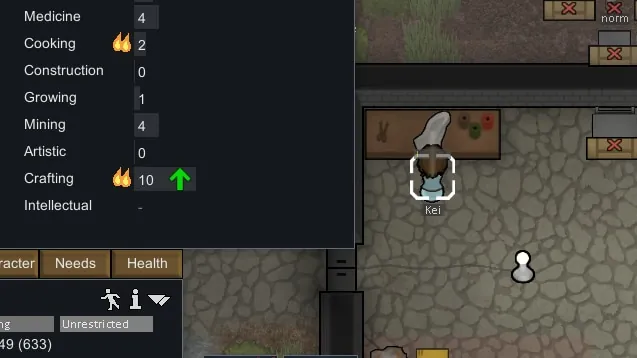
- Level-up arrows indicate skill learning in Character Tab.
- Penoxycyline text is green under body conditions: it's a good thing! (disabled currently as of 4/4)
- Drop Pods tell you what dropped.
- The mouseover info can be put on the top right so it's not covered by the 'selected' infobox
- Trade and negotiation dialogs can pause the game after closing.
- Shift-click the time controls to cancel the forced slow-down during a battle.
- A little icon to show research is in progress
- Resource readout saved with the savefile so it remembers which categories to open
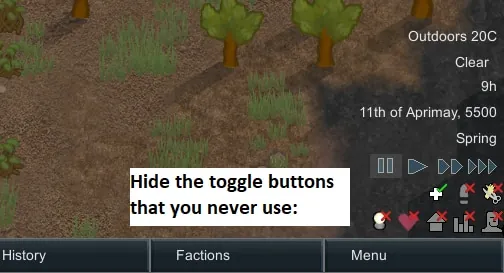
- Option to hide the toggle buttons at the bottom-right
- Alerts:
-- Deterioration alert for things that are low on HP - forbid them to ignore it.
-- No bills set up for a workbench.
-- Heatstroke, toxic buildup reaching concerning levels
-- Wind blocked
-- Added Map name to Food/Medicine alerts
- Trade windows can sort by "Value per kg"
- A button in the outfit/food window to copy a policy (instead of just making a new, blank one)
- A toggle button to show the power net
AI and behavior changes
- Sleeping enemies won't be targeted by your pawns (while undrafted)
- A stop button for your pawns. Because, sometimes you want them to stop.
- Colonists will stop fleeing immediately when danger is gone.
- Colonists will dodge grenades even when drafted. Of course this interrupts their action.
-- Also dodging enemy grenades, and you can even have enemies dodge your grenades.
-- This can be disabled if a shield belt is worn.
Color Variation
- Color variation! A few fixes, and new features. Applies to apparel.
-- Fixes coloring of things made from steel ending up white (flak vests)
-- Chance to create things with pre-defined color sets, like you see with raider armor
-- A universal, small color variation - so every devilstrand shirt you make isn't the exact same color of red.
Misc
- Zoom To Mouse ( works with Camera+ ), shift to zoom to center.
- Frames can't be deconstructed, only canceled: deconstruction would return less materials.
- Restore all settings has a confirmation dialog, and saves a backup of /Config folder
---
1.1 Got a few features in:
- Confirmation dialog to restore all settings
- Items can be grabbed from shelves without walking on them (shelves only, so modded storage buildings should set their PathCost to 60 like shelves did in 1.1)
- Deep Drills get random rocks (same for each tile, but each tile is random)
- Heatstroke Alert
- Overlays (but TDE's activate when needed, so I didn't bother integrating with vanilla overlays)
---
Some debug enhancements are available in a separate mod, which you'll never need to turn off: https://github.com/alextd/RimWorld-TDBug
Update news is in-game ( once I get that back up and running with 1.1 )