XML Workbench or Mission editor is needed to spawn this!
Changes and hotfixes are coming soon!
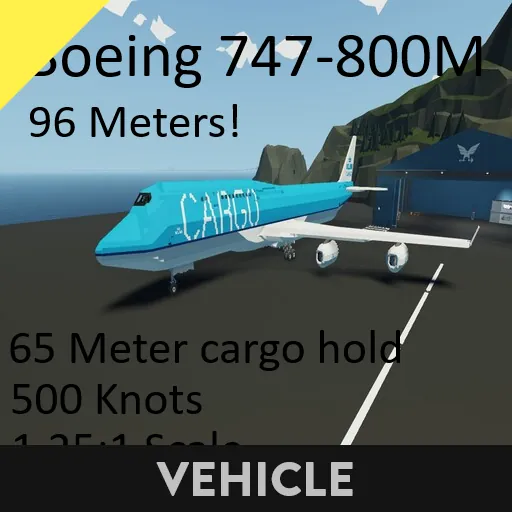
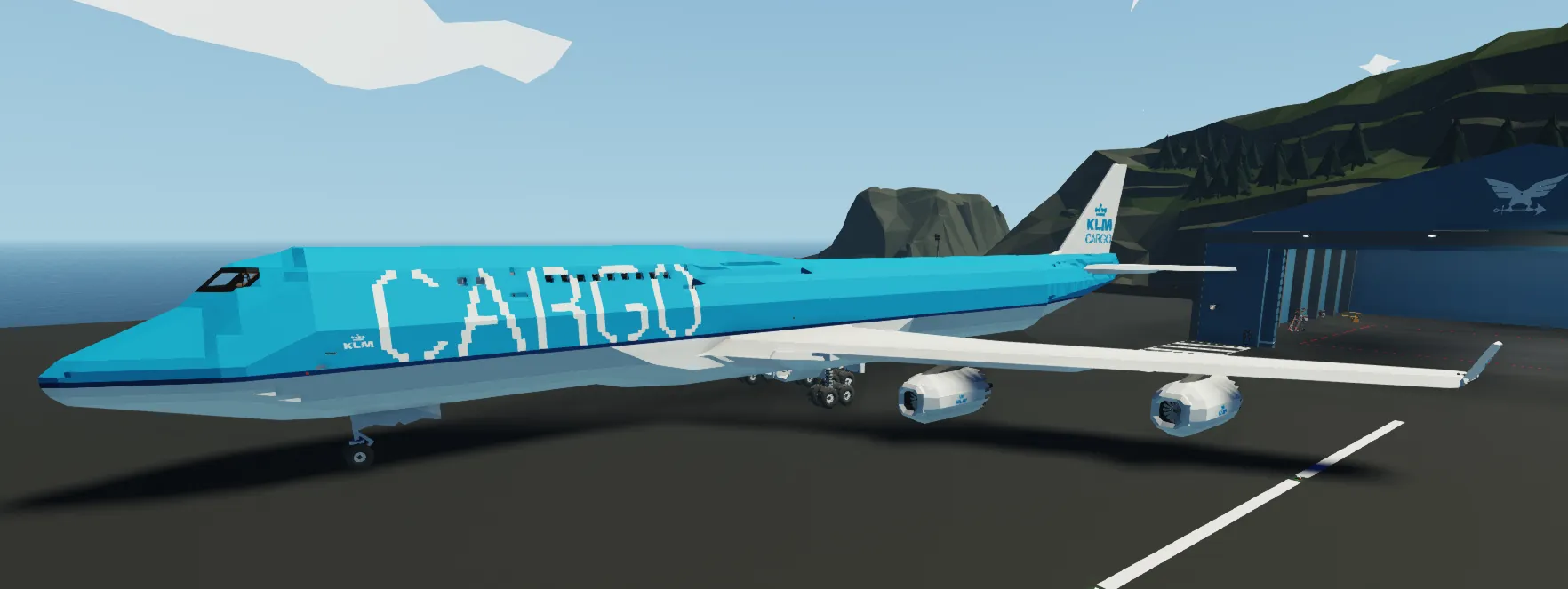
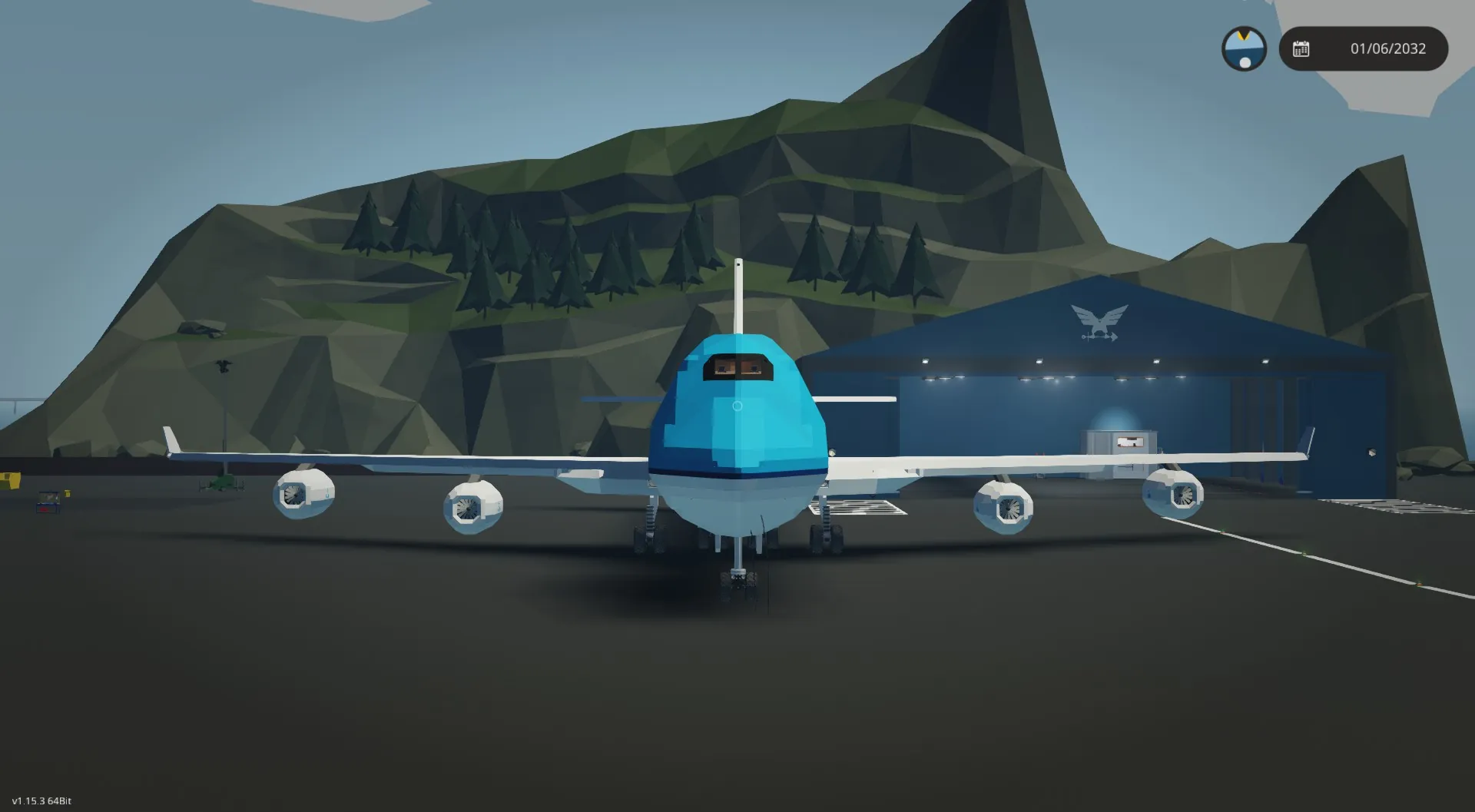
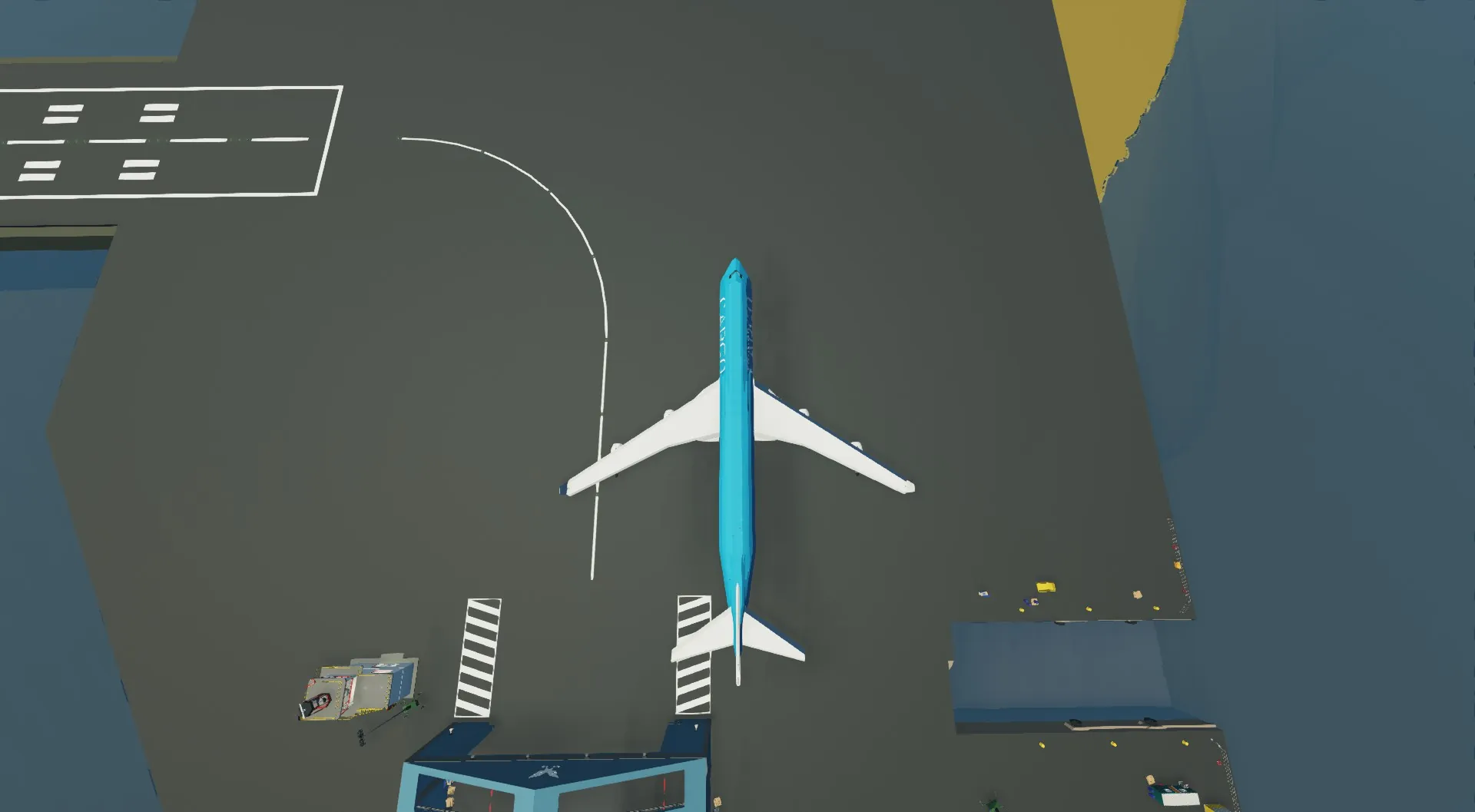
Boeing 747-800M Made by HCORP
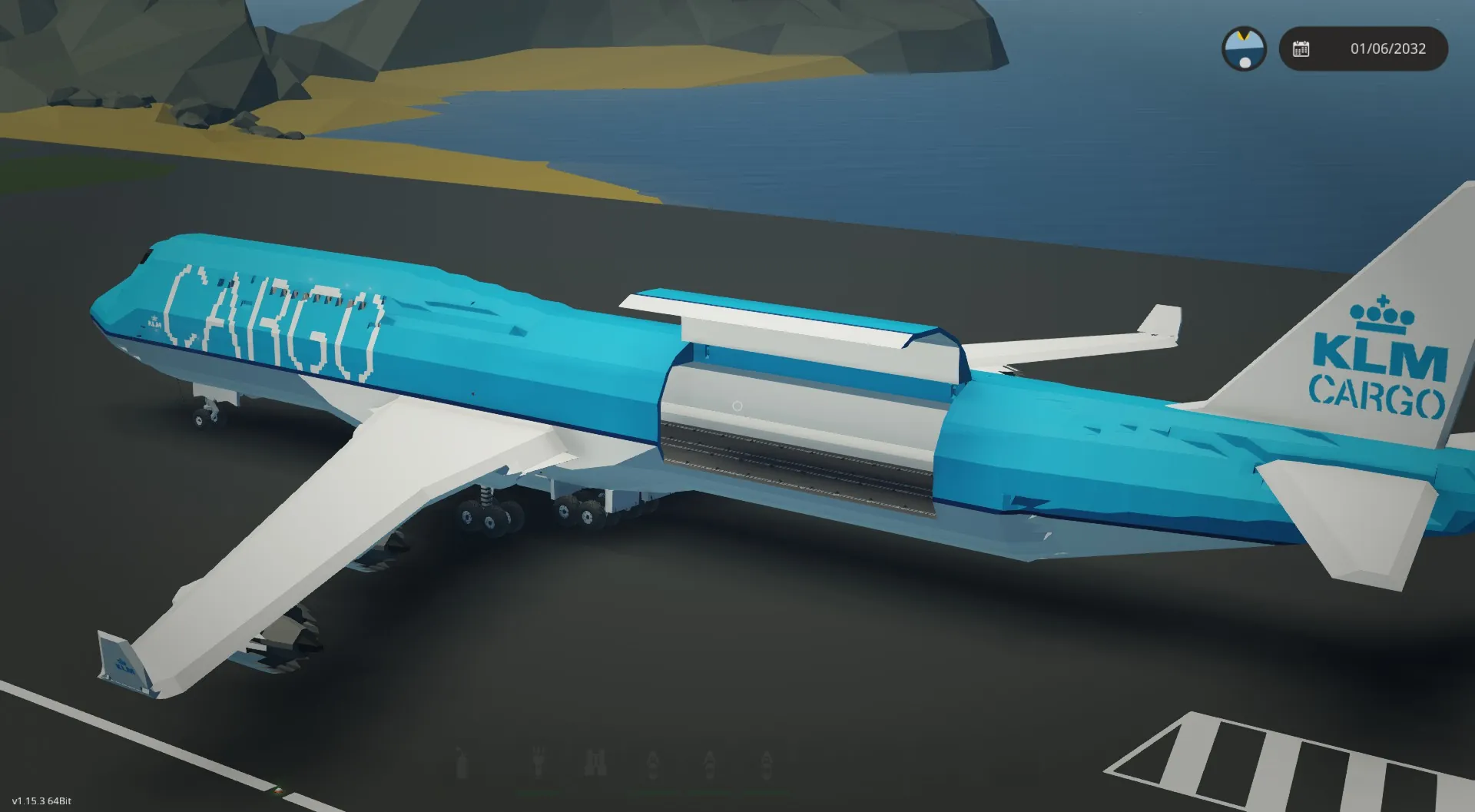
The Boeing 747-800M is a fictional long-haul combi aircraft built to carry both passengers and cargo.
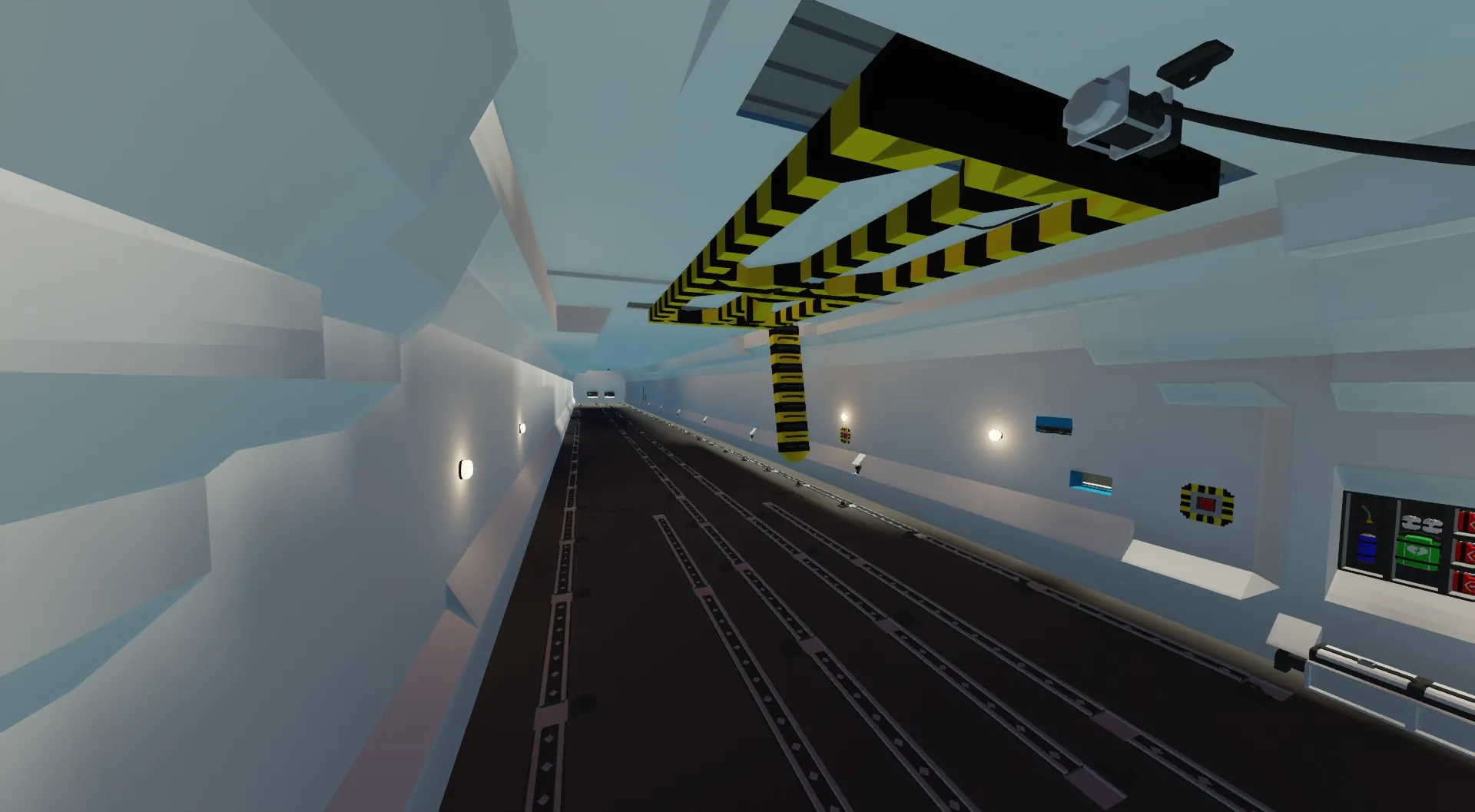
On the main deck it offers a massive cargo hold measuring 65 meters in length, 7 meters in width and 5 meters in height, giving it the ability to transport more than 75 tons of freight.
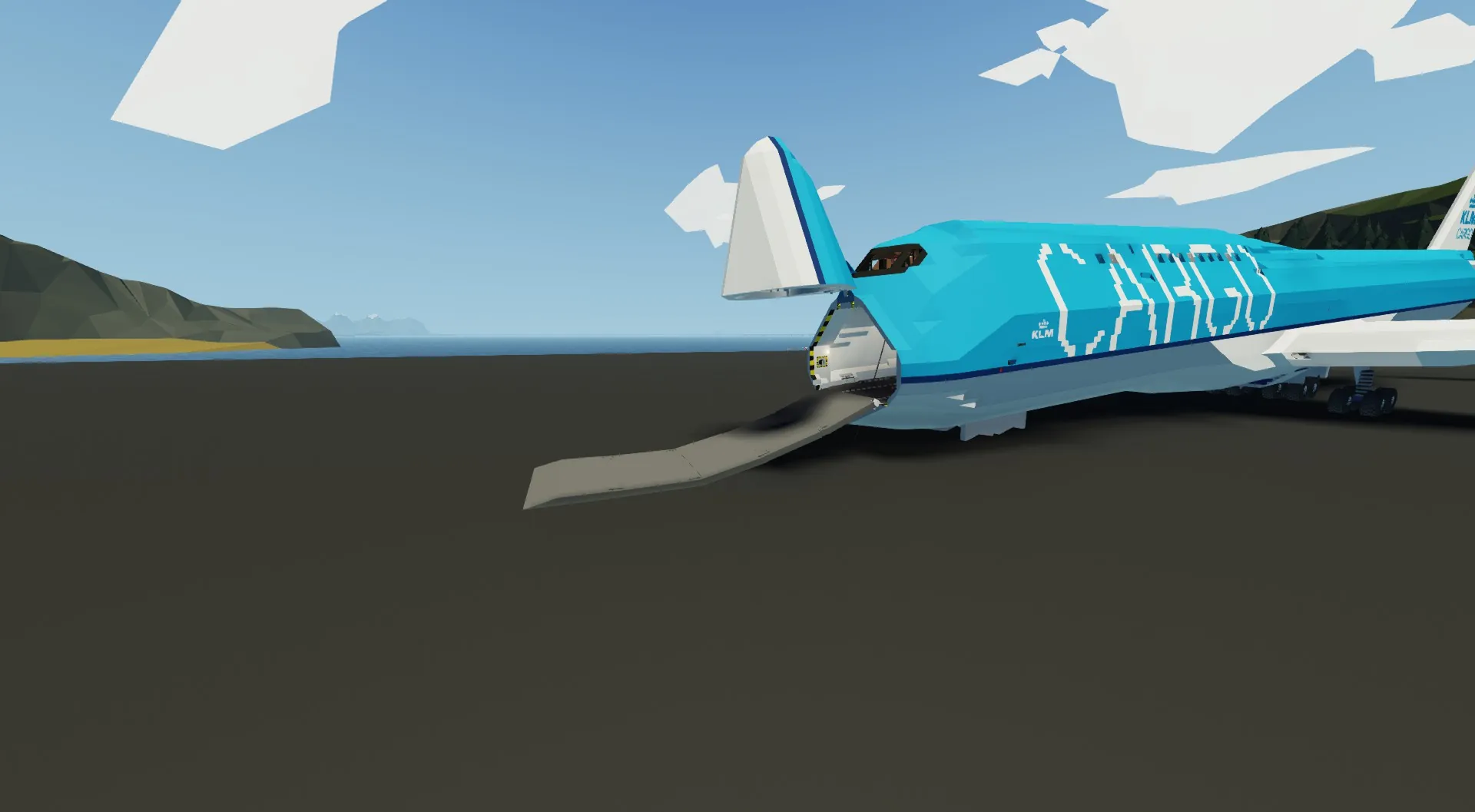
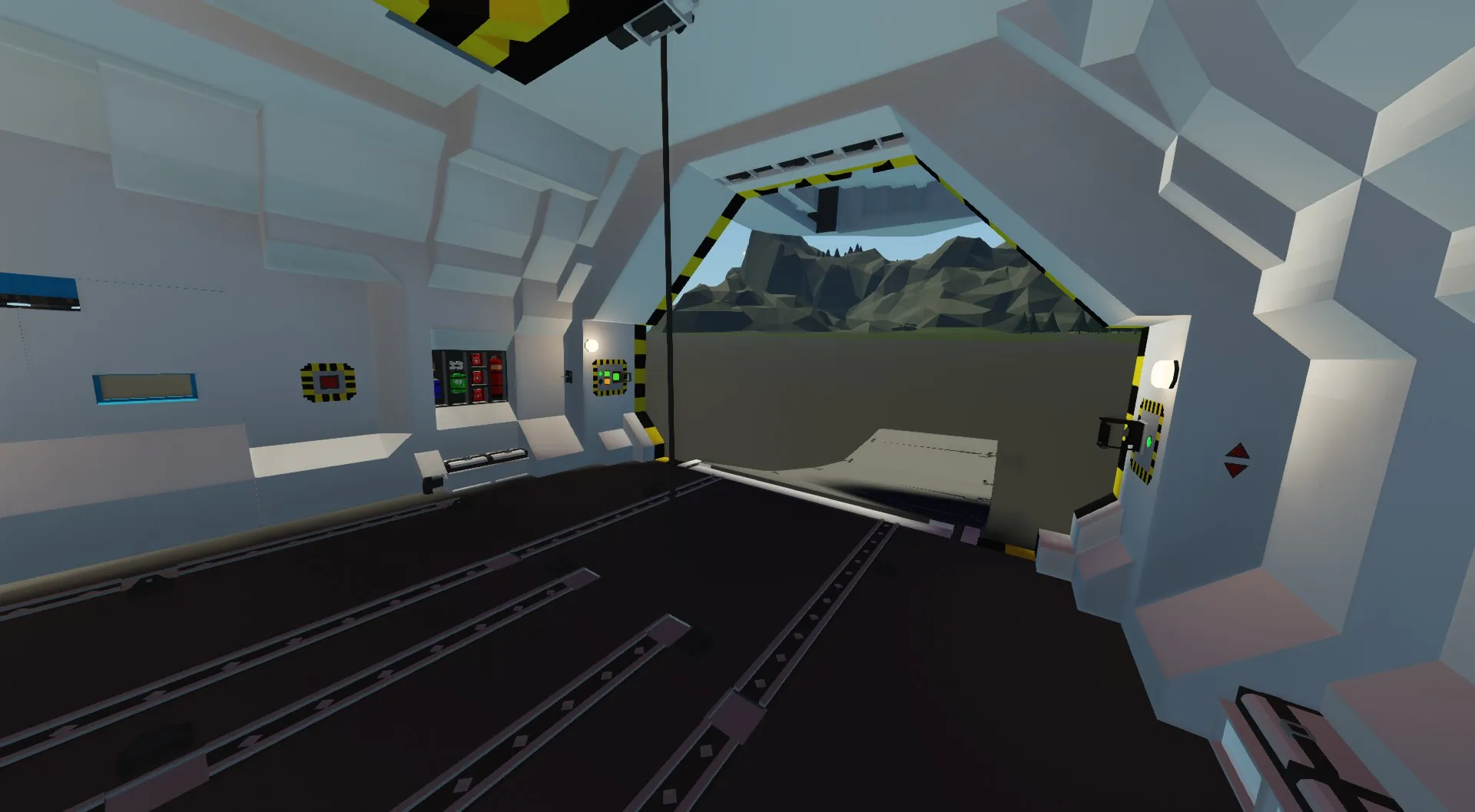
For oversized or heavy loads the aircraft is equipped with a built-in nose cargo ramp, while a large rear side door makes it possible to load bulky containers and vehicles with ease.
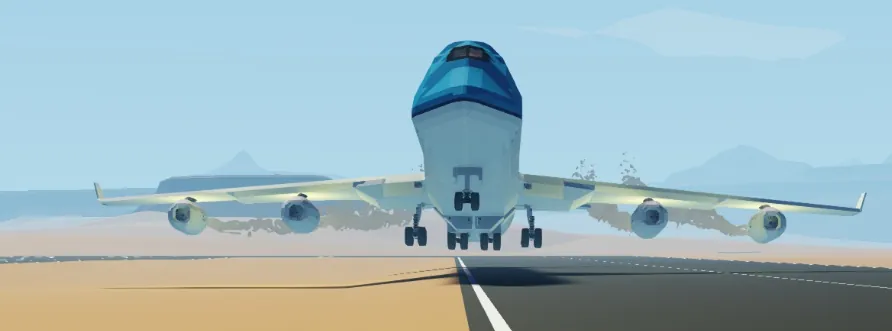
The aircraft is powered by 4 turbofan engines with a total of 12 exhausts, each equipped with thrust reversers and a fire suppression system. It also has an APU for power generation and to pressurize the hydraulic systems.
Landing gear consists of 16 main wheels (7x7) and 2 nose wheels (5x5)
Top Speed: 530 knots
Maximum Altitude: 21,000 meters
Fuel Capacity: ~500K liters of jet fuel
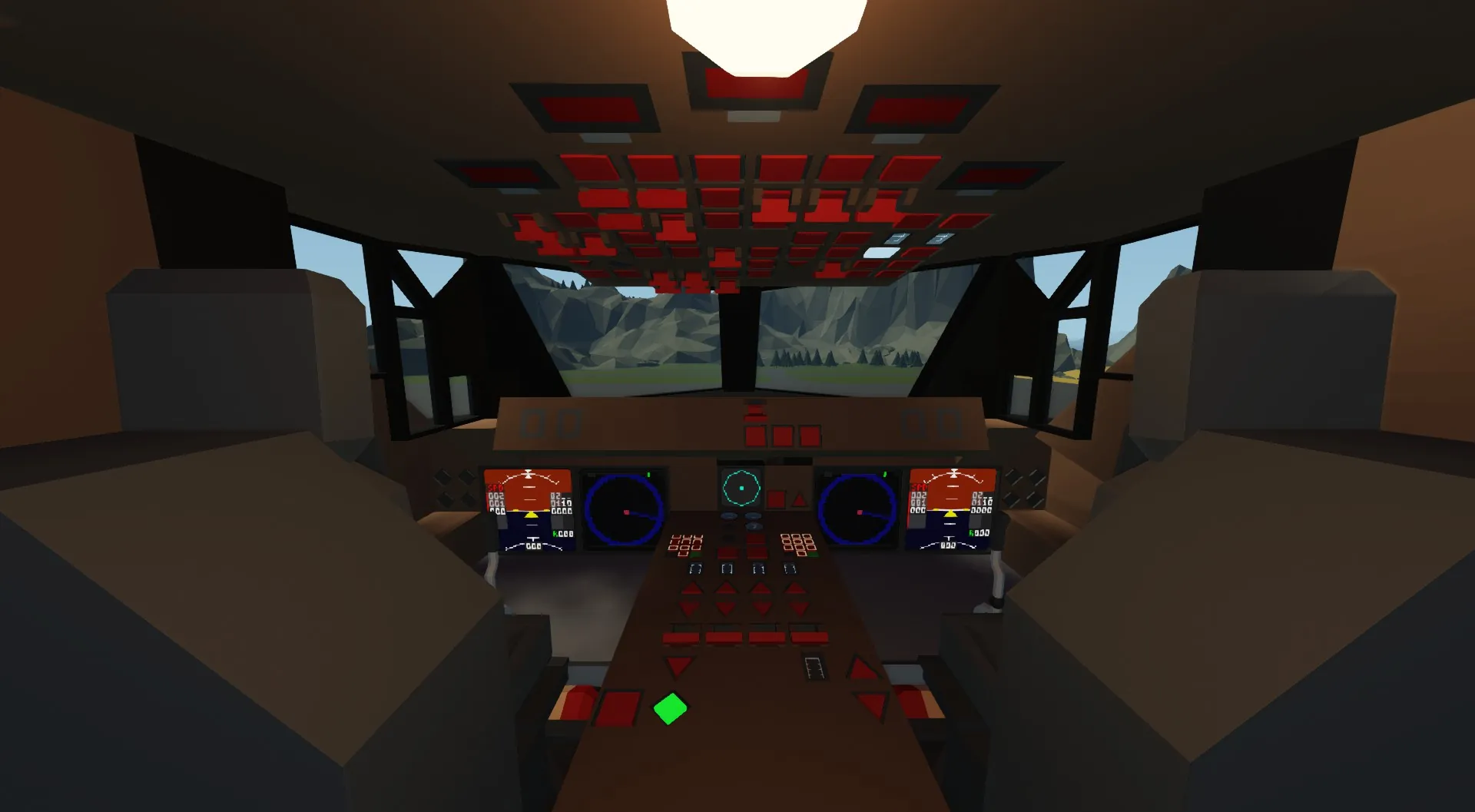
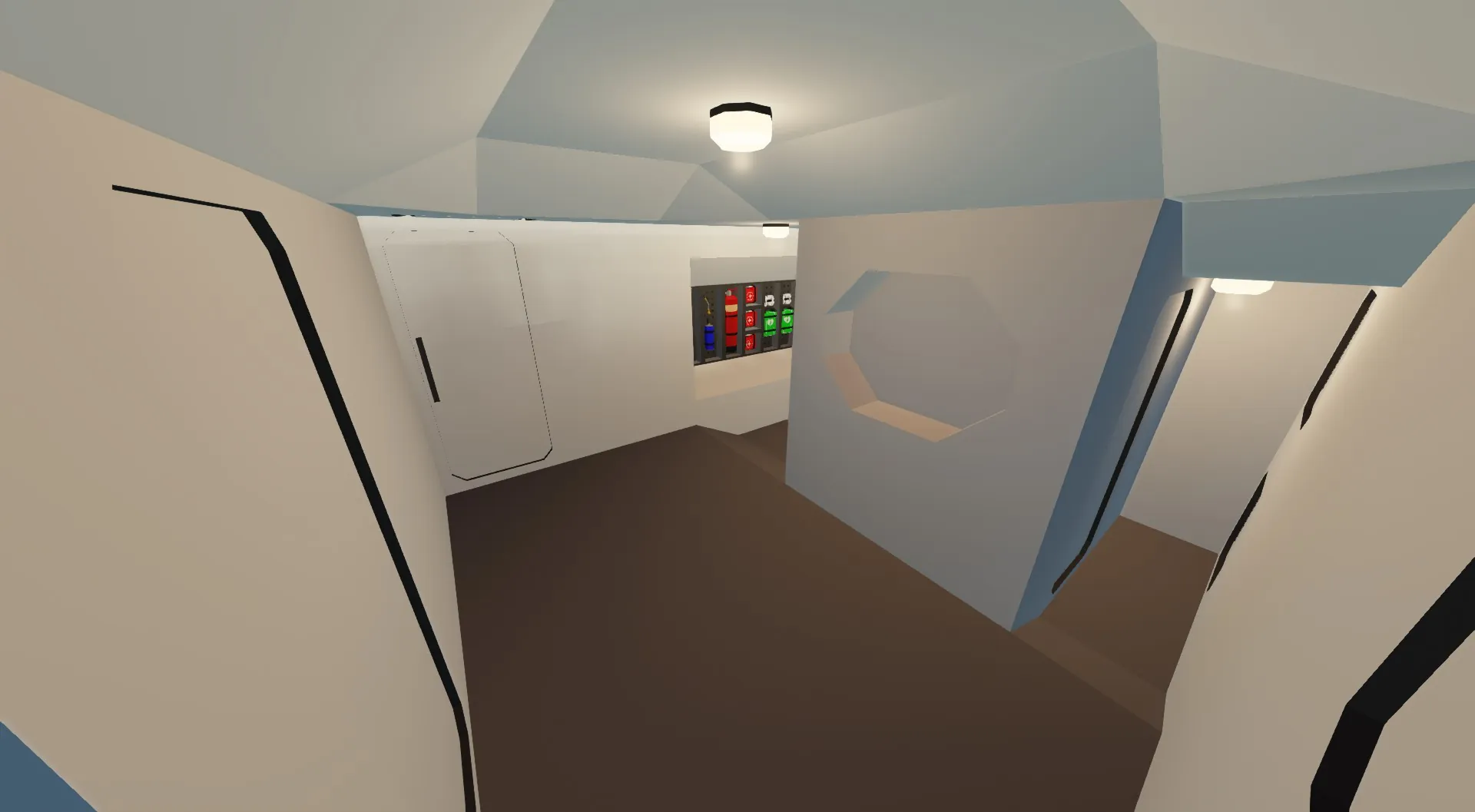
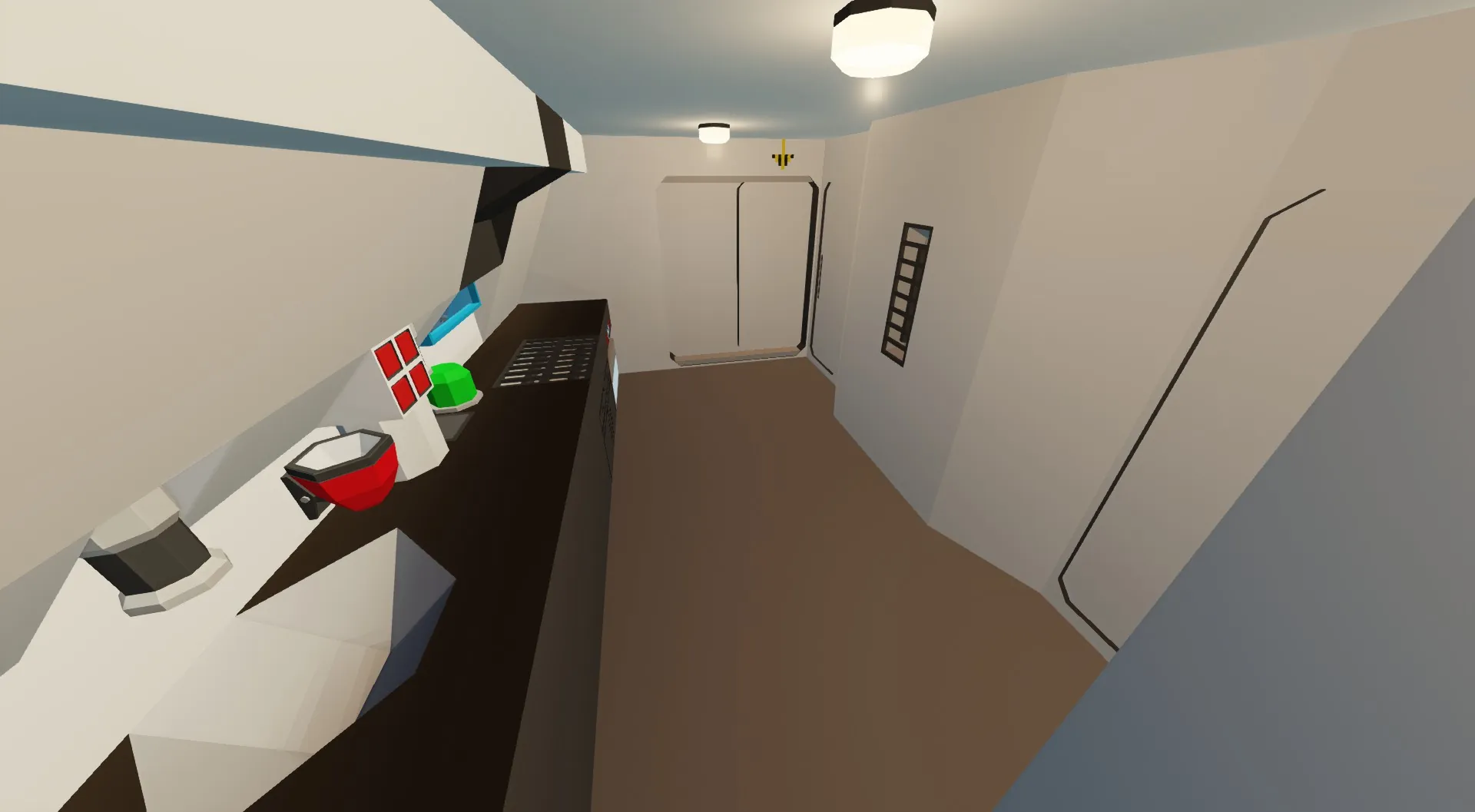
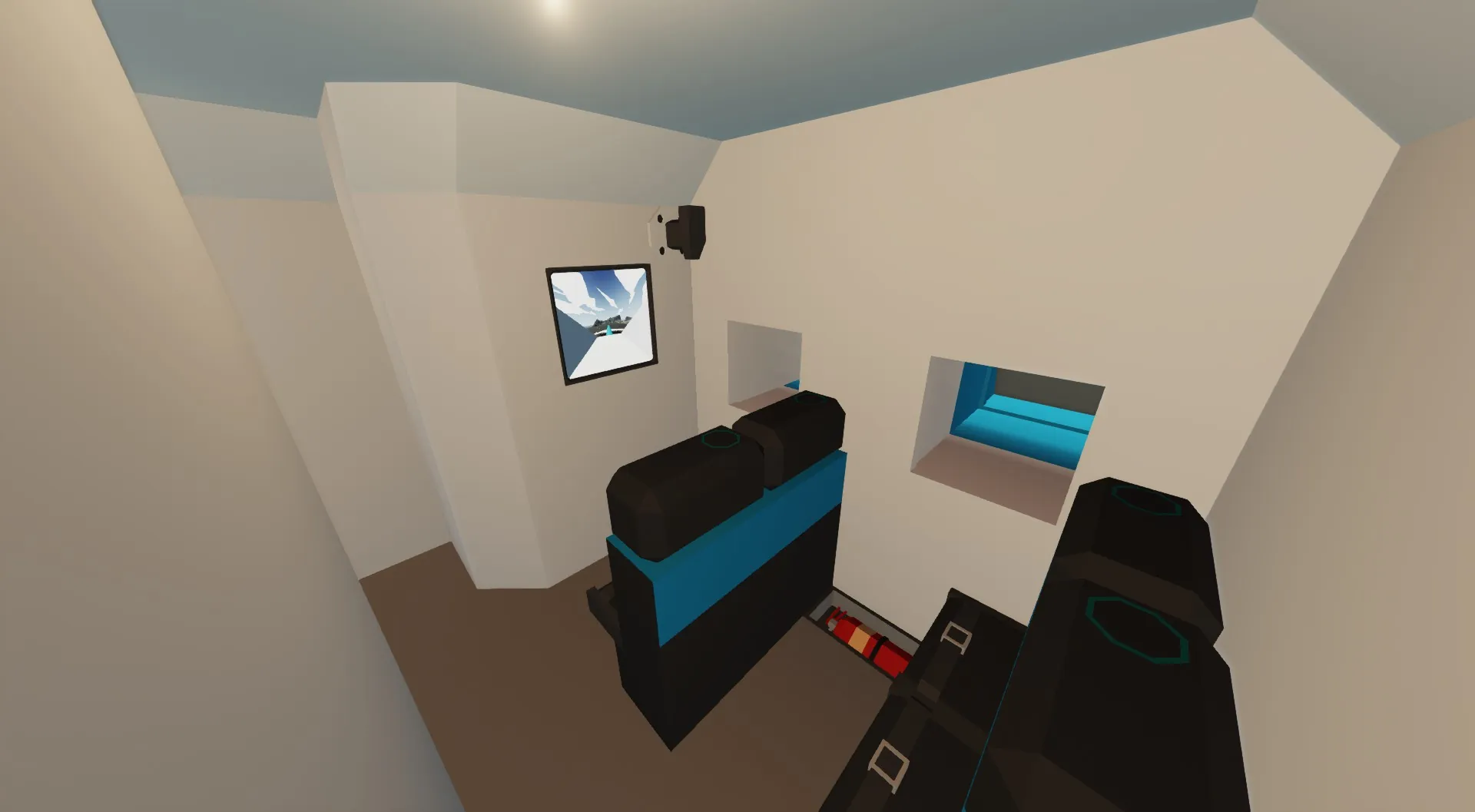
The flight deck includes a fully equipped cockpit with 2 pilot seats and 2 jumpseats. Directly behind the cockpit, the crew rest area features 4 beds, 1 lavatory, 1 galley and a small lounge room with 8 seats.
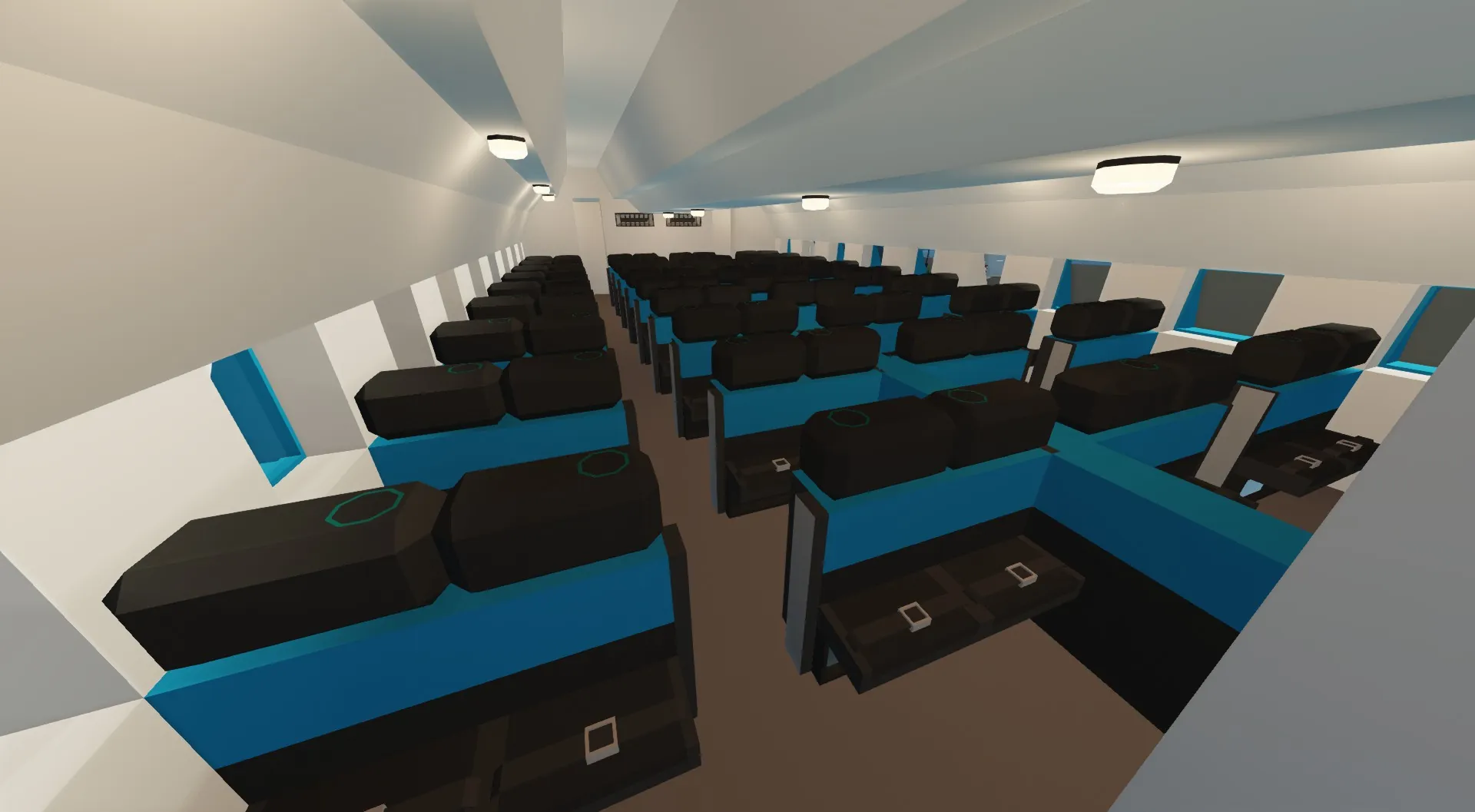
Further aft, the passenger section provides seating for 72 passengers in a comfortable 2-2-2-2 configuration, combining efficient space use with long-haul comfort.
Startup Guide
1 Enable Battery 1 & 2.
2 Enable Avionics.
3 Turn on ADIRU L, C, and R.
4 Enable Crossfeed and C Tank pumps.
5 Engage Hydraulic A, B, and C.
6 Start APU: press APU SW Master, APU Bleed, and APU Start.
7 Wait until the APU indicator appears next to the monitors, Then enable APU Gen and Xbleed AUTO.
8 Enable Fuel pump & Fuel cutoff on all 4 engines.
9 Engage starter for all 4 engines:
10 Engines 1 & 2 start immediately.
11 Engines 3 & 4 start after 1 & 2 are spinning.
12 Wait 10 seconds after all engines are on, then engage Thrust Connection.
13. Enable engine generators.
14 Turn off parking brake.
15 Throttle up and slowly pull up at about 200 knots.
Autopilot Guide
1 Enable F/D (Flight Director).
2.1To enable Altitude Hold:
2.2Enter your desired altitude in the left keypad.
2.3Press Input Altitude, then enable Altitude Hold.
3 Roll Hold prevents the plane from rolling.
To enable Autopilot:
4.1 Enter X on the right keypad, press Input X.
4.2 Repeat the same for Y, then enable Autopilot.
Landing Guide
1 Set Throttle to 90.
2 Turn Autobrake on.
3 Confirm gear is locked down.
4 Touch down slowly.
5 Hold 2 for Thrust Reversers until below 50 knots.
6 Throttle down.
7 Set Parking Brake.
In Case of Engine Fire
1 Shut off Fuel Cutoff for the affected engine.
2 Enable the Fire Suppression system of the affected engine.