A unique QoL mod that does many things: letting you customize storage by clicking directly on items on the map, move items by direct command, and more. This mod works well with Allow Tool and similar mods.

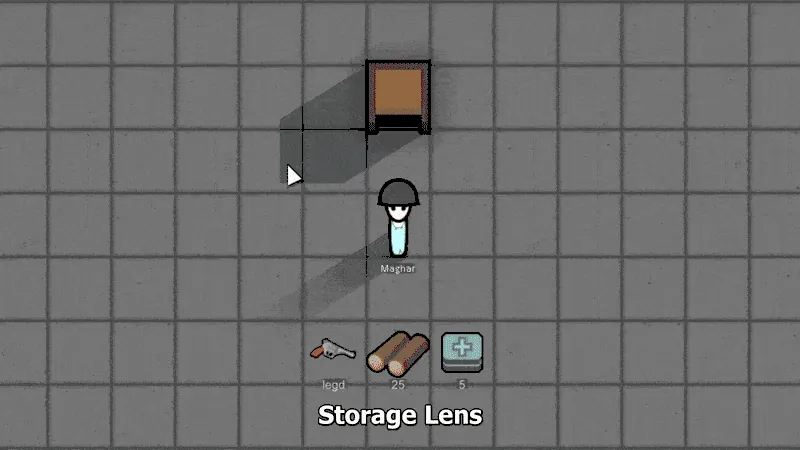
Feature: Storage Lens
Tired of searching for the right checkbox in long storage setting lists? Storage Lens lets you toggle allowances by clicking directly on items on the map!
How it works:
- STEP 1: Select any storage.
- STEP 2: Press and hold R.
- STEP 3: Click on any item on the map.
Clicking an item will toggle its allowed status in the storage settings. You'll see red or green overlays on items, indicating their current status.
Interaction:
- R + LMB on an item: Toggles allowance for that specific item.
- R + Ctrl + LMB on an item: Toggles allowance for the item's category.
- R + Shift + LMB on an item: Toggles allowance for the item's general category.
- R + Ctrl + Shift + LMB on an item: Toggles allowance for ALL items (equivalent to "Clear All" / "Allow All").
Feature: Direct Haul
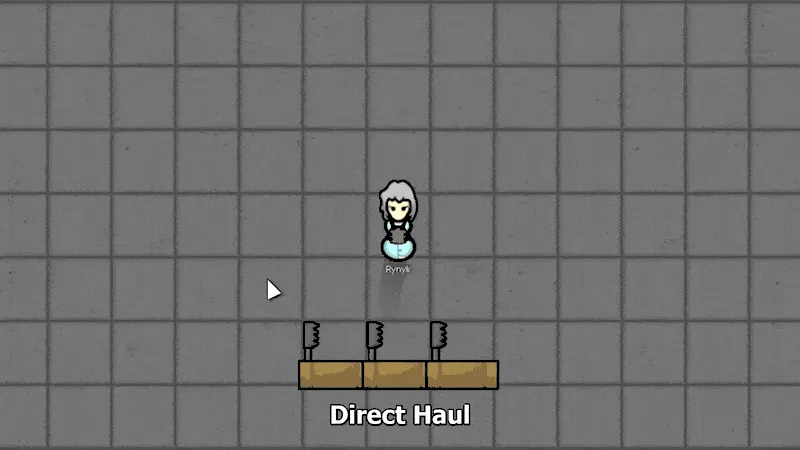
Tired of creating a stockpile just to move items where you need them? Direct Haul lets you directly order colonists to haul selected items to a specific location. Inspired by "Haul Explicitly".
How it works:
- STEP 1: Select items to move.
- STEP 2: Press and hold R.
- STEP 3: Move the cursor to the target spot.
- STEP 4: Click LMB.
Selected items will be moved to the designated spot, and will remain available for use by colonists, as if they were in a stockpile.
Interaction:
- R + LMB on a cell: Orders colonists to haul the selected items to the designated location, marking them as "Held".
- R + LMB (drag): Allows drawing a line along which the items will be placed.
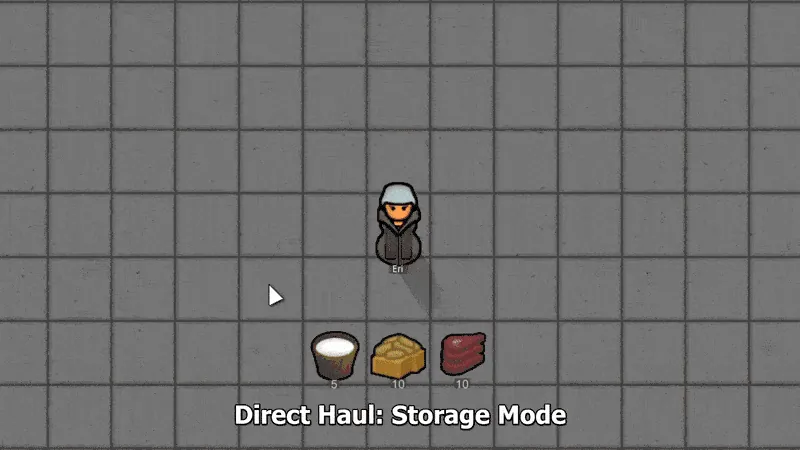
Feature: Direct Haul (Storage Mode)
An additional mode for Direct Haul that lets you quickly toggle the allowed status of selected items in an existing storage.
How it works:
- STEP 1: Select items.
- STEP 2: Press and hold R.
- STEP 3: Move the cursor over any storage building or zone.
- STEP 4: Hold Ctrl and click LMB.
The selected items will have their allowed status toggled in the targeted storage's settings.
Interaction:
- R + Ctrl + LMB on storage: Toggles the "allowed" / "disallowed" status for all selected items within the target storage's filter settings.
- R + Ctrl + LMB (drag): Creates a new stockpile zone with empty settings.

ALPHA VERSION - USE WITH CAUTION
This mod is in Alpha and may have some bugs, but it is highly compatible with most other mods and can be safely added to or removed from savegames without risking your game.
Known issues:
1. To safely remove the mod, cancel all pending and held Direct Haul statuses.

Q: Compatibility?
A: Should be compatible with most mods, including CE. There may be minor visual artifacts in Adaptive Storage Framework buildings when Storage Lens is active. Please report any incompatibilities!

Mod designed by: Alx
Created with AI.

 [github.com]