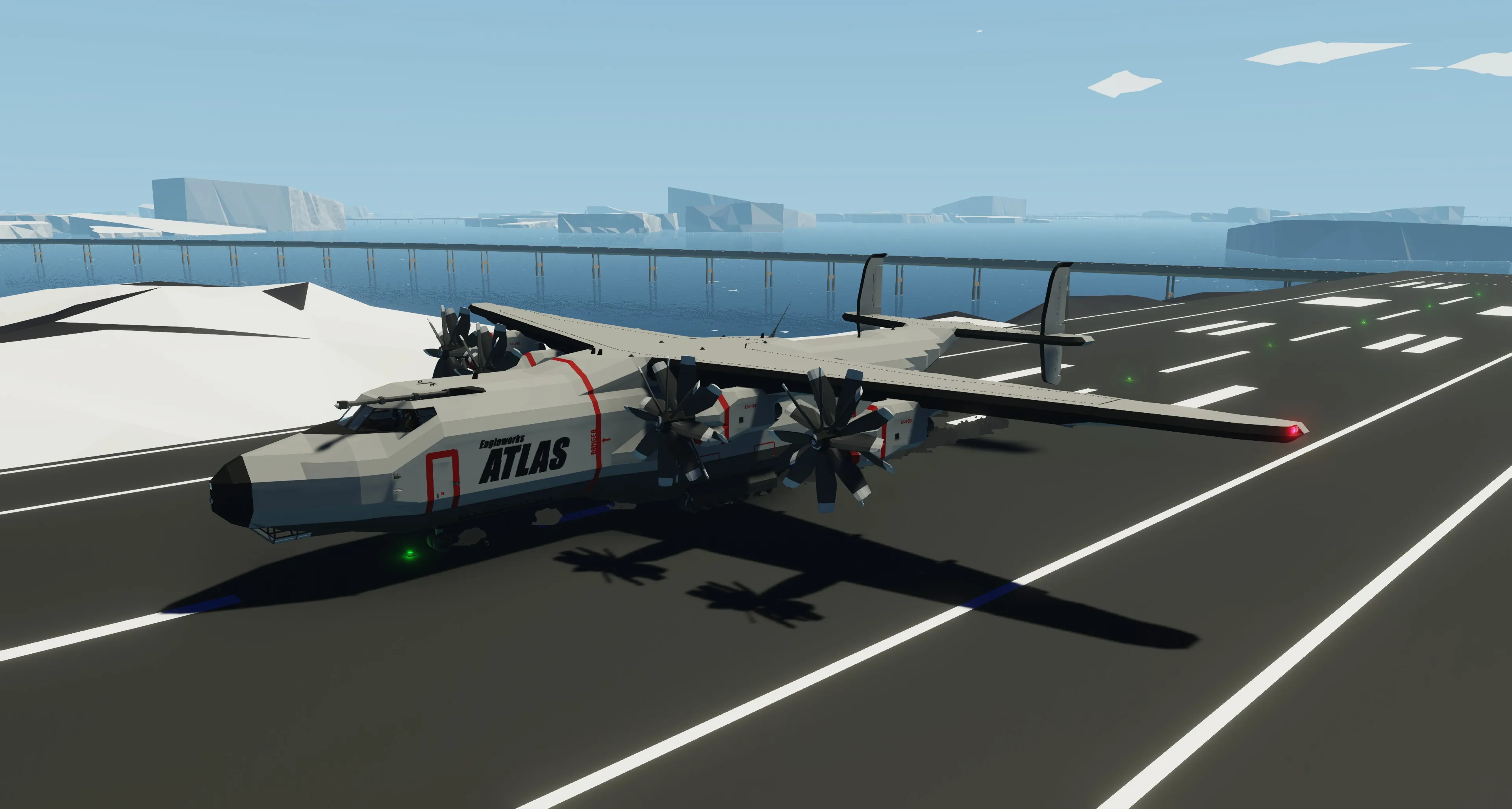
The Atlas
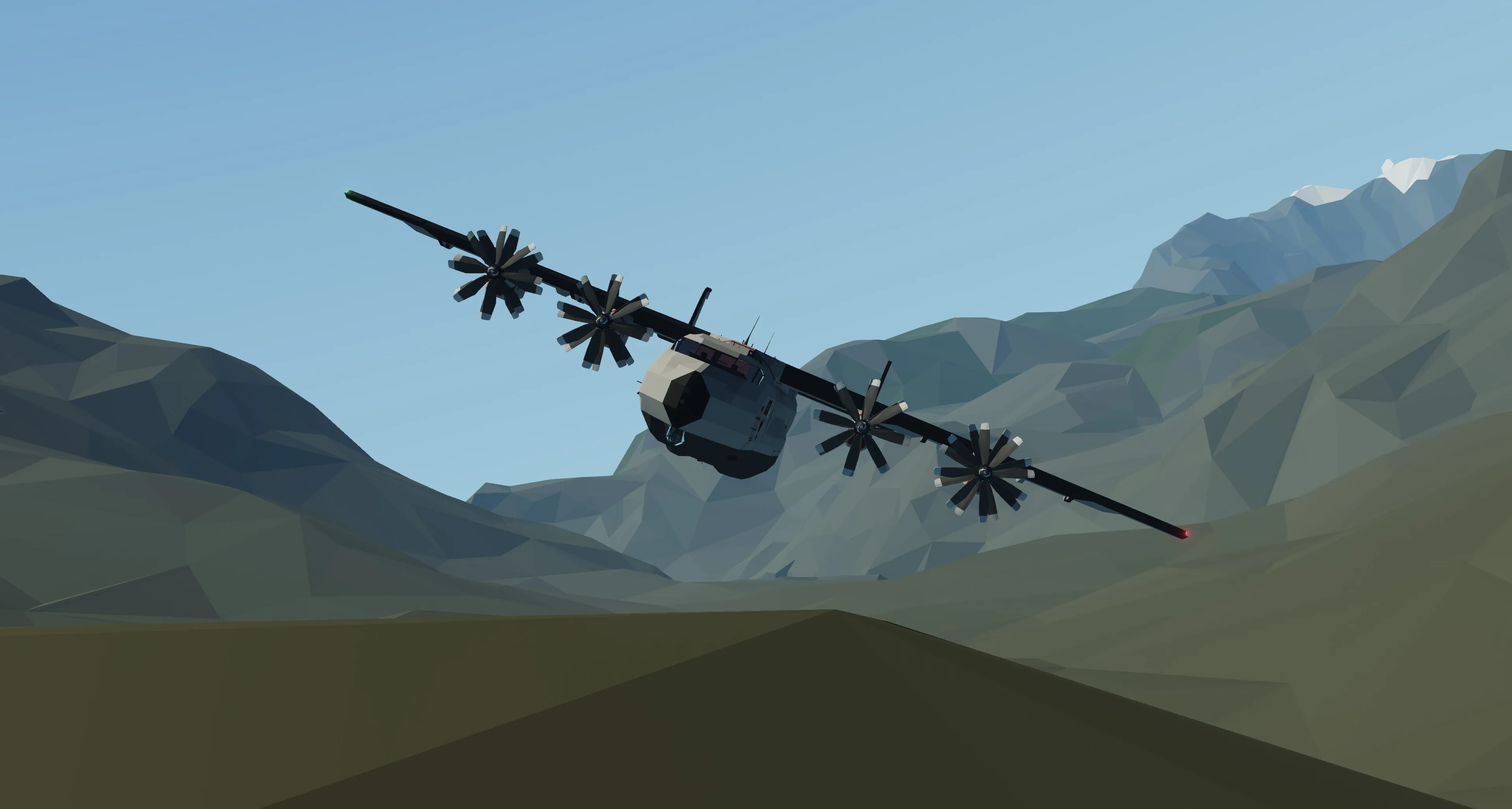
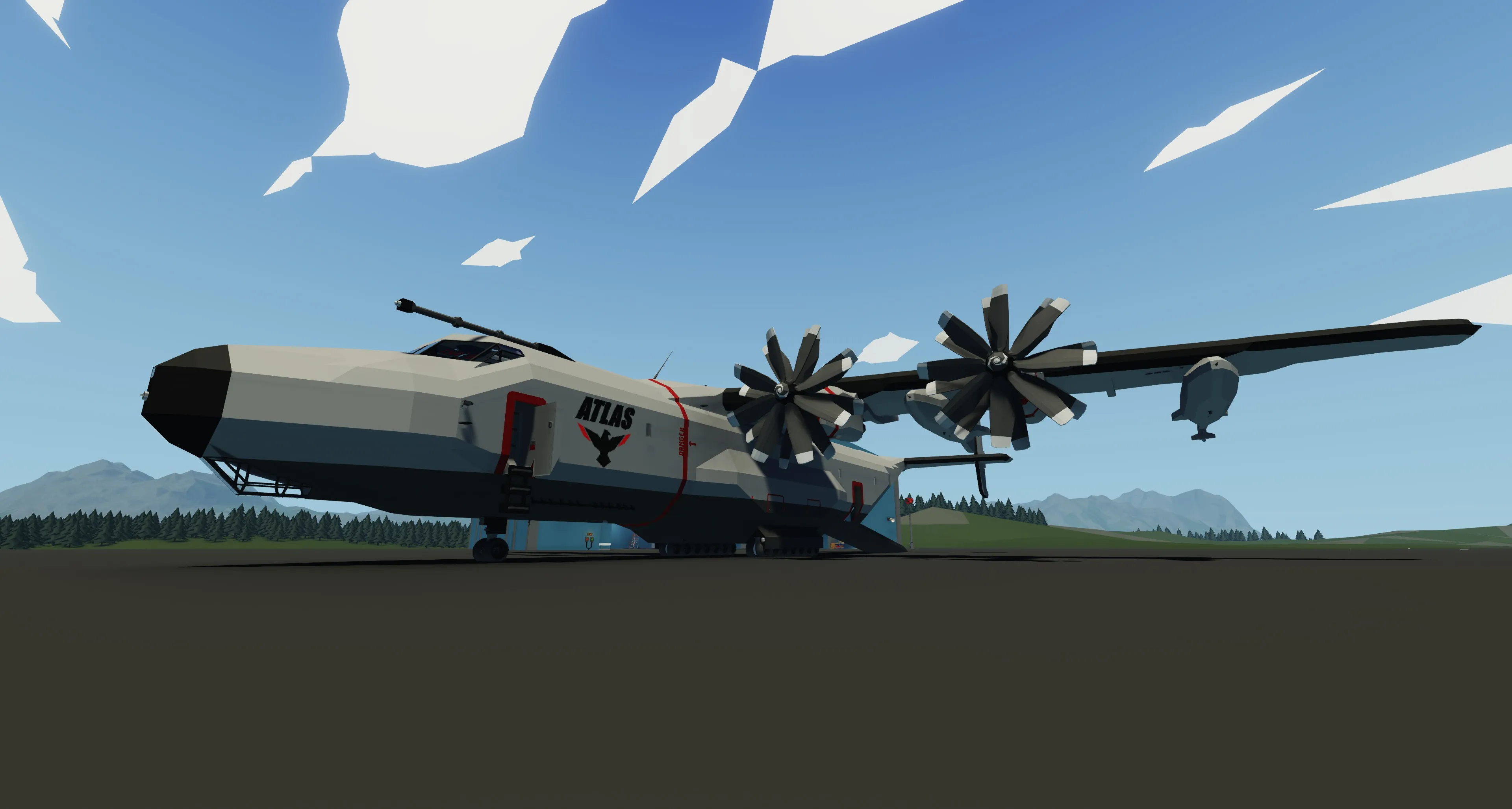
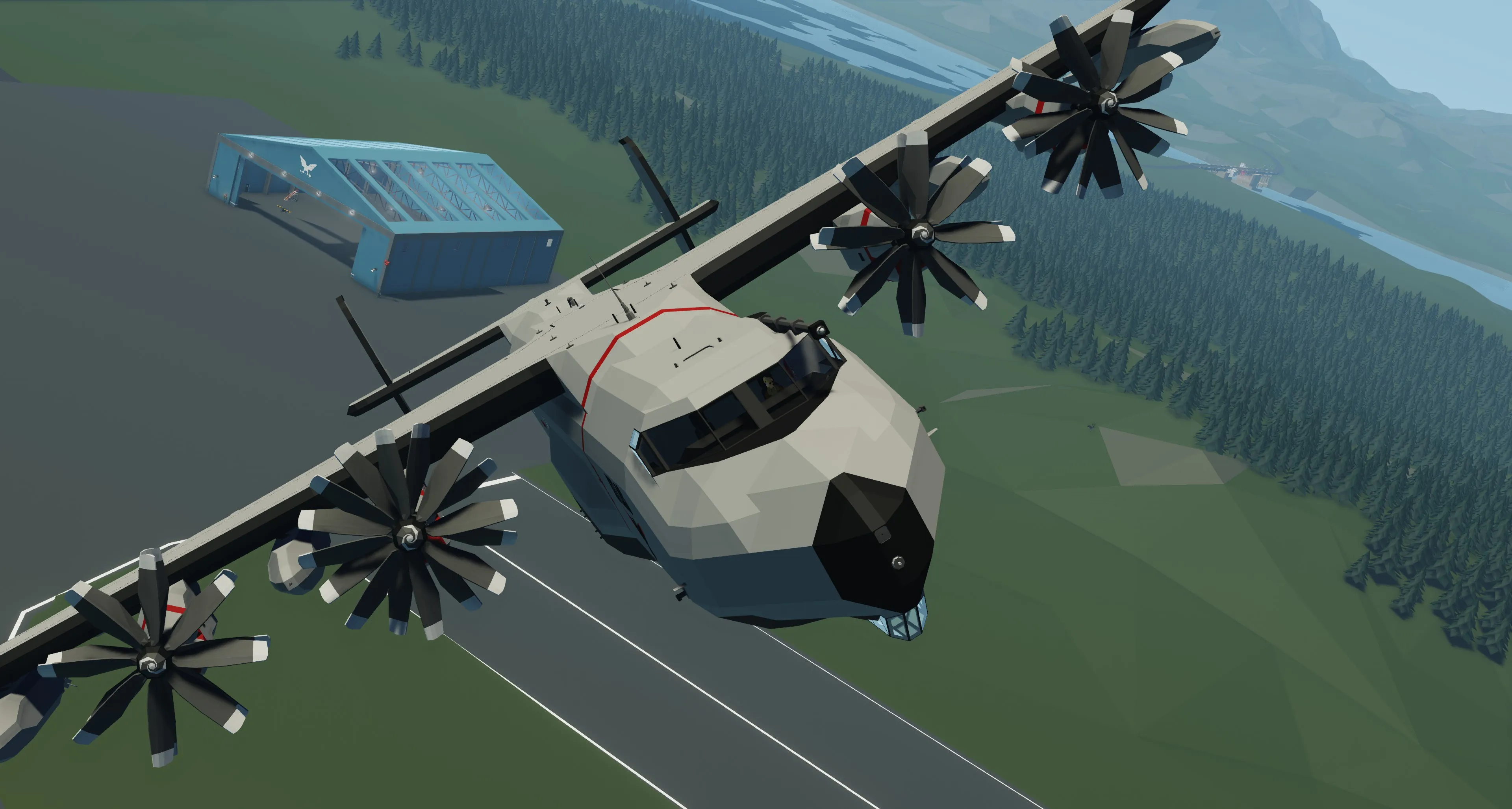
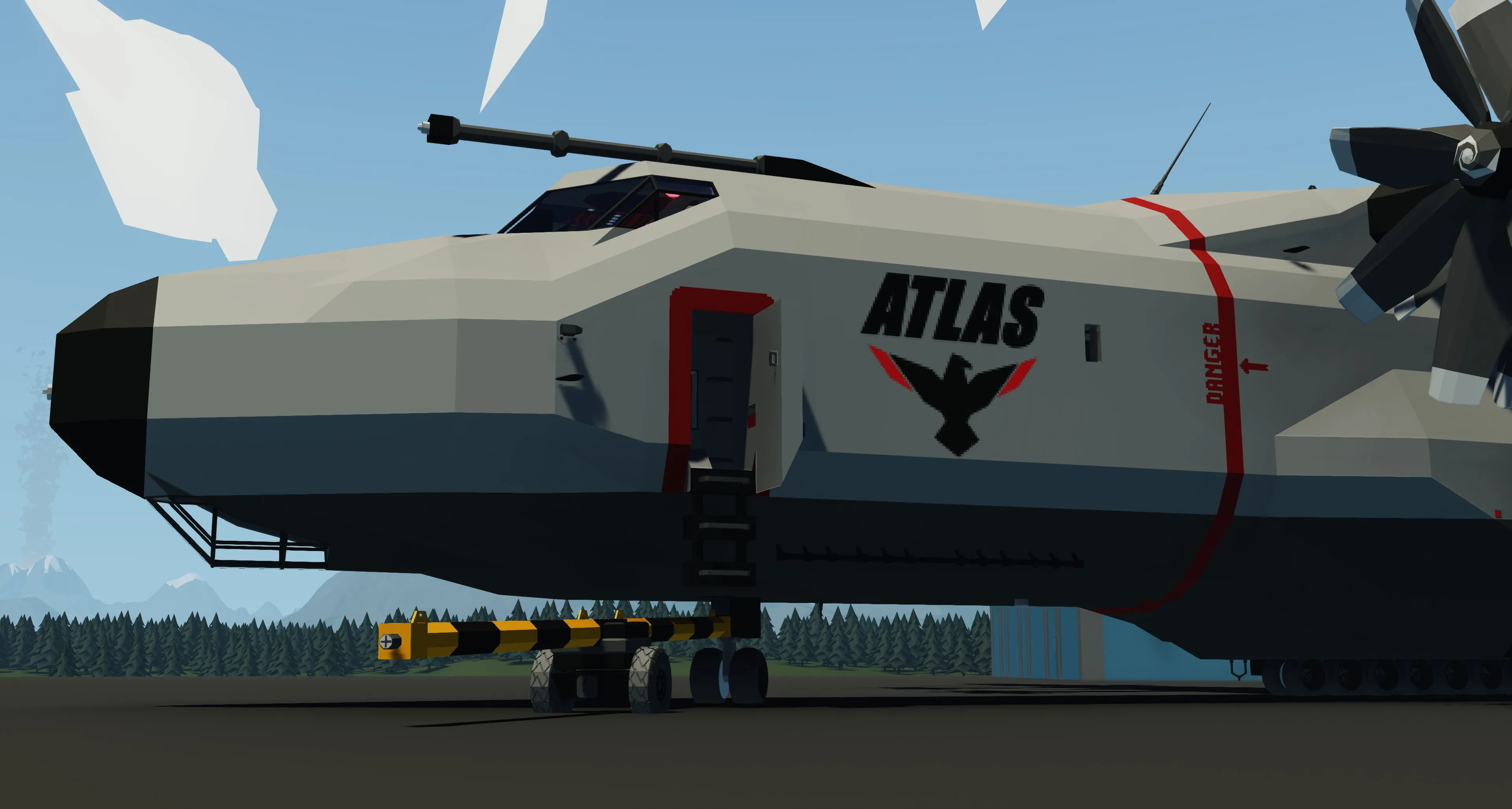
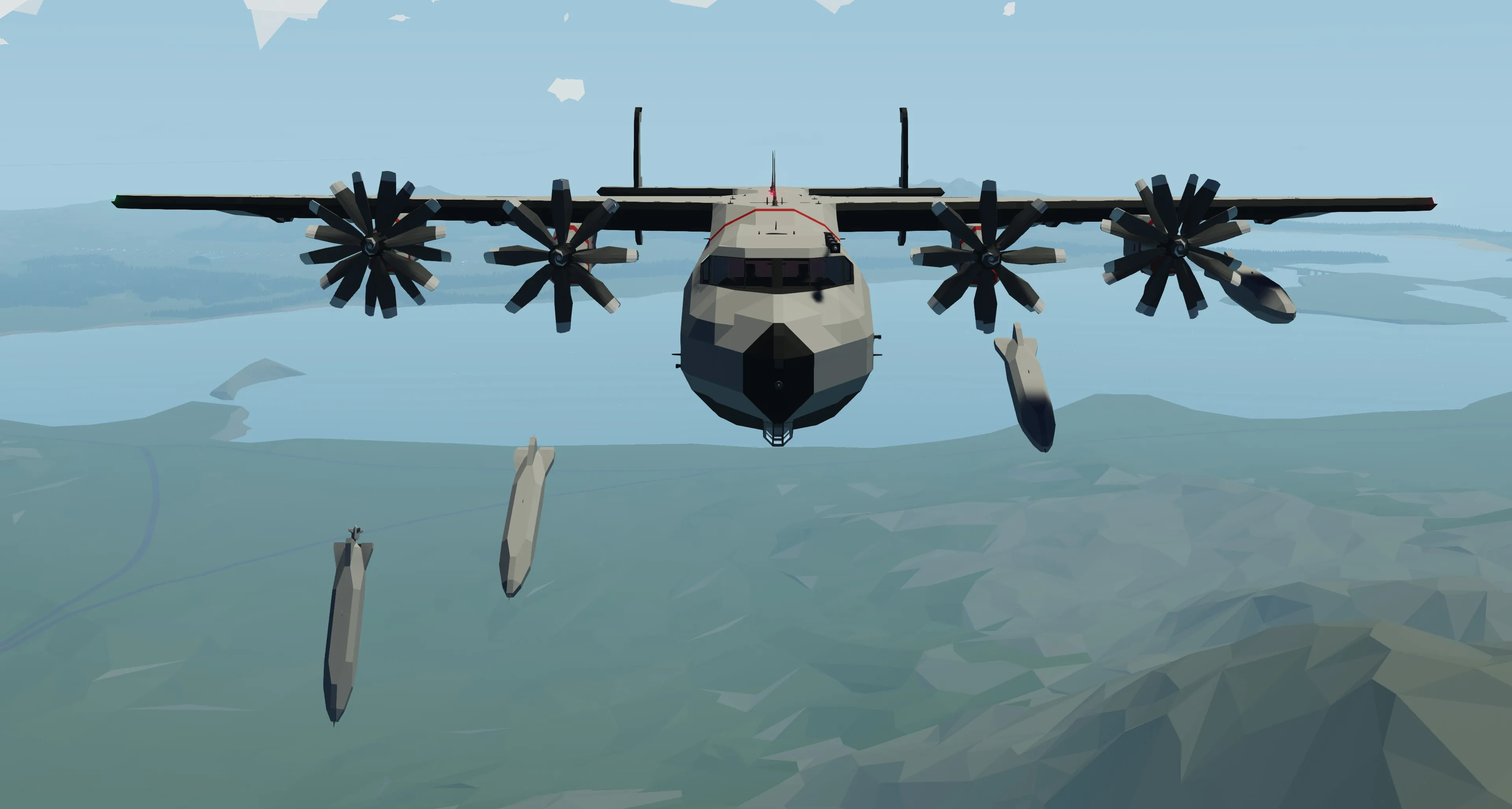
... comes as a new itteration to the Eagleworks Aircraft Lineup. Excelling cargo capacity with up to 3 standard containers, over 400+km range, in-flight refueling and air drop capabilites.
With its 4 pylons, with each 3 On/Off functions controllable via the cockpit, the aircraft is not only restricted to cargo missions. This is an aircraft you should not miss!
(Towbar is included)
Warning: This aircraft is too big for normal build areas. Please spawn it via the mission editor, or any modded workbench with a build area of at least 40x55x11m.

Specifications & Features
- GPS Autopilot with seperate Coordinate Tracking, Altitude Hold, Heading Hold and Bank Hold.
- Excellent handling characteristics
- 220 Knots Max Speed with 170 Knots Cruising Speed
- 400+km range so 2 times to the Arctic and back on 70% throttle (Tested in harsh weather conditions)
- Over 2 Hours flighttime on 50% throttle
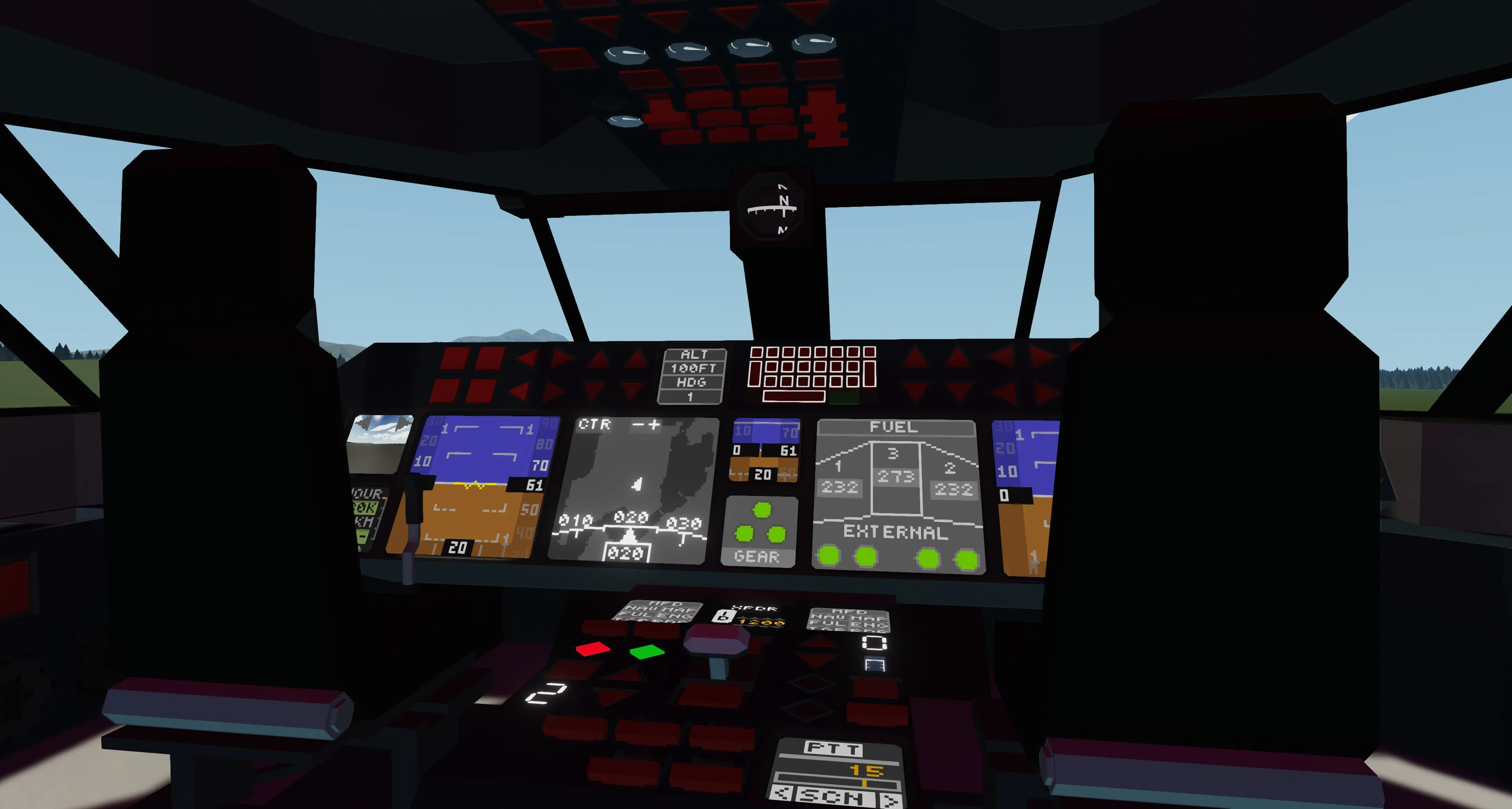
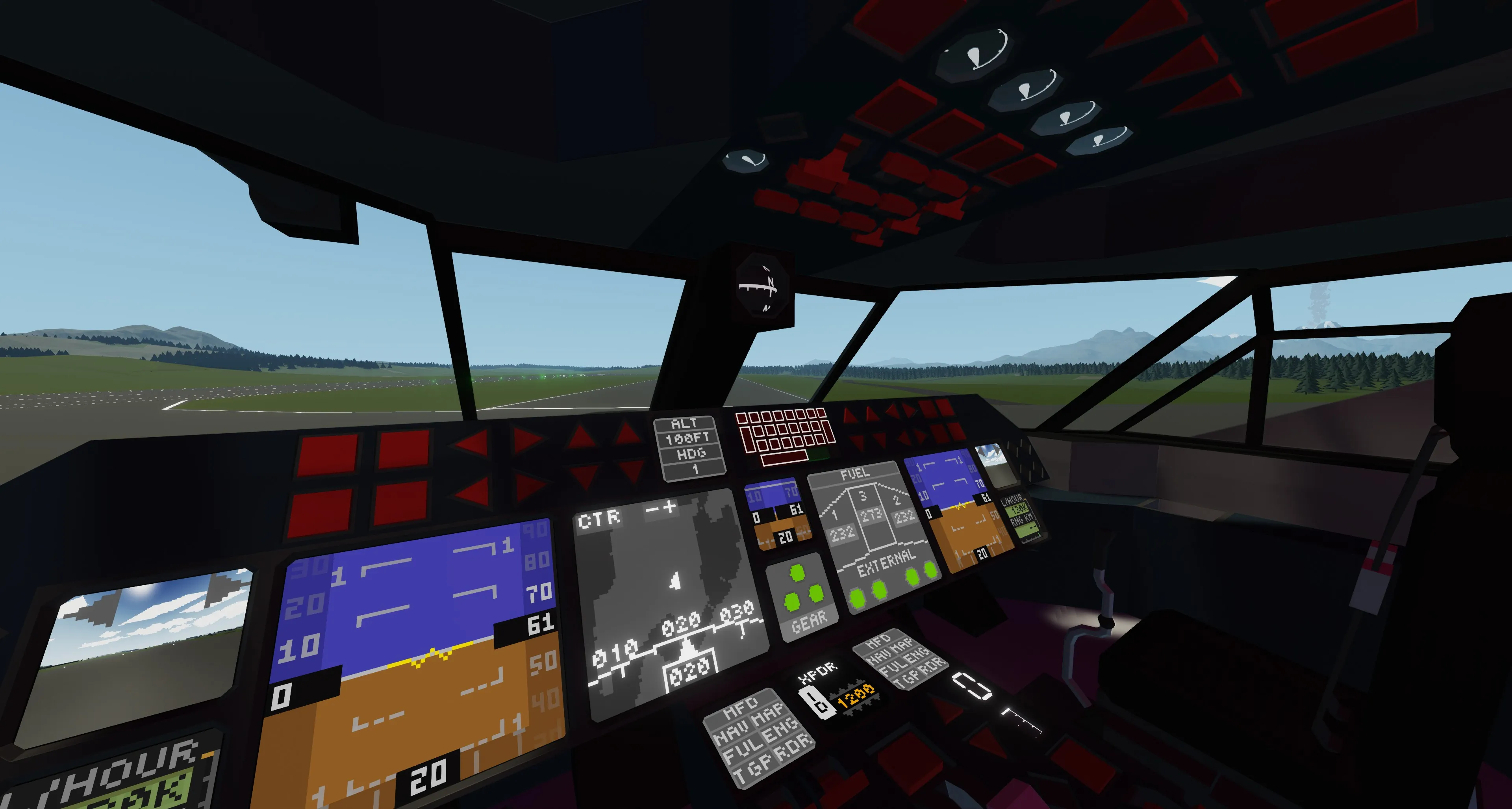
- PFD with artificial horizon
- MFD with 6 pages (Targeting Pod currently missing)
- Transponder for tracking by ATC
- In Air-Refueling capabilities (both refueling and beeing refueld)
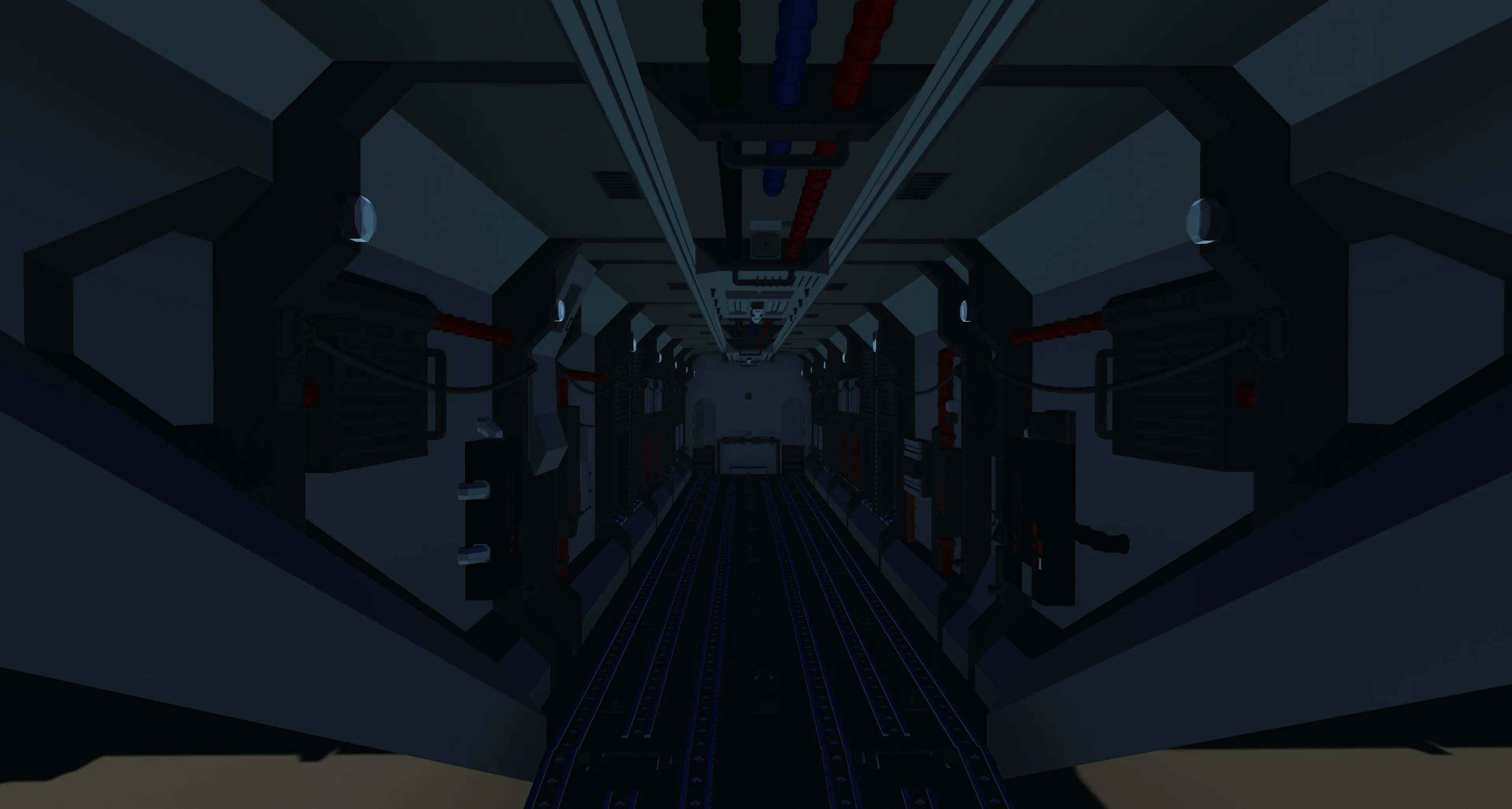
- Controllable crane in the cargo bay to move cargo around as well as load cargo
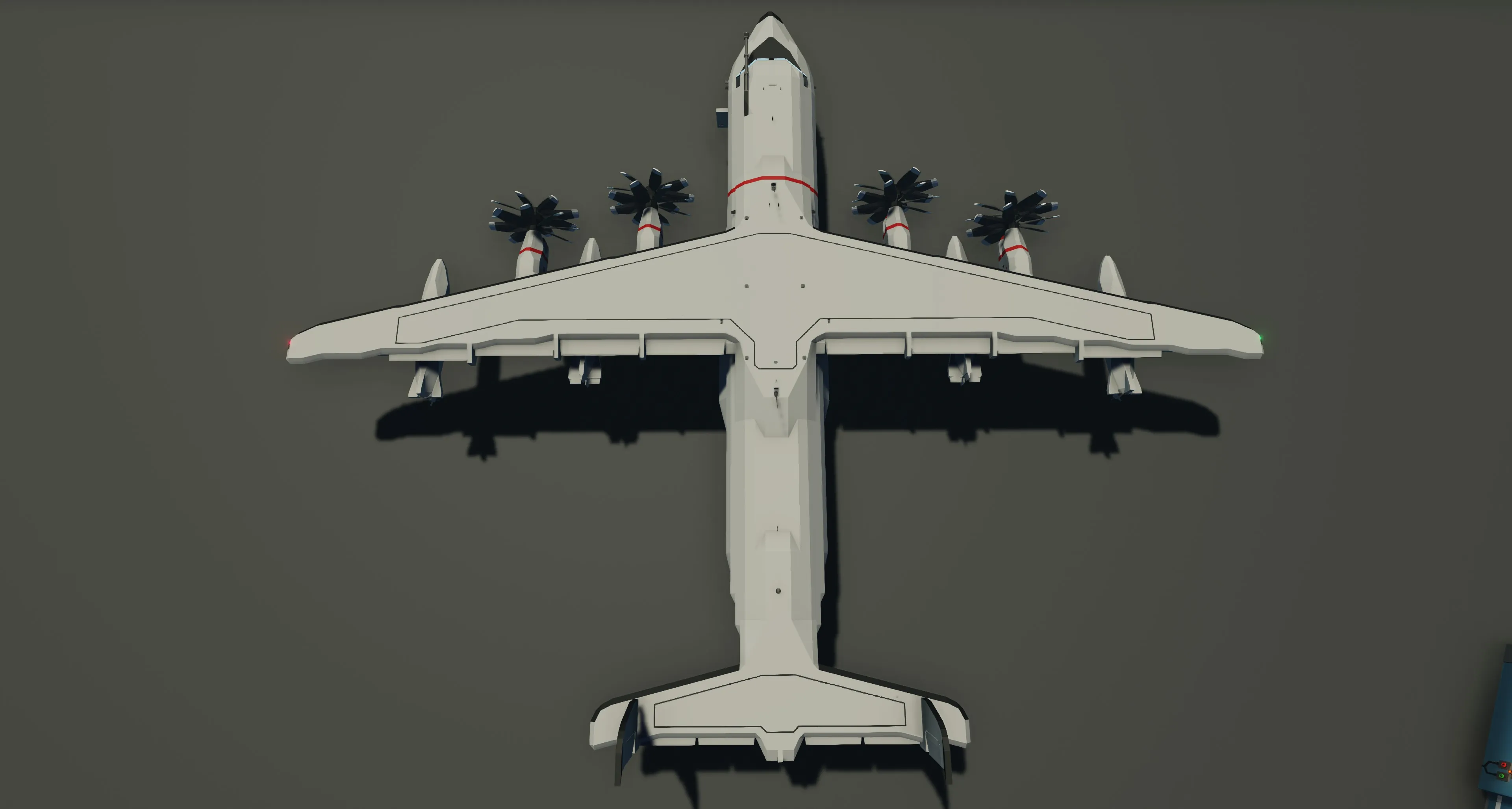
- 13 Blocks (3.25m) wide, 88 Blocks (22m) long and 15 Blocks (3.75m) high for maximum cargo capacity
- Short Take-off and landing (STOL) capabilities provided by 4 flaps settings
- Extensive interactivity trough the whole cockpit with an Overhead, Main and Autopilot-Panel
- Landing gear providing Nose-Gear steering
- Nose-Gear connector, compatible with UATC Standards
- UATC Towbar inclusive and usable with non UATC vehicles
- 4 Pylons on the wings for versatile Mission Loadouts
- Pylons output with 3 functions, which can be activated from the cockpit so attachments with multiple actions can be used
- Connectors for ground power and fuel in a hatch infront of left and right main gear
- 6 Cargo rails and a hardpoint row going trough the whole length of the plane to securely strap down cargo
- Navigator Seat in lower Nose (to be introduced in later Update)
- illuminable cargo bay with multiple light settings in red/white
- Various equipment inside the cargo bay

Startup Procedure
- Switch Cockpit Lights ON
- Switch Cockpit Backlight ON
- Switch Beacon Lights ON
- Switch MFD Switch ON
Lower Main Panel - Activate Engine Switch 1,2,3,4
- Check Turbine RPS over 2 with ENG (Engine Page) on MFD
Overhead Panel - Switch ACL ON
Night Operations - Switch Nav Lights ON
- Switch Landing Lights ON
Ready to Taxi - Set Prop Setting to 1
Main Panel - Check Fuel Quantity with FUL (Fuel Page) on MFD
- Check Arm/Disarm Spoilers OFF
- Switch Wheelbrakes ON
- Check Wheelbrakes ON Indicator OFF
- Check Positon with MAP (Map Page) on MFD
- Check NAV (Navigation Page) on MFD
PFD/MFD - Check PFD in Upright Position and Level
- Check Correct Heading Displayed on MFD
Important V-Speeds
- Vne: 220kts
- V1: 80kts
- Vs: 75kts
- Va: 140kts
- Vle: 110kts
Also compatible with my new AeroBox Lineup with various pallets,containers and watertanks!
DO NOT RE-UPLOAD THIS OR ANY OF MY CREATIONS WITHOUT PERMISSION
PFD by Anonymous Sandwich
MFD by jbaker96
HUD by Whack_AL
Consumption Screen by krimwand
Radar by FN-20
Radio System by Zizo
Transponder by PenguinO
Notes
Due to Stormworks physics:
- The rear ramp is only operable with speeds below 140 knots.
- The gear sometimes wont completley retract. In this case, extend and retract it multiple times, until you see 3 greens on the gear indicator
- At speeds above 170 knots you can experience elevator flutter