※I fixed the issue where the right monitor was not inverted. I thought I fixed it, but I'm sorry if it wasn't fixed.
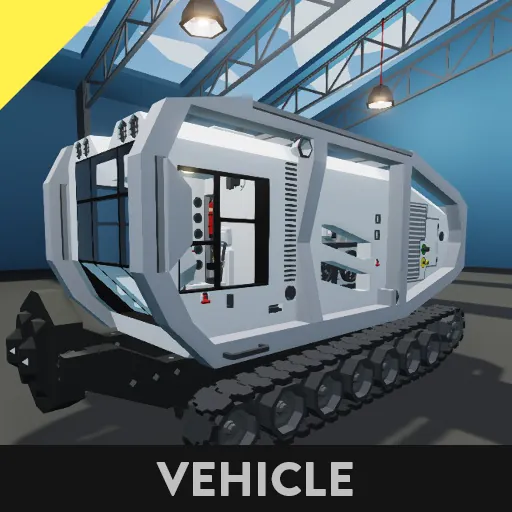
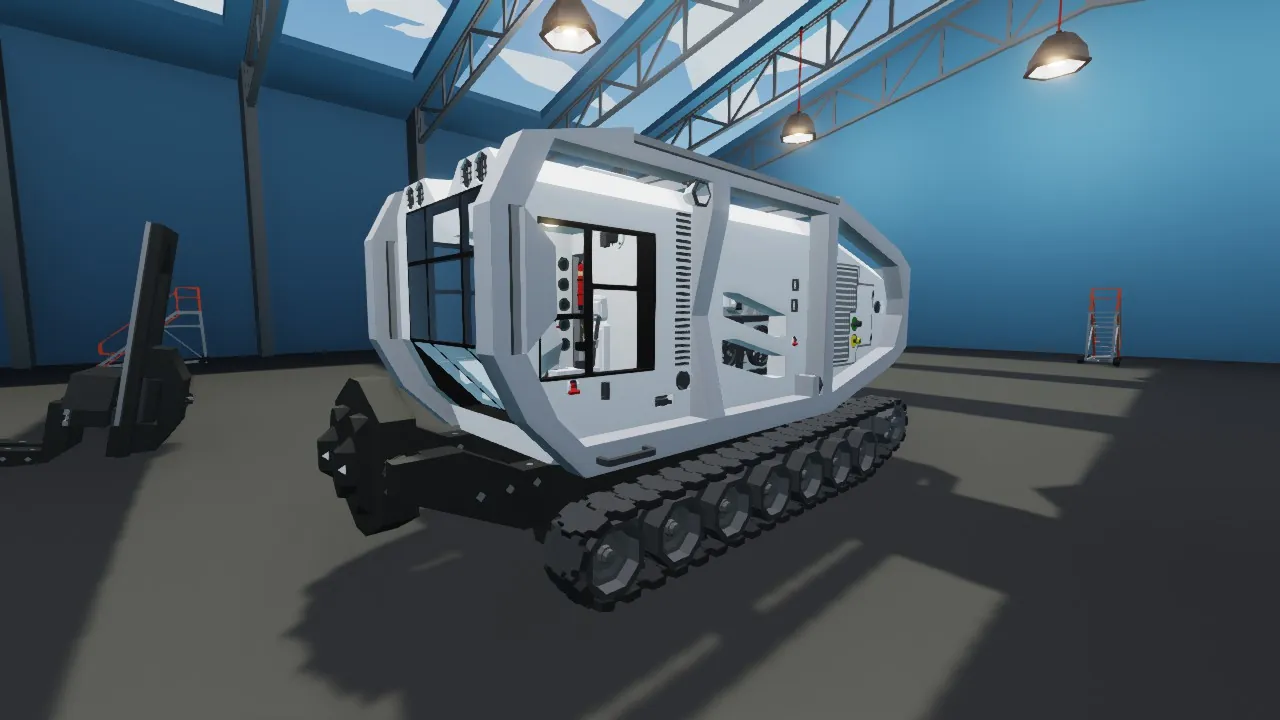
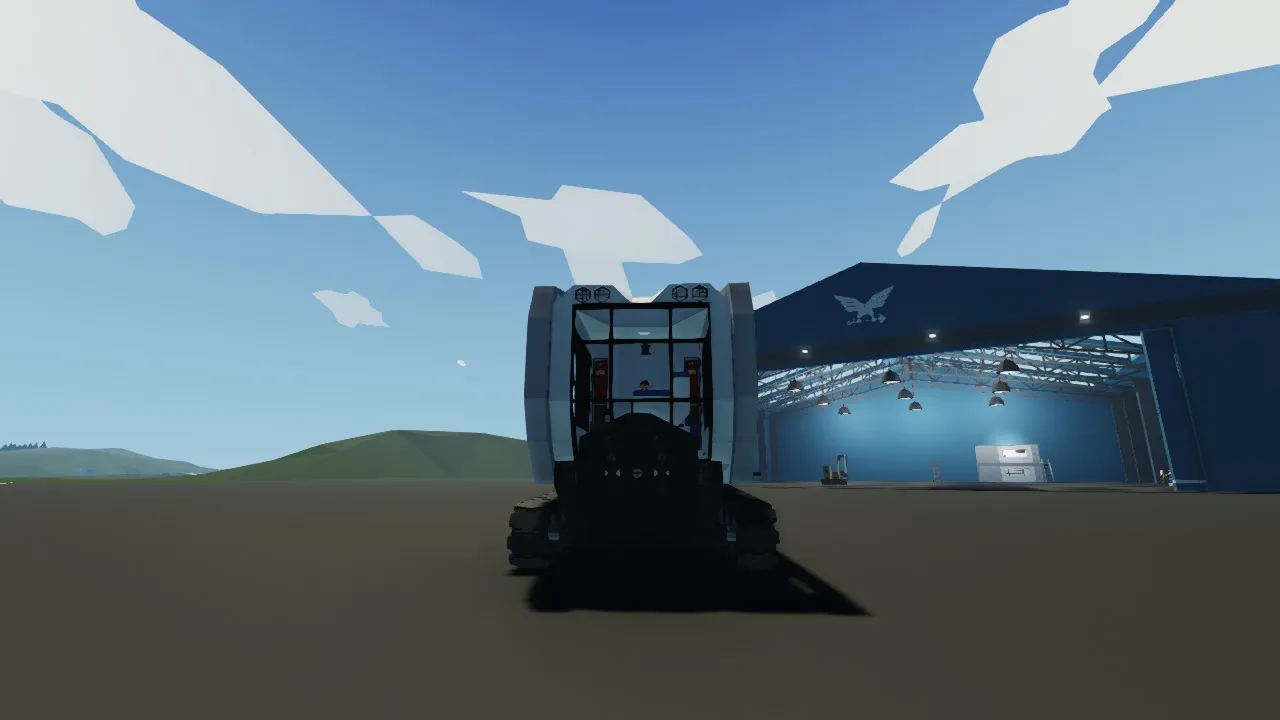
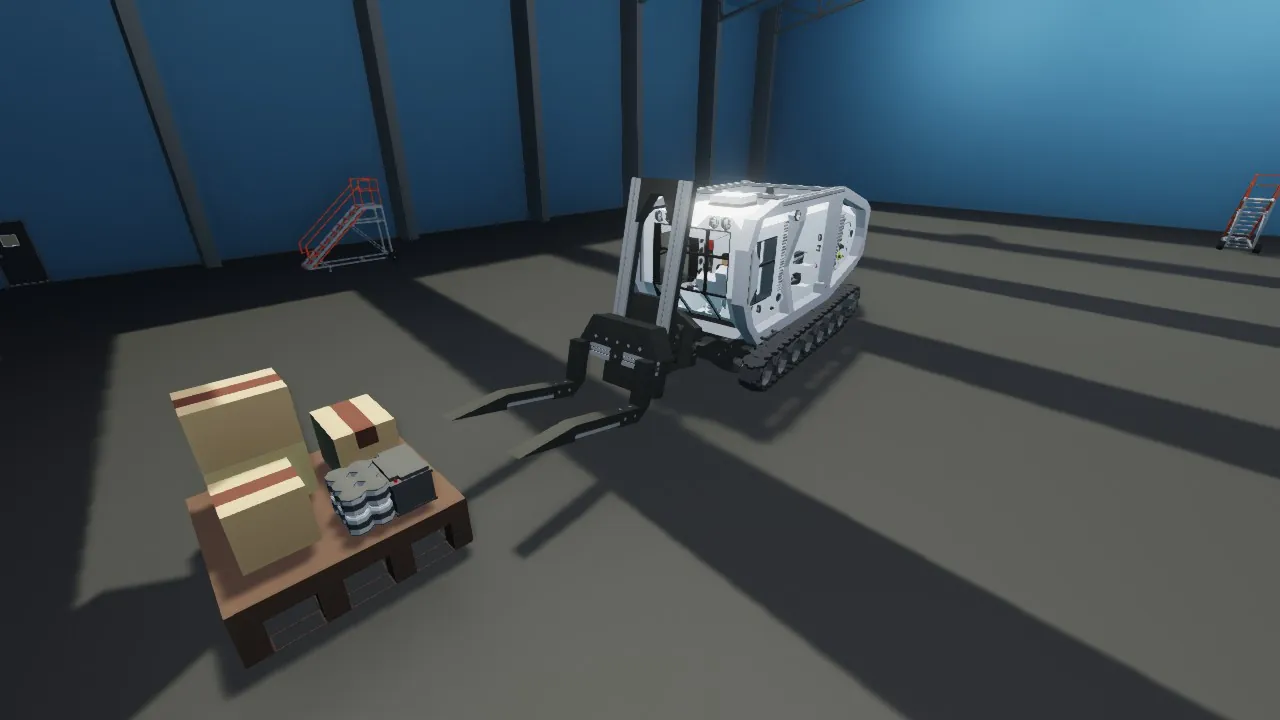
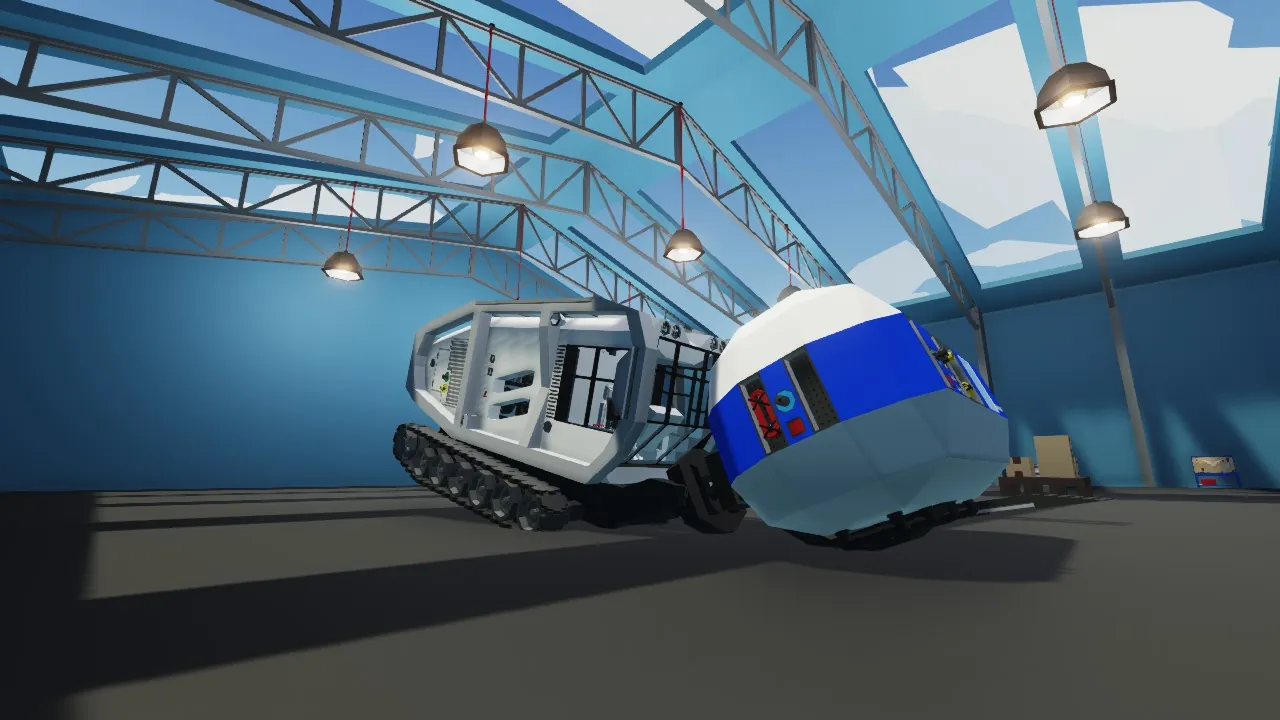
This vehicle is a replica of the vehicle that appears in Road craft. However, although it is originally a vehicle for cutting tree stumps, Stormworks does not have tree stumps, so it became a vehicle with an attachment system.
-Vehicle description-
AD: Steering
WS: Acceleration (Brake)
Spacebar: Brake (Parking Brake)
Hotkey 1: Reverse (R)
Hotkey 2: Rollover Recovery Device
Hotkey 3: Pivot Turn Switch
-How to make a super-spin turn-
This vehicle cannot perform super sharp turns as is.
So if you press hotkey 3, then A or D, and then W, it will turn in place. Originally, I wanted to be able to turn just by pressing A or D at low speeds, but I don't have the technical skills to implement it. (If anyone can do it, please let me know in the comments or something...)
-Monitor description-
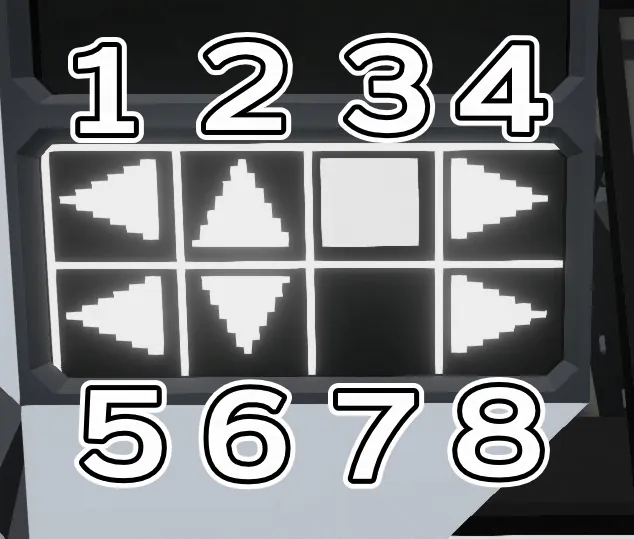
There should be seven buttons displayed on the monitor.
You can freely assign any of the seven buttons except for the up and down buttons.
The monitor's button settings, from left to right when you are in the driver's seat, should be 1, 2, 3, 4, 5, .... 2 and 6 are up and down, so we would appreciate it if you could assign anything else to them.
The up and down buttons are the buttons that rotate the front part where the attachment connects.
※It seems that the explanatory image for the panel cannot be included here...so it is in the slide section.
Finally... you are free to modify this vehicle as you wish. Also, this vehicle is currently in a state where it can barely lift 1400 squares (container). So it is best to lift something less than that weight. Furthermore, you are free to modify this vehicle as you wish.
Have a good Stormworks life!
※右側のモニターが反転してない問題を直しました。直したはずですが直ってなかったらすみません。
この車はRoad craftに出てくる車両を再現した形となってます。ただ本来は切り株を削る車両ですが、ストームワークスでは切り株が無いのでアタッチメント方式システムの車両になりました。
-車両の説明-
AD:ステアリング
WS:アクセル(ブレーキ)
スペースキー:ブレーキ(サイドブレーキ)
ホットキー1:リバース(R)
ホットキー2:横転復帰装置
ホットキー3:超信地旋回スイッチ
-超信地旋回の仕方-
この車両はそのままでは超信地旋回ができません。
なのでホットキー3を押し、AかDを押し、Wを押すとその場で回ります。本来は低速域でAかDを押すだけで旋回させたかったのですが、技術が無く実装できてません。(できる方いたらコメントか何かで教えて下せえ...)
-モニターの説明-
モニターには7個のボタンが表示されているはずです。
7個のボタンは上下ボタン以外は自由に割り振って構いません。
モニターのボタン設定は運転席に乗って左側から1,2,3,4,5,...となっているはずです。2,6が上下になっているのでそれ以外を割り振っていただけると幸いです。
上下ボタンはアタッチメントを接続する前部分が回転するボタンとなってます。
※パネルの説明画像はここでは入らないらしい....のでスライド部分にあります。
最後に...この車両は改造等自由にお使いいただけます。又この車両、1400マス(コンテナ)はギリギリで持ち上がるかな?という状態です。なのでそれ以下の重さで持ちあげるのがベストです。更にこの車両は自由に改造等していただいて構いません。
それでは良きストームワークスライフを!