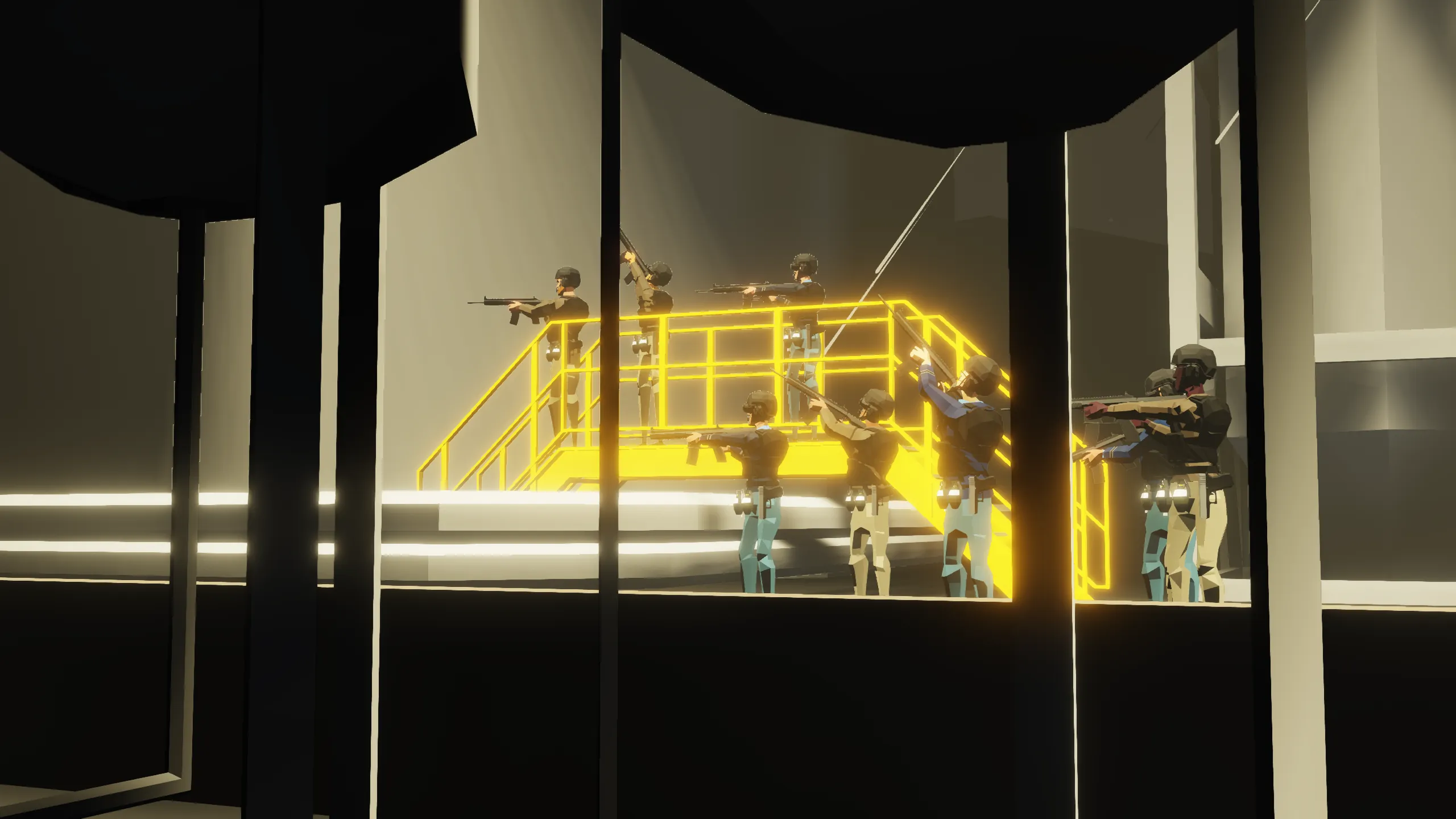
[AD11] Photoshoot Character Spawner
Originally posted by [b]ArcherDude11[/b]:
IMPORTANT NOTE!
During [i]seasonal events[/i] (Halloween, Winter Holidays, etc.), the appearance of in-game characters is hard-coded to match the themes of these special events. This is especially important to anyone who [i]modifies the scene.xml file[/i] to customize character appearances, as your changes may be [b][u]OVERRIDDEN OR IGNORED[/u][/b] partially or fully by this limitation!
Overview
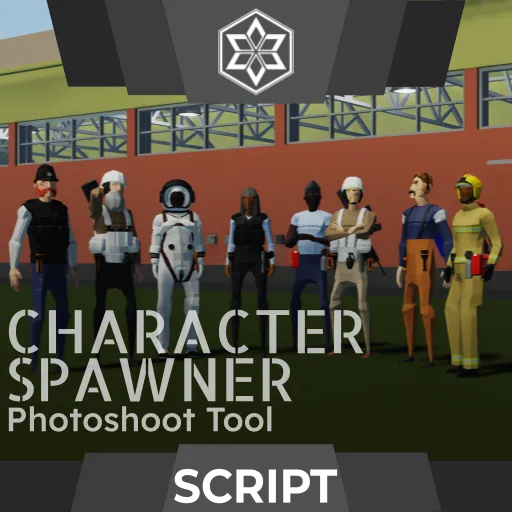
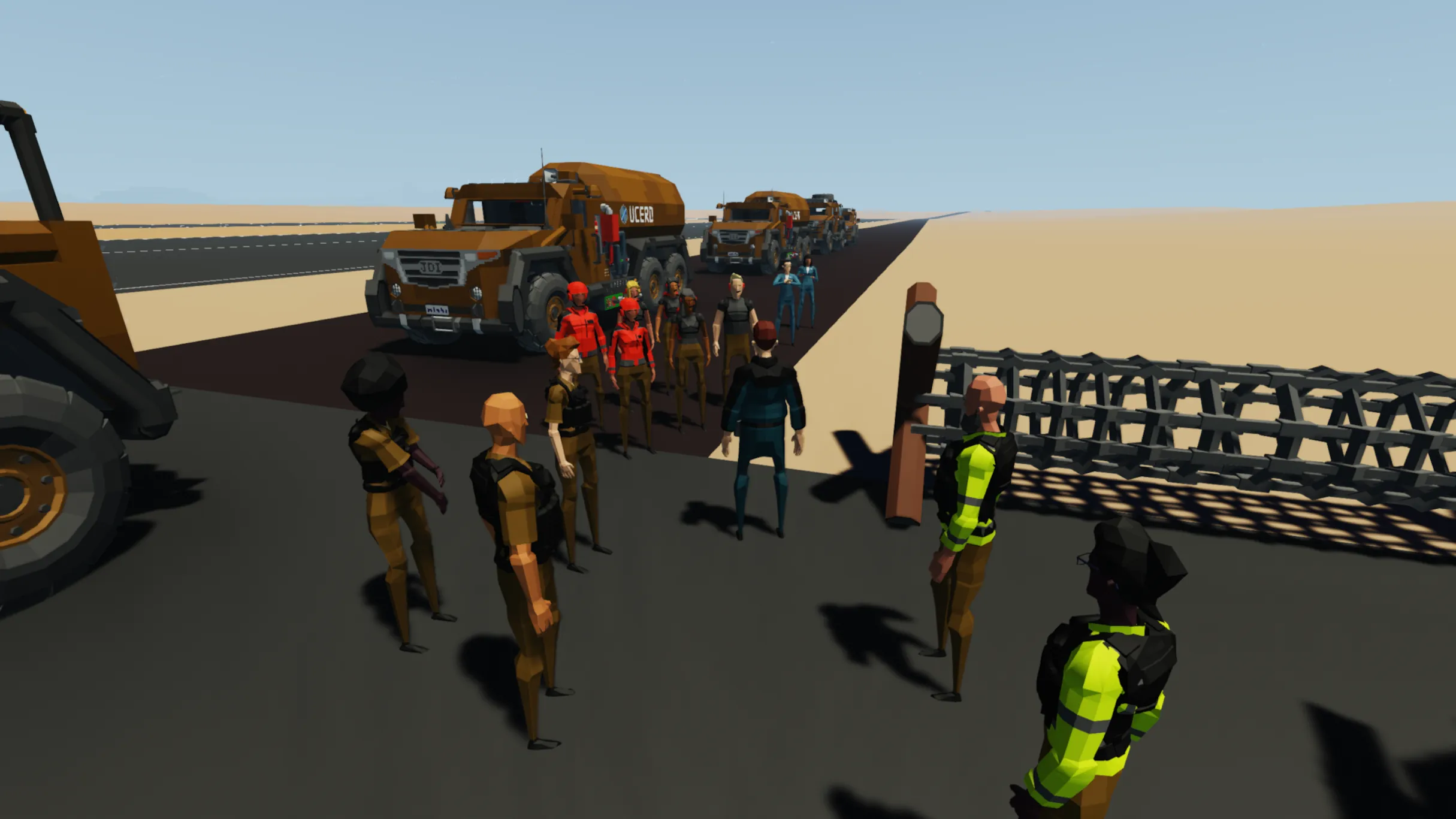
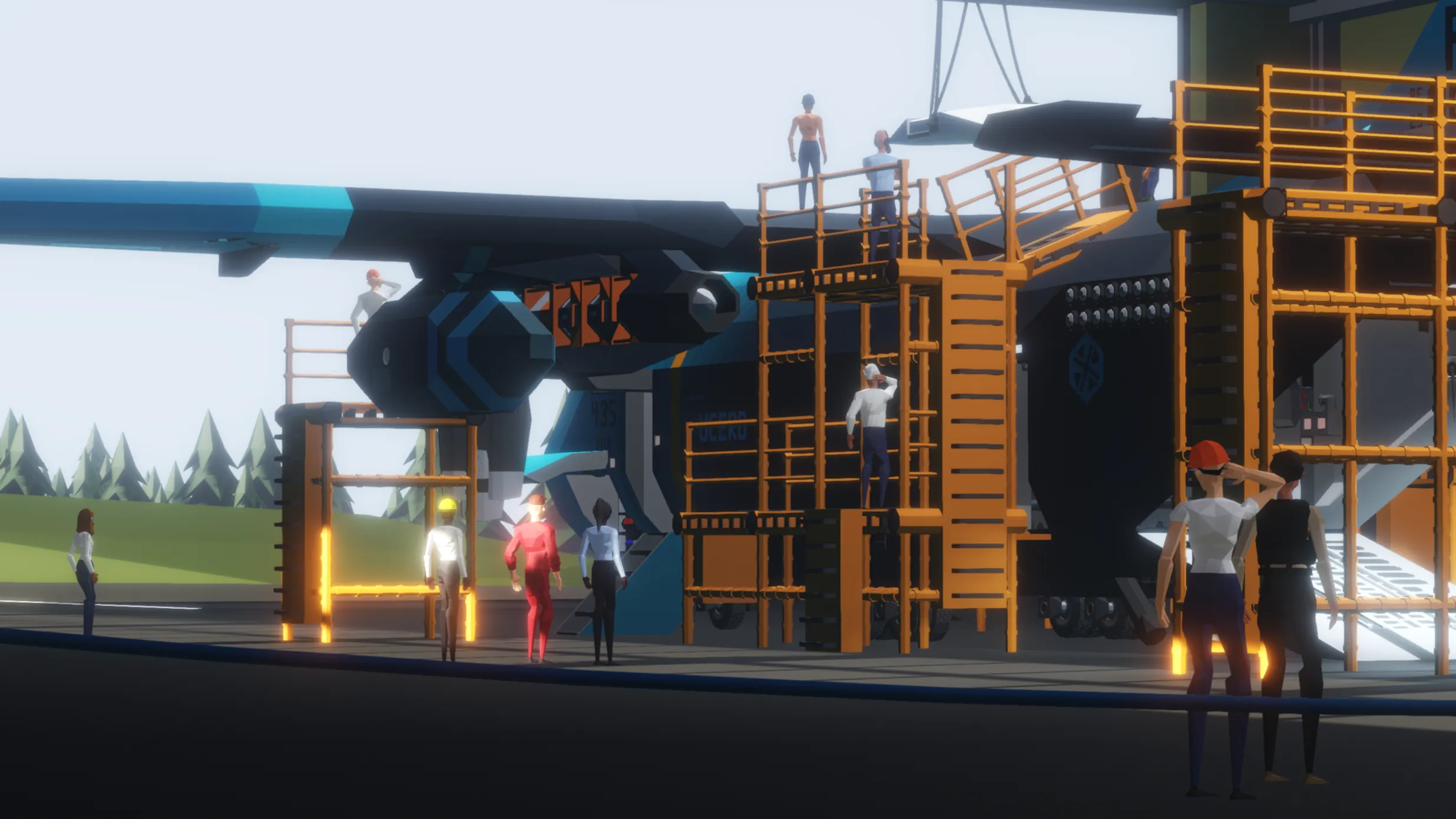
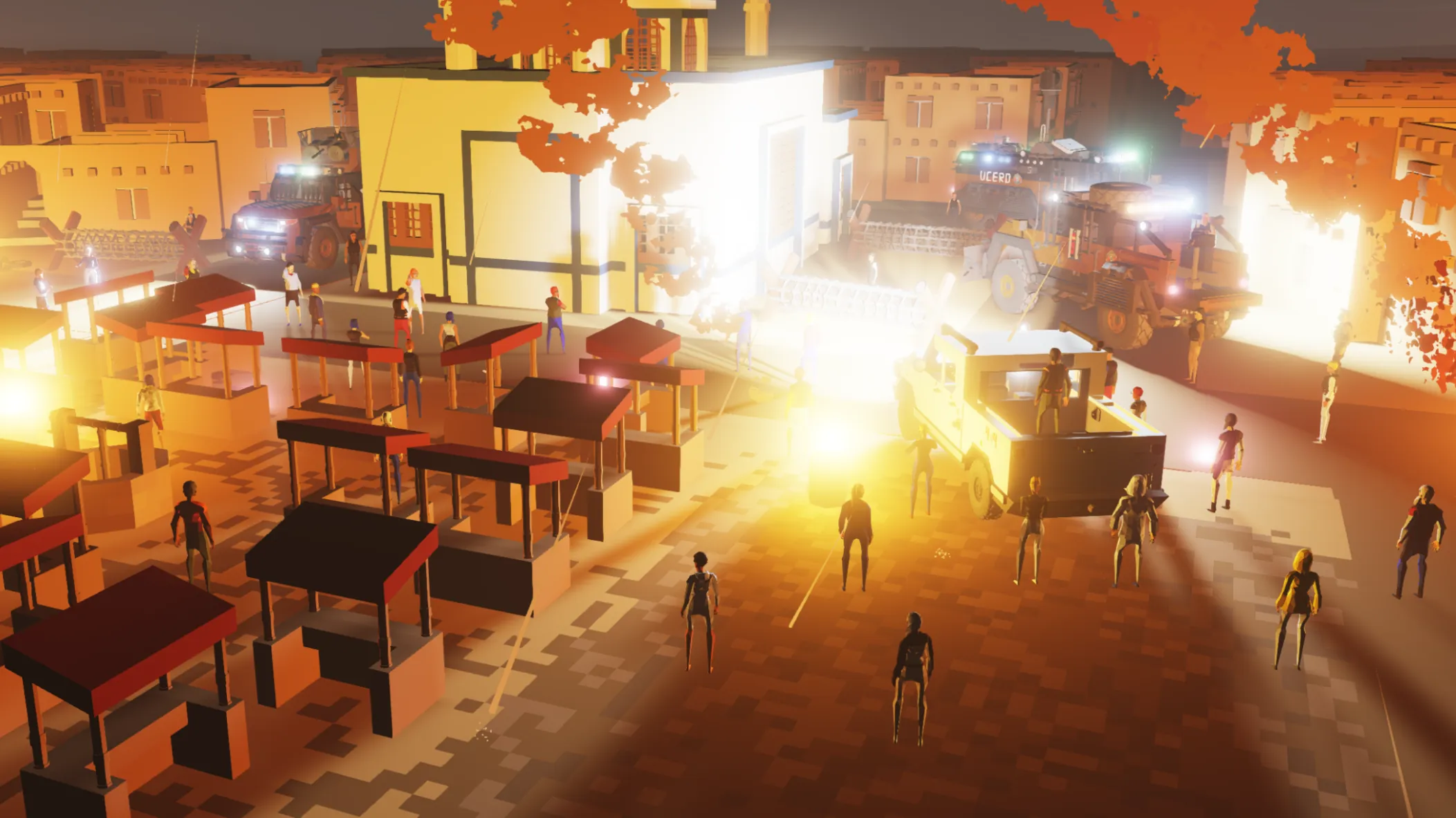
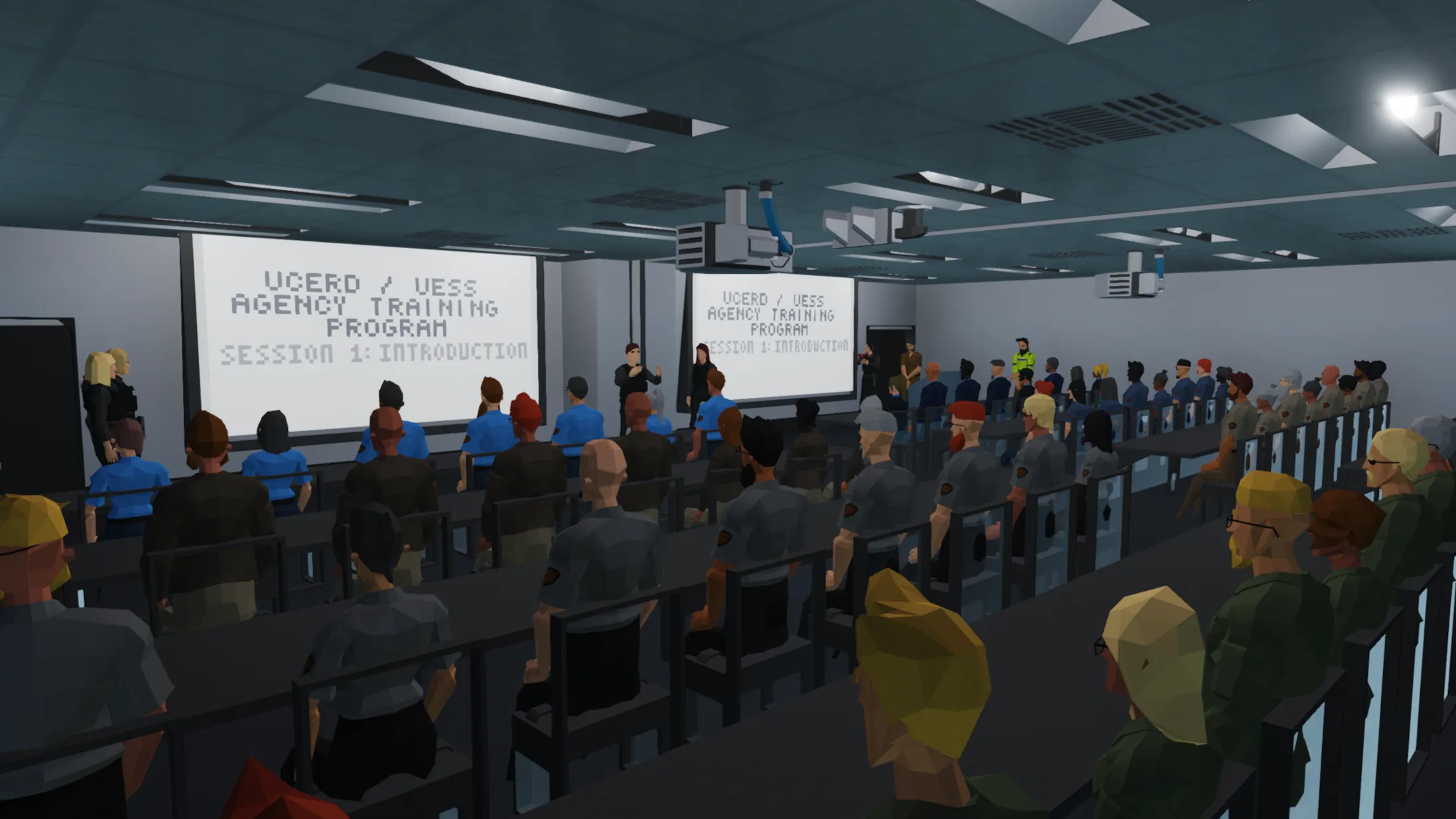
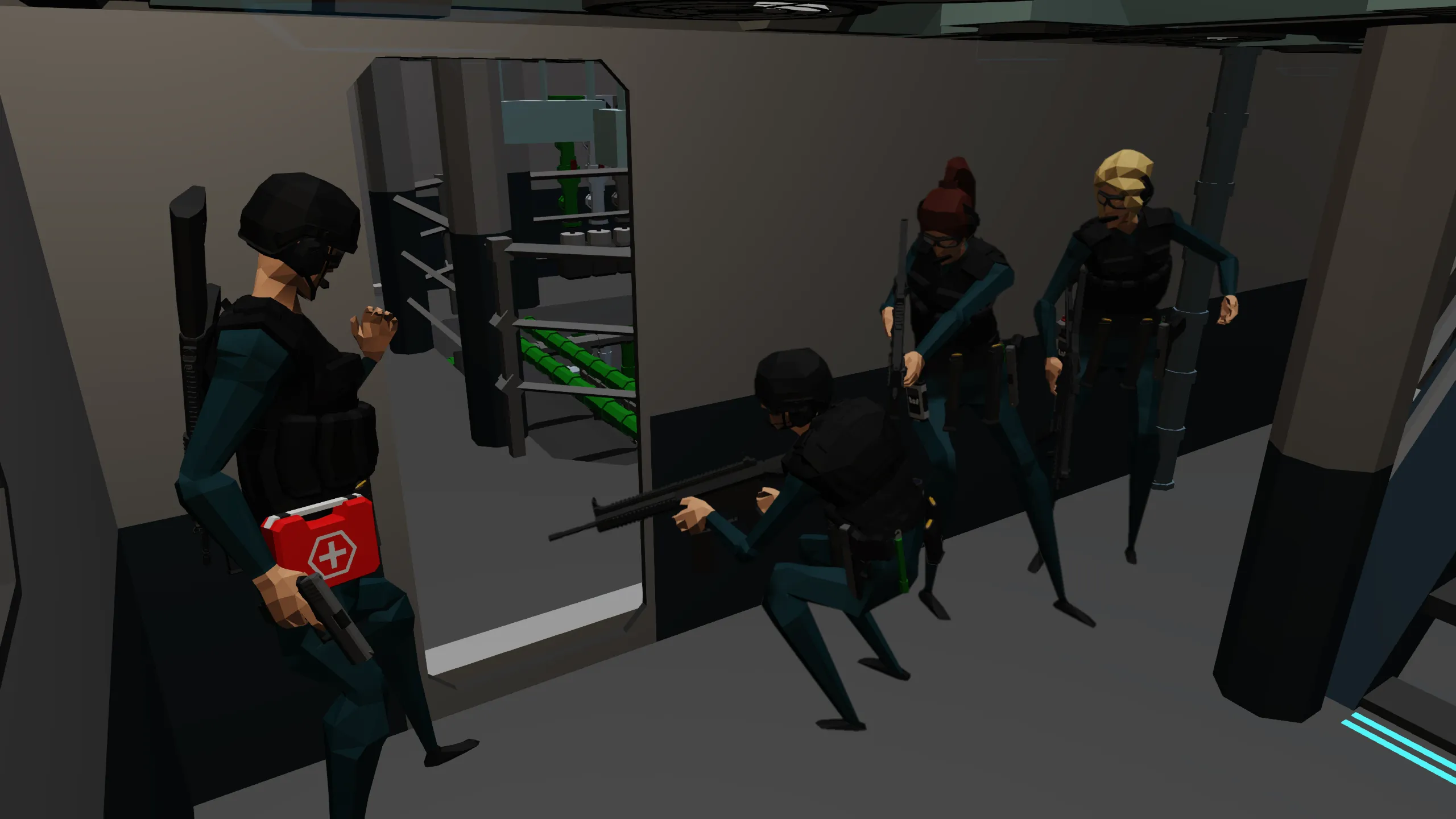
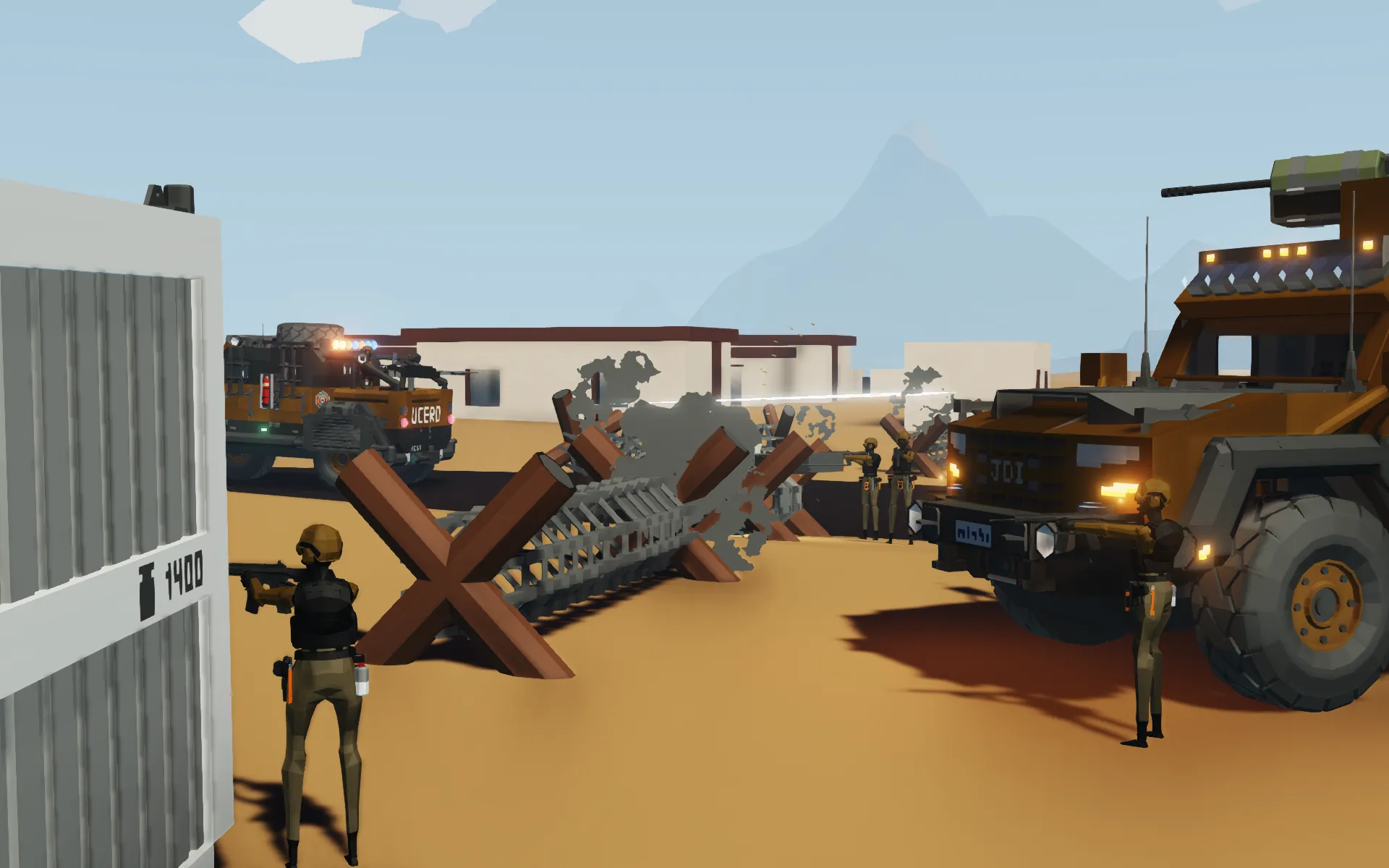
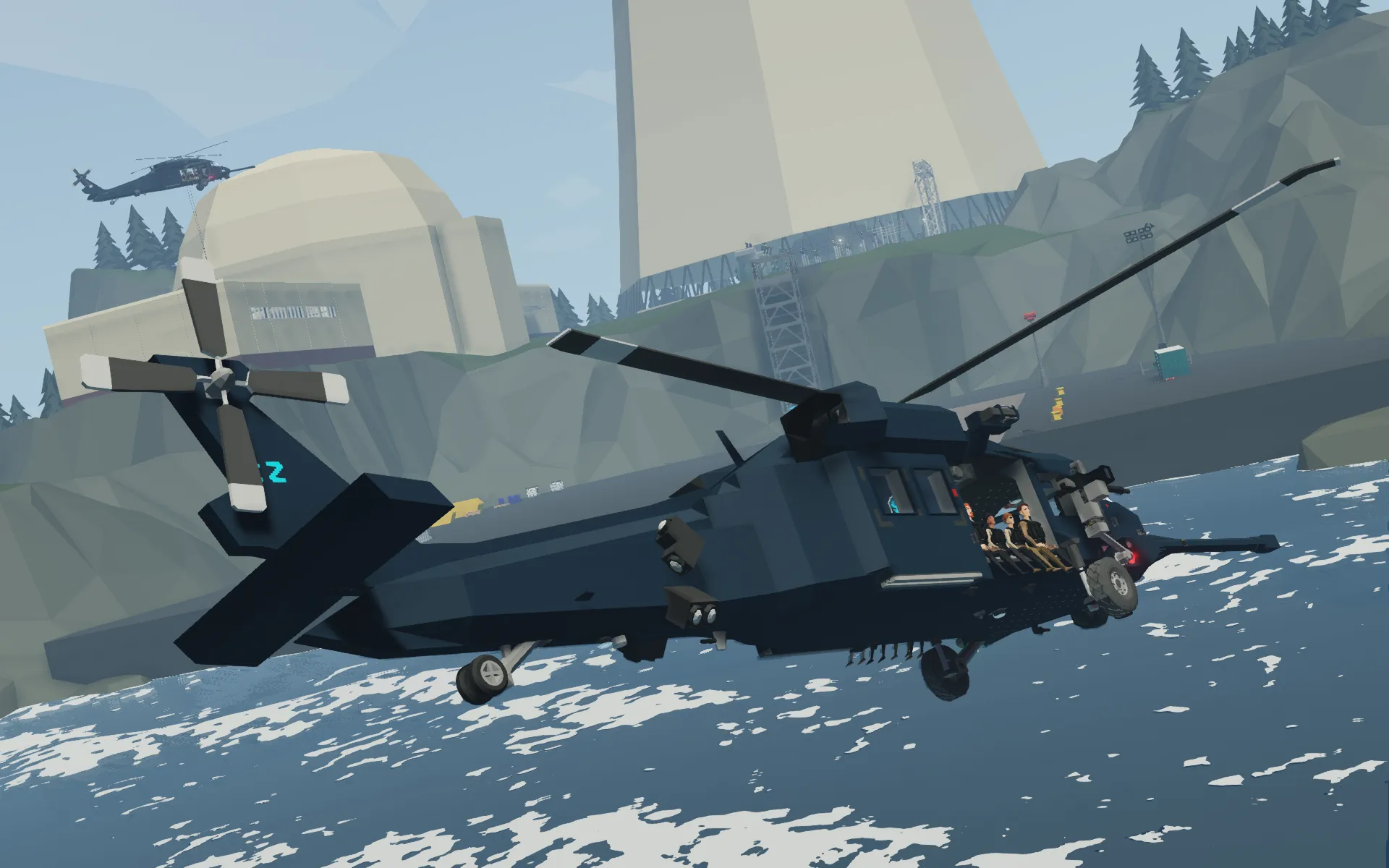
ArcherDude11's Character Spawner (ADCS) is a very accessible utility that allows photographers and players the ability to spawn and manipulate basic characters without requiring the player to consistently run mission tests. The addon was something I created a while ago, back when I was taking long strides in my creative photographic storytelling phase and when we didn't have any means to render characters in Blender.
Features
[list]
[*] Characters and their IDs are tracked within the addon through g_savedata, and the list of active characters can be displayed at any time using the command [b]?adcs list[/b]. Players with admin privileges can clear g_savedata for troubleshooting purposes.
[*] Characters can be spawned with clothing style presets! (the pre-existing NPC configurations native to the game)
[*] When spawned, characters show their object ID on the tooltip, helpful when invoking commands on a specific character
[*] Characters have inventory modification support! Use [b]?adcs help inventory[/b] to learn more,
[*] For easier scene setup, characters can be teleported to specific world coordinates or the player's location!
[*] Characters can be despawned individually or all at once!
[/list]
How to Use
[list]
[*] Enable addon from the new save menu - no dependencies or de-conflicts required!
[*] [u]Permission level for ADCS commands is set in the new save menu, but does not affect ADCS Admin-only commands.[/u] Type [b]?adcs help[/b] in the game console to list the supported commands and syntax arguments.
[*] [b]Want to give your characters custom appearances?[/b] All of the characters spawned with the addon exist in the save's [i]scene.xml[/i] file, and all of the tags and attributes match the syntax for player appearances, so hit the wardrobe and style yourself up, then save the game and copy that data to the character's data! [b]If that seems too confusing or unsafe to you[/b], I'm going to post a guide eventually that covers the basics of how to do those steps, so you'll just have to wait until then!
[/list]
Attribution
Originally posted by [b]ArcherDude11[/b]:
[list]
[*] You may [b][u]not[/u][/b] re-upload any item created by me, ArcherDude11, to the workshop in an "as-is" state.
[*] You must [b][u]ask for my permission[/u][/b] before re-uploading a derived version of any item created by me, ArcherDude11.
[*] You must [b][u]credit the original item[/u][/b] after being given permission to upload a derivation to the workshop.
[/list]