RADARO RL40e | Realistic Automatic Transmission
RADARO RL40e | Realistic 4-Speed Automatic Transmission Controller
[b]RADARO: The Standard of Sawyer[/b]
[hr]
Overview
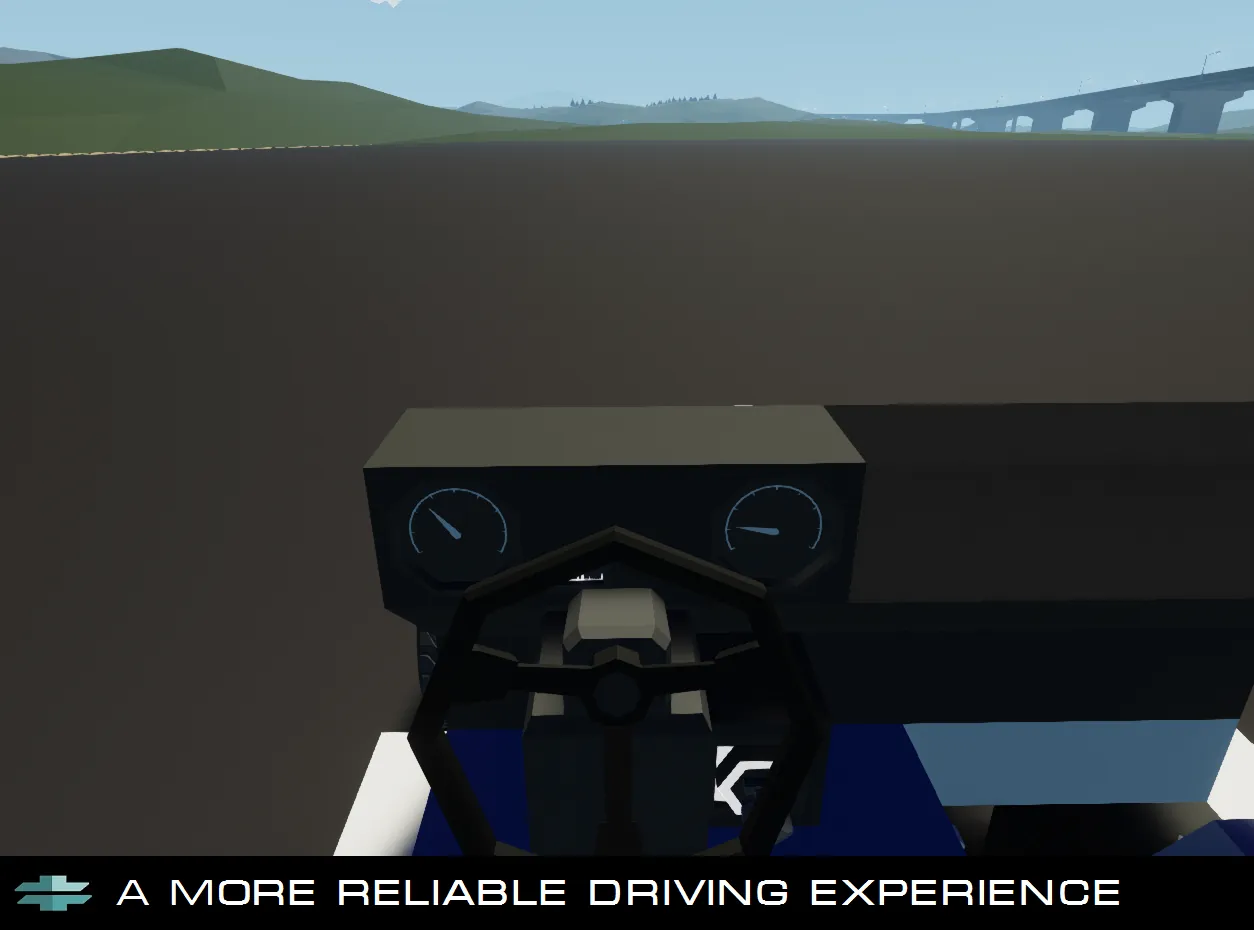
The [b]RL40e[/b] controller is a high-performance controller build for creators who who demand realism and reliability. It bridges the gap between basic threshold-based gearbox controllers and highly complex scripts to bring a well-tuned and versatile transmission.
Key Features
[list]
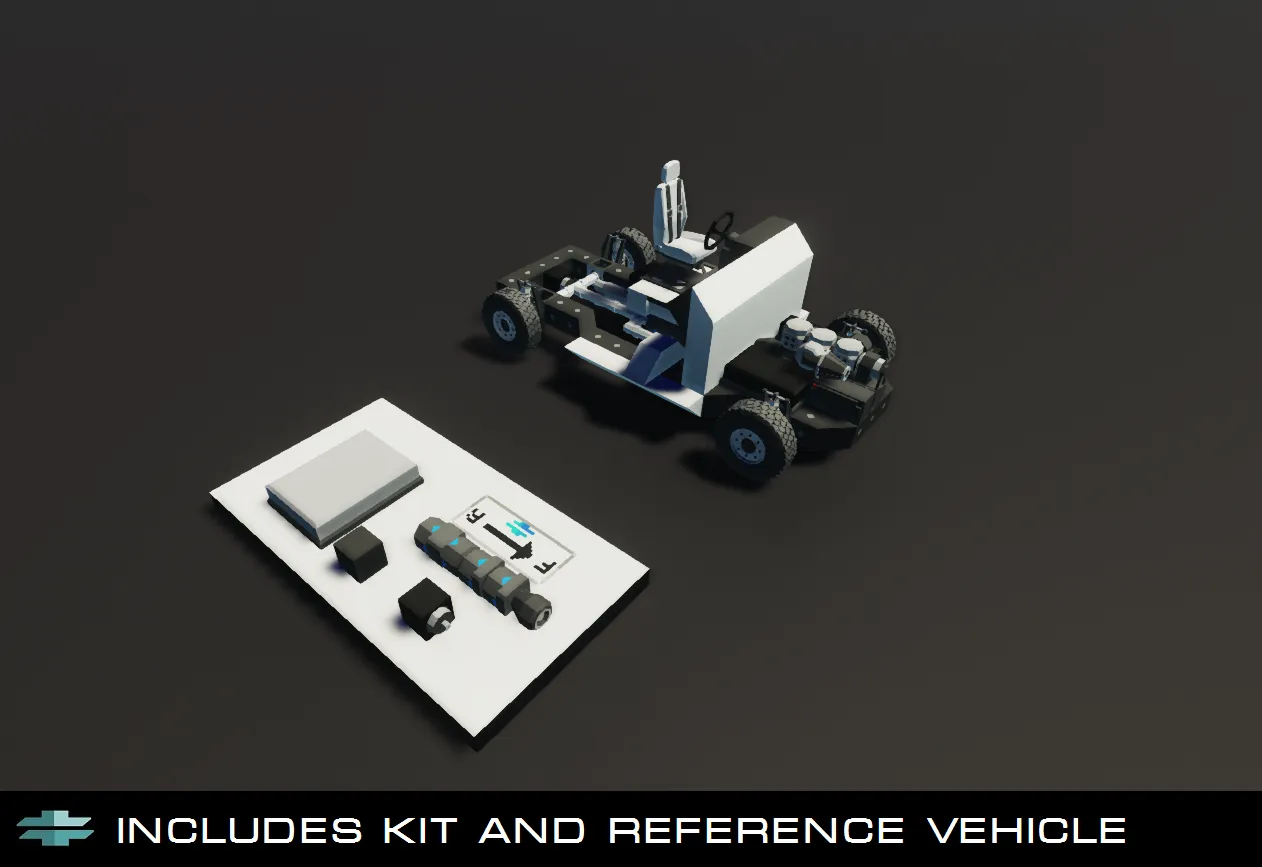
[*] [b]Includes Demo Testing Vehicle[/b]
[*] [b]Adaptive Kickdown:[/b] Automatic downshifting under high throttle, optimal for overtaking.
[*] [b]Torque Converter Lockup:[/b] Adding to efficiency as well as realism, the clutch will lock when at high speed and when throttle is low, for 100% efficiency.
[*] [b]Anti-Hunt Logic:[/b] Prevents rapid gear cycling on steep inclines, or high load scenarios.
[*] [b]High Overdrive (0.66:1): [/b]Allows for high-speed cruising at low engine RPS to prevent fuel consumption and engine overheating.
[*] [b]Tunable Shift-Points and Torque Converter: [/b]Gives builders the ability to change when the transmission decides to upshift, and at what RPS the torque converter will lock during high throttle, allowing for great flexibility for creators.
[/list]
[hr]
Technical Specs
[b]Gear 1:[/b] 3.0:1 (Heavy Launch)
[b]Gear 2:[/b] 1.5:1 (Acceleration)
[b]Gear 3:[/b] 1.0:1 (Direct Drive / Lockup)
[b]Gear 4:[/b] 0.66:1 (Overdrive)
Installation Guide
[list]
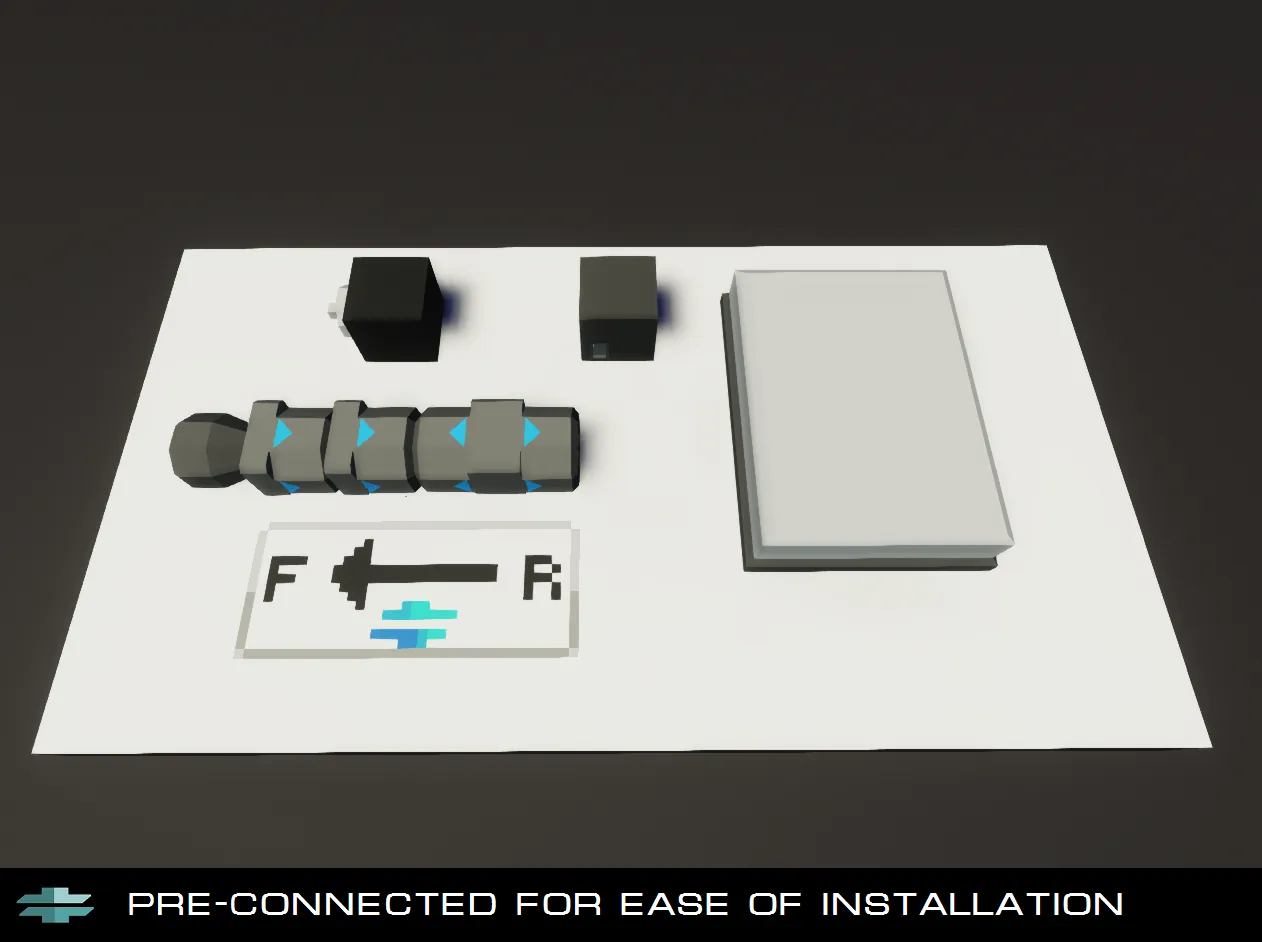
[*] Connect the THROTTLE node to your vehicle's throttle. This can be a driver seat W/S axis. It's recommended that the sensitivity is set to 20%<
[*] Connect the RPS node to your engine's RPS output.
[*] Connect the UP SHIFT and DOWN SHIFT nodes to the hotkeys, or buttons you will use to shift into gear.
Note: If you use a Driver Seat's hotkeys, ensure they are set to Push, not Toggle.
[*] Connect the Parking Brake node to your vehicle's Brake nodes.
[/list]
[i] This controller is free to use an any creation. Just be sure to credit me when submitting to the Workshop [/i]