The highly advanced monitor system for the Simple Nuclear Reactor Microcontroller.
My goal:
My goal as a solo developer is to transform the “Simple Nuclear Reactor Microcontroller” into a structured and scalable control and display system.
The focus is clarity, effeciency, and multiple display modes to support different user preferences and complexity levels.
One of my main points of focus is optimizing the controller to minimize lag, and i will rather spend a little extra time and maybe risk a delay, than to have a really laggy microcontroller.
Development is iterative and feature-driven. The objective is long-term stability and usability rather than short-term quick updates.
Thank you for using the controller!
Needs:
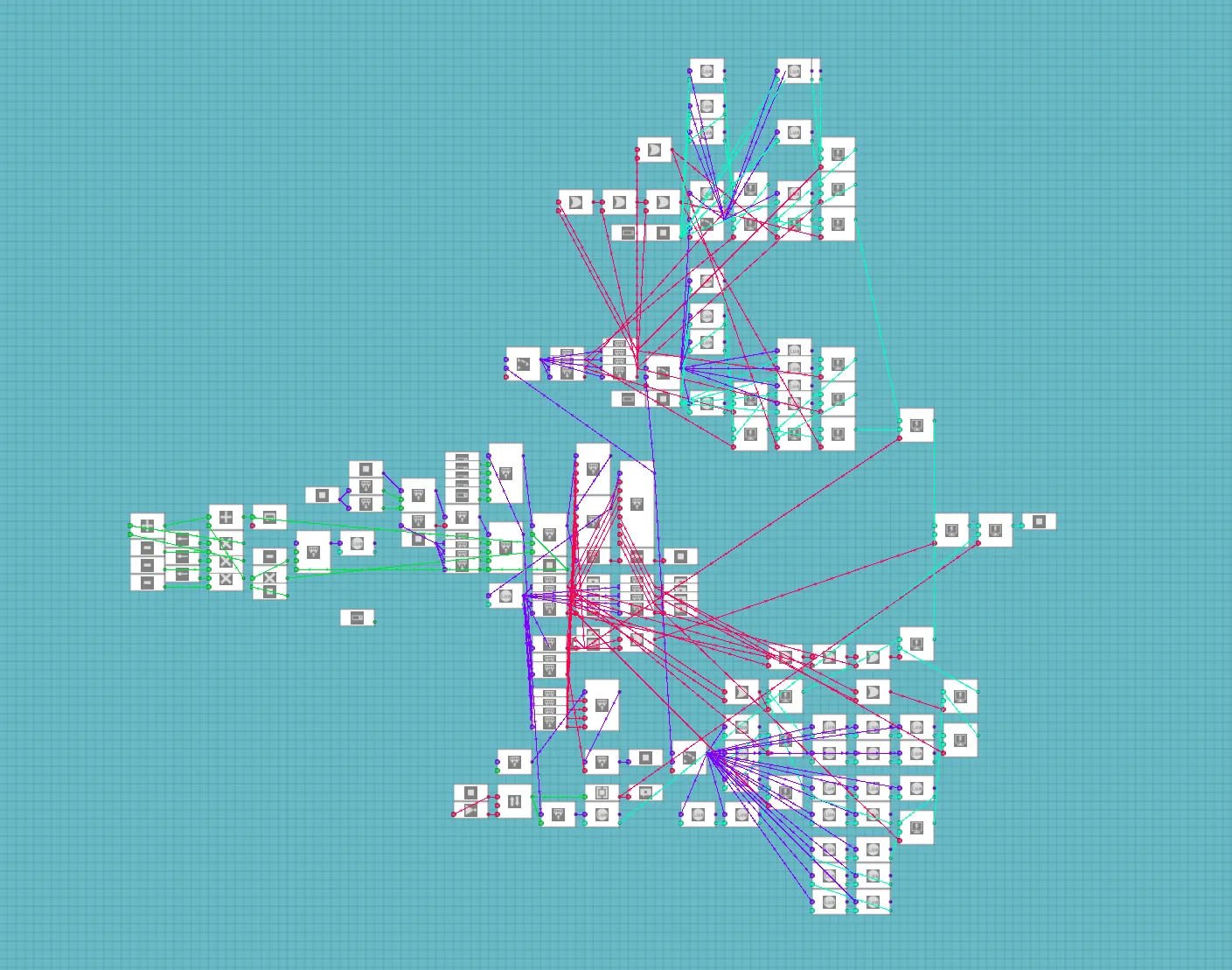
This Microcontroller needs some of my other microcontrollers to work, so make sure you have them installed!
1. Simple Nuclear Reactor Microcontroller (The Main Controller) - https://steamcommunity.com/workshop/filedetails/?id=3652304413
2. Extra Information - Makes the design more compact, but a little harder to set up (Not noticable) - https://steamcommunity.com/workshop/filedetails/?id=3680644537
3. Monitor Control - Gives you the ability to have multiple monitors controlling the same reactor - https://steamcommunity.com/sharedfiles/filedetails/?id=3697091444
Attention:
Unfortunately, it is not possible (to my knowledge, and the current build) to have multiple microcontrollers control the main microcontroller.
This means only one monitor can send control input to the main module. However, all displays and camera feeds will still function normally.
Note:
As seen in the "Needs" section, i'm working on a system that makes this possible.
Features:
Once connected, you can choose between every monitor size in the game. The microcontroller automatically selects the right display size. Smaller monitors show only the most critical information, while larger monitors provide full detail.
The microcontroller has an ON/OFF output that blinks when an alarm activates. You can connect this to a buzzer as a fun "cosmetic" feature.
Cams:
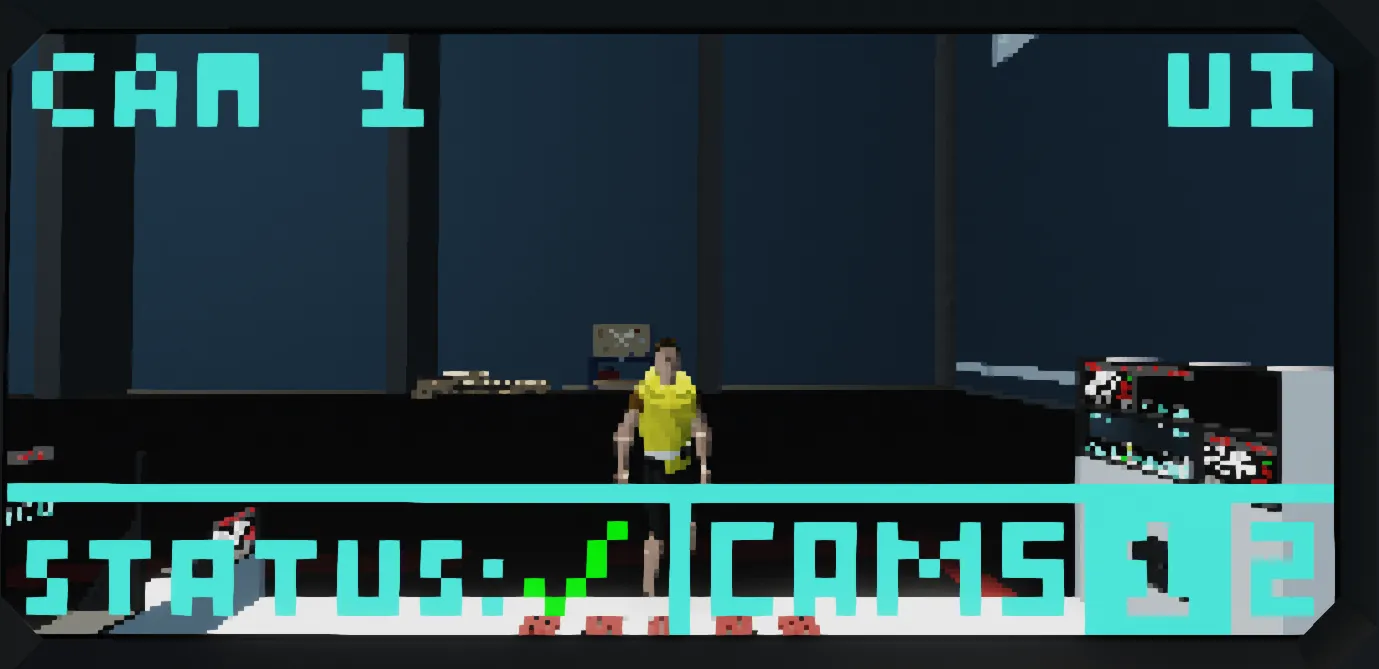
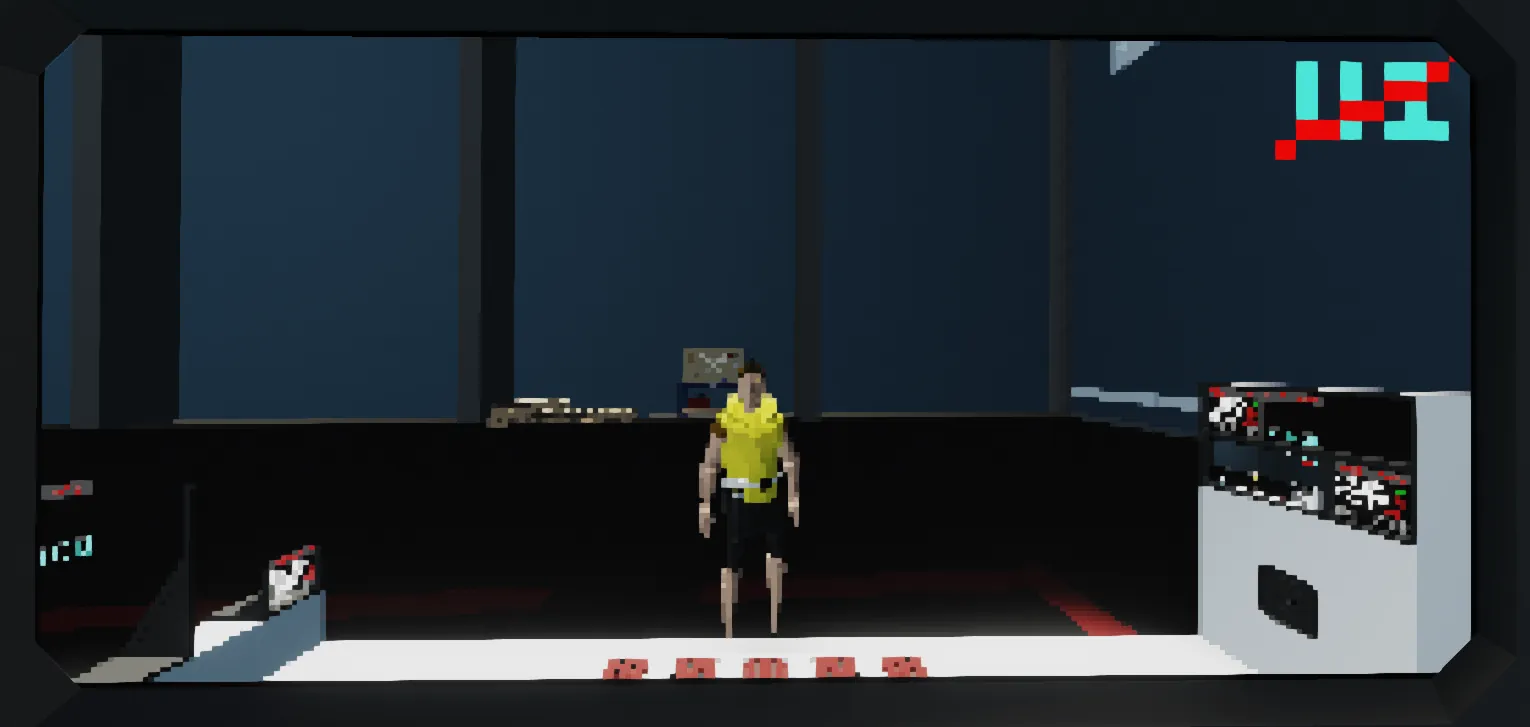
The microcontroller includes camera support, so you can monitor up to two locations on your reactor.
I personally like to place one camera inside the section where the control rods are located, just to make sure everything is running properly.
If you're only using a single reactor and don’t need two angles of the same area, I recommend placing the second camera near the boiler or generator section instead.
And if you're using multiple, i recommend using that same amount of seperate systems.
Seperate systems is Main module, monitor addon, Monitor information addon and so on.
When selecting the microcontroller in build mode, you can fully customize the camera feed names to match your setup.
By default, the feeds are labeled Cam 1 and Cam 2, but they can easily be renamed to suit your configuration.
Monitor sizes and their displayed info:
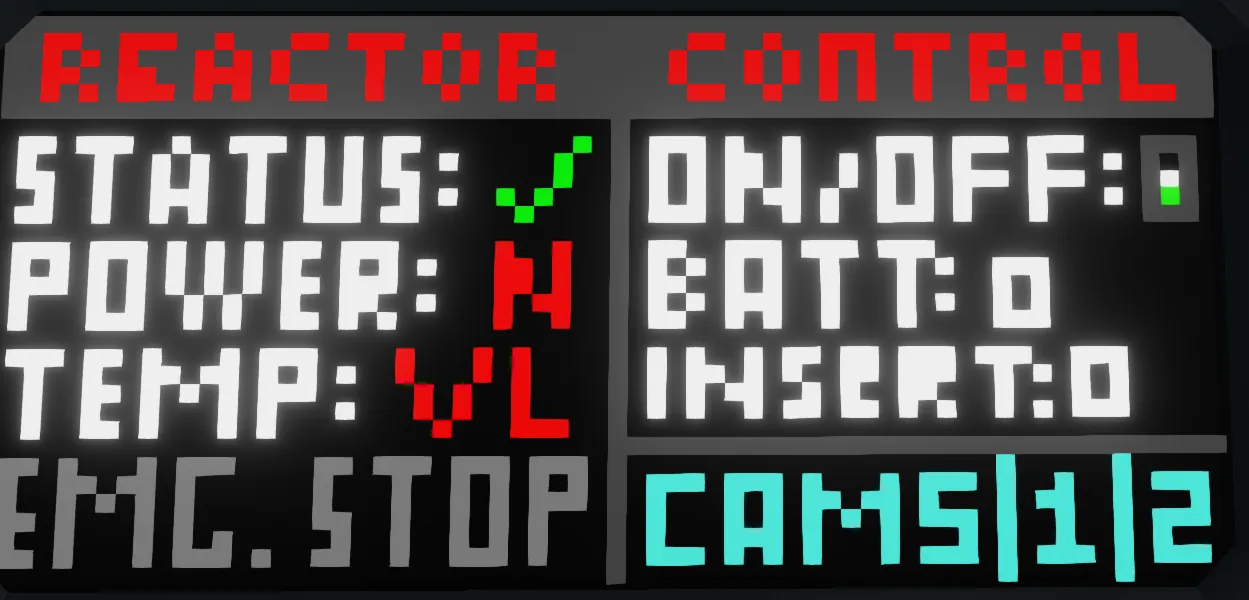
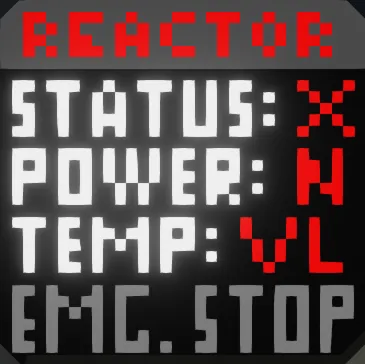
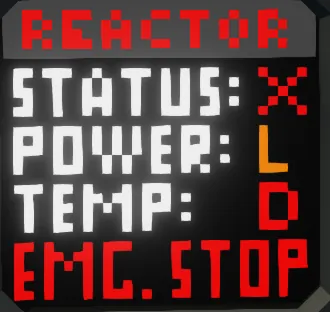
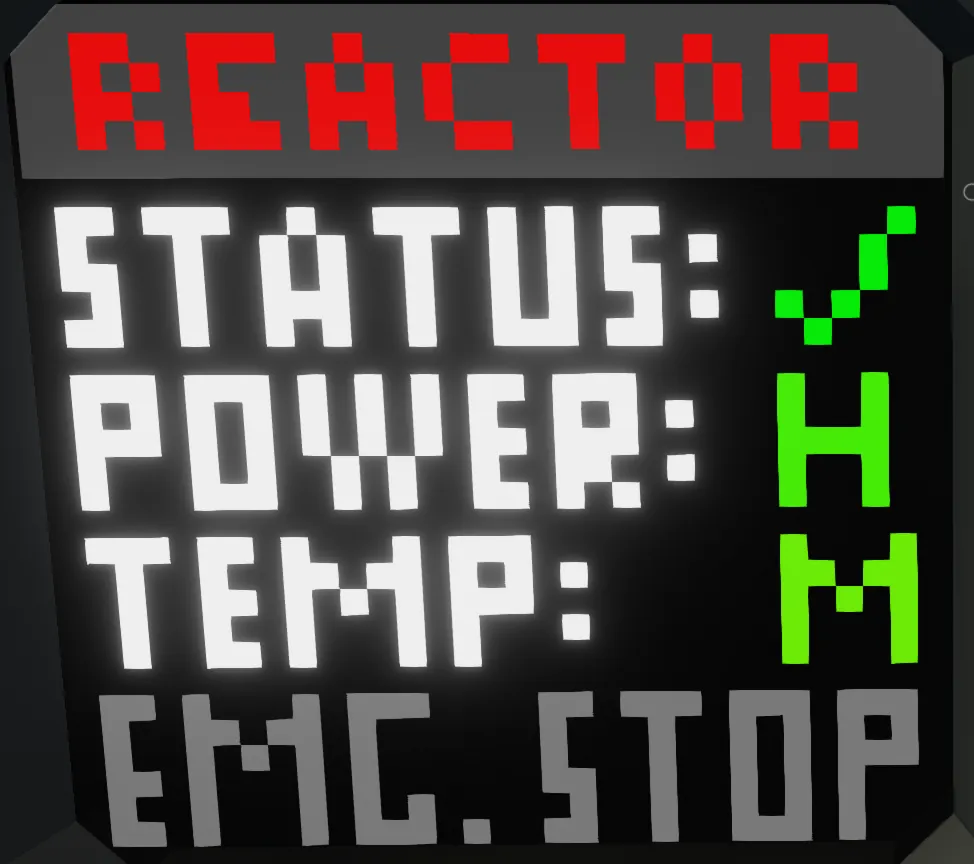
1x1 – No touch, displays:
• Reactor status (On/Off)
• Power output
• Temperature
• Emergency stop indicator
2x1 – Touch-enabled, displays all 1x1 info plus:
• Reactor On/Off control
• Battery % (BATT)
• Control rod insertion target (INSERT)
• Cameras with changeable info via build menu
• Cameras with togglable UI via touch
3x1 – Touch-enabled, displays all previous info plus:
• MANUAL insertion adjustment
• Scram button
• Power Gen (In numbers - Stormwatts /s)
2x2 – Touch-enabled, displays all previous info plus:
• Uptime
• Alerts
• Mute/Unmute alarms
• Cleaner look (In my opinion)
3x2 – Touch-enabled, displays all previous info plus:
• Liquid Temp (Radiators & Boilers)
• Power Rate (If you're losing or gaining overall power)
Display Icons:
1x1, 2x1 and 3x1.
Values are shown with color variation for quick reference.
Power generation
• N (None, Red) = 0–5
• L (Low, Orange) = 5–50
• M (Medium, Yellow) = 50–150
• H (High, Green) = 150–500
• U (Ultra, Light Blue) = 500+
Temperature:
• VL (Very Low, Red) = <50
• L (Low, Yellow/Orange) = 50–250
• M (Medium, Green) = 250–750
• H (High, Yellow) = 750–1500
• VH (Very High, Orange) = 1500–2000
• D (Dangerous, Red) = 2000+
Planned Development Roadmap:
(Estimated Release, in DD/MM/YY)
Phase 1 - Base Monitor Layouts
• 04/03/2026 - 3x1 Monitor Layout
• Delayed to 07/03/2026, from 06/03/2026 - 3x2 Monitor Layout
• 14/03/2026 - 2x2 Monitor Layout
• Delayed to 25/04/2026, from 22/03/2026 - 3x3 Monitor Layout
• Delayed to 25/04/2026, from 26/03/2026 - 5x2 Monitor Layout
• Delayed to 30/04/2026, from 31/03/2026 - 9x5 Monitor Layout
Phase 2 - Lighter display modes - Made for easy understanding
• ??/05/2026 - First batch
• ??/06/2026 - Second batch
Phase 3 - More advanced/complex display modes
• ??/05-06/2026 - First batch of the more complex display modes
• ??/06-07/2026 - Second batch of the more complex display modes
All development is done by me, so solo. Timelines are my estimates and may shift depending on complexity, technical challenges, my technical ability or real-world constraints.
I'm sorry the updates have been so delayed.
I've been a little burnt out, not only because of the project, but also because of school and tests.
Happy Nuclear Energy!
Note:
If you have ANY suggestions or questions just post them in the comments. I will try to respond ASAP.
I will update/Code the microcontroller when i have the time. I will try to find the most time in my schedule and prioritize this microcontroller over anything else that i can choose if i go to, or not. It will take a long time for me to finish all monitors and add all the functions i want, but i will try to finish the main aspects as quickly as possible.
Please Don't reupload this microcontroller.