Adaptive Storage - Global Settings
MEMORANDUM TO ALL COLONY ADMINISTRATORS
SUBJECT: DIRECTIVE 71-ECHO - MULTI-SPECTRUM ASSET CALIBRATION
(For a direct, non-narrative breakdown, the full Features List is available here.)
(To see what's new or has been modified, please check the Change Notes tab.)
Analysis of logistical operations has revealed significant performance variance, as well as suboptimal energy allocation and organizational categorization across third-party storage assets. To maximize efficiency, a new mandate for per-asset optimization is now in effect. Administrators are required to evaluate and calibrate the storage parameters, architectural designation, and power consumption profiles of each container type individually.
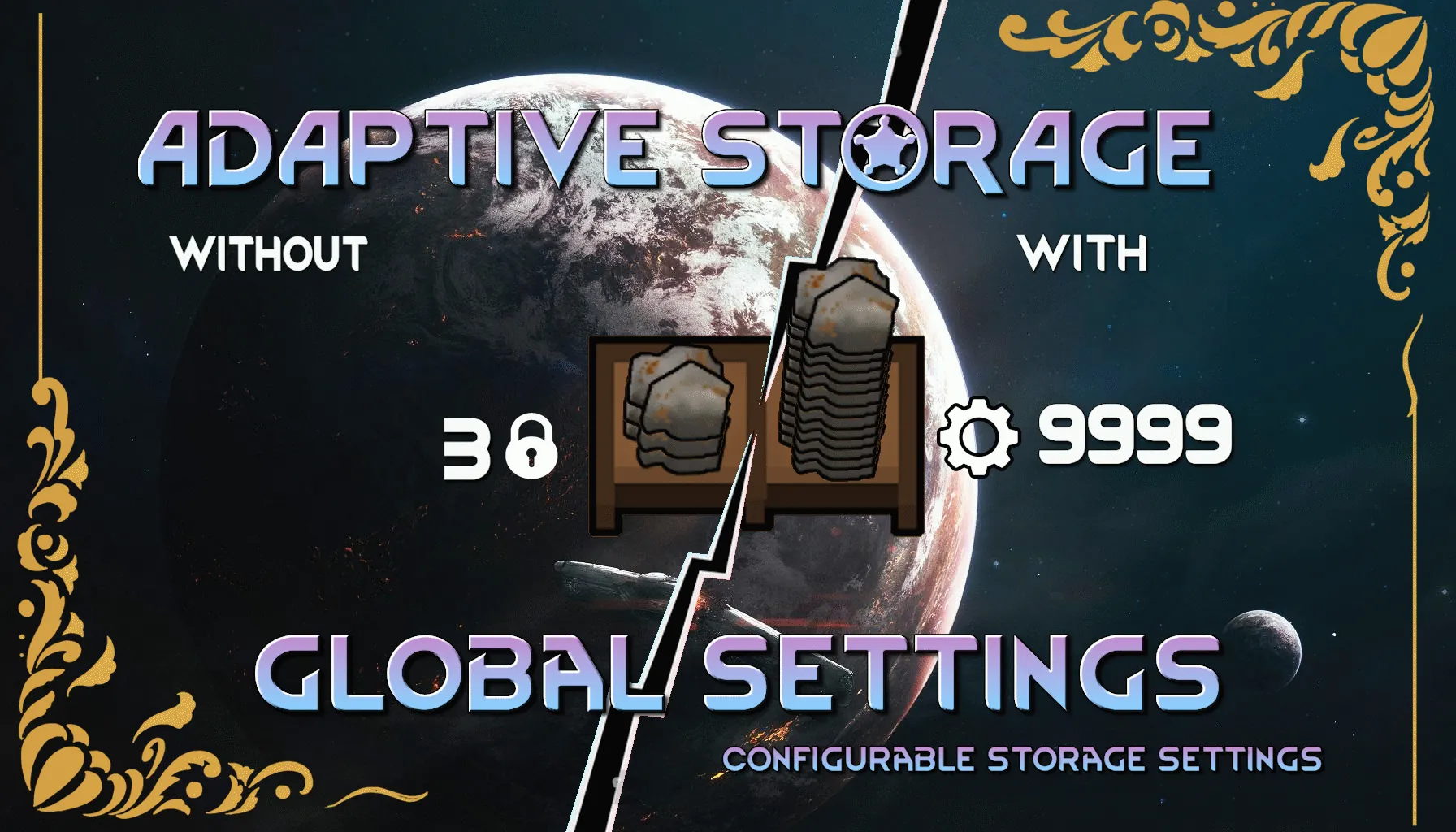
Adaptive Storage - Global Settings is the management tool authorized for this task. It provides a central terminal in your management interface (Options > Mod Settings) allowing you to individually define the "Stacks per Cell," Architect Menu category, and power draw for every storage asset derived from the Adaptive Storage Framework.
Your goal is not standardization, but customized efficiency. Calibrate each asset to its optimal performance.
Terminal Capabilities:
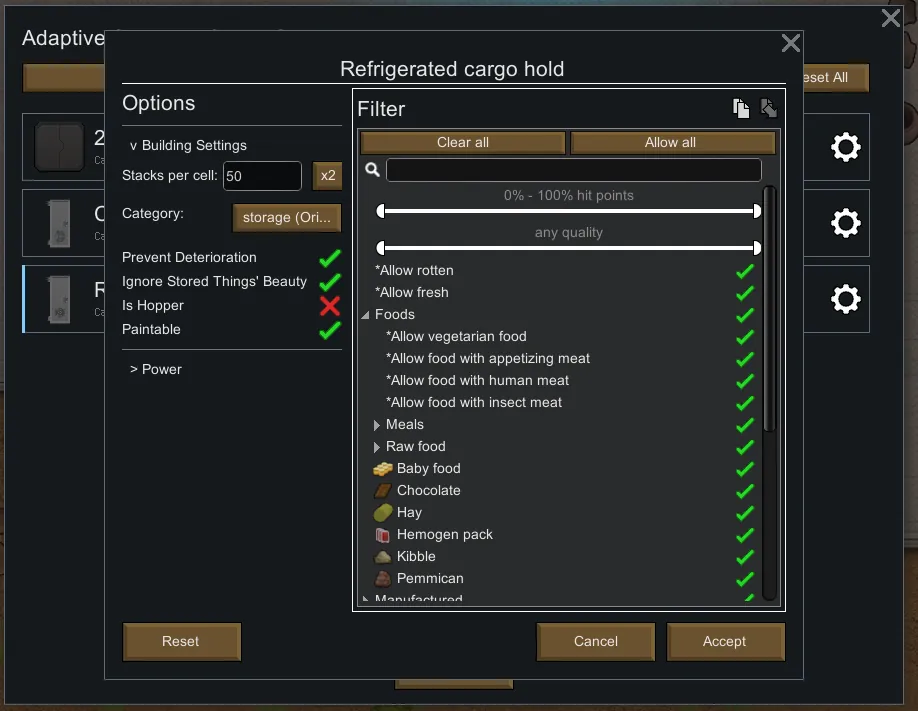
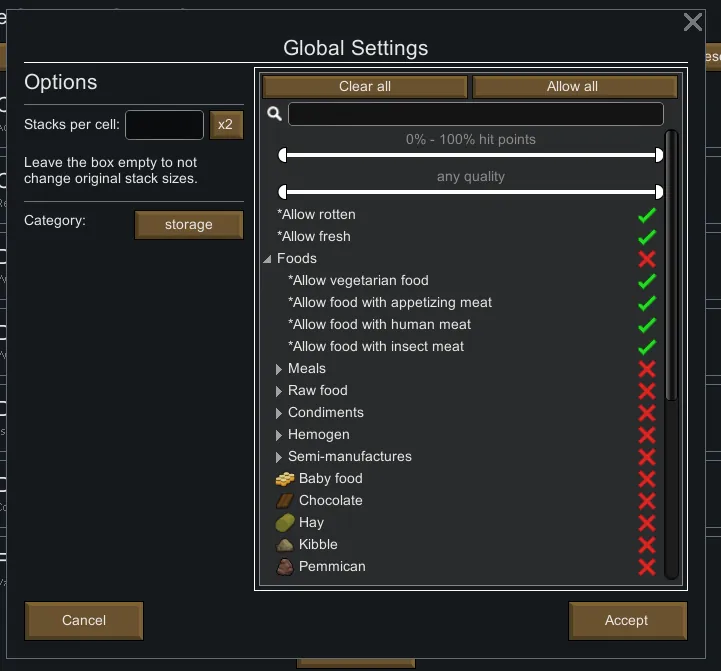
- Granular Control: Set a unique capacity for each and every storage building type.
- Architectural Re-Designation: Re-assign any storage asset to a different Architect Menu category for improved organizational clarity. Assets can also be removed from the menu entirely.
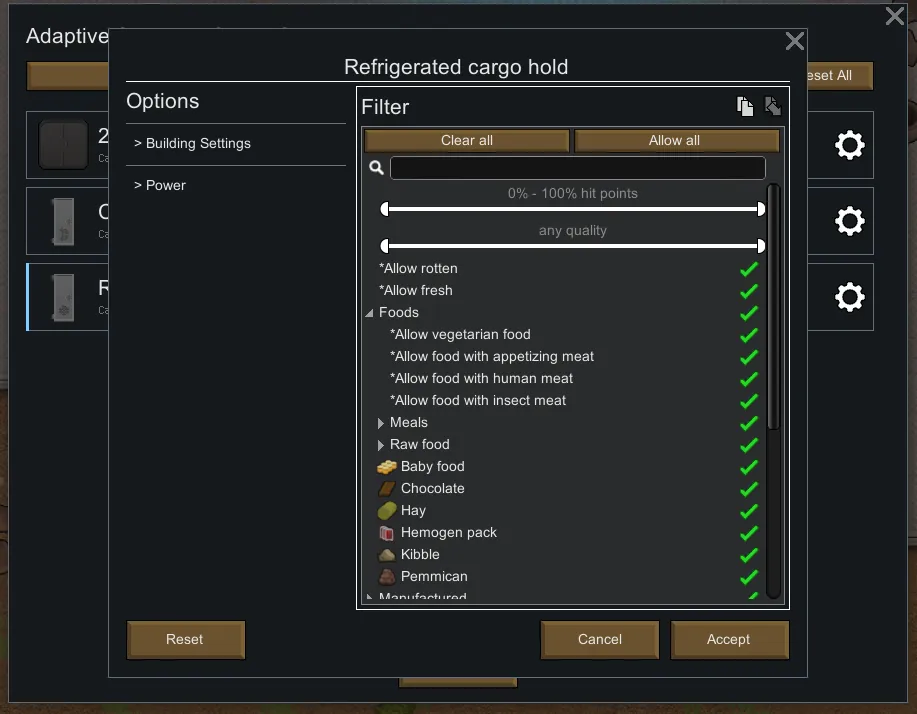
- Core Parameter Calibration: Toggle fundamental operational parameters for each asset, including deterioration prevention, beauty response integration, hopper functionality, and surface paintability.
- Energy Profile Calibration: For powered assets, directly modify their base power consumption to meet colony energy requirements.
- Filter Protocol Duplication: Instantly copy and paste complex filter settings from one asset to another via integrated clipboard functions.
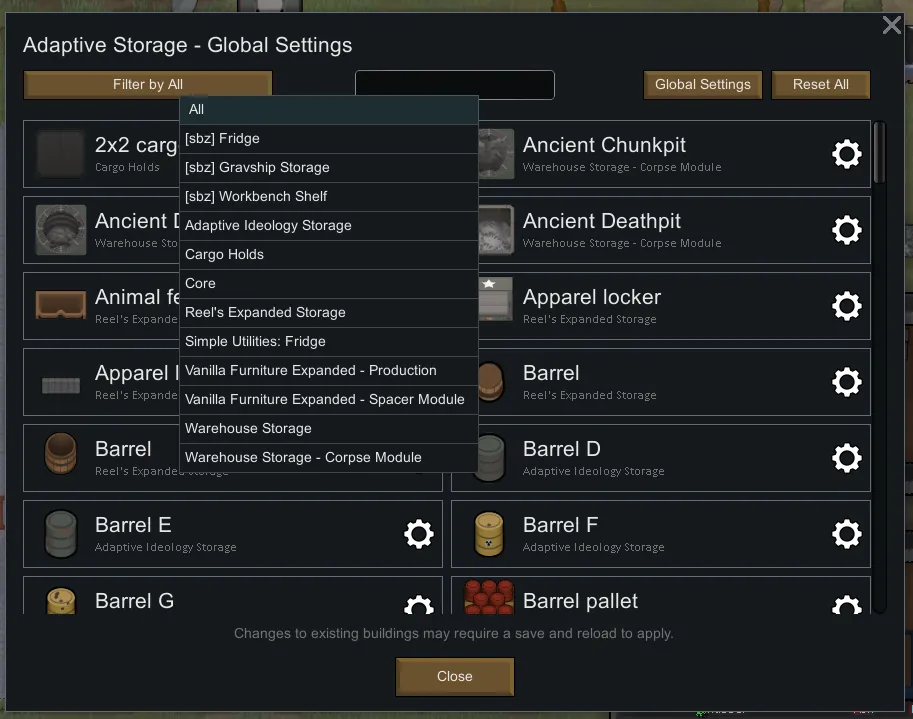
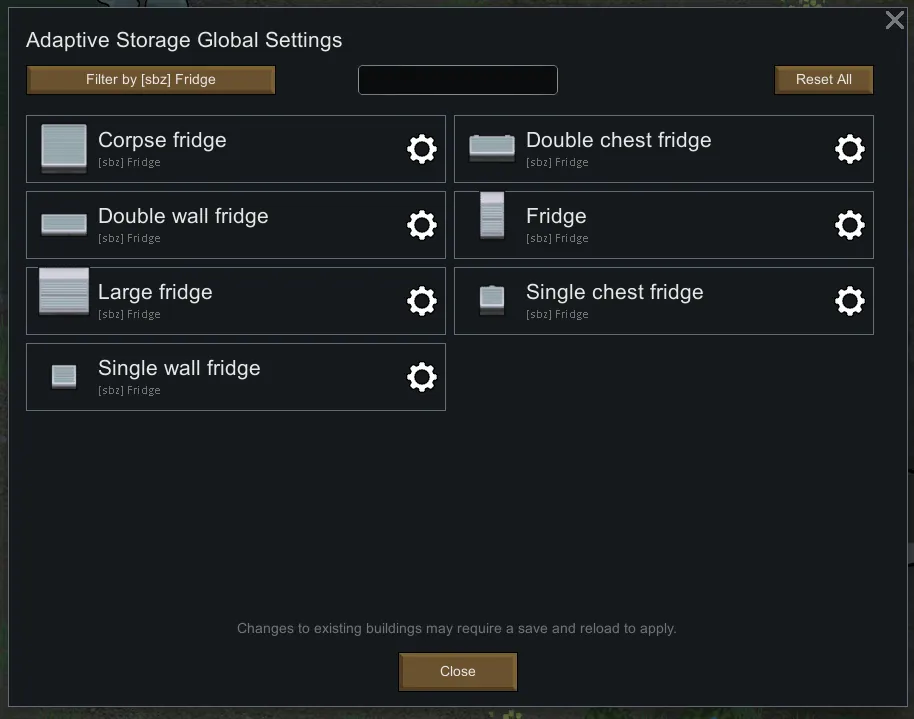
- Asset Origin Filtering: Isolate assets by their original manufacturer (mod name) for precise adjustments.
- Asset Designation Search: Instantly locate a specific asset by its designation.
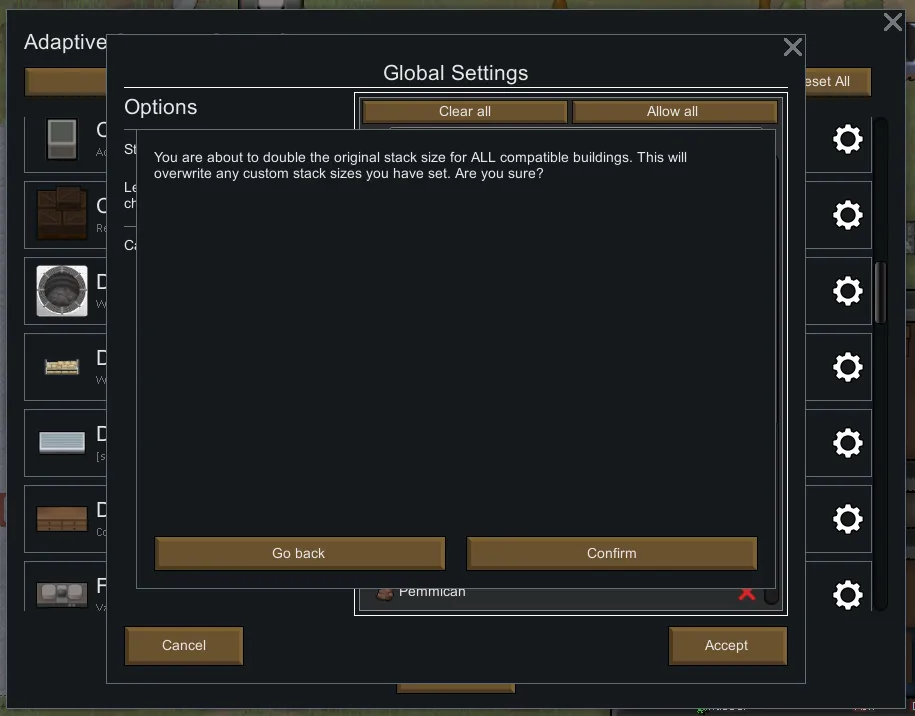
- System-Wide Factory Reset: The "Reset All" function will revert all assets to their factory default specifications upon confirmation.
- Calibration Blueprinting: Authorize the export of the complete asset calibration profile to a data slate (XML file) for archival purposes, or import a pre-approved blueprint to standardize parameters across installations.
- Zero-Footprint Software: This management utility consumes no colony resources and has zero impact on operational performance.
Implementation Protocol:
All newly manufactured containers will conform to your new calibration standards immediately. Existing assets require a full system diagnostic cycle (save and reload) to update their operational parameters.
(NO GAME RESTART REQUIRED)
Compatibility
Works with any storage building using Adaptive Storage Framework
Recommended mods:
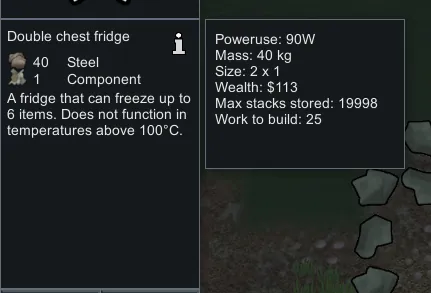
Relevant Stats In Description: Last image is using this mod
Translations
Chinese by 恰似宛然一笑生花
Support:
 [coff.ee]