Current Version: 3.1.0
Complete changelog is available in the Change Notes
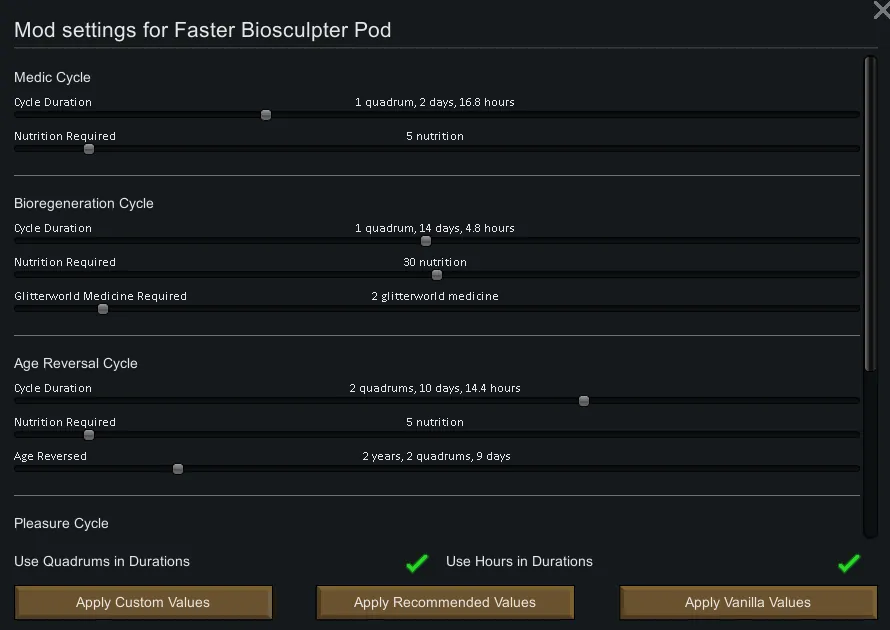
You can see what version of this mod you have installed by looking at the lower left corner of the mod settings window.
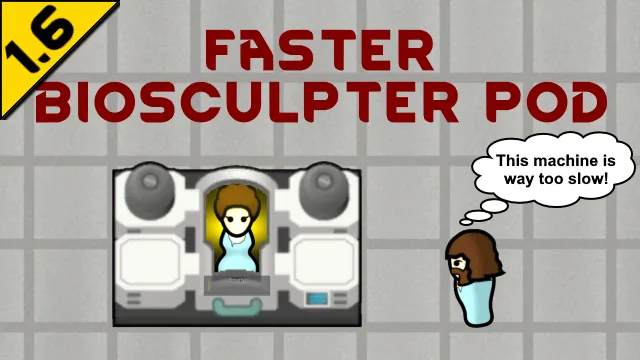
 Make biosculpter pods great again!
The biosculpting pod offers some interesting benefits for your pawns, but there are some pretty significant downsides to using it. The durations of the various cycles are long and the biotuning locks a pod to a single pawn unless you leave it unused for 80 days!
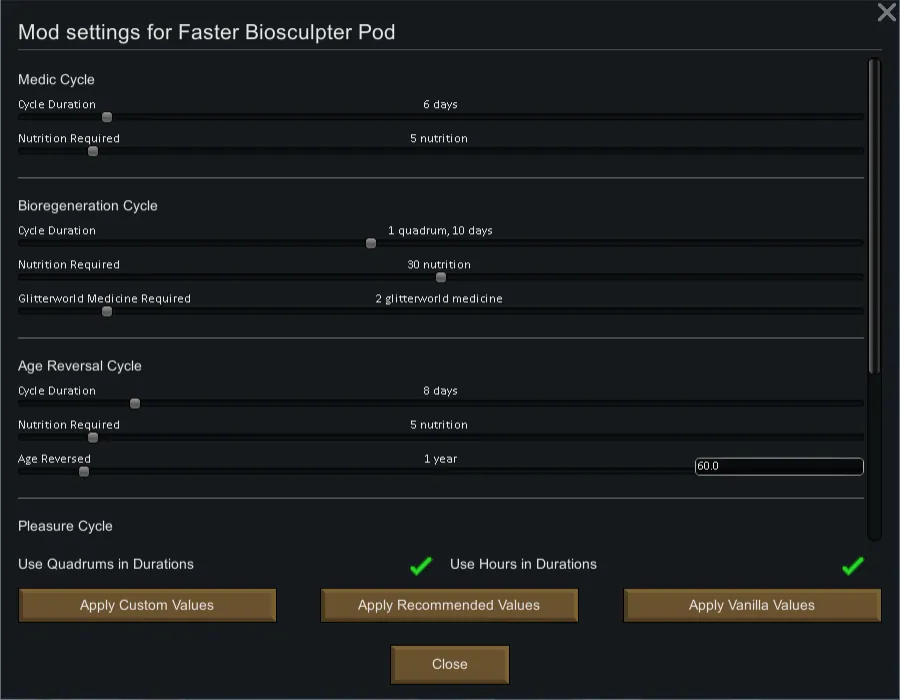
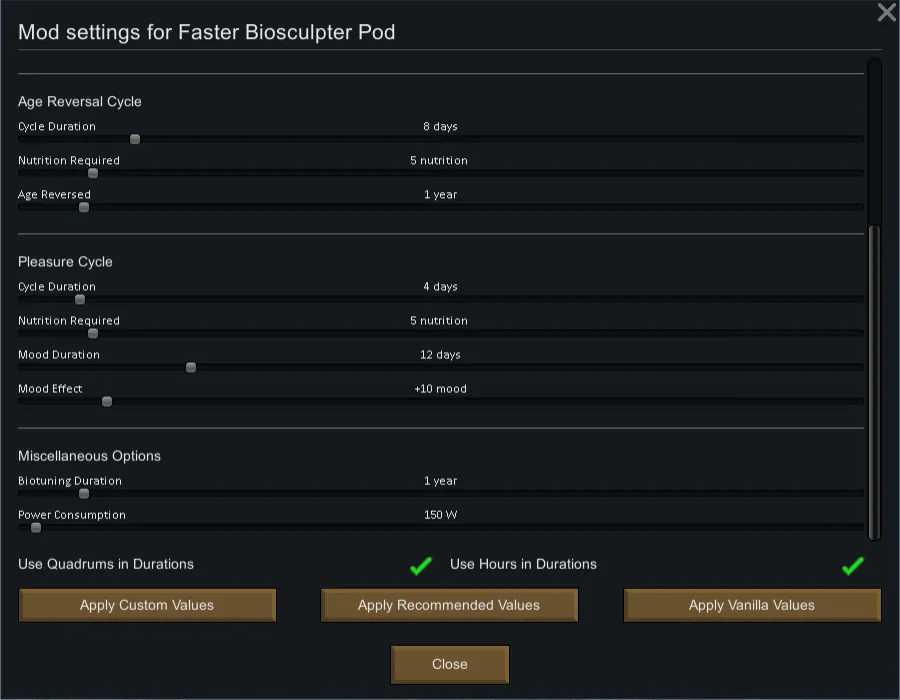
I decided wanted to tweak some of the values to suit my playstyle. Originally this mod was going to be a simple XML patch, however I ended up using it as an opportunity to teach myself how to set up a mod settings page from which you can customize a variety of elements of the pod's usage.
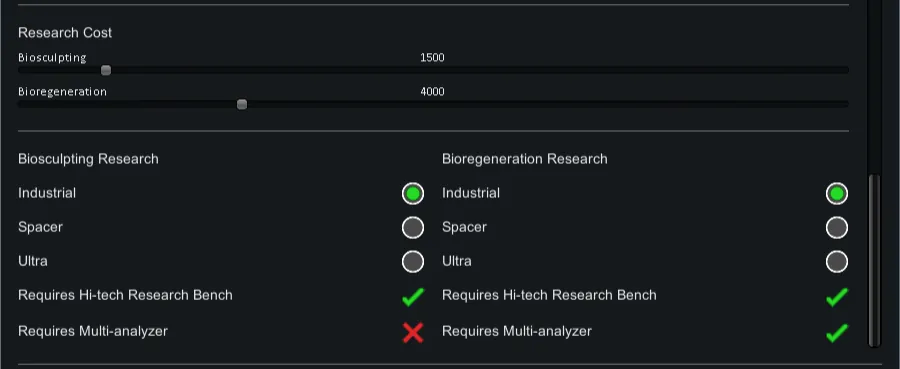
Want shorter cycle times? No problem. Do you hate biotuning? Lower the cooldown on it, or set it to zero to disable it completely. Want to offset your "cheating" by increasing the nutrition or power demands of the pod? Go for it!


 Why is it called Faster Biosculpter Pods when it does so much more than that?
My original plan was just to speed up the biosculpter pod's cycles; hence the name. When the mod evolved to be capable of much more than that, I decided I liked the original name and kept it. Let's be honest, that's what most people are going to use this for!
Why do the duration sliders increment by 2.4 hours at a time?
Because that's 0.1 days and RimWorld will usually display durations in days rounded to one decimal. This keeps things consistent to what you'll see displayed on screen in-game.
Why do I have to click on an Apply button for my settings to take effect?
Unlike many mods which use XML patching to change values, this mod alters values already loaded into memory. In truth, there is a way to avoid having to click that button, and that will be implemented in a future update.
I changed the biotuning cooldown but it didn't change my pod's cooldown timer!
That setting modifies the length of the biotuning countdown timer that is applied when a pawn completes a cycle. It has no effect on existing cooldown timers for pods that are already biotuned to a pawn. The next time that pawn completes any cycle, the cooldown timer will be replaced with the configured value.
I changed the power consumption settings but the pod still requires the same power!
This change will not affect existing pods during the active session. Save your game and reload it for the change to take effect. Restarting your game is not necessary.
I changed the build cost of the biosculpter but the required materials didn't change!
This type of change will not take effect during the current session. Save your game and reload it for the change to take effect. Restarting your game is not necessary.
Why don't the sliders go any higher?
The technical reason is that having them go any higher would make it increasingly difficult, and eventually impossible, to precisely select the exact value you want. The existing ranges should meet the needs of the vast majority of users.
It's difficult to select the specific value I want using these sliders.
I would highly recommend a mod like BetterSliders that will allow you to input the exact value you want in a text field. It's especially useful if you have any physical impairment that makes it extra challenging to set the sliders precisely the way you want.
What's the deal with the Apply Recommended Values button?
That button will set all the settings to the values I play with. If you don't feel like going through all the settings one by one and just want the biosculpter pods to work faster, this is the button you want to click. Otherwise, just ignore it and customize it the way you want.
 Race Mods
Many race mods include customized life stages which can cause issues with the age reversal cycle. The biosculpter pod considers the final life stage to be the adult stage. To address this issue, download Select Adulthood.
CE?!!!11
¯\_(ツ)_/¯
 No known issues
If you believe you have identified a bug, please post a report in the Bug Reports discussion topic. Make certain to include a HugsLib log with your bug report so that I can properly investigate the issue. Bug reports without a HugsLib log are not guaranteed to be followed up on.
 Make sure you have the most recent version!
The majority of issues users have are because Steam hasn't updated the mod to the latest version. The version you have installed is displayed at the bottom left corner of the settings screen. If that doesn't match the most recent version in the change notes, you need to force Steam to update.
- Unsubscribe
- Wait a few seconds (to give your system a chance to delete the mod folder)
- Resubscribe

https://github.com/Inglix/FasterBiosculpterPod/releases/tag/v2.8.2


 These are not guaranteed to be compatible with Faster Biosculpter Pods.
- BioSculptingPlus
- Overloaded Biosculpter
- Biosculpter Pod and Neural Supercharger Resize
- Beyond Biosculpting
- Diseases Overhauled - Biosculptor patch
- Drug Supercharge
 [ko-fi.com]