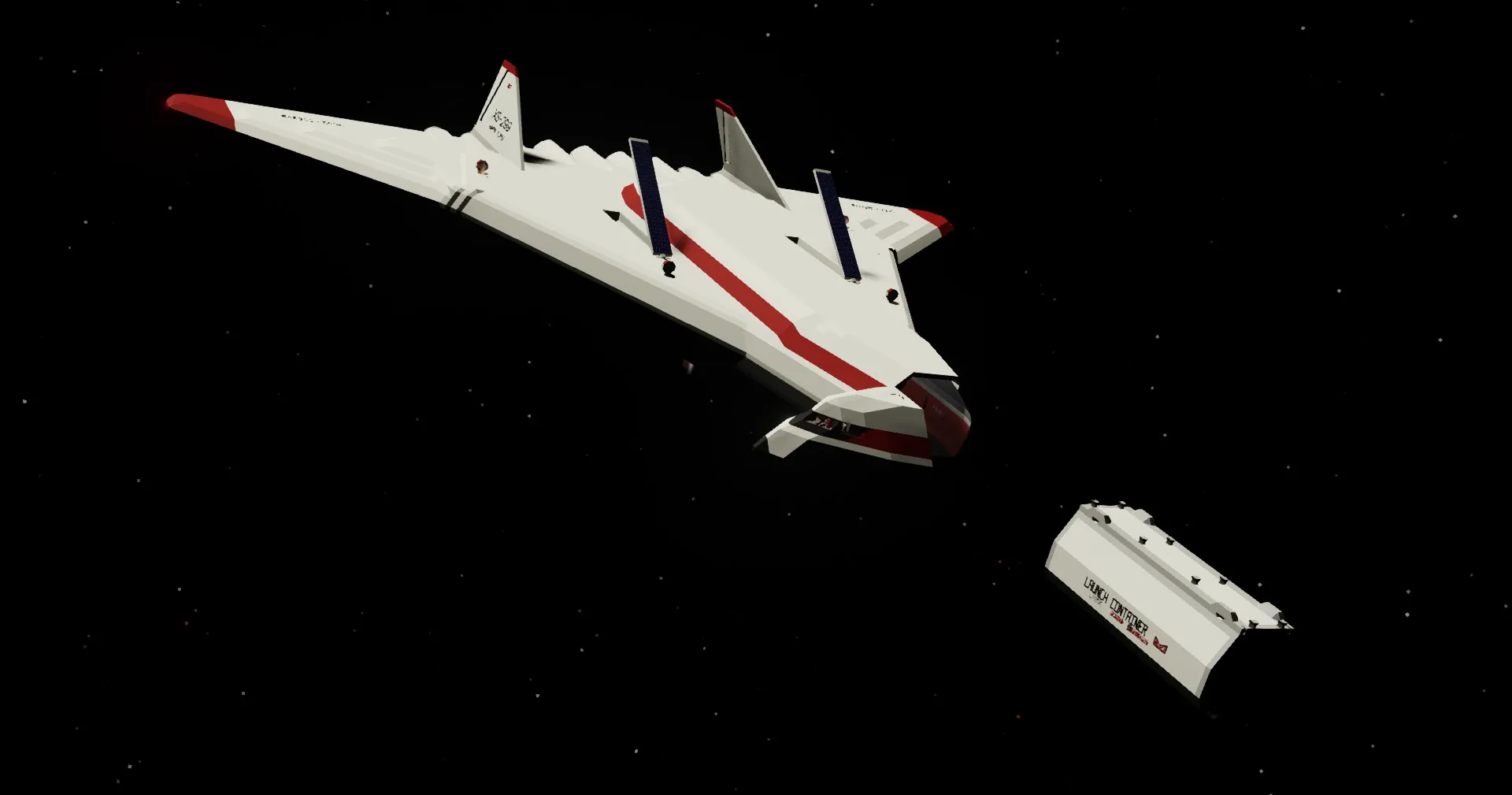
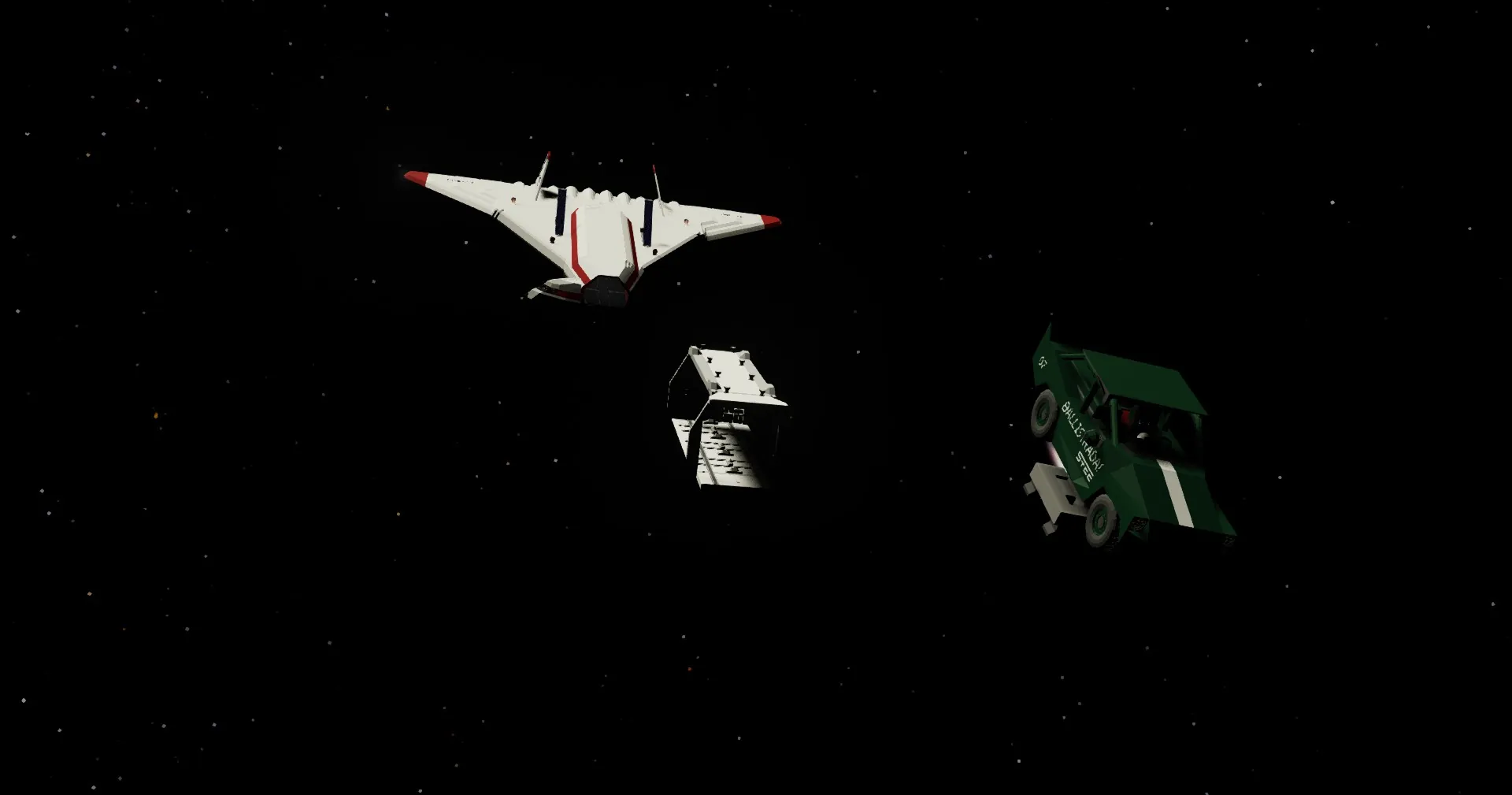
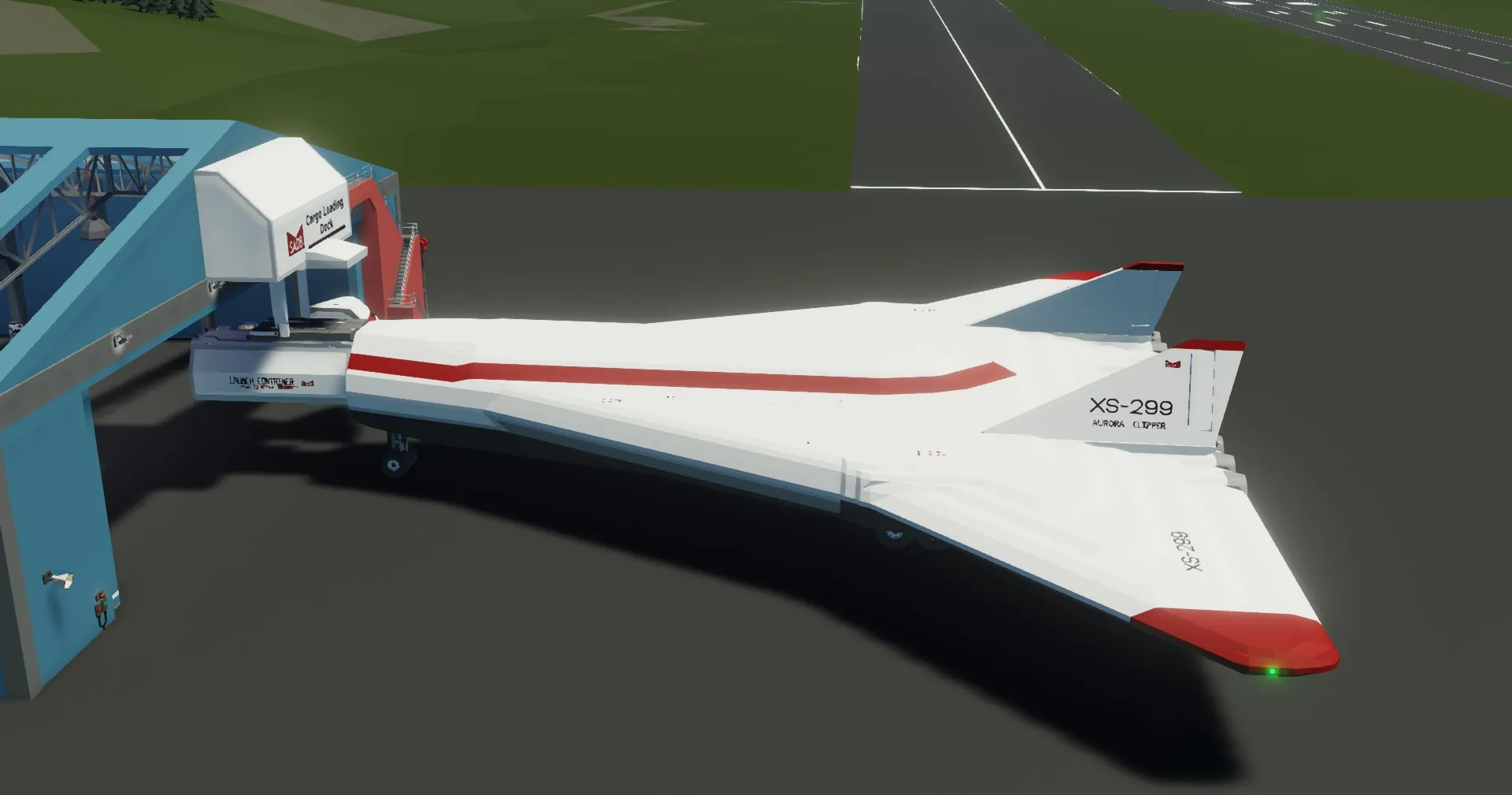
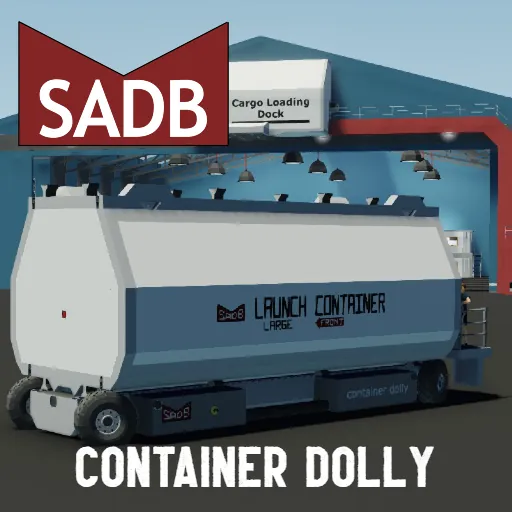
Need to launch multiple things into orbit?
This is the solution!
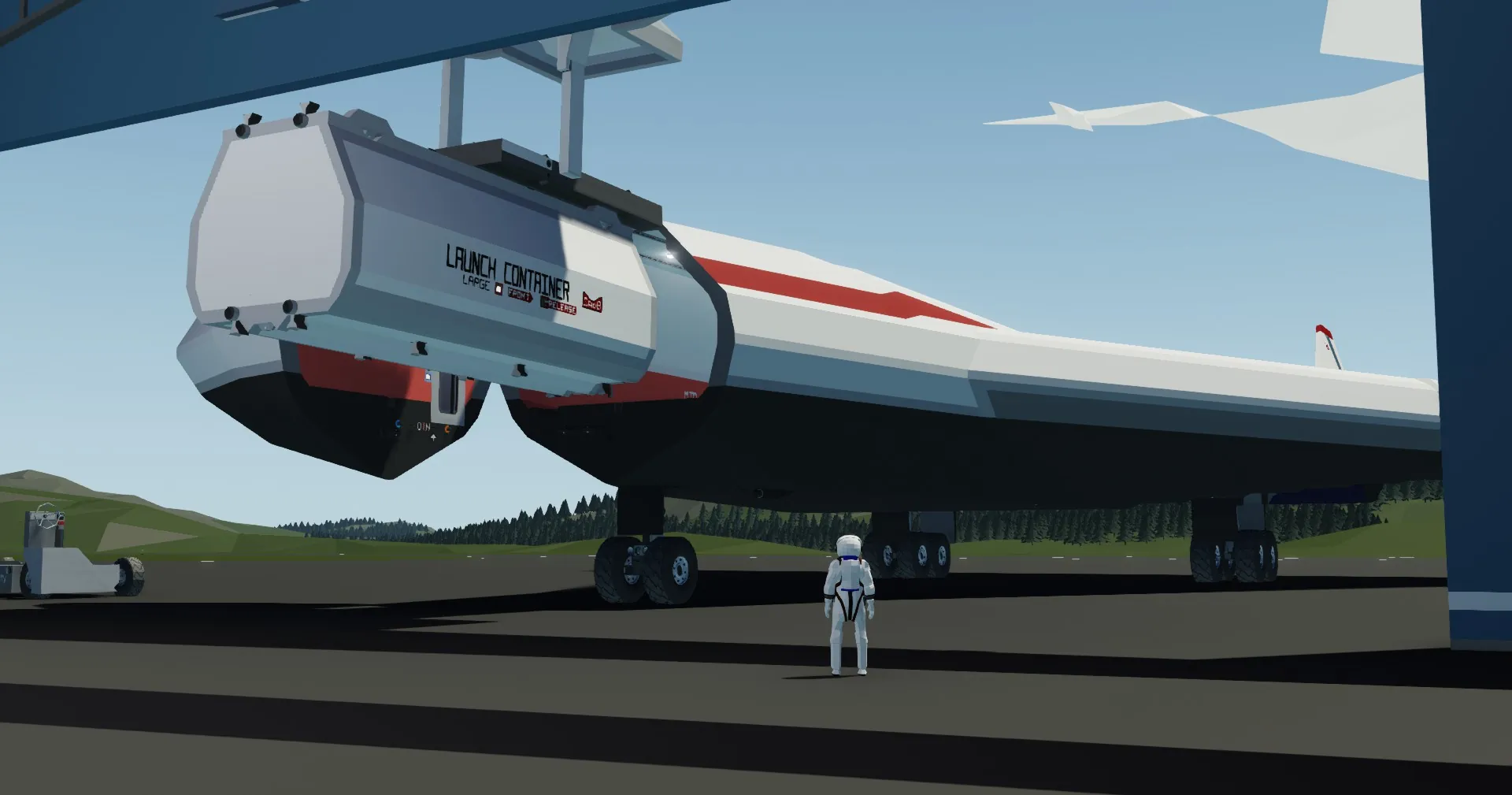
Having been in development since the aurora clipper could orbit, the launch container is optimised for efficency and payload space.
Adding your cargo
To add your cargo, use the selection grid tool in the workbench and paste it into the cargo bay. add sliders where the rails are and hardpoint connector on top of the ones in the cargo bay. If you want it to eject out, just add small rockets to your payload and connect them to the "launched" output on your new hardpoint.
Deploying your payload
in the aurora clippers cockpit locate the cargo deployment panel on your left. the container is launched based on the zone the front hardpoint is on. Enjoy!
IMPORTANT NOTE[[/h1]
make sure the front arrow is facing the front! (Believe me, its happened too many times)