PYO's Transponder Locator User Guide
This guide will help you quickly master this tracking system. No programming knowledge required.
Core Principle
By analyzing continuous measurement points generated as your vehicle moves, the system calculates the target's triangulation without needing a rotating radar dish.
Quick Start
- Power On: Flip the switch. All sensors and displays are pre-connected.
- Move: The system cannot locate targets while stationary. Drive, fly, or sail your vehicle to get started.
- Search: When "DIST" appears at the top of the screen with changing numbers, a signal has been detected.
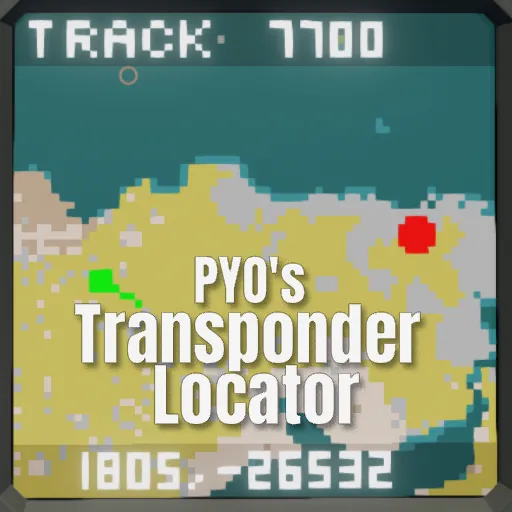
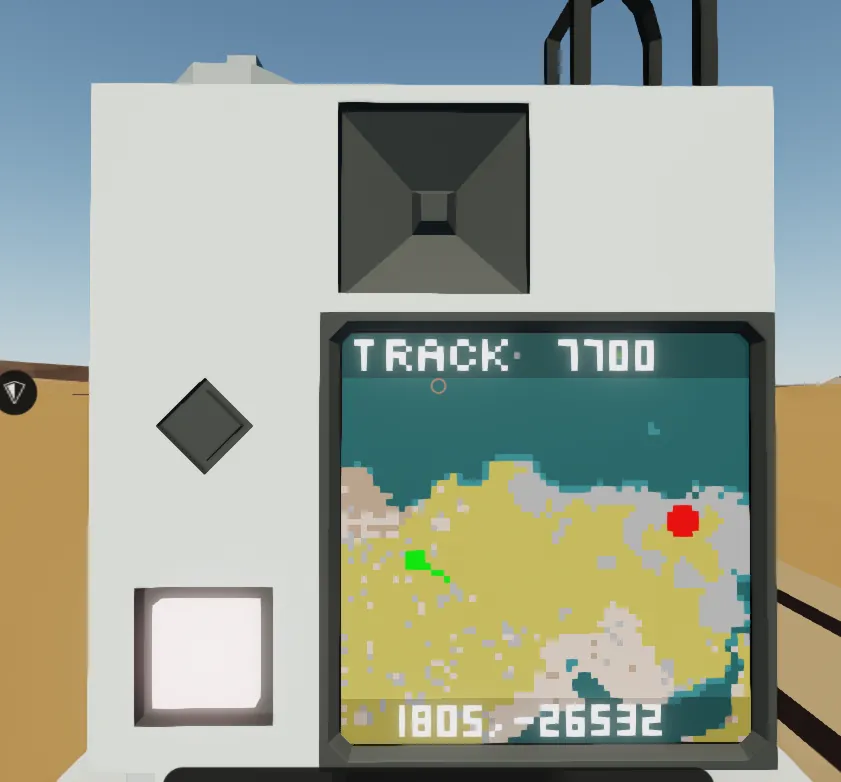
- Lock: Continue moving towards the target. When "TRACK" appears and a red circle shows on the map, the target's coordinates have been successfully calculated.
FAQ
Q1: Why does the red circle sometimes disappear or switch back to "DIST"?
A: The system realized it made a calculation error (like realizing you took a wrong turn).
This is not a bug, but an automatic self-correction feature.
Solution: Keep moving steadily. It will recalculate the correct position within a few seconds.
Q2: Why do I get distance but no coordinates when testing on the ground?
A: The system relies on movement to generate positioning data. Standing still is like trying to judge depth with one eye closed.
Solution: Get moving! The system performs a high-precision calibration roughly every 50 meters you travel.
Q3: Does flying high affect accuracy when tracking ground targets?
A: Yes, but only slightly.
The system assumes the target is at sea level (Alt=0). If you are flying very high (e.g., 5000m), the calculated horizontal distance will have a small offset, but this won't stop you from finding the target area. As you descend or get closer, this error naturally disappears.
Q4: What is the green line on the screen?
A: That is your Velocity Vector, showing your actual direction of travel. It only appears when moving faster than 2m/s.
Pro Tips
Best Tracking Strategy: Drive directly towards the suggested target direction.
Thanks to the unique "Zero-Point Reference" algorithm, heading straight for the target is not only the fastest way to approach but also avoids left/right mirror confusion.
If Accuracy Seems Off: Don't panic. Keep driving towards the target.
As long as you are closing the distance, the measurement baseline extends, automatically improving calculation precision. The red circle will shrink and stabilize over time.