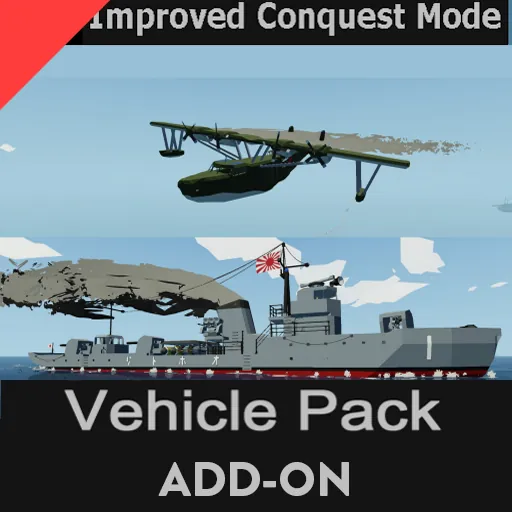
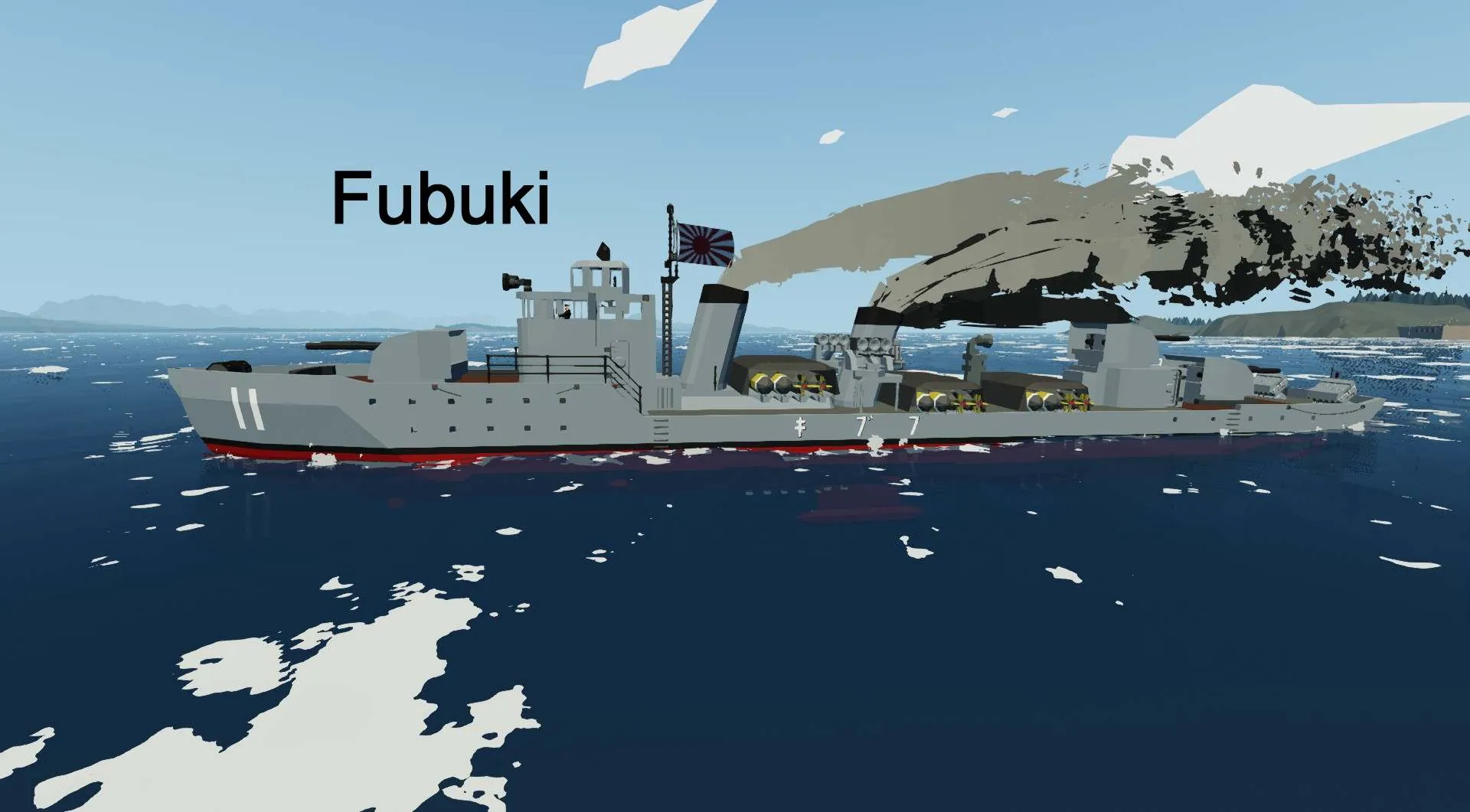
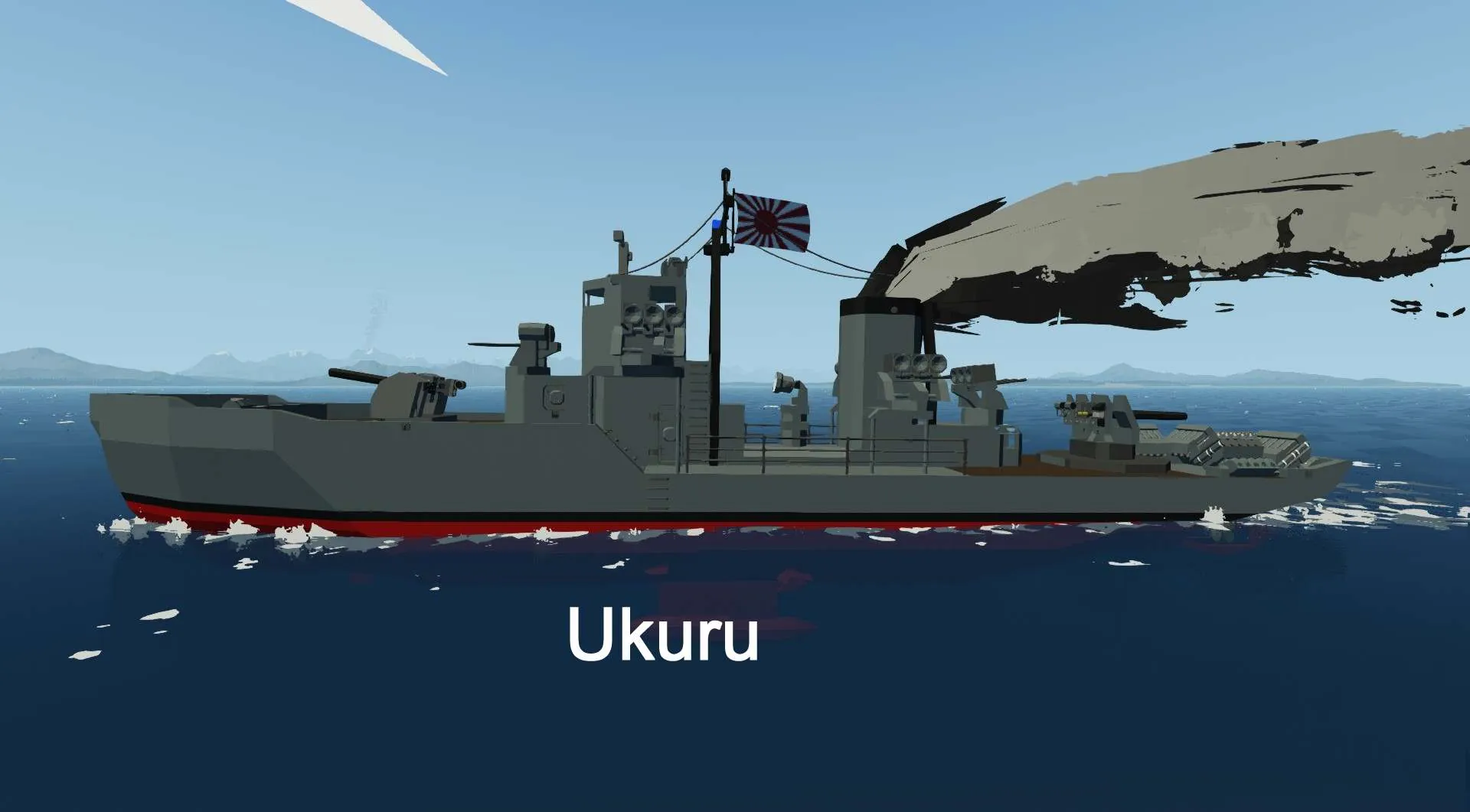
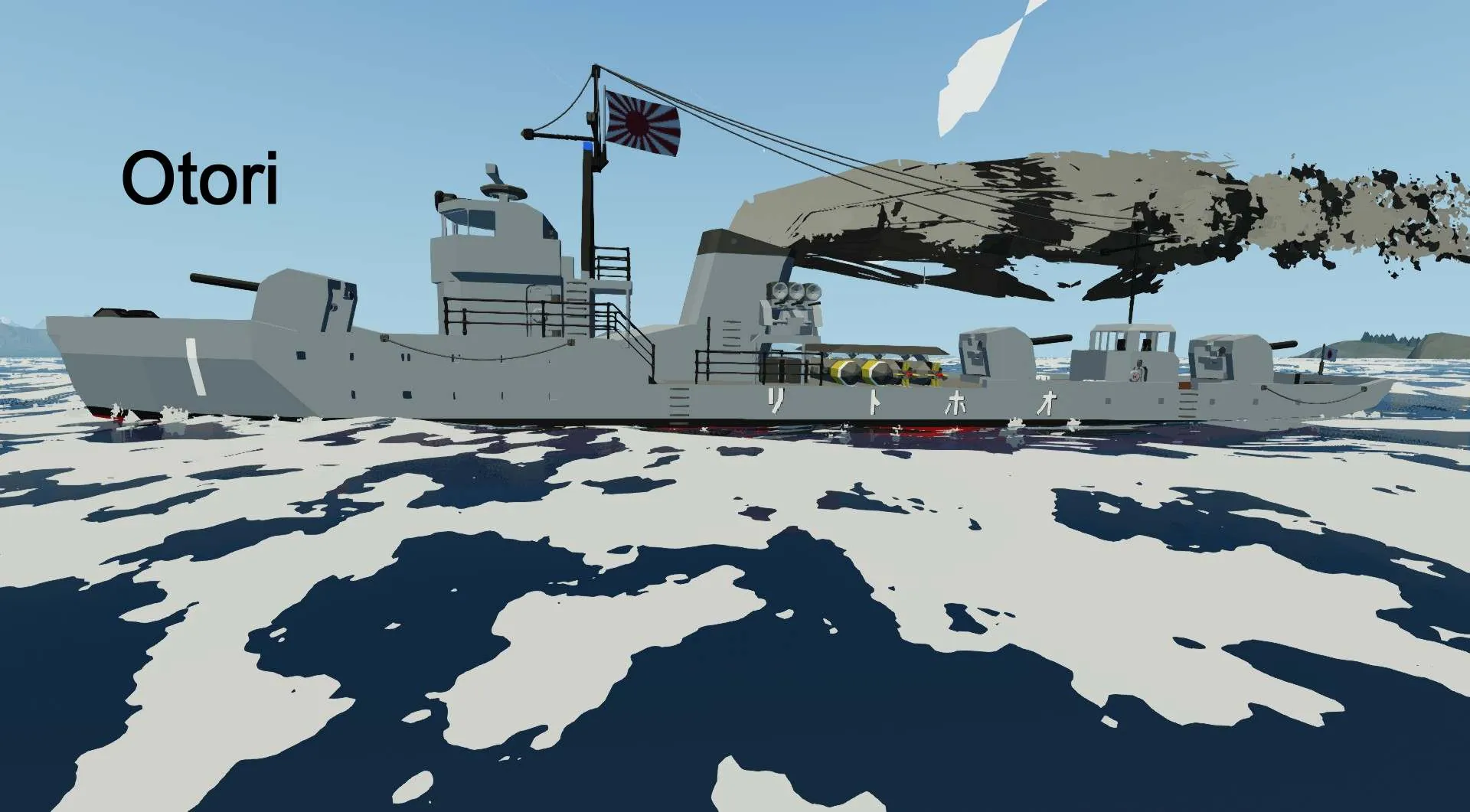
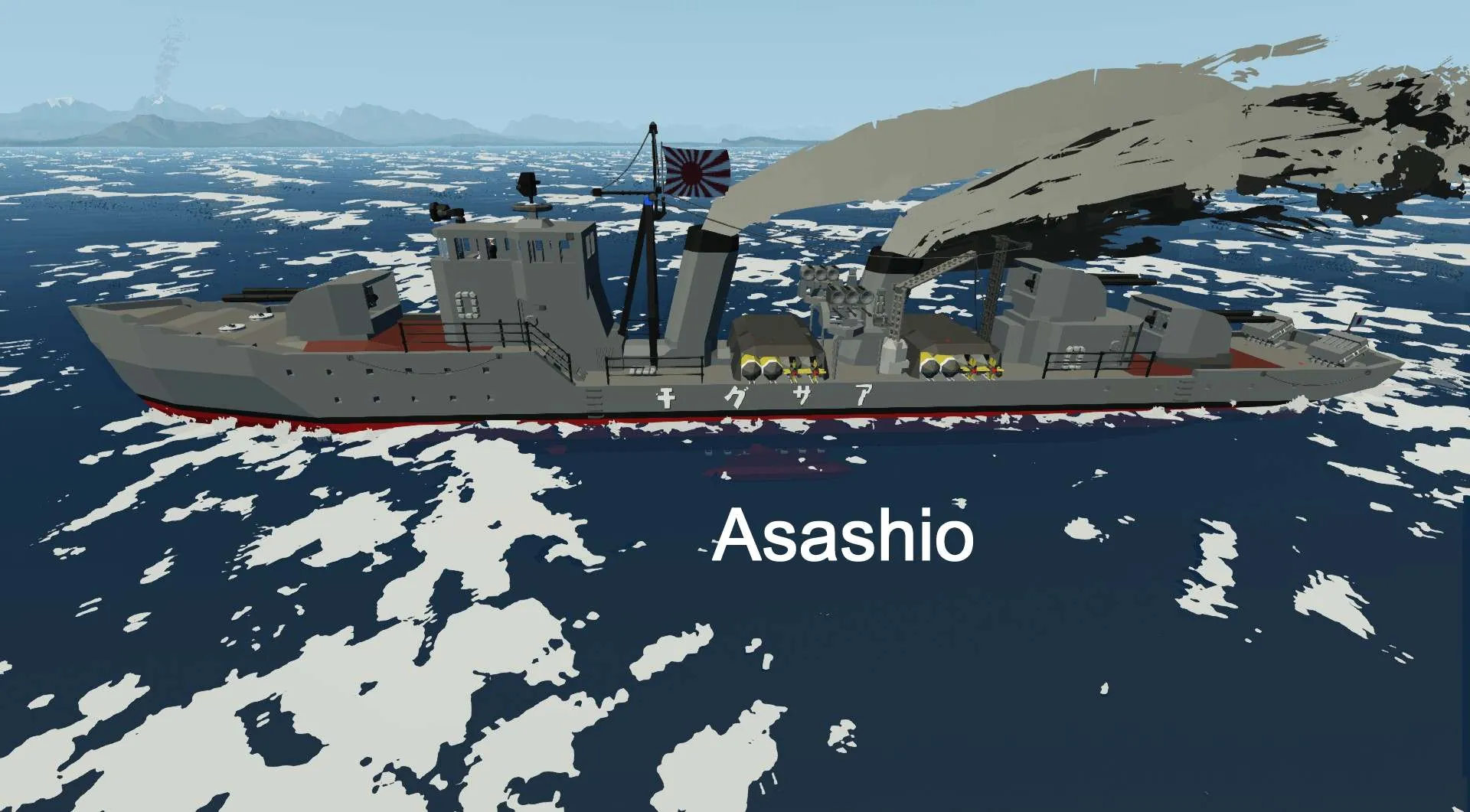
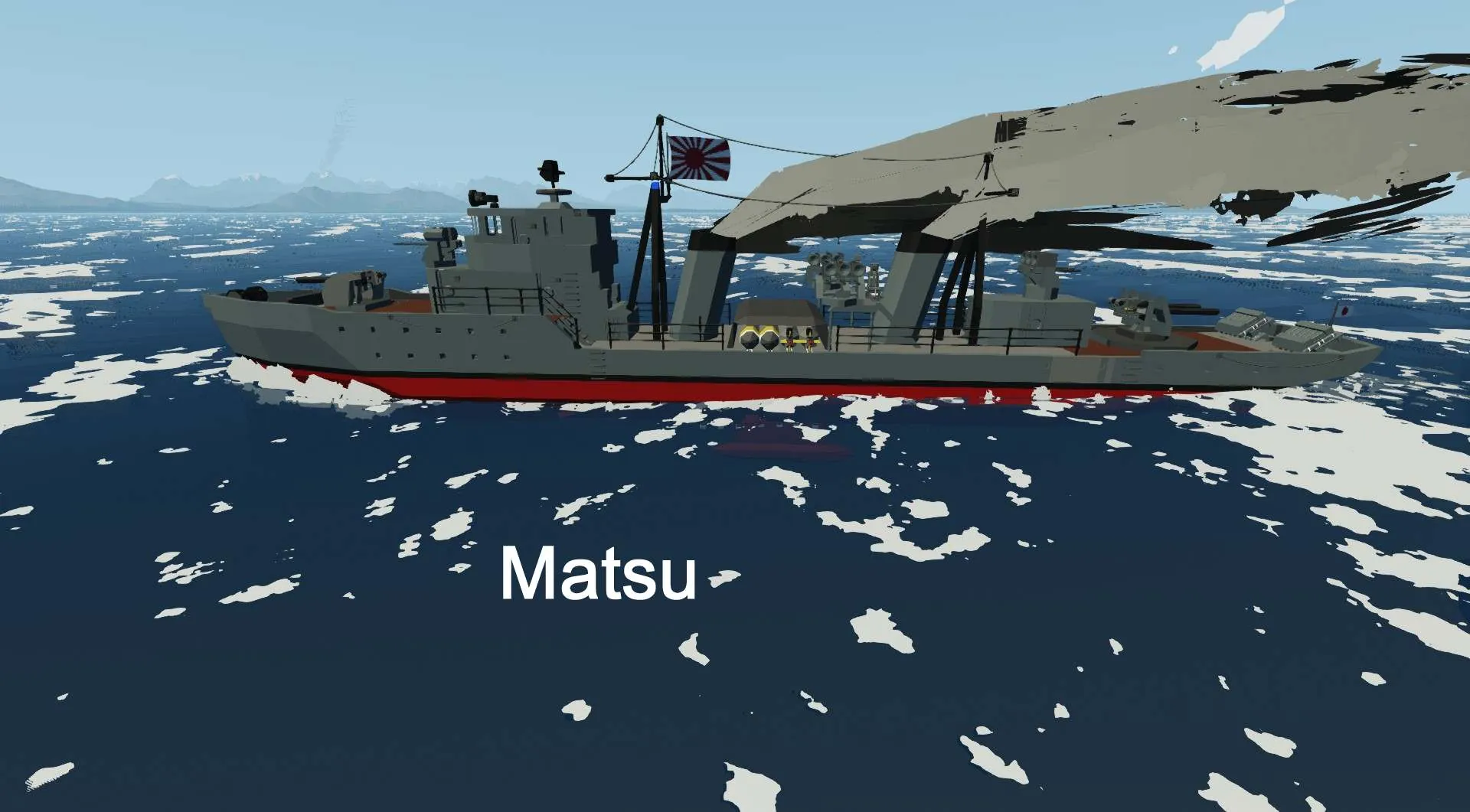
This is a ICM Vehicle Pack. It requires Improved Conquest Mode 0.4 or higher. It removes all base Improved Conquest Mode enemy AI vehicles and replaces them with WW2 era Imperial Japanese vehicles.
https://steamcommunity.com/sharedfiles/filedetails/?id=2722478864 or
https://steamcommunity.com/sharedfiles/filedetails/?id=2844333563
It is a work in progress.
It uses the Historic Flags mod to replace some base game flags with historic flags from the WW2 era.
https://steamcommunity.com/sharedfiles/filedetails/?id=3581476319
For extra challenge, there is also a Kongo class battlecruiser
https://steamcommunity.com/sharedfiles/filedetails/?id=3589495595
Cruiser pack released with two heavy and one light cruisers.
https://steamcommunity.com/sharedfiles/filedetails/?id=3660646755
NOTE: There are no Helicopters in this pack, and all base mod Helicopters are removed, so set the "Number of AI Helicopters" slider to 0
Included vehicles:
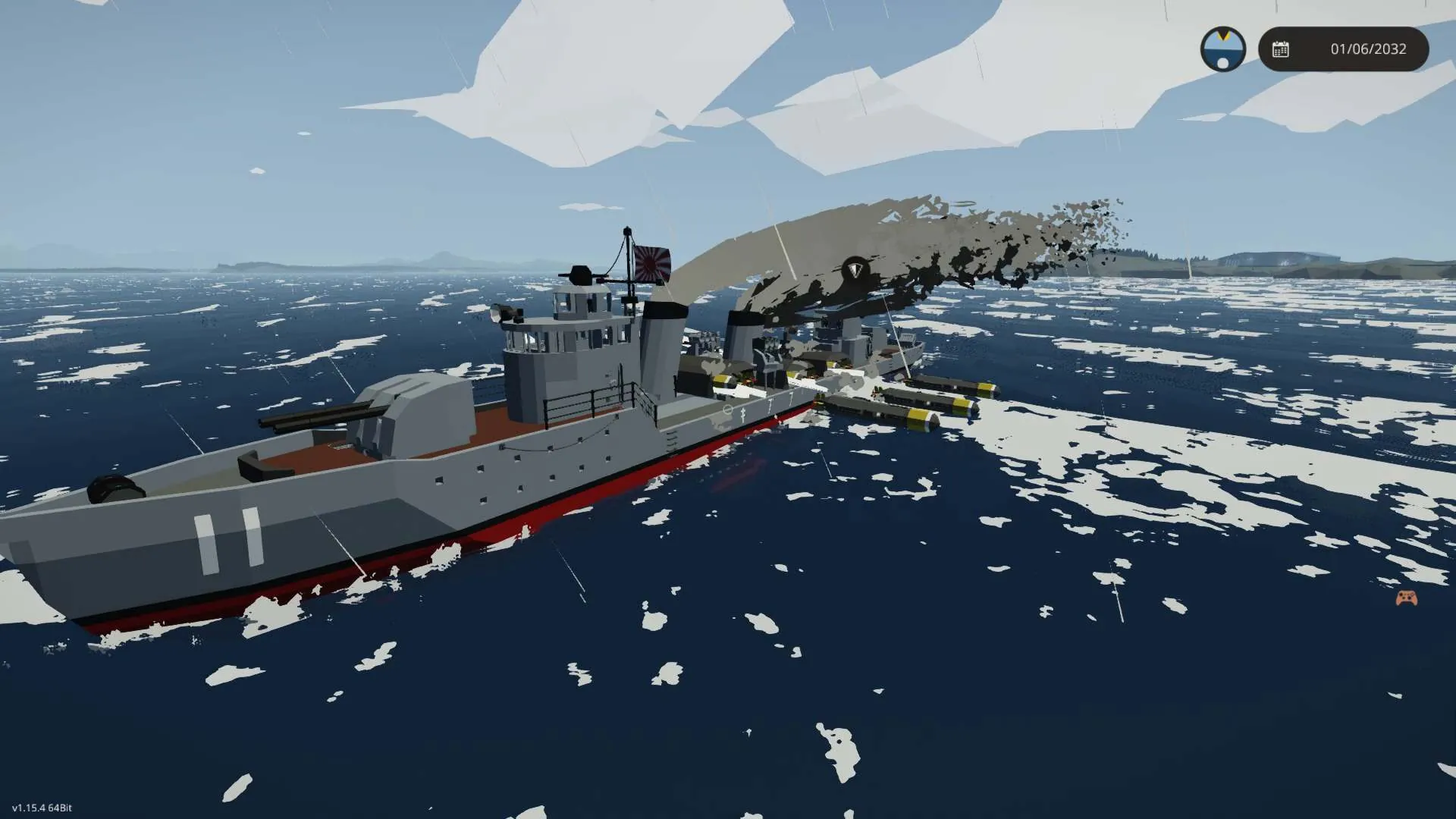
Boats:
All use some AI logic from the Corvette from base ICM.
Ukuru class escort ship
Ōtori class torpedo boat
Matsu class destroyer
Fubuki class destroyer
Asashio class destroyer
Maru Supply ship
Note: Prize/Salvage rules are in effect. If you can capture a ship and make it back to a workbench, you can scrap it for resources and money.
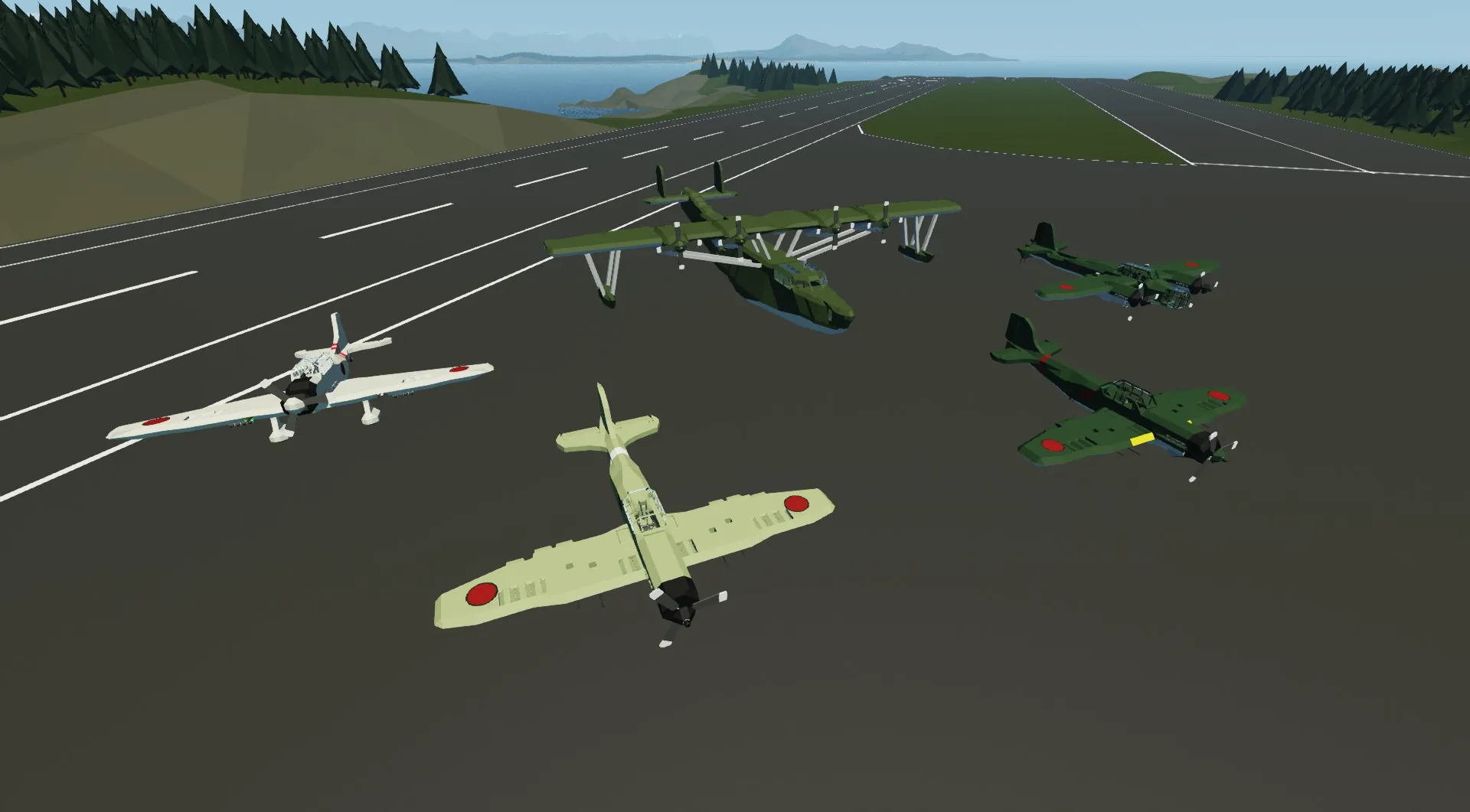
Planes:
All borrow logic and some features from one of the default AI planes from Stormworks, in the files as "vehicle_91.xml". Author info from the XML lists sundermann99
Zero: Mitsubishi A6M fighter, two variants
Val: Aichi D3A dive bomber
Ginga: Yokosuka P1Y twin engine bomber
Mavis: Kawanishi H6K flying boat scout plane
Tabby: Nakajima L2D Transport
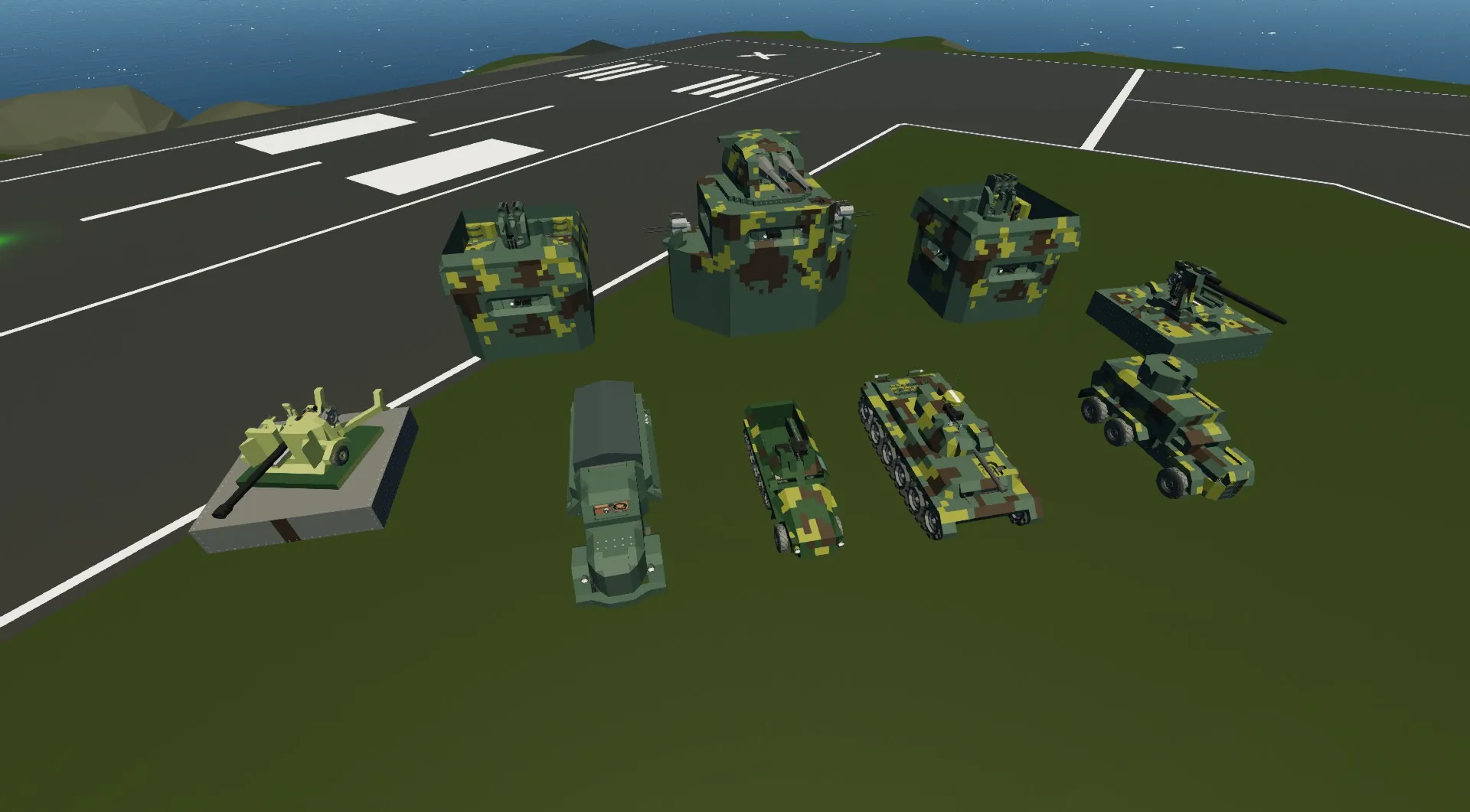
Land Vehicles All are essentially cosmetic modifications of existing vehicles from base ICM.
Type 97 Tank: Modification of "wolf" by ScriptSauce
Type 1 Halftrack: Modification of "Humvee" by ScriptSauce
Chiyoda armored car: Modification of "Rodent" by Mochy
Nissan180 cargo truck: Modification of "Mule" by ScriptSauce
Turrets:
Strongpoint: Bunker with twin light AA mount
Battery: Bunker with with Artillery cannon turret and 2 triple light AA mounts
Type 96AA Bunker with triple light autocannon
Type 88 AA gun Single Battle cannon
Type 90 Anti-tank gun
Most gun systems use Shairo-jp's Ballistic Calculator https://steamcommunity.com/sharedfiles/filedetails/?id=2628490430
and TATAKAE!'s Burst-Fire Sequencer https://steamcommunity.com/sharedfiles/filedetails/?id=2638676216
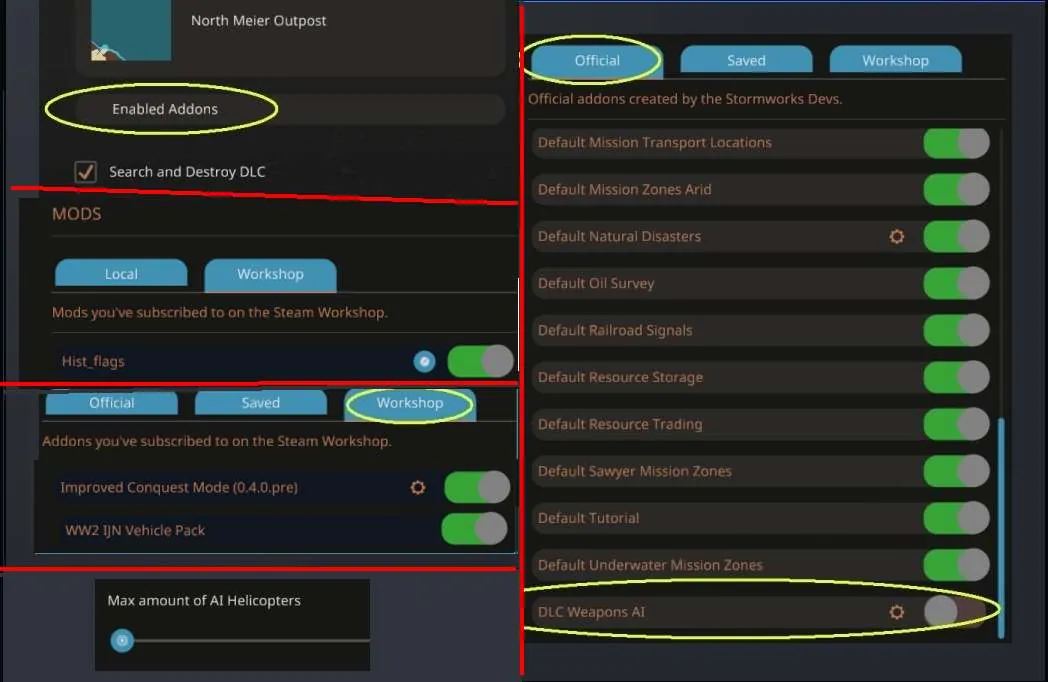
Instructions: (see image)
Start a new game.
--On the New Game menu, select your game mode and starter base
--click "Enabled Addons", then the "Official" tab, at the very bottom disable "DLC Weapons AI"
----Go to the "Workshop" tab, and enable "Improved Conquest Mode (0.4.0.stable)" and "WW2 IJN Vehicle Pack" and any other vehicle packs you want to use.
----Click the Gear icon to set the options for Improved Conquest Mode, set the "Max amount AI Helicopters" to 0, and set any other options you want. Click the arrow to return to the "New Game" screen.
--click "Enabled Mods", then the Workshop tab and enable "Hist_flags" Click the arrow to return to the "New Game" screen.
--Hit the Checkmark button to launch the game.