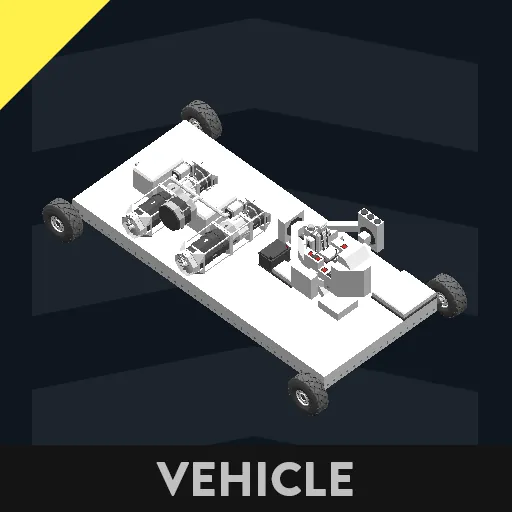
Hello! this is my first time publishing one of my creations here on the workshop.
this "vehicle" is a combination between some of the systems that i have created my self (except the artificial horizon that the fourd display shows)
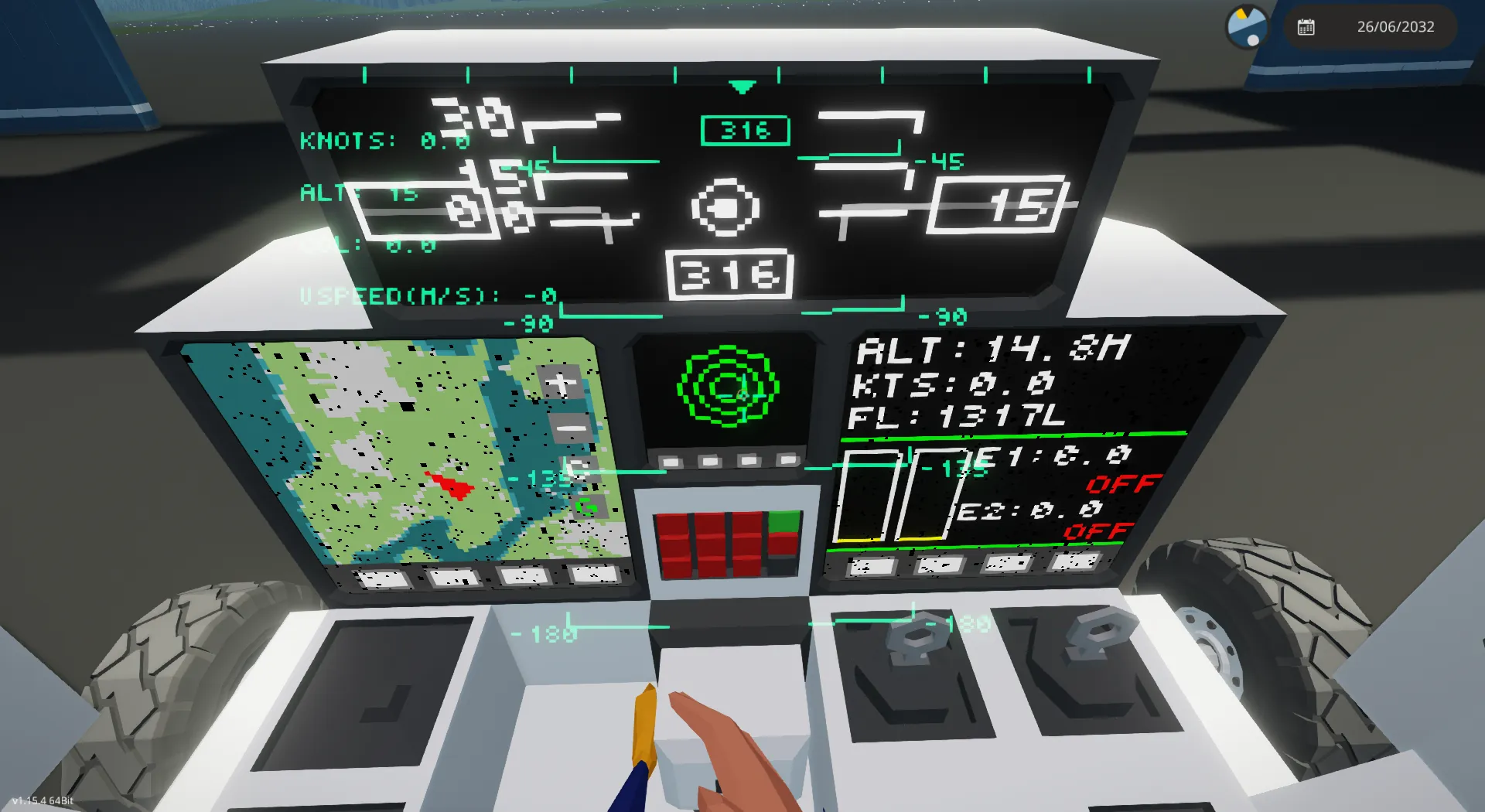
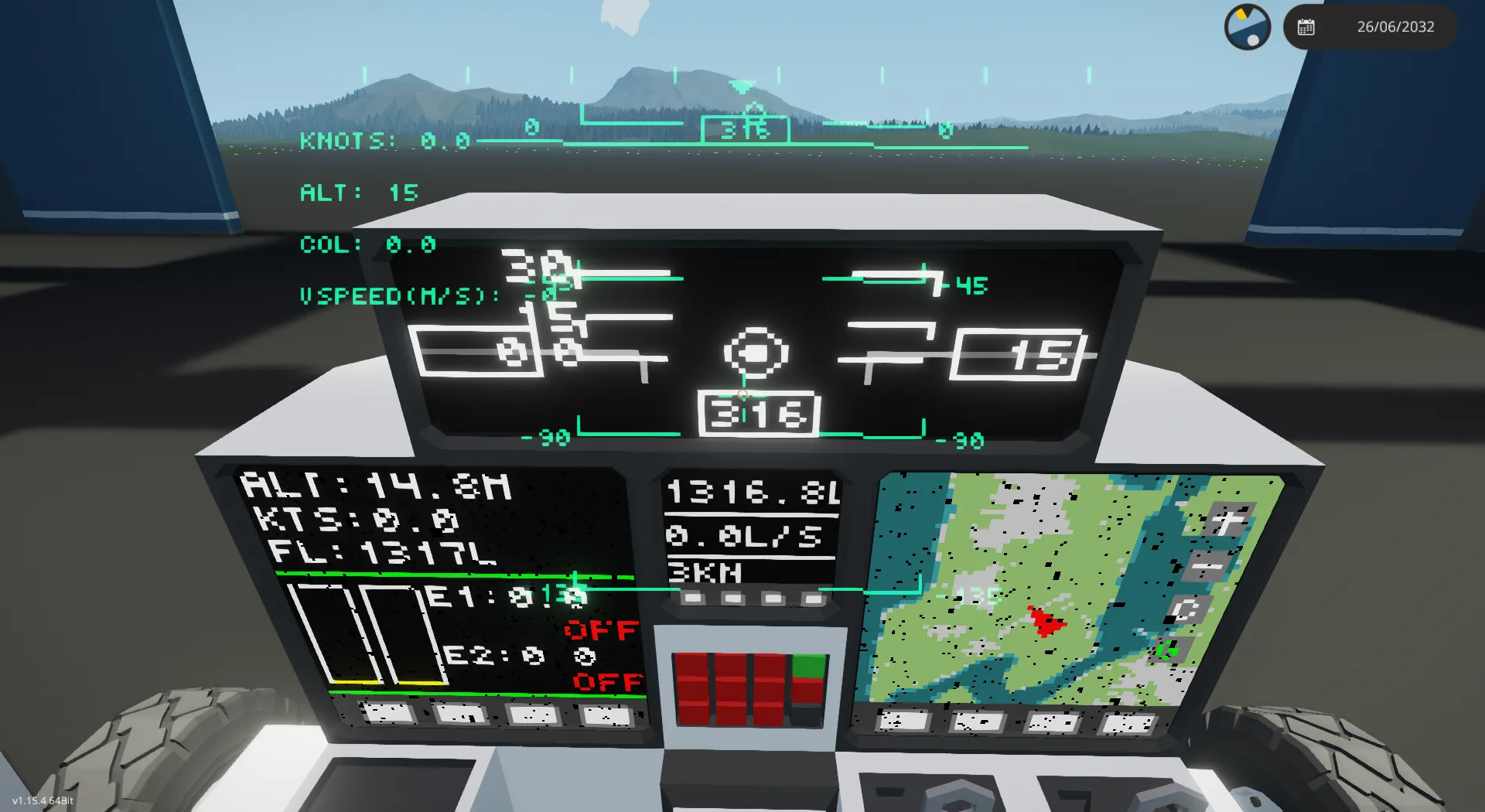
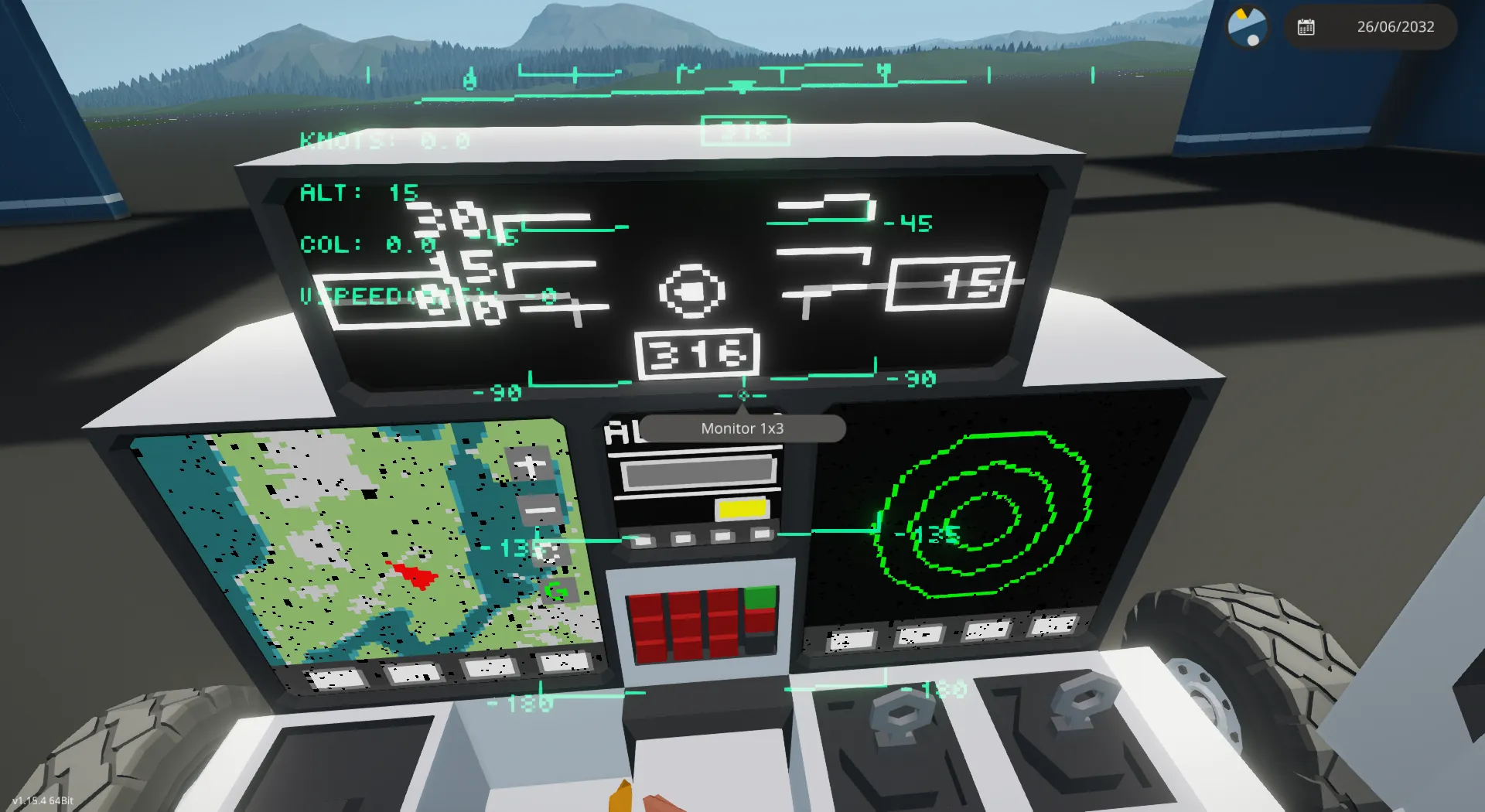
first the HMS
it is a simple hms that shows:
-speed, horizontal and vertical (vertical only for the helicopter mode)
-altitud meters
-collective (only for helicopter)
-heading
-pitch
-roll
The Multifunctional display shows:
(screen 1 and 2 [2x2])
first page
-speed
-altitud
-fuel
-engine status (only supports a maximum of 2 engine)
second page
-map
-waypoints and ap (autopilot)
to create the waypoints you can click anywhere on the map (except the buttons), to move to the according point you have "touched", then the screen will display the x and y coordinates on the top left, under that there will be a button to recenter the map (the top one), and the one unther that will save the waypoint.
To clear the waypoints just hit the C botton on the left sife of the screen.
to engage the ap just click the G button (it will be green whent the ap is ready and red when it is active), to disengage the ap you can click the button again or just use your yaw keys.
third page
this page just shows a simple RWR, it will blink red if they ping you, blink red and show a "track!" message when you are being tracked.
fourth page
it will show the the video in input, if it is the screen no.11 it will show mfd 1 video in and if it is the no.2 it will show the mfd 2 video in.
for the screen no.3
the first page will show:
the range, fuel and fuel consumption
the second page shows:
an alt hold
to use it you need to first click on the bar, then enter the desired altitud on the keyboard, then click the ok button, after that a button on the right will pass from yellow to green signaling that the alt hold is ready to use, to engage it click the green button, after that the button will pass from green to red, if yoou want to disengage it just hit the button again or click on your pitch keybind.
the third page shows:
this page just shows a simple RWR, it will blink red if they ping you, blink red and show a "T" message when you are being tracked.
the fourth page shows:
the mfd 3 video in.
the 3x1 dysplay shows a artificial horizon, no other use for it, you can leave it behind and just use the HMS. Credits to FN-20 for this artificial horizon (i was to tired so i just stole this, ).
when you select any of the mfd video in inputs on the screen the respective on/off channels will turn on, you can use thoes to "activate the video cameras or microcontrolers", if you want to use other microncontrolers video outputs on this mfd video in channels you need to leave a 15 pixels space on the botom of the screen, why? beacuse this space is used for the buttons that allow you to change pages.
for the eng data input that both microcontrolers uses you need to provide this data in the respective channels
numeric channels:
ch1: 100 * currentEngineRps / setRps (eng1)
ch2: 100 * setRps / maxRps (eng1)
ch3: currentEngineRps (eng1)
ch4: 100 * currentEngineRps / setRps (eng2)
ch5: 100 * setRps / maxRps (eng2)
ch6: currentEngineRps (eng2)
bool channels:
ch1: eng 1 on/off
ch2: eng 2 on/off
there are 3 numeric outputs roll, yaw, pitch when the ap is off it works like a pass trough signal from your seat when it is on it outputs the ap pid, you can modify it to output a composite channel signal that combines the seat output with the ap, there is already a node for this.
also sorry for my bad english and the images some times stormworks just does not want to reder well on intel igpus :V
you are free to use this on your creations, but you need to give credit!
if you got any questions leave theme on the comments!!