Features
- Compatible with all weapons
- Manual operation possible
- High-precision stabilizer
- Ballistic Calculator V4
- Supports ELI1/ELI2 input
- Compatible with MAMElink v0.8 as an IFF
- Compatible with FCS Type 7 as a manual operation Included
- Includes FCS Type 6 as a search radar
Description
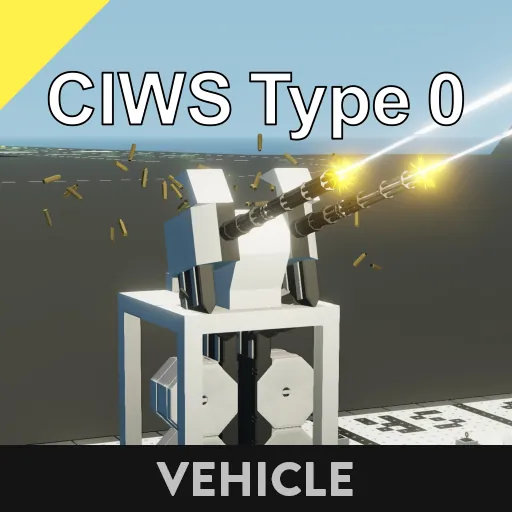
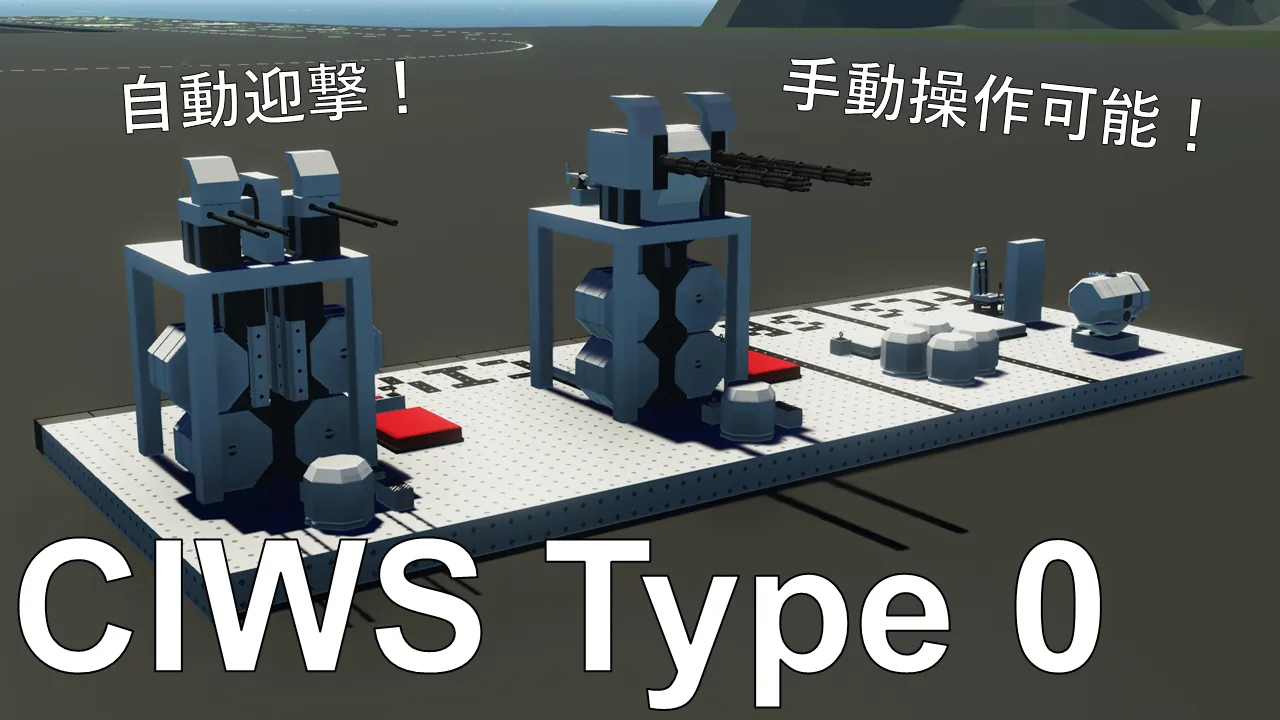
This CIWS is equipped with a simple automatic intercept system. Its performance is not particularly high.
The search radar detects targets, and the tracking radar takes over intercepting them in order, starting with the target with the shortest arrival time.
Manual operation is also possible using the ELI2 input. Also, a MAMElink was used as the IFF. IFF-equipped aircraft will not be shot down.
Installation Notes
- Install the turret physics sensor and wind sensor at the base merge of the gun.
- Install the tracking radar physics sensor at the same merge as the tracking radar.
- Be sure to set the properties.
- Make sure the tracking radar is not blocked by bullet cases or other objects.
Terminal Description
ELI1/ELI2 Input Terminal
Number
Content
1
X Coordinate
2
Y Coordinate
3
Z Coordinate Mark (altitude)
4
X speed[m/tick]
5
Y speed[m/tick]
6
Z speed[m/tick]
Boolean
Contents
1
Target detection
SRD3 input terminal
number
content
1
X coordinate
2
Y Coordinates
3
Z Coordinate
4
Target ID (0<ID<1000)
5~24
Repeat
Reload Input Terminal
Sets the elevation angle to 0 while leaving the azimuth unchanged. Use this when reloading. To reset the azimuth to its initial position, turn off Power.
High Angle Fire Input Terminal
Used when connecting a cannon of BC class or higher for indirect fire.
Shootable Output Terminal
An on signal is output when the turret is within range and facing a firing position.
Property Description
Property Name
Description
Weapon Type
Select the weapon type.
Standby Yaw Position (degree)
Enter the initial azimuth angle in degrees relative to the pivot zero point. The direction will be set when the power is turned off.
Min Pitch (degree)
Enter the minimum pitch angle in degrees. The pivot zero point is the reference point.
Max Pitch (degree)
Enter the maximum pitch angle in degrees. The pivot zero point is the reference point.
Pitch Swivel Mode
Select whether to limit pitch swivel to minimum and maximum values. "Unlimited" allows swivel regardless of the minimum and maximum values (-90° ~ +90°). "Limited by Fov" limits swivel to the minimum and maximum values. Note that the firing range is always limited by the minimum and maximum values.
Min Yaw (degree)
Enter the minimum yaw swivel angle in degrees. This is based on the Standby Yaw Position.
Max Yaw (degree)
Enter the minimum yaw swivel angle in degrees. This is based on the Standby Yaw Position.
Yaw Swivel Mode
Select whether to limit yaw rotation to minimum and maximum values. "Unlimited" allows rotation regardless of the minimum and maximum values (-180° ~ +180°). "Limited by Fov" limits rotation to the minimum and maximum values. Note that the firing range is always limited by the minimum and maximum values.
Pivot rotation speed gain
This is the turret rotation speed. Increasing this value allows for faster rotation.
Types of Pitch PIVOT
Select the pivot used for pitch.
Pitch Gear Ratio
Please select the gear ratio of the pitch pivot.
Types of Yaw PIVOT
Please select the pivot used for yaw.
Yaw Gear Ratio
Please select the gear ratio of the yaw pivot.
Body phy. offset x (m)
Please enter the X-axis distance (left/right of the vehicle) between the Physics Sensor installed at the base of the gun and the center of rotation of the gun.
Body phy. offset y (m)
Please enter the Y-axis distance (forward/backward of the vehicle) between the Physics Sensor installed at the base of the gun and the center of rotation of the gun.
Body phy. offset z (m)
Enter the X-axis distance (vertical direction of the vehicle) between the physics sensor installed at the base of the cannon and the center of the cannon's rotation.
Radar phy. offset x (m)
Enter the X-axis distance (horizontal direction of the vehicle) between the tracking radar's physics sensor and the center of the tracking radar.
Radar phy. offset y (m)
Enter the Y-axis distance (vertical direction of the vehicle) between the tracking radar's physics sensor and the center of the tracking radar.
Radar phy. offset z (m)
Enter the Z-axis distance (vertical direction of the vehicle) between the tracking radar's physics sensor and the center of the tracking radar.
Vehicle radius [m]
Targets closer than this distance will not be automatically targeted for interception.
Use tracking radar when aiming ELI
When enabled, tracking radar information will be used instead of FCS during manual operation. It is recommended to turn this off if accuracy is required at long distances.