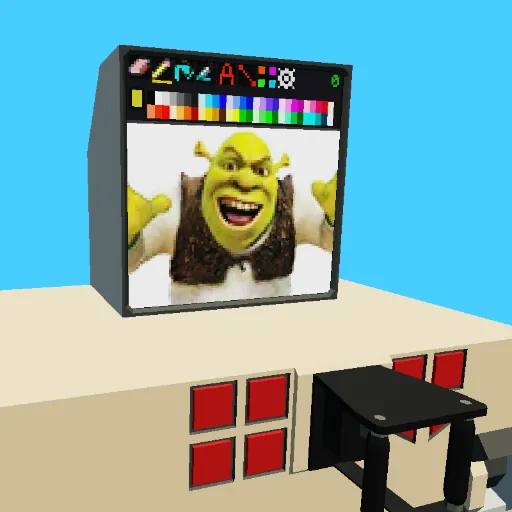
[b]SWPaint is [i]the[/i] Stormworks paint program![/b]
Never before seen smooth drawing capability
Using look X and look Y I've removed the 1 action per touch limitation that usually comes with monitors.
Hundreds of canvases to store your amazing drawings
Press A or D to cycle through them.
Video recording and playback
Press [b]PLAY[/b] to start and [b]STOP[/b] to stop.
Integrated image transfer system
Connect the [b]SWMI out[/b] of 1 SWPaint console to the [b]SWMI in[/b] (1 or 2) of another to copy your drawing.
Make sure you connect them in the right direction and use the correct input.
New tools including [b]Line Draw[/b] and [b]Text Keyboard[/b]
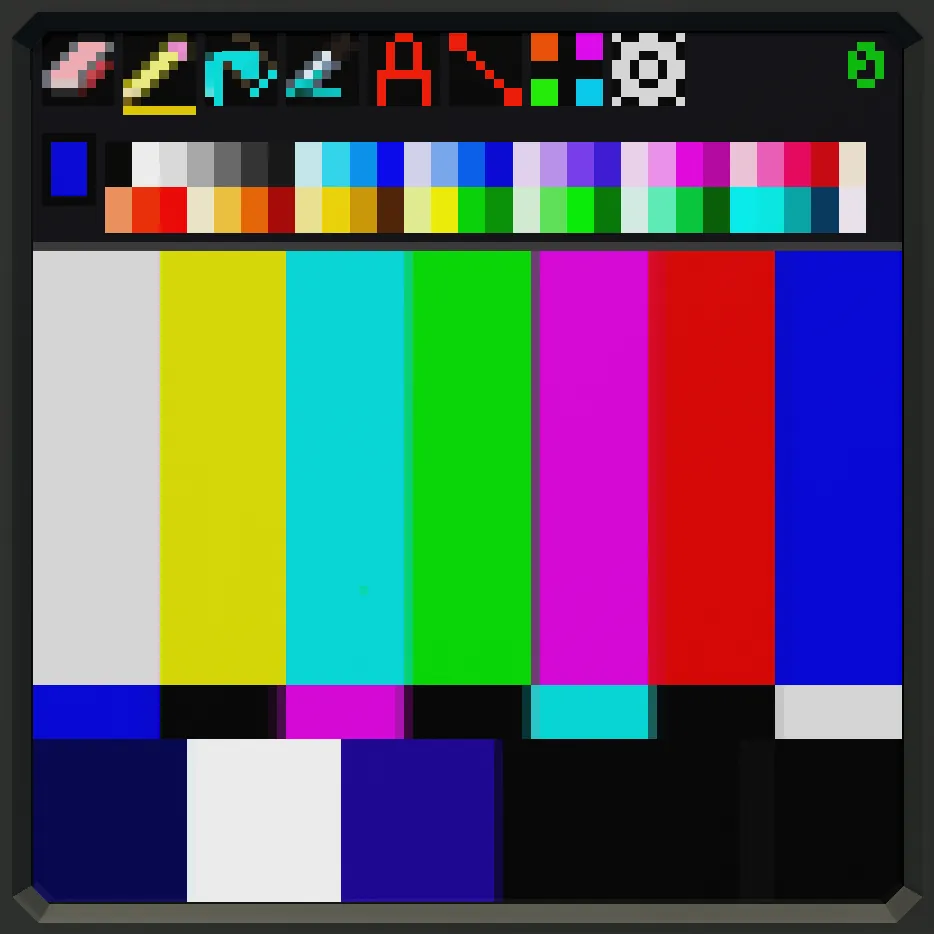
All 6 tools from left to right are as follows:
[b]Eraser[/b], [b]Pencil/Brush[/b], [b]Fill Bucket[/b], [b]Color Picker[/b], [b]Text Keyboard[/b], [b]Line Draw[/b]
[url=https://steamcommunity.com/sharedfiles/filedetails/?id=3593321417]DVD Tutorial[/url] (addon)
It's possible and actually recommended to watch the DVD using SWPaint.
How is explained in the description of the player.
Several peripherals with more to come
Monitors, Lidar Cameras and video editors are among the many accessories that are compatible with SWPaint.
56 Colors to choose from
Click 'em
Easy to set up
Flick the [b]power switch[/b] to turn the machine on and press the [b]brake[/b]
to stop the it from sliding away, other than that there's not much setup involved.
[b]Do not reupload![/b]