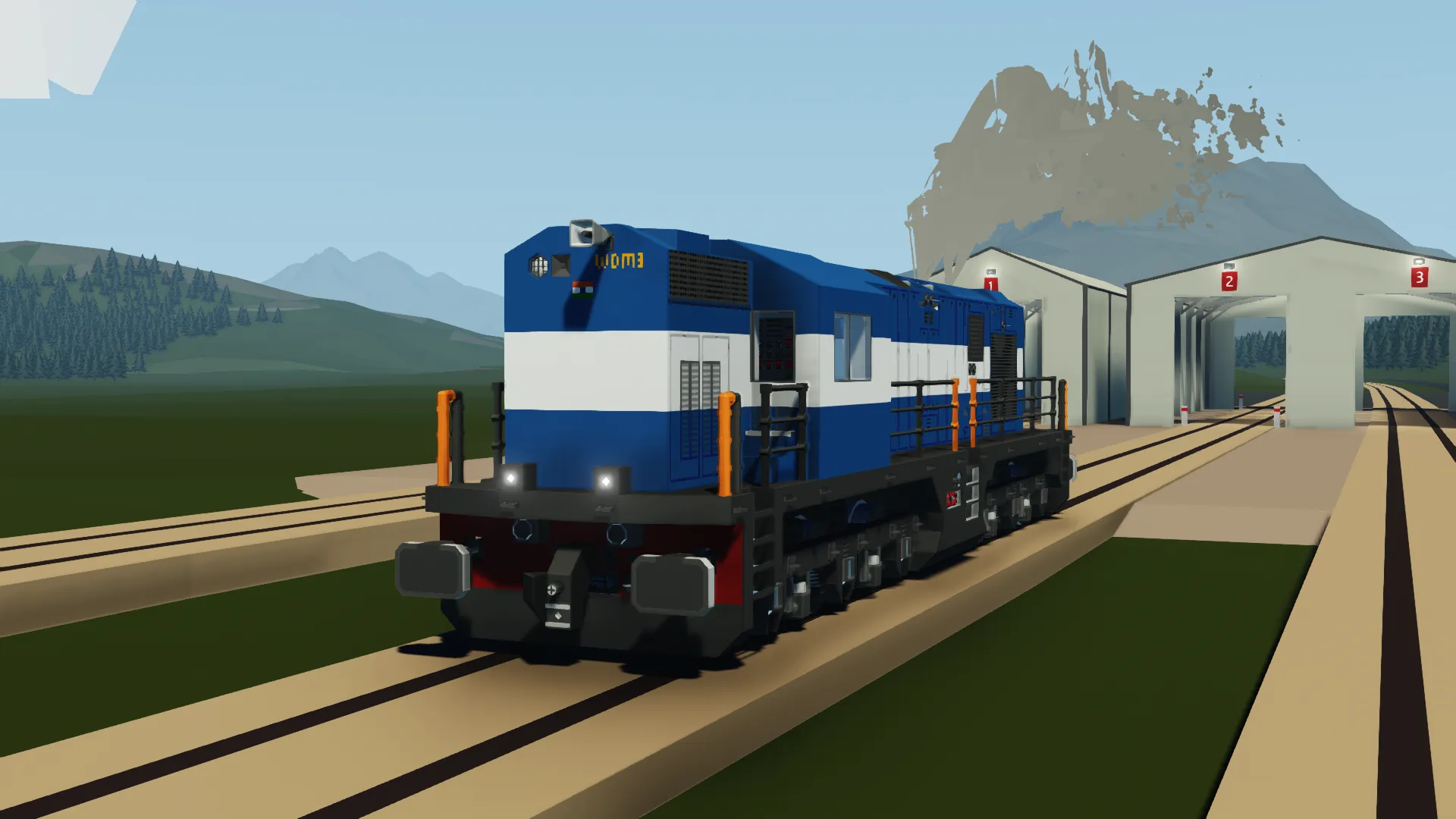
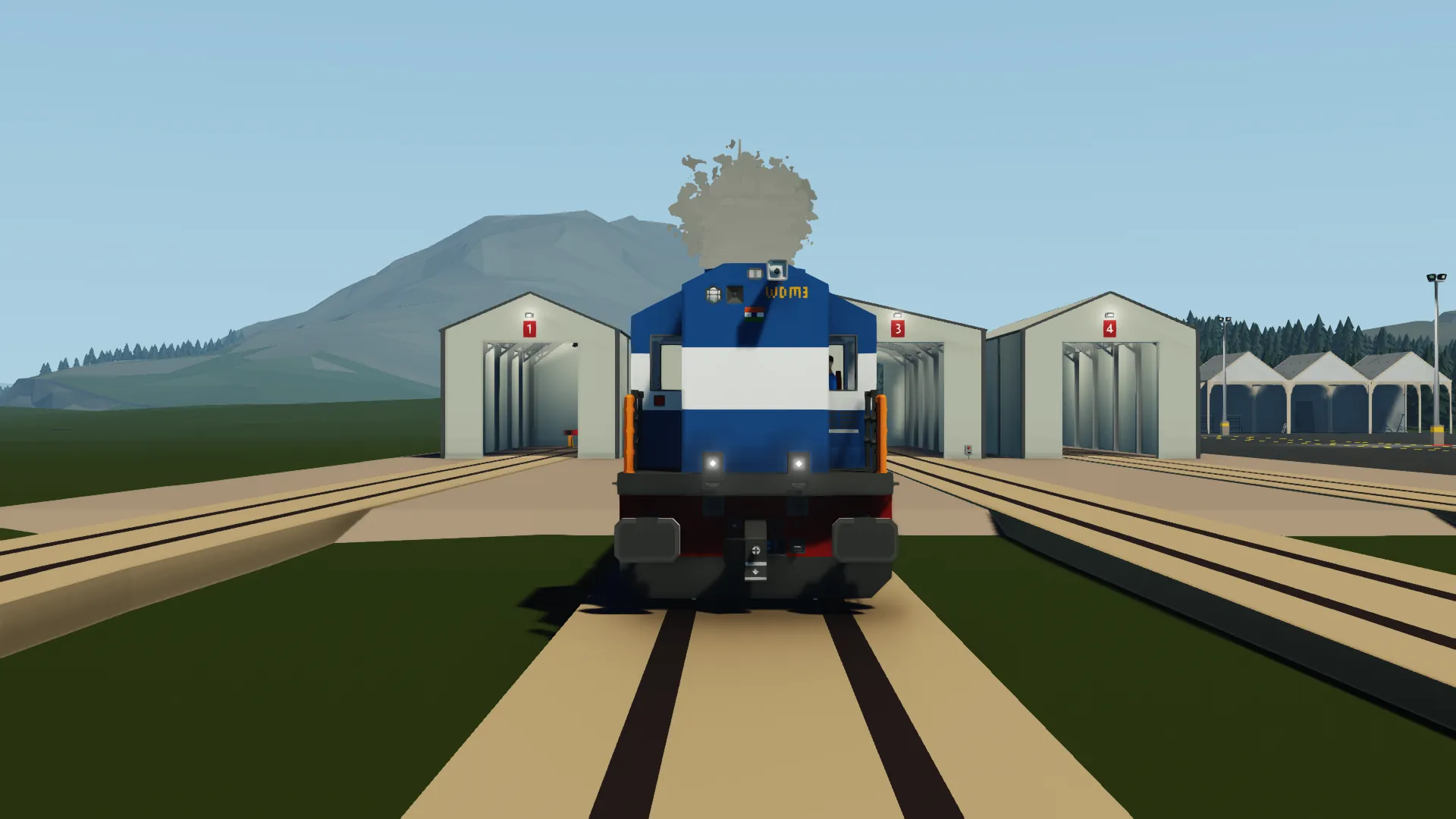
WDM-3D ALCO Class Locomotive Indian Railways
INFORMATION
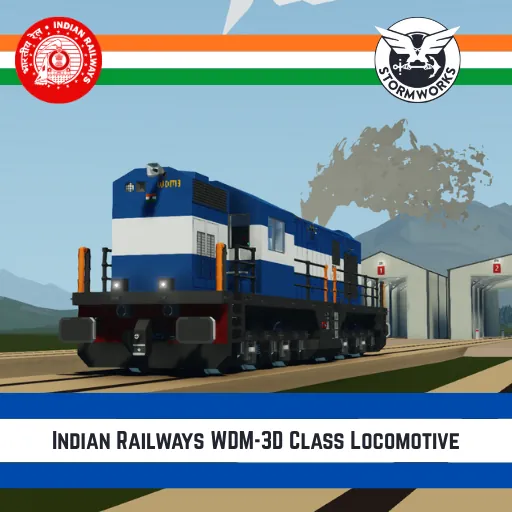
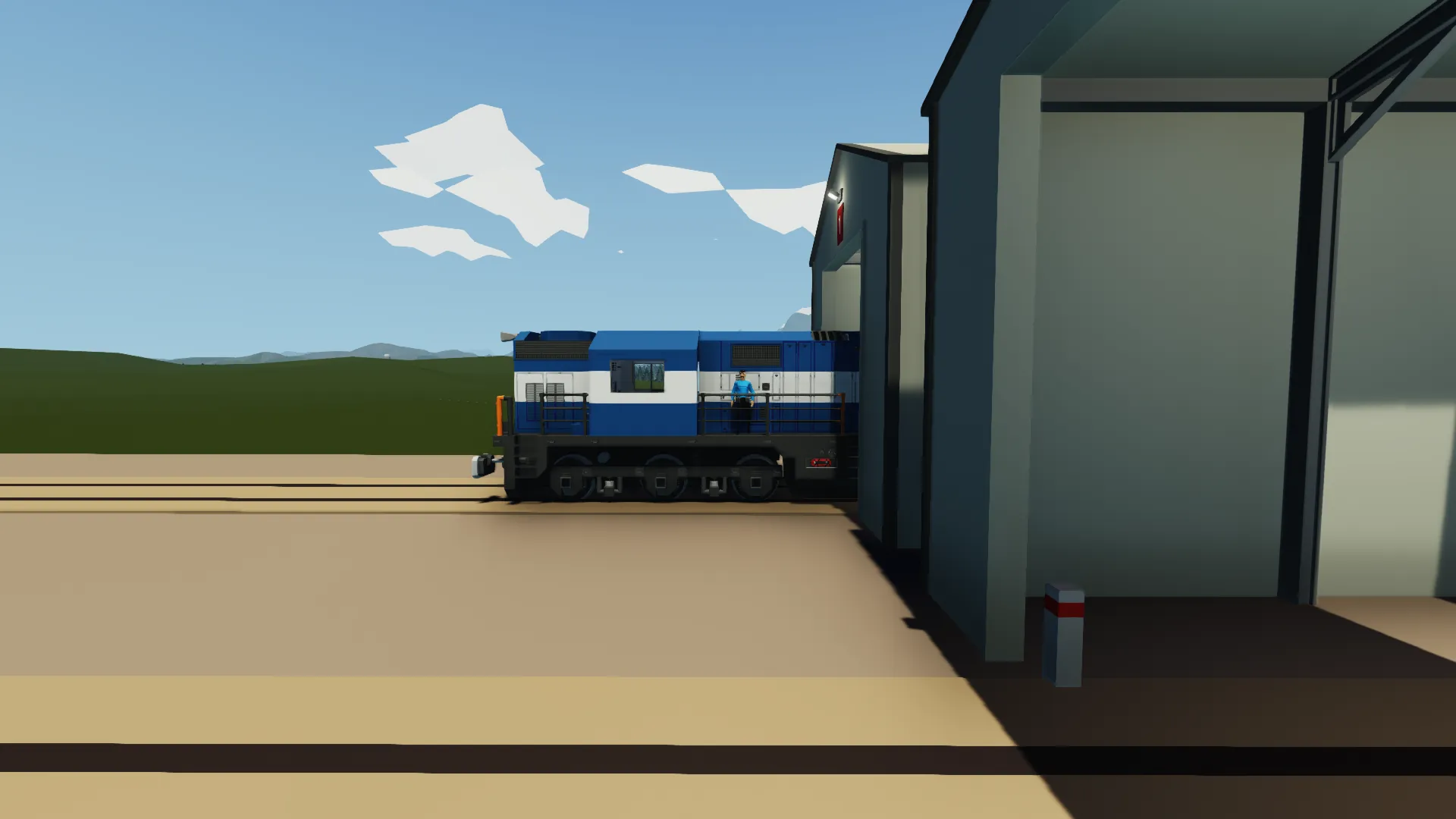
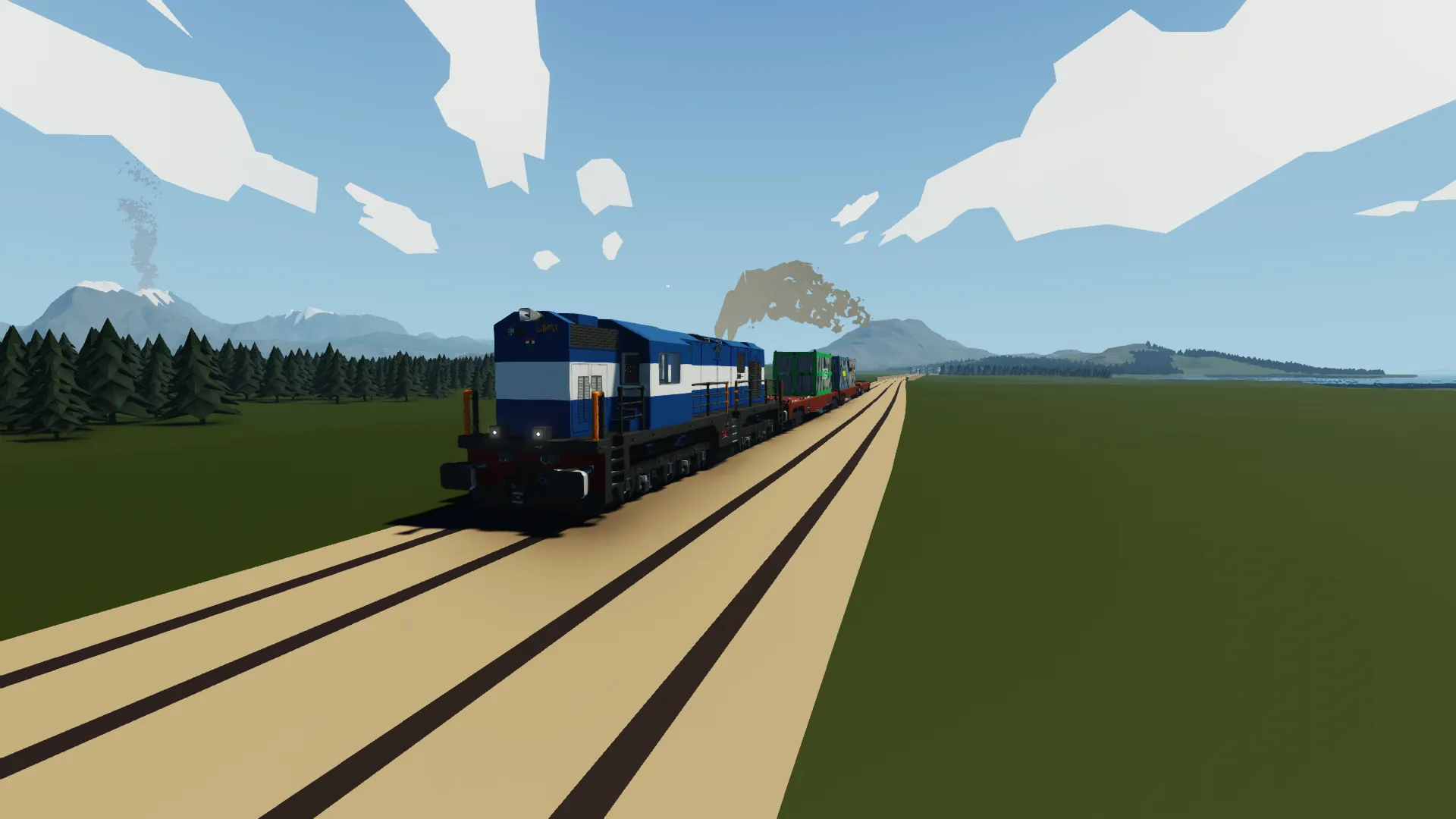
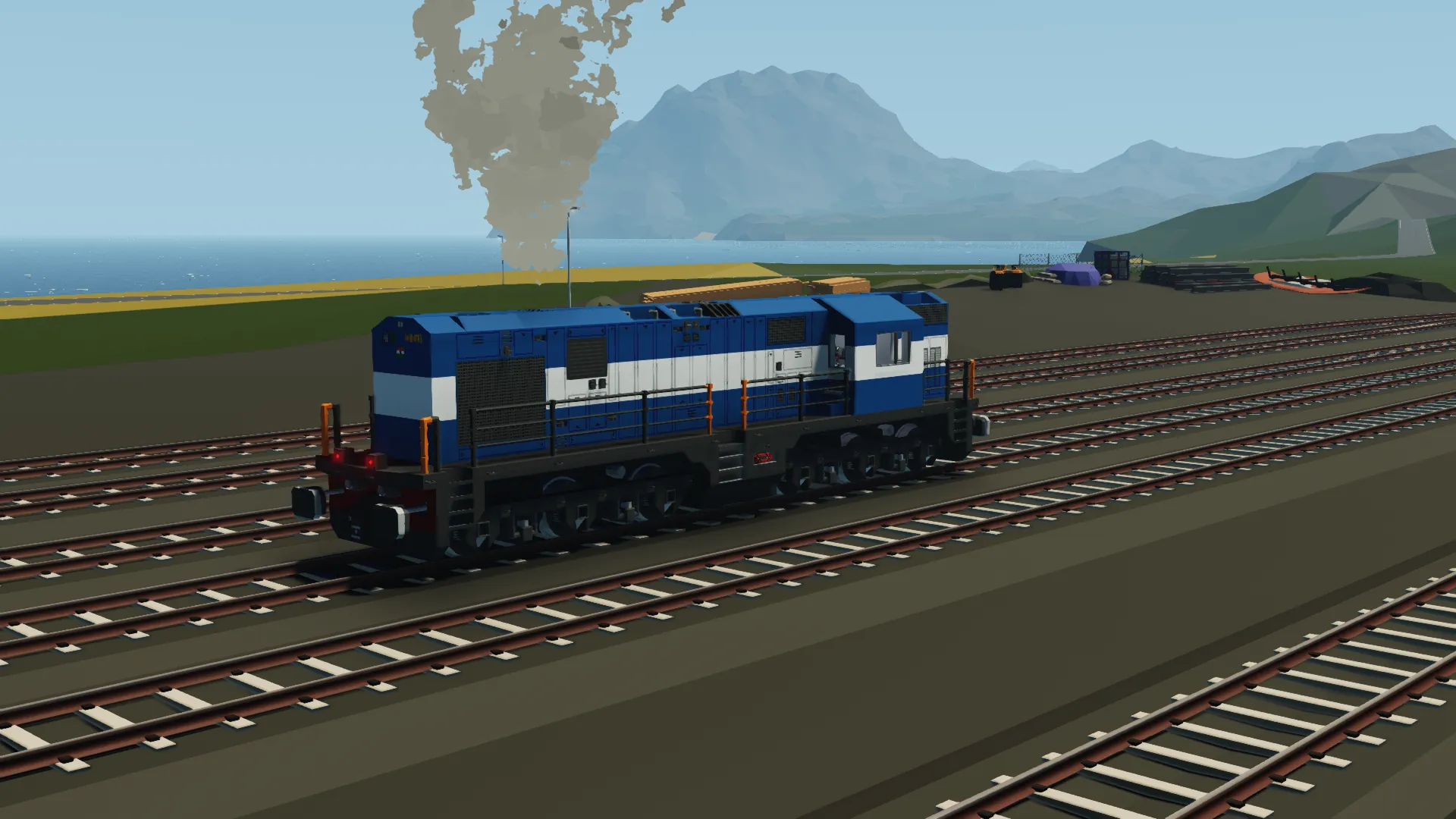
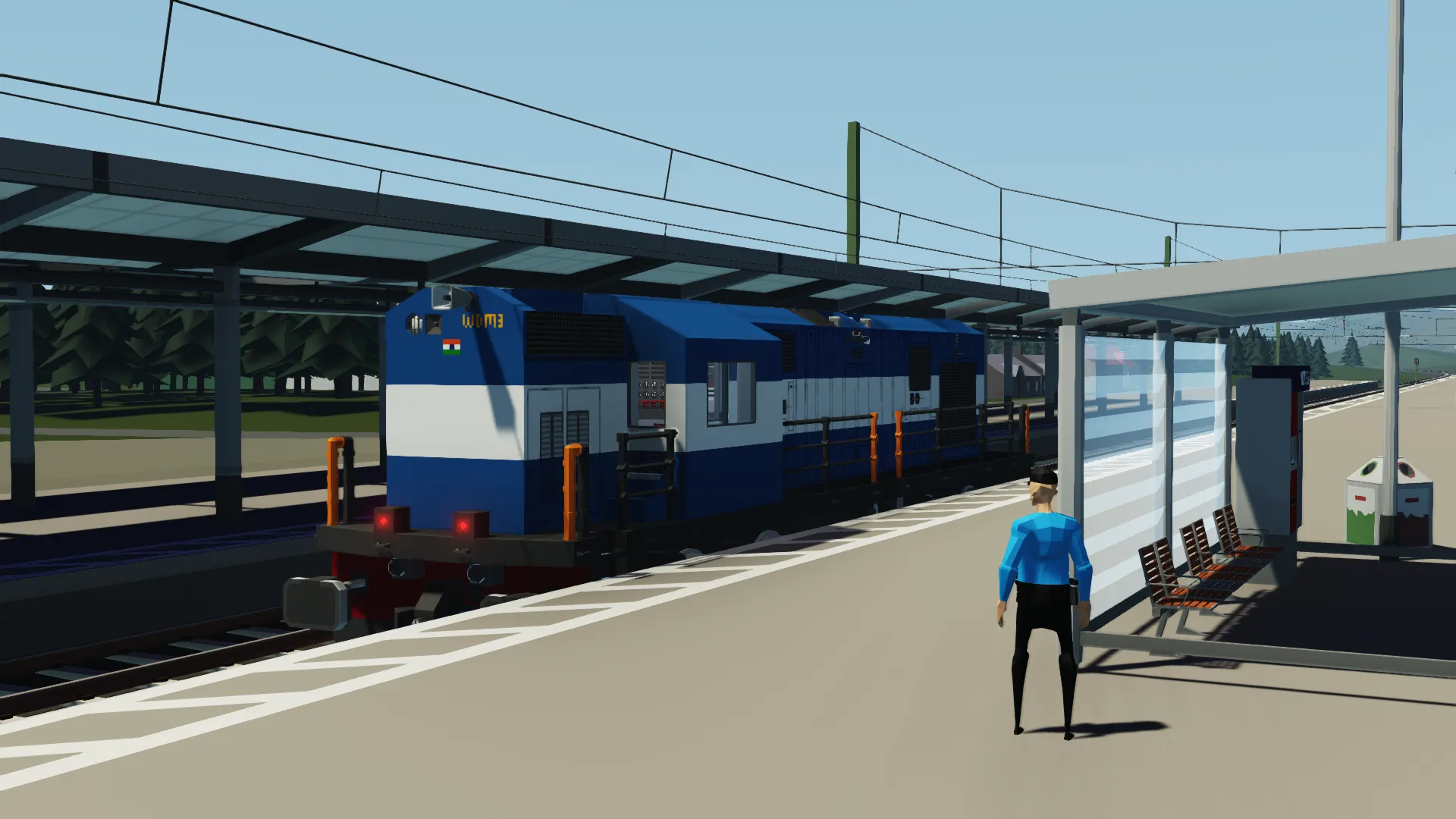
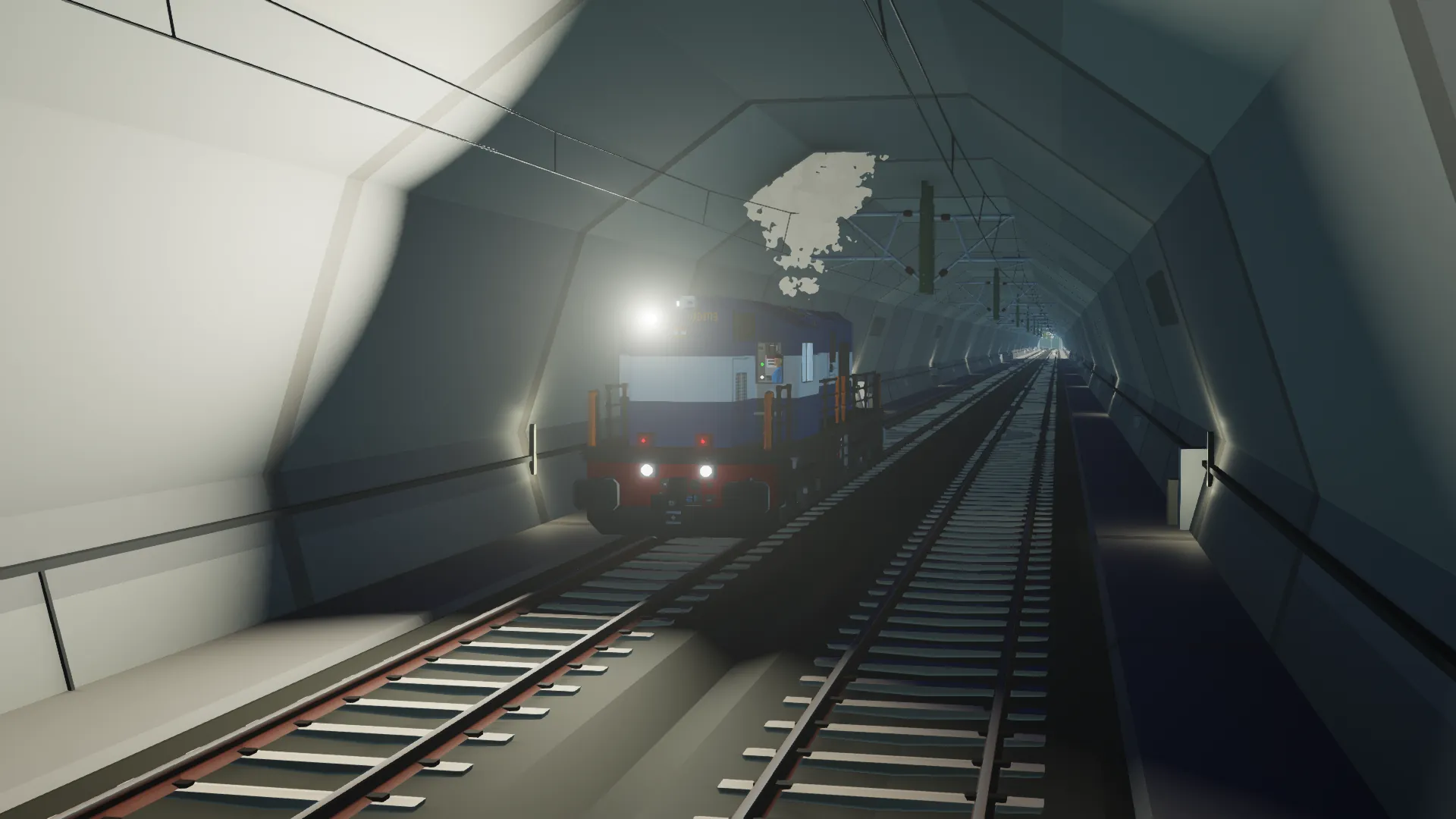
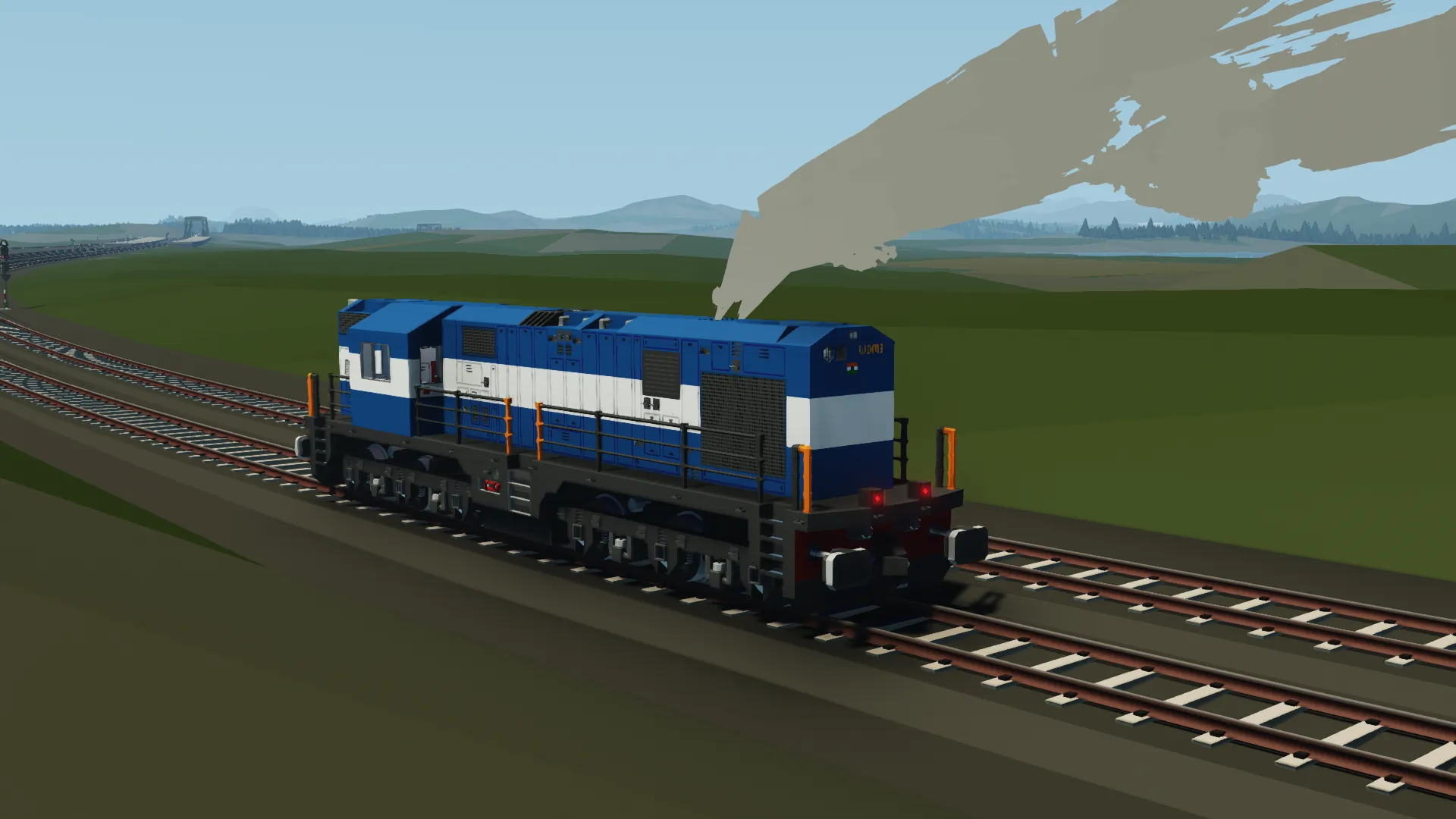
The WDM-3D is a class of Diesel-Electric locomotives used by the Indian Railways, developed by Banaras Locomotive Works. It entered service in 2003, and is still in operation with the Indian Railways to this day. This is a recreation of the locomotive in stormworks. It is not an exact one-to-one replica though.
SPECIFICATIONS
Cost in game: $102,822
Engine: Prefab Large Diesel Engine
Traction: Electric, 6 Medium Electric Motors
Fuel:7,212 Litres
Bogey Arrangement: Co-Co 3-Axle Bogies
Length: 68 Blocks, 17.00 Metres
Width: 13 Blocks, 3.25 Metres
Startup Manual:
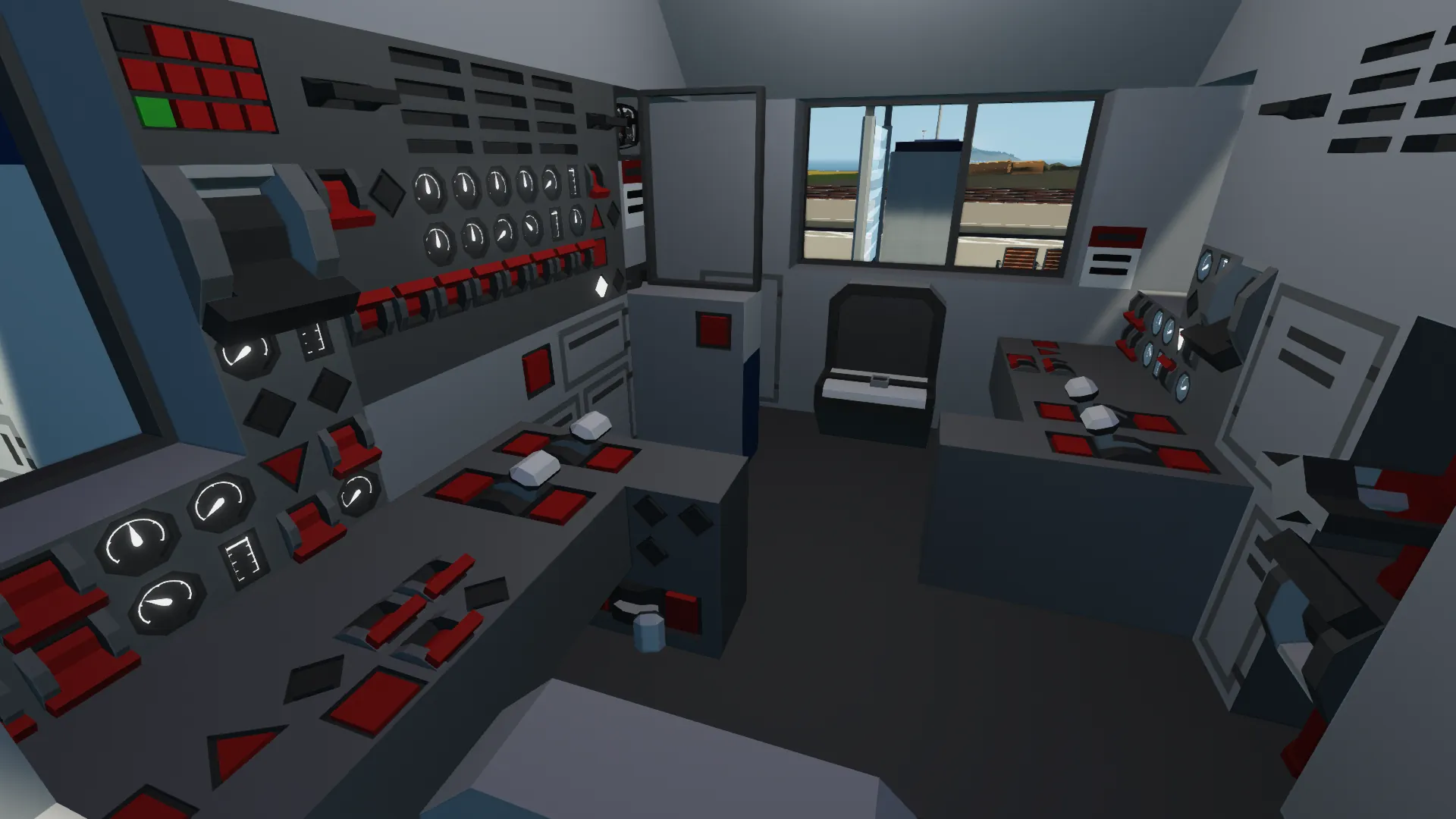
1. Enter the Cab and Flick the battery knife switch.
2. Release the parking brake, the button is located next to the knife switch.
3. Turn on all the breakers ( ES 1 & 2, TMS 1 & 2, CSS 1 & 2, MES 1 & 2).
4. The Engine mode switch should be set to off (Idle) mode. Let it be like this for now.
5. Press the 'Brake Cut-In' button on engine control panel.
6. Go to control stand 1, one flick the 'Control & Fuel Pump' switch, and press the 'Engine Run' button
7. Repeat Step 6 for Control stand 2. Make sure these switches are on on both control stands, else, the engine will not start (The Gen Field Switch can be enabled before or after engine startup).
8. Push the 'Engine Start Sequence' button. The engine priming sequence should start.
9. Flick the 'Gen Field' switch [i].
10. Once the engine idles at around 217 RPM, switch the engine mode to Run. 11. The RPM should climb.
And you're ready to go
This locomotive features two control stands, having the ability to switch which one is being used, depending on the orientation of the locomotive. Control Stand 1 (For short hood forward operation) is enabled by default. To operate long hood forward, go to Control stand 2 and flock the switch titled 'This Control stand being used/Long hood forward'. This will switch controls to the long hood forward orientation.
For Master/Slave Operation:
1. At the master slave panel located on each stand, the controls are present.
2. Flick the 'Master Slave mode On' switch.
3. If this is a slave locomotive, do not flick the 'On - Master, Off - Slave' switch.
4. If this is a master locomotive, flick the switch mentioned above.
5. Additionally, if this is a slave locomotive facing the opposite direction to the master (say the master is long-hood forward and the slave is short-hood forward, and vice-versa), flick the 'If this is a slave locomotive facing the opposite direction to the master' switch on.
This train also features an RC System.
To use the RC System:
1. Go to the RC Mode Control Panel, located near the breakers.
2. Flick the 'RC Mode On' switch.
3. Select the RC Frequency using the Keypad ( Frequency must be from 0 - 8).
This train uses my RSOS or 'Rolling Stock Operation System' microcontroller systems. More creations compatible with this system will be released, and will be listed in the collection above.
Any bugs or queries, please do mention them in the comments section below. Your feedback helps to improve these creations so that they may reach their full potential.[/i]