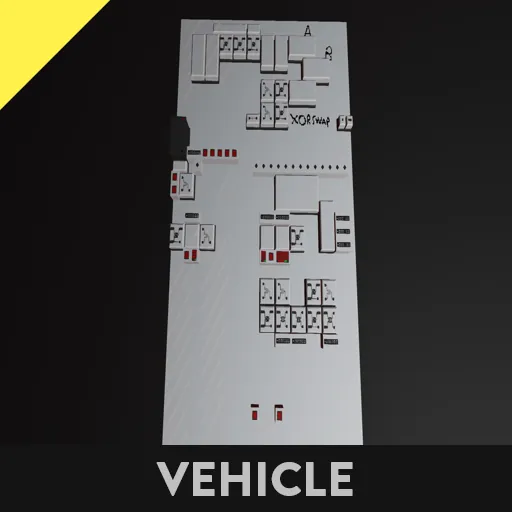
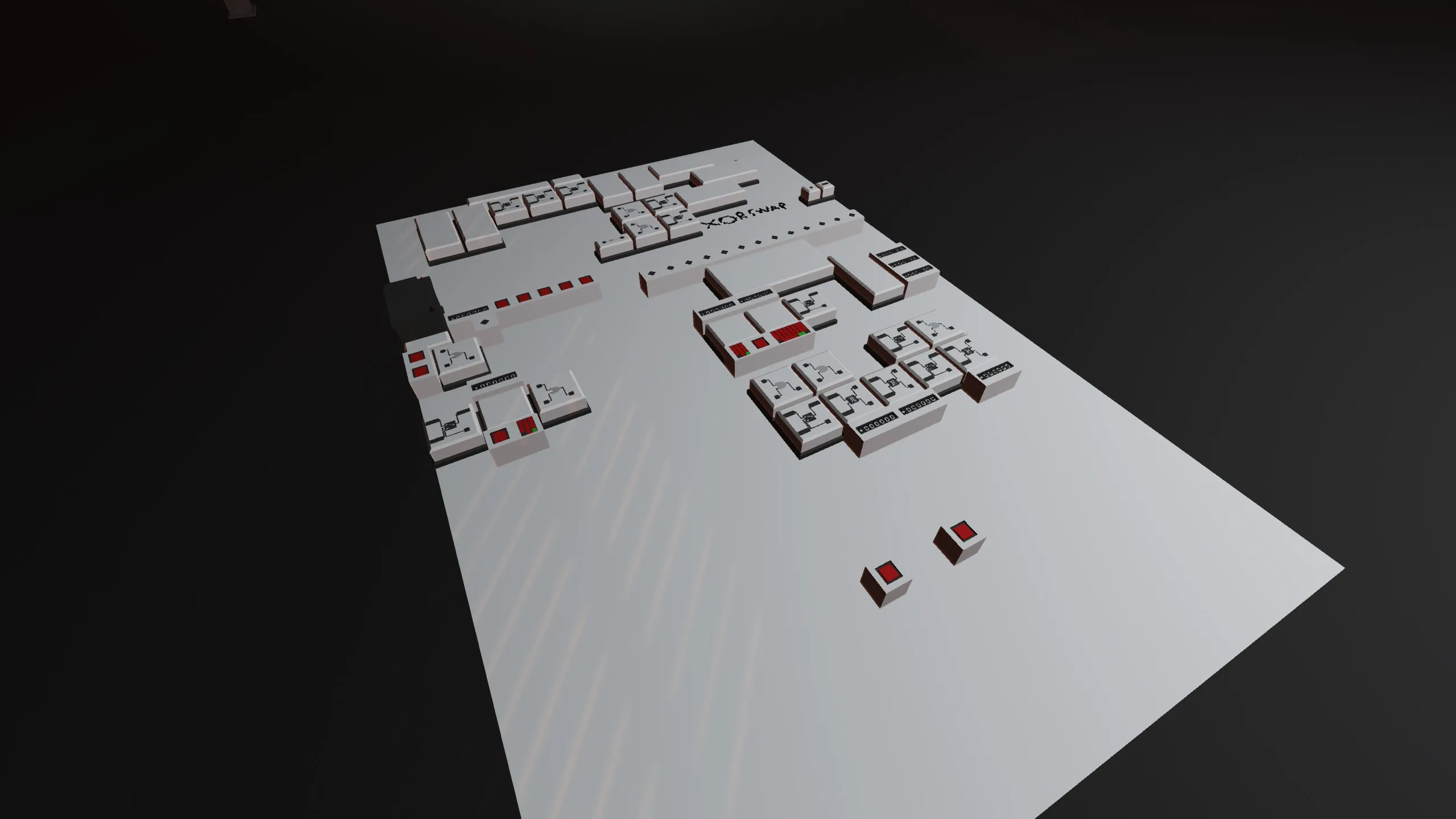
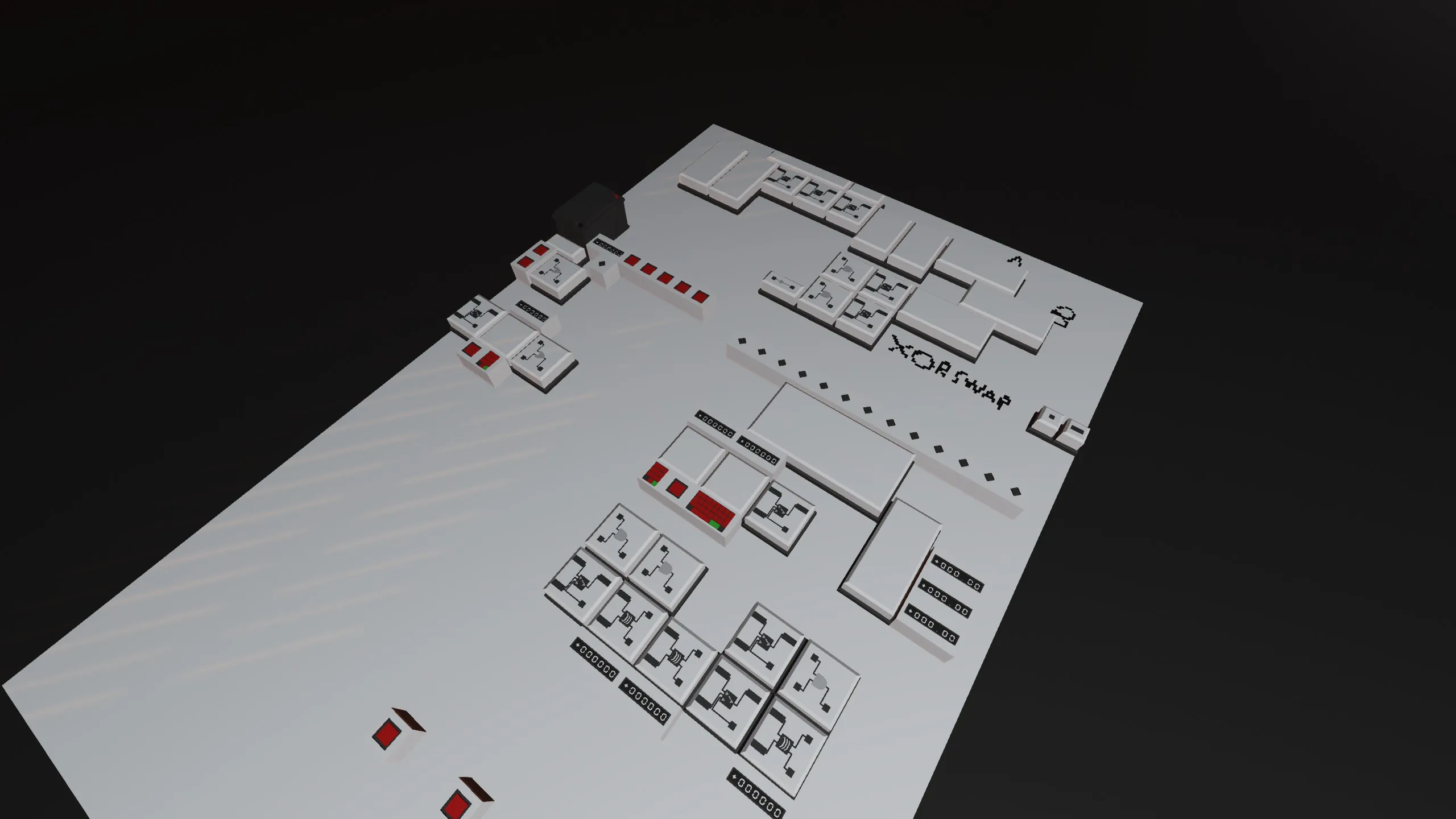
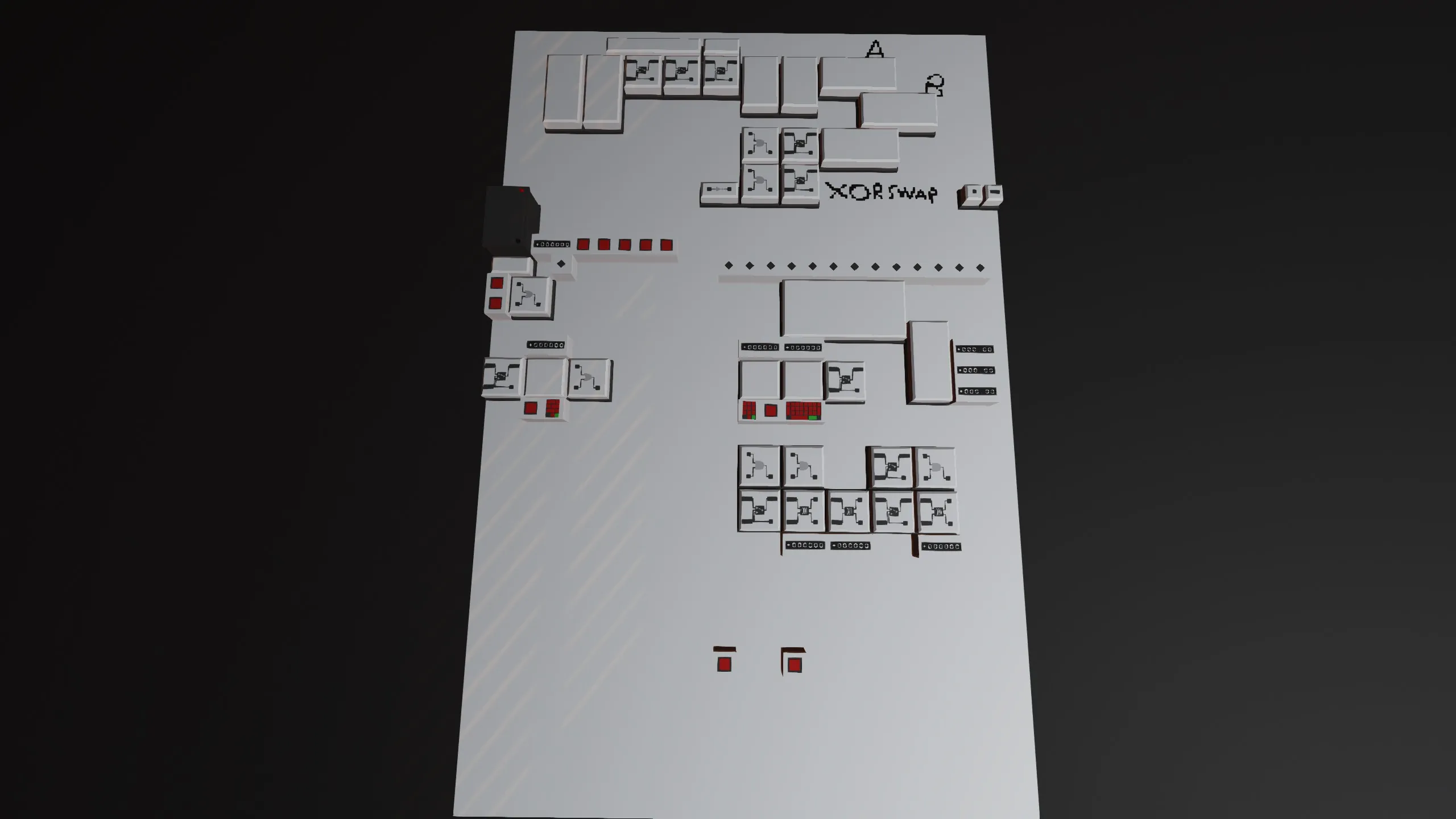
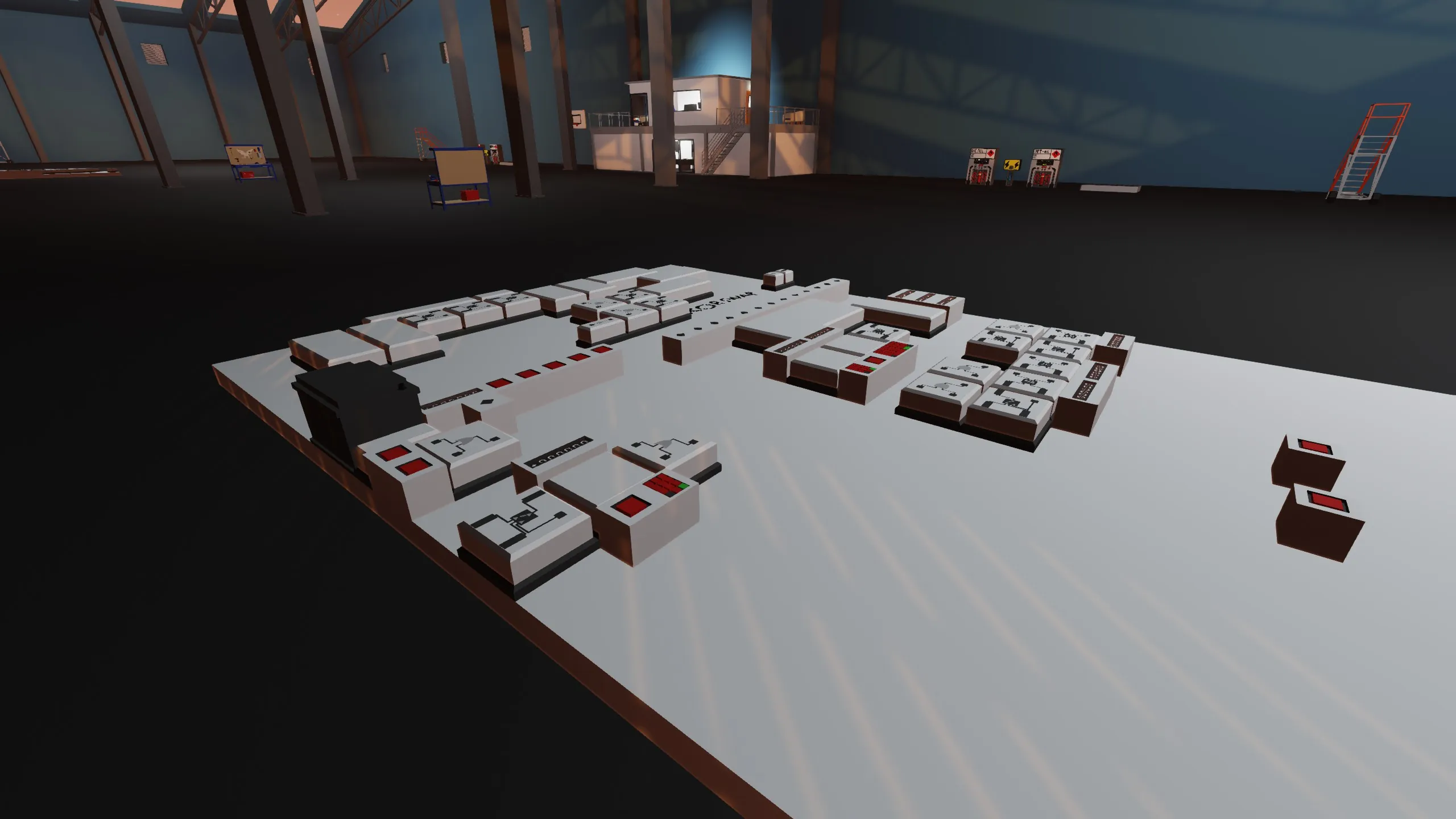
A 32 bit signed integer computer.
It has 3 registers one of which is a pointer to RAM.
The ram and instruction set can hold up to 30 values.
Instructions to use:
You can write an instructions at the big keyboard terminal. Input the desired address, the command. Additionally if you are assigning a value to the A register go to the smaller keypad and enter the desired number. Then press write.
Commands are stored as decimal numbers, however the format is in binary and thus you need to convert.
Ex: say you want to add A and B and then store the result in A in binary it's: 100001 but in order to properly store it you convert to decimal and input 33.
The registers can be found under the instruction set and the ram
A is the leftmost one
B is the middle
*A is the rightmost
The current values in the register can be viewed via the digital displays under them.
If you want to clear all the registers and RAM you can do so by pressing the buttons at the bottom of the platform.
Instruction format:
dt gr eq lt *a us*a b a sw zx op1 op0 u
where:
u - selects the desired unit (0 - logic unit, 1 - arithmetic unit)
op0 - see ALU instructions
op1 - see ALU instrucions
zx - see ALU instructions
sw - see ALU instructions
lt - jump if ALU result is less than 0
eq - jump if ALU result is 0
gr - jump if ALU result is greater than 0
a - store the operation result in register A
b - store the operation result in register B
us*a - use value in register *a instead of A in operation
*a - store the operation result in register *a
dt - data operation (assign value to register A)
ALU instruction table:
u op0 op1
0 0 0 -> X AND Y
0 1 0 -> X OR Y
0 0 1 -> X XOR Y
0 1 1 -> INV X
1 0 0 -> X + Y
1 1 0 -> X + 1
1 0 1 -> X - Y
1 1 1 -> X - 1
zx - replaces X in ALU operation with 0 (ex: X - Y -> 0 - Y)
sw - swaps X and Y (ex: X - Y -> Y - X)
JUMP
You can determine if you want to jump via the lt eq and gr flags, the PC will move the the value in register A
RAM access
Register *A holds the value in RAM at the address found in register A, thus you can set different addresses by changing what is in A
The arhitecture is mostly the same as the one from [url=http%3A%2F%2FNandgame.com]Nandgame.com[/url] with a few changes.