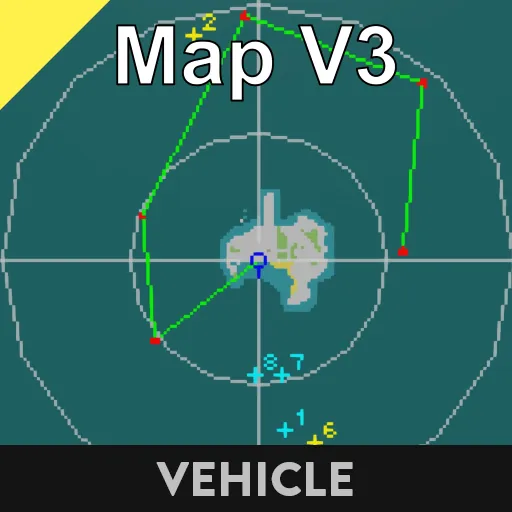
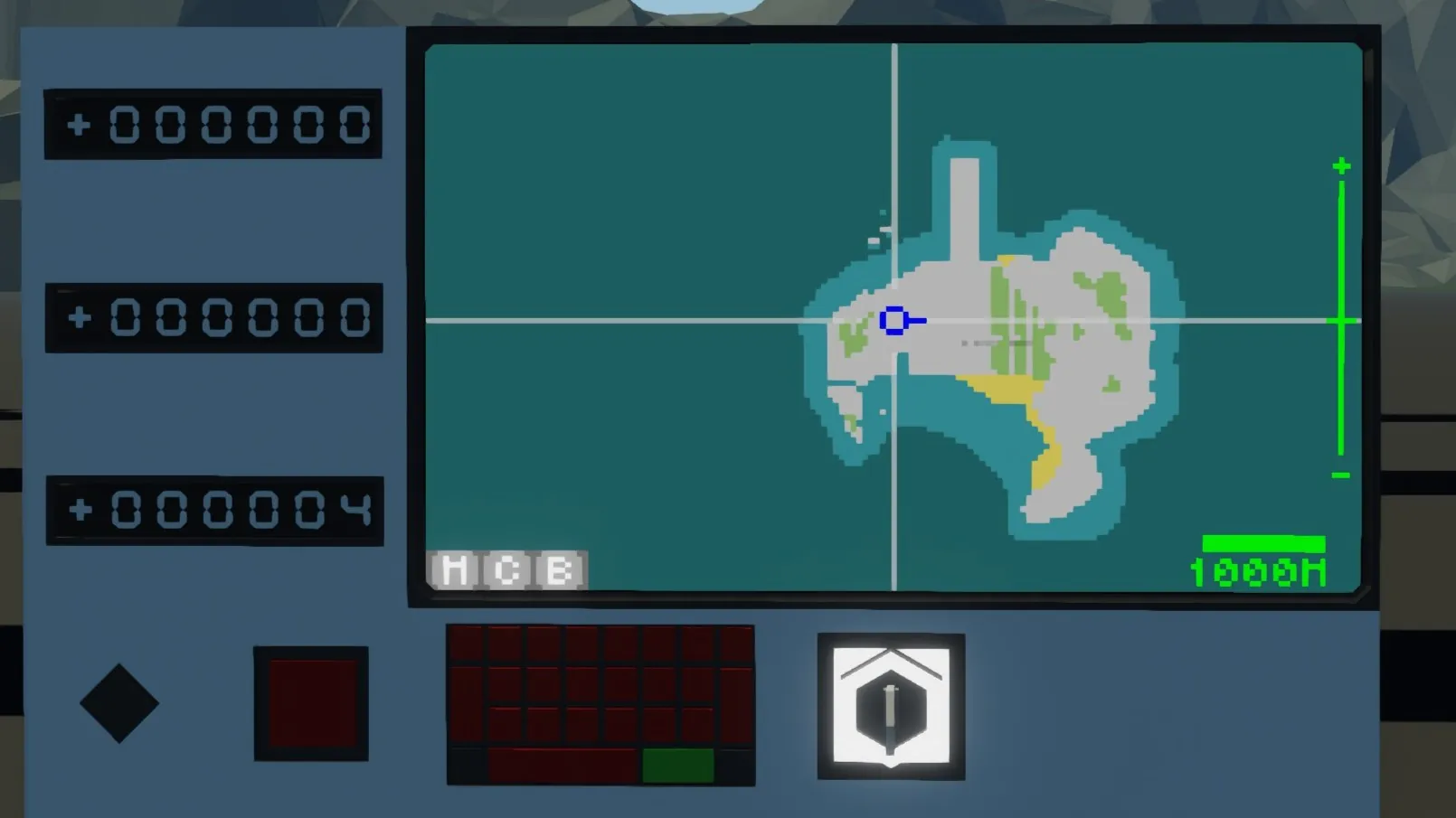
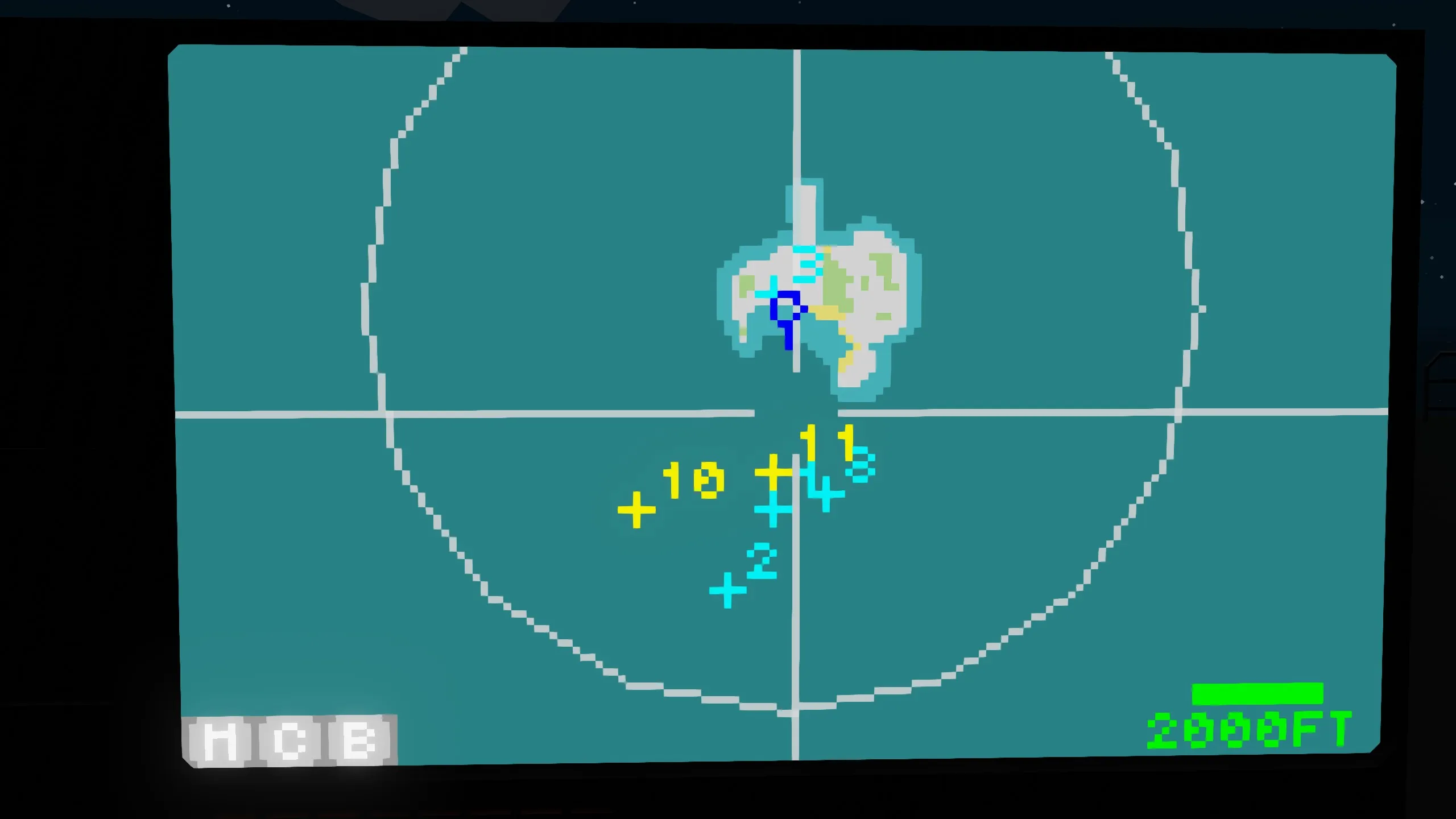
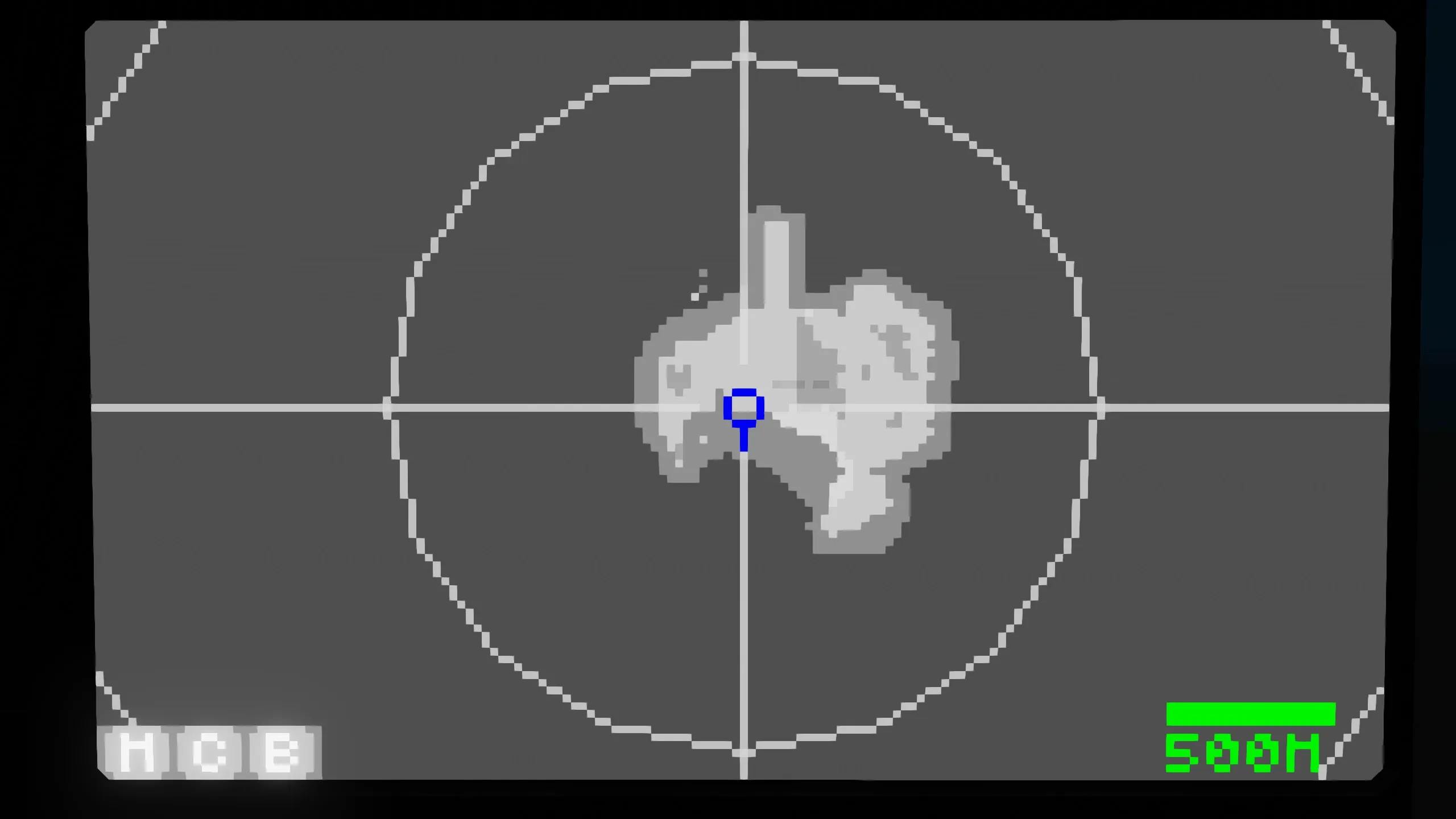
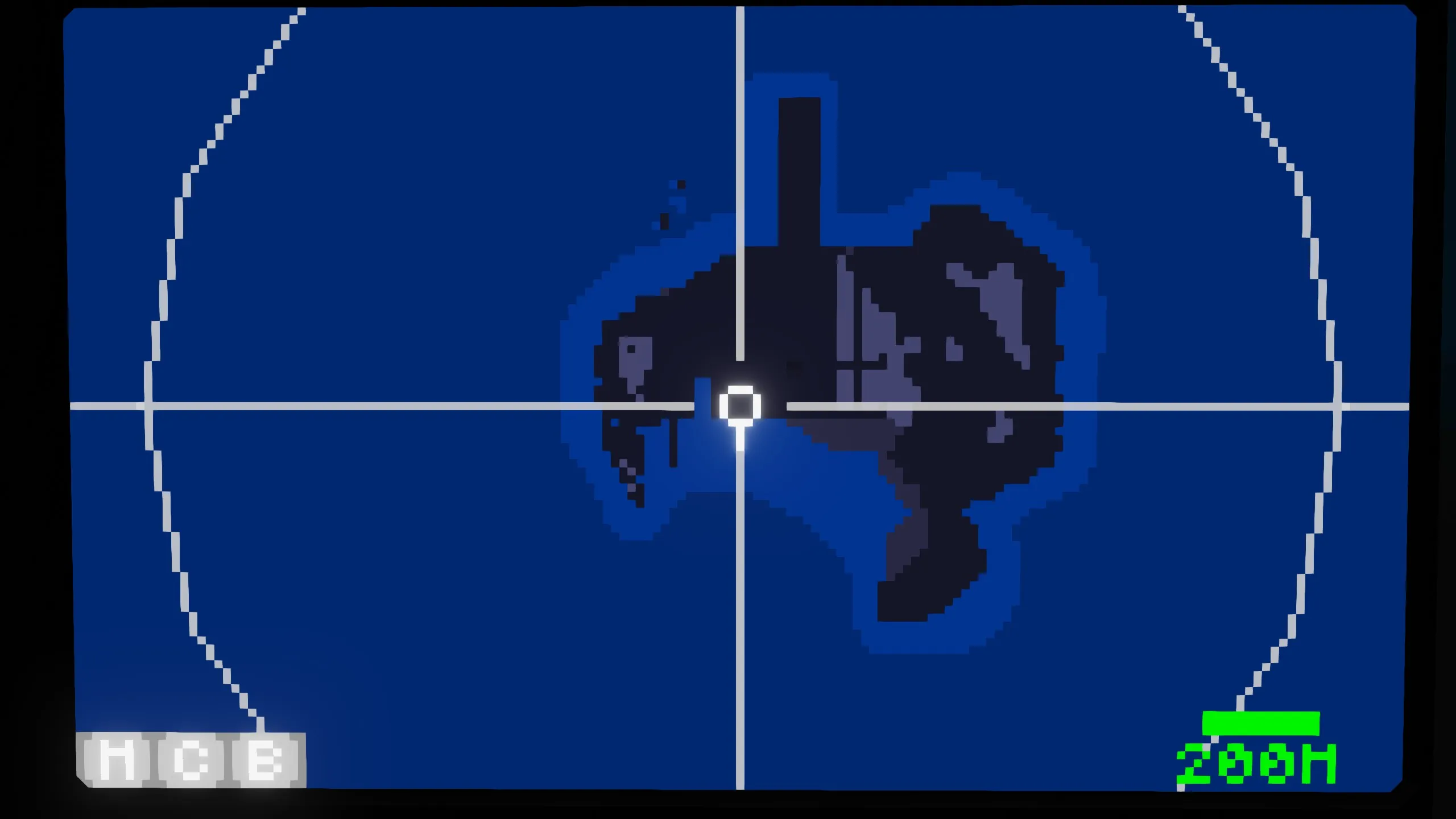
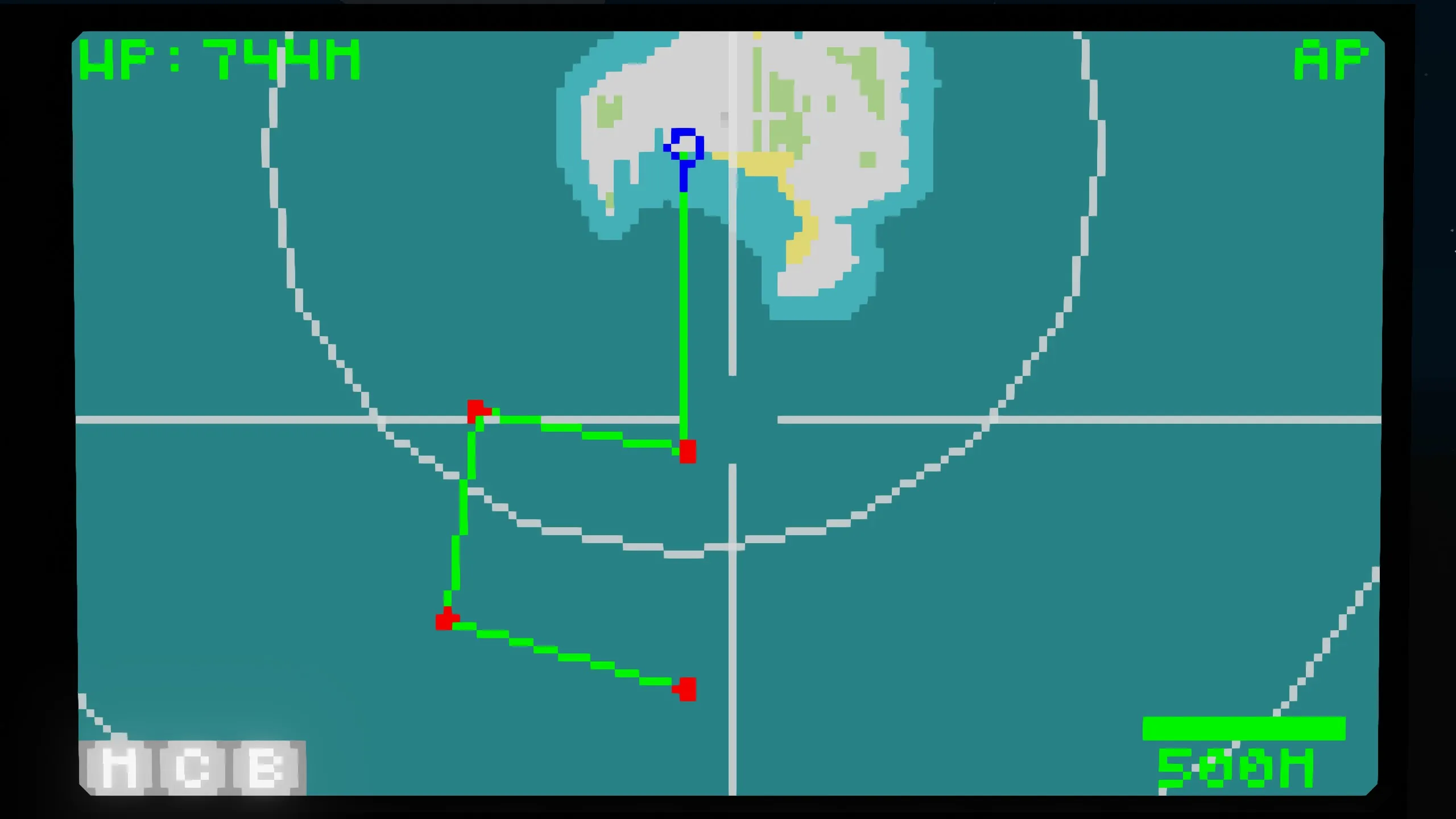
Changes from Map V2
- Compatible with SRD3
- Zoom bar included
- Information hiding function included
- Support for 1x1 displays
Features
- Multiple waypoints can be added
- Auto-navigation included
- Search radar connection possible
- Zoom in/out with touch or the zoom bar
- Waypoint output terminal included
- Color changeable
Description
We've created a map that integrates multiple functions. While displaying search radar information, it's possible to set waypoints and navigate automatically. Additionally, the WPD1 output terminal allows you to output waypoint information, which can be displayed on an HMD or other device.
Touch Controls
Move the Map Center
Touch
Add Waypoint
Double Touch
Zoom In
Press and Hold
Zoom Out
Press and Hold with Two Fingers
Button Description
M
Center on vehicle
C
Delete all waypoints
B
Delete one waypoint
Terminal Description
SRD3 Input Terminal
Number
Content
1
Target X
2
Target Y
3
Target Z
4
Target ID (<1000)
5~24
Repeat
If you do not enter target information, set Target ID = 0.
WPD2 Output Terminal
Number
Content
1
X coordinate of nearest waypoint
2
Y coordinate of nearest waypoint
3
Z coordinate of nearest waypoint Target
4~6
No output
7
Distance to nearest waypoint [m]
8
Time to nearest waypoint
Note that the waypoint Z coordinate will output the same value as your altitude.
Boolean
Content
1
ON when a waypoint exists
2
Autopilot ON/OFF state
3
Autopilot finish (pulse)
Property Notes
P, I, D: Yaw control PID parameters for autopilot
Waypoint switch arrival time : Switch to the next waypoint if the arrival time to the waypoint falls below this time.
Radar delete tick: This is the amount of radar information from SRD3 to retain. If the target is flashing, try increasing this value.