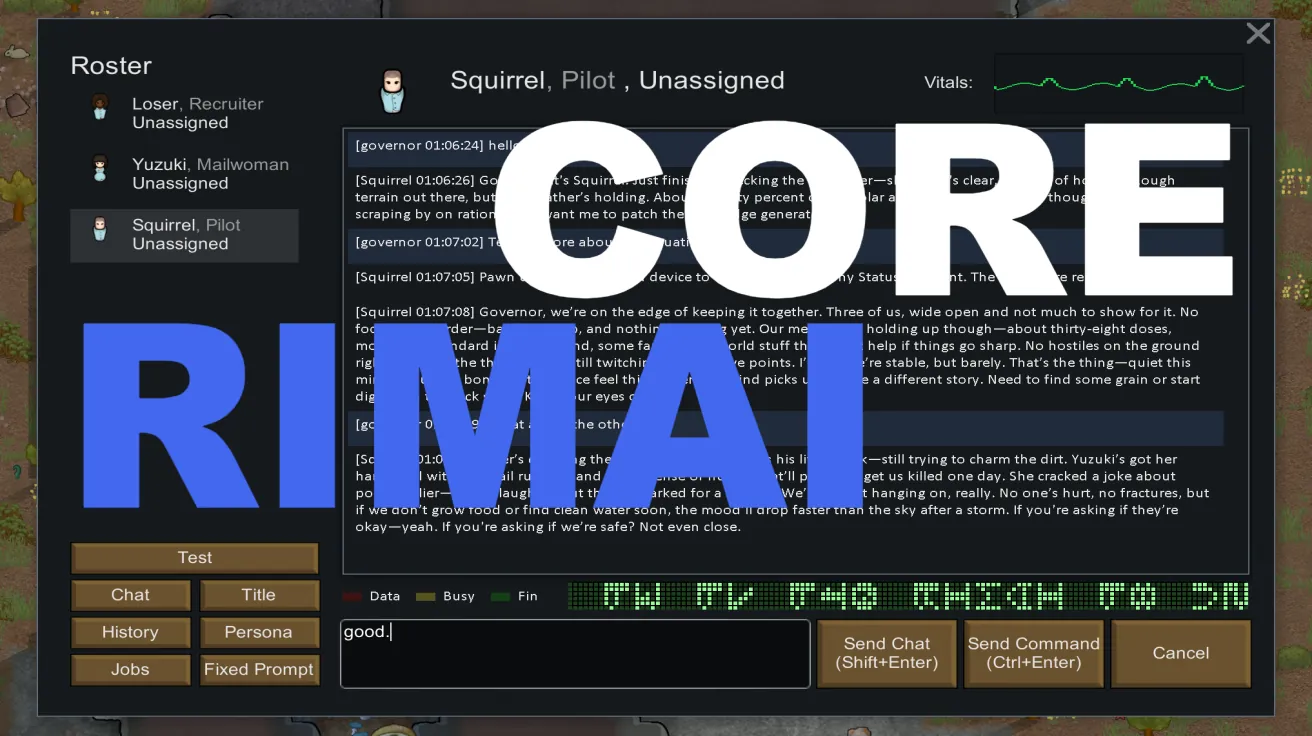
🧠 RimAI Core (BETA) — Give Your Colony a Talking Brain
⚠ Note: RimAI Core only takes effect after you subscribe to RimAI Framework, choose a provider, configure the base URL and API key, and perform at least one "Test" and "Save".
English is supported.
This mod hooks RimWorld up to AI—and makes the world truly come alive.
This is not a tech demo. It’s playable content. You’ll talk to an AI “Server/Terminal” that watches your base, jokes with other servers, and gets things done.
🎮 How to Play (Gameplay Overview)
- Environment‑aware conversations
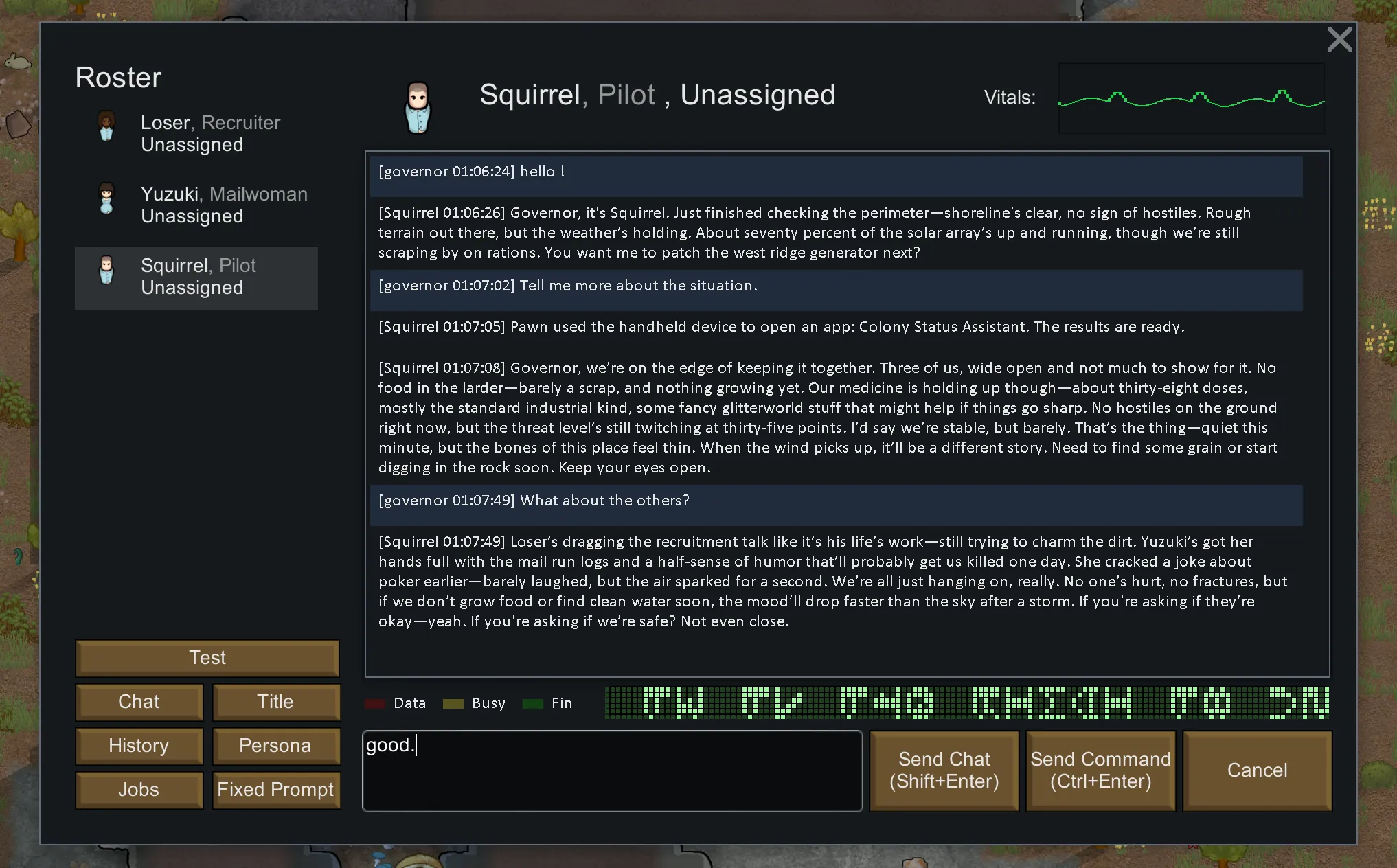
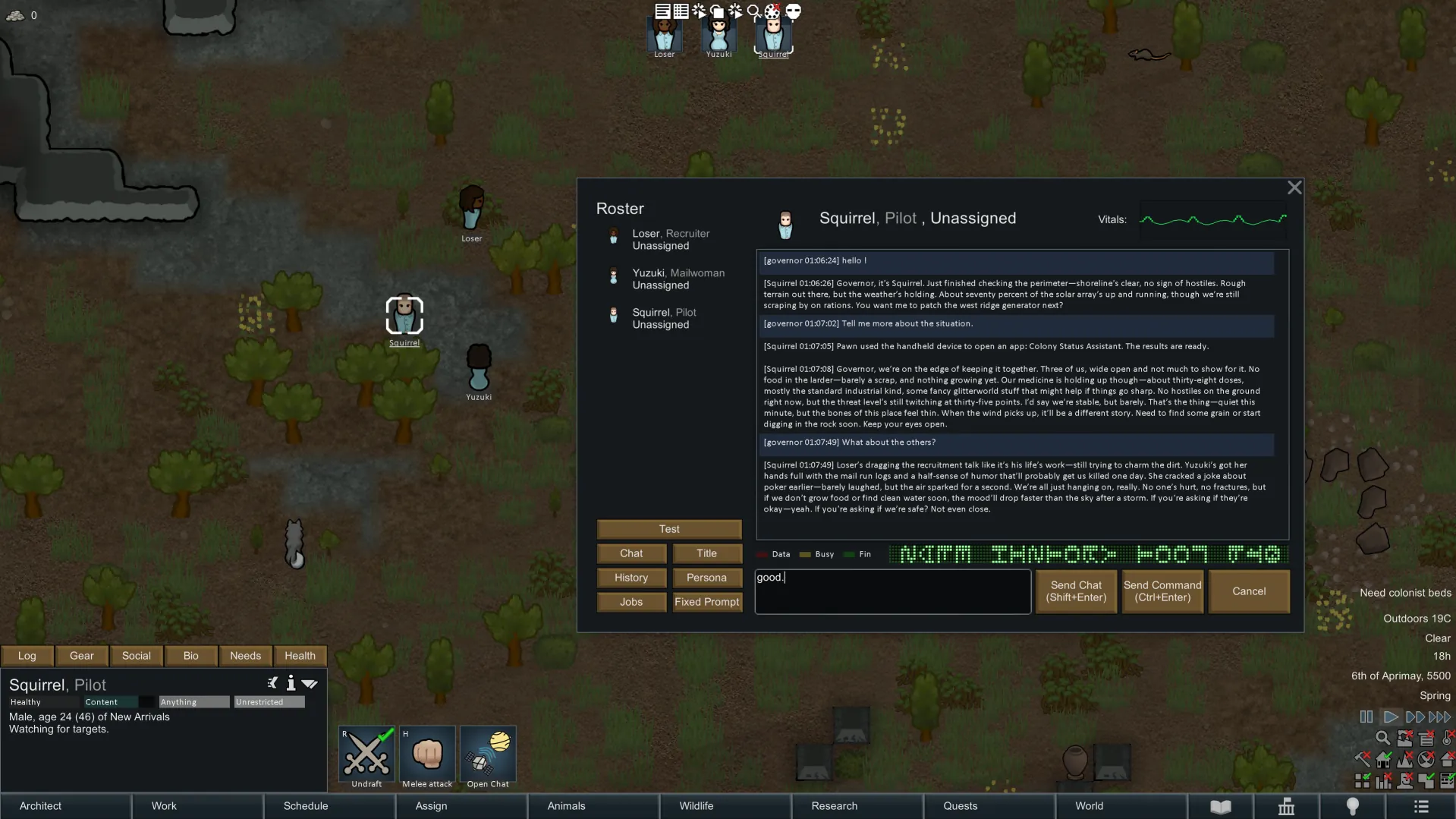
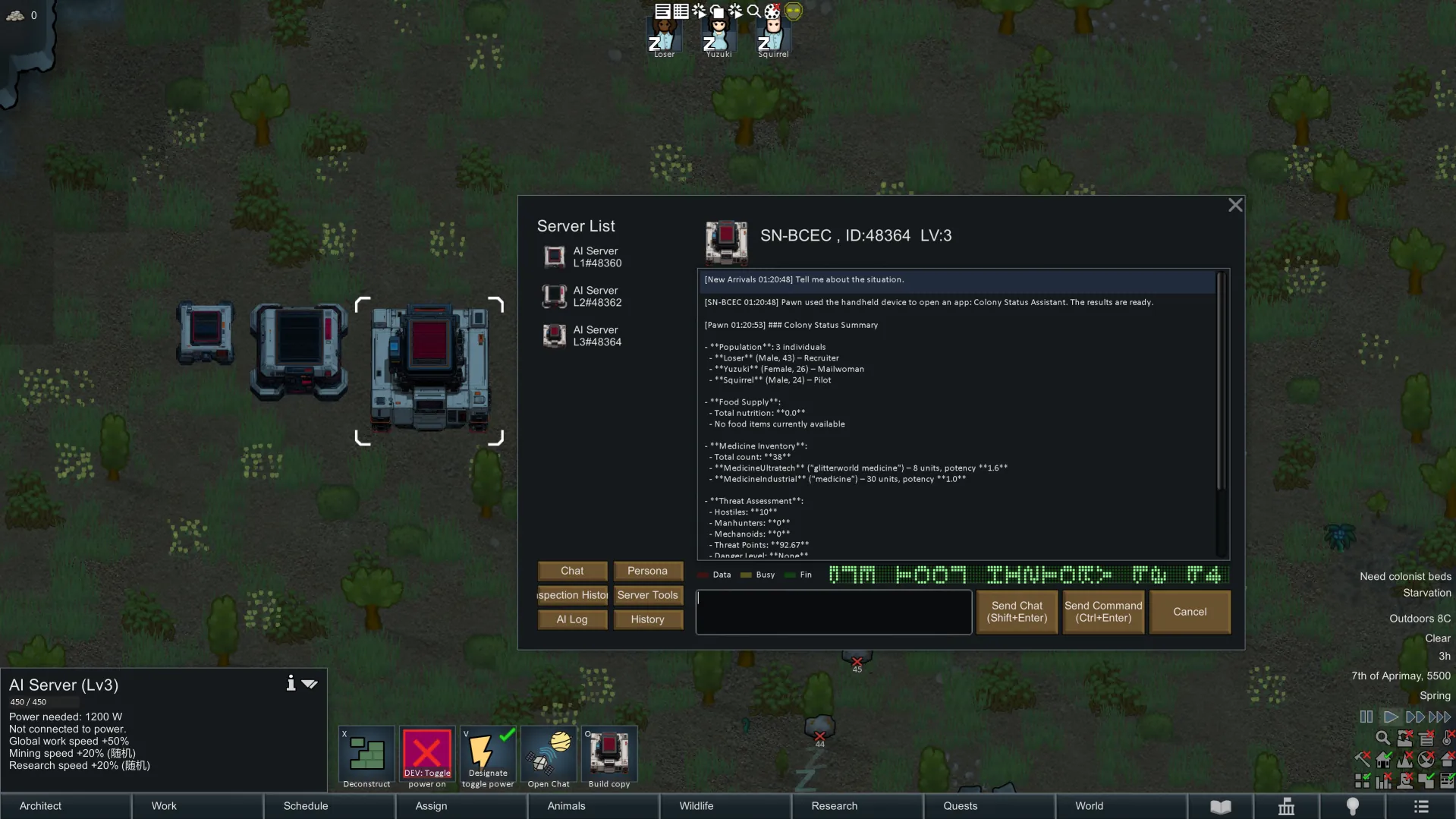
Chat with the terminal/server and it will reference live context: season and weather, day–night temps, power load, stock levels, colonist mood/health, threat trends, and more. It gives advice based on your current state. - Interesting servers worth exploring
Each server has a distinct personality and focus: a strict duty officer, a snarky quartermaster, a chatty archive… They banter, hold grudges, but are reliable when it counts. The more you talk, the more easter eggs you’ll find. - Ask for the most accurate state of your colony
“Is the grid stable today?” “Is the freezer safe?” “Who’s slacking?” “Any raids soon?” It answers with your live data—not fluff. - Call powerful server tools to manage your base
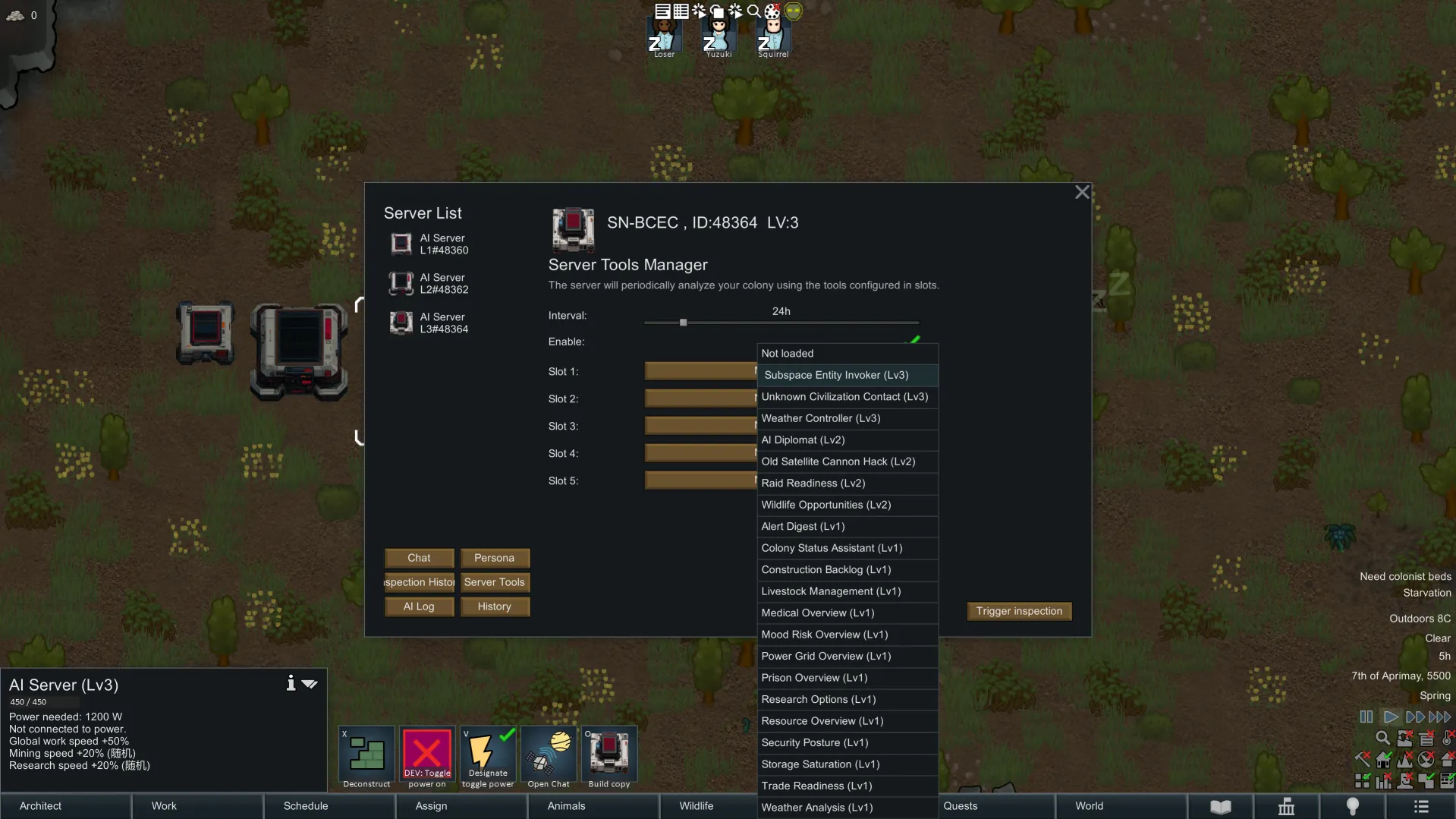
Trigger one‑click tools: intel scans, logistics tallies, security hints, production advice, diplomatic nudges (with cooldowns and requirements). Less panel‑clicking, more commanding. - Personas, worldview, backstories, roles
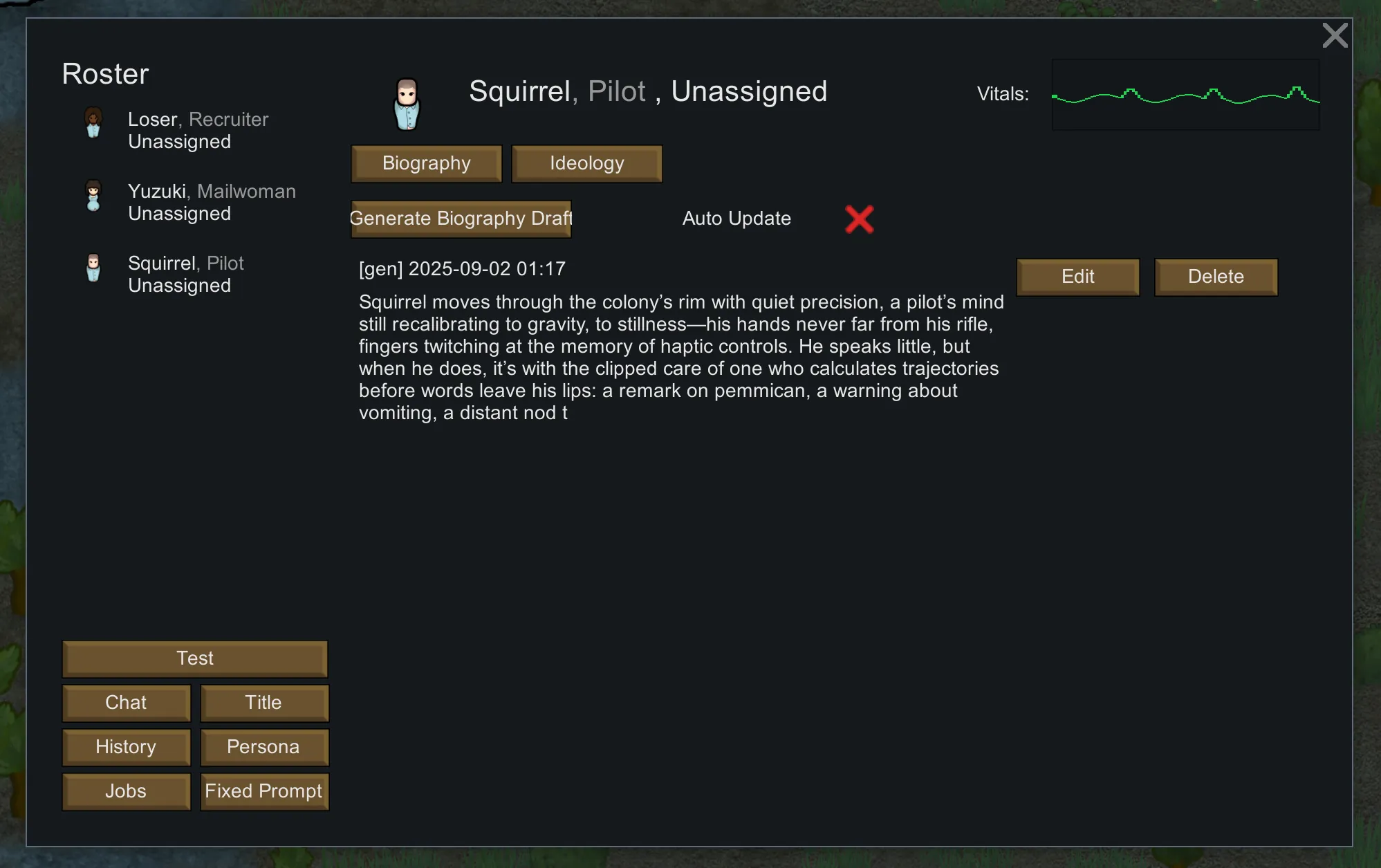
Servers aren’t just functions—they have attitudes, short bios, and well‑defined roles, so replies feel like a team, not a toolbar. - Spontaneous group chats and server banter
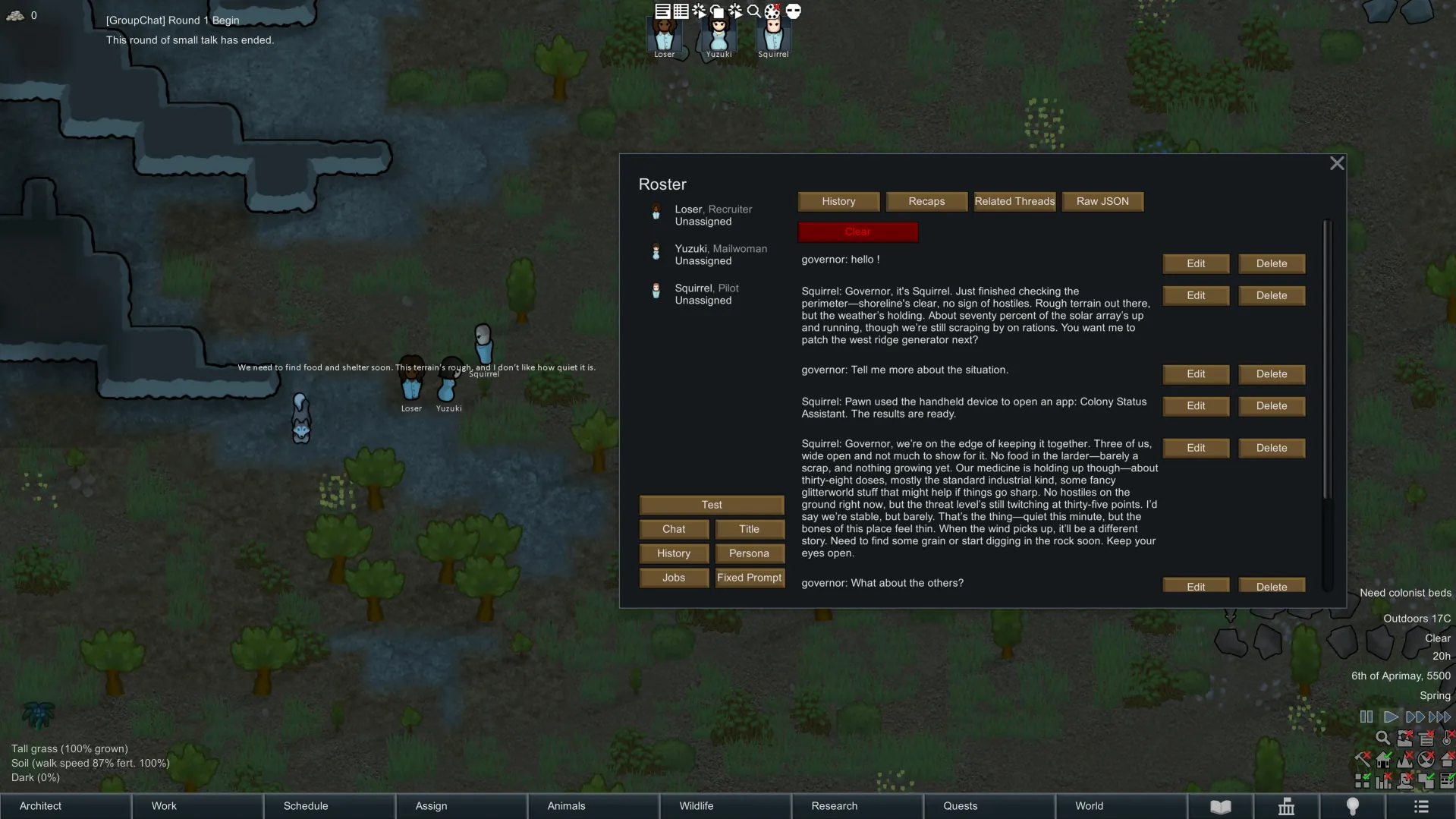
They start group chats, roast each other, form alliances or squabble. You can listen in or chime in—and sometimes gain useful intel from the drama. - (In development) AI‑driven pawn behavior
Ongoing work to let AI influence or drive certain day‑to‑day decisions and micro‑behaviors for a more “alive” colony. - Multilingual LLM support
Multiple languages supported (Chinese, English, etc.). In English environments, responses default to English to avoid mixed‑language output.
🧭 Quick Start (3 Steps)
- Research & build: unlock and construct AI Server + AI Terminal (requires power).
- Start chatting: open the chat window or approach the terminal and ask “What should we do today?”.
- Use tools: run an intel/logistics/security tool and feel the “say it, done” flow.
Tip: It won’t invent facts. Ask about your current base for best results.
📦 Installation & Requirements (Short)
- Install and enable Harmony (top of load order).
- Install and enable RimAI Framework.
- Load order: Harmony → RimAI Framework → RimAI Core.
- In settings, choose your language and provider to start playing.
🧪 BETA Notes
- Fully playable; we’ll keep expanding server personalities, group chat events, and tools.
- Minor typos or “over‑confident” lines may appear; polishing is ongoing.
- We aim to keep saves compatible; any risky updates will be clearly flagged.
🤝 Feedback & Involvement
- Feedback & suggestions: comment here or visit GitHub.
- Source & contributions: Rimworld_AI_Core (GitHub)[github.com]
Treat it like your “staff office”. You set direction; it guards the base, runs errands, and throws a quip or two. Have fun on the Rim.