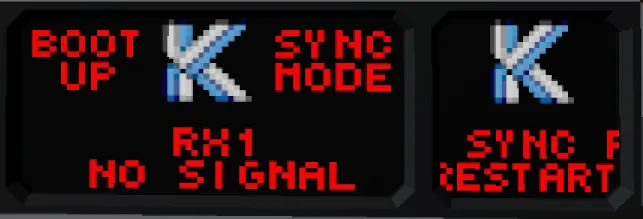
DISCLAIMER: this is a vehicle file for a fully setup Jammer Copy and paste this into your creation for ease of installation! NOTE: Circuit Breakers are there to simulate faults. THEY ARE NOT NEEDED!
[img]https://i.ibb.co/PrPfpTV/description.png[/img]
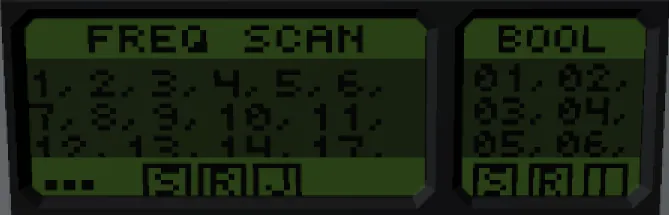
The Radio Jammer is a complex and multifaceted Jammer and sniffer. It is capable of scanning 2 frequencies per tick and sniffing and inspecting each channel.
[img]https://i.ibb.co/x3kmZfK/features.png[/img]
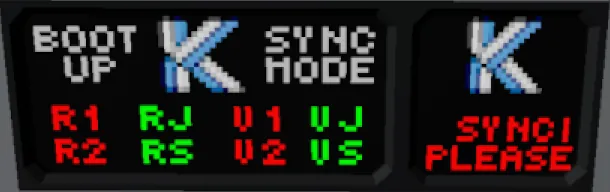
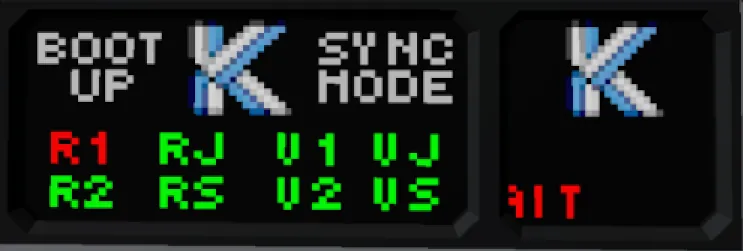
• Start up boot analyzer, that detects any broken or damaged components.
• Start up synchronization, that ensures RX and TX Antennas are synced together.
• Working error codes.
• Scans from Low to High and High to Low simultaneously making a scan 2 frequencies per tick. (120 per second)
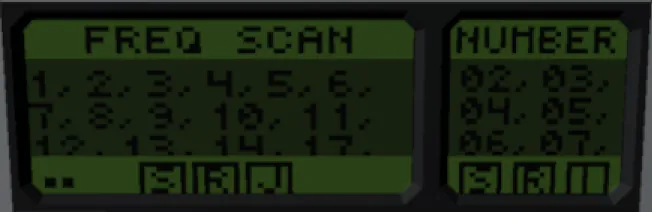
• Sniffer, which allows you to see what channels have active number/bool inputs
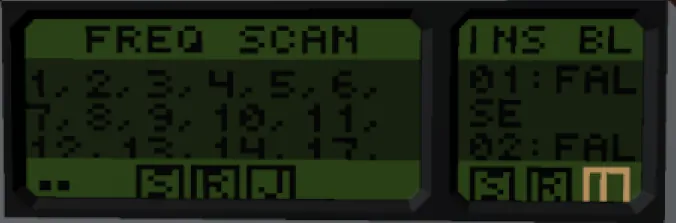
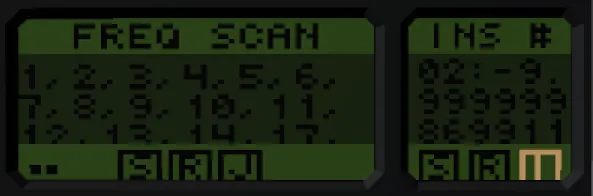
• Inspector which allows you to see what data each number/bool input is being sent
• Zeroizer. Which will render this piece of equipment useless (to avoid capture)
• RGB Customizable color scheme via select tool
• Scrollable and auto refresh menus
• Jams all 32 Bool & Number aswell as video.
[img]https://i.ibb.co/ynTCRxt/operation.png[/img]
1: Turn on Jammer
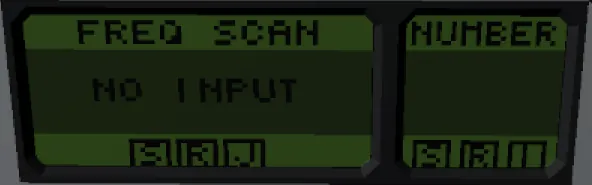
2: Input a Low & High Frequency into the scanner.
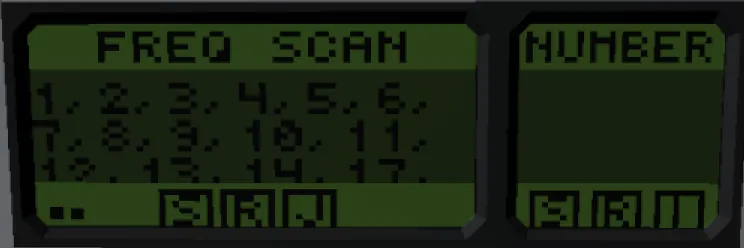
3: choose a number from the list. If the list is too long press and hold (S) to scroll or (R) to reset the screen.
4: once you found a freq you want to jam or sniff. type that frequency number into the Jam/Sniff Keypad.
5: To start jamming press (J)
6: To switch from sniffing Bool to Number press the words on top of the right screen (Bool) | (Number)
7: To inspect the frequency press (I). Switching between Bool and Number works the same as step 6
ZEROIZE
1: Enter your zeroize number (found below) into jam freq
2: Press (J)
Error Codes
Error Code
Reason
No Signal
The specified antenna has no signal (damage / no power / physics lag)
Wrong Freq
The specified antenna is transmitting on the wrong sync frequency (physics lag)
C7
RX1, RX2 and radio sniff antenna failure (damage / no power)
V7
VX1, VX2 and video sniff antenna failure (damage / no power)
Several Fail
More than one failure detected (damage / no power / physics lag)
[img]https://i.ibb.co/qW6gVNx/setup.png[/img]
1: Select the MC with the select tool
2: Change zeroize to desired number.
3: Change your RGB Values as desired.