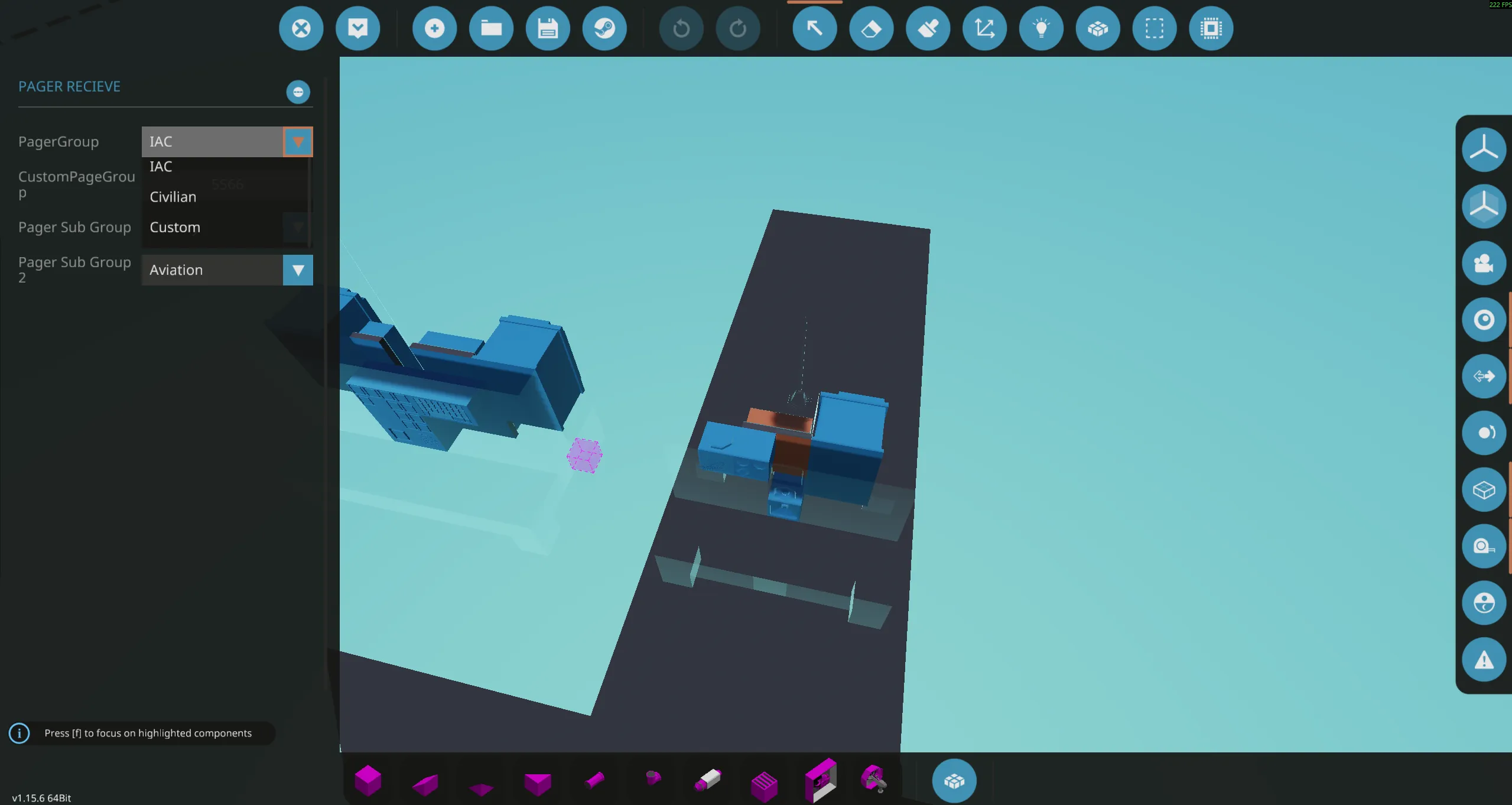
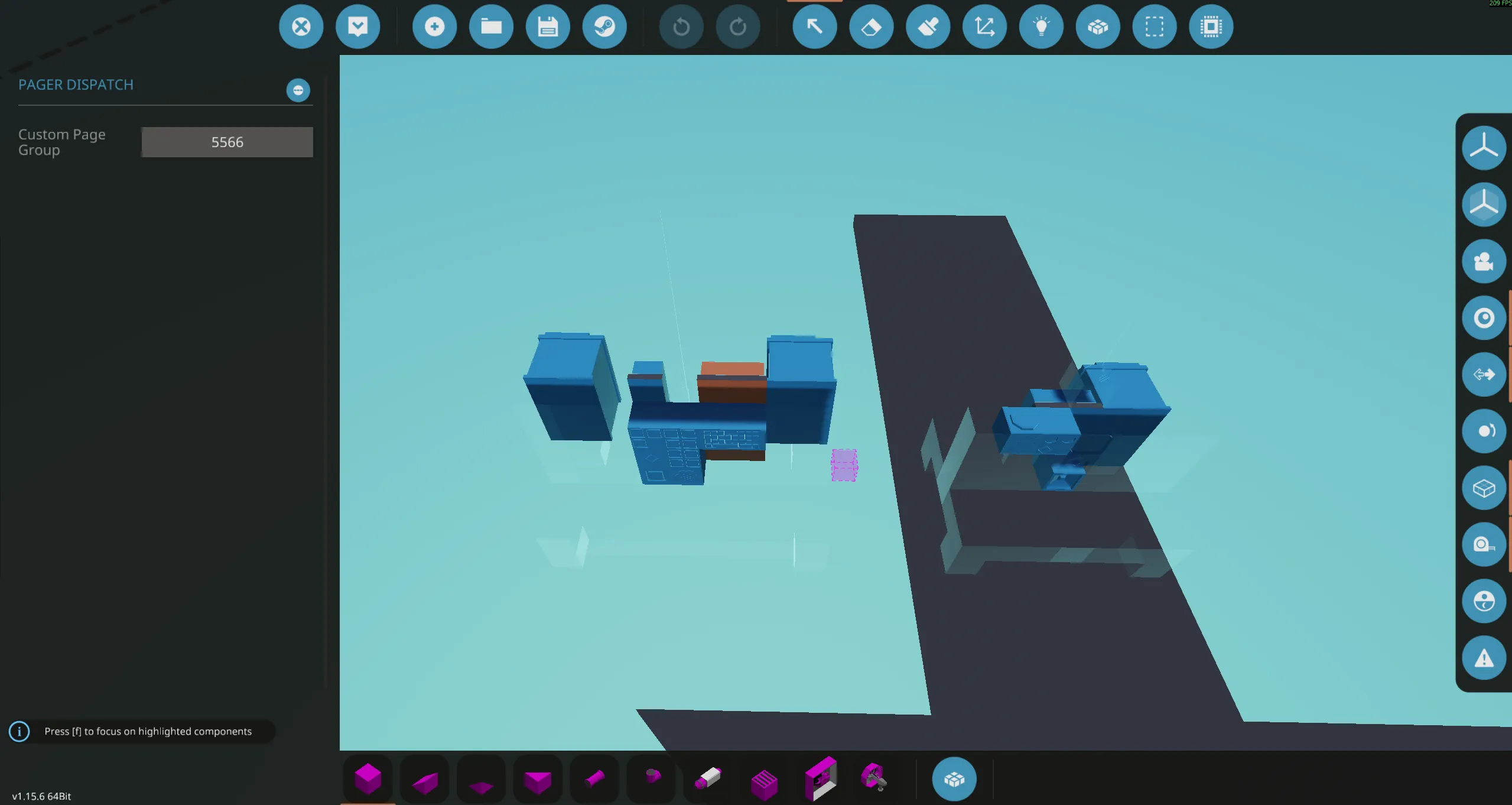
DISCLAIMER: This is a vehicle file for a fully set up pager receiver and dispatcher. Copy and paste the desired unit into your creation for ease of installation. NOTE: Only a receiver or a dispatcher is needed. (Most vehicles will only need a receiver)

The Pager system is designed to alert military, medical, fire/rescue, or police forces to an emergency.

TACS[docs.google.com] (Transmission and Communications Standard) compatible
• 3 pager groups (IAC, Civilian, Custom)
• 8 pager subgroups (Fire, Police, etc.)
• Transmits encrypted X and Y coordinates (TACS compliant)
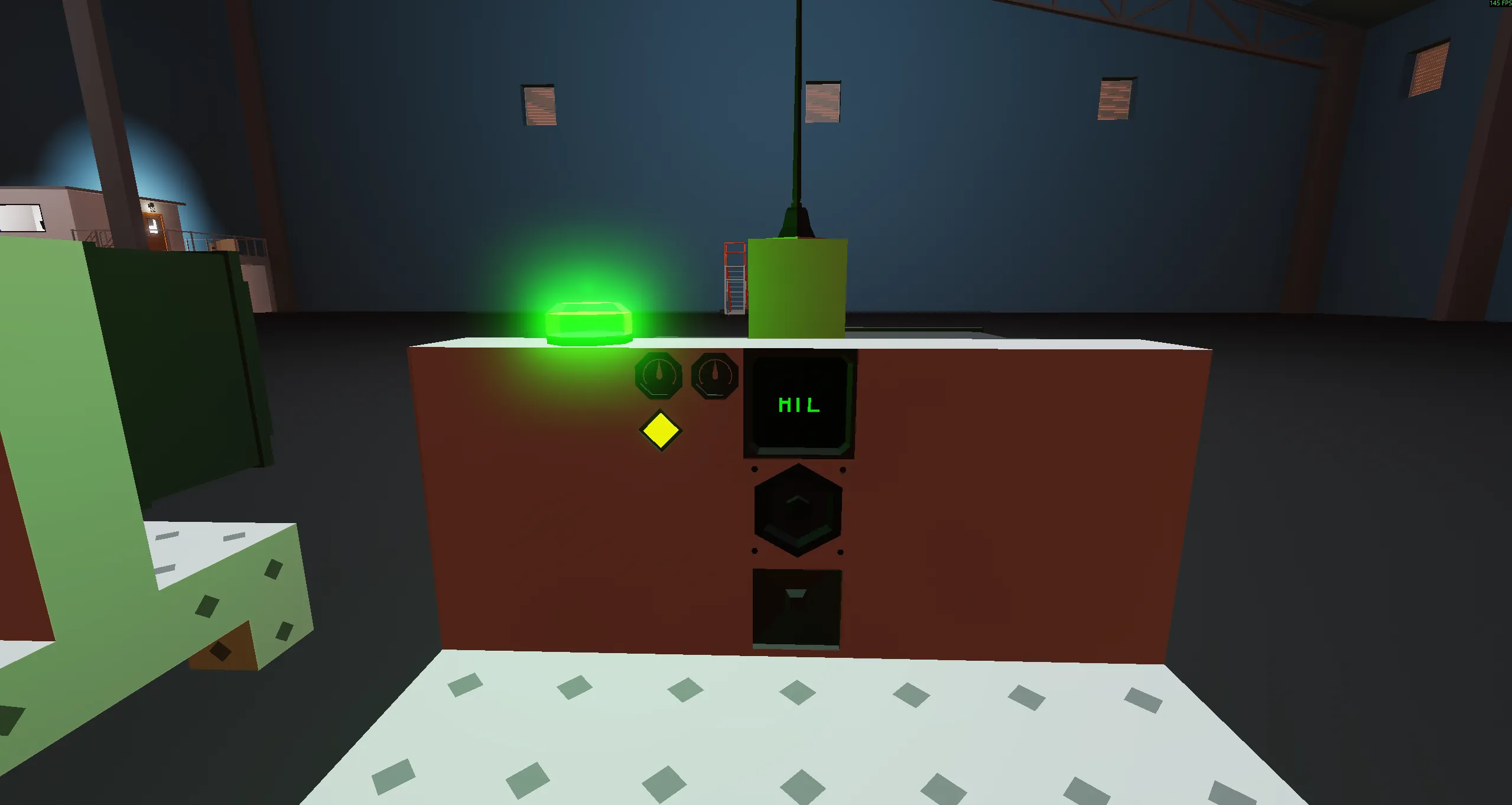
• Receiver has a color‑coded screen and indicator light that show which pager is active
• Audible and visual alarms for the receiver

- On the dispatcher, enter X and Y coordinates into the keypad (if applicable).
- On the dispatcher, select the appropriate pager group (toggle).
- On the dispatcher, select the appropriate subgroup or tertiary subgroup (push). The indicator light and keypad will illuminate while transmitting. Wait until the light turns off before sending another page.
- Press the mic button and speak to those you have paged.

- On the receiver, select the pager group.
- On the receiver, select the subgroup and tertiary subgroup (e.g., Police & Aviation, Fire & Naval).
Notes:
- Only a receiver or a dispatcher is required to receive pages.
- If both devices are installed in the same vehicle, configure them to prevent feedback loops.
- Ensure all users understand group and subgroup assignments to avoid cross‑talk or false alerts.