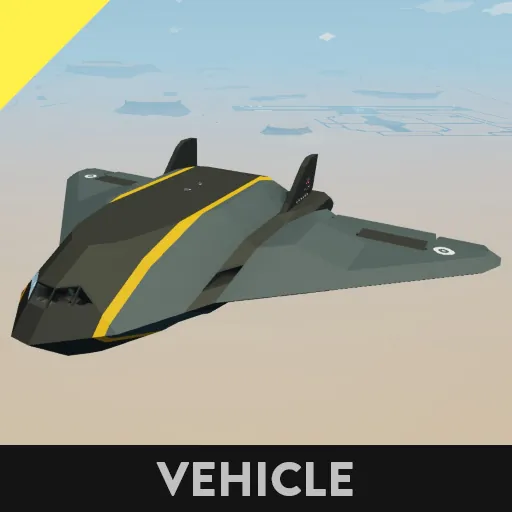
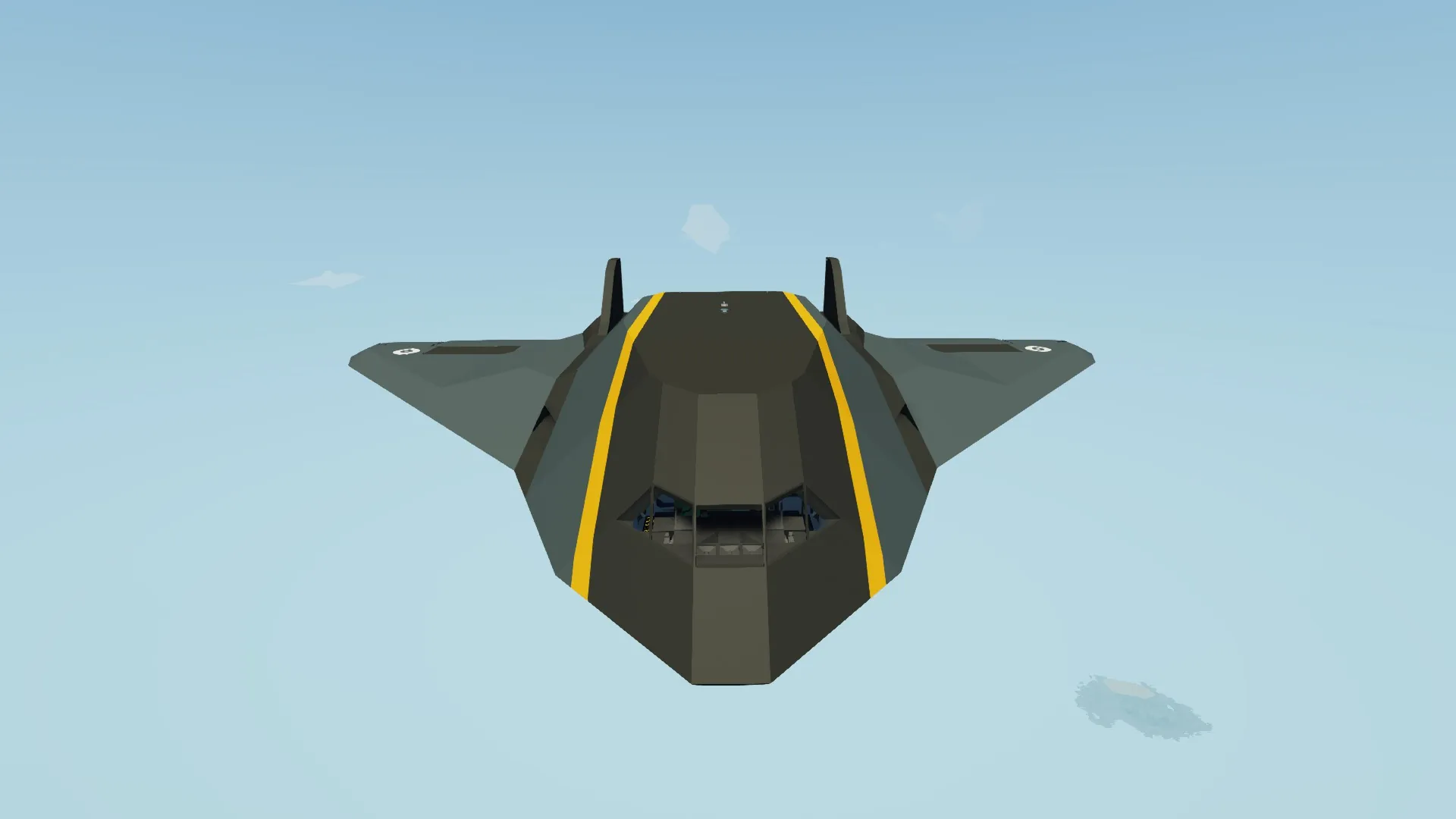
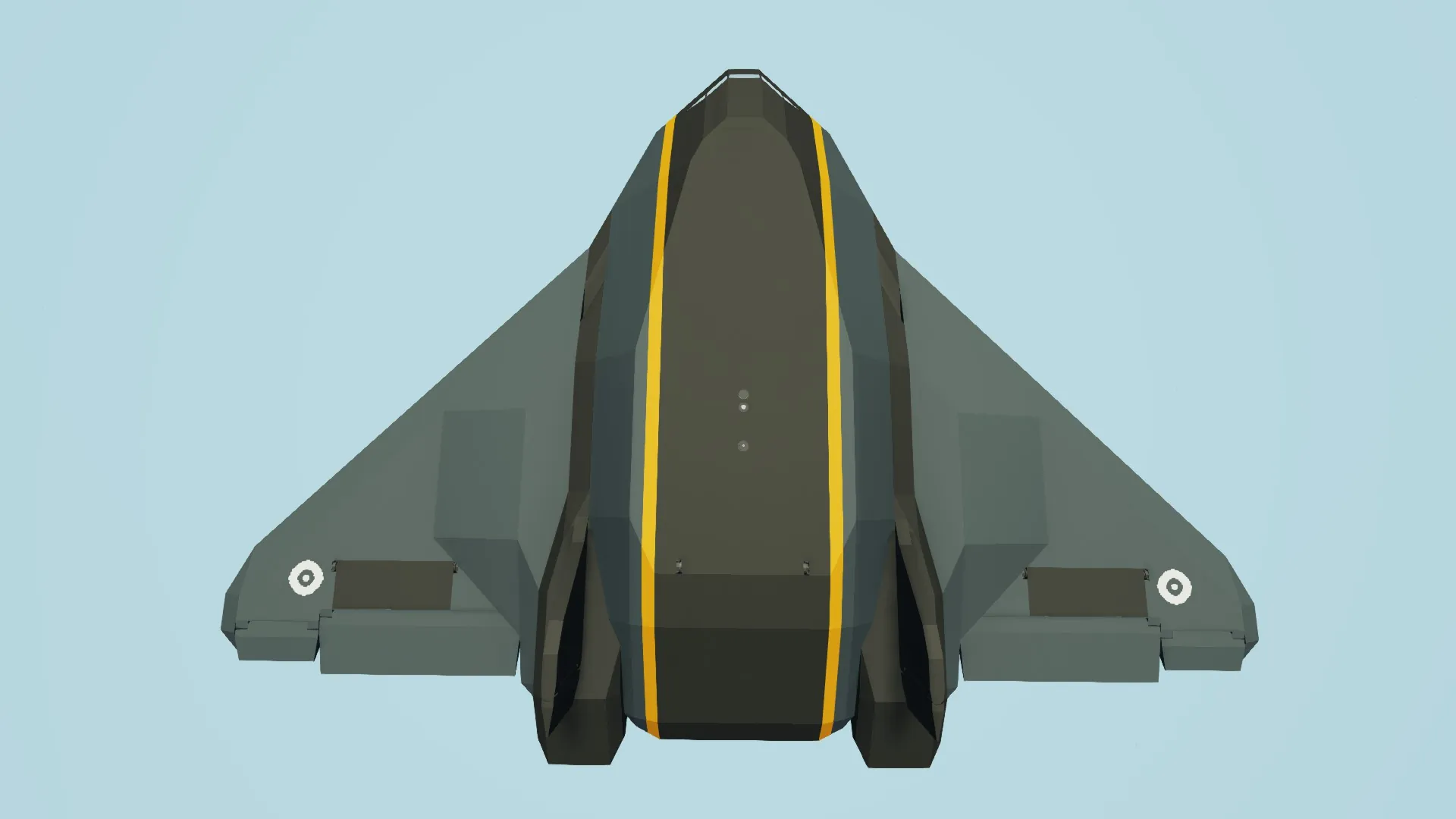
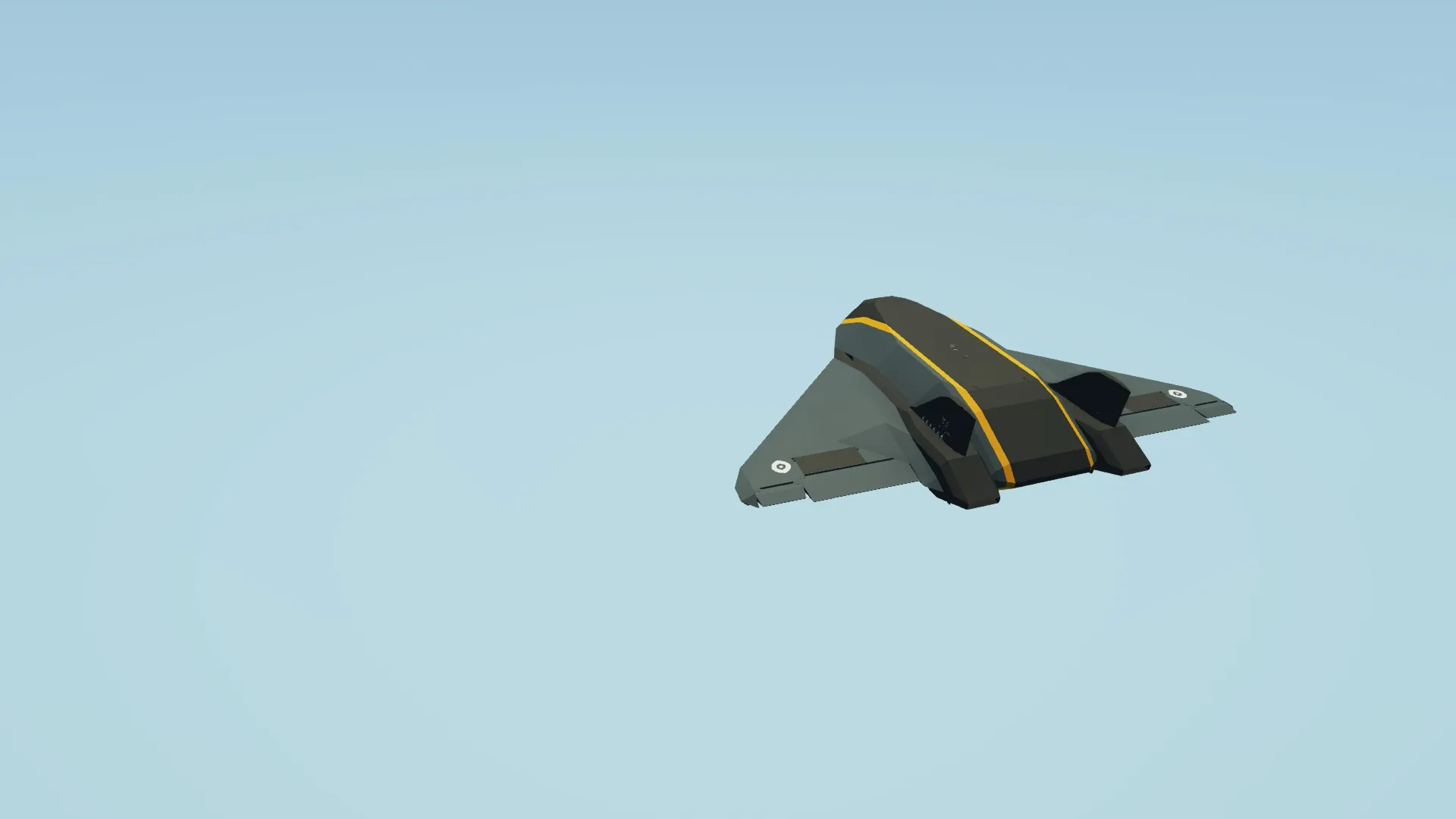
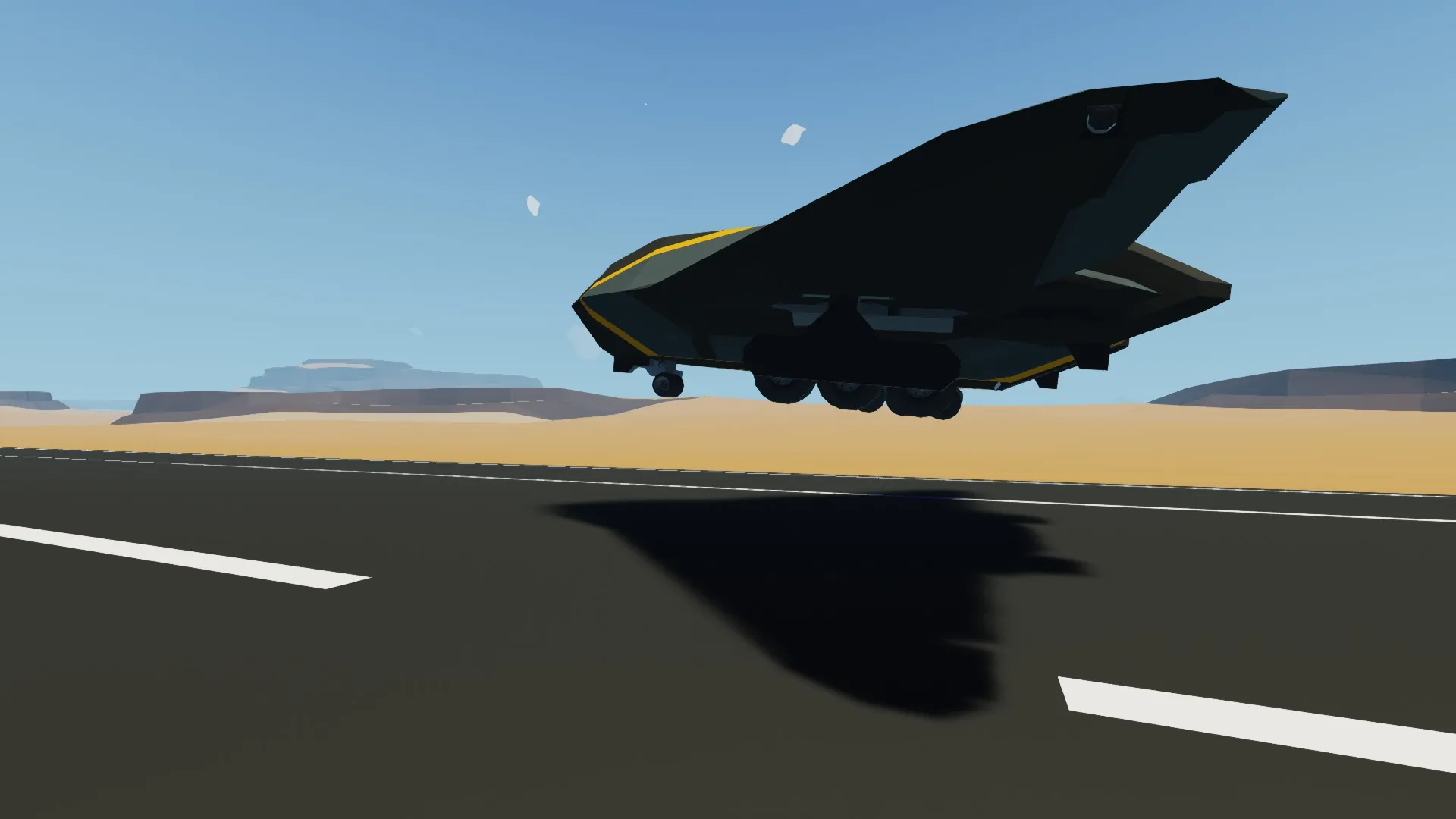
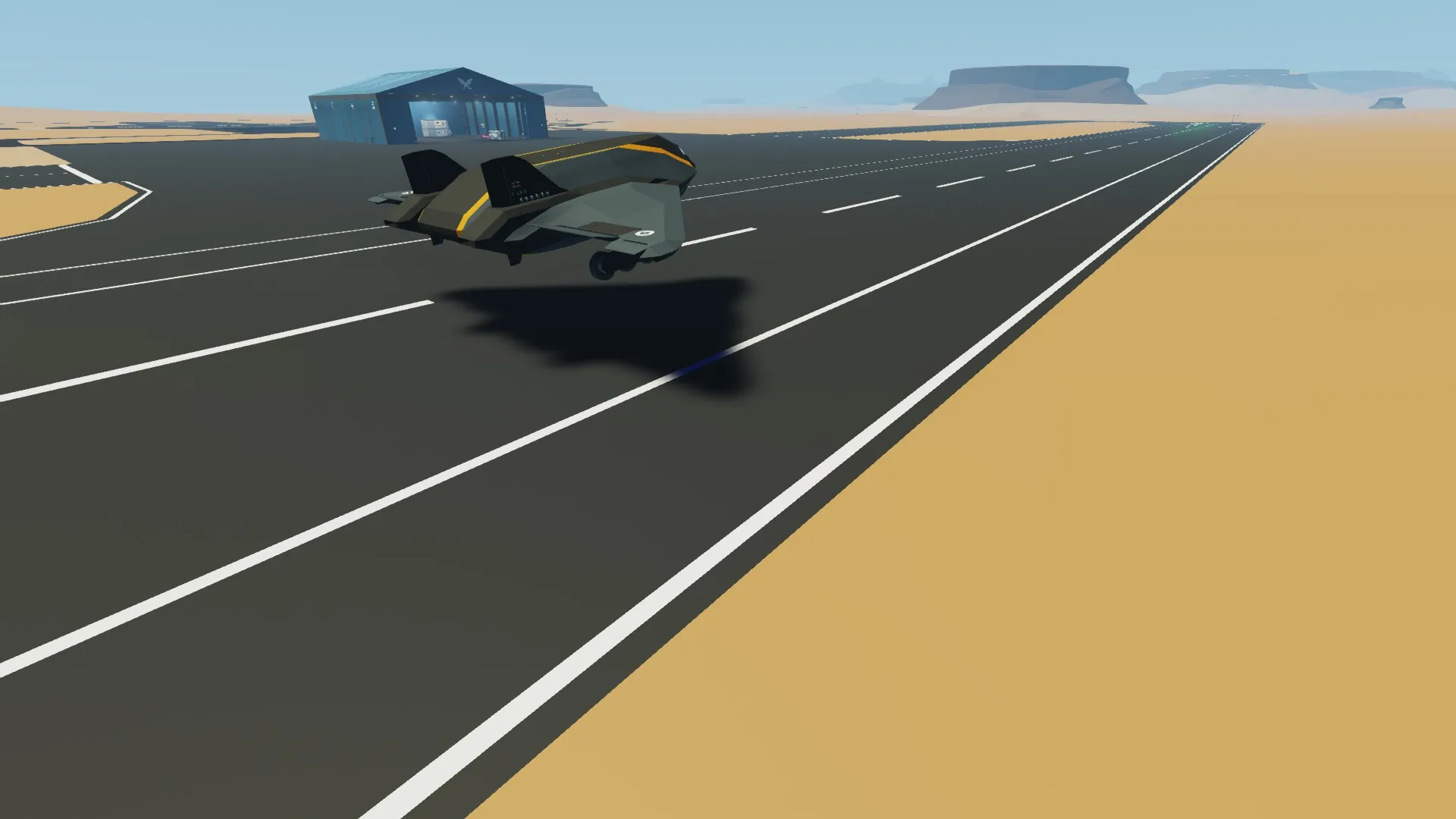
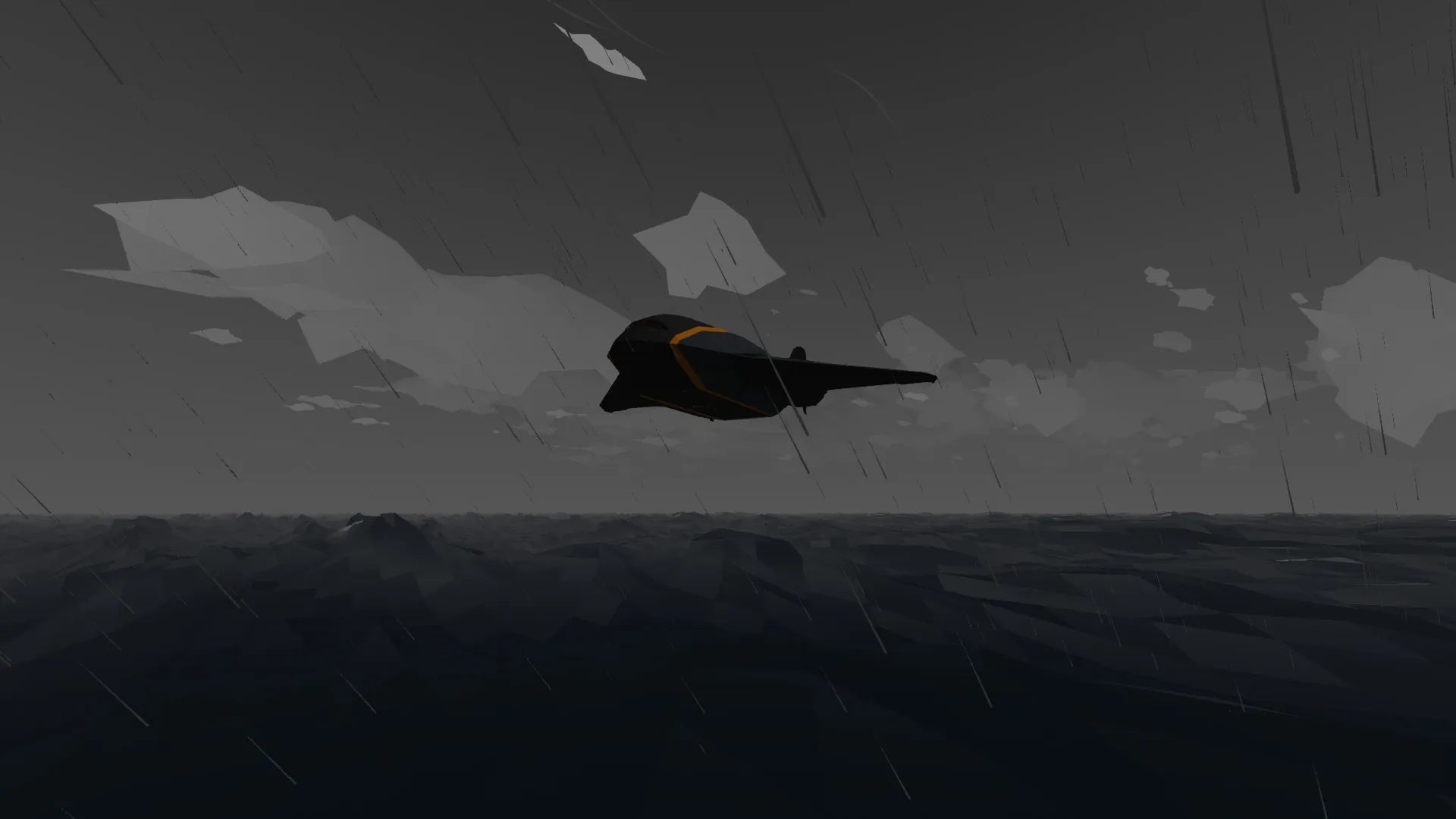
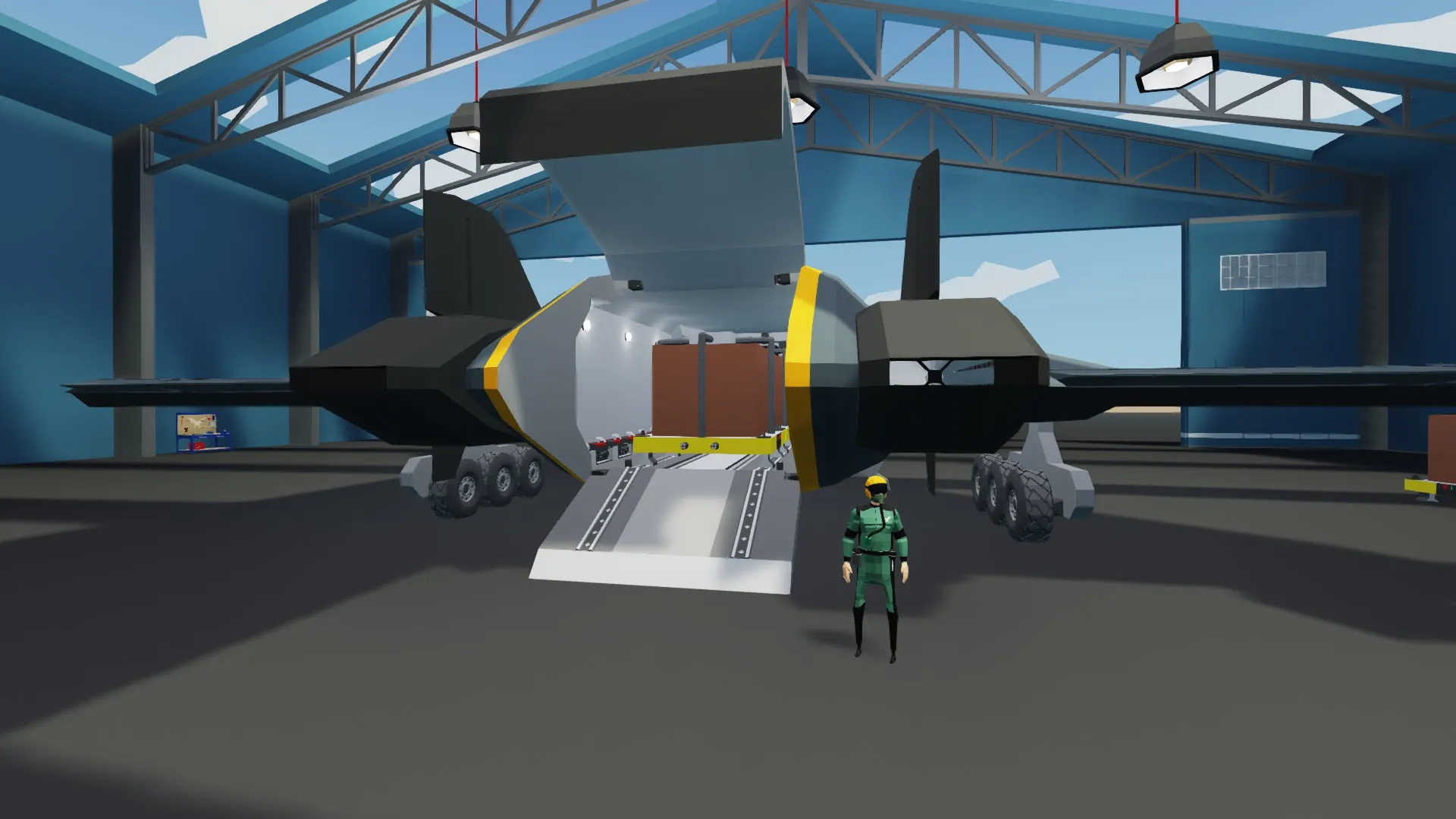
Attacus Atlas Cargo Plane
This cargo plane is designed to fly at high speed up to above 1000 kph. It can carry a single ISO container or three smaller containers.
To start:
1. Enter the aircraft using the side stairs on either side of the aircraft. The button to open to door is underneath the front wing (arrow button pointing inward).
2. Move to cockpit and take pilot seat on the right.
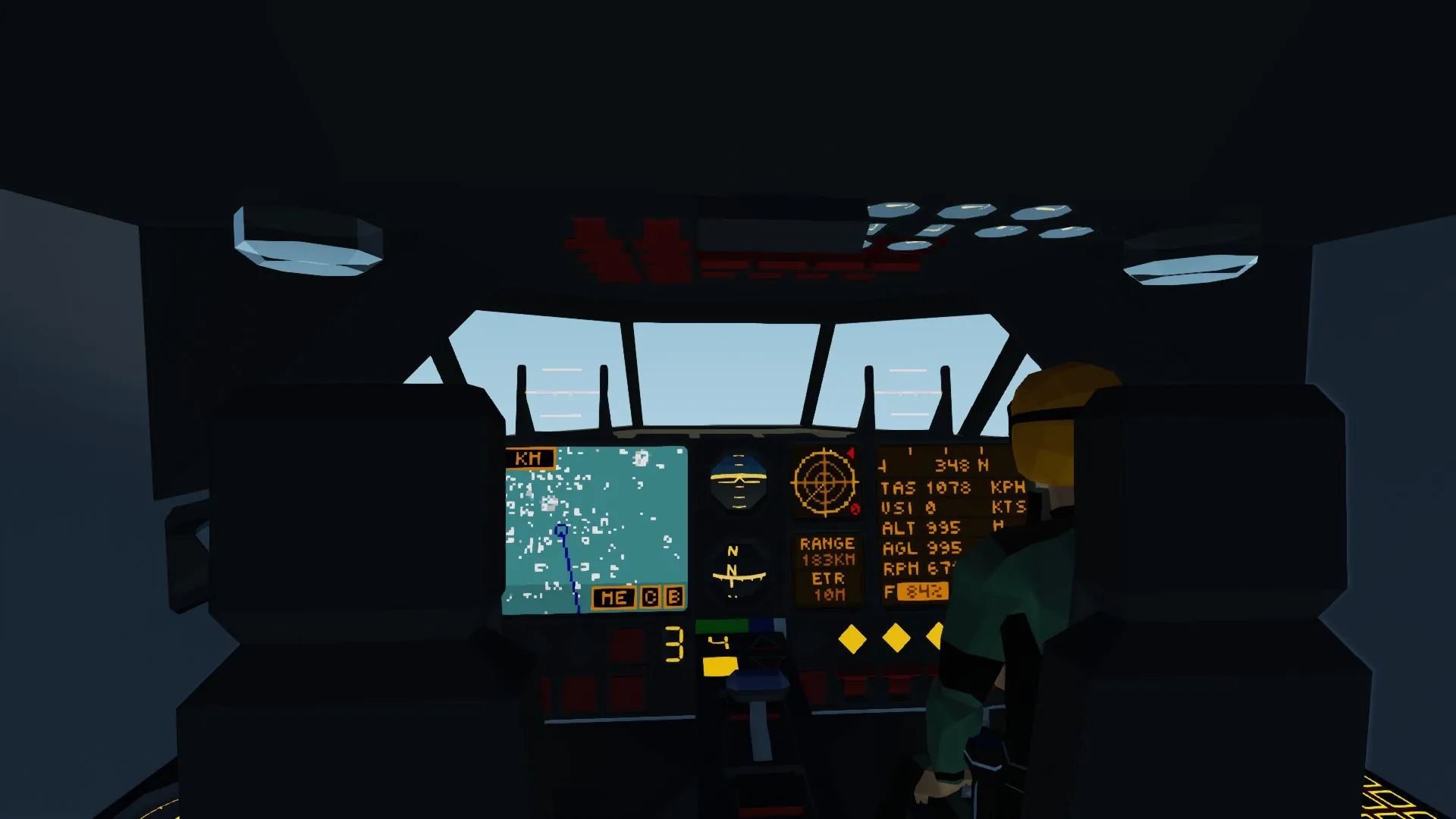
3. Top Panel: switch on main power and HUD (HUD is optional but recommended). Turn off radar noise by pressing the red arrow on the radar screen.
4. Bottom panel by the throttle, push the up arrow so that throttle mode is set to 1 (idle mode).
5. Top Panel: switch on L and R ignition. Engine will start in idle mode.
6. Wait until RPM reaches around 85 and on bottom panel set throttle mode to 2 (Taxi mode)
7. Wait for the engines to spool, you will see the RPM go up then down on the front screen. Wait for the RPM to even out at around 150-160.
8. Release parking brake located on front pilot's panel. You will begin to move. Press left/right arrow buttons to turn.
9. Once ready for take-off, select throttle mode 3 and then gently lift off from the runway. Front panel has settings for roll lock, altitude set and autopilot (using co-ordinates on nav screen). Gear is also located here.
10. Selecting throttle mode 4 brings the speed up to around 450 kph. To go faster, hit the super cruise button. It will take a little bit of time for the engine to spool up to full speed and the speed will dip initially. eventually the engines will push the aircraft to 1000 kph+
Landing: Landing is tricky and takes practice. Aligning yourself with the runway, reduce your speed down to throttle mode 3 (assume you are no longer in Super Cruise) and bring the aircraft to around 100-150m alt. As the aircraft approaches the start of the runway, hit throttle mode 2 and pitch the aircraft up slightly. Once landed, you can use button 5 to put on the air brake.
A note on the cargo mechanics. There are three cargo racks on the aircraft already, though you could also fit a standard ISO container instead which I have placed in the file. I have not yet designed a ISO loader for the aircraft, but you could paste the container into the aircraft hold if you want. PLEASE NOTE: The three containers in the aircraft each need a number assigned to them if you want the "release pallet" button to work in the cockpit. These have to be ordered from 1-3 which can be set on each pallet using the arrow key found on the side of the pallet. Number 1 should be at the very back of the hold and number 3 at the front (i.e. the first to be launched out the back). The pallets are programmed to release their parachutes 6 seconds after release.