#INTRODUCTION#
Welcome to Booktorio!
This is a library mod designed to give a in game wiki to all mods that want one but don't want have to go crazy with the challenging Factorio GUI implementations.
If you are an user (not a mod creator/developer) you can read only the section 1, if instead you are a mod developer and you want understand if this mod fit your needs, see the section 2.
#1 - USERS GUIDE#
If you are using a mod that use this library mod for provide a wiki to users, just simply install it, from the internal Factorio mod installer, or download it from the mod portal and place it in the mod folder of Factorio. Remember that you need at lease Factorio 0.18.13 o greater.
##This is the list of know compatible mods:##
- Krastorio2 (0.9.9. or greater)
#2 - MODDERS GUIDE#
Ok below I will describe how Booktorio works, let's start from the basic;
First, is recommended to add Booktorio in the optional dependencies, for be sure that when the remote calls will be called will already be available.
Booktorio is available to be called only in control phase, this is the available calls:
```lua
remote.call("Booktorio", "add_thread", new_thread, not_override)
```
This call is the basic one to add a thread, the variable new_thread is a table defined as the pseudo-prototype thread(which we will see later). If not_override is false, nil or not specified then the basic action is override the old thread added.
```
remote.call("Booktorio", "override_thread", new_thread)
```
This call is similar to add_thread, but will override for sure. This wrapper is more like for have more intelligible code.
Also is recommended to use a form like this for call the remote:
```
if remote.interfaces["Booktorio"] then
remote.call("Booktorio", "add_thread", new_thread)
end
```
Because will avoid some errors in case that the mod is not present.
The suggested [events](lua-api.factorio.com) where this remotes must be called are in [on_init](lua-api.factorio.com) and [on_configuration_changed](lua-api.factorio.com).
Also using
```
remote.call("Booktorio", "remove_thread", thread_name)
```
A thread can be forced to be removed.
---
Now let's see how to implement the wiki, so we must talk about how Booktorio load implement mod section.
For be simple implement a wiki, this mod defined some "pseudo-prototype", like Factorio use in the normal prototype definition is data phases. We have this kind of pseudo-prototype:
- 2.1 Thread
- 2.2 Topic
- 2.3 TopicTitle
- 2.4 TopicSubtitle
- 2.5 TopicText
- 2.6 TopicBlueprint
- 2.7 TopicImage
- 2.8 TopicTable
- 2.9 TopicPlugin
##2.1 Thread##
This is the main object (a table) must be given to Booktorio in remotes, have the follow properties:
- name :: [LocalisedString](wiki.factorio.com) or string (mandatory)
- localized :: bool (optional)
- topics :: table of Topic (mandatory)
- mod :: string (optional)
- specified_version :: uint8 (optional)
**Mandatory values**
- name, the name of this thread(mod section), can be localized.
- topics, a set of Topic object.
**Optional values**
- localized, specify if the property *name* should not be localized, set this to false if you don't want that the name string will be localized.
- mod, is the name of the mod associated to this thread (can be different from the mod that call the remote to add this thread), is needed if is wanted that the thread will be removed with the mod if disabled in an existing game. This property is not necessary, if not given the thread will be permanent, and if the mod that contain the localized strings is not given simply will leave an unreadable thread.
- specified_version, specify the version of this thread (via one unsigned integer), this can be useful for update the thread, if is called the remote interface "add_thread" with an existing thread, not_override = false or nil, but the specified_version is greater with the stored one, will be overrided anyway.
##2.2 Topic##
This is a single topic.
- name :: [LocalisedString](wiki.factorio.com) or string (mandatory)
- localized :: bool (optional)
- topic :: table of TopicTitle or TopicText or TopicImage (mandatory)
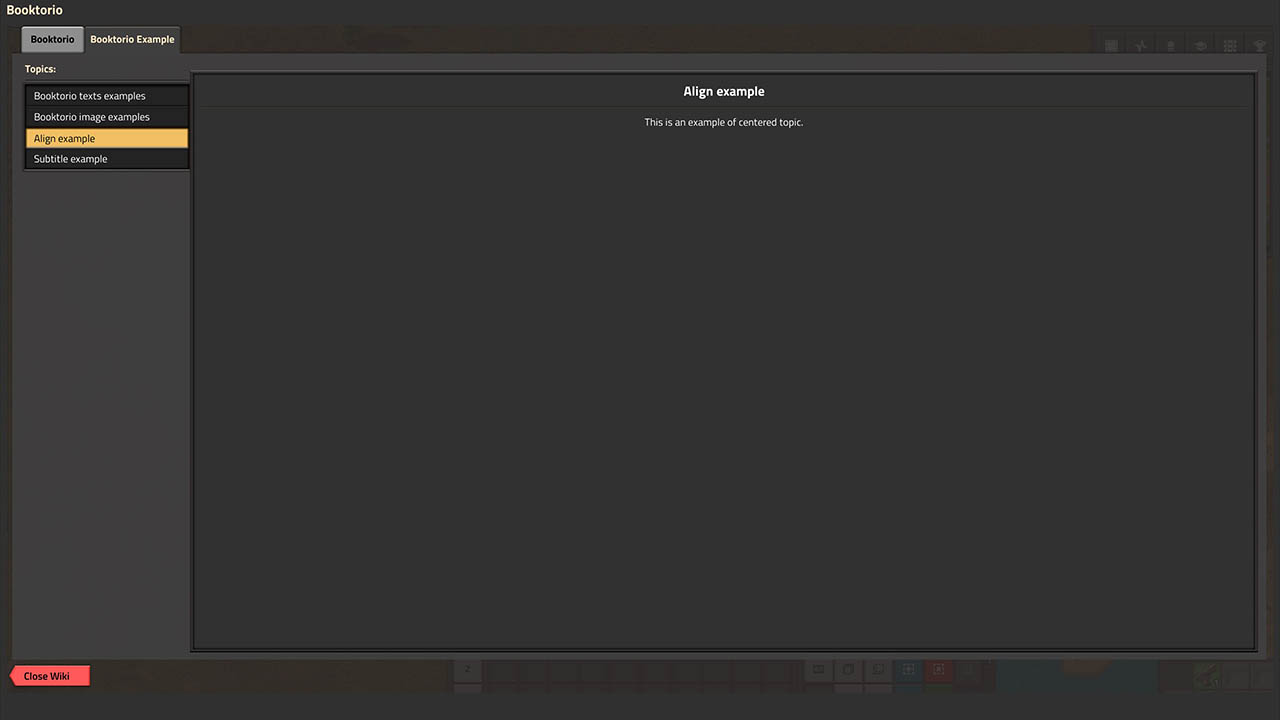
- align :: string (optional)
**Mandatory values**
- name, the name of this topic, can be localized, also this string is used in the left list for select the topic.
- topic, is a set of TopicTitle or TopicText or TopicImage, the can be defined all or only some of them in the same topic, only the TopicTitle can be defined one time, and must be positioned as first element of the table, or can be omitted, if the TopicTitle will be defined in positions different from the first will be skipped. Instead, TopicTexts or TopicImages, can be defined in any quantity and order.
**Optional values**
- localized, specify if the property *name* should not be localized, set this to false if you don't want that the name string will be localized.
- align, change the align of the topic, can have the follows values: "left", "center", "right".
##2.3 TopicTitle##
Is the title of the topic, must be the first element of the topic table.
- type :: string (mandatory)
- title :: [LocalisedString](wiki.factorio.com) or string (mandatory)
- localized :: bool (optional)
- style :: string (optional)
**Mandatory values**
- type, is the type of this element, in this case must be "title".
- title :: is the string of the title, can be localized.
**Optional values**
- localized, specify if the property *title* should not be localized, set this to false if you don't want that the name string will be localized.
- style, the name of the style to apply on this element, if not given will be used the standard Booktorio style.
##2.4 TopicSubtitle##
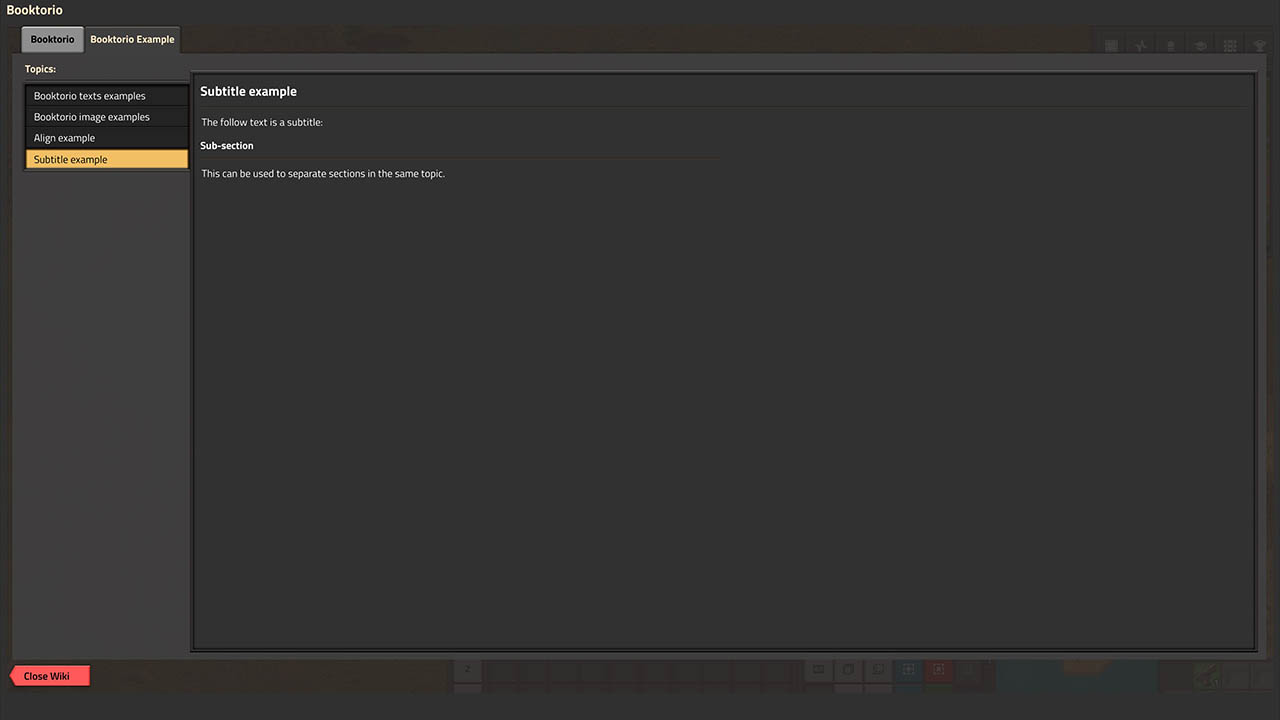
Show a subtitle, differently from the title, they can be more than one.
- type :: string (mandatory)
- subtitle :: [LocalisedString](wiki.factorio.com) or string (mandatory)
- localized :: bool (optional)
- style :: string (optional)
**Mandatory values**
- type, is the type of this element, in this case must be "subtitle".
- subtitle, the text of the subtitle, can localized.
**Optional values**
- localized, specify if the property *subtitle* should not be localized, set this to false if you don't want that the name string will be localized.
- style, the name of the style to apply on this element, if not given will be used the standard Booktorio style.
##2.5 TopicText##
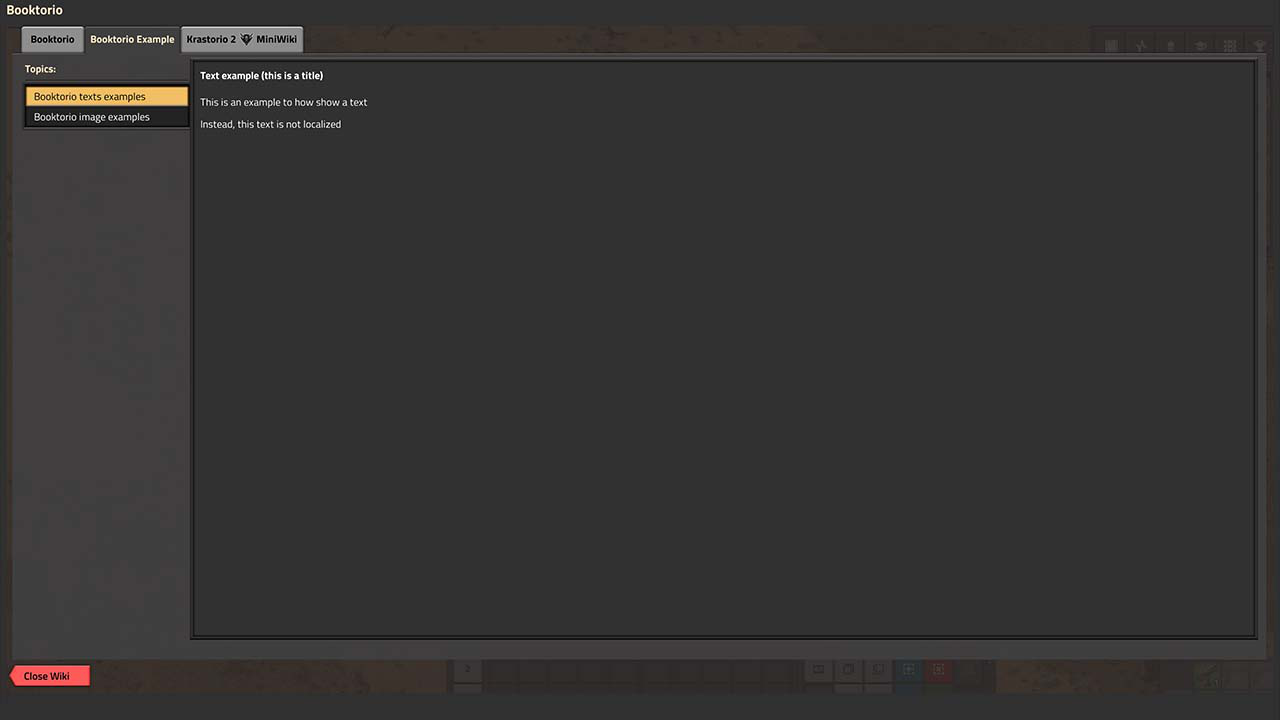
Show a text, can be multi-line.
- type :: string (mandatory)
- text :: [LocalisedString](wiki.factorio.com) or string (mandatory)
- localized :: bool (optional)
- style :: string (optional)
**Mandatory values**
- type, is the type of this element, in this case must be "text".
- text, the string to show, can be multi-line and localized.
**Optional values**
- localized, specify if the property *text* should not be localized, set this to false if you don't want that the name string will be localized.
- style, the name of the style to apply on this element, if not given will be used the standard Booktorio style.
##2.6 TopicBlueprint##
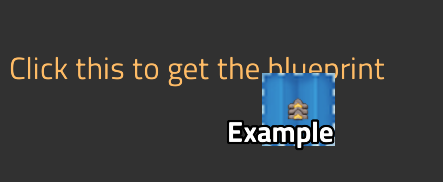
Show a clickable text that players can click it for get a blueprint in the cursor.
- type :: string (mandatory)
- text :: [LocalisedString](wiki.factorio.com) or string (mandatory)
- blueprint :: string (mandatory)
- localized :: bool (optional)
- style :: string (optional)
**Mandatory values**
- type, is the type of this element, in this case must be "blueprint".
- blueprint, the exported string that define the blueprint.
- text, the string to show, can be multi-line and localized.
**Optional values**
- localized, specify if the property *text* should not be localized, set this to false if you don't want that the *text* string will be localized.
- style, the name of the style to apply on this element, if not given will be used the standard Booktorio style. WARNING with this particular element is recommended to not override the style, if the new one don't have hovered_font_color and clicked_font_color well defined.
##2.7 TopicImage##
Show a image, must be associated to a [SpritePath](lua-api.factorio.com).
- type :: string (mandatory)
- spritename :: name of [SpritePath](lua-api.factorio.com) (mandatory)
- style :: string (optional)
**Mandatory values**
- type, is the type of this element, in this case must be "image".
- spritename, is the name of the [SpritePath](lua-api.factorio.com) that must show this image element.
**Optional values**
- style, the name of the style to apply on this element, if not given will be used the standard Booktorio style.
##2.8 TopicTable##
Show a table.
- type :: string (mandatory)
- table :: (lua)table of tables (mandatory)
- style :: string (optional)
**Mandatory values**
- type, is the type of this element, in this case must be "table".
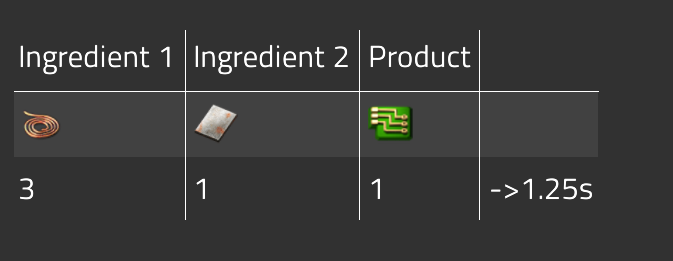
- table, is the table defined in an human-friendly way:
```
local table_example =
{
{"Ingredient 1", "Ingredient 2", {"gui.bk-ex-table-5-product-string"}},
{"[item=copper-cable]", "[item=iron-plate]", "[item=electronic-circuit]"},
{"3", "1", "1", "->1.25s"}
}
```
Each row can have an arbitrary number of elements, the table will automatically autofill the empty cells based on the longest row. In this case use brackets change the localization result.
**Optional values**
- style, the name of the style to apply on this element, if not given will be used the standard Booktorio style.
##2.9 TopicPlugin##
Show a plugin, created by a function that must be given to Booktorio via some remote method. One way to implement this is give a file with a function returned, another way is specify