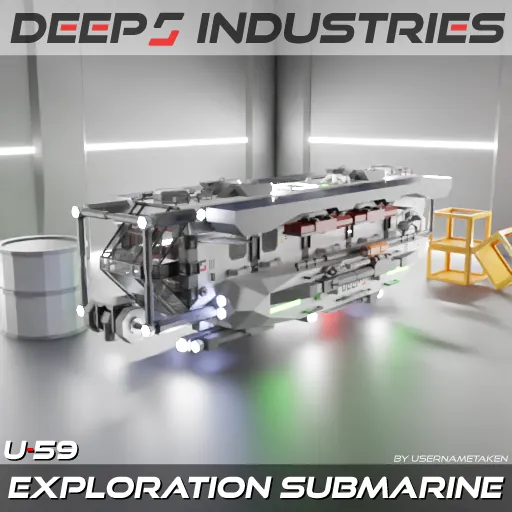
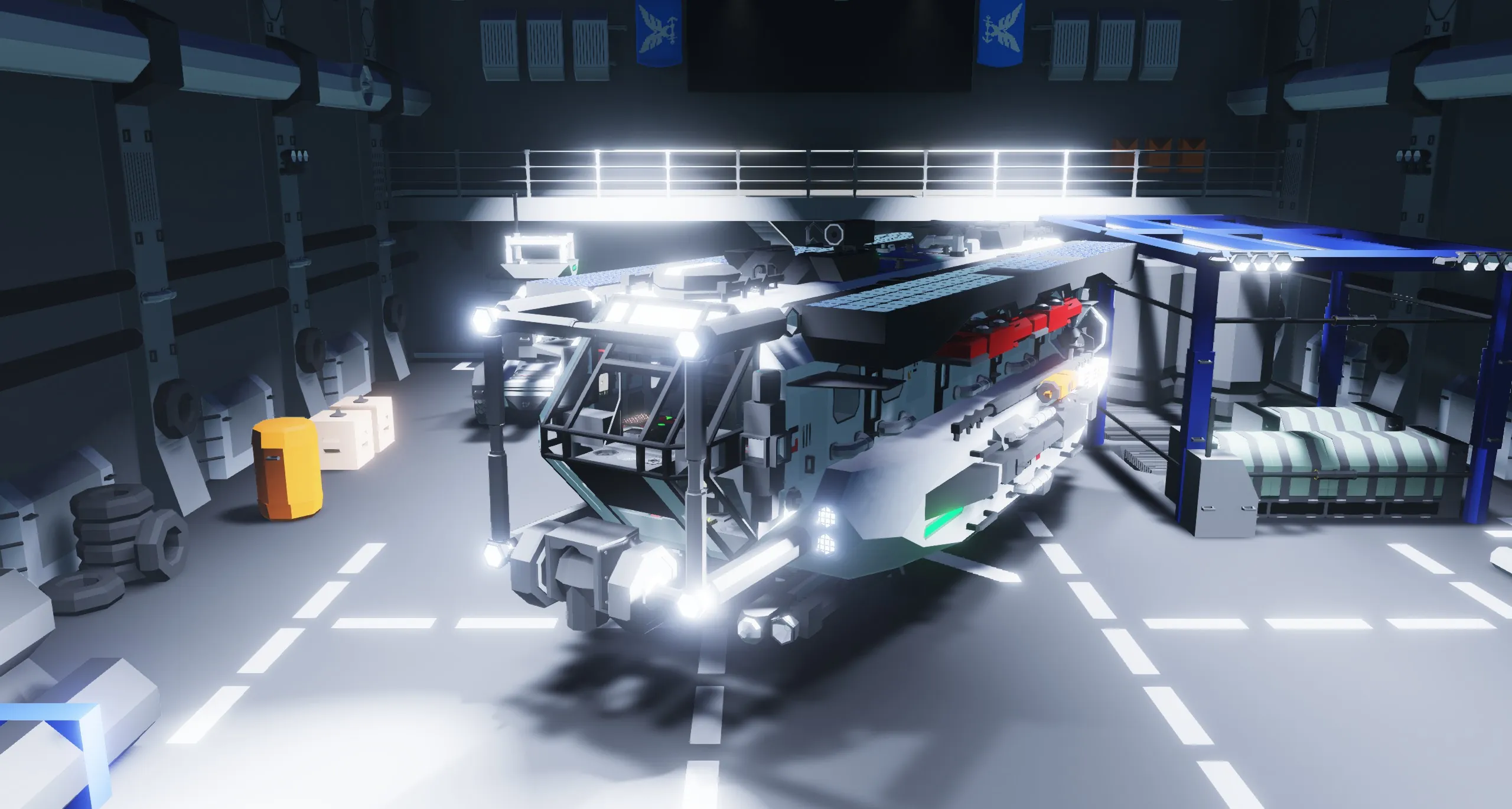
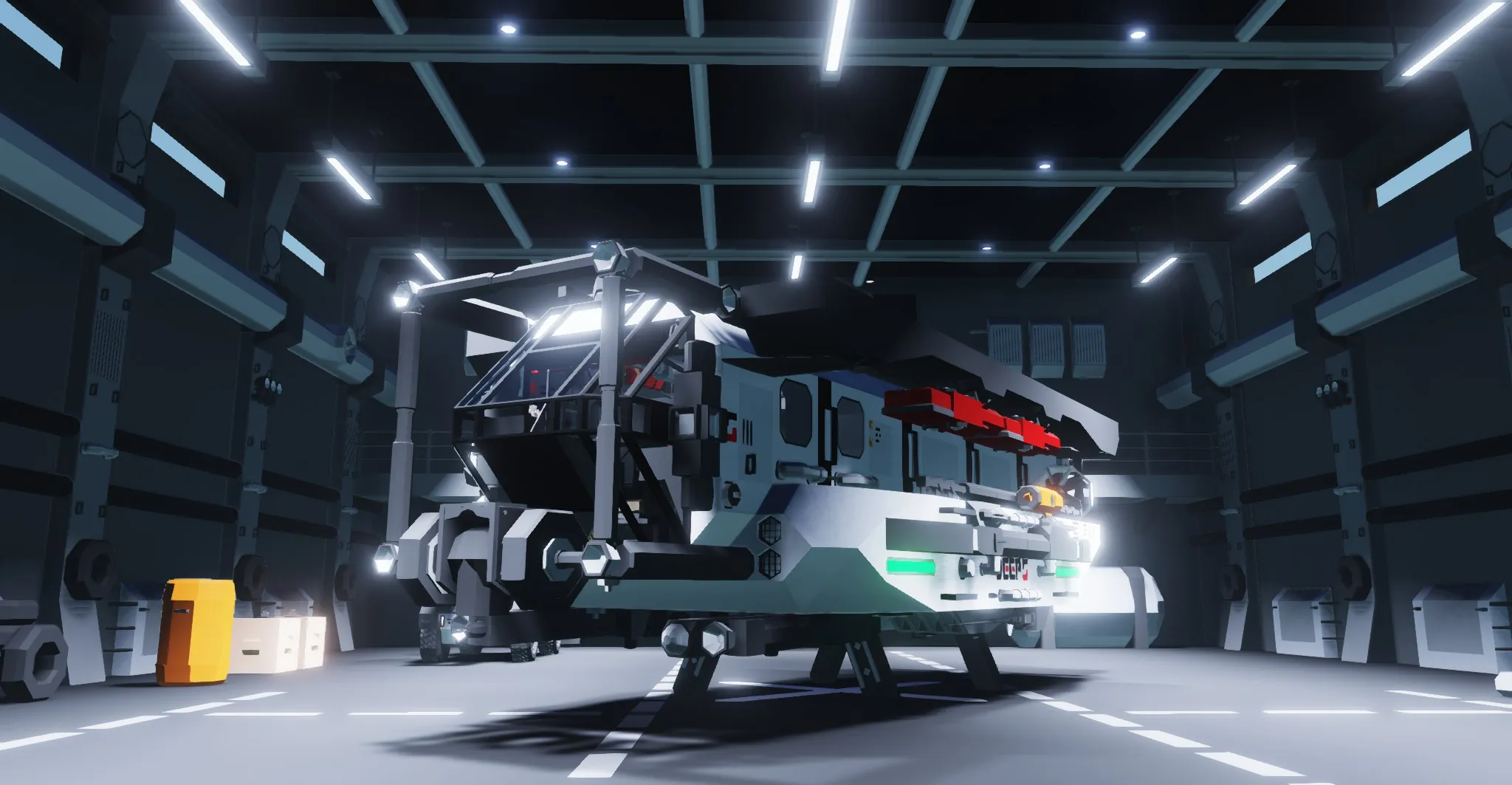
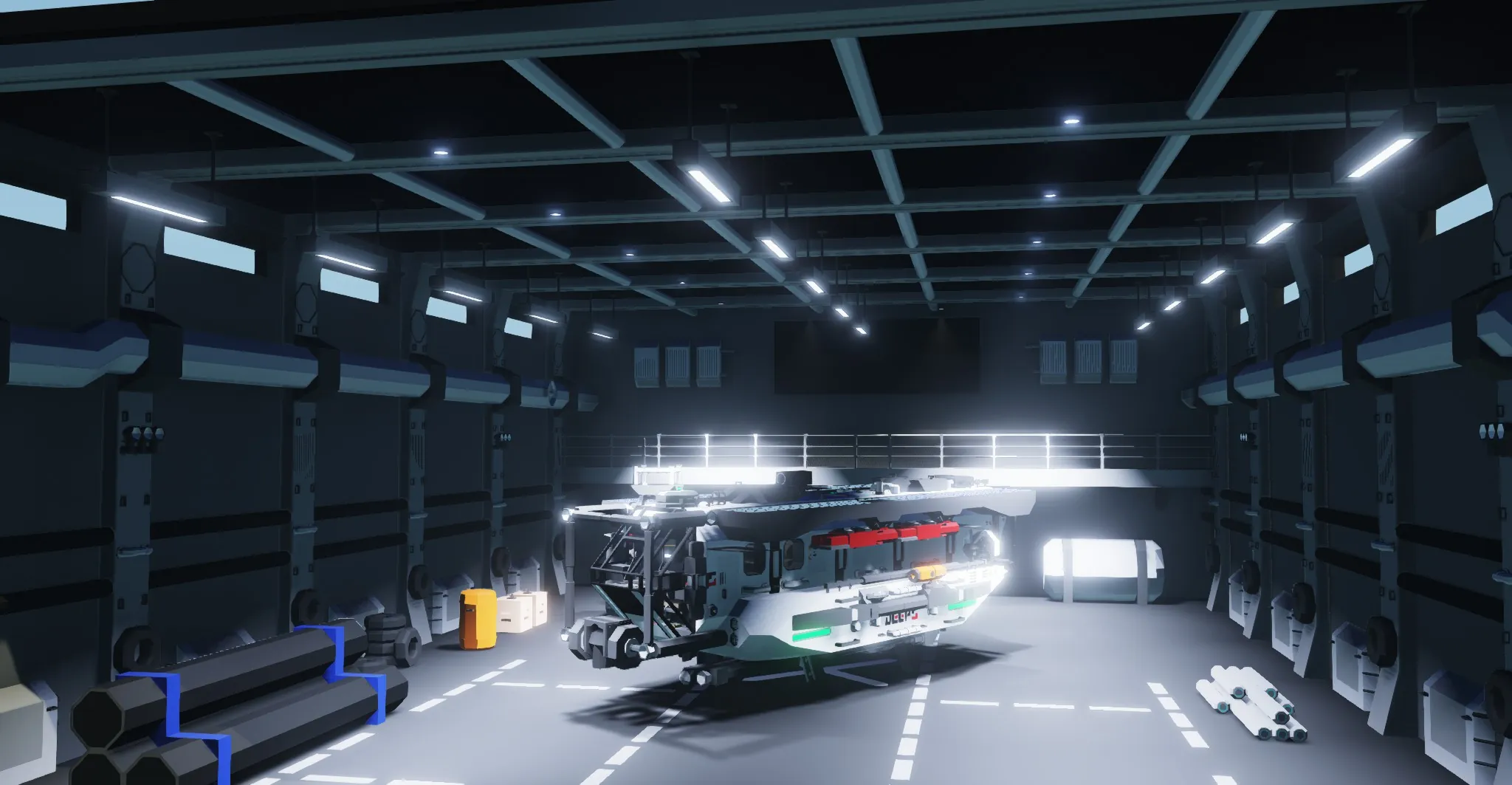
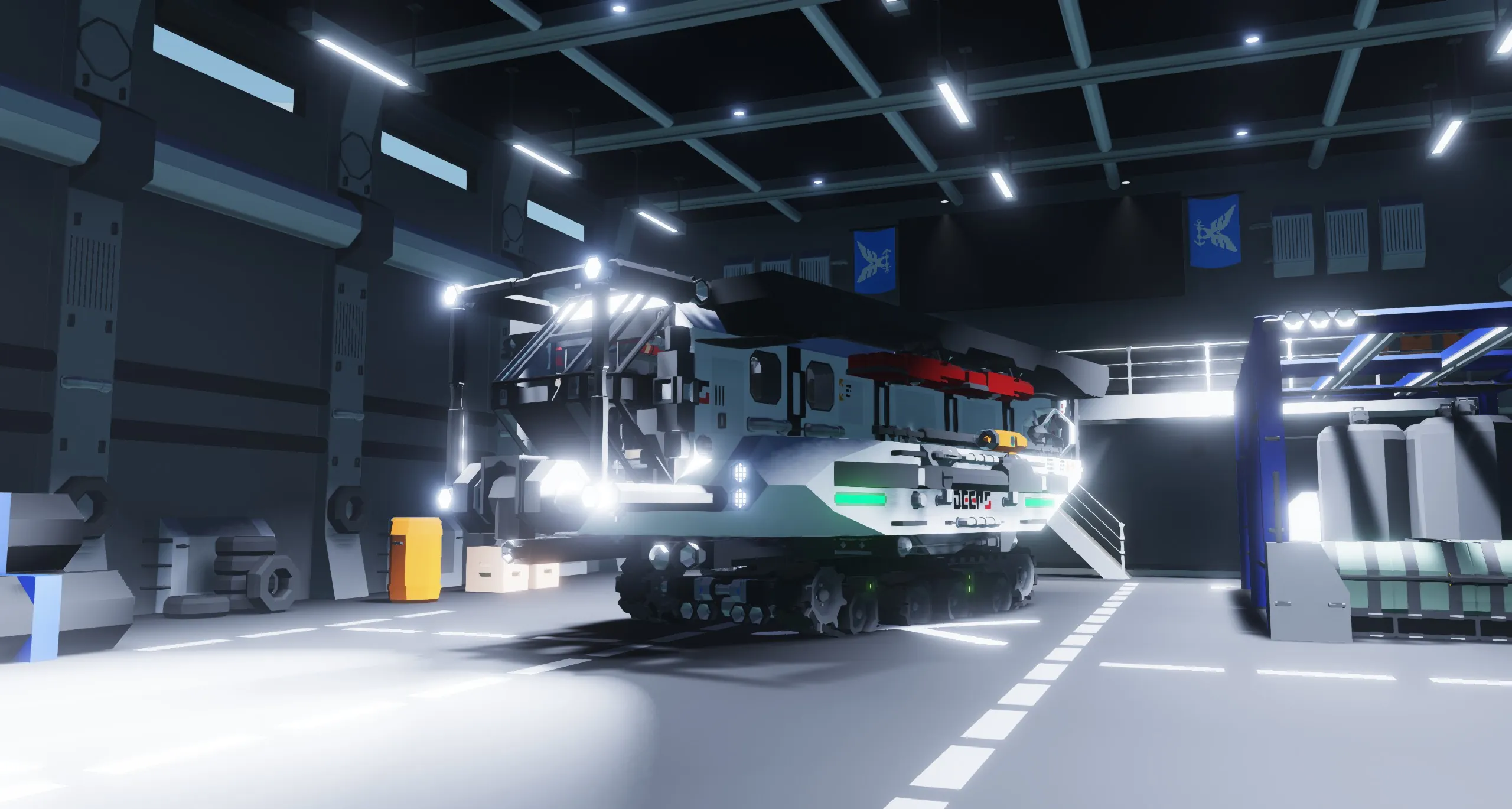
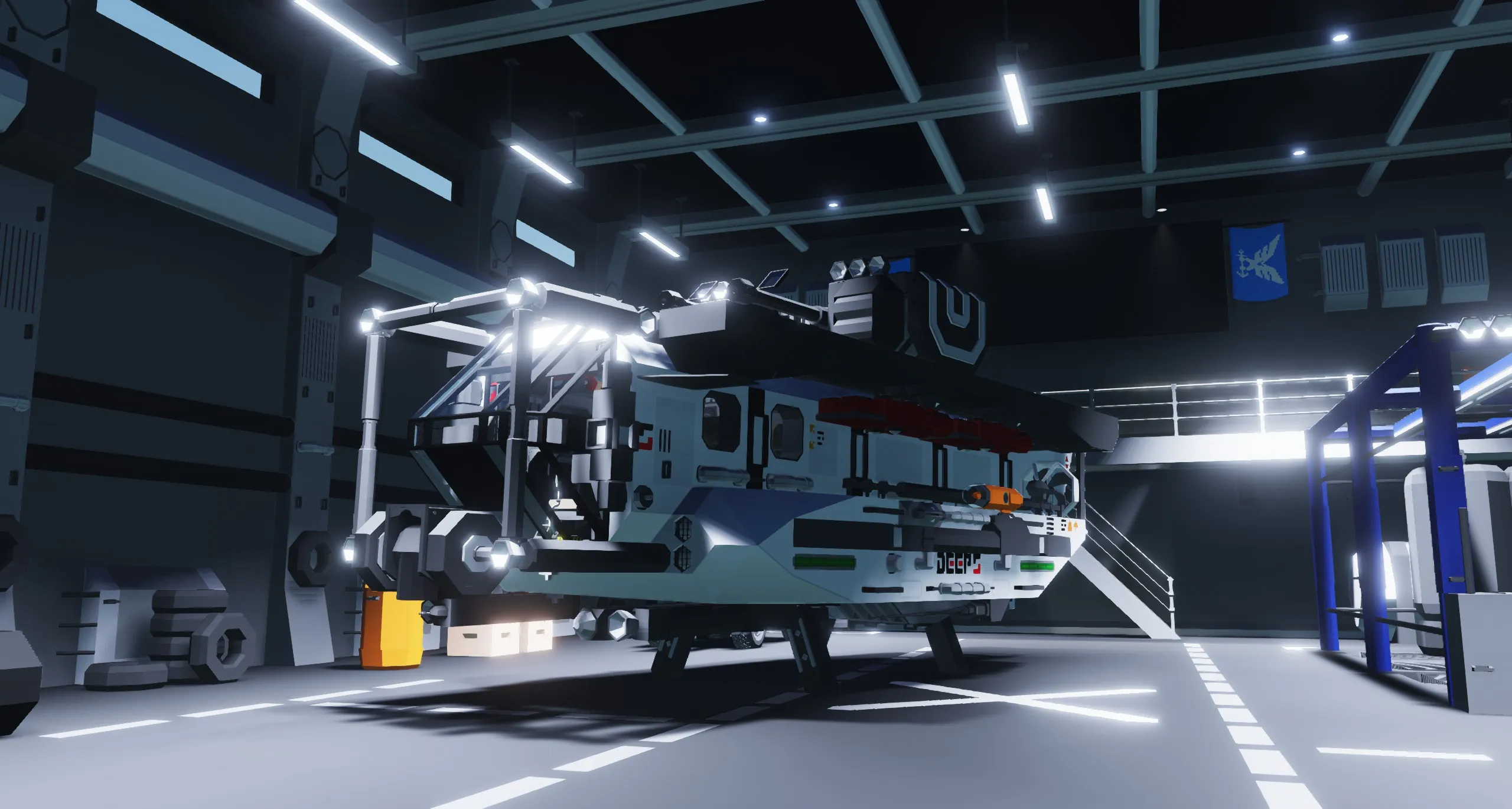
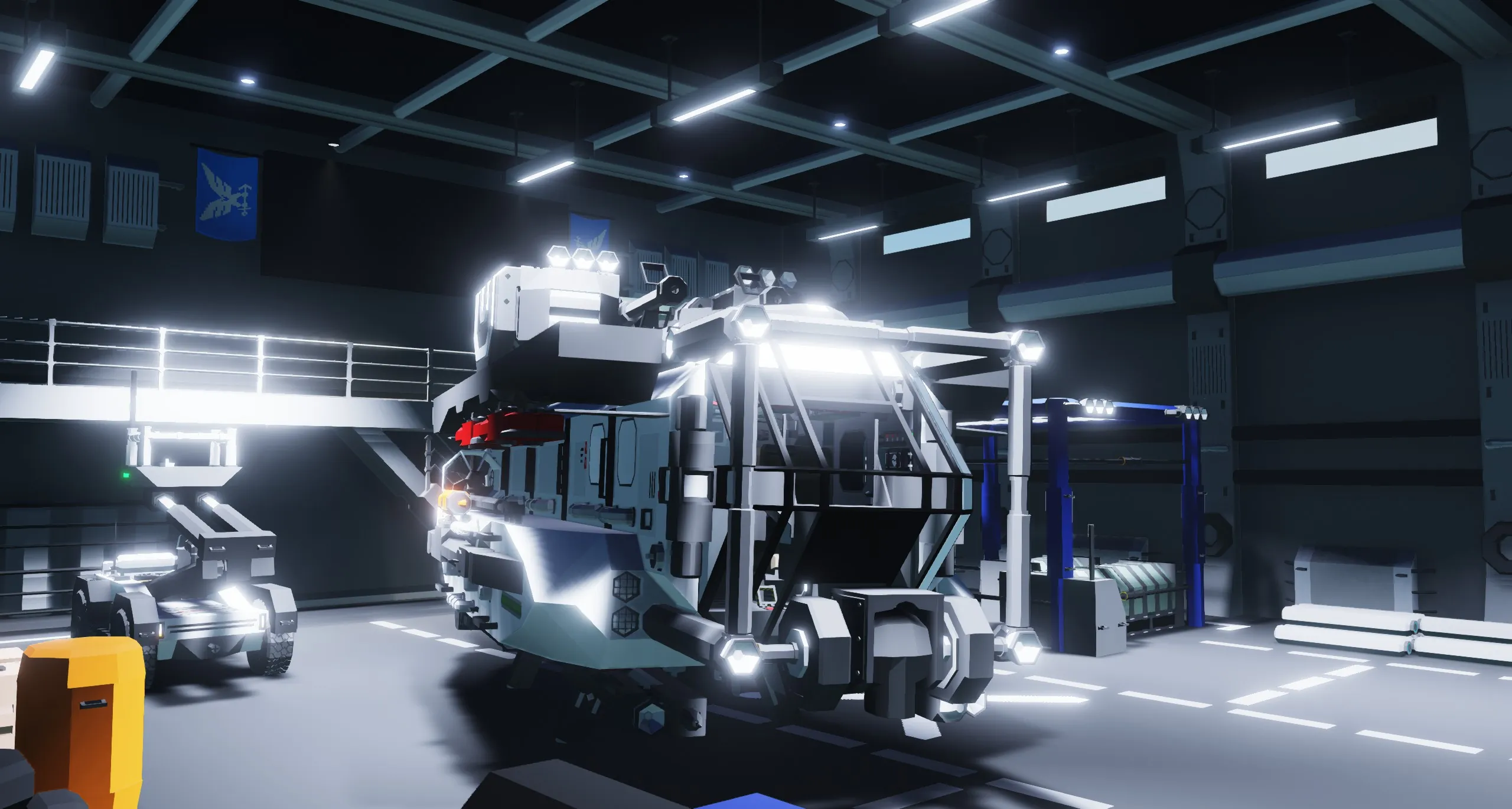
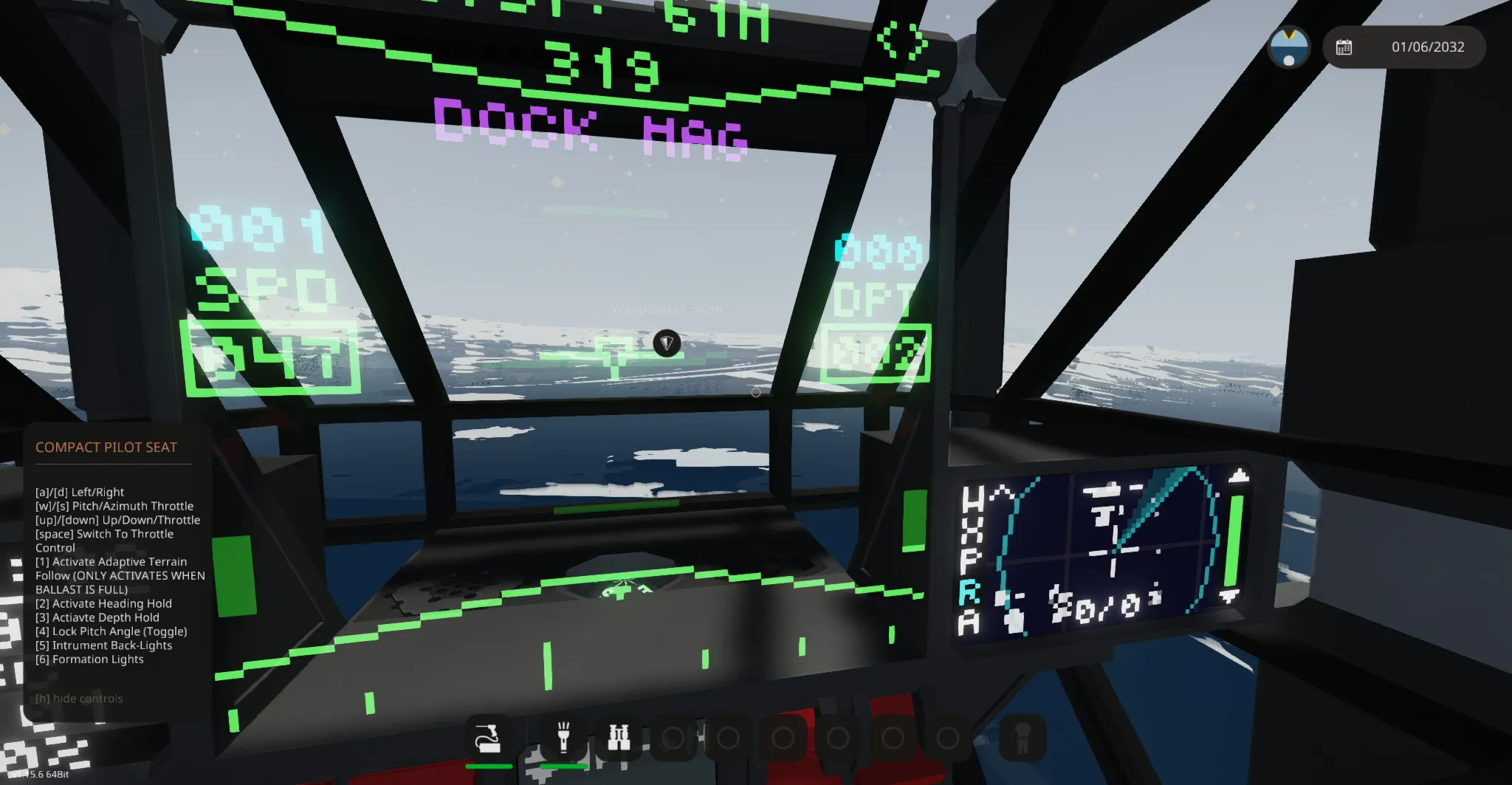
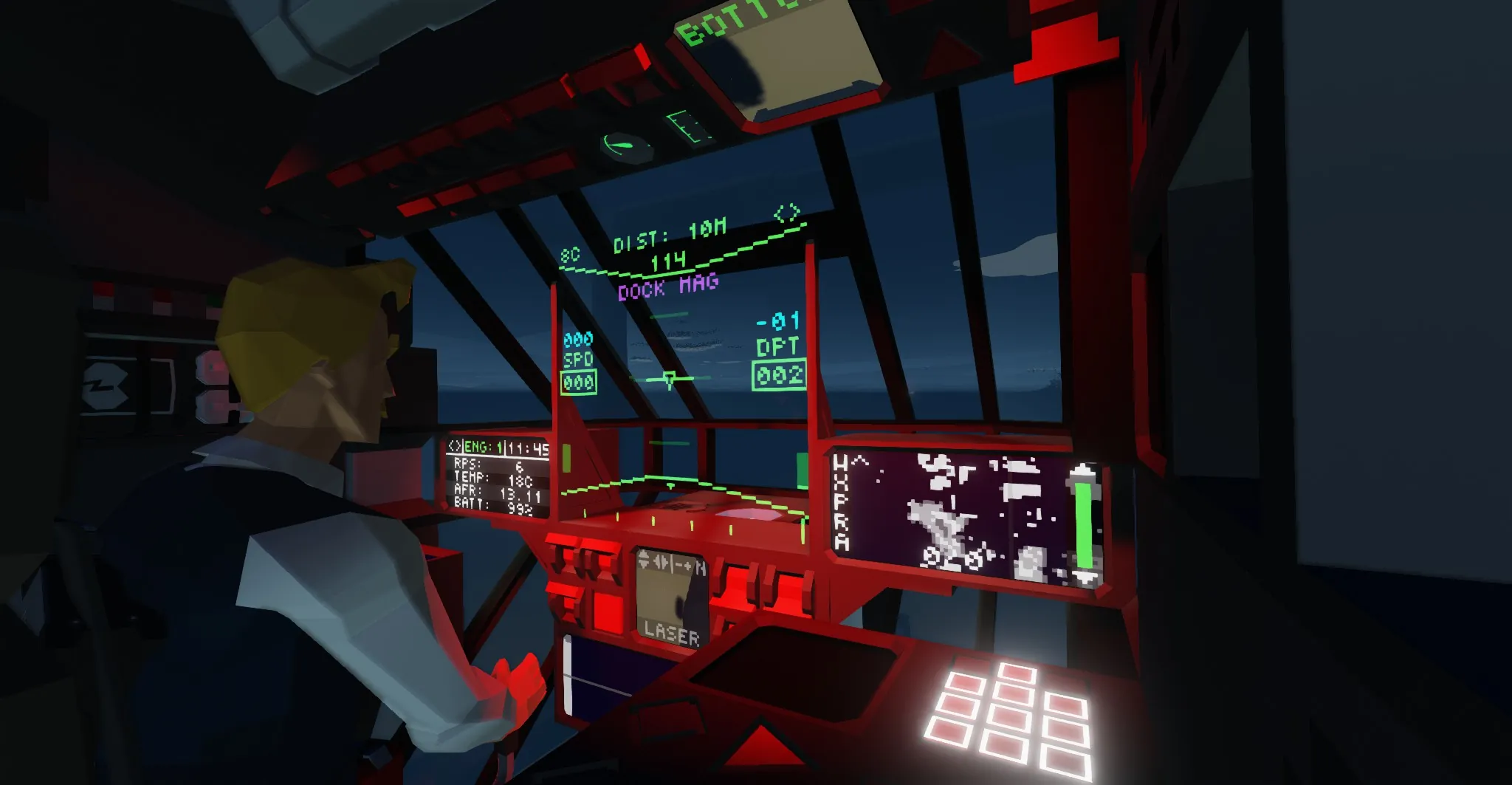
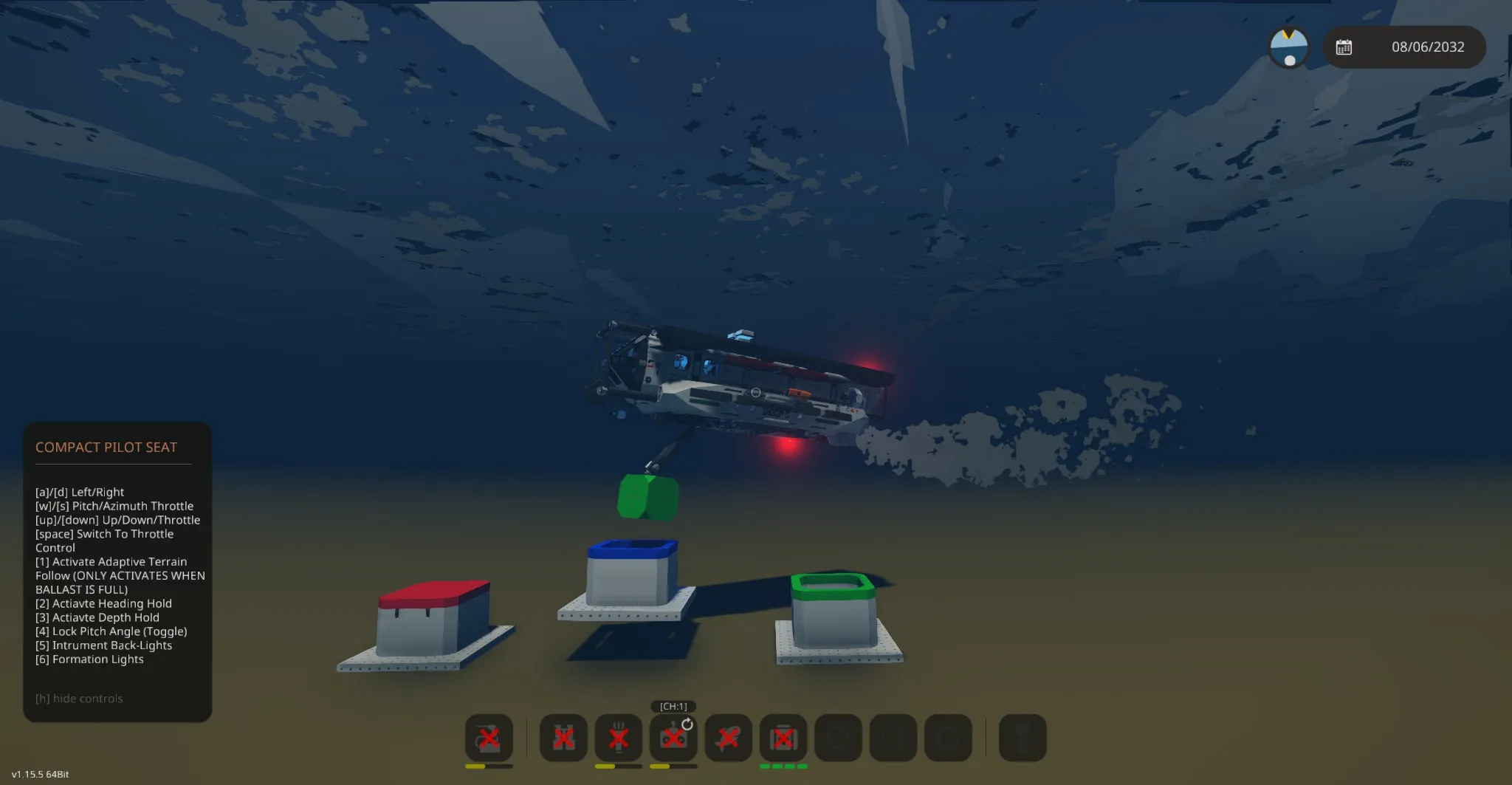
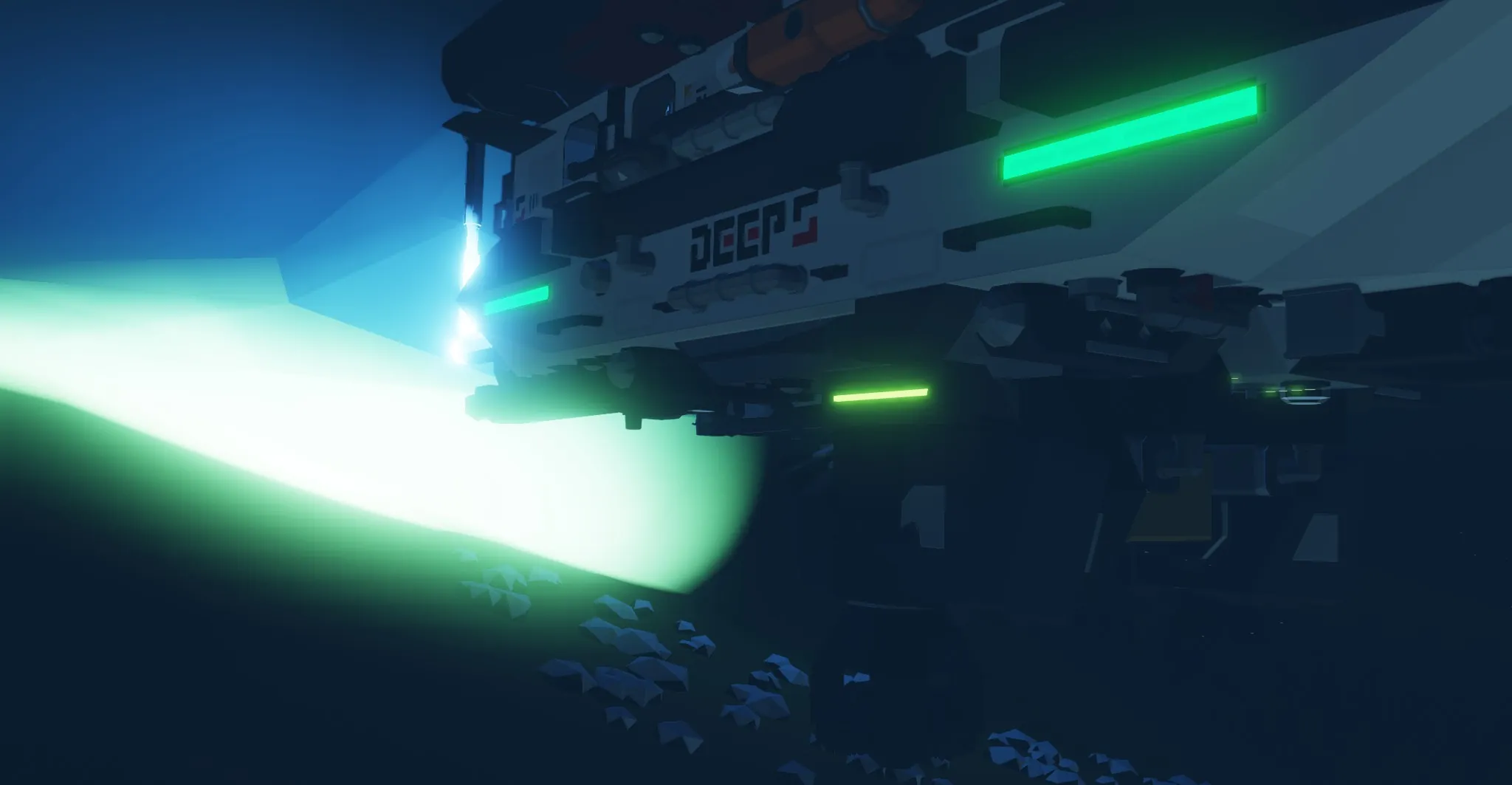
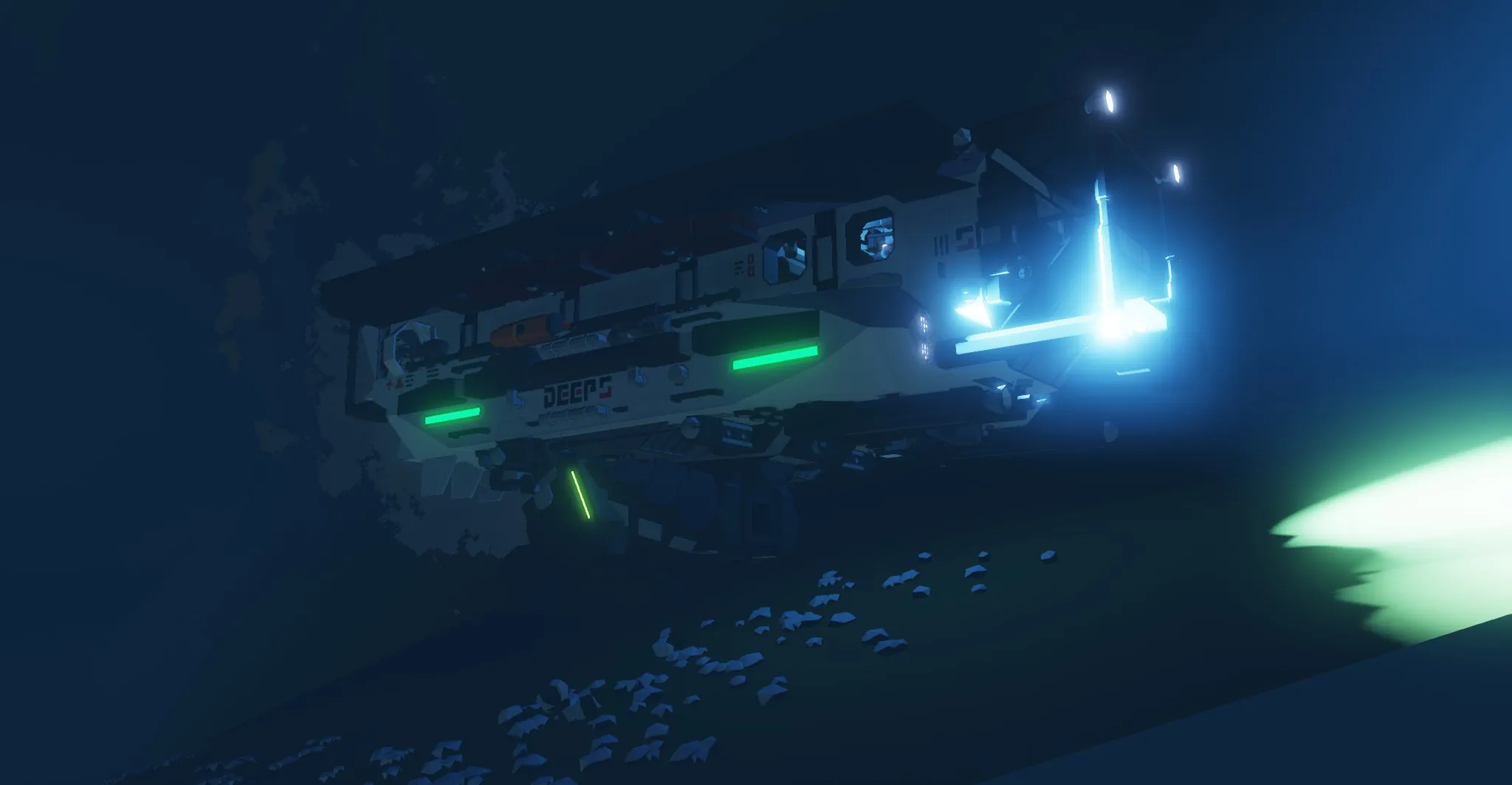
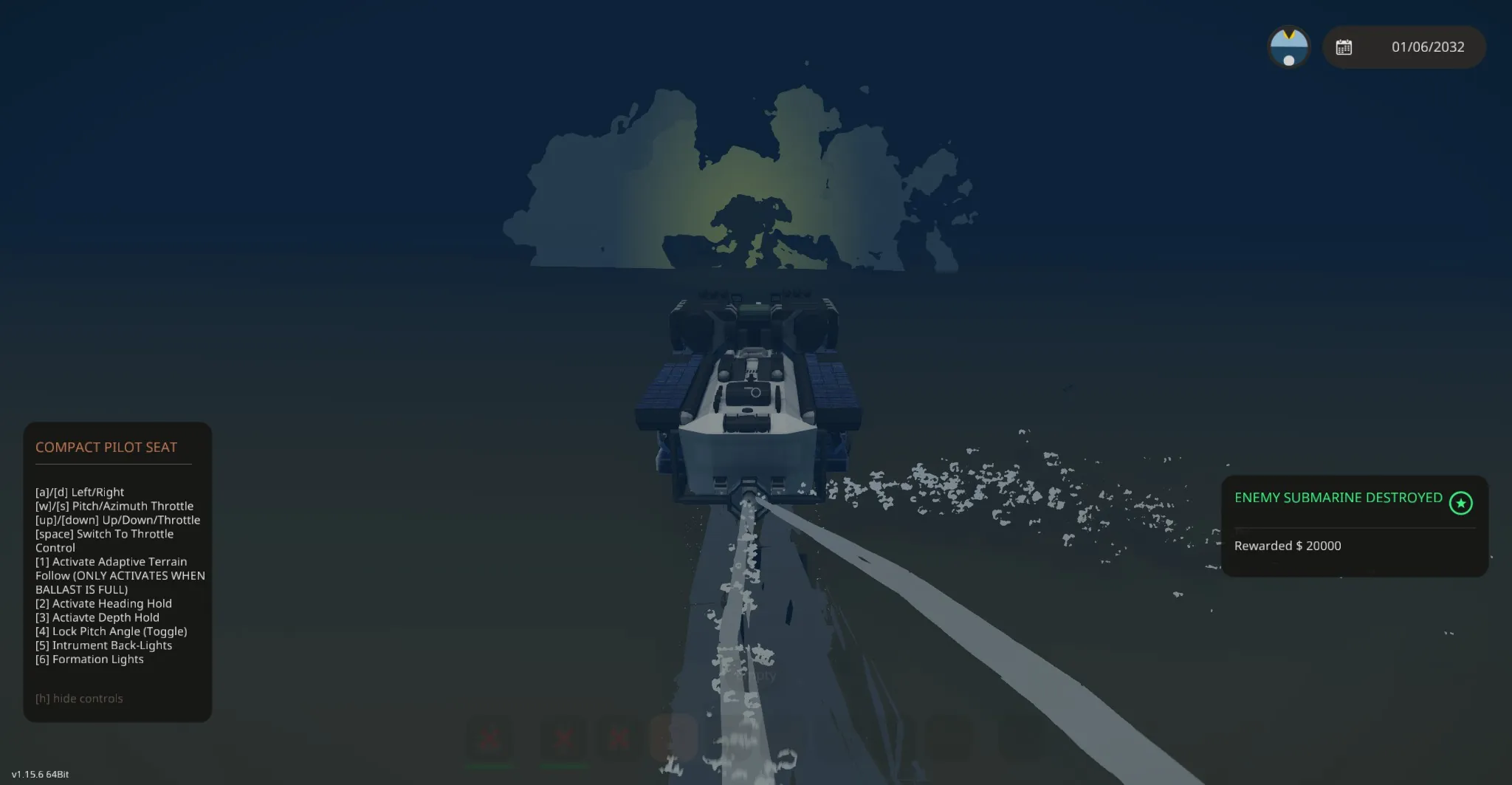
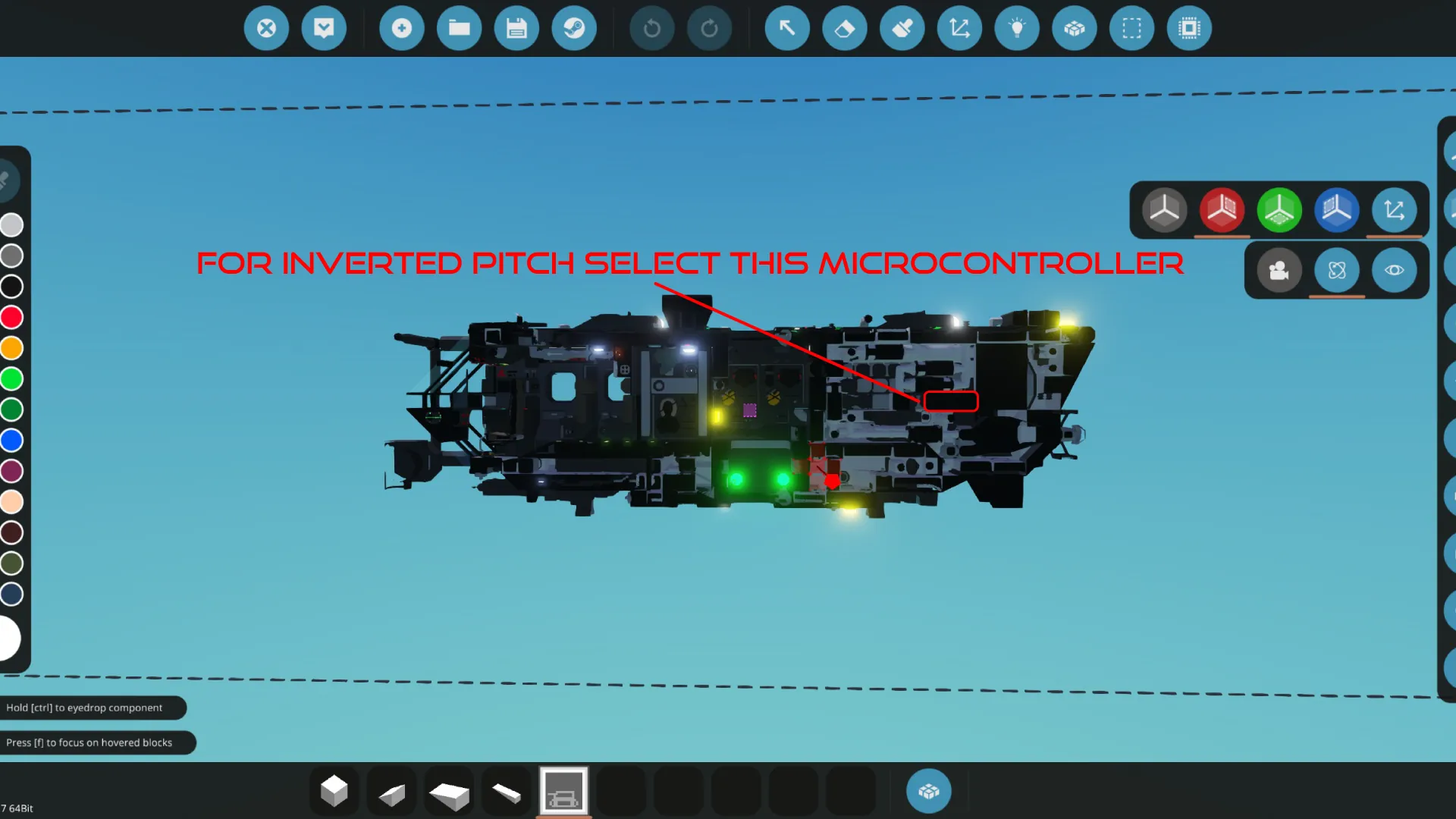
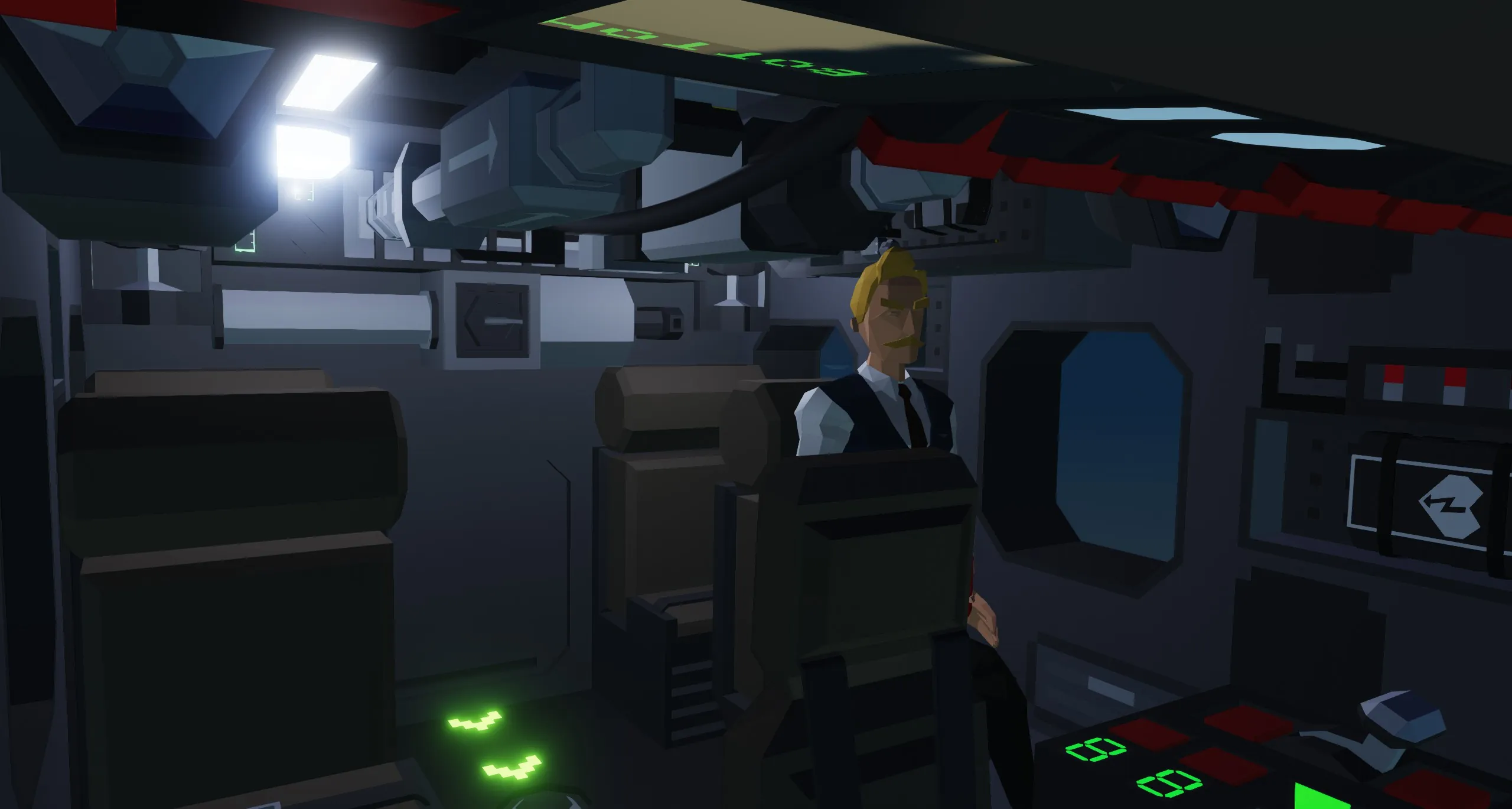
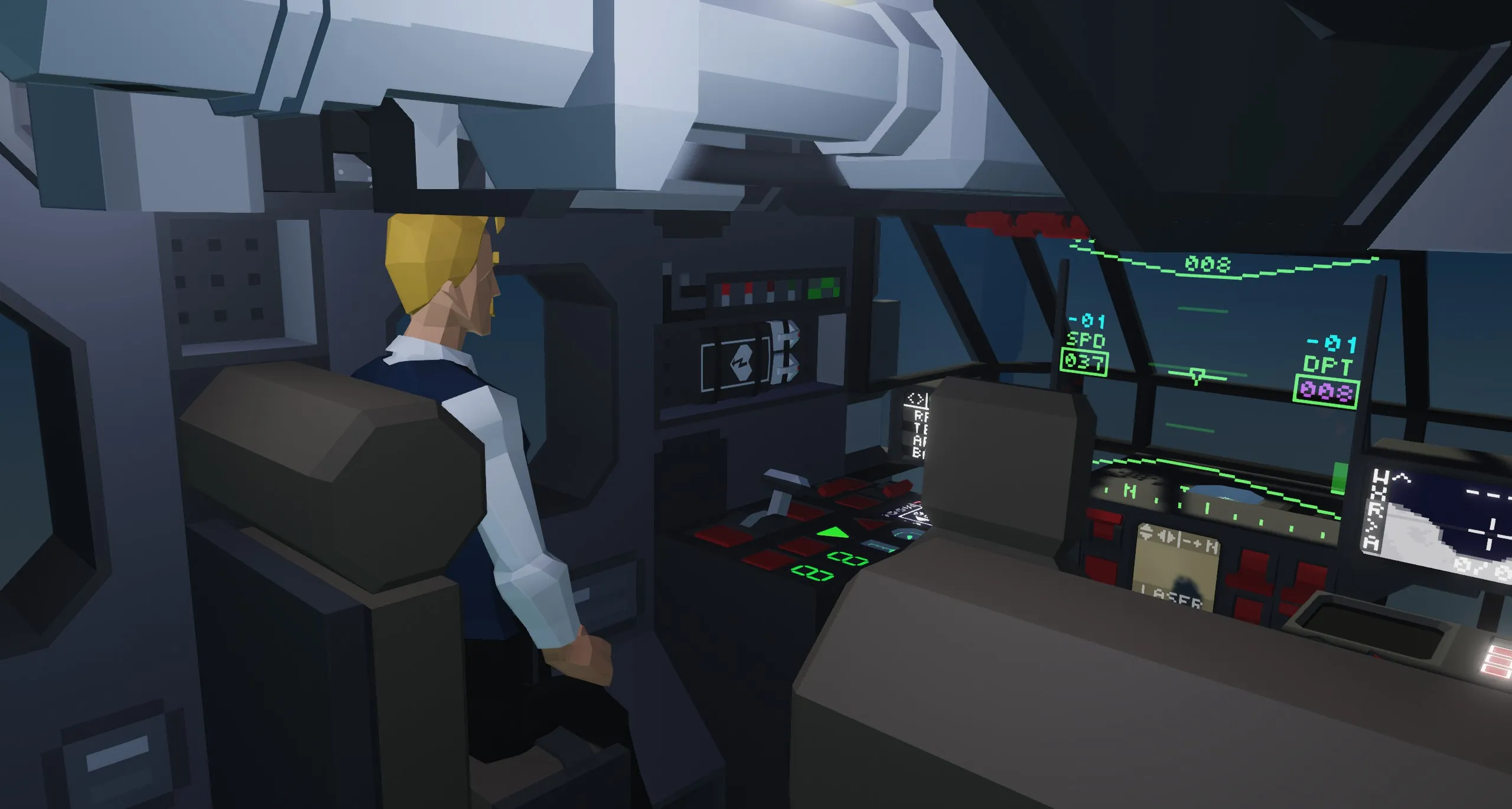
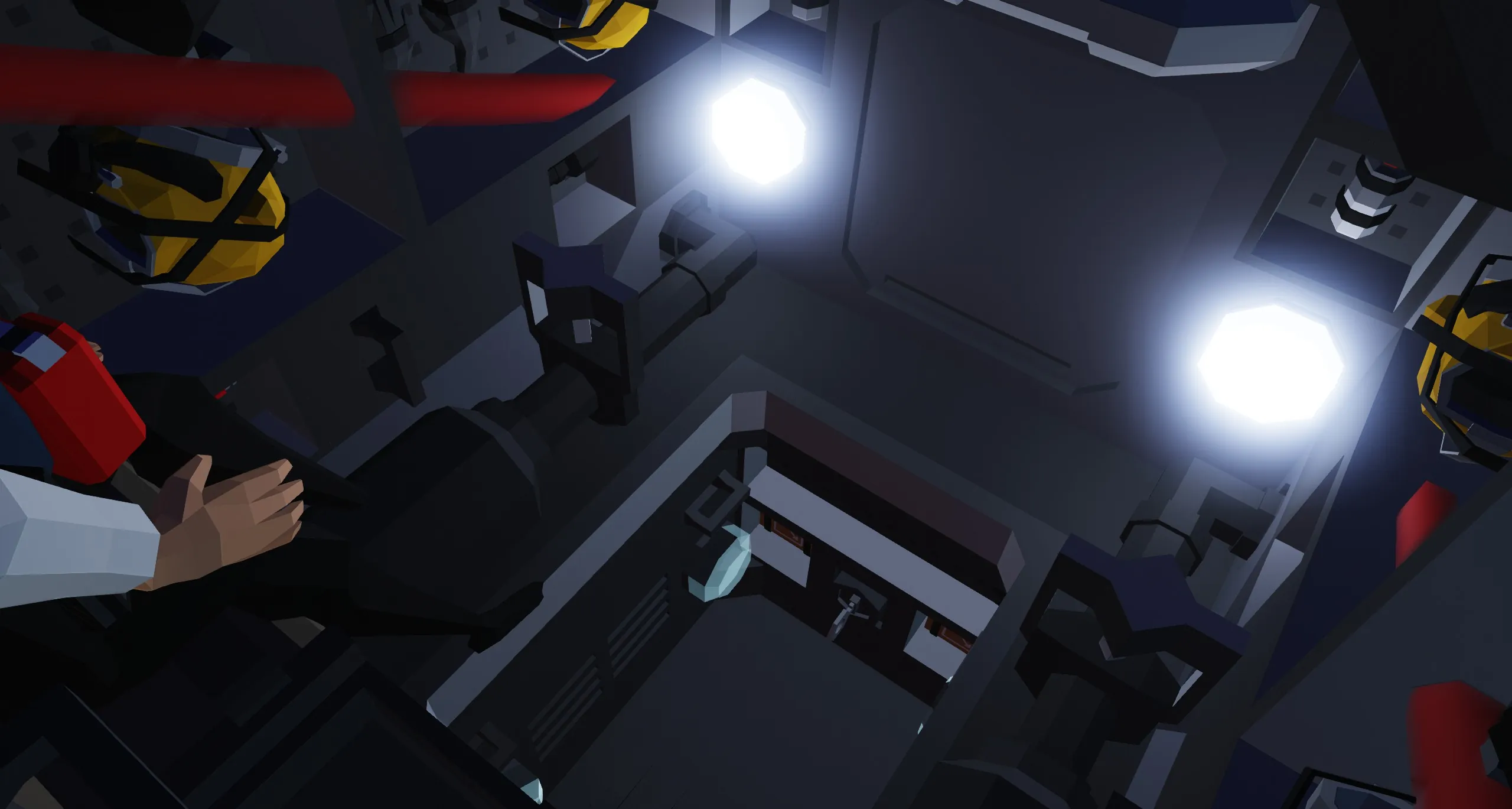
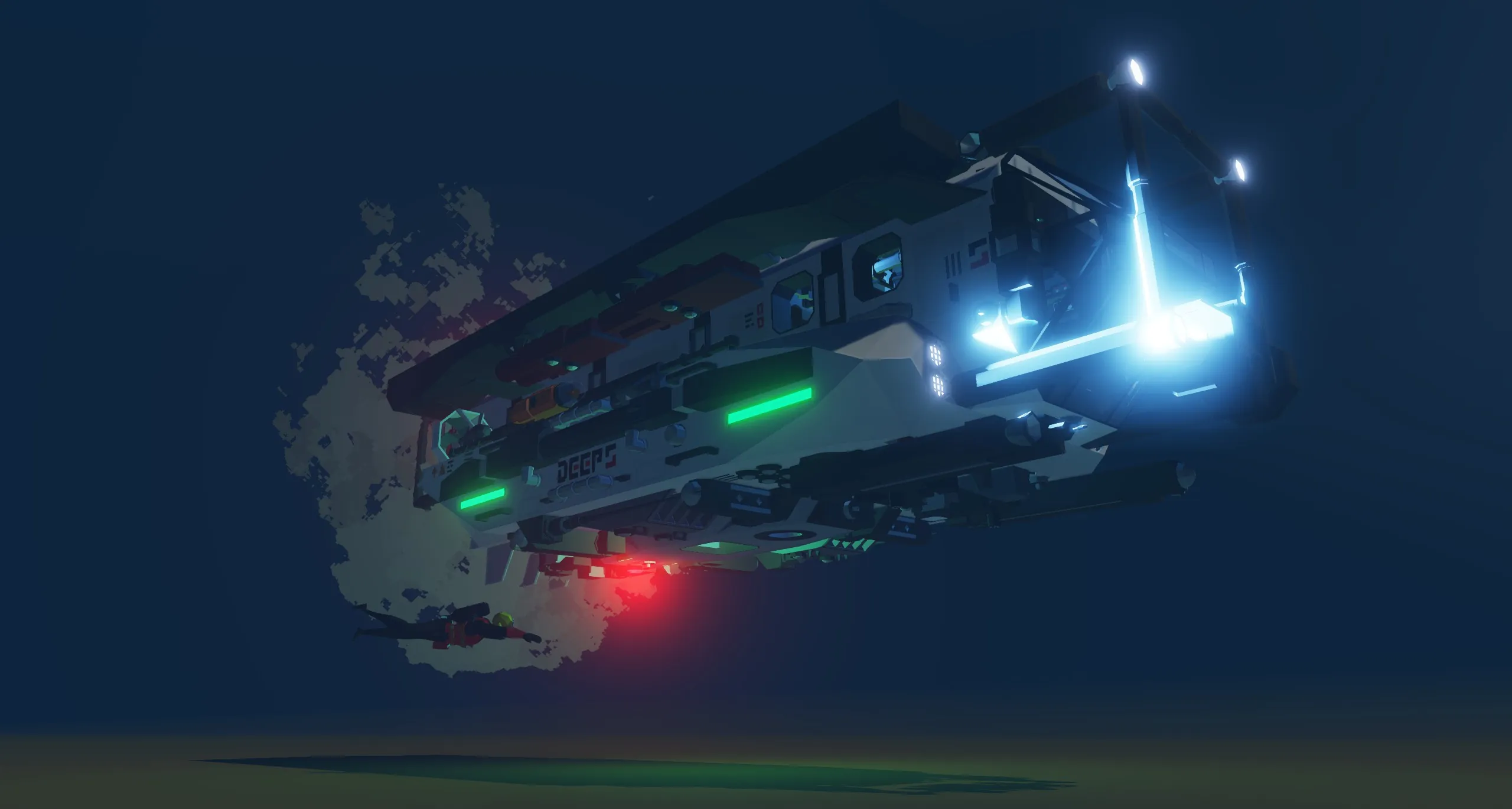
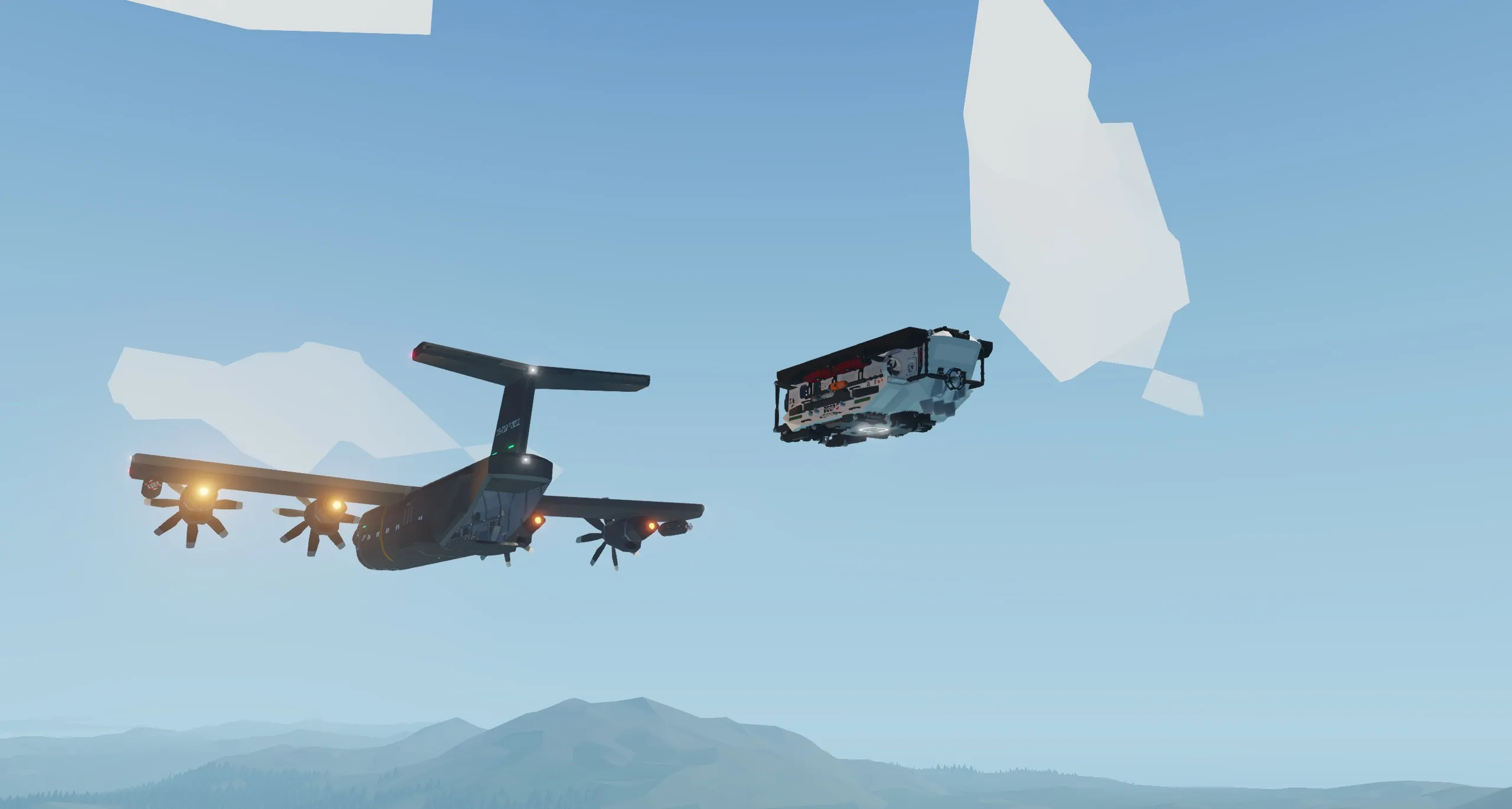
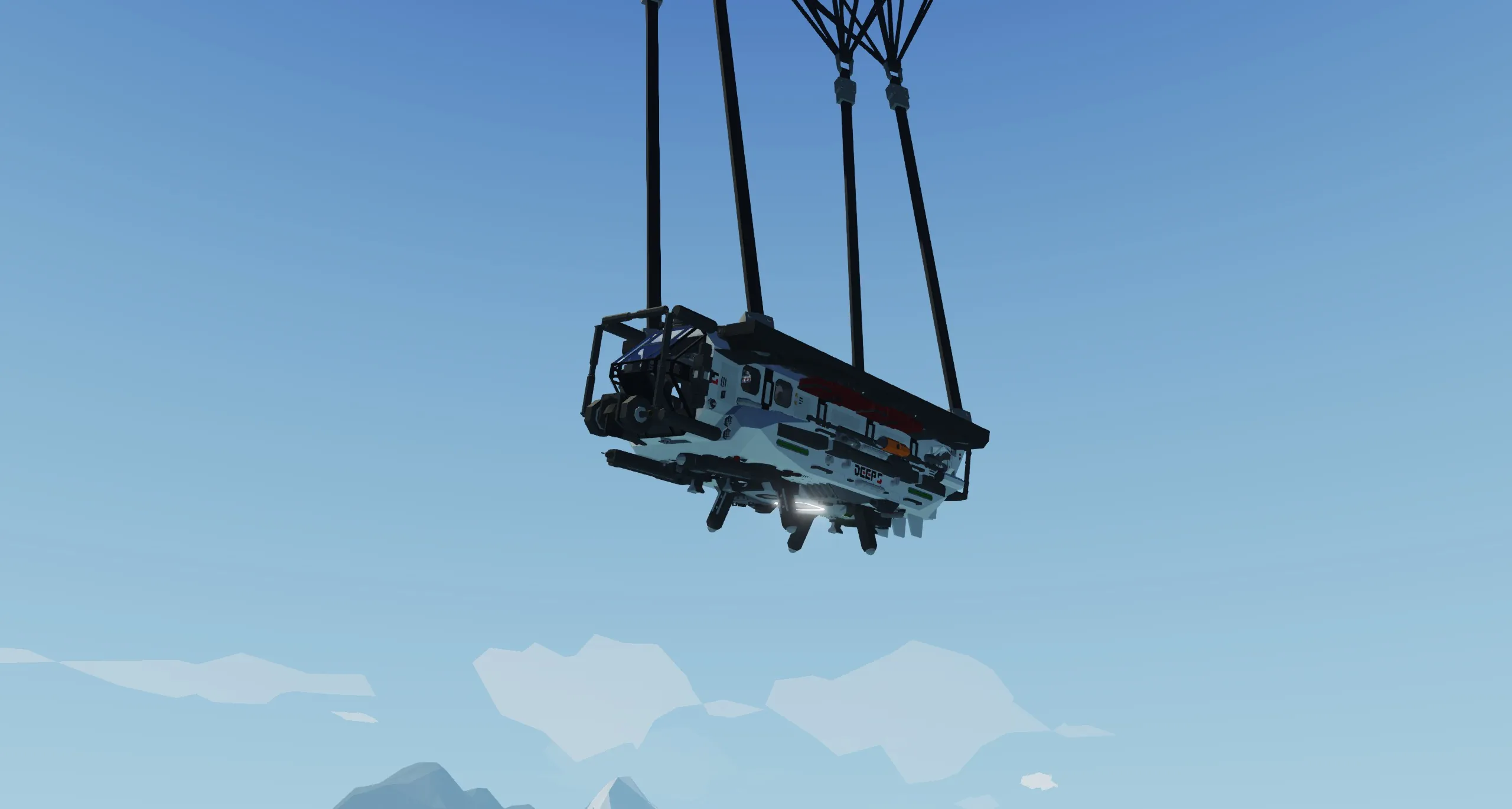
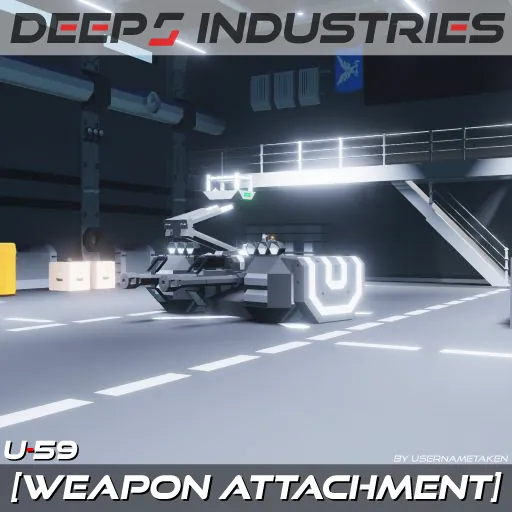
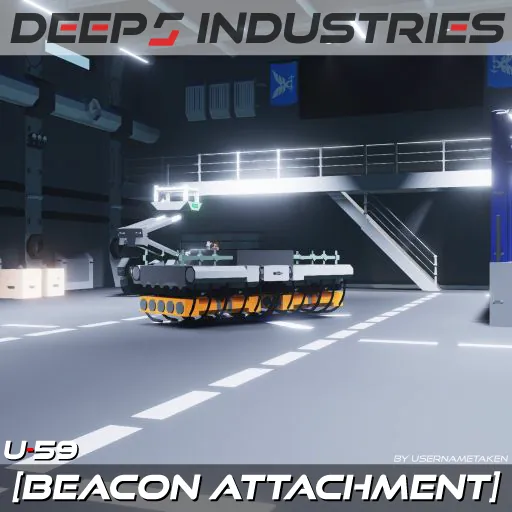
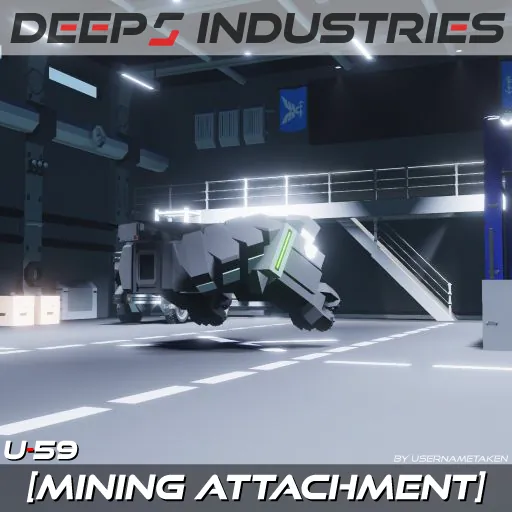
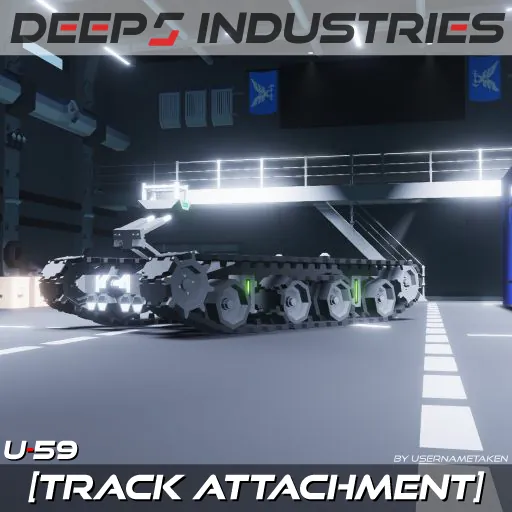
The DEEP 5 Exploration Submarine is the result of many months of work, it features several complex displays, and almost every type of stabilization. The DEEP 5 Exploration Submarine is also capable tons missions for example: Exploration, SAR, underwater repair, transportation, and even underwater mining*.
*With separate attachment
Features
- Water Jet Propulsion
- Moon Pool With Docking Door
- Radar, Sonar, Lidar, and Transponder Locator Screens
- Automatic Bilge Pumps
- Back-Up Batteries
- 16 Illumination Flares
- 8 Flare Torpedoes
- Diving and Arctic Equipment
- Radio With Channel Scanning
- Seabed Depth Graph Display
- Collision Warning Systems
- Pitch, Roll Stabilization, and Pitch Lock
- Depth Hold, Terrain Following Depth Hold, and Position Hold
- Waypoint Based Auto Pilot and Heading Hold
- Azimuth Drive For Cave Exploration and Docking
- Emergency Blow Ballast Systems
- Gimbal Camera
- 2 Manipulator Arms
- Air-Dropping Ready (Releases On Channel 15)
- Automatically Deploying Transponder Beacons In Case Of An Implosion
Specifications
Top Speed (Surfaced): 28 Knots
Top Speed (Under Water): 37 Knots
Top Speed (In Overdrive): 70 Knots
Range: greater than 200 Km
Cost: $278596
Mass: 6128
Seating For 7 People (including driver)
Dimensions
11 Meters Length
5.25 Meters Width
3.5 Meters Height
Start-Up Procedure
- Enable "MASTER POWER" On The Middle Panel
- Enable All "POWER SUPPLY TO" Switches On The Top Panel
- Enable Engine On The Top Panel
- Enable Fuel Pumps On The Top Panel
- Enable Coolant Pumps On The Top Panel
- Enable Air Pumps On The Top Panel
- Enable HUD On The Middle Panel
- Enable Monitors On The Middle Panel
- Flip The "RETRACT GRIPPERS" On The Right Console
- Make Sure That Engine Is Above 10 RPS
- Throttle Up On The Left Console
Controls
1. How To Use The Displays
The DEEP 5 Exploration Submarine has a powerful suite of screens but they can be complex to use.
HUD 1/6

[Blue Number (Left)] Vertical speed (Knots).
[Blue Number (Right)] Rotational speed (Knots).
[<] Launches left flare torpedo.
[>] Launches right flare torpedo.
[Right Bar] Ballast level.
[Left Bar] Ballast pressure.
[8C] Flare torpedo count.
[Dist 0.7M] The sub's distance from the sea floor.
ENGINE SCREEN 2/6

[<] Increases brightness.
[>] Decreases brightness.
[Eng1/Eng2] Changes engine data displayed.
INTERACTIVE MAP 3/6

[W] Places waypoint at the cursors or the keypad location.
[X] Removes most recently placed waypoint, if held it will remove all waypoints.
[P.] Recenters cursor to its original position, if held resets zoom as well.
[R] Enables radar.
[A] Enables auto pilot and shows distance from current waypoint.
[^] Shows the sub's coordinates (in white) and the cursor's coordinates (in yellow).
RADIO 4/6

[Up Arrow] Changes radio frequency up one channel.
[Down Arrow] Changes radio frequency down one channel.
[Xmit/Recv Tower] Switches between sending and receiving. Arrows facing inwards=receiving and arrows facing outwards=sending. Enables the channel scanner.
[C] Clears detected channel, if held resets entire scan.
[M] Enables microphone.
[+0] Starting channel for channel scanner. When pressed (on the right) increases the starting channel and When pressed (on the left) decreases the starting channel.
SONAR 5/6

[+] Increases sonar range.
[-] Decreases sonar range.
[Left Number] Sonar range (Km).
TRANSPONDER LOCATOR 6/6

[T] Toggles on and off the transponder locator and starts the triangulation process
[C(1/2/3)] Changes the focus mode when avaiable
[+] Zooms the map in and out when possible
[-] Zooms the map out and out when possible
[B.] Activates the emergency transponder of your vehicle so that others can find you
Taken From Zizo's Description
2. Hotkeys
The DEEP 5 Exploration Submarine has many hotkeys that sometimes serve many purposes.
Seat
[Hotkey 1] Enables Adaptive Terrain Following Depth Hold which will only activate when the ballast is above 3800 liters. Hotkey 1 holds the sub at a set depth, but unlike the other depth holds, it will conform to the terrain.
[Hotkey 2] Enables the Heading Hold, which overrides the Auto Pilot see INTERACTIVE MAP 3/6.
[Hotkey 3] Enables the Depth Hold. If the target depth keypad is negative, it will make the sub follow the seafloor at the absolute distance of the keypad. If the target depth keypad is at zero, it will hold your current depth.
[Hotkey 4] Enables Pitch Lock, which locks the sub's pitch (Wow).
[Hotkey 5] Enables backlights for all displays and keypads.
[Hotkey 6] Enables formation lights (green bars on the side of the sub).
[Space] Makes the throttle lever controllable from the Up/Down keys.
3. Arm Controls
The arms on the DEEP 5 Exploration Submarine
Enabling
Click the "Enable Arms" button on the top right panel, when the "Enable Arms" button is on it will switch the gimbal camera the arm camera and switch seat controls to the arm controls*. If you want to Rotate the sub without disabling arm control, use [Left/Right] it replaces the [A/D] control.
*Except hotkeys
Controlling
[Hotkey 2] Enables changes the wrist movement for the arms.
[Hotkey 6] Enables spotlight on the arm.
[Space] Enables the arms tool (mag-all or welder).
[W/S] Moves the selected arms up/down.
[A/D] Rotates the selected arms left/right.
[Up/Down] Extends the arms.
Known Issues
- Lower Flare Torpedoes Might Clip The Sub Causing Them To Fly In a Different Direction
- DO NOT Air Drop It Over The Ground It Will Explode
- When Stationary Under Water While It Is Windy Will Cause The Sub To Pitch/Roll
- "Emergency Blow Ballast" Button Will Not Work If The Sub Is Completely Flooded
- DO NOT Open The Top Hatch In Windy Conditions, Use The Bottom Open Instead
- The Sub Will Flip When Surfaced In Windy Conditions, Not Much Can I Can Do About It
Backround/Environment Used
https://steamcommunity.com/sharedfiles/filedetails/?id=3615850819
Credits
Tajin Auto Pilot (Heavily Modified)

 Enforced by attack helicopter
Tags:
Submarine, Rescue, Exploration, Fire, Delivery, Deep 5, Deep 5 Industries