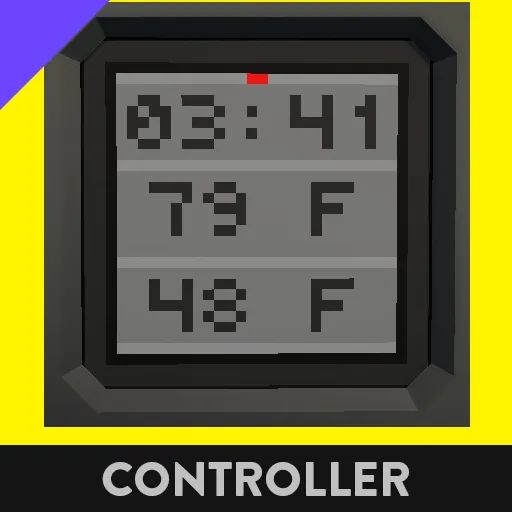
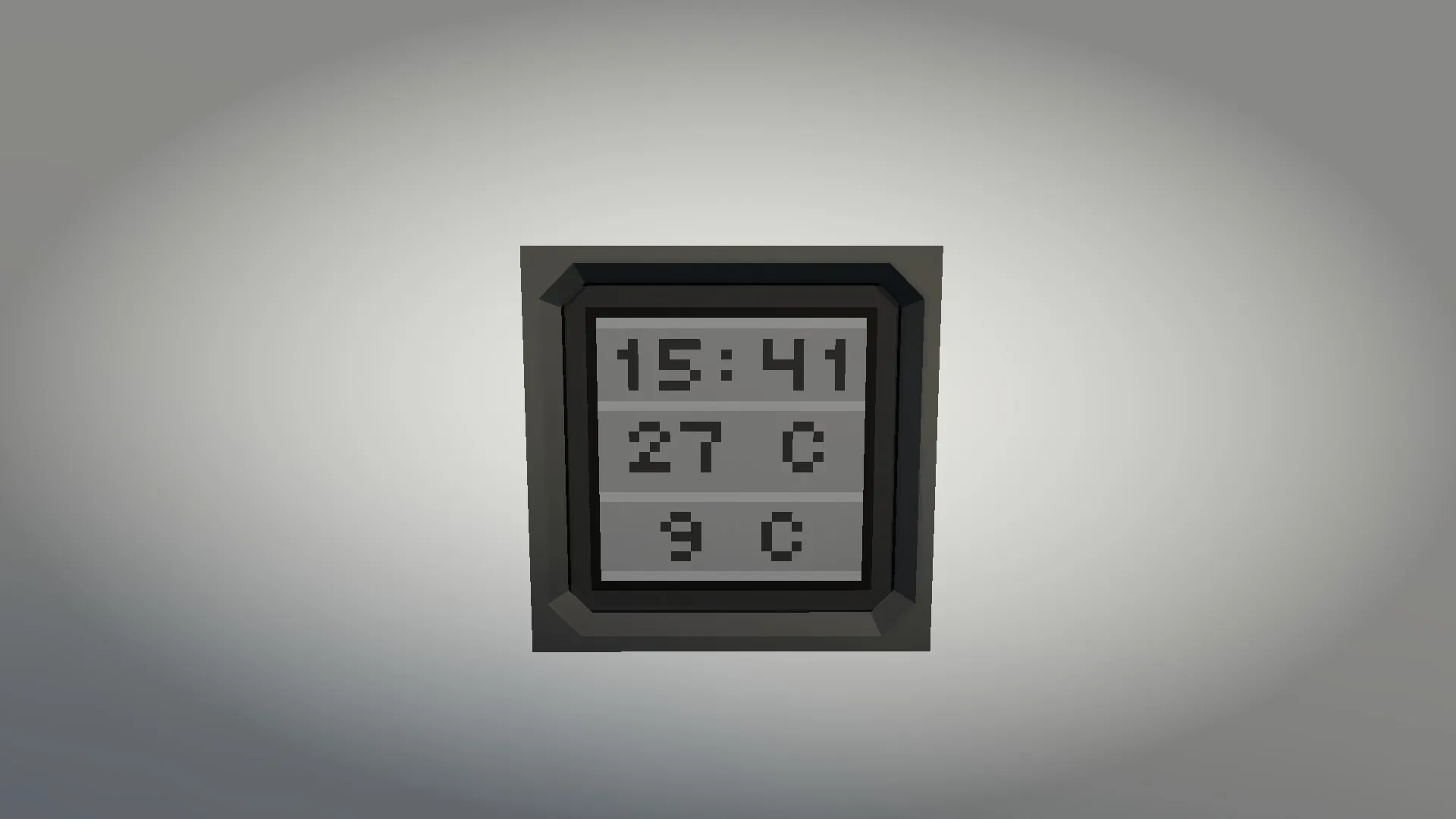
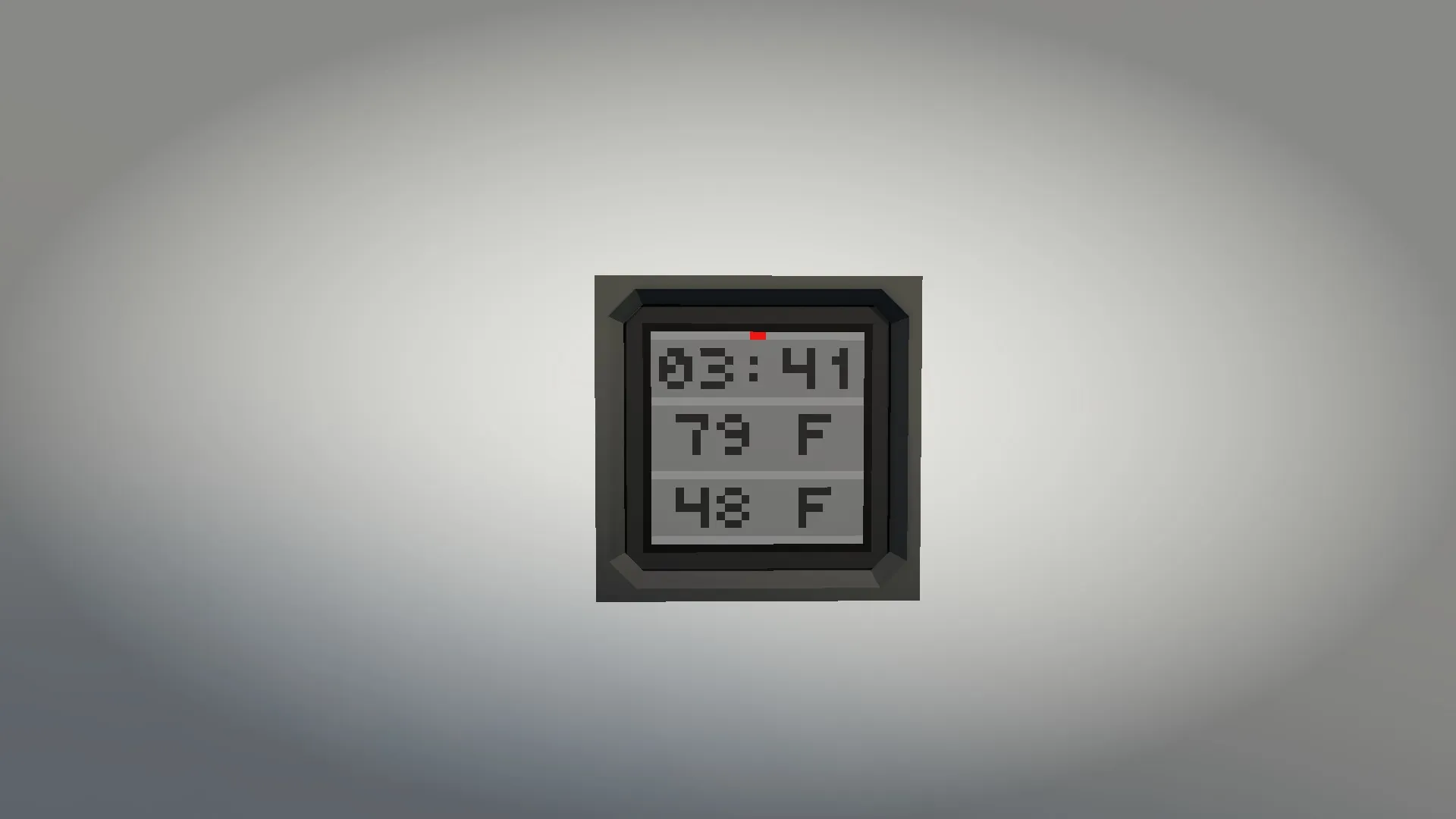
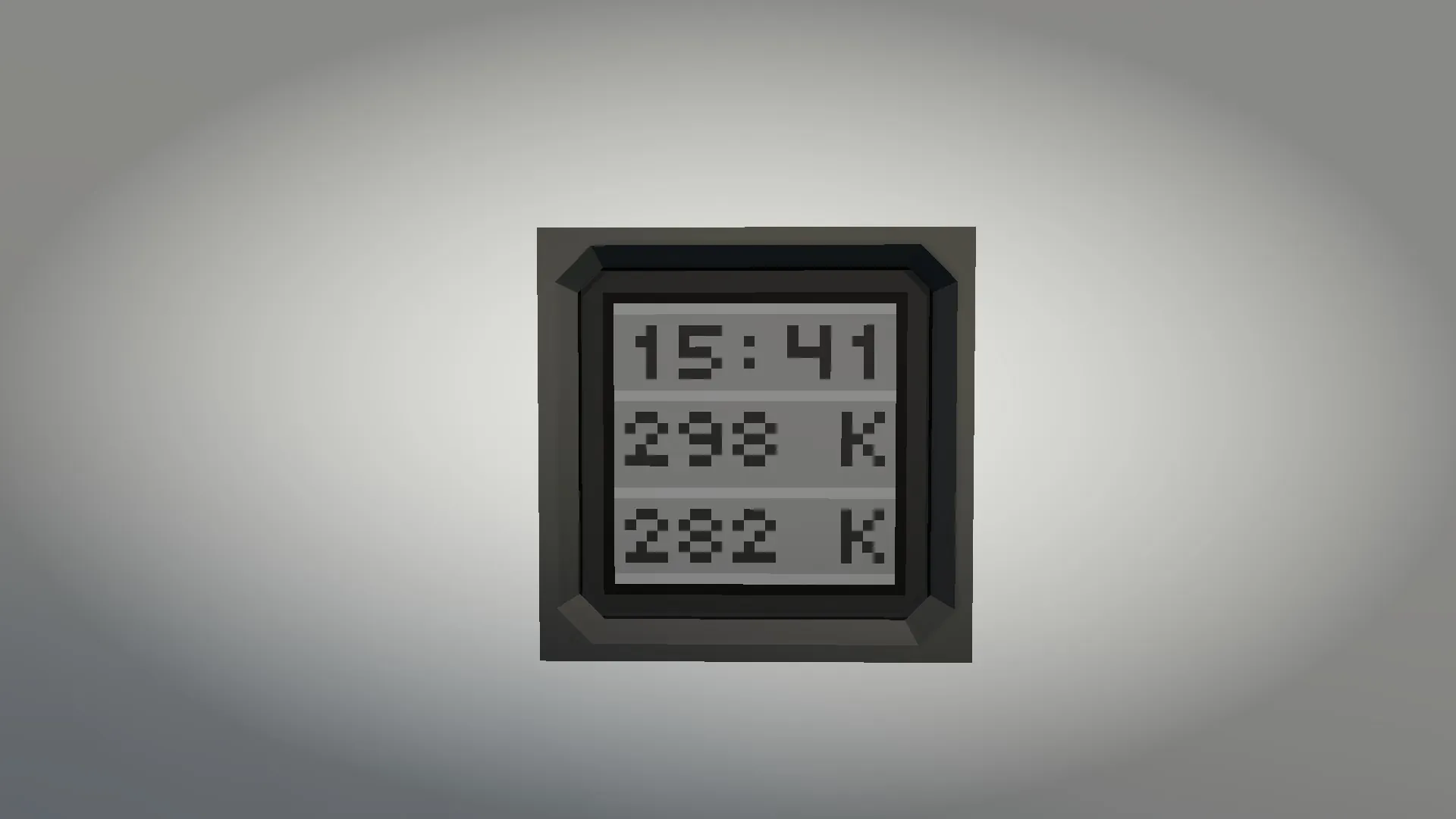
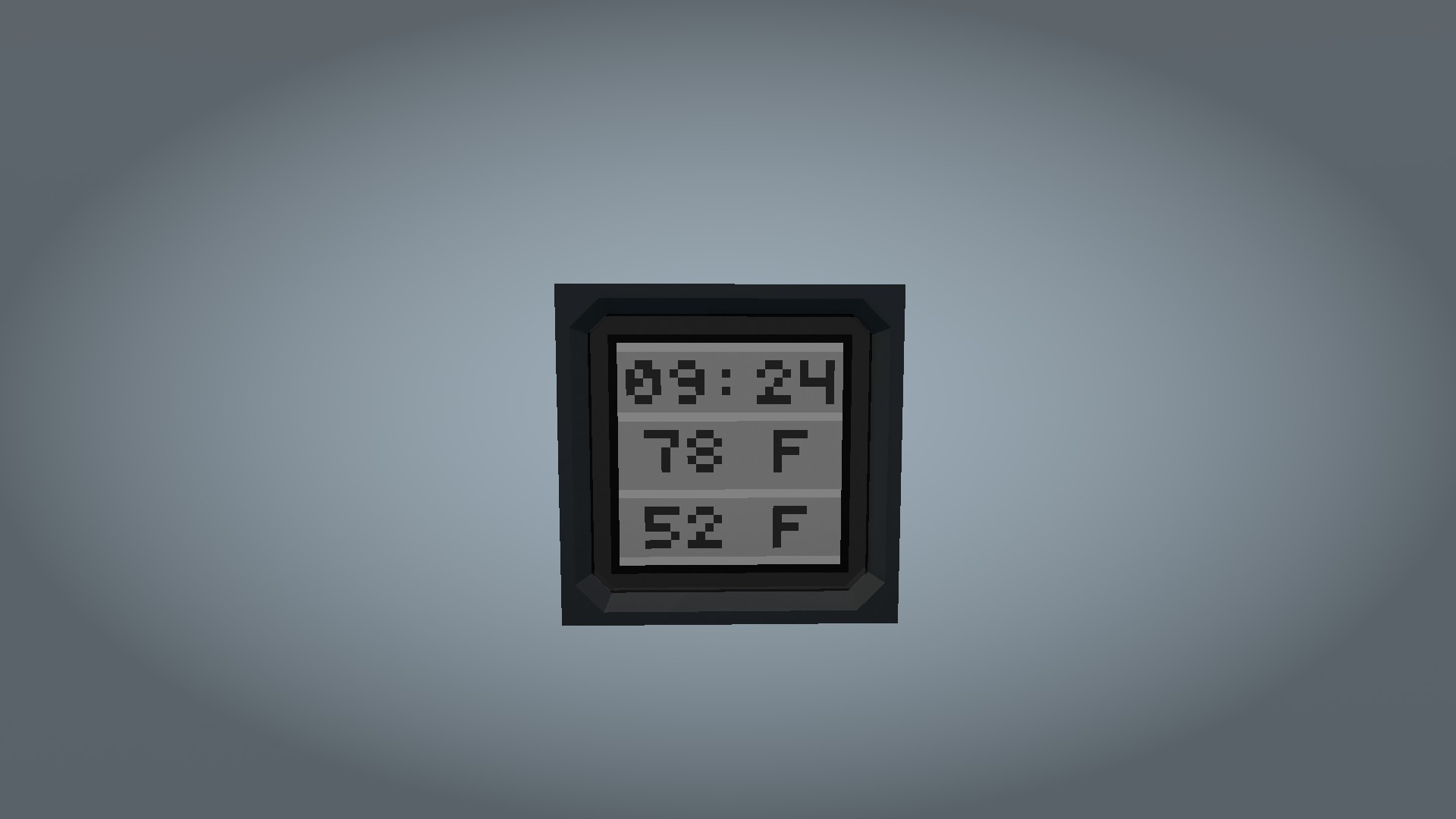
Looking for a clean, compact way to check the time and environmental conditions? This Microcontroller displays the current time alongside both internal and external temperatures on a single screen.
Features
- Dual Time Formats: Choose between 12-hour or 24-hour clock.
- PM Indicator: Displays a subtle "PM" red marker when in 12-hour mode.
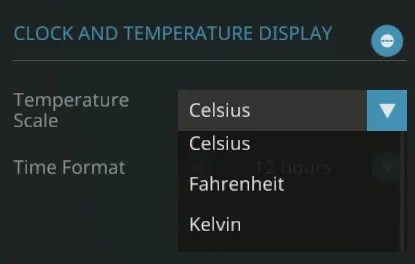
- Triple Temperature Unit Support: Select your preferred temperature scale: Celsius (°C), Fahrenheit (°F), or Kelvin (K).
- Dual Temperature Reading: Simultaneously monitors temperature inside and outside the vessel/vehicle.
Compatibility & Info
- Designed specifically for 1x1 Monitors (other sizes not tested).
- Ideal for cockpits, bridges, or passenger cabins.
Configuration (Properties)
To change units or time format, use the Select Tool in the vehicle editor, click on the Microcontroller, and adjust the properties:
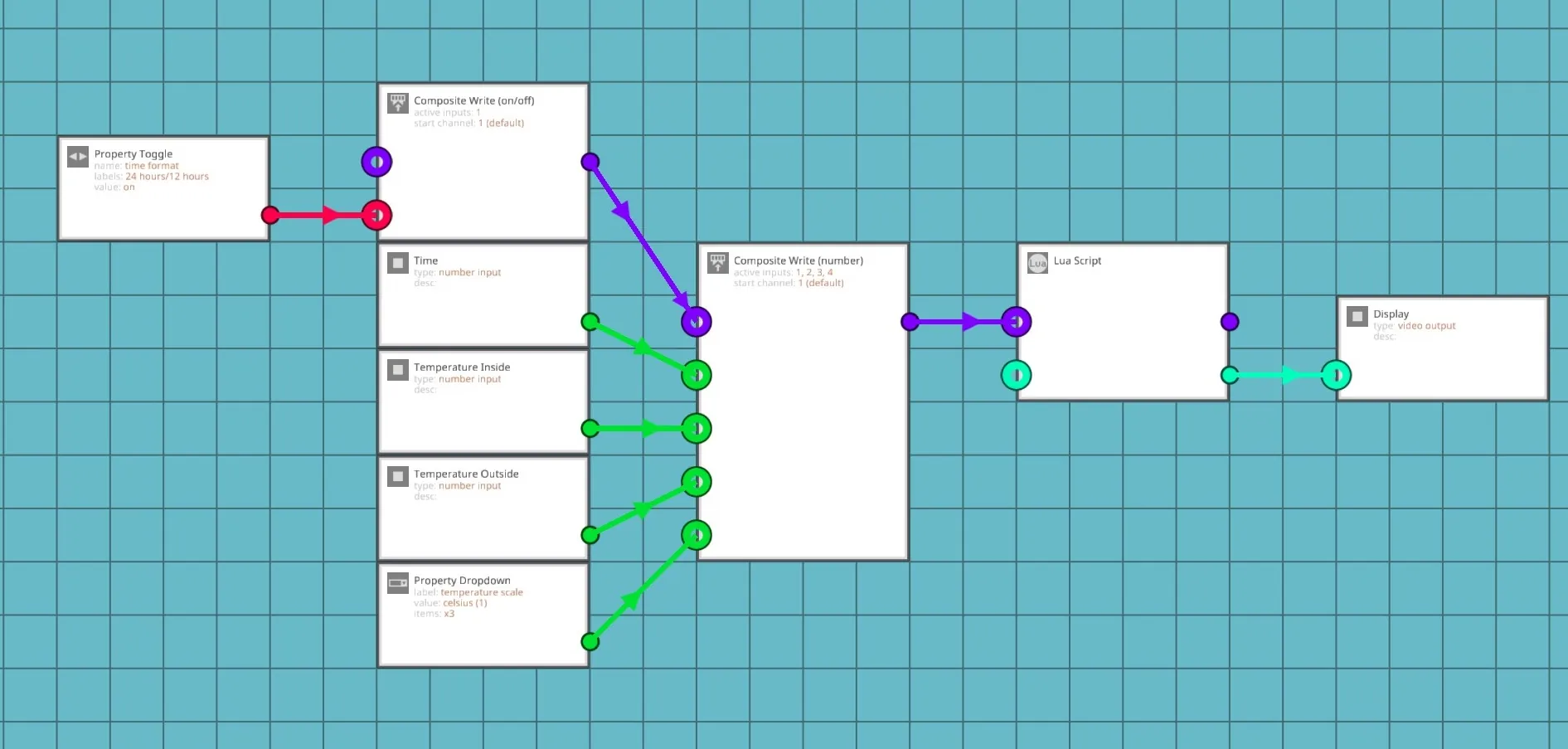
- Time Format: Toggle between 12h / 24h.
- Temperature Scale: Select Celsius, Fahrenheit, or Kelvin.
Installation Guide
Wiring (Logic):
- Connect Clock Time (Number) -> MC "Time"
- Connect Temperature Probe (Outside) (Number) -> MC "Temperature Outside"
- Connect Temperature Probe (Inside) (Number) -> MC "Temperature Inside"
- Connect Video Signal (Video) -> MC "Display"
- Don't forget to connect Electricity to the Microcontroller, Monitor, Clock, and Probes!
Credit
If you incorporate this microcontroller into a creation that you upload to the Steam Workshop, please provide a direct link back to this original item page in your description.
If you find any bugs or have suggestions, let me know in the comments!