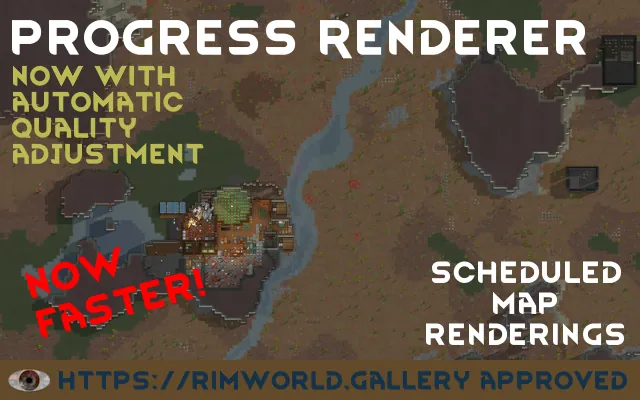
Progress Renderer
STOP! See Known Bugs below
Safe to add or remove at any time. You can add it now and disable it in mod settings, so it will be ready for the start of your next game. It auto-enables when starting a new game.
Description
Automatically create scheduled renderings of the full map or only a chosen part of it. There are many options to configure the mod in the settings, including only rendering portions of the map and the render interval.
You can use these renders to create an animated gif or video of your current run. You can also post one on the rimworld.gallery
Controls
- 9 - render the current map
- 0 - render the current map, ignoring corner markers
You can change the keybinding in Rimworld Options -> Keyboard
How-to video for rimworld.gallery and Progress Renderer
Notes and current known problems
- Camera+ issues: stop using Camera+, use SimpleCameraSetting instead.
- RimWorld does not have vsync in versions < 1.6, so some images may have tearing when the background is moving. Note that for Odyssey, VSync must be on or renders taken from space or during launches will have artifacts.
Reporting bugs
Please report all bugs in the bugs discussion
You are welcome to join us on discord[discord.gg] and report / ask questions there.
Before reporting an issue, try deleting your config. On Windows, this can be found at %USERPROFILE%\AppData\LocalLow\Ludeon Studios\RimWorld by Ludeon Studios\Config\Mod_2010777010_PRMod.xml. Also, make sure that if you're using local copies with Fluffy's Mod Manager that you've manually updated.
Finally, please attach your settings with your bug report. Services like hastebin[hastebin.com] are great for that (but we're not picky on the service).
Source
GitHub: https://github.com/JonathanTroyer/Progress-Renderer
 [ko-fi.com]
See the original mod for more info. Also, all credit goes to Lanilor[github.com], the original author of the mod.