Custom Terrain Generation
This mod is a customizable, algebraic terrain generator that alters the distribution of
land, water, and void cells at the start of a new game.
A wide variety of terrain generation algorithms are included, as well as the ability
to combine them in many ways or write your own algorithm.
- Version 0.5.2
- Initial release: 2016-03-15
- Current release: 2023-12-22
Important notes
- This mod remembers all runtime settings on a per-save basis. Only the settings enabled
when the game is first begun matter.
- Don't enable this mod on a game partway through.
- It is hard to thoroughly test the accuracy of the many possible settings, especially
for saving / loading, so please let me know if you encounter any bugs so I can fix
them as quickly as possible.
- Version changes for this mod may introduce breaking changes.
- If you plan on investing a lot of time on a randomly-generated map, you may interested
in the testing features that let you preview a large area of the map so that you can
re-roll the starting map if it is bad. See below for details.
- Many of the default patterns use a lot of water or make navigating hard. You may want to
greatly turn up resource generation to compensate.
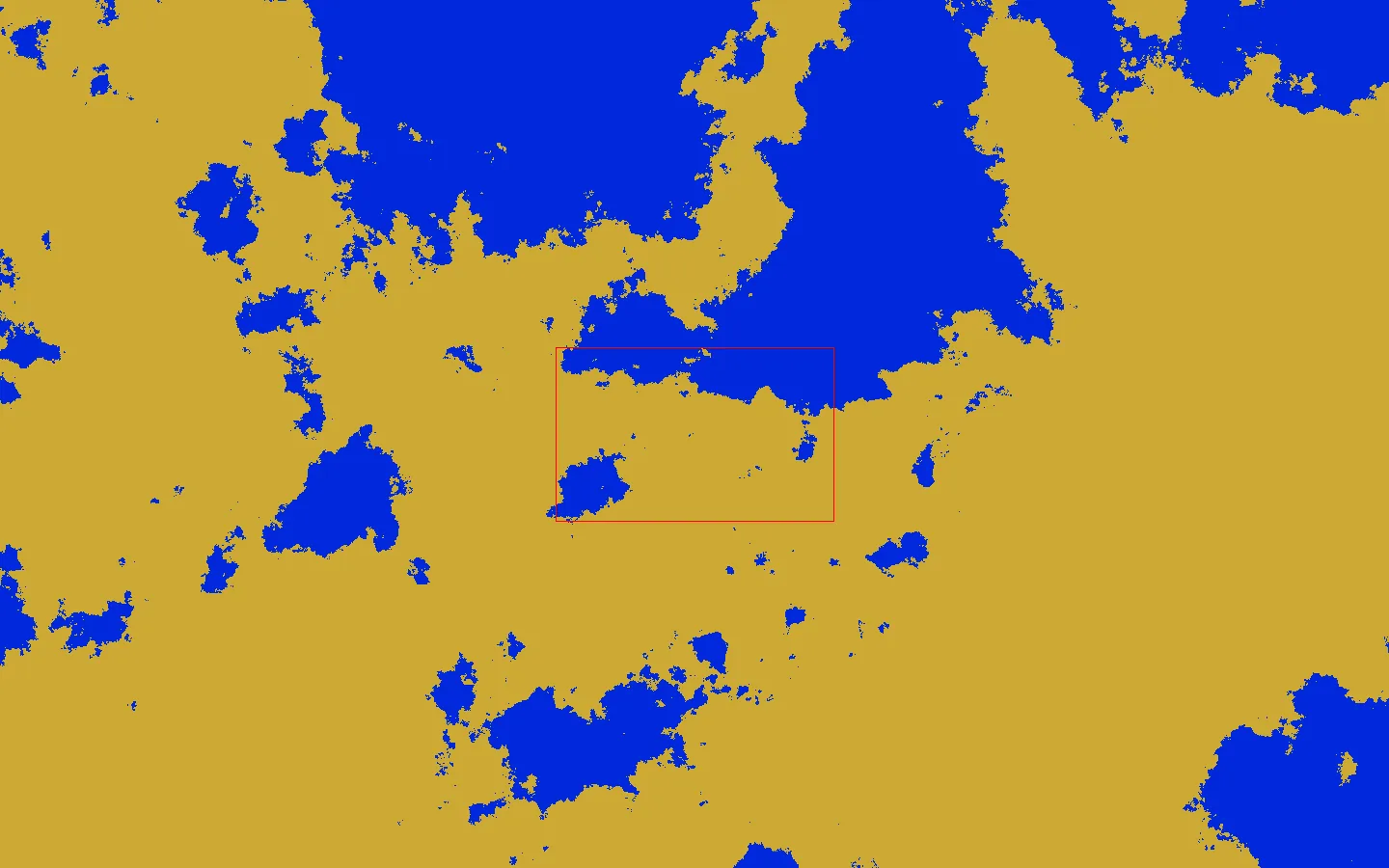
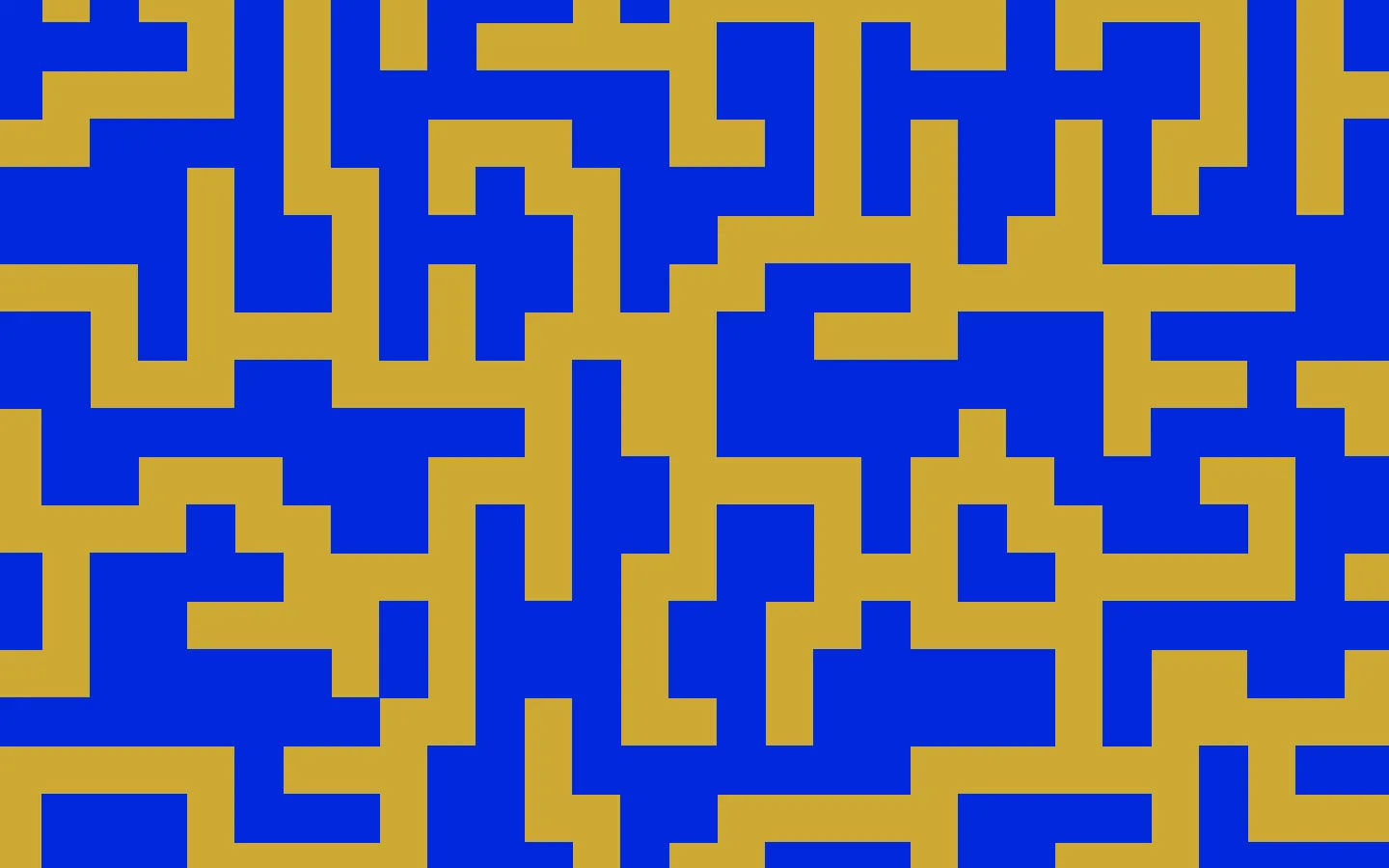
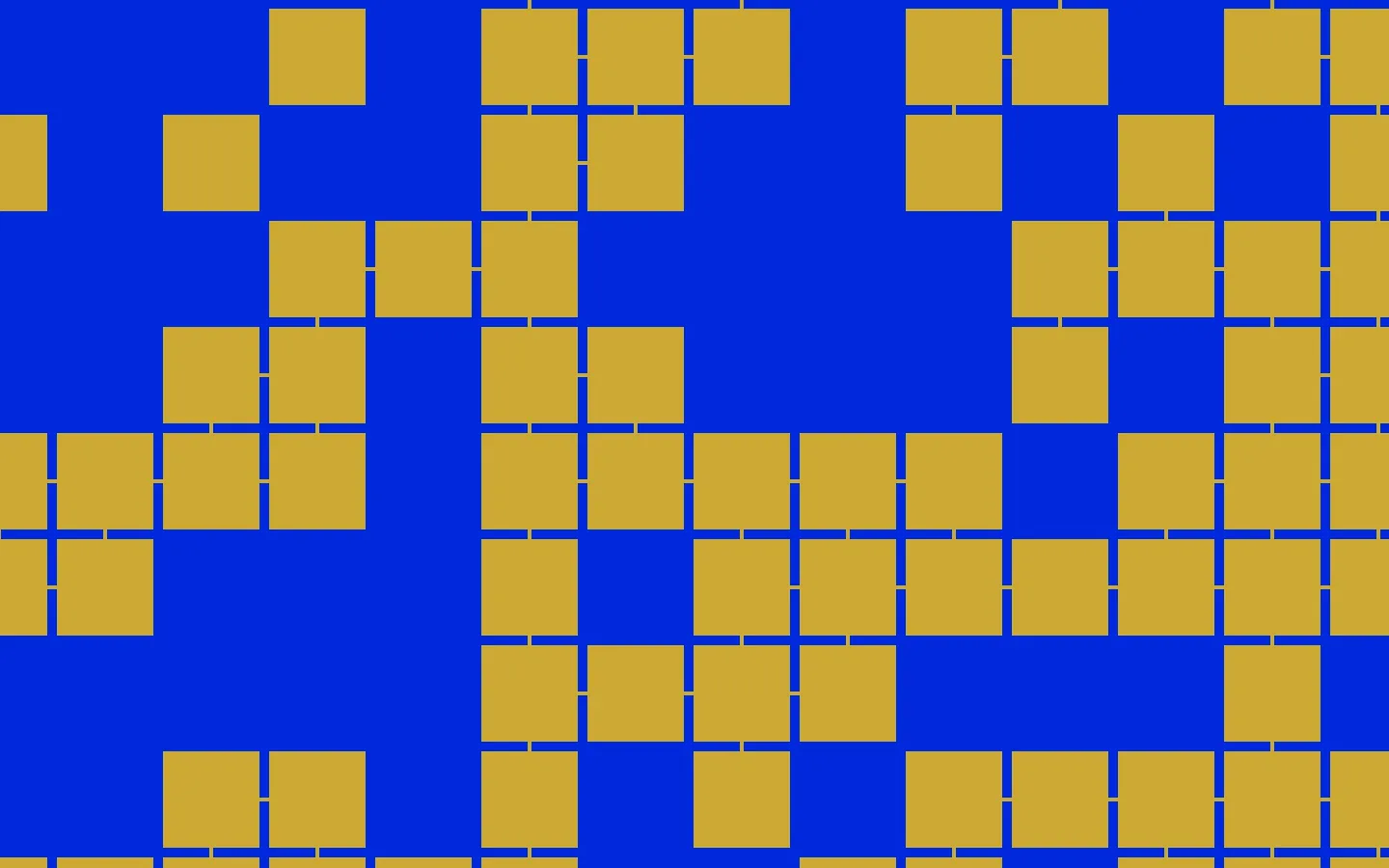
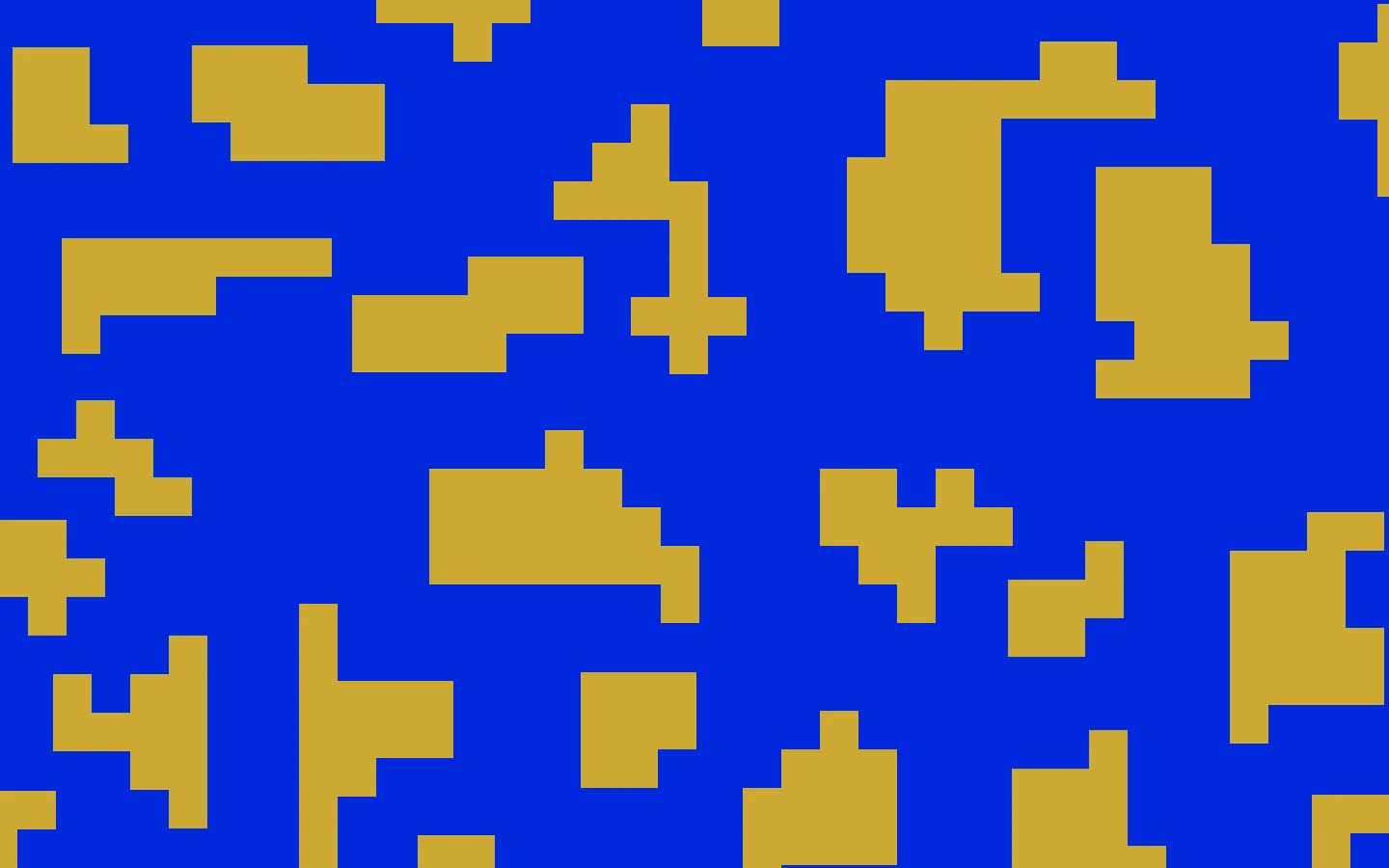
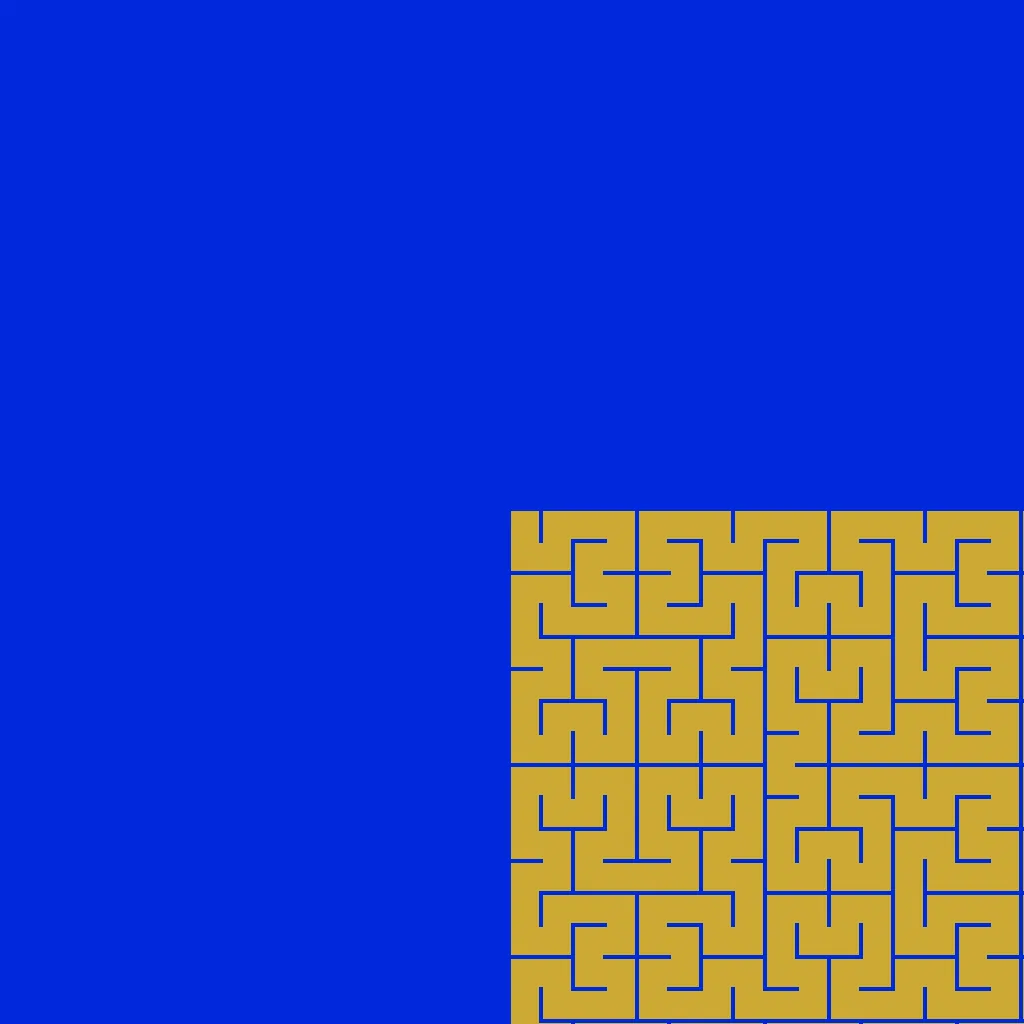
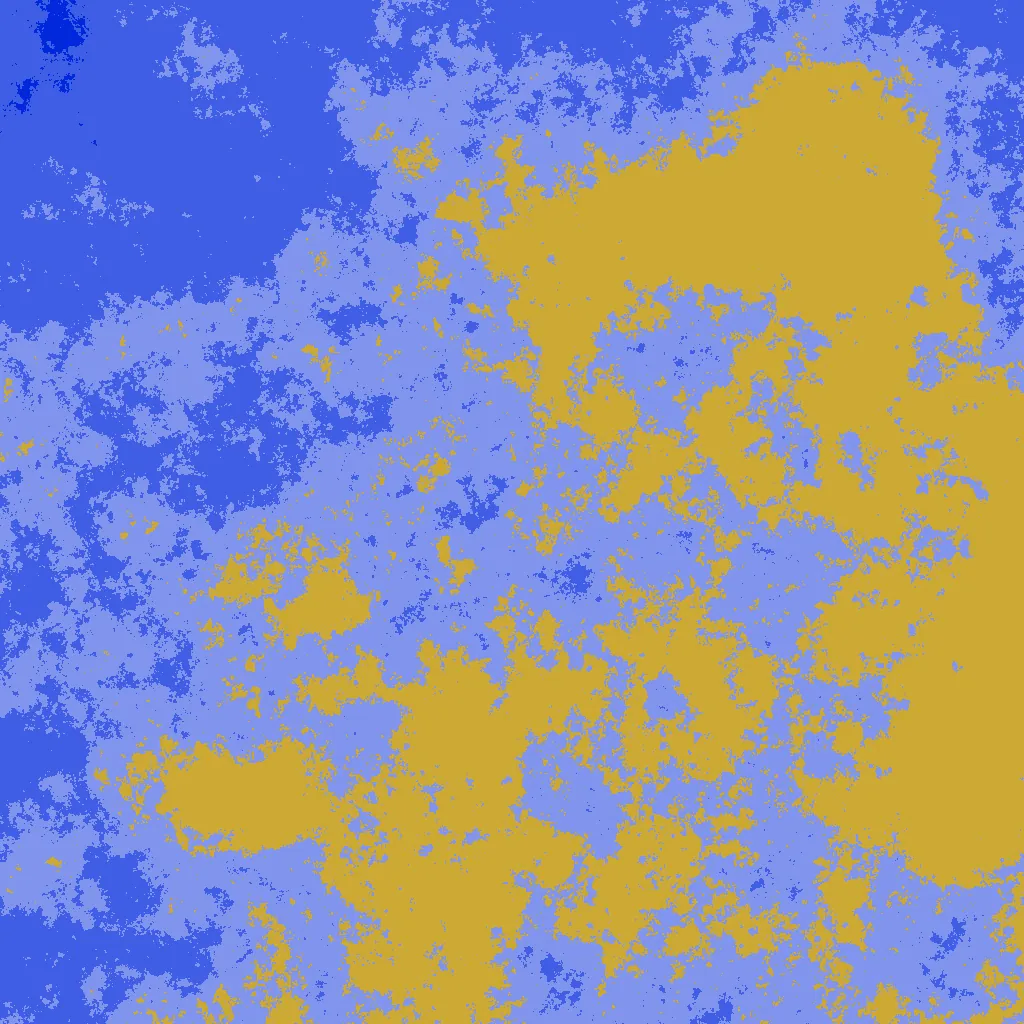
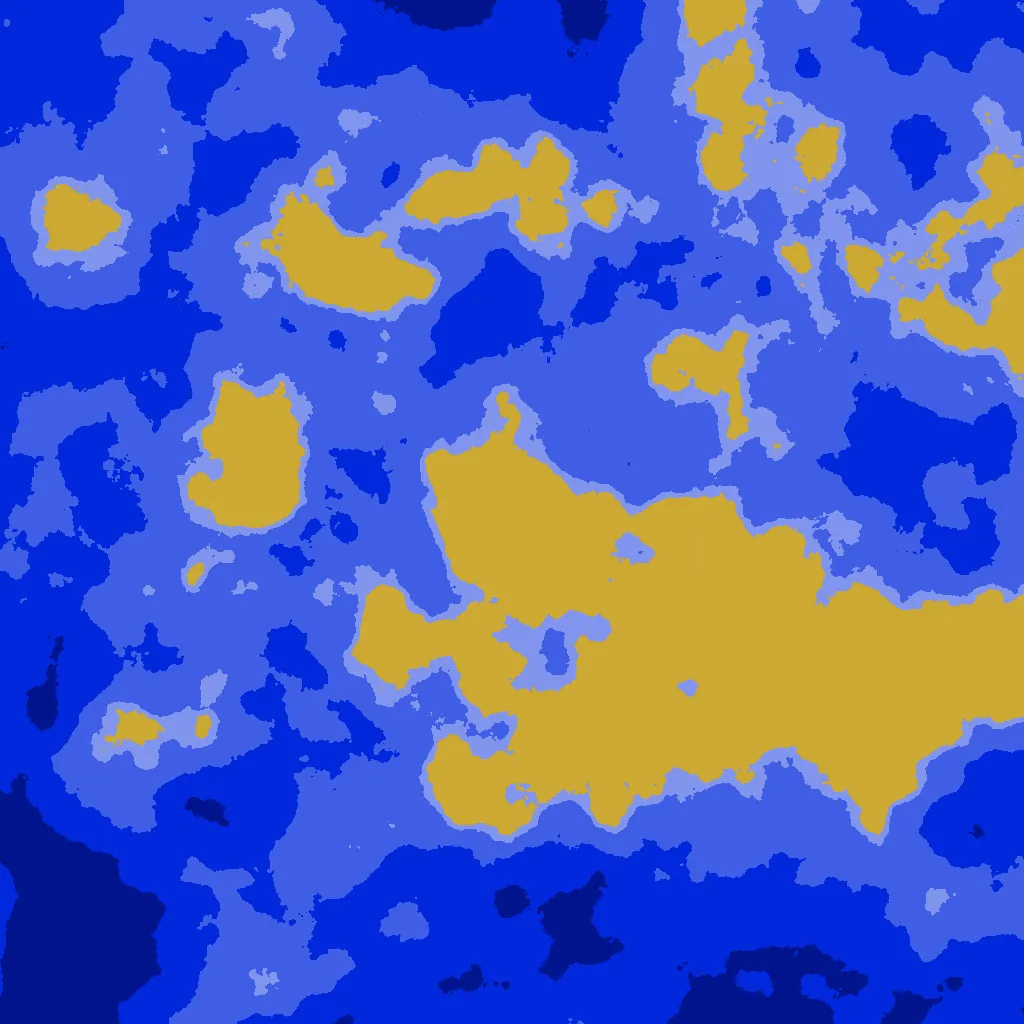
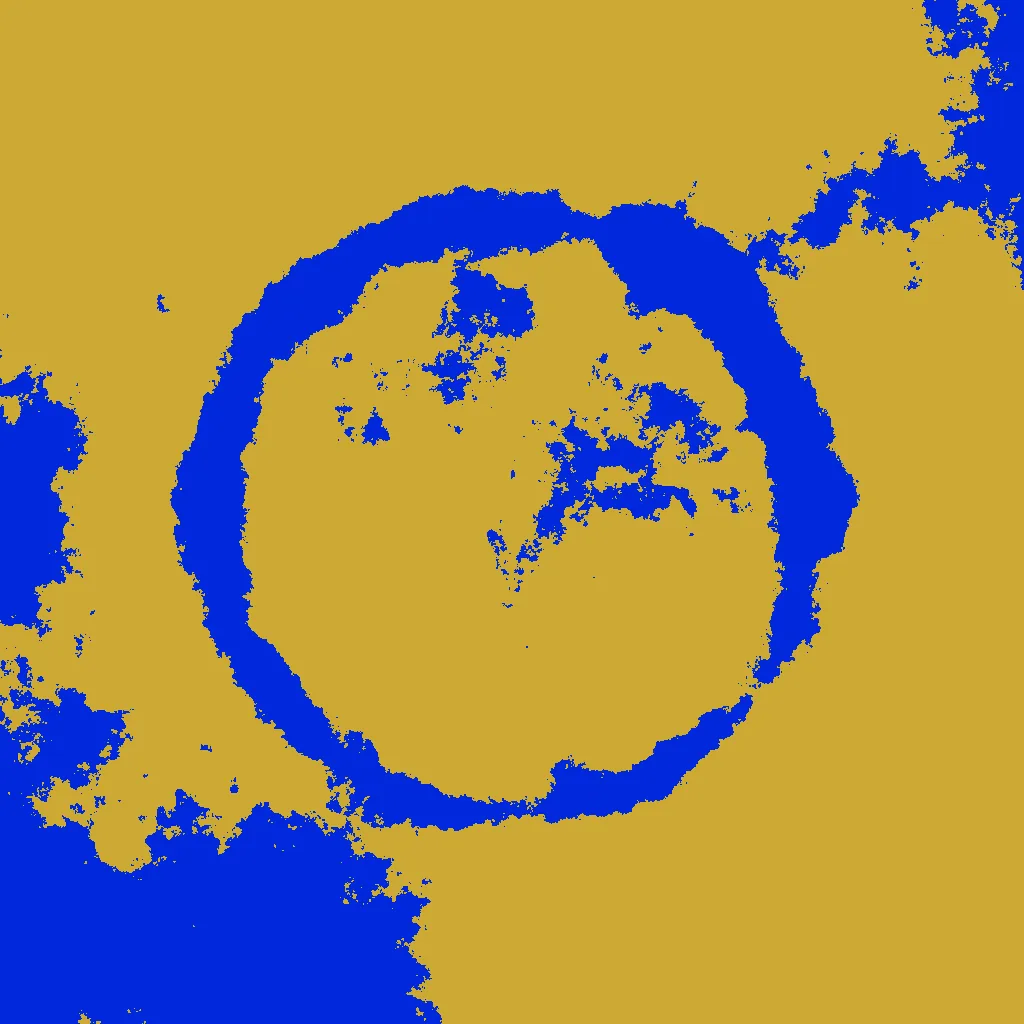
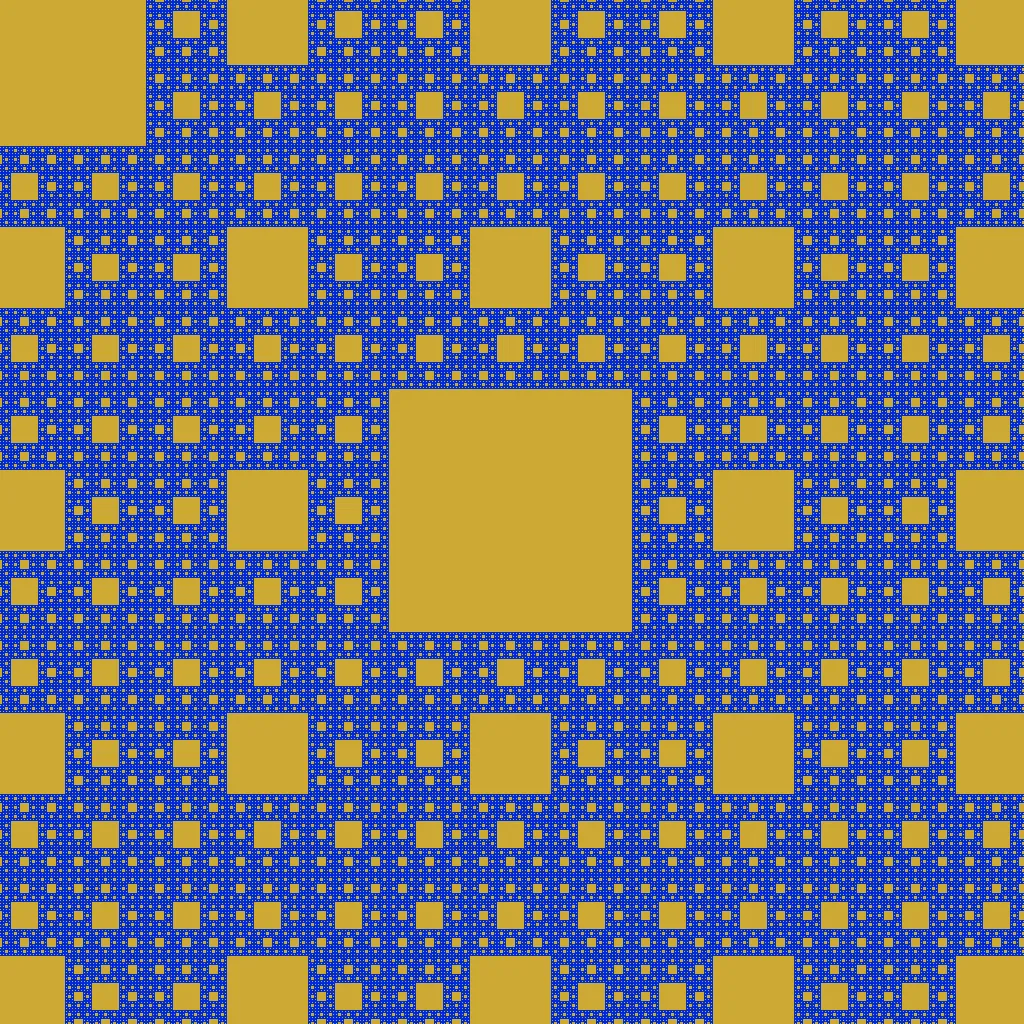
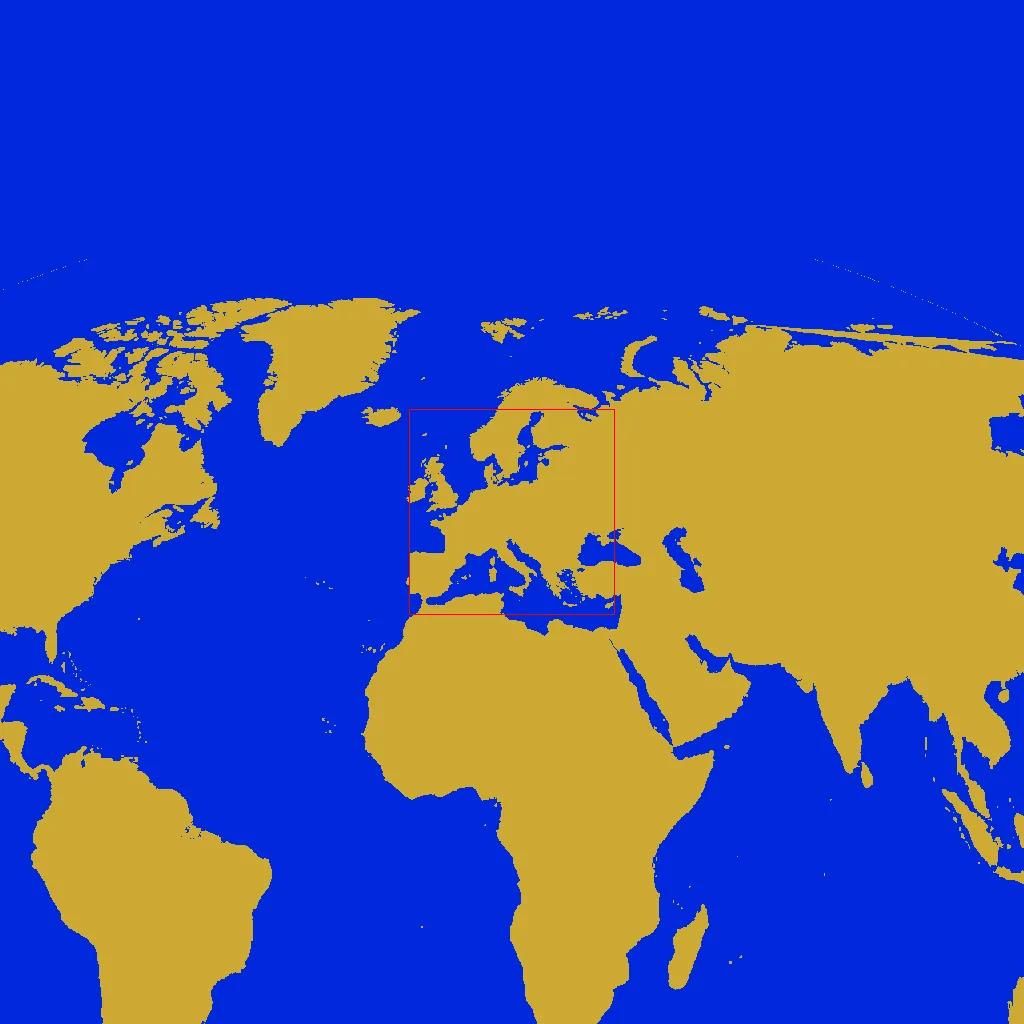
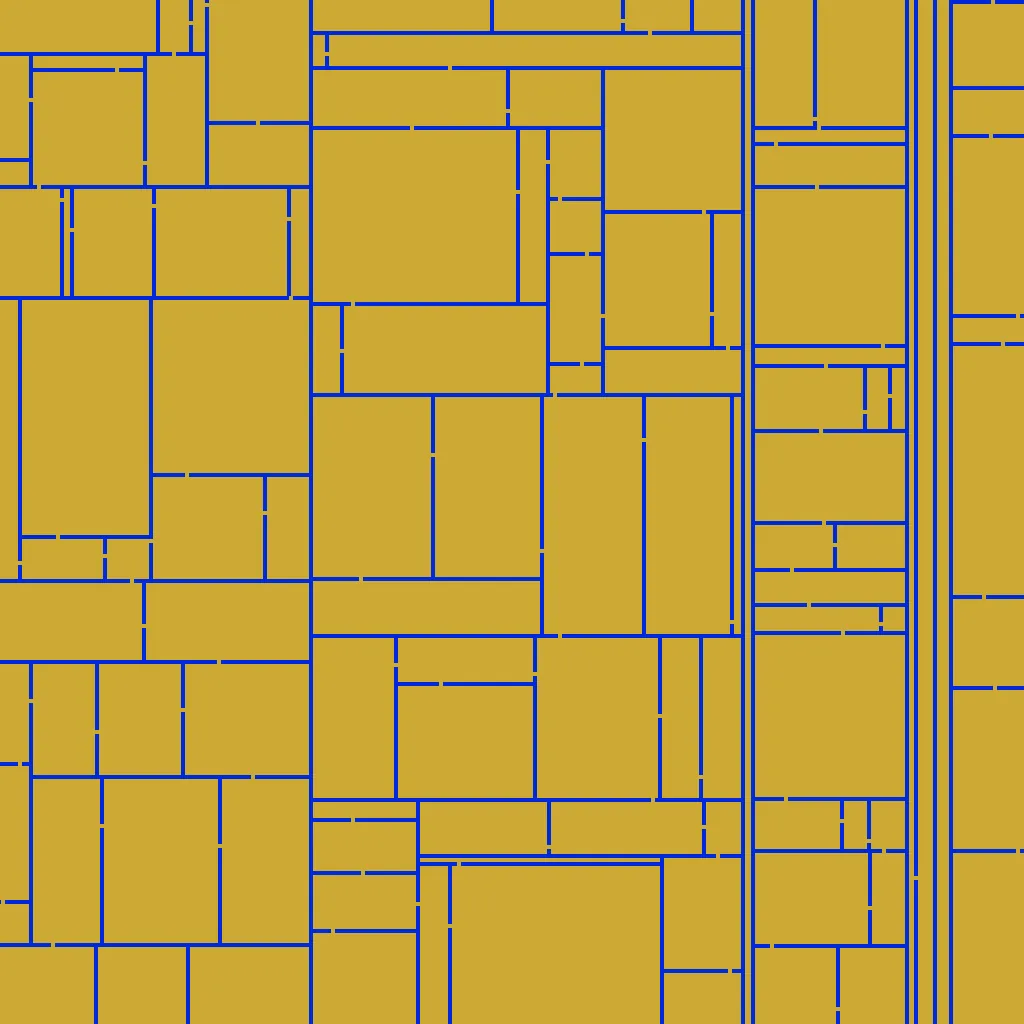
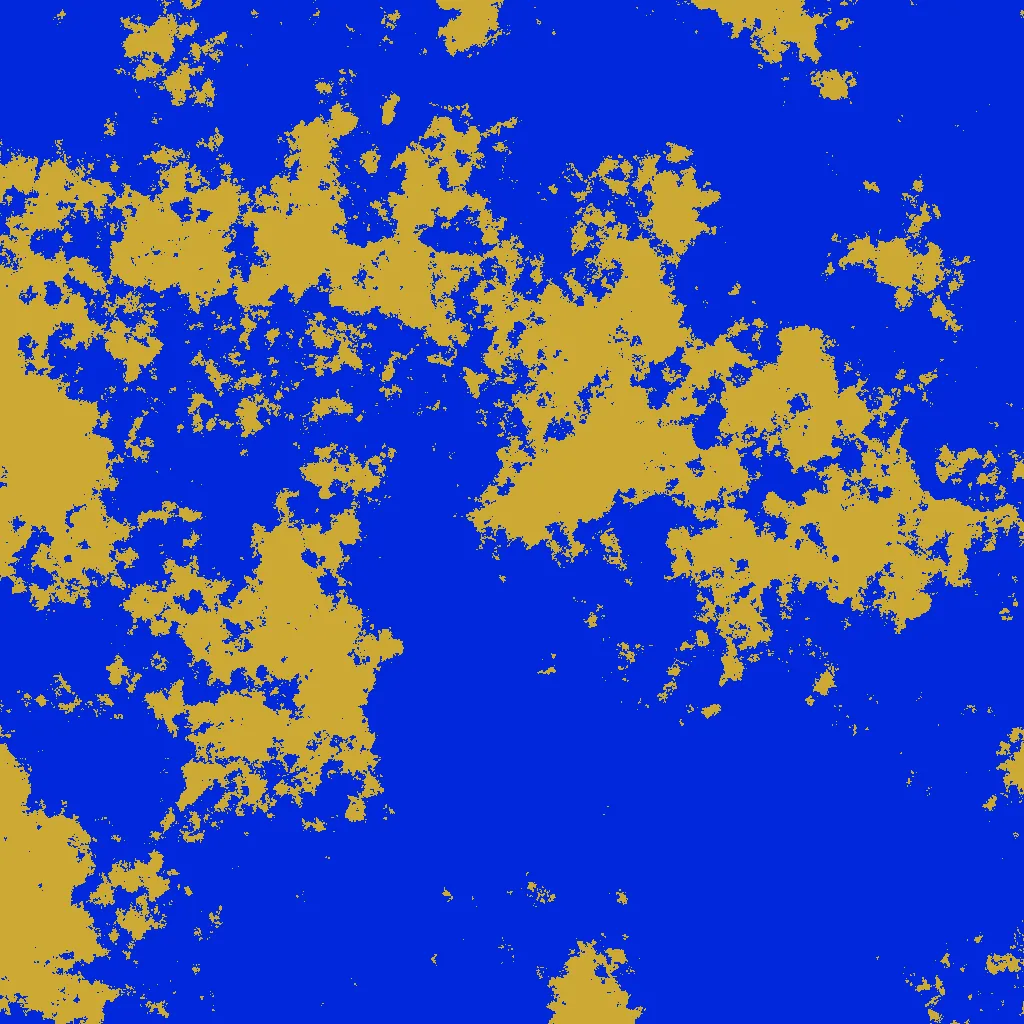
Screenshots
Also, old screenshots
Also, very old screenshots.
How to use
By default, the mod creates a maze. The Terrain preset option gives a large list
of other patterns that have been given as examples. Screenshots of each of these can be
found above.
- All of the presets are designed to place water near the starting location, but you may
wish to use a custom pattern that does not. In this case, the Force starting water option
puts a puddle next to your starting location to make the game playable.
- You may wish to enable the "landfill chest" option which gives you a very large amount
of landfill at the beginning. If you spawn near a good location but are blocked by water,
you can use it to get there, and then throw away what you didn't need.
Scanning options
- Big scan scans everything within 1024 of your starting location; it takes several minutes
to finish. For computationally expensive patterns, the game may be laggy while this is
happening.
- Take screenshot saves a textfile describing the terrain near the origin; this will
cause a delay of several seconds before the game begins. (For the jagged islands pattern
and a zoomed screenshot, this can be a significantly greater time.) A python script is included
that turns this text output into an image of the surrounding terrain, in a 1440 x 900 region
centered on the origin (each pixel is one tile). The zoomed screenshot zooms out by a factor of
- If you plan on investing a lot of time on a random map, you may wish to do this to make sure
your map is reasonable before you begin the game.
Going beyond just land and water
Most of the patterns just control where land and water is placed. For this reason, by default
the mod suppresses Factorio's built-in water generation.
However, you may want to do other things, like use this mod to scatter random void cells, or
put a concrete road running along the x-axis, but still use Factorio's built-in water
generation. If so, check the relevant start up option. When this mod "places land", what it
actually does is leave the tile however Factorio generated it. You can place specific land tiles with patterns like Constant('grass-4') or Constant('nuclear-ground') etc.
Void cells
Void cells are black squares that are impassable and cannot be landfilled. To generate void cells,
use the custom option as described in the next section, and use the pattern
TP(landpattern, voidpattern)
where landpattern is a pattern that specifies land placement, and voidpattern is a pattern that
specifies void placement. (TP stands for terrain pattern.) If water and void coincide, void will be placed.
If you would like this mod to generate void cells, but generate water through Factorio's built-in
water generation settings, then use the pattern
TP(nil, voidpattern)
and uncheck the option "remove default water" in the startup settings.
Custom patterns
If you don't want to use a preset, you can specify the custom option and write your
own pattern. If your terrain pattern uses more than one line of lua code, you use variables called
v1 through v8 for convenience (since the text box is tiny to type in).
Examples
Here is a list of every preset and the code used to generate it.
Spirals:
{"spiral", "Union(Spiral(1.3, 0.4), Rectangle(-105, -2, 115, 2))"},
{"arithmetic spiral", "ArithmeticSpiral(50, 0.4)"},
{"rectilinear spiral", "Zoom(RectSpiral(), 50)"},
{"triple spiral", "AngularRepeat(Spiral(1.6, 0.5), 3)"},
{"crossing spirals", "Union(Spiral(1.4, 0.4), Spiral(1 / 2.5, 0.15))"},
Next are various kind of natural looking land masses that resemble vanilla terrain generation.
Coast line as an infinite ocean to the west. The second variation will have some small lakes to the east and islands to the west, the first does not.
{"coast line 1", "HF(Sum(NoiseExponent{exponent=2.2, start_beach = true}, LuaExpr('x / 150', 'height', false)))"},
{"coast line 2", "HF(Sum(NoiseExponent{exponent=2.2, start_beach = true}, LuaExpr('1.2 * math.atan(x / 150)', 'height', false)))"},
A few patterns that use mud / shallow water.
{"shallow water",
"HF{pattern=NoiseExponent{exponent=2.2, start_above_area = 0.30, start_below_area = 0.35}," ..
"areas={DeepWater(),0.02, Water(), 0.05, ShallowishWater(), 0.12, ShallowWater(), 0.2, Land()}}"},
{"swamp",
"HF{pattern=NoiseExponent{exponent=1.6, start_above_area = 0.4, start_below_area = 0.45}," ..
"areas={Water(), 0.005, ShallowishWater(), 0.15, ShallowWater(), 0.4, Land()}}"},
{"mud flats",
"HF{pattern=NoiseCustom{exponent=1,start_above_area=0.989,noise=" ..
"{0,0.01,0.05,1,6,9,3,0,0}}," ..
"areas={DeepWater(),0.2,Water(),0.6,ShallowishWater(),0.86,ShallowWater(),0.91,Land()}}"},
Archipelago has larger land masses scattered with many tiny islands, and usually starts you on one of the smaller islands, forcing you to migrate early.
{"archipelago",
-- "NoiseCustom({exponent=1.5,noise={0.3,0.4,1,1,1.2,0.8,0.7,0.4,0.3,0.2},land_percent=0.13})",
"HF(Max(" ..
"NoiseCustom{exponent=1.4,noise={0.3,0.4,1,1,1.2,0.8,0.7,0.3,0.2,0.1},zero_percentile=0.93,start_beach=true}," ..
"NoiseCustom{exponent=2.2,noise={1,1,1,1,1,1,0.7,0.4,0.3,0.2},zero_percentile=0.9,start_above_area=0.75,start_below_area=0.85}))"},
The following generate normal-ish terrain with variable amounts of water / land.
{"big islands",
"HF(NoiseCustom{exponent=2.3,noise={1,1,1,1,1,1,0.7,0.4,0.3,0.2},zero_percentile=0.8,start_beach=true})"},
{"continents",
"HF(NoiseCustom{exponent=2.4,noise={1,1,1,1,1,1,1,0.6,0.3,0.2},zero_percentile=0.65,start_beach=true})"},
{"half land",
"HF(NoiseCustom{exponent=2,noise={0.5,1,1,1,1,1,0.7,0.4,0.3,0.2},start_beach=true})"},
{"big lakes",
"HF(NoiseCustom{exponent=2.3,noise={0.5,0.8,1,1,1,1,0.7,0.4,0.3,0.2},zero_percentile=0.35,start_beach=true})"},
{"medium lakes",
"HF(NoiseCustom{exponent=2.1,noise={0.3,0.6,1,1,1,1,0.7,0.4,0.3,0.2},zero_percentile=0.14,start_beach=true})"},
{"small lakes",
-- "NoiseCustom({exponent=1.8,noise={0.2,0.3,0.4,0.6,1,1,0.7,0.4,0.3,0.2},land_percent=0.96})",
"HF(NoiseCustom{exponent=1.5,noise={0.05,0.1,0.4,0.7,1,0.7,0.3,0.1},zero_percentile=0.08,start_beach=true})"},
Moat generates normal-ish terrain but gives a moat of water around the starting area.
{"moat",
"HF{pattern=Sum(NoiseCustom{exponent=2,zero_percentile=0.35,start_above_area=0.4,start_below_area=0.6}, Moat(250, 350, 1.3))}"},
Last of the natural-looking generations. This one is just obnoxious.
{"pink noise (good luck...)", "HF(NoiseExponent{exponent=1,zero_percentile=0.65,start_beach=true})"},
Various speciality maps.
{"Sierpinski carpet", "Sierpinski(6)"},
{"Hilbert curve", "Hilbert(28, 4)"},
{"world map", "Zoom(Translate(WorldMap(), -1238, -315), 4)"},
{"radioactive", "Union(AngularRepeat(Halfplane(), 3), Circle(38))"},
{"comb", "Zoom(Comb(), 50)"},
{"cross", "Cross(50)"},
{"cross and circles", "Union(Cross(20), ConcentricBarcode(30, 60))"},
{"crossing bars", "Union(Barcode(nil, 10, 20), Barcode(nil, 20, 50))"},
{"grid", "Zoom(Grid(), 50)"},
{"skew grid", "Zoom(Affine(Grid(), 1, 1, 1, 0), 50)"},
{"distorted grid", "Distort(Zoom(Grid(), 30))"},
Various mazes, which are good for having lots of choke points, especially Maze4.
{"maze 1 (fibonacci)", "Tighten(Zoom(Maze1(), 50))"},
{"maze 2 (DLA)", "Tighten(Zoom(Maze2(), 50))"},
{"maze 3 (percolation)", "Tighten(Zoom(Maze3(0.6), 50))"},
{"maze 4 (bifurcation)", "Maze4(4, 50)"},
{"polar maze 3", "Zoom(AngularRepeat(Maze3(), 3), 50)"},
{"bridged maze 3", "IslandifySquares(Maze3(), 50, 10, 4)"},
More speciality presets. The pot holes presets do not generate water, but put small void regions randomly.
{"thin branching fractal", "Fractal(1.5, 40, 0.4)"},
{"mandelbrot", "Repeat(Mandelbrot(300), 150, 315, -600, -315)"},
{"jigsaw islands", "Zoom(JigsawIslands(0.3), 40)"},
{"pink noise maze",
"Intersection(Zoom(Maze2(), 50), HF{pattern = NoiseExponent{exponent=1,zero_percentile=0.2,start_beach=true}, heights={False(), 0, True()}})"},
{"tiny pot holes", "TP(nil, Zoom(Maze3(0.003, false), 2))"},
{"small pot holes", "TP(nil, Zoom(Maze3(0.006, false), 3))"},
This one should generate exactly the same as vanilla Factorio water.
{"factorio default", "HF{pattern = Elevation(), heights = {DeepWater(), -3, Water(), 0, Land()}}"}
More examples
Shallow water instead of regular water:
If(landpattern, Land(), ShallowWater())
Types of patterns
Each pattern computes a value for every x, y position. Some patterns may yield booleans