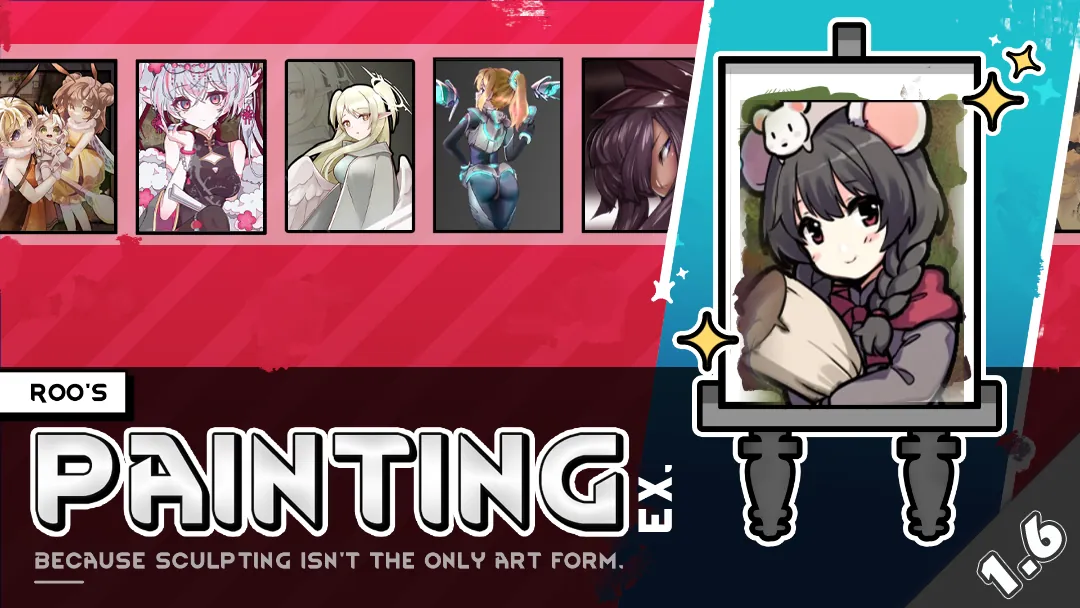
This mod is made based on Roo's Painting Expansion, File will be taken down at creator's request.
Original Mod:steamcommunity.com/sharedfiles/filedetails/?id=2881104358
Delete apparel, decoration structures, Ideologyl styles, ONLY the core features of easels and painting retained.
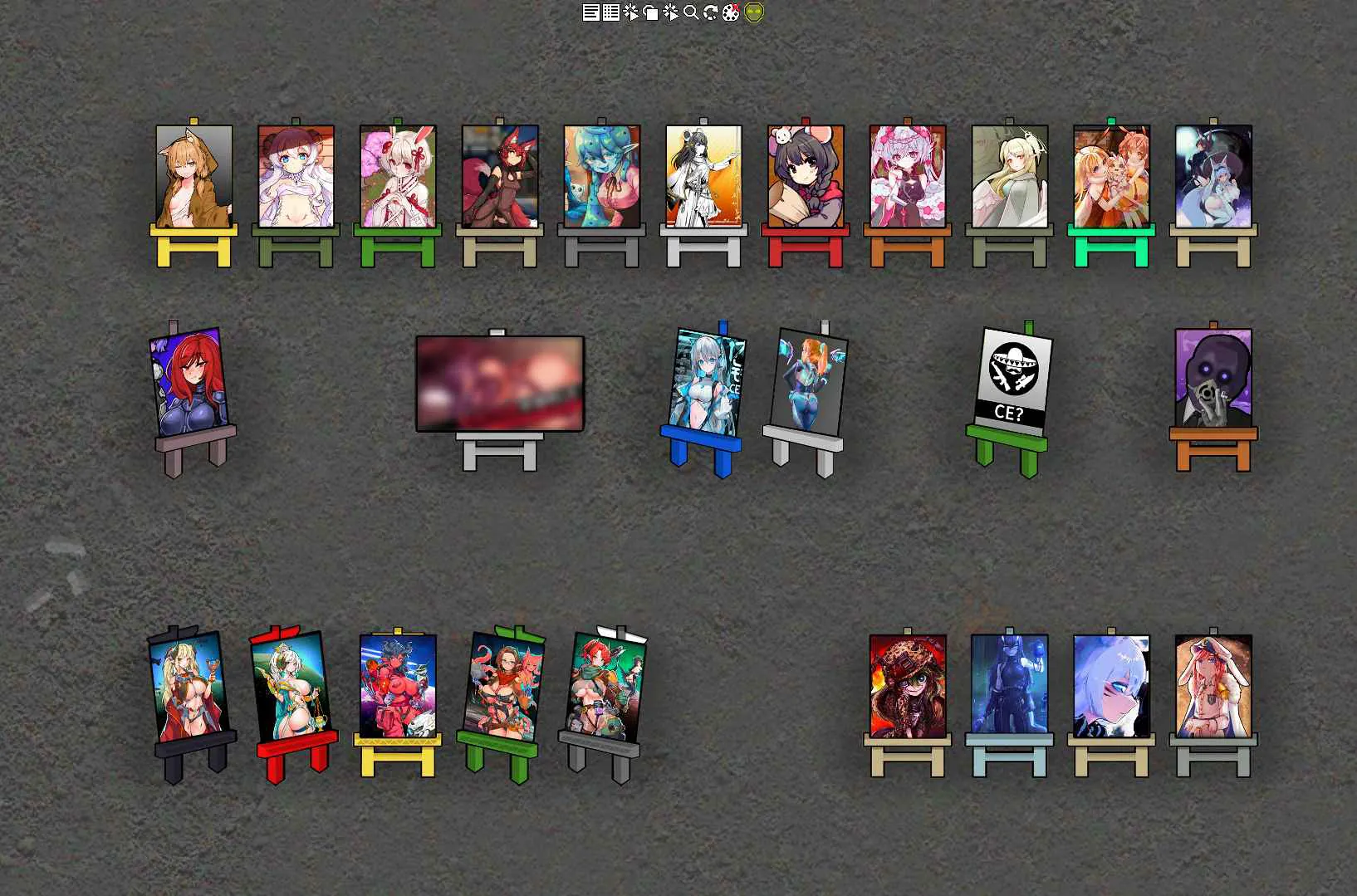
The textures of the paintings have been replaced with some anime race mod's artwork.
Only the textures of "modern paintings" have been replaced; the textures of "classical paintings" remain unchanged.
————
这个mod基于Rooboid的绘画拓展修改而来,侵删。
原mod:steamcommunity.com/sharedfiles/filedetails/?id=2881104358
删去了服装、装饰建筑、文化风格等内容,仅保留了画架、绘画的核心内容。
将画作的贴图替换为了各种二次元种族mod的图。
仅替换了“现代画作”的贴图,“古典画作”的贴图没有替换。
————
原mod简介:
Original Mod:
• I’m an artist. Can I sculpt? Not for toffee. Can I paint? Well, not really. Nevertheless, what I’m saying is that your artist pawns should be capable of so much more than just sculpting.
• This mod adds in a new art form: paintings. Pawns can create either classical or modern paintings that draw from a unique pool of graphics and descriptions.
• The mod works without any DLC or other mods. But when Ideology is installed, what your pawns paint depends entirely on your ideological style.
• Research the arts, construct an easel and start painting. Decorate your art studio with cosmetic props, such as canvases and paint spills- or even construct an art cabinet to help catalyse your artist’s next masterpiece. Pawns can be decked out with artsy-fartsy apparel and tattoos too, because what’s art without getting to wear a fancy beret?
• In total, with Ideology installed, there are over 40+ unique paintings your pawns can create.
• Credits:
- Freesounds for always being nice to my wallet when I need new sounds for mods.
- Pixabay and Unplash, for royalty-free references and vectors used to make this mod.
- Kyle T. Webster for his insanely amazing Photoshop brushes.
- Zelan, for listening to my mod-related rants at 3am.