NANAME is Japanese for diagonal.
I am not related to the author of Diagonal Walls 2, so I use this name to avoid confusion.
A few UI textures are included nowadays. 😎
Overview
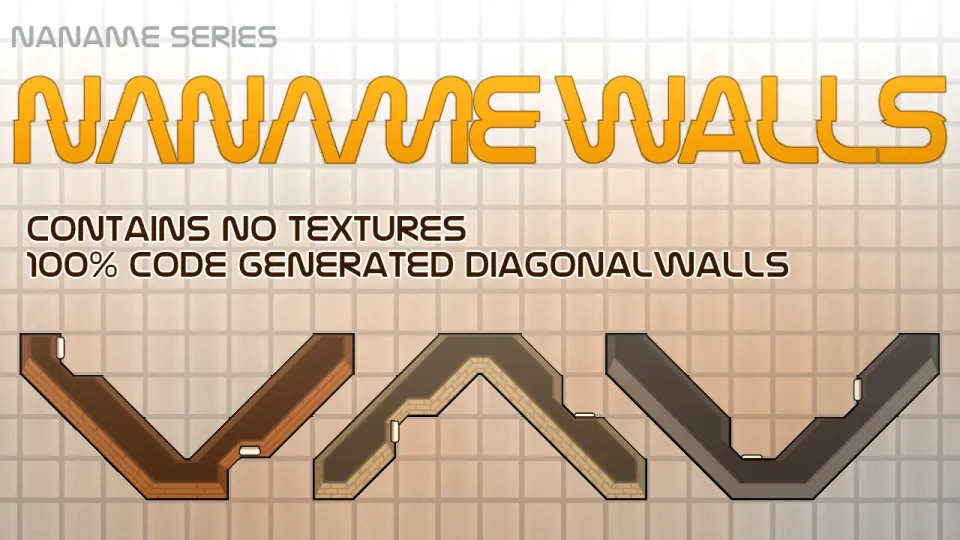
This mod adds diagonal walls to the game in a different way to Diagonal Walls 2.
When the Odyssey preview was first posted, many would have expected official support for diagonal walls. However, that was limited, only applicable to the outside of the hull.
This mod automatically generates diagonal wall defs from defs that appear to be walls, allowing you to build diagonal walls in the style of a gravship hull by cutting and pasting the textures of the original walls.
How To Use
 or
or  (optional)
The def of the diagonal wall is automatically added behind the original wall. Walls can be connected in a cross pattern as usual, or they can be connected diagonally. If there is furniture or wall attachments on the diagonal section, the wall will automatically indent to maintain a natural appearance.
Mod Settings
The appearance of walls can be edited. In the mod settings screen, or in the settings screen that appears when you select a wall in god mode using the gizmo, you can set the texture UV (where to cut the wall) and vertex (where to apply it).
When you open the settings screen from the gizmo, a graphics update button will appear, allowing you to edit while checking the appearance in real time. Note:
Note:
Don't be afraid! Each item is just 4-point xyz coordinates. However, please note that UVs are on the x-y plane and Verts are on the x-z plane.
And yes, it's a bit complicated because the UV originates at the bottom left of the texture, but the Vertex originates at the center of the cell...
Default Settings
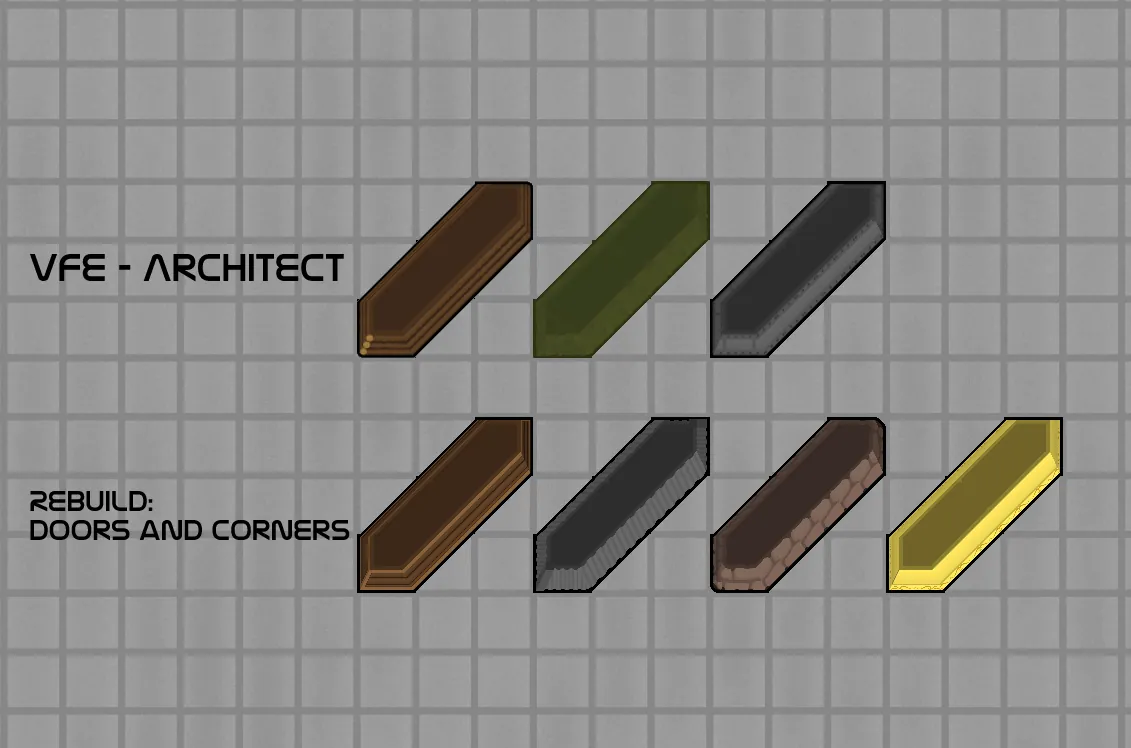
The mod root folder includes a default settings file (DefaultSettings.xml) for several mod walls. The def settings listed here are pre-adjusted so that users do not need to configure them.
The XML format of these settings has been made slightly more readable, making it easier to copy settings from the Mod configuration file (located in the Config folder). Feel free to submit pull requests to update the default settings on GitHub.
Currently Included
Rebuild: Doors and Corners
Vanilla Furniture Expanded
Fortifications - Industrial (Adjusted the appearance of sand bag)
Vivi Race
Combat Extended
Medieval Overhaul
Ponpeco Furnitures : Sci-Fi
Save Our Ship 2
Simple Wall
Vanilla Faction Expanded - Medieval 2
Open The Windows (for single-tile windows)
Credits
People who helped me
Contribution to the "Open The Windows" patch: Arswind
The Other NANAME Series
NANAME Doors(It is designed for Vanilla Walls and Diagonal Walls 2, but it also fits well with the walls in this mod.)
NANAME Floors
GitHub[github.com]
CC BY-NC-SA 4.0[creativecommons.org]
About Bug Reports
 Please be sure to include the HugsLib log with your bug report, regardless of whether or not there is an error log. This helps us to identify conflicts and other information. For reports, questions, and suggestions, Discord is most convenient.
Discord[discord.gg]