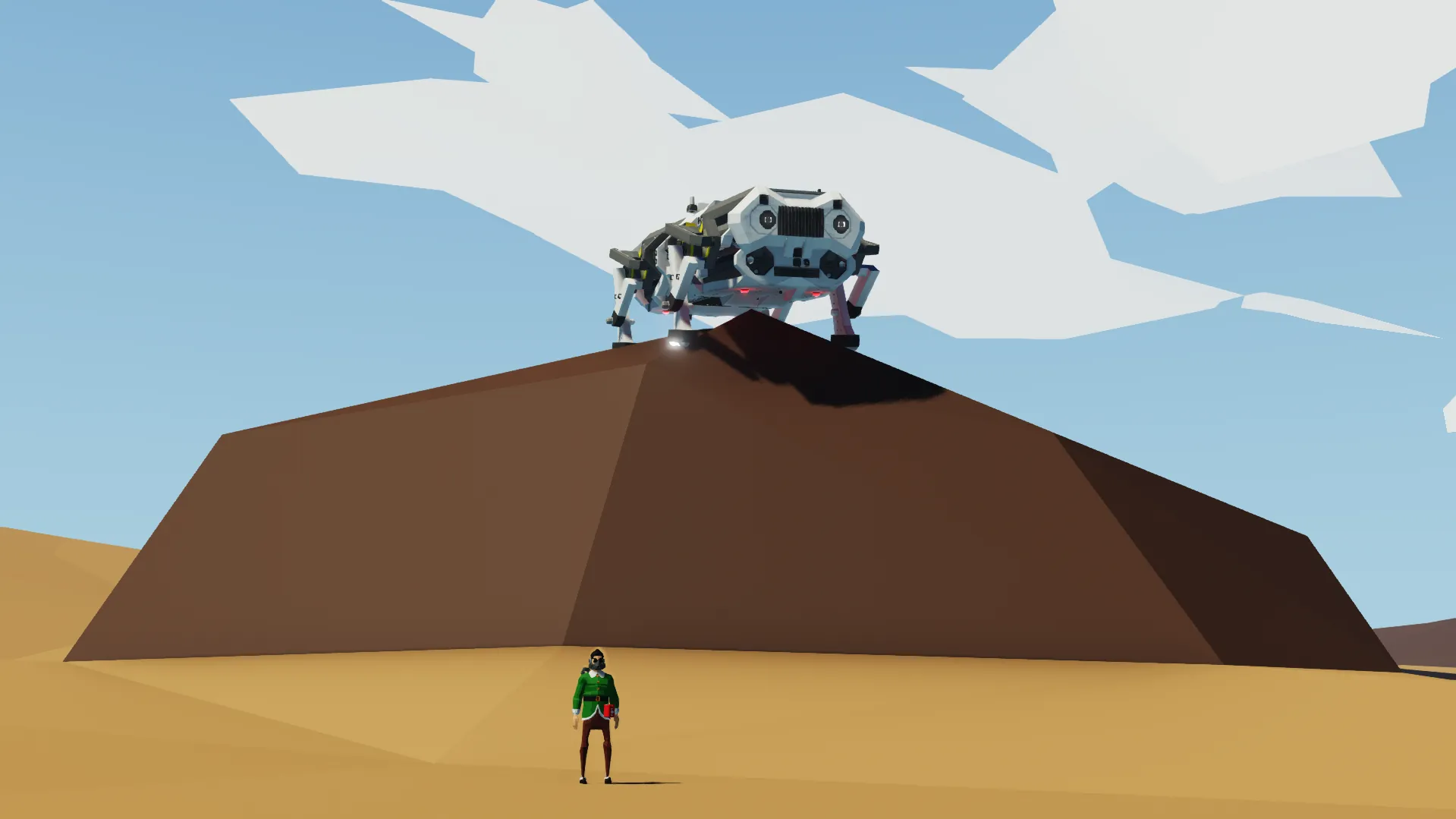
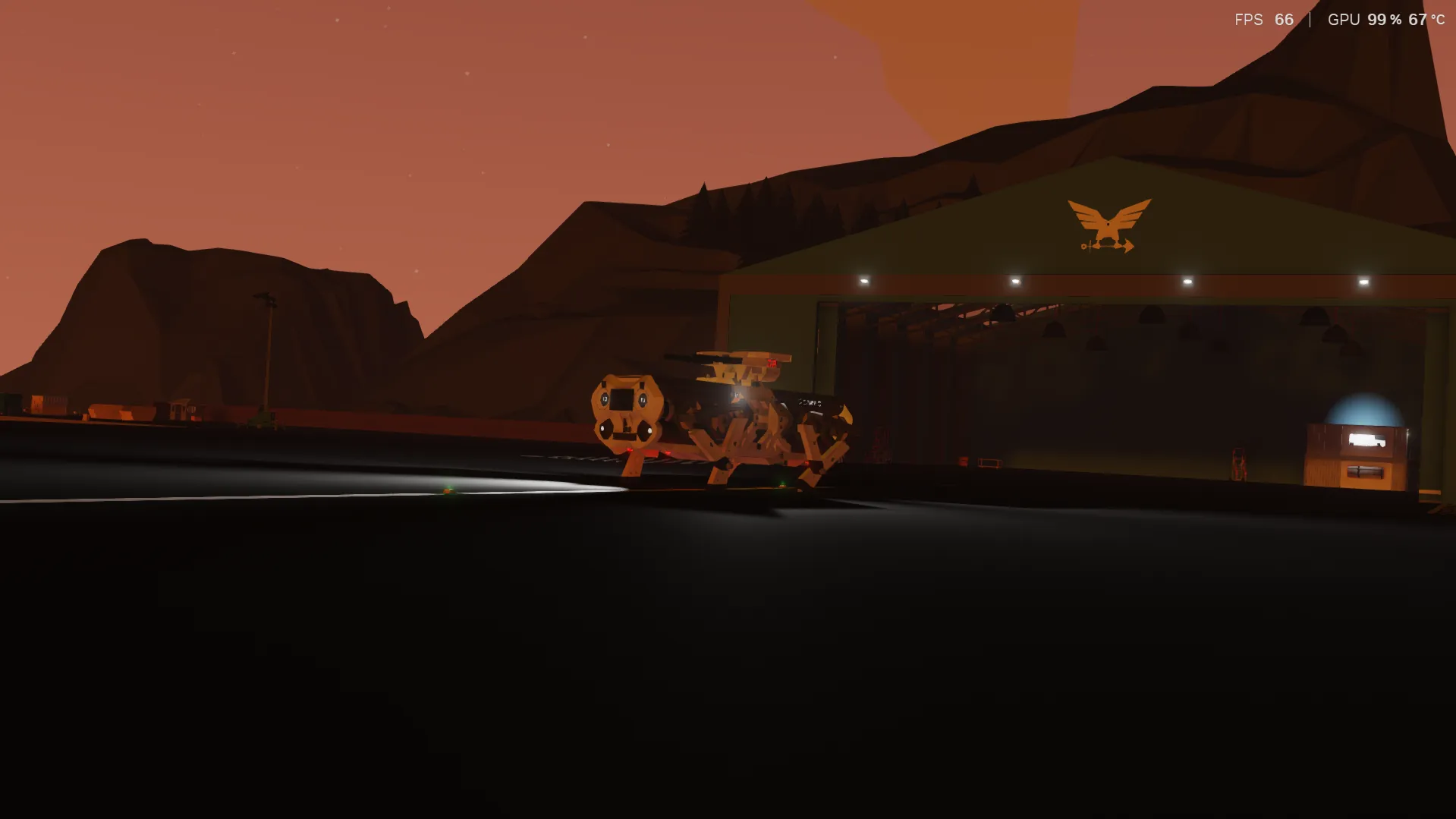
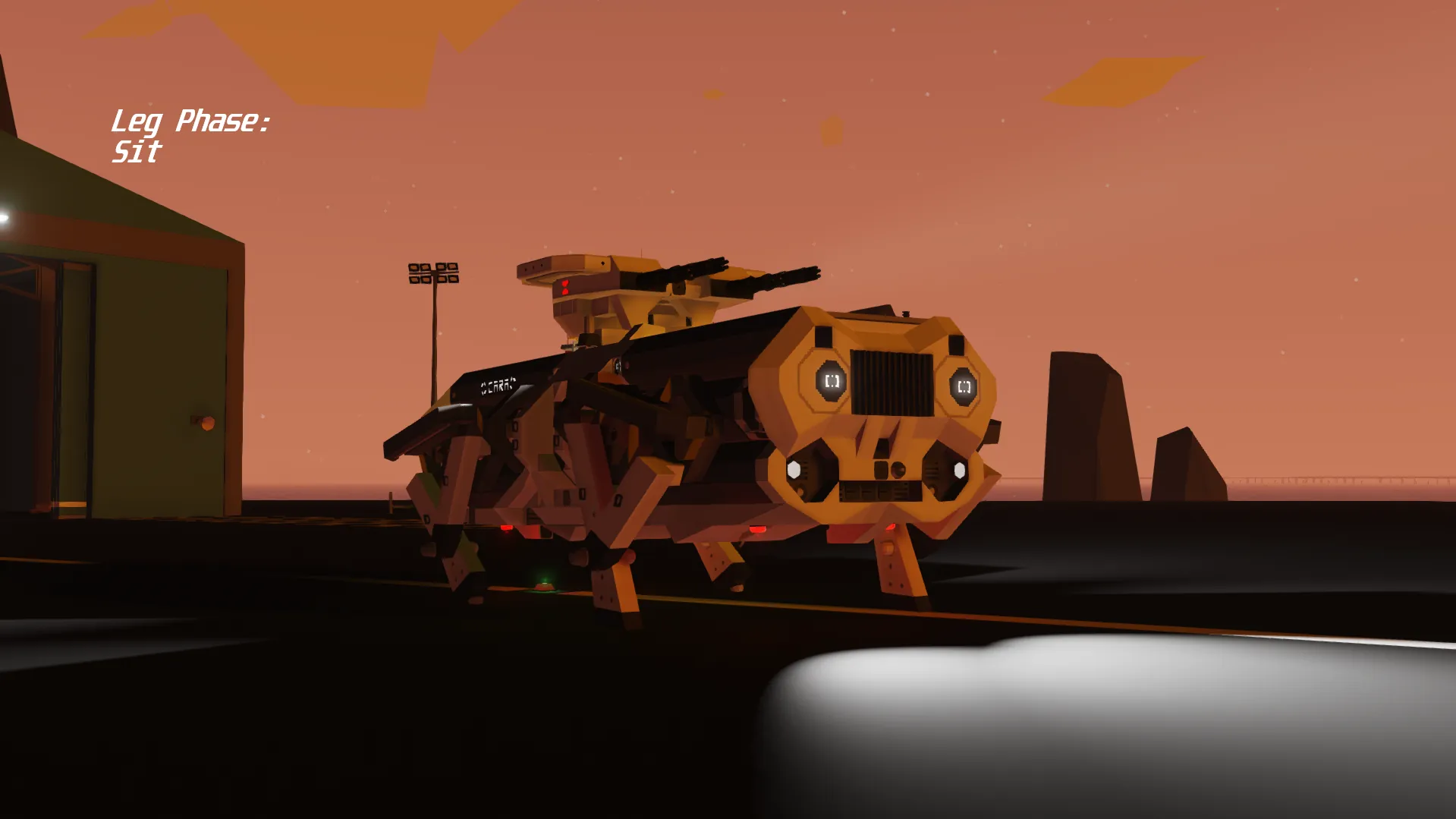
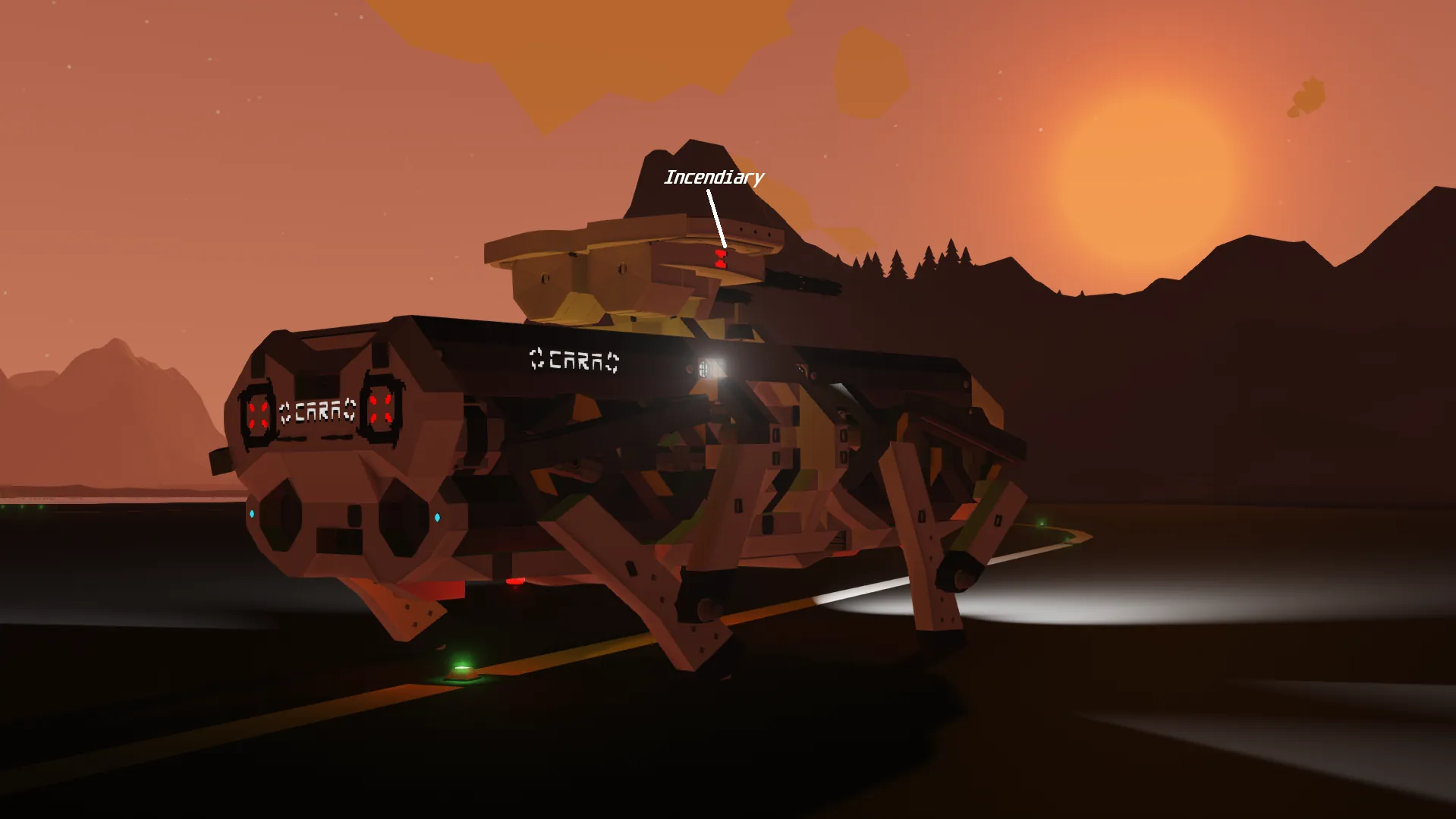
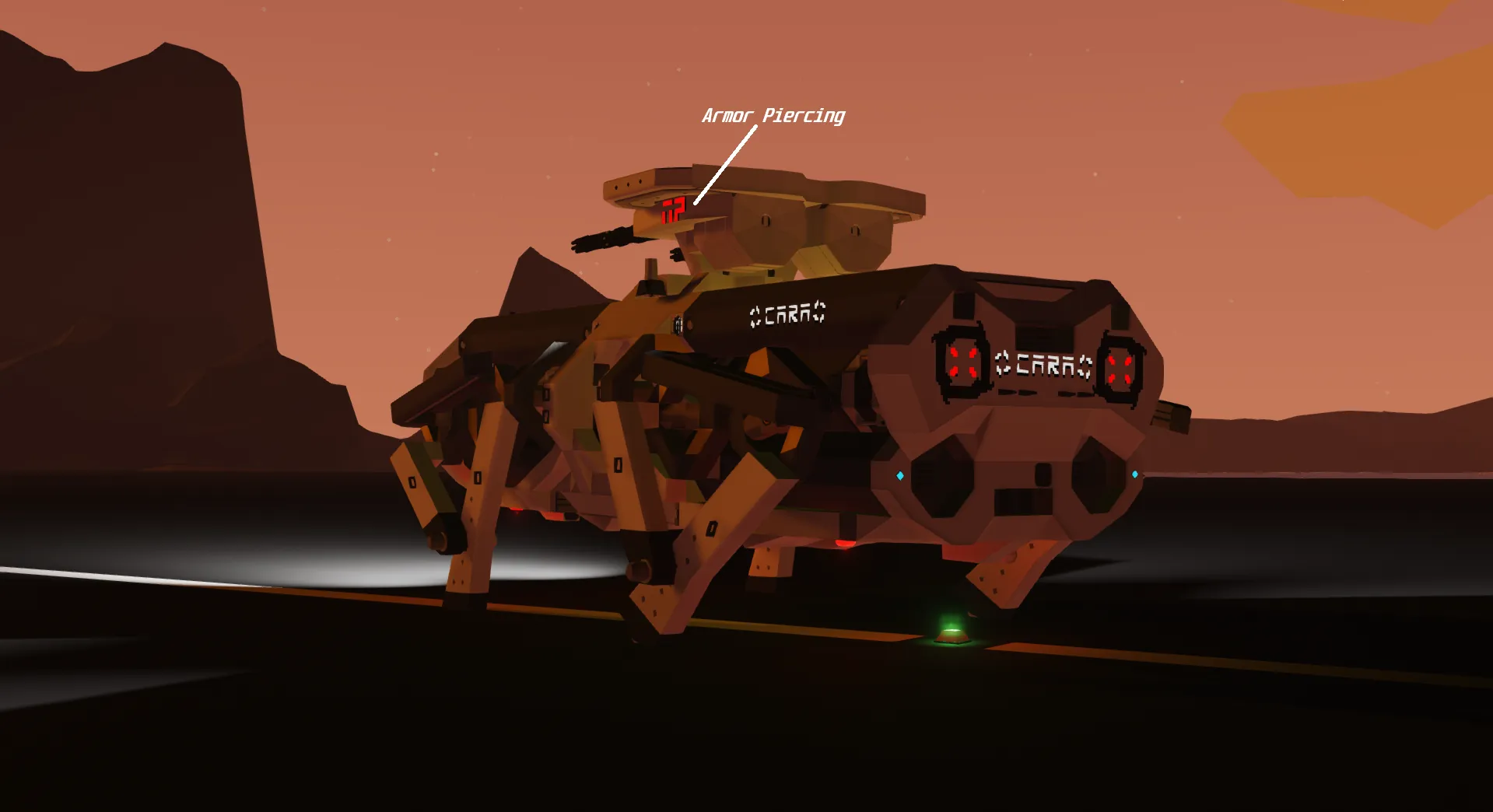
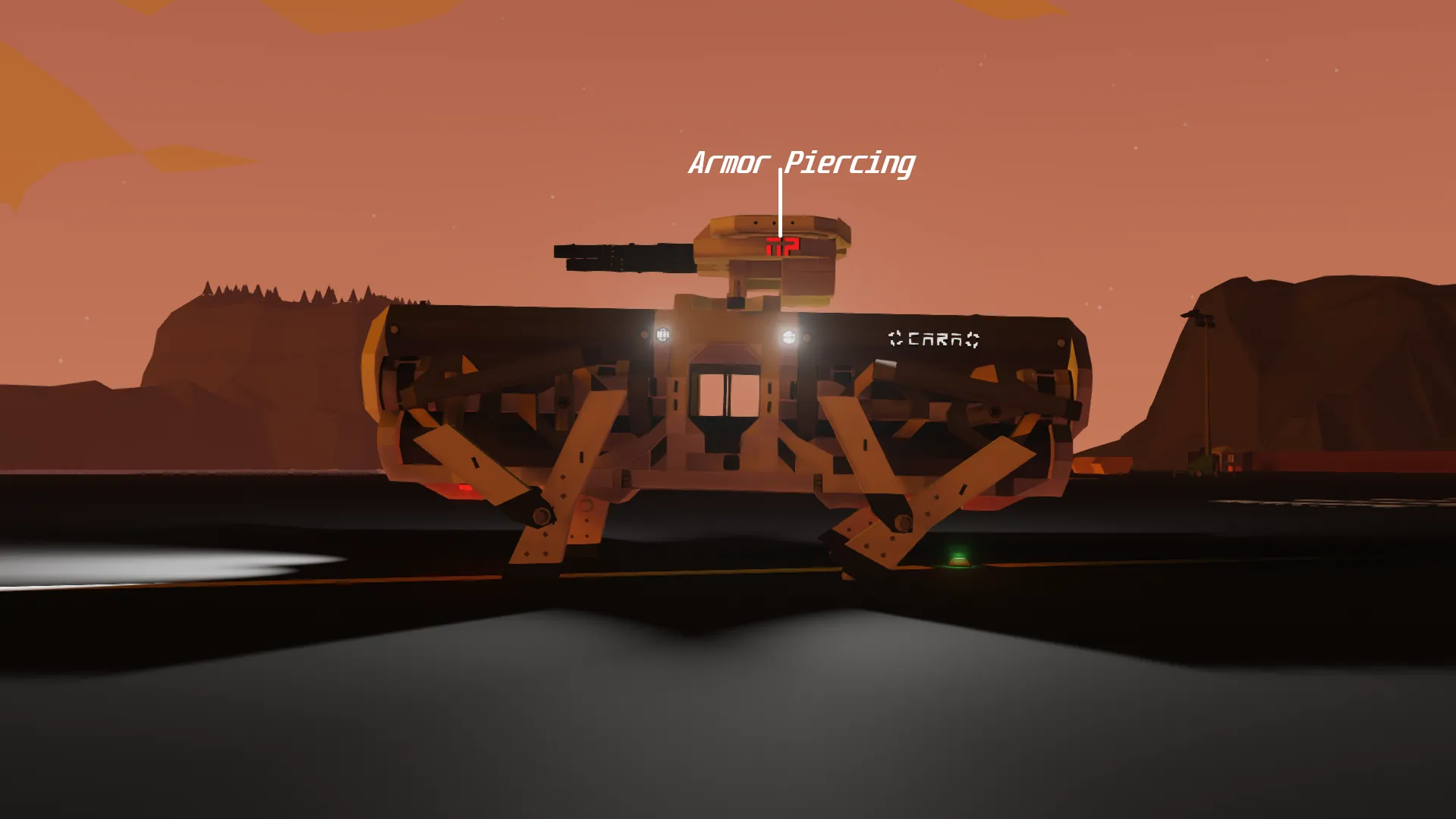
CARA -- 4 Legged Dog [Non-Militarized]
One of The Most Premium Robot Dogs on [b] The [/b] Stormworks Market.
[b]Please like, subscribe, favorite and/or follow me if you like my creations! [/b]
[b] This is a de-militarized version of CARA. This version includes earlier fixes as it is a further priority compared to the militarized version. This version is also a lot more stable, realistic, and can climb slightly steeper angles compared to the militarized CARA. [/b]
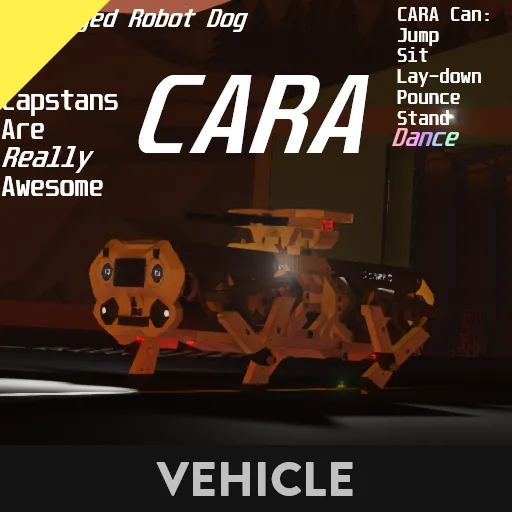
CARA
[b] This is my first legged-robot, so don't expect CARA to walk very smoothly... [/b]
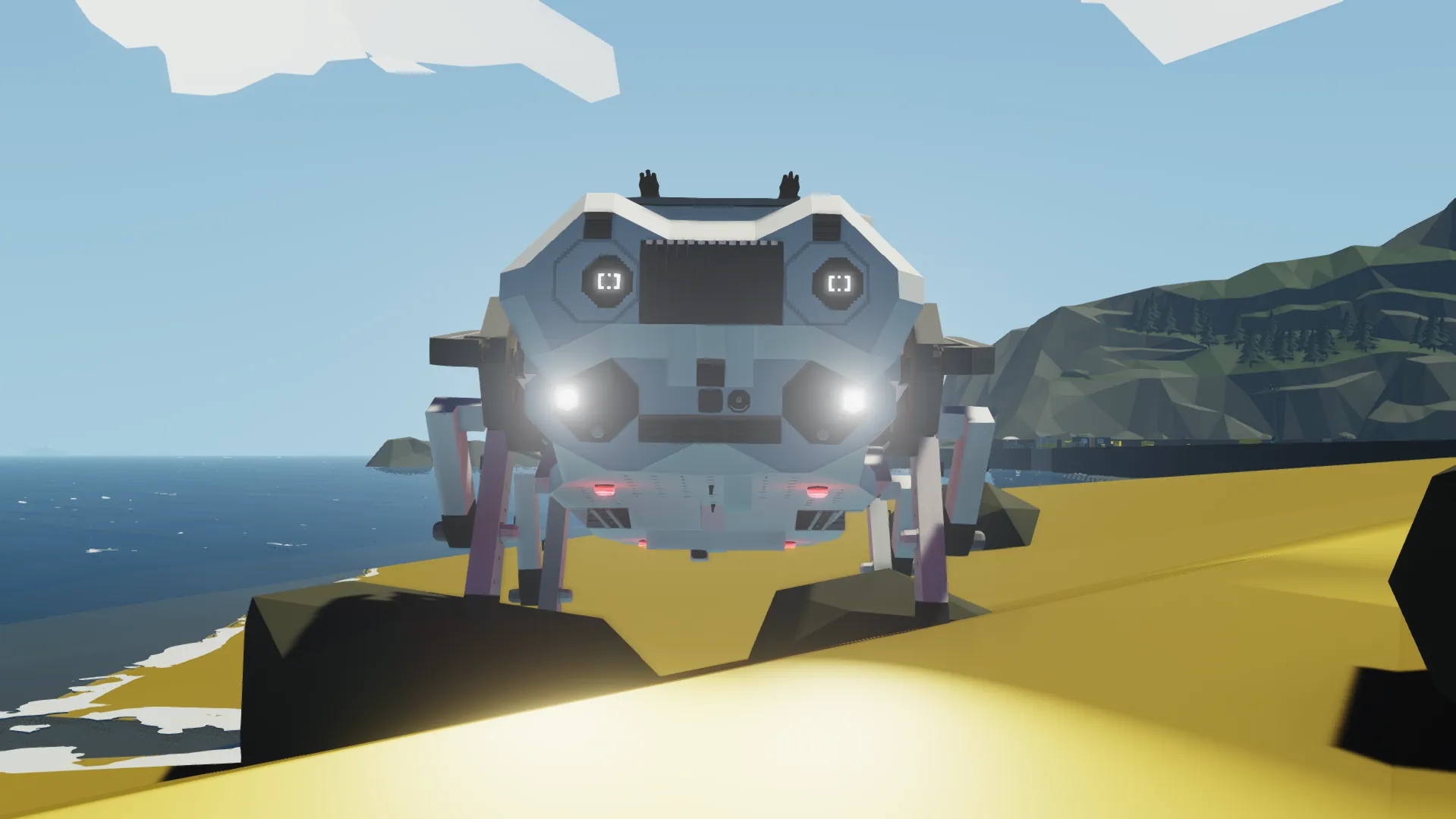
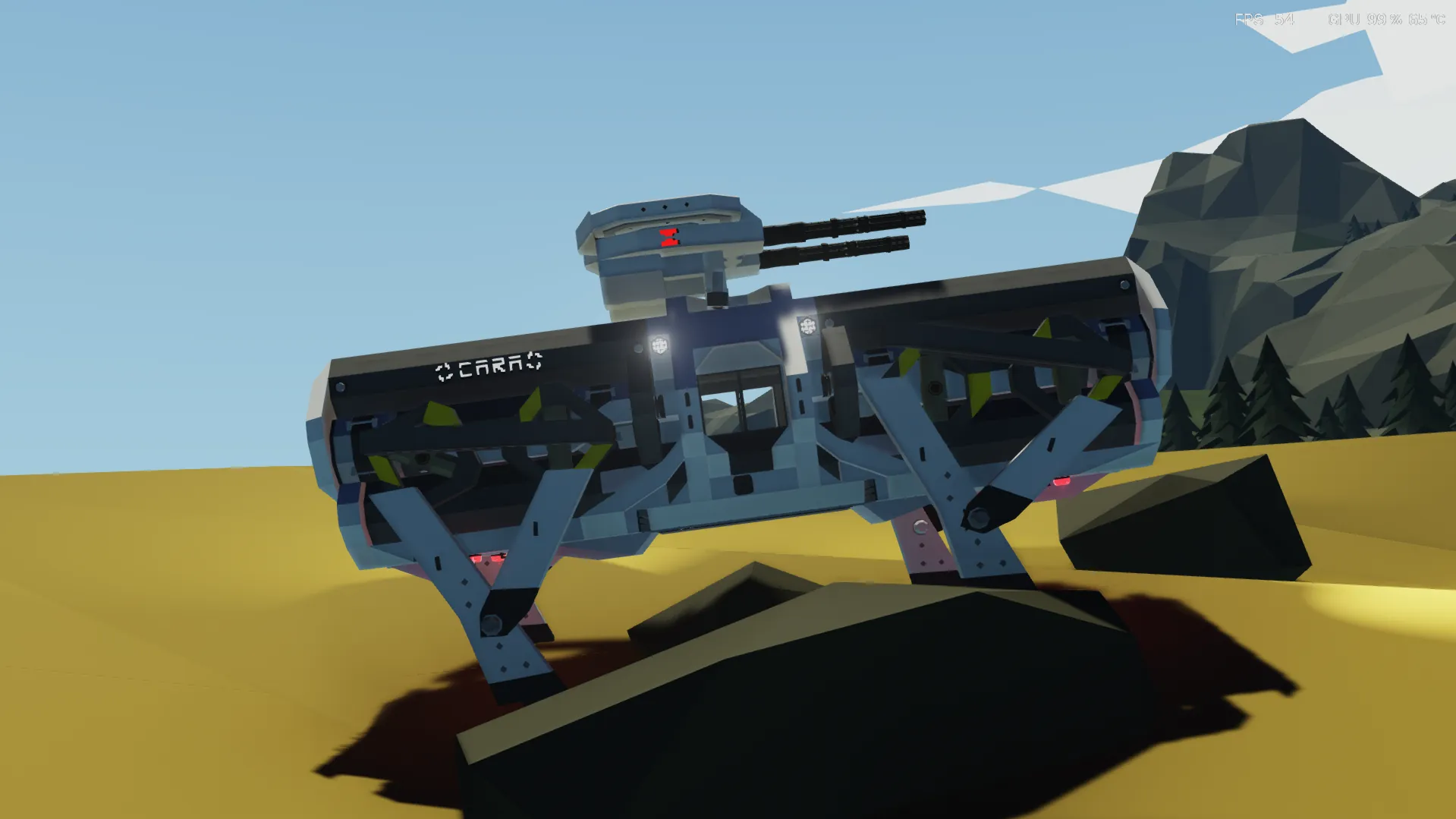
[b] CARA [Capstans Are Really Awesome] [/b] was a robot designed by [b] [url=https://www.youtube.com/@aaedmusa] Aaed Musa [/url] [/b], the video on which he made this robot is [url=https://youtu.be/8s9TjRz01fo] here! [/url]
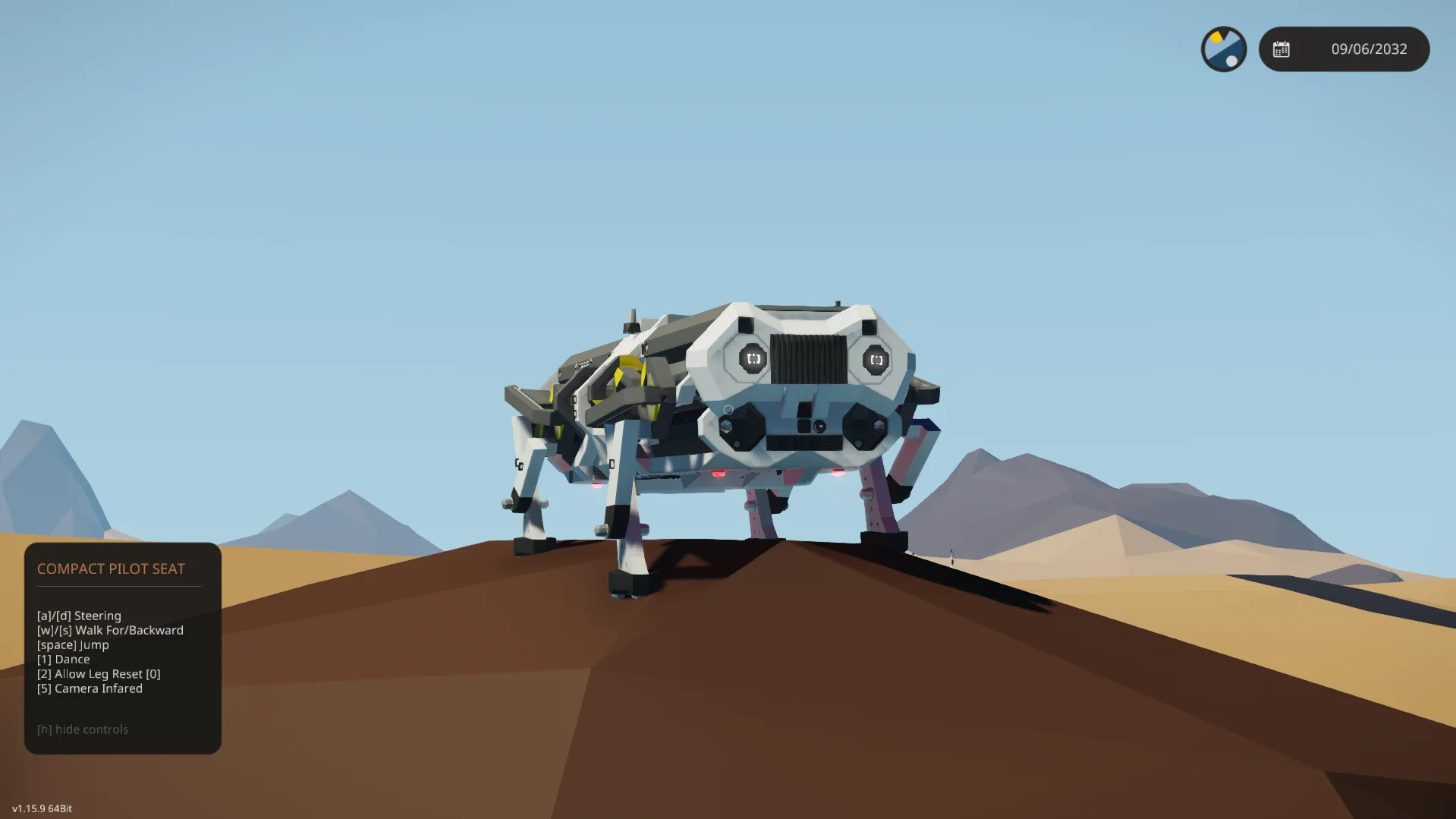
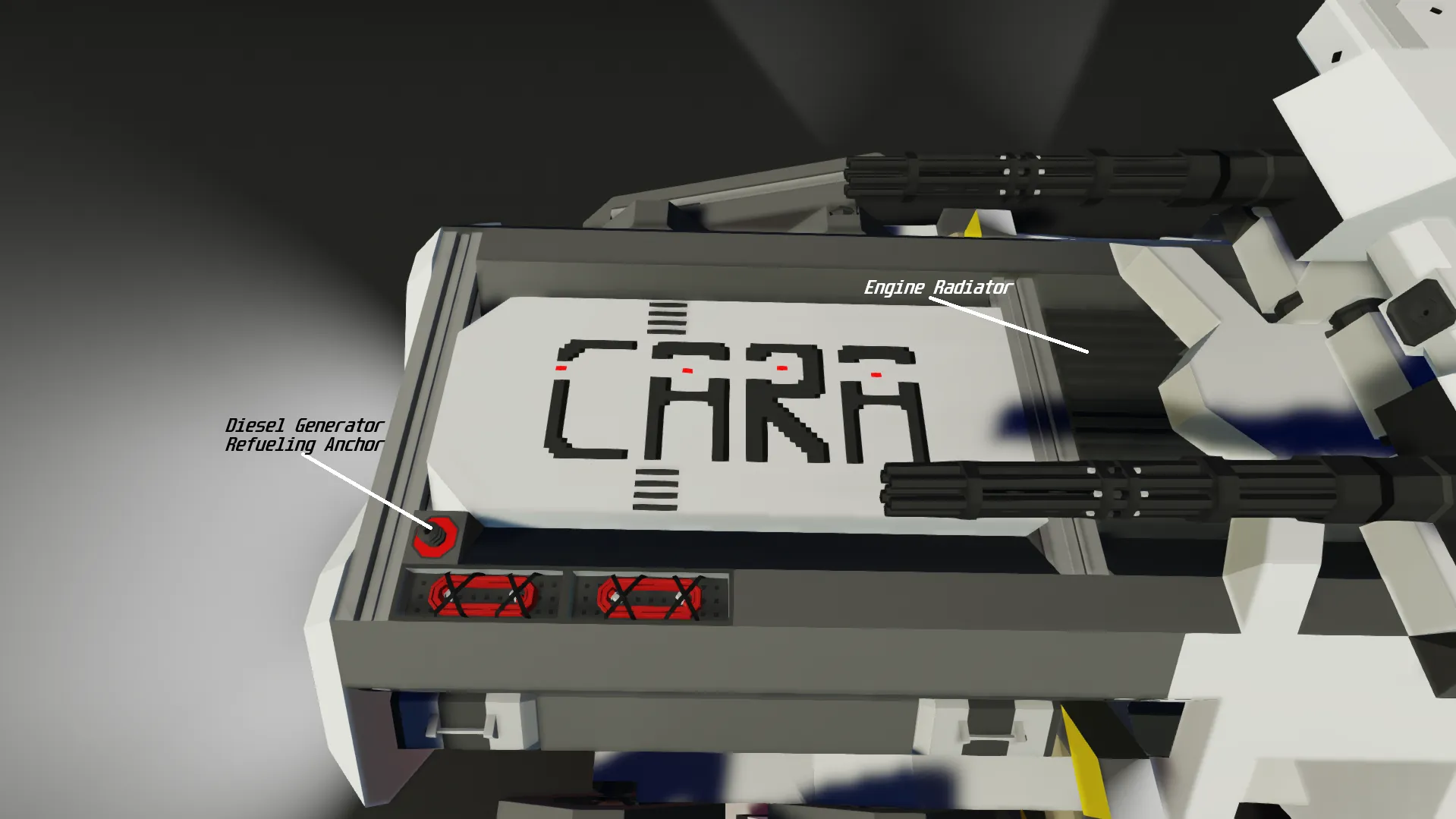
Sadly- due to the way Geometa has designed StormWorks, ropes and two entities rubbing on each other don't act as they would, so I decided to make some "Actuator" looking pivot designs and made each leg powered by a twisting "Actuator" and a forward / backwards "Actuator" to move CARA. This CARA has many different features. This version of CARA has an additional feature. You can now enable or disable the Leg Resetting. When you let go of W, disabling the Leg Resetting will not make the legs reset to zero [0]. This is recommended to be [b] off [/b] when you are climbing / offroading.
Specifications
CARA's Cost: $90,337
CARA's Mass: 6,516-KG
CARA's Maximum Pulling Weight [Drag]:
17,191-KG
CARA's Maximum Speed:
3-5M/S
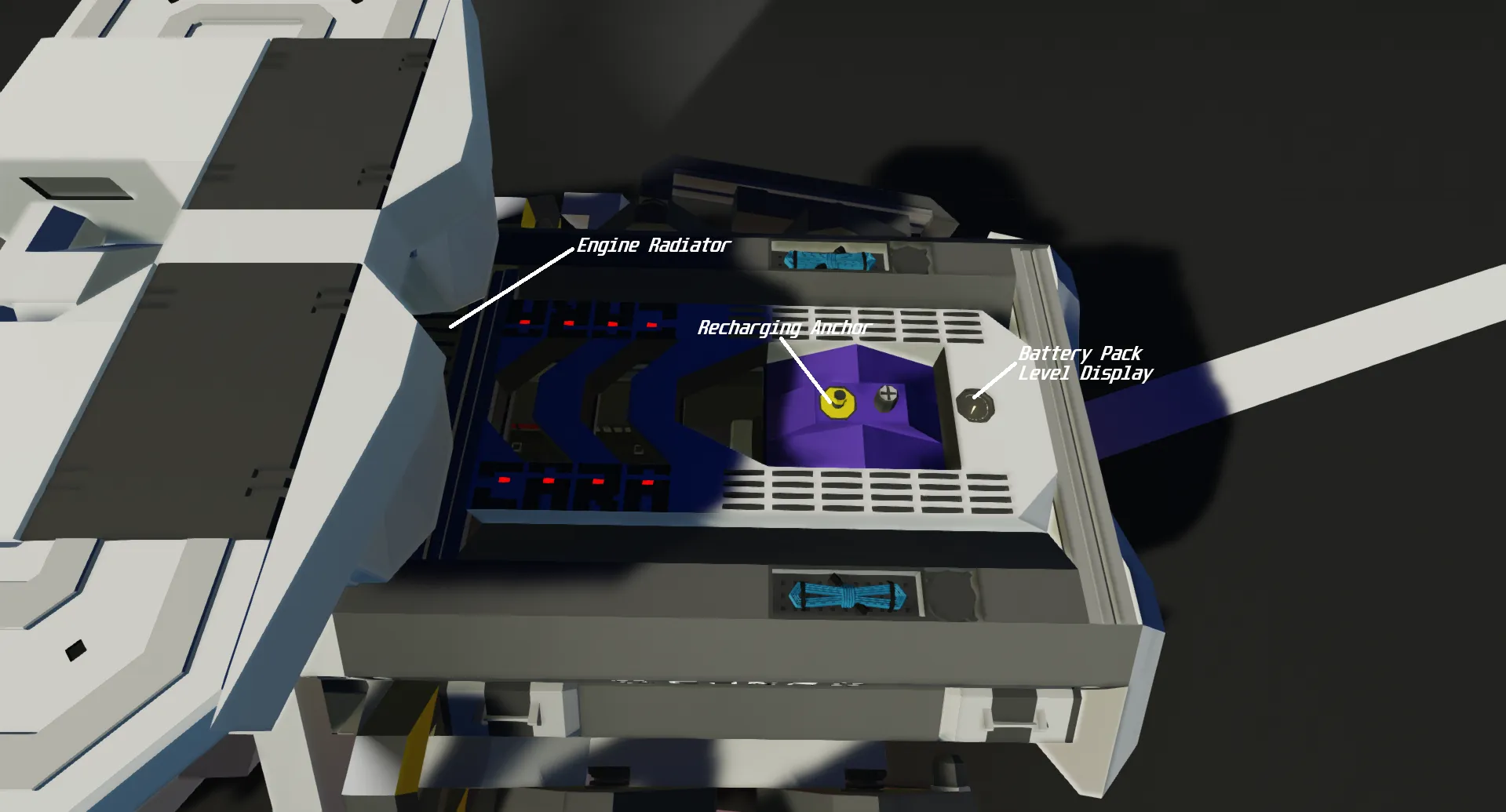
INF Electricity is not needed, but can be on.
INF fuel is not needed, and [b] cannot [/b] be on.
[b] Physic Level Recommendation: [/b]
Not Recommended: Low / Automatic
Minimum: Medium
Recommended: High
Failure to follow the instructions to use CARA will likely result in CARA not working properly.
Startup
[b] 1 Click Subscribe [/b]
[b] 2 Spawn CARA [/b]
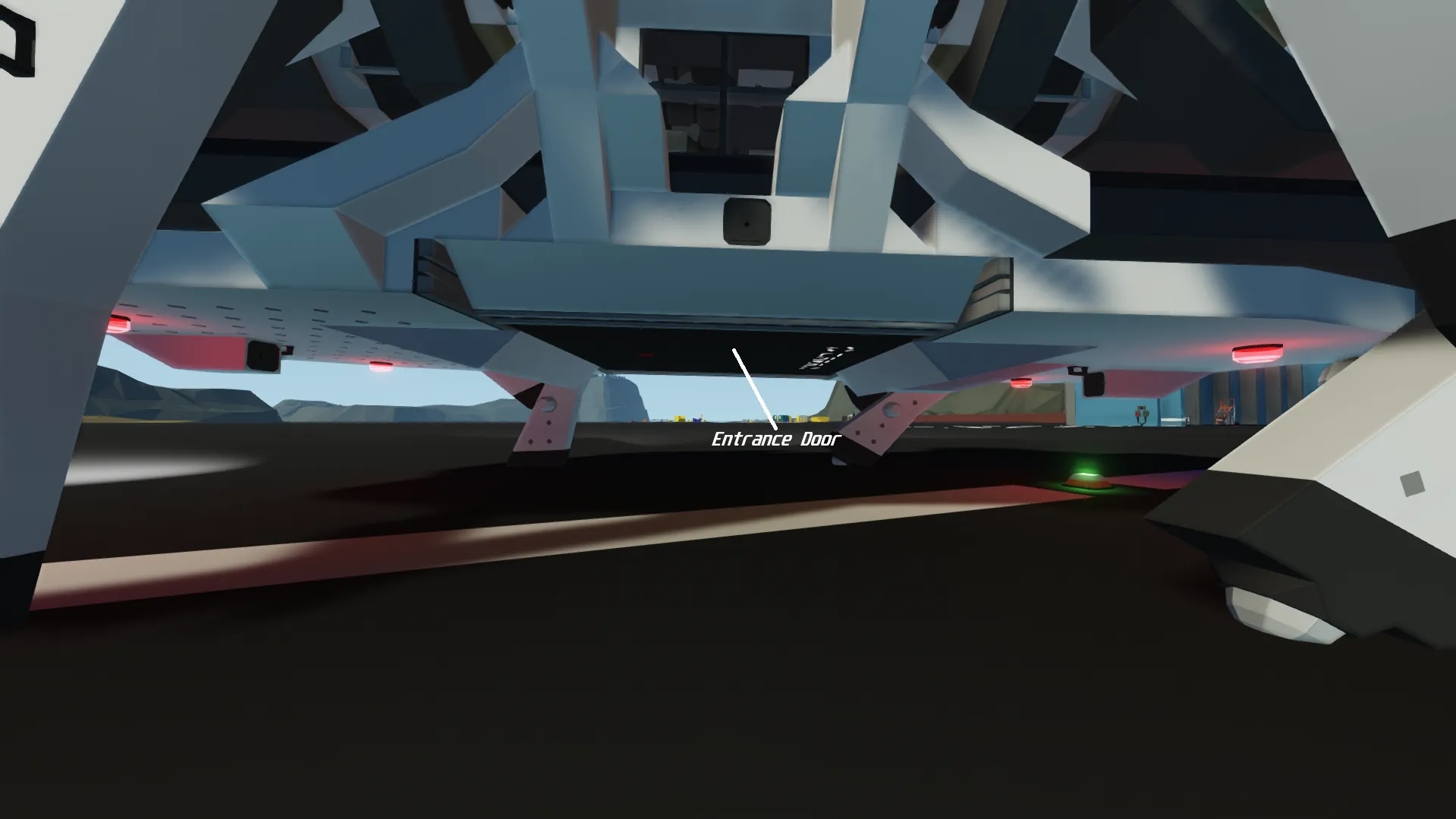
[b] 3 Go underneath CARA, and click a button named "Open/Close Hatch" [/b]
[b] 4 Close the hatch [/b]
[b] 5 Get in the seat named "CARA Controller" [/b]
[b] 6 Click "Start Generator" [/b]
[b] 7 Ensure generator fires up properly, wait until the Generator Status has reached yellow, or higher [/b]
[b] Enjoy CARA! [/b]
UI
The UI in first person is displayed as:
## ##
(Battery | RPS)
## ##
(Fuel % | Speed [M/S])
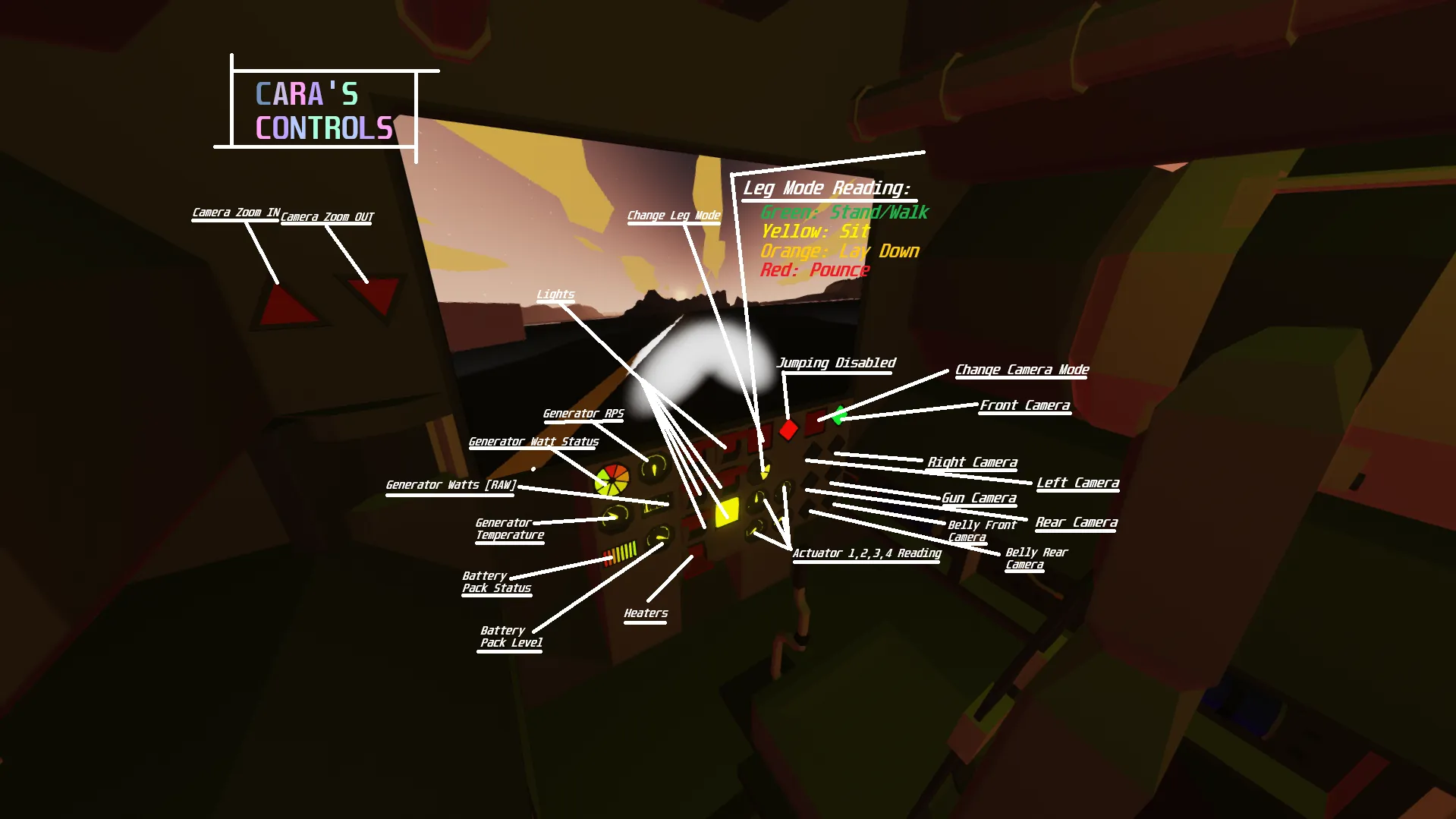
Leg Modes
[b]
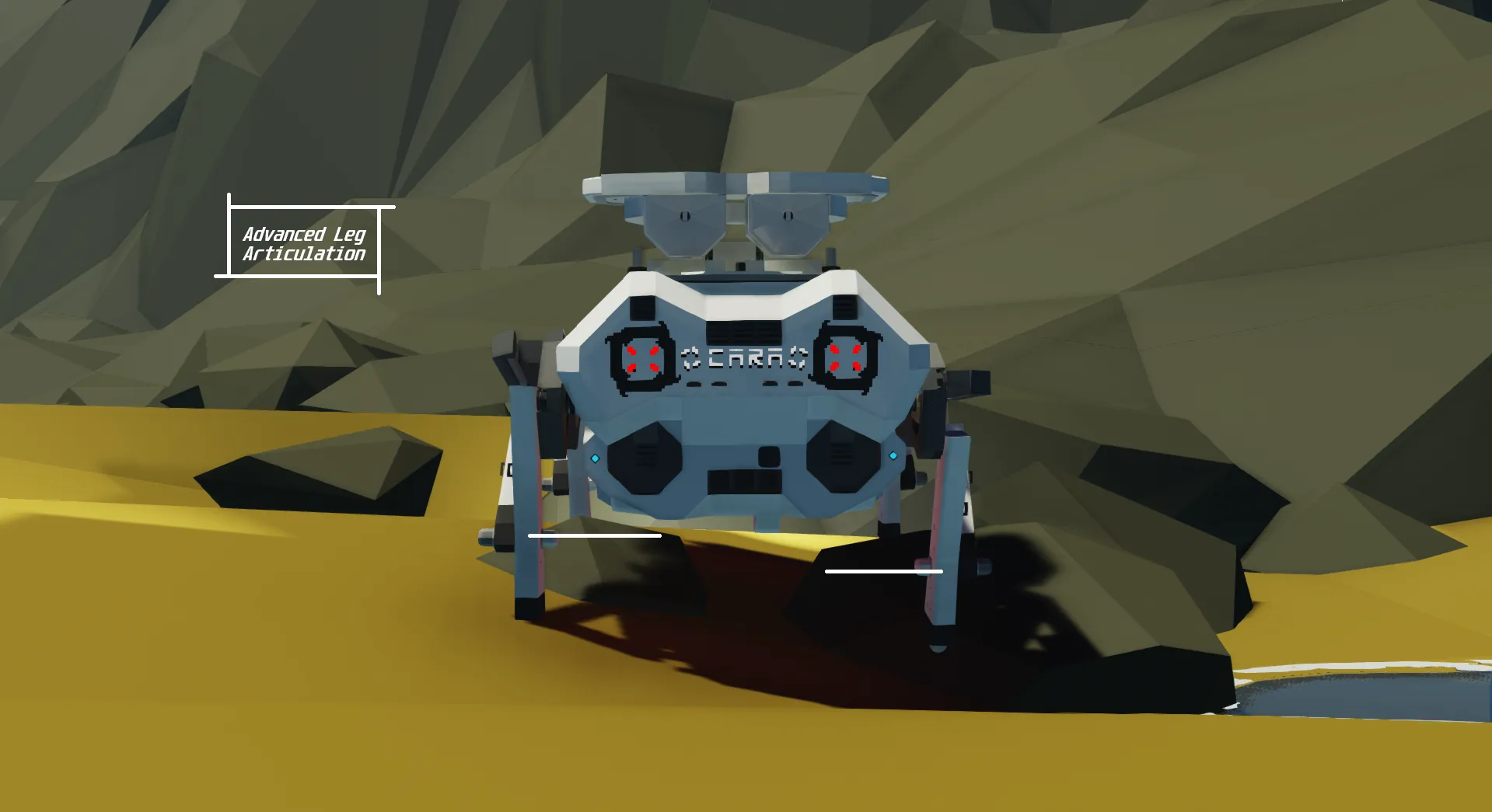
Each leg has two "Actuators", the front one is the only one that moves the legs, the rear "Actuator" on each leg is for tilting the leg when it is off the ground. [/b]
[b] Stand / Walk [/b]
Look at the "Leg Mode Display" panel, if it is [b] GREEN- that will mean you can walk, and jump. [/b]
[b] Sit / Stationary [/b]
Look at the "Leg Mode Display" panel, if it is [b] YELLOW- that will mean the rear legs will tilt down, and the front legs will automatically reset to zero [0] to force the legs to be vertical. [/b]
[b] Lay-down [/b]
Look at the "Leg Mode Display" panel, if it is [b] ORANGE- that will mean both the front, and rear legs will automatically set themselves to negative-1 (-1) to force the legs into a "slanted forward" state.[/b]
[b] Pounce [/b]
Look at the "Leg Mode Display" panel, i fit is [b] RED- that will mean the front legs will tilt down, and the rear legs will automatically set themselves to zero [0] to force the legs to be vertical. [/b]
[b] Dance FIXED [/b]
Press hotkey one [1] inside of the "CARA Controller" seat to enable [b] Dance Mode! CARA will lean her legs forward, then lunge forward to ensure each leg has their mag-all hooked in/onto the ground, then she will dance left and right- respectfully getting "Jiggy with it". [/b]
Airdrop
CARA comes with four (4) parachutes. All parachutes will enable when CARA is exactly 300 meters from the ground using its' two (2) distance sensors and calculates their differences. Once below 300 meters from the ground, CARA's parachutes will open, slowing her fall. The damage CARA takes after landing is extremely minimal, but it is recommended you ensure CARA works properly before going where you need to be. [b] Cara will also need to be exceeding 15 meters/second to allow the parachutes to enable. [/b]
CARA comes equipped with two independent hardpoints and two dependent hardpoints. They are separated so you can either make CARA drop from inside of her seat, or inside of the vehicle you are airdropping her from.
[b] Due to how my system works, you [i] cannot [/i] make CARA drop from both vehicles. You will have to choose the vehicle you want her to airdrop from. [/b]
Questions? Let me know [url=https://steamcommunity.com/id/0987654321x2/] here! [/url]