Description
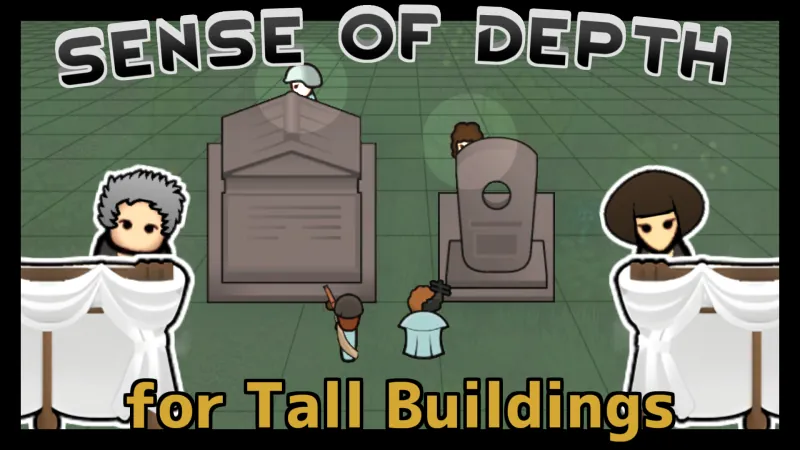
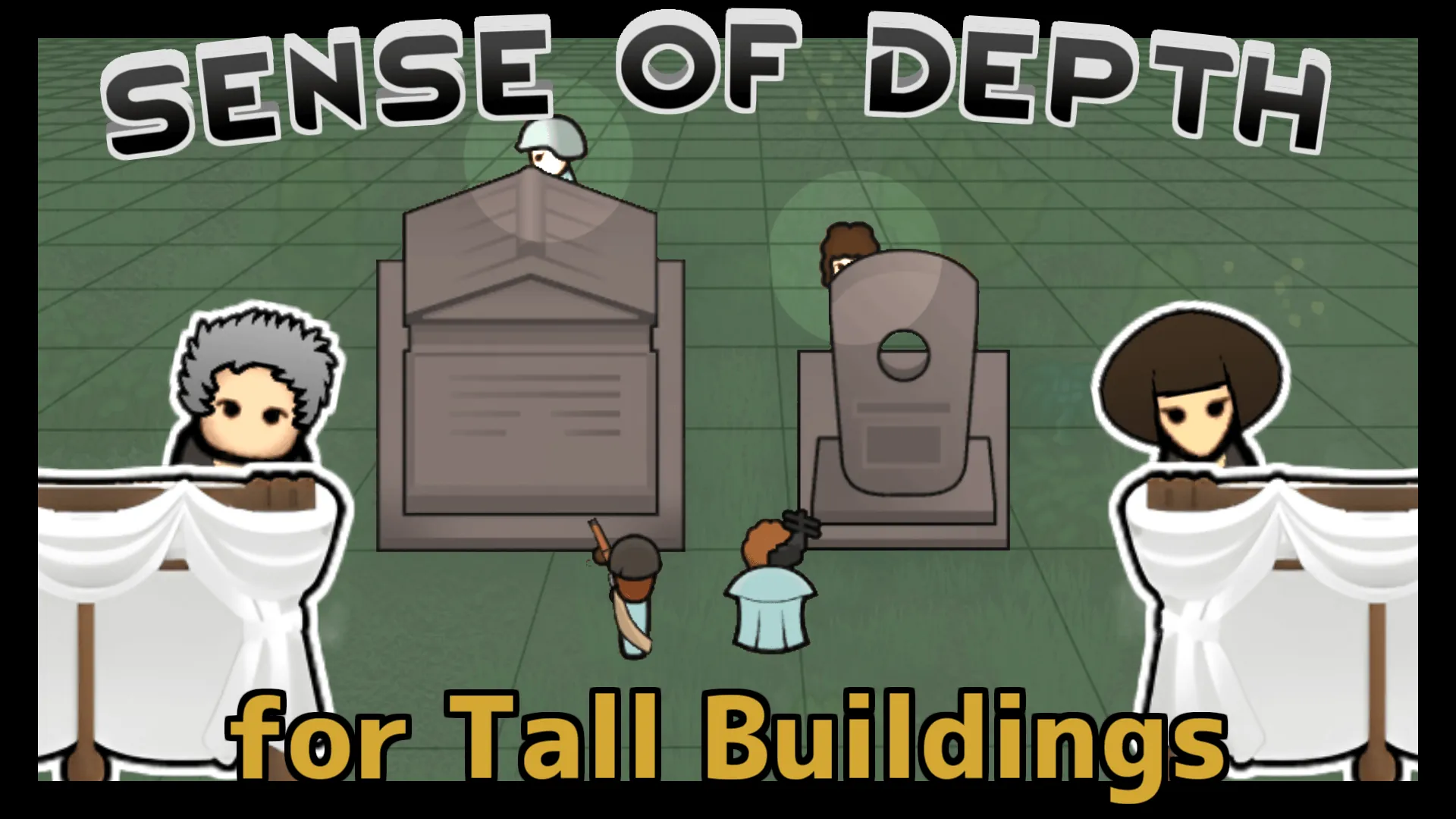
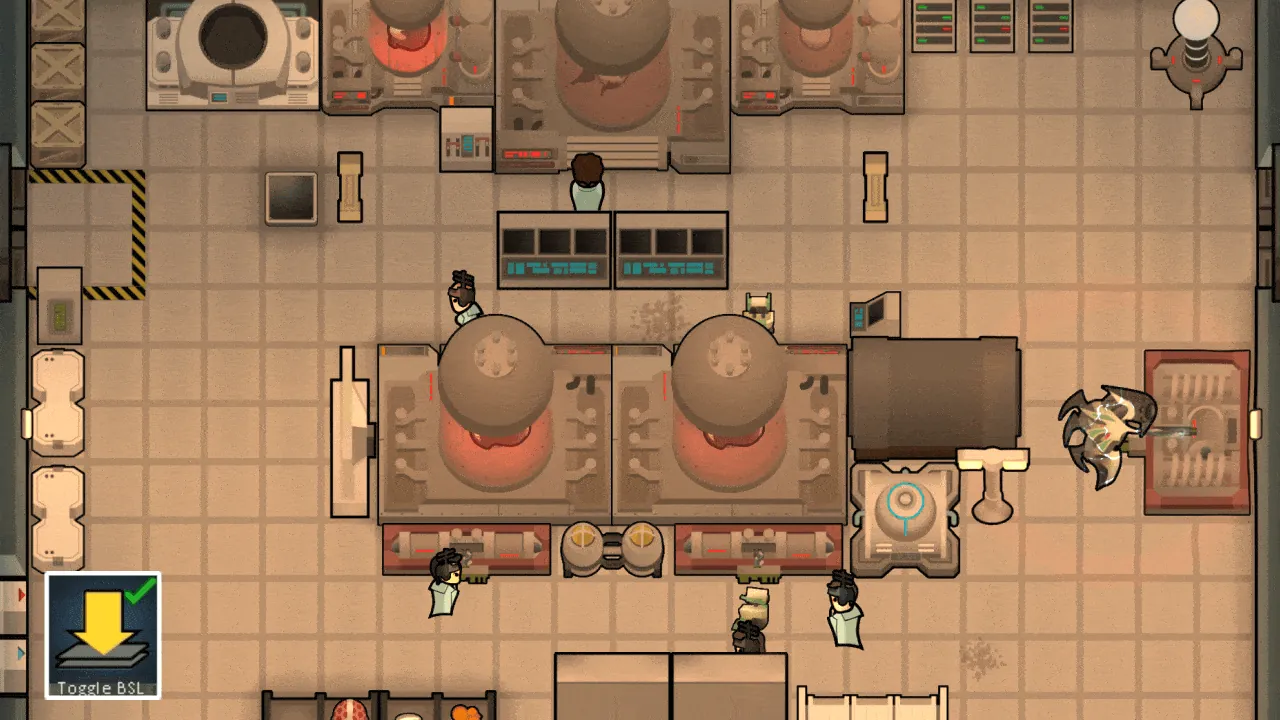
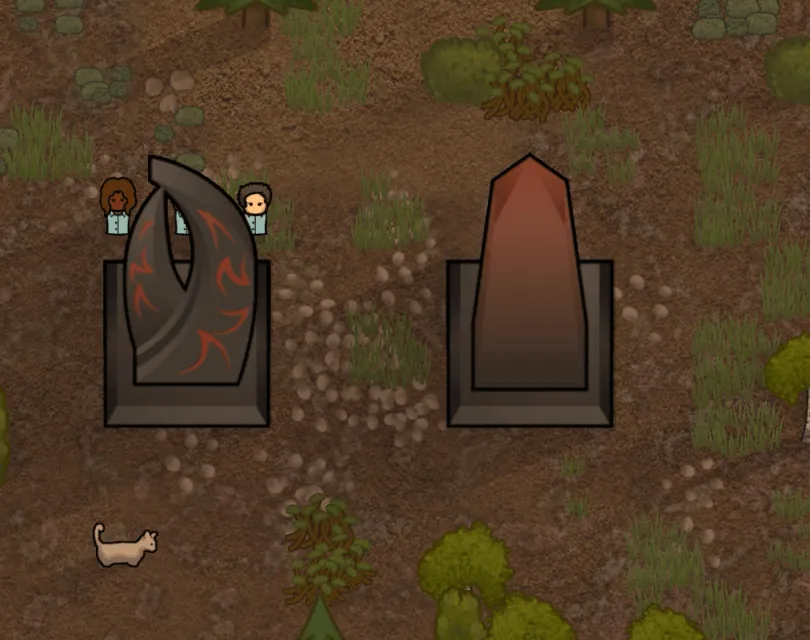
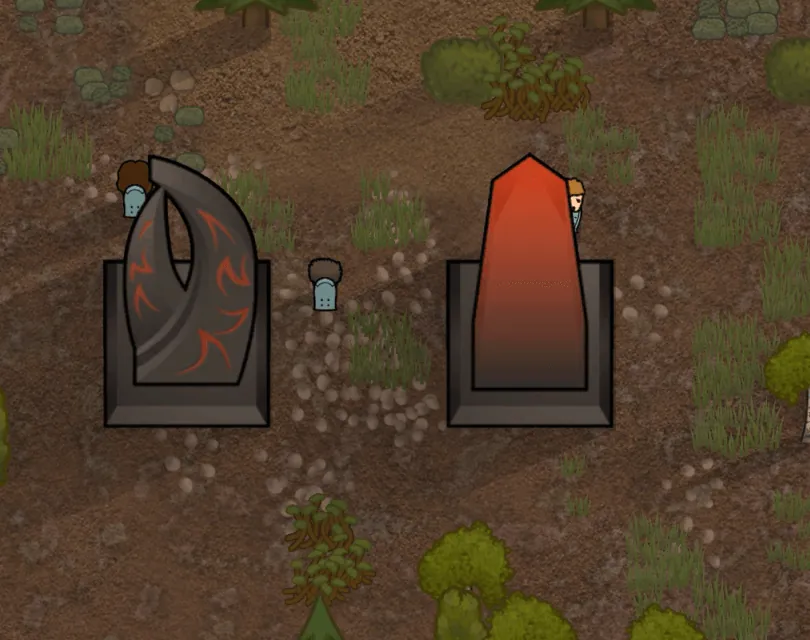
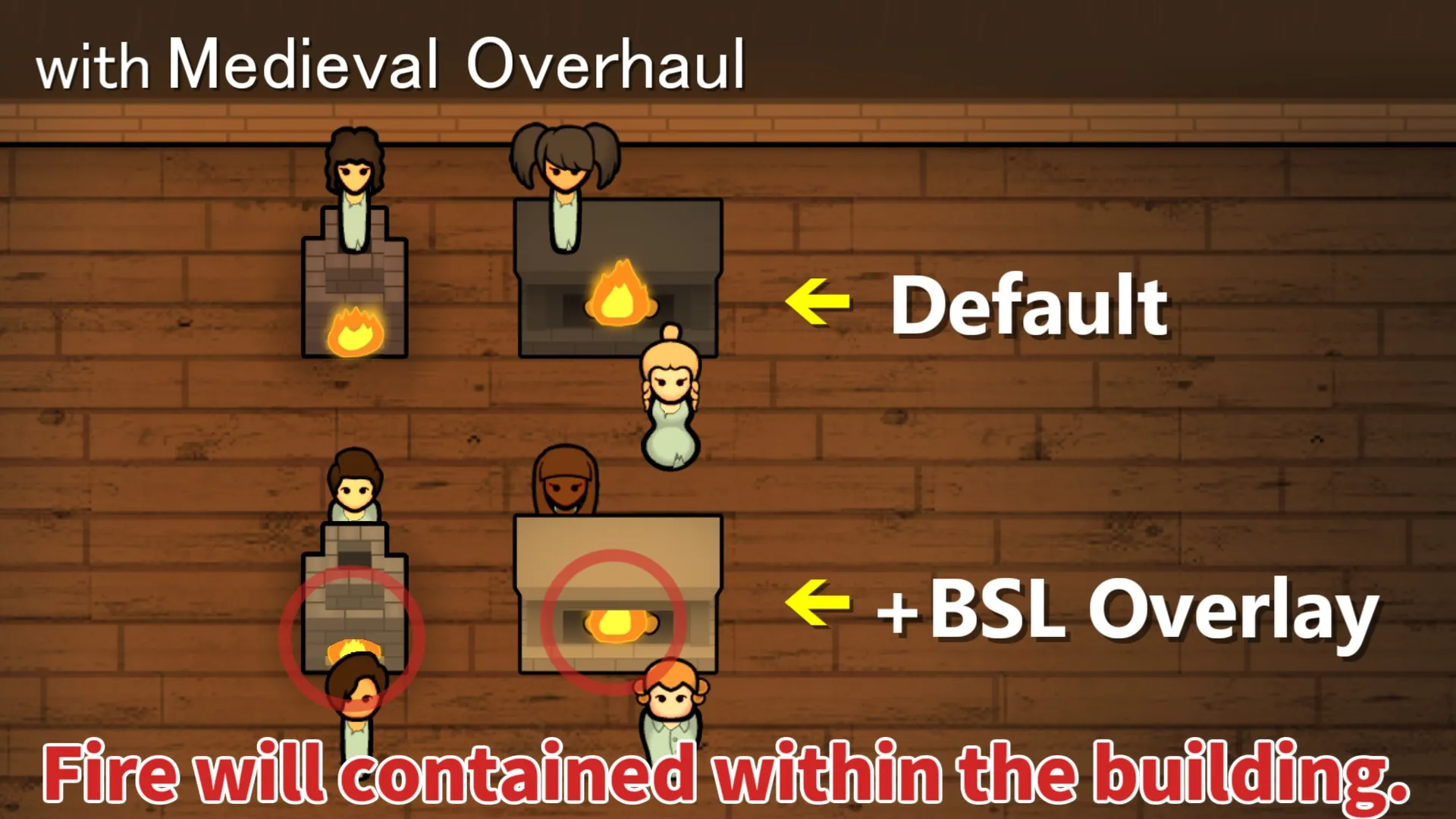
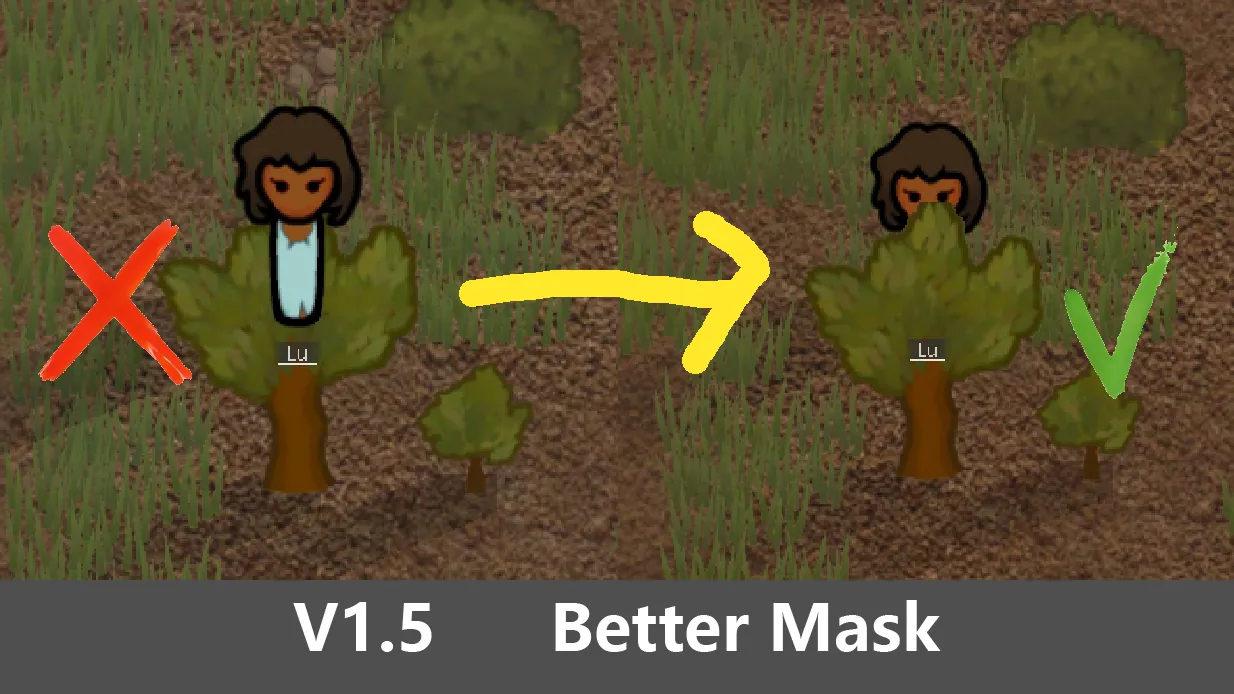
This mod visually adds a sense of depth to tall buildings.
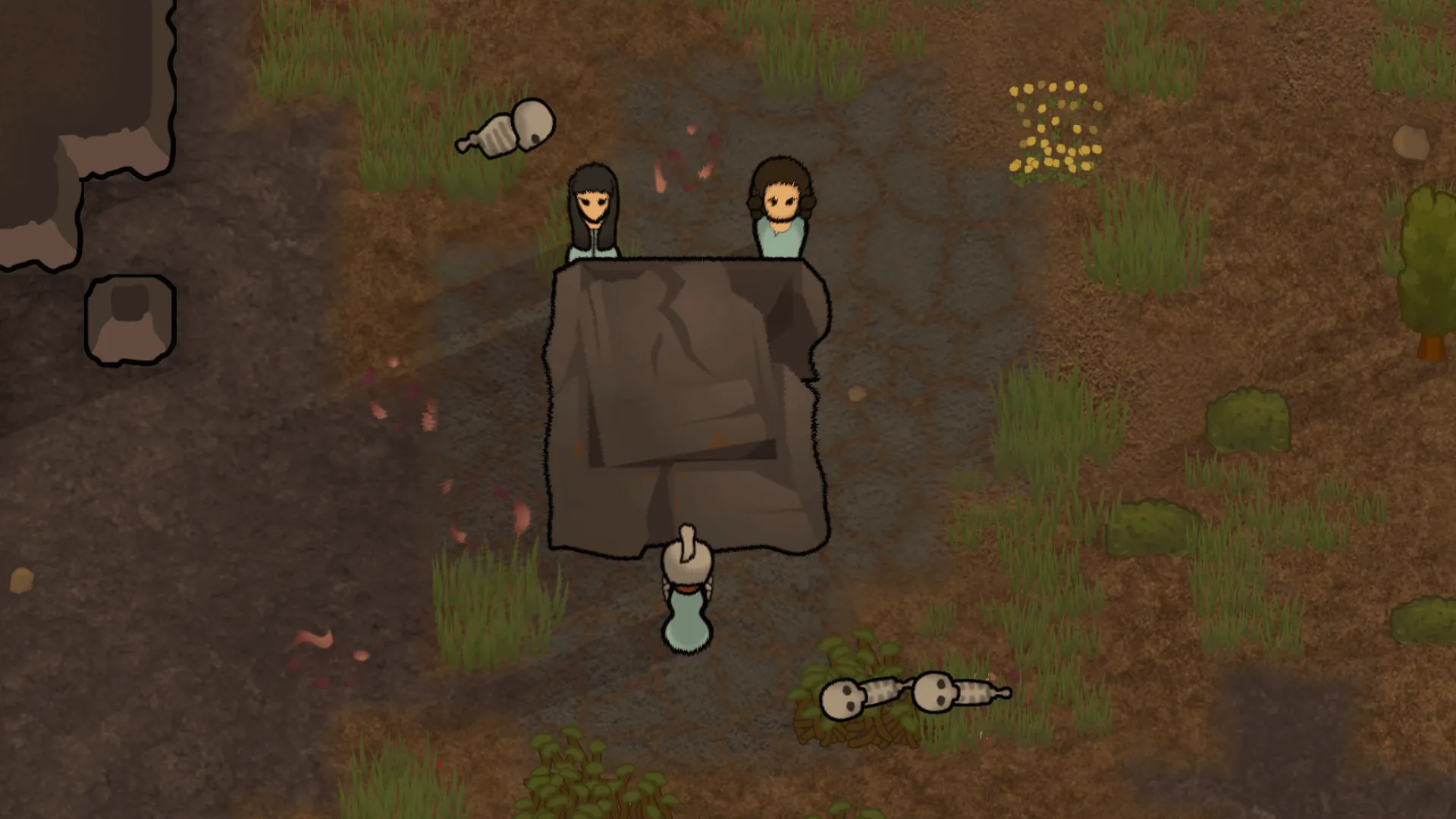
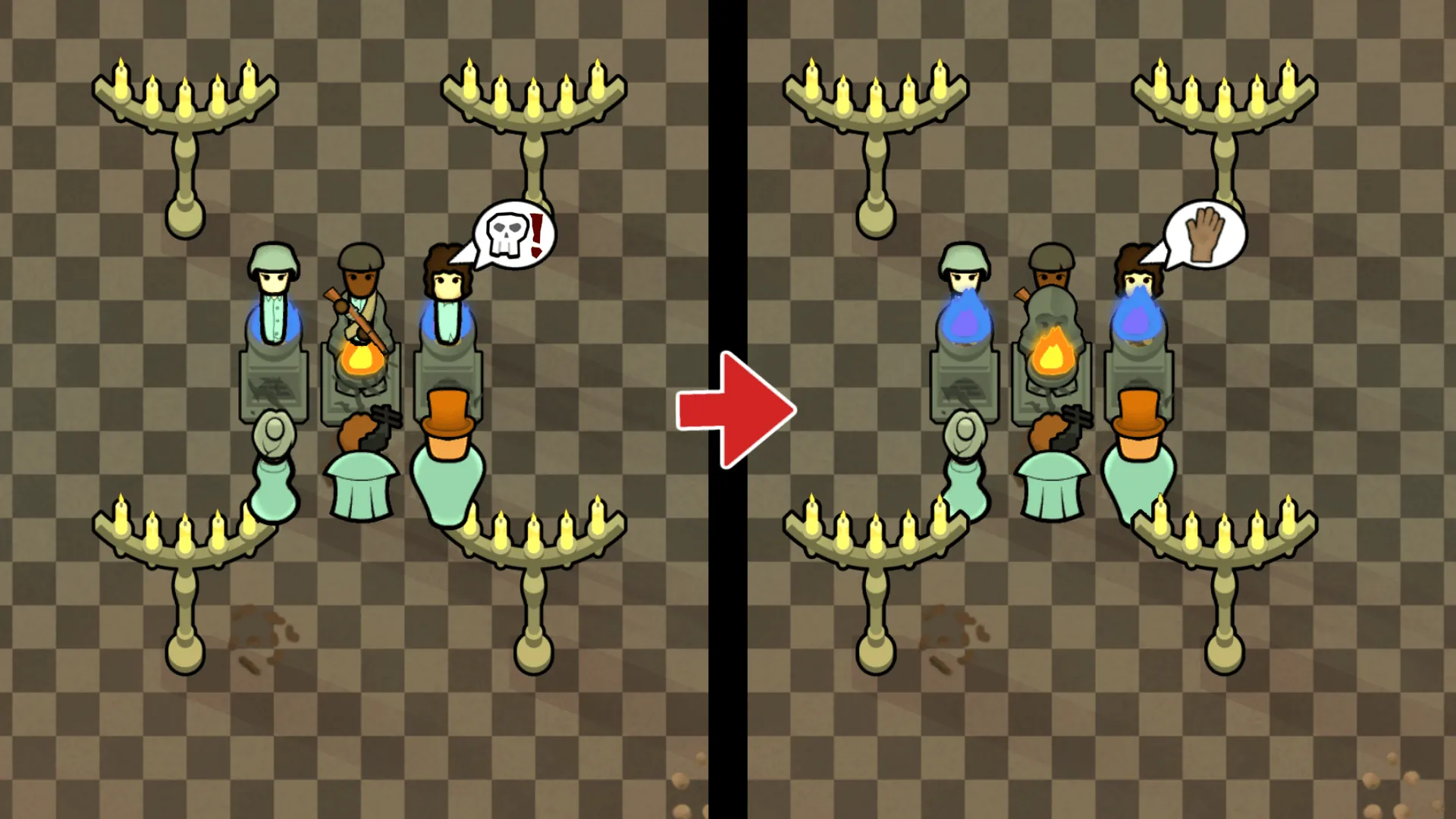
Pawns at behind tall buildings will be drawn hidden.
What this mod does is very simple. Just add an additional layer with a higher altitudeLayer to the tall buildings.
This additional layer will be referred to as BSL (Back Side Layer) below.


Differences From Previous Mods


If use BSL for the storage building, recommend Deep Storage or Adaptive Storage.
Storage setting to "hide contents item" by these mods, BSL will be drawn even after stored items.


 Attach an additional icon to the Architect icon for BSL supported buildings.
It also supports VFE Props unique window.
 Note) If you have a lot of buildings by other mods, you may notice a decrease FPS, but Rimworld's architect gizmos are heavy to begin with if there are lot of buildings items.
Known Incompatibility and Issues
*Huge pawns may have their heads hidden or look ungainly due to BSL.
 Extremely large headgears and weapons may also be hidden.
(Might I solve this issue in the future...)
*The BSL attach icon is not displayed for those that use their unique dropdown menu.
*BSL will hides "fillable bar" that displayed on top of buildings.
*BSL even hides flying pawns (using jump packs, special genes, etc.)
*Buildings with their own additional Draw may not be drawn correctly.
*Buildings with special animations are clearly incompatible but may BSL applied.
*Currently perhaps the apply filter is insufficient.
If you see BSL applied to something that is clearly inappropriate, please report it.
Just in case the Xml patch can also be used to enforce whether or not the BSL applied.
(Please see the discussion page for more details.)
Defs Fixes Patch
Automatically Patch to BSL supported buildings.
Patch Contents:[list]
[*] altitudeLayer
Replace "non-Building" with "Building". Because it doesn't need to ”other than Building" if it has BSL.
[*] passability
Replace "Standable or Undefined" with "passthroughOnly". Because BSL-support-buildings should not be "Standable". Unless it's done intentionally by the original mod buildings author...
[*] passCost
Replace "less than 30 or undefined" with "30". Because BSL-support-buildings should not be "PassCost is 0". Unless it's done intentionally by the original mod buildings author...
[/list]
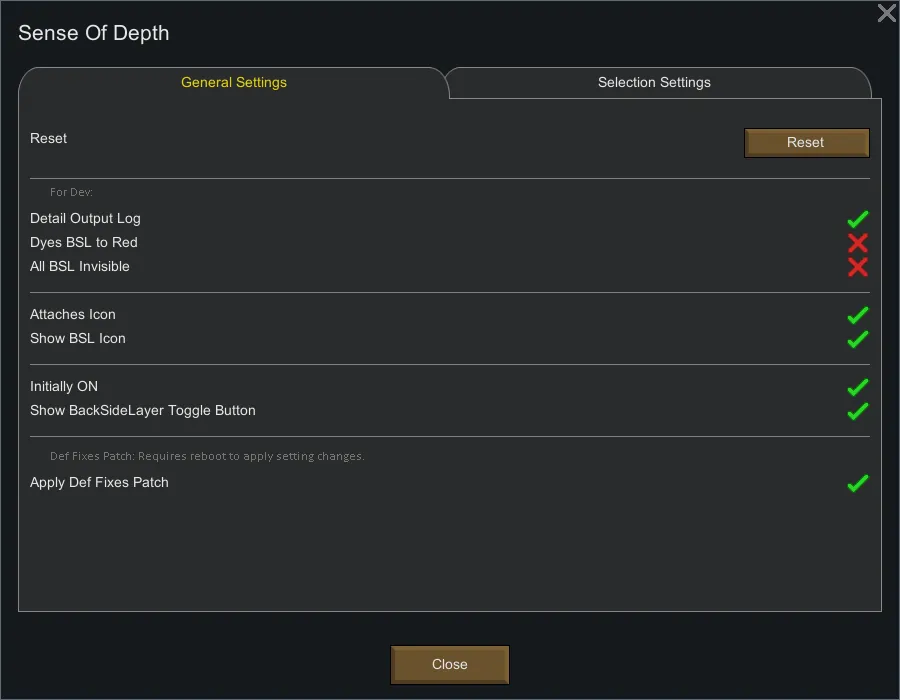
The above patch is intended to ensure that BSL can be used properly. If a Issue occurs, you can stop the Defs patch by the mod settings. You can check the details of the patch by turning on [Detailed Log Output] in the mod settings and launching the game.
Auto Defs Fixes Patch is now discontinued.
Required
Languages
- English
- Japanese
- Chinese (by 摄魂狼) -- translate mod

Recommended My Mod


If you like my mod, please buy me a ko-fi. That as a fuel for modding. [ko-fi.com]