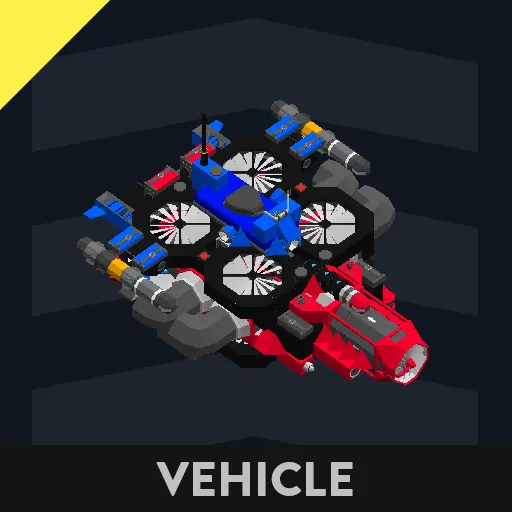
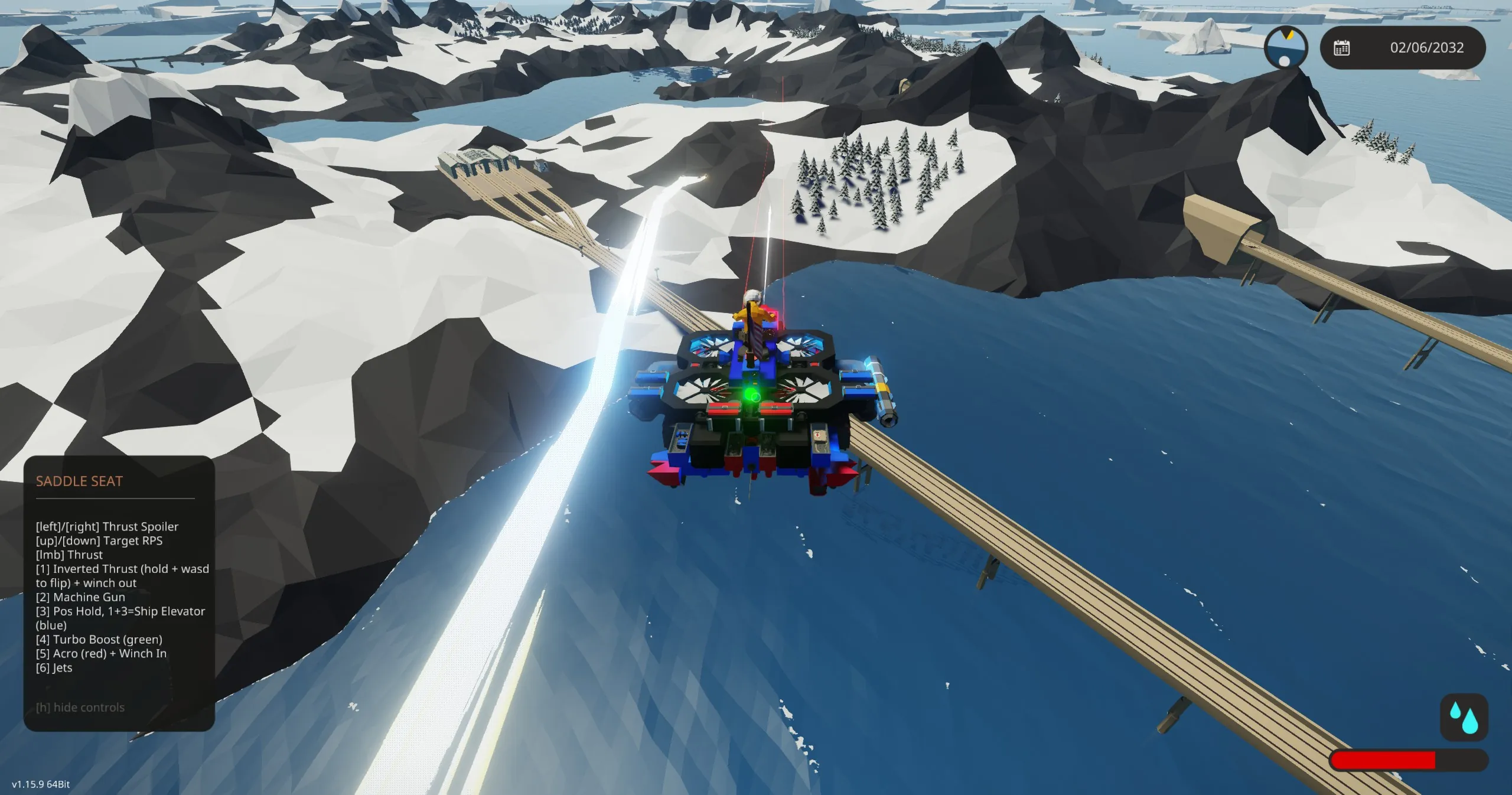
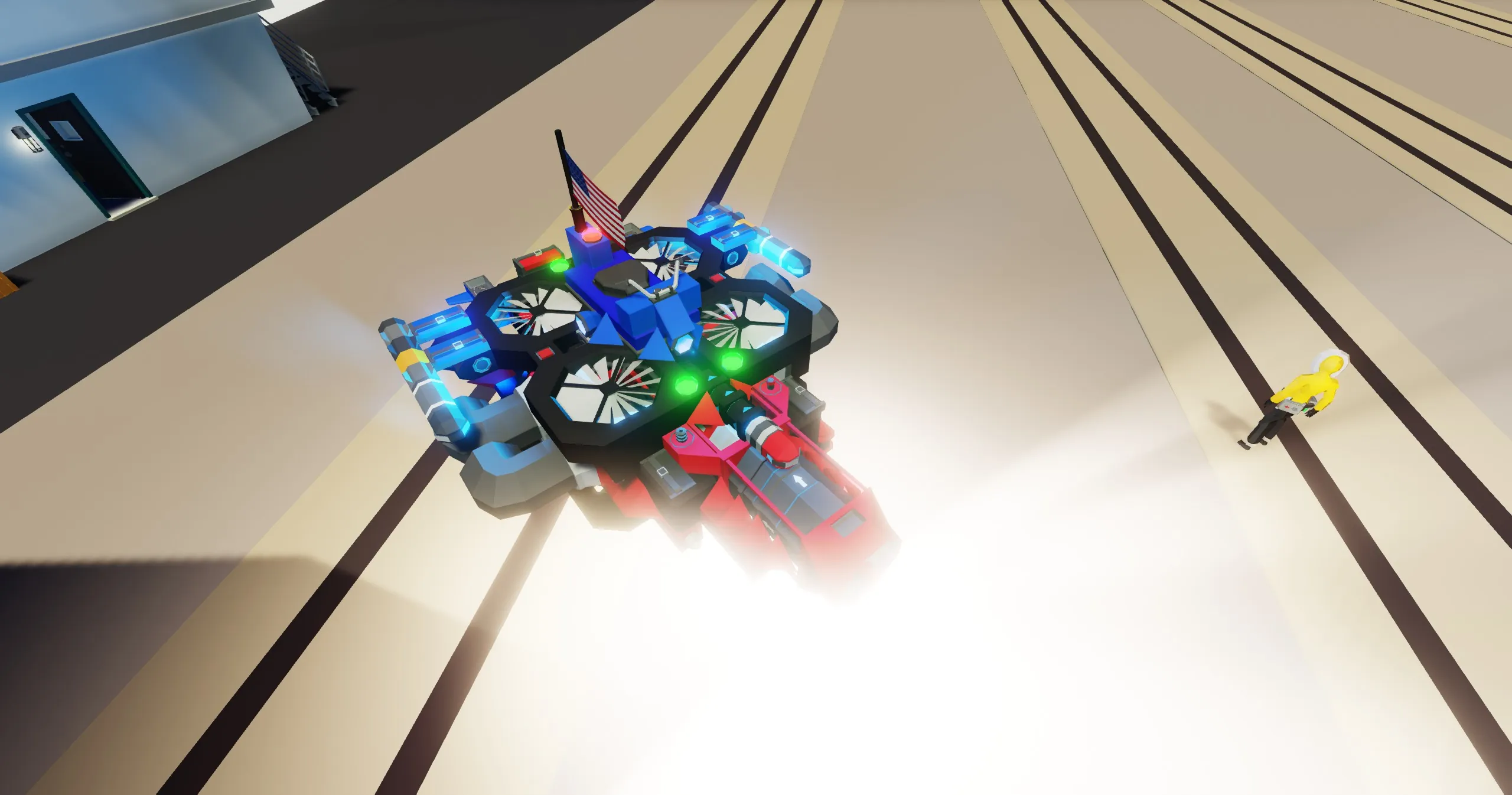
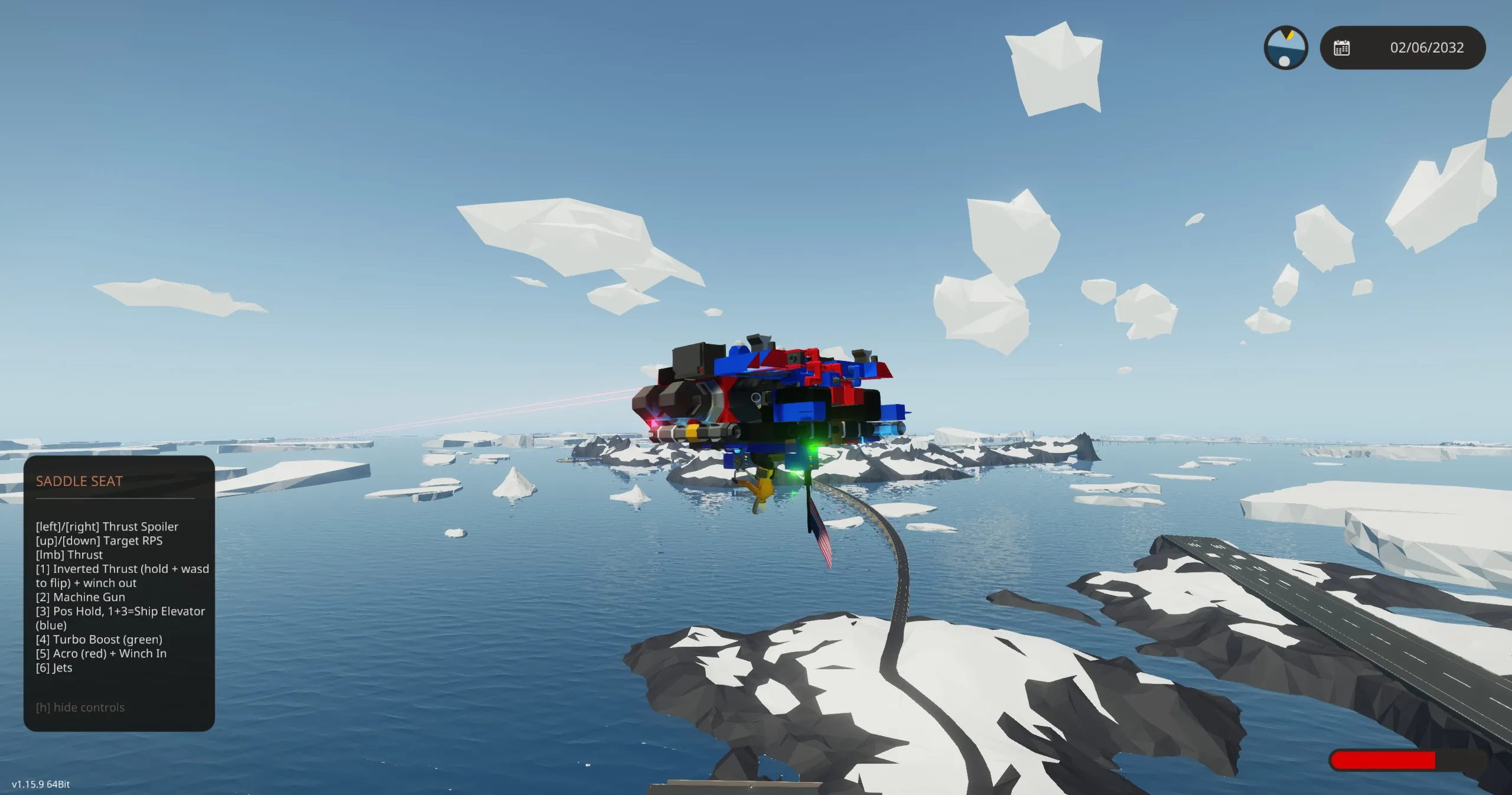
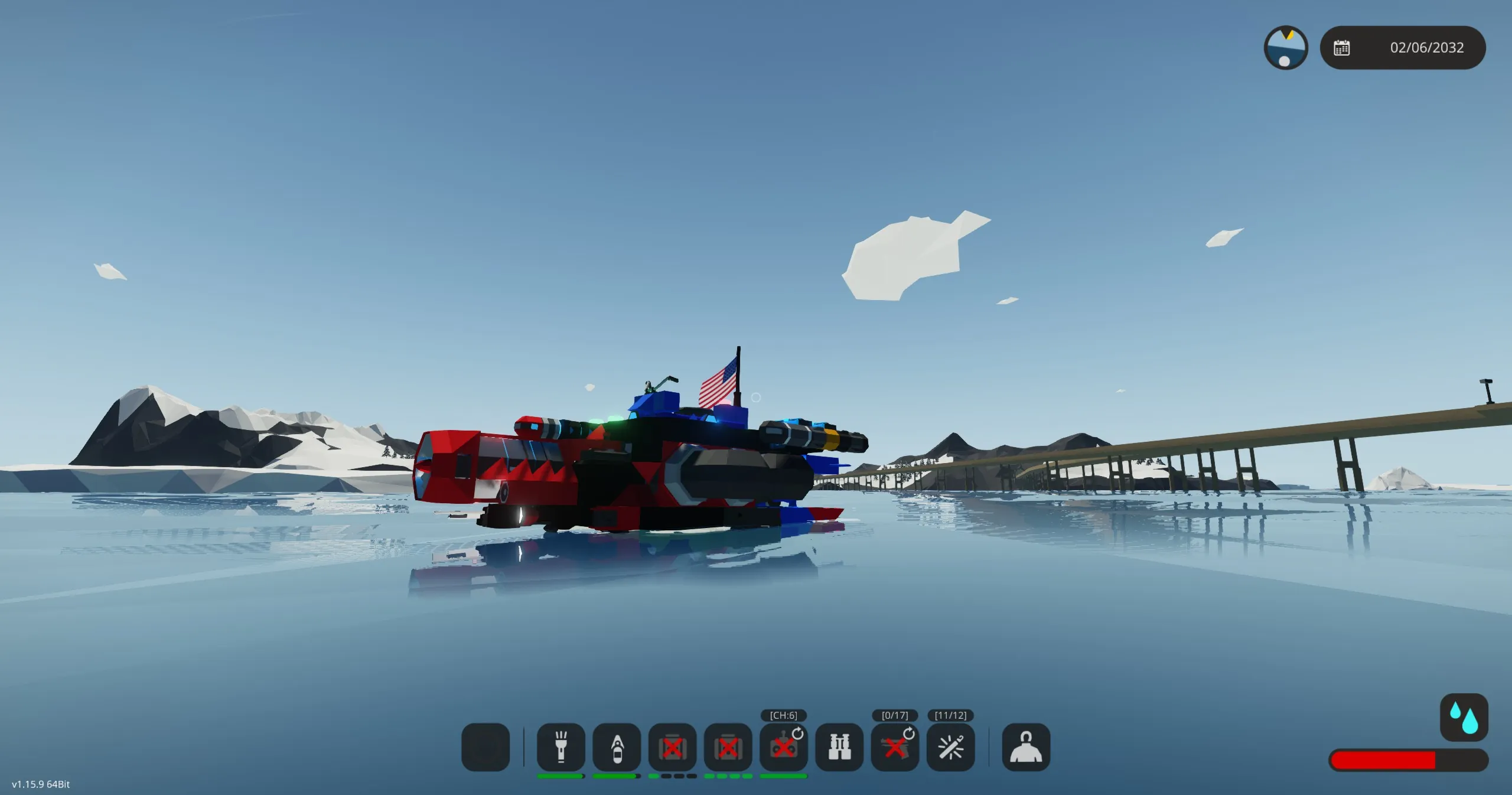
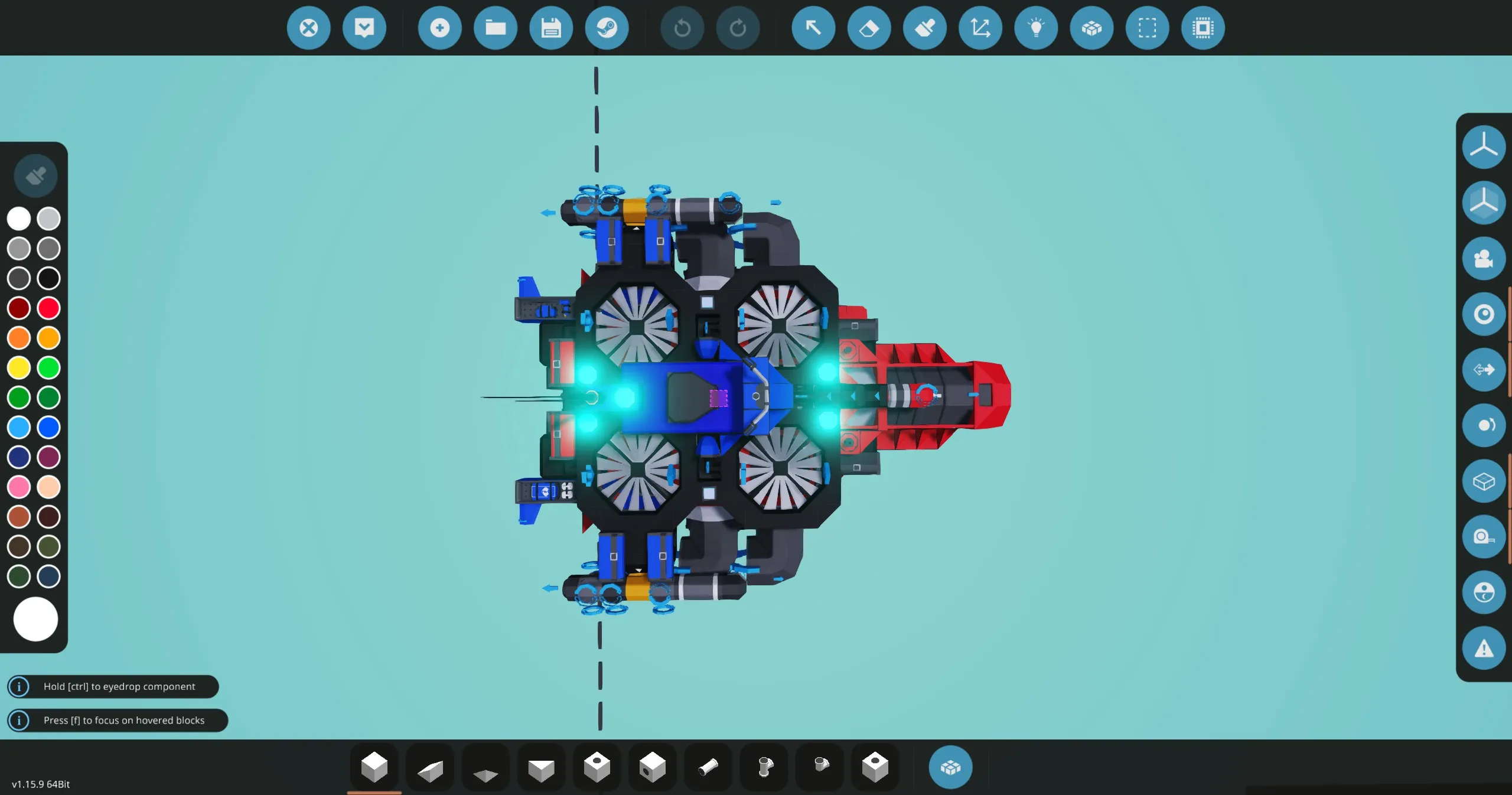
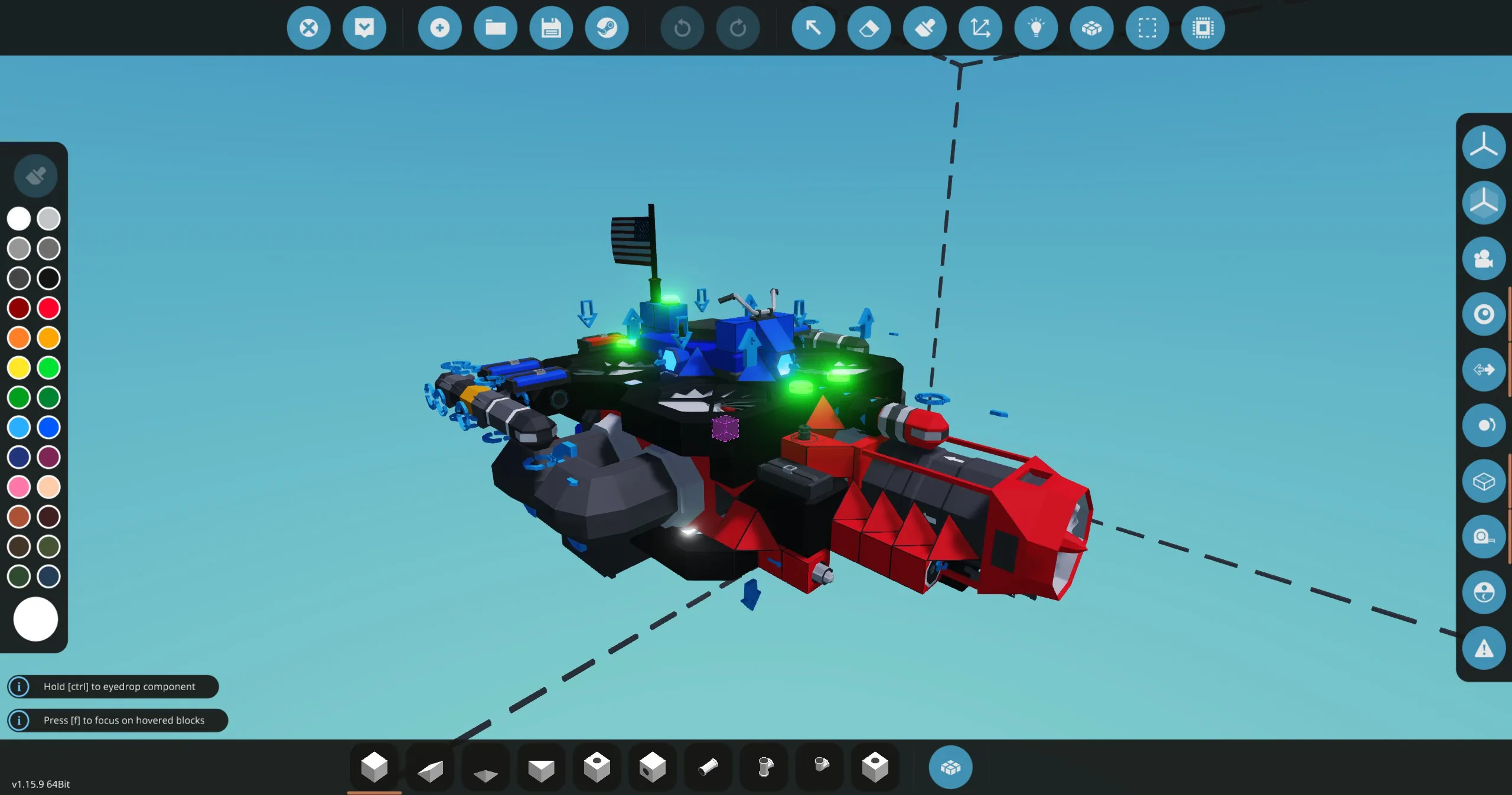
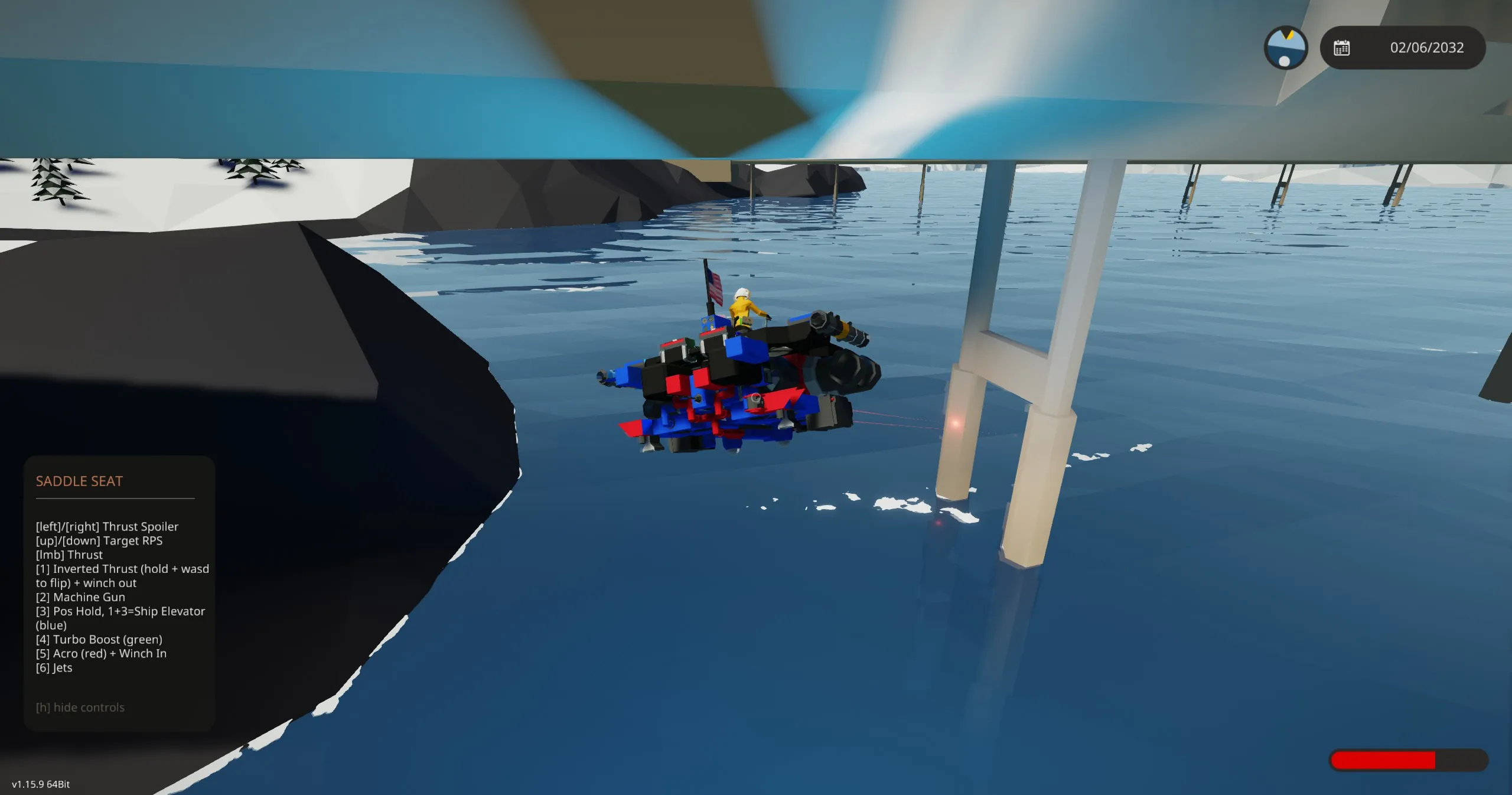
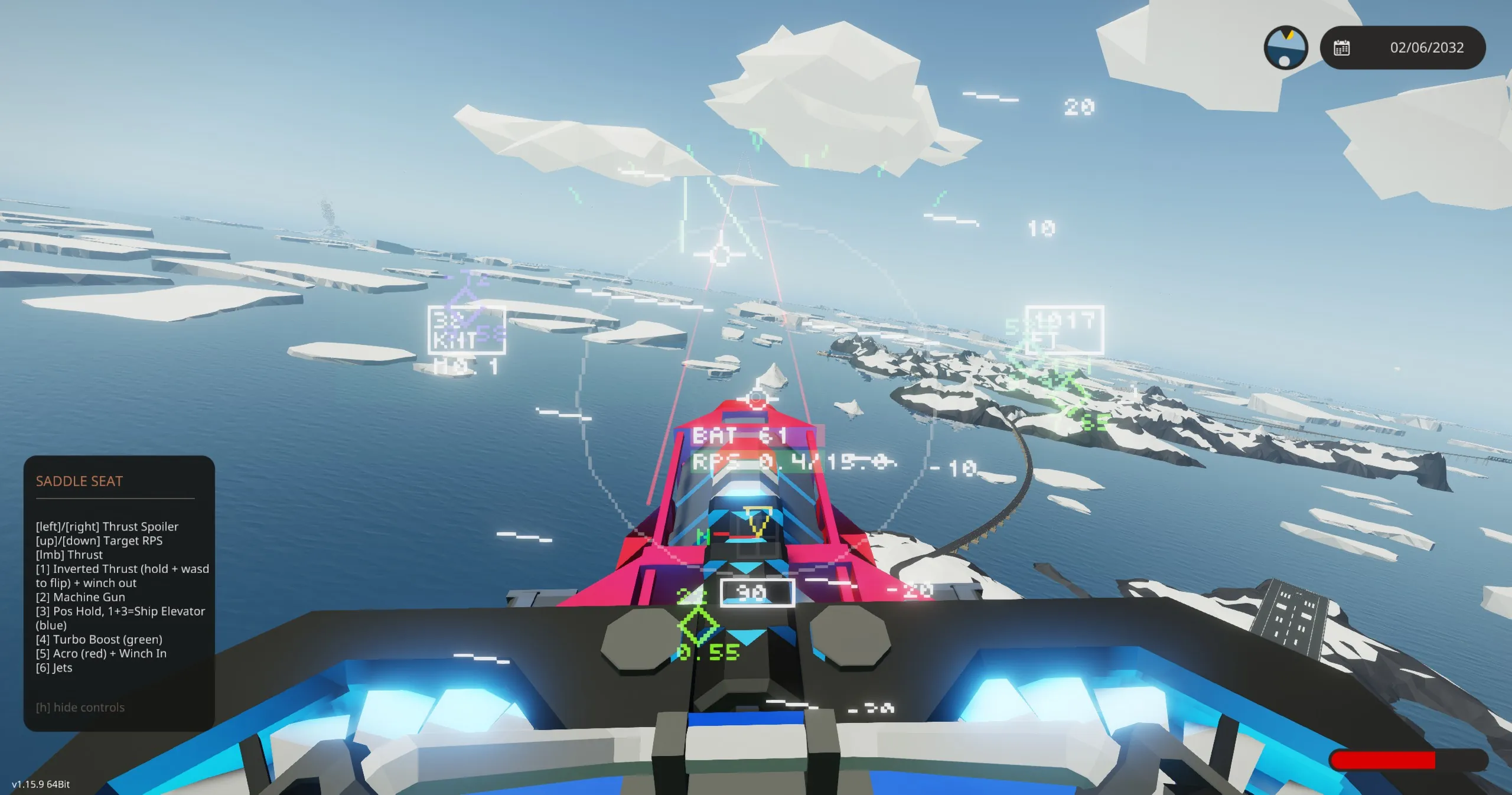
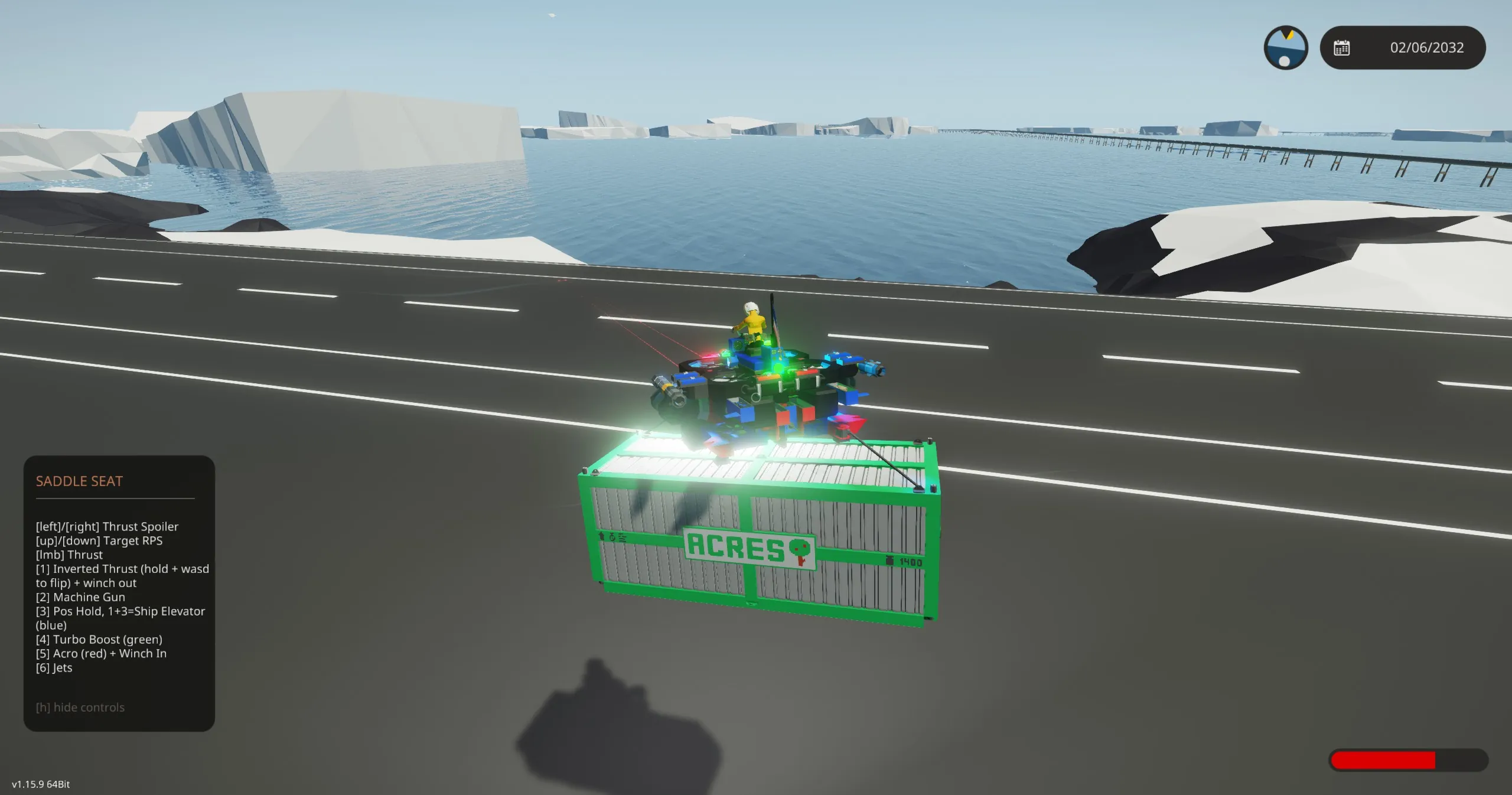
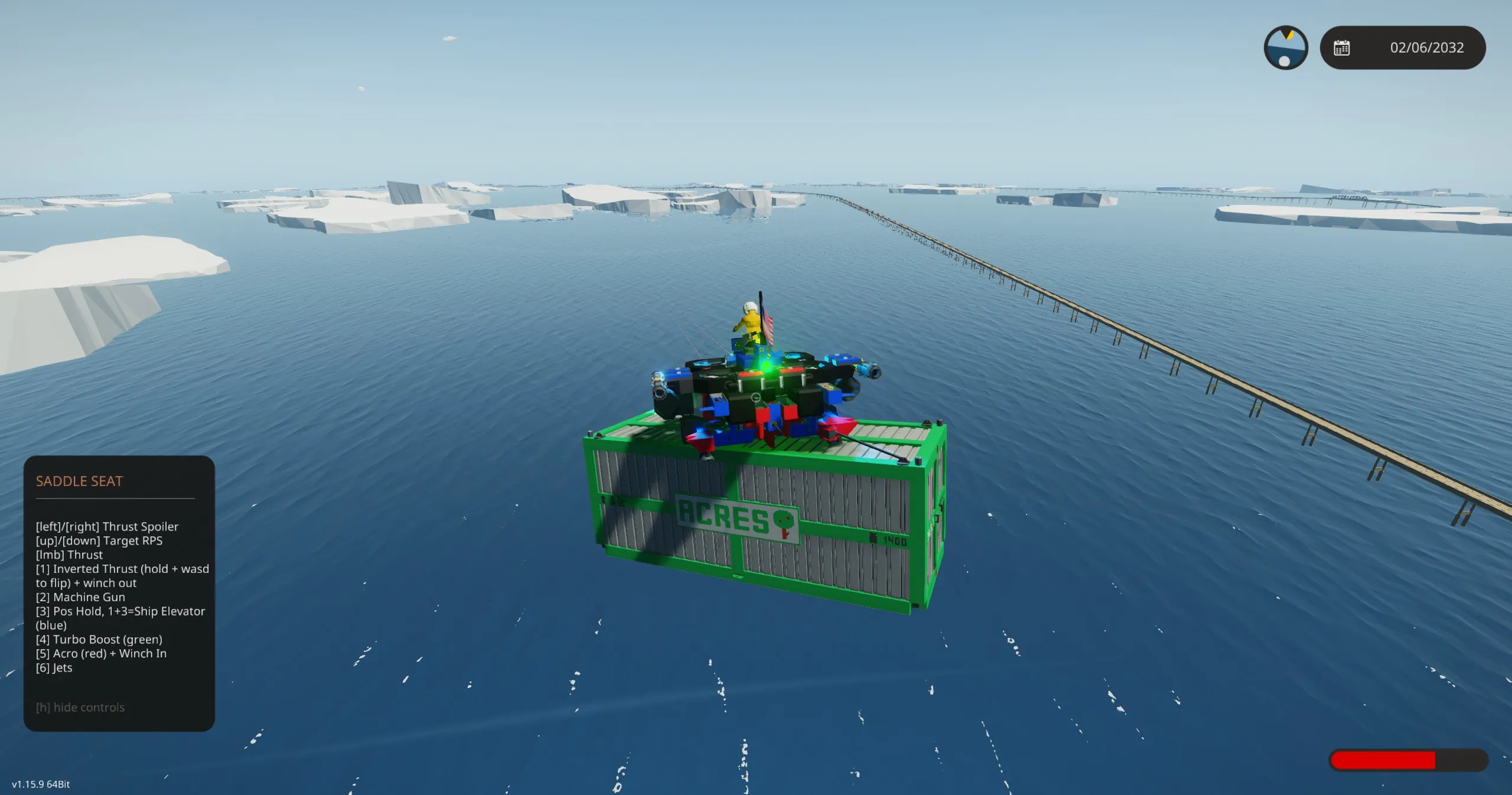
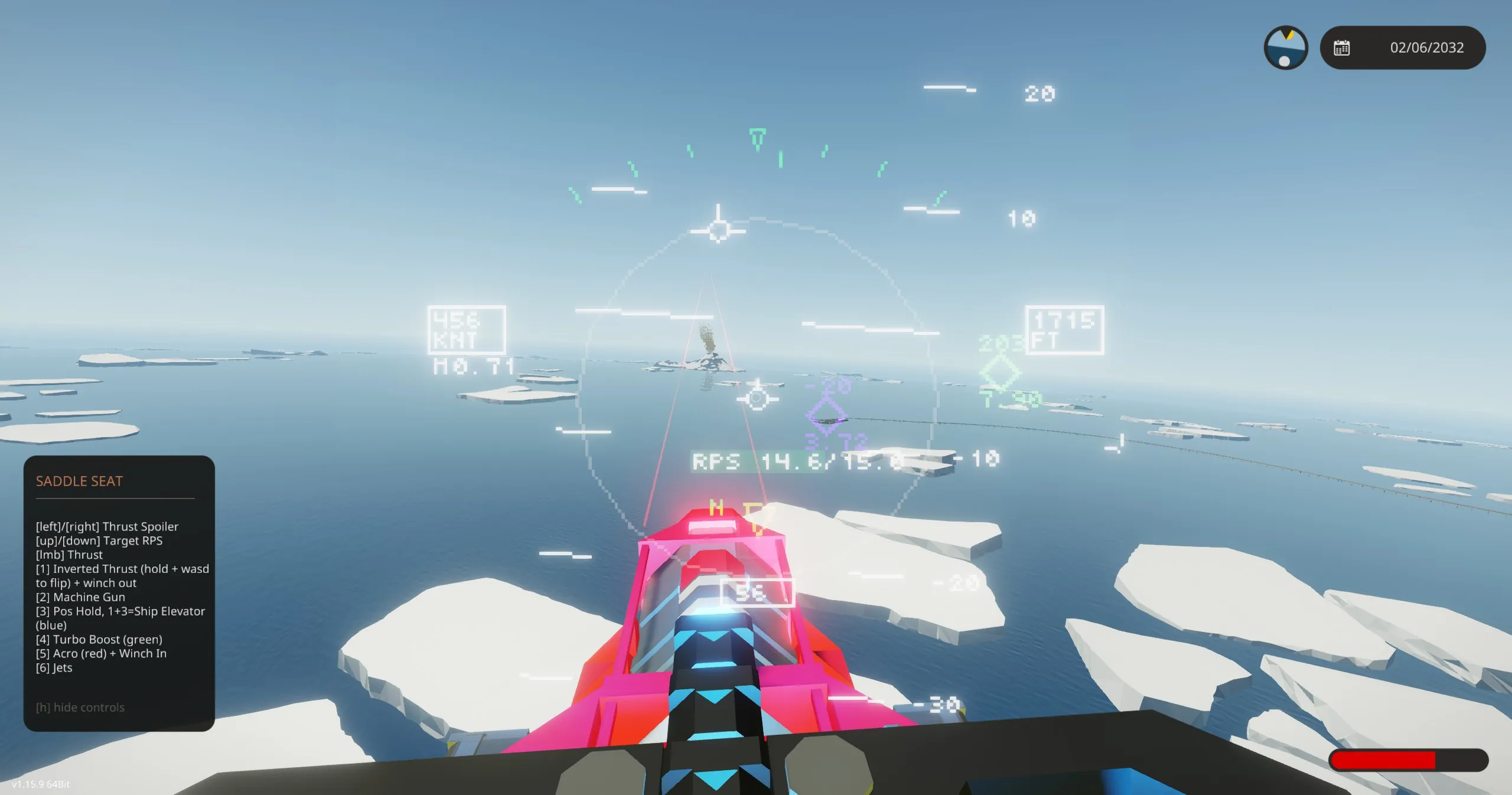
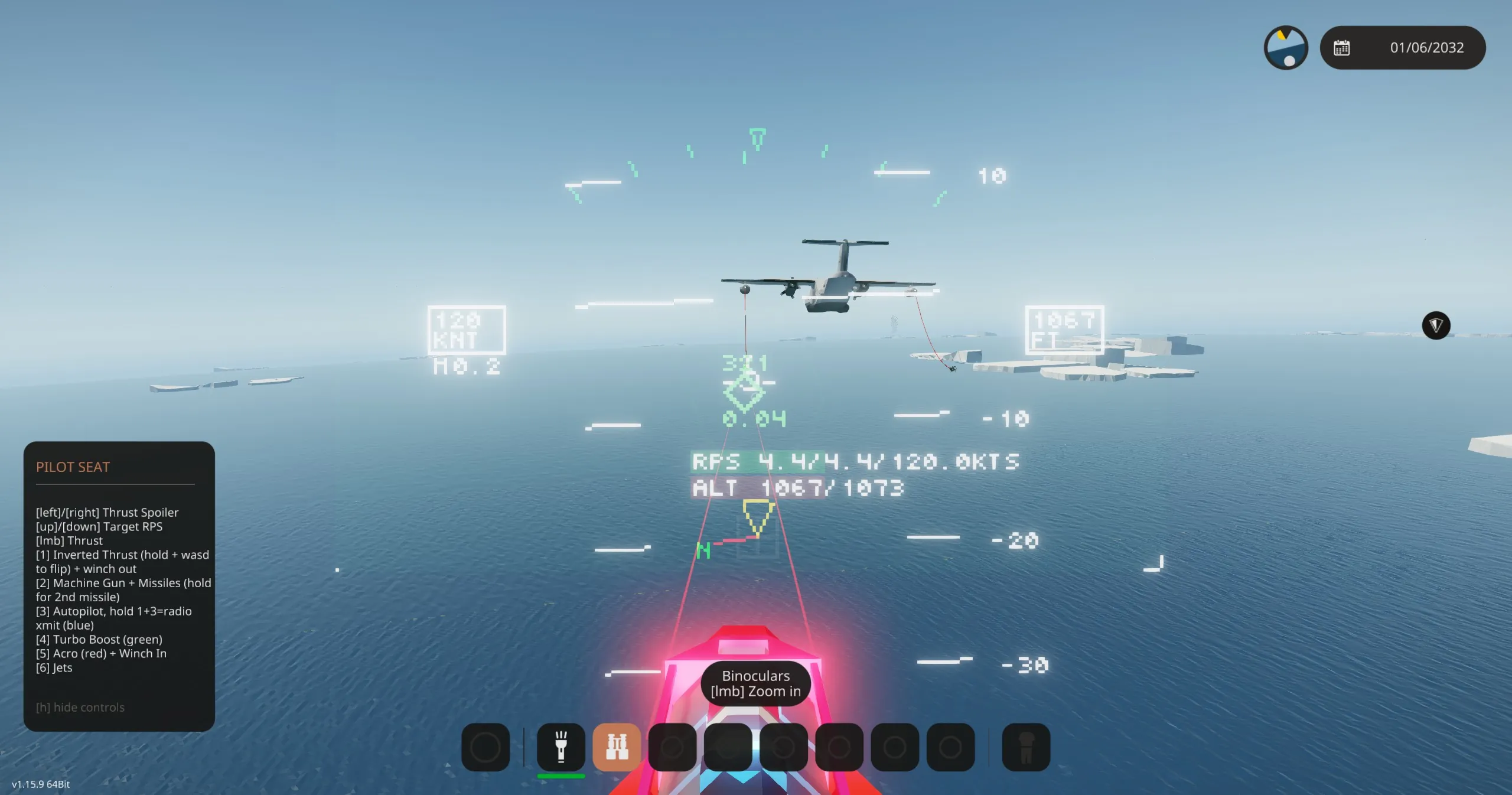
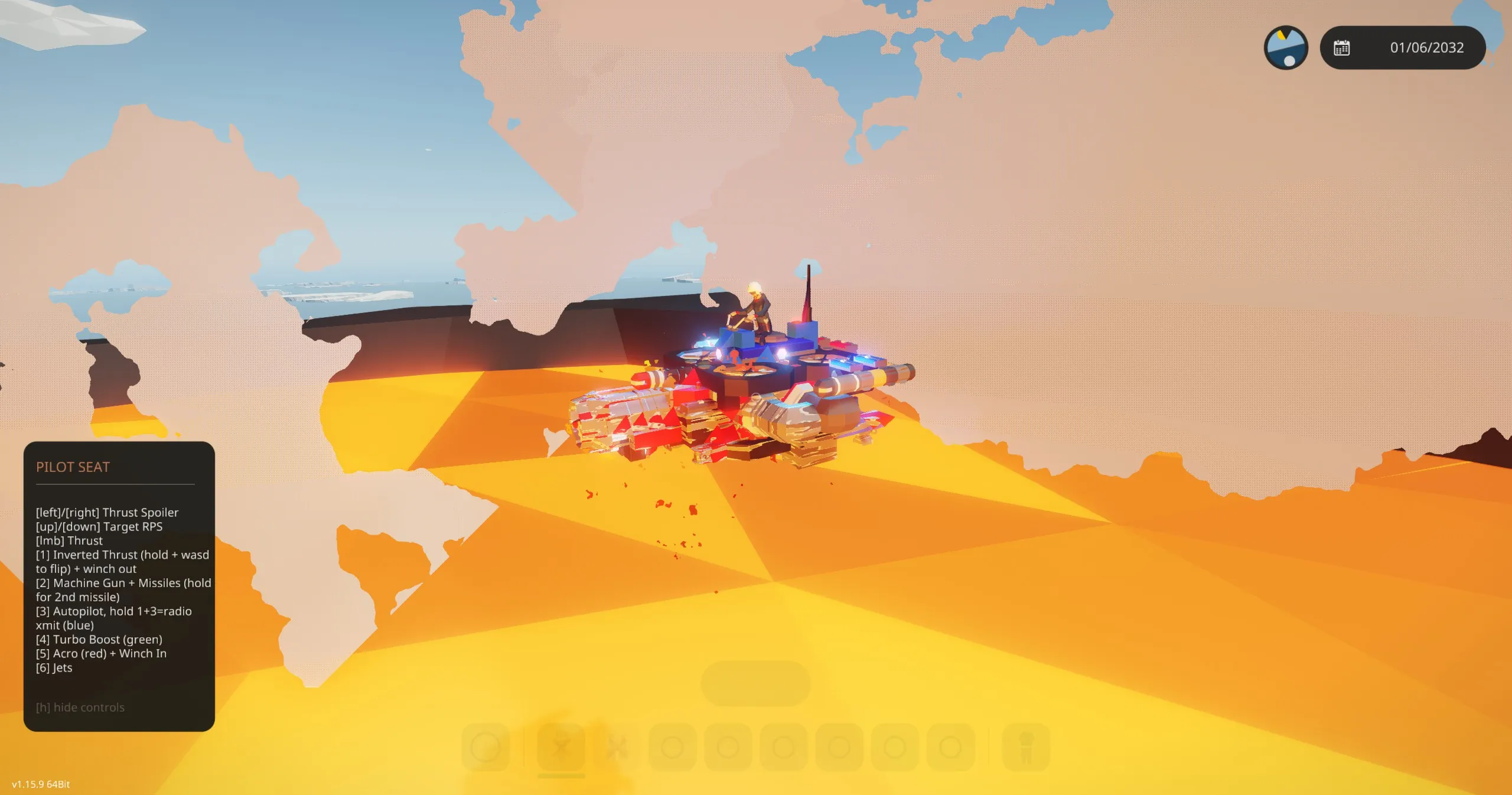
A hoverbike that doesn't require the Space DLC and also has jet engines.
It's fast, can go over 450knots with the jet engines enabled but you can also fly it on pure electricity.
It has very unique flight characteristics, it flies similar to a drone in acro mode so takes some skill to fly. No dedicated yaw control axis, so instead you yaw by pitching down then rolling. This is by far my favorite vehicle to fly and gives you a real sense of flying in Stormworks.
How to fly: Pitch and roll axis are the primary flight controls, and trigger provides thrust. The throttle is all or nothing so you control altitude by 'feathering' the throttle. You still have full attitude control with/without throttle. I usually remap trigger to mouseclick so you can both look around and control thrust on mouse hand and attitude with the other.
Additional Keys/Controls:
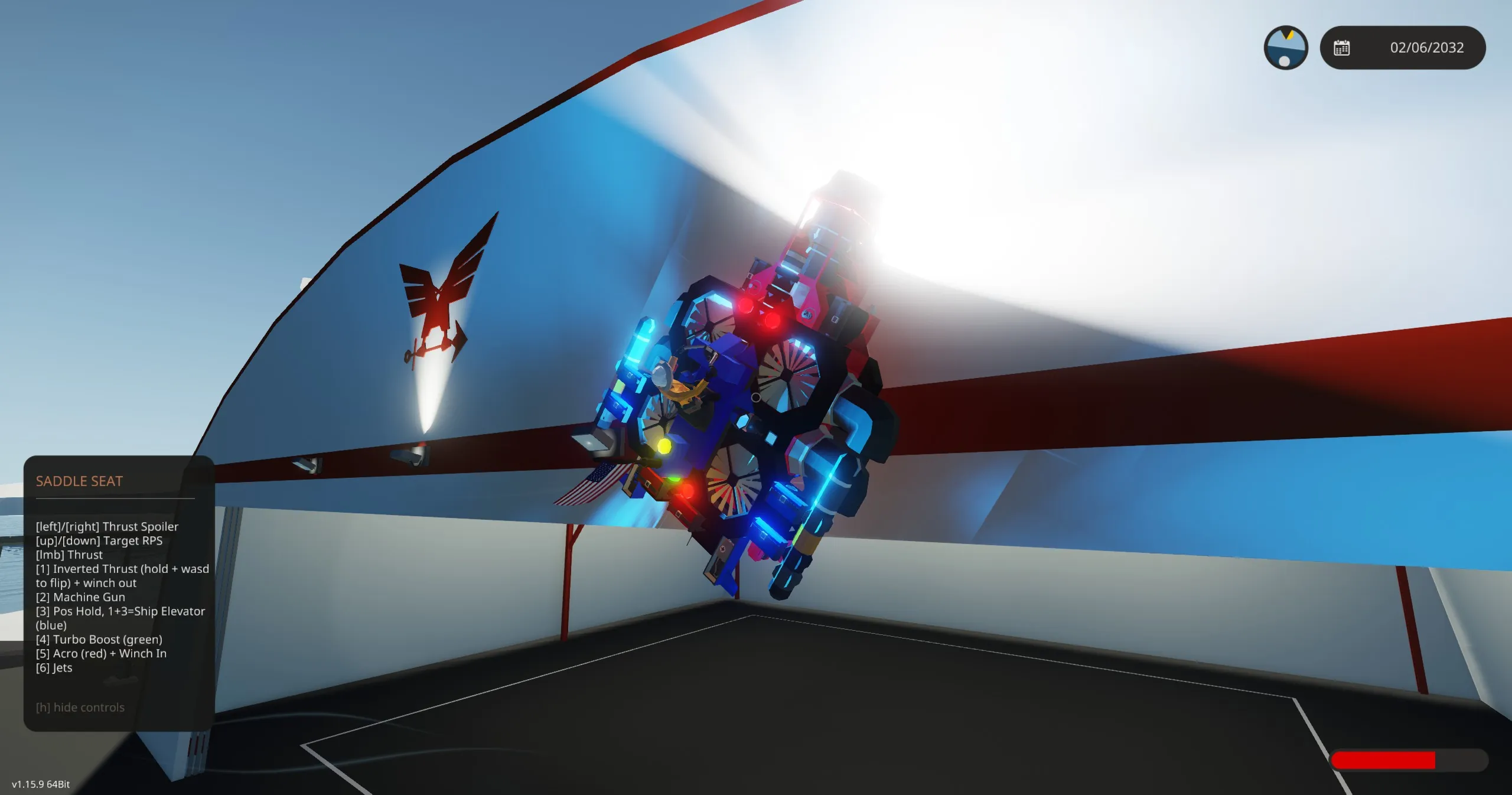
1) Inverted thrust - this reverses the props allowing you to fly upside down, stick to the side or ceiling of buildings, or just unflip yourself. Use with turbo mode for more power.
2) Weapons - Fires both machinegun and missile, followed by 2nd missile if held for .5 sec. Prolonged flight with only one missile is not advised due to vehicle balance.
3) Autopilot - Works in both VTOL and jet modes. In VTOL it will hold position and bounce slightly as it hovers, in both modes pitch axis controls altitude hold altitude (see HUD).
4) Turbo mode - Engages extra electric motors and allows all 8 ducted fans to thrust upward. Faster, but slightly less responsive when hovering since the bottom fans now need to reverse RPS momentum to cancel angular thrust. This mode is highly advised when batteries drop below 60%.
5) Acro mode - For true drone pilots, this increases control rates, allowing for faster flips and rolls.
6) Jets - Starts the jet engines to go fast. Compressor needs >60% battery power to start up. Target RPS defaults to 15 and can be controlled via Up/Down axis. In Autopilot mode, it switches to a speed hold instead of target RPS, see HUD for target speed.
Up/Down Axis: Sets target RPS (non-autopilot) or target Speed (autopilot)
Left/Right Axis: Sets jet spoiler (see HUD for percentage). This is useful if you want to use the jet engines to only recharge the battery.
Trigger: Thrust
Winches are positioned on opposite corners so that symmetric loads pass under the vehicle's center of mass. To carry things, connect opposite corners of a load to the winches, use thrust + winch-in to center up, then optionally engage mags.
There is a backup battery and circuit-breakers on the underside that allow power routing to restart the turbine in the event of low electric power.
Credits
This vehicle uses LUA code (all integrated into the main MC) from:
FridgeOats' Universal Helmet Mounted Display System
Industrial Whack's Universal Helmet Mod
May's Physics Sensor Transformer