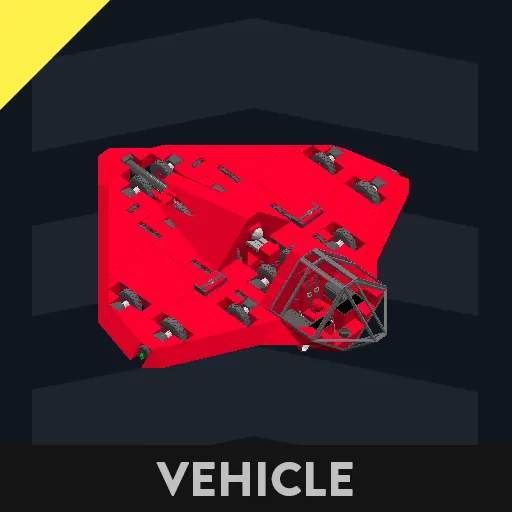
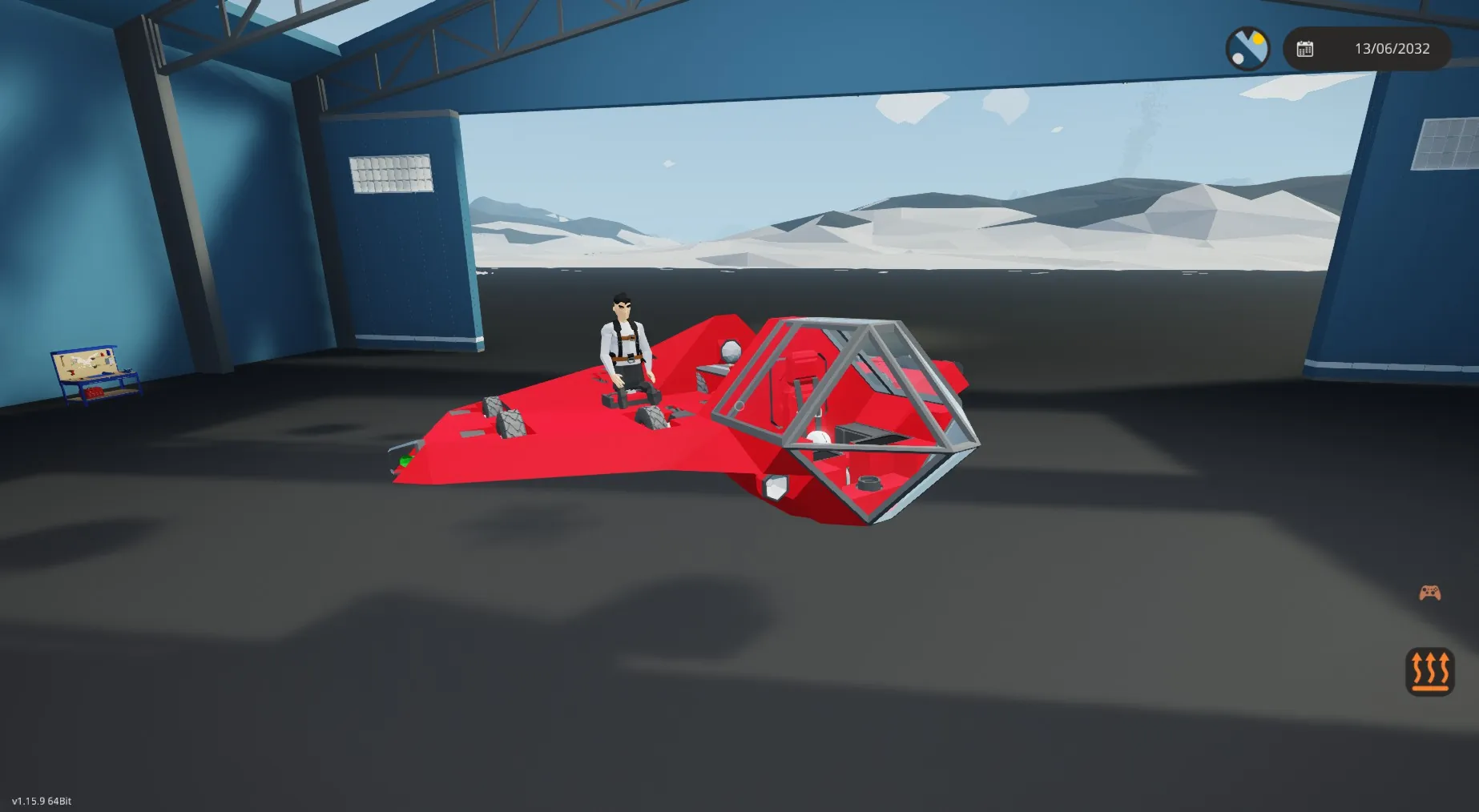
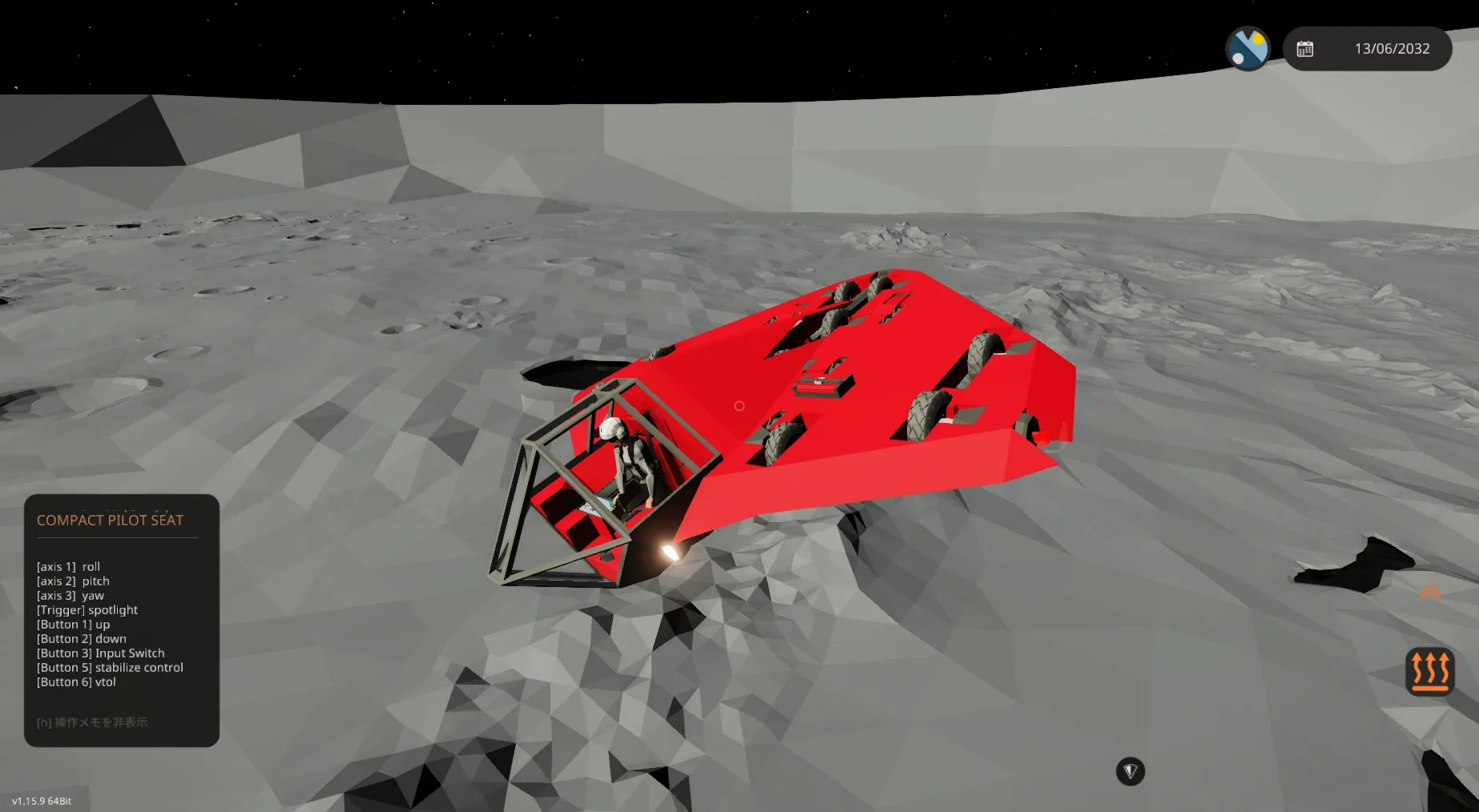
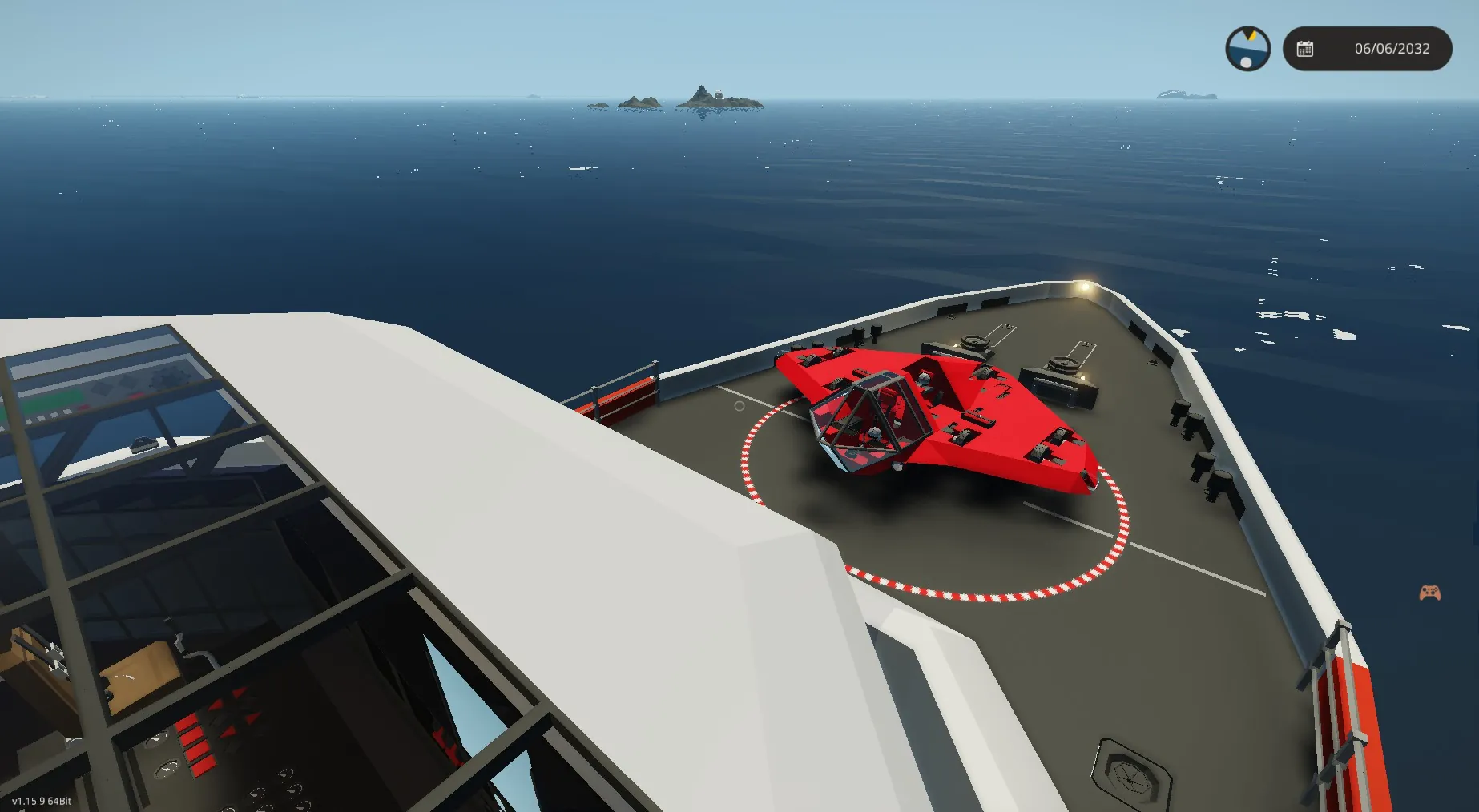
This aircraft is powered by an S-drive engine.
The map uses “Map Viewer” by “Gakuto1112”.
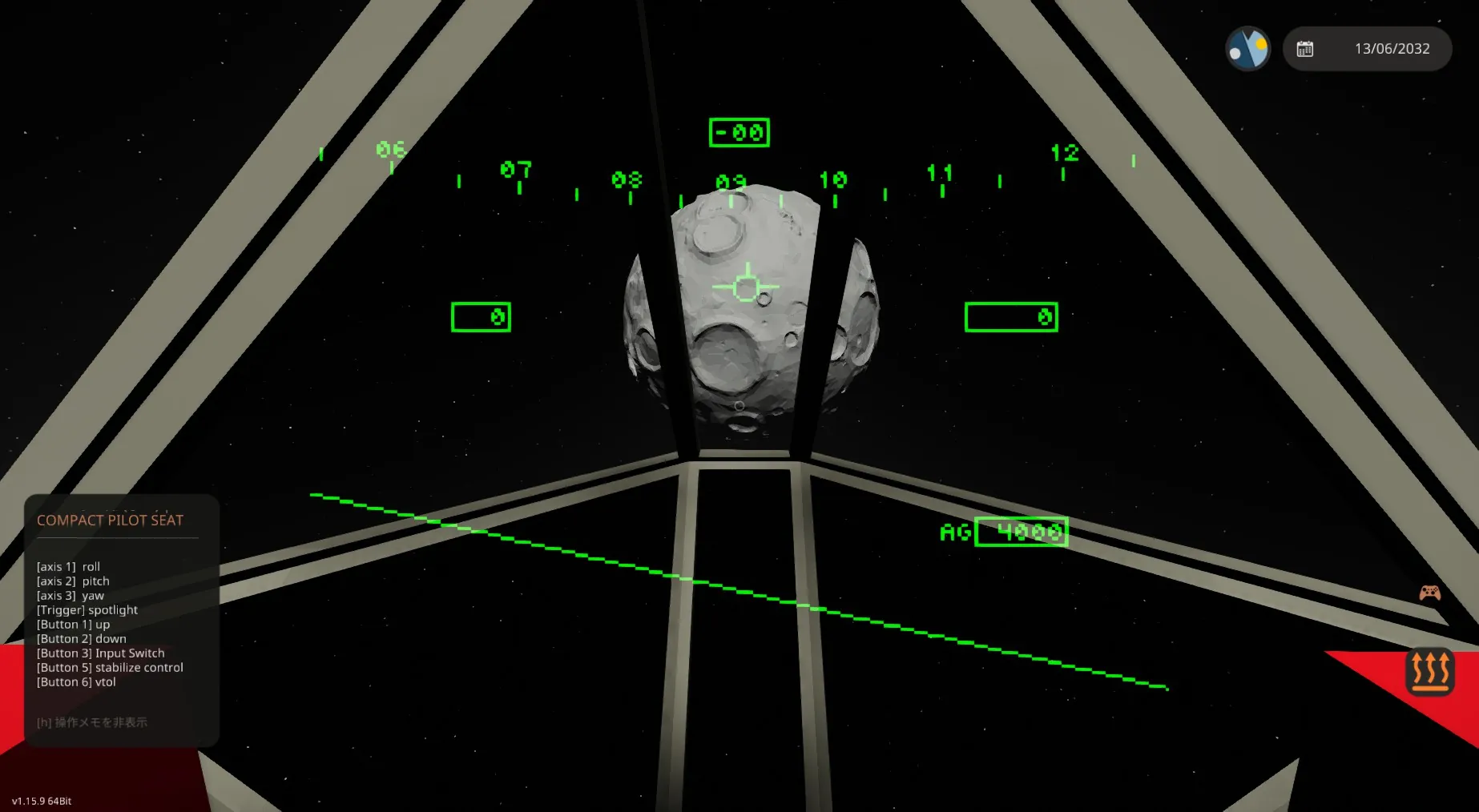
The head-mounted display uses “HMD V1” by “MumenR”.
Flight modes include VTOL mode and CTOL mode.
VTOL mode offers a helicopter-like feel,
while CTOL mode provides fixed-wing aircraft handling.
Settings are configured using two monitors.
The left monitor allows switching displays by touching the screen.
Screen 1: PWR: Sets thrust in CTOL mode from 0 to 100% using the “UP/DOWN buttons”
ALT: Sets altitude in VTOL mode in meters using the “UP/DOWN buttons”
Switch between PWR and ALT input using “Button 3”; the side with the dot is configurable.
STABI: Use “Button 5” to toggle attitude stabilization control ON (green text) or OFF (gray text).
ON: VTOL ⇒ Controls to return to the map coordinates at the time stabilization was turned ON when
no manual input is present.
CTOL ⇒ Controls pitch and roll to return to horizontal when no manual input is present
Off :VTOL ⇒ Controls to return to the roll/pitch angle when manual input was 0 when no manual
input is present
CTOL ⇒ Controls to return to the roll/pitch angle when manual input was 0 when no manual
input is present
※Yaw angle returns to the value when manual input was 0 regardless of on/off status.
※During spaceflight, manual control with STABI off is easier for maintaining stable attitude.
VTOL/CTOL: Switch between VTOL and CTOL using Button 6
Screen 2: Downward camera view
Screen 3: Displays distance from Earth and speed for spaceflight.
Screen 4: Displays roll (yellow), pitch (red), and yaw (blue) correction target values and current value errors.
※Tapping the screen for the 5th time returns to Screen 1.
The right monitor displays the map.
It supports autopilot. To set it up while STABI is on,
touch the destination and then touch the “D” mark in the upper right corner to correct
the heading towards the destination.
Upon reaching the destination, it will hover in place during VTOL mode or circle the area during CTOL mode.
To cancel the destination, touch “R” and then press “C”.
There is no obstacle avoidance function, even if obstacles are in the path of travel.
Please manually adjust altitude and perform other necessary maneuvers.