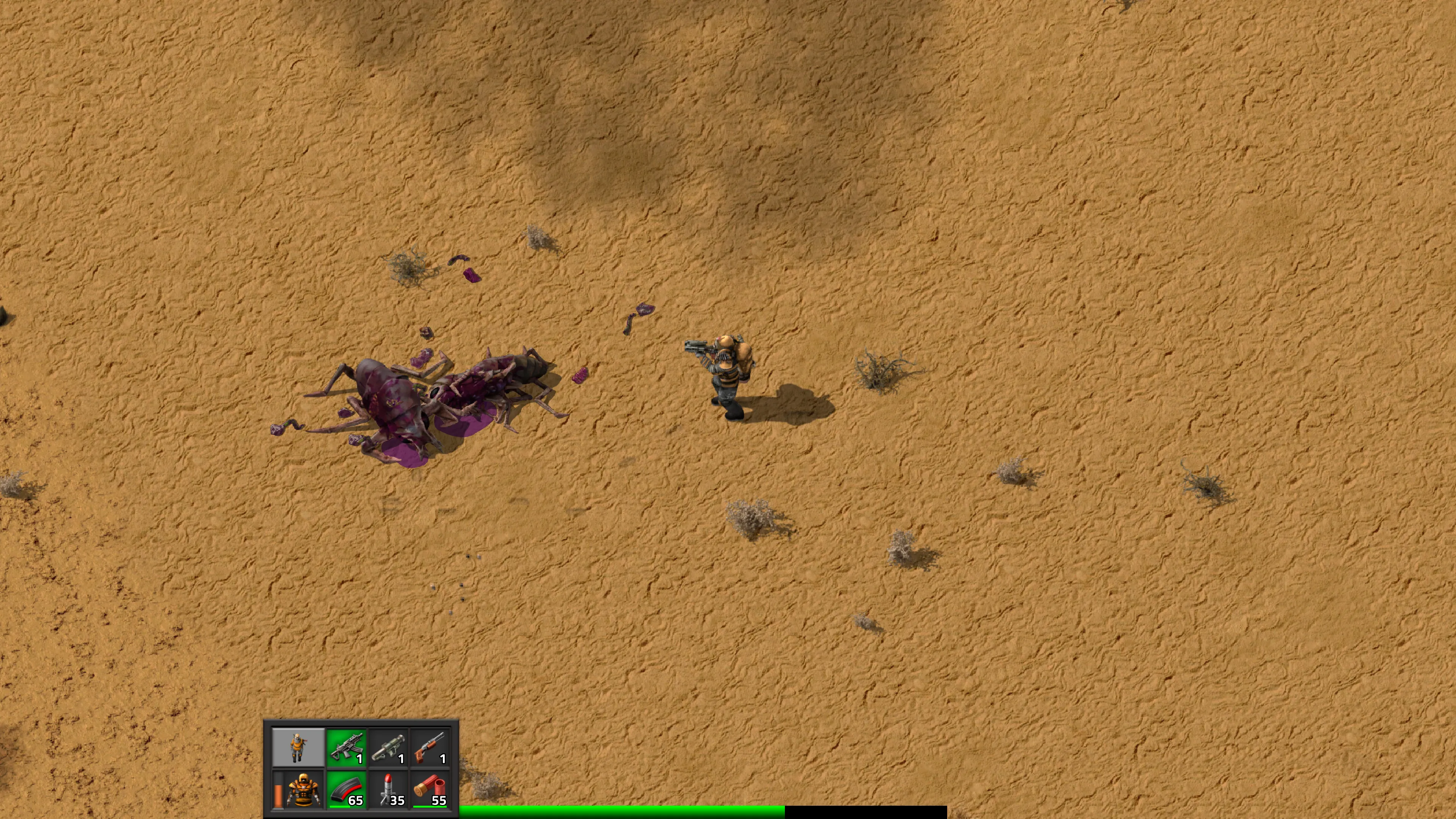
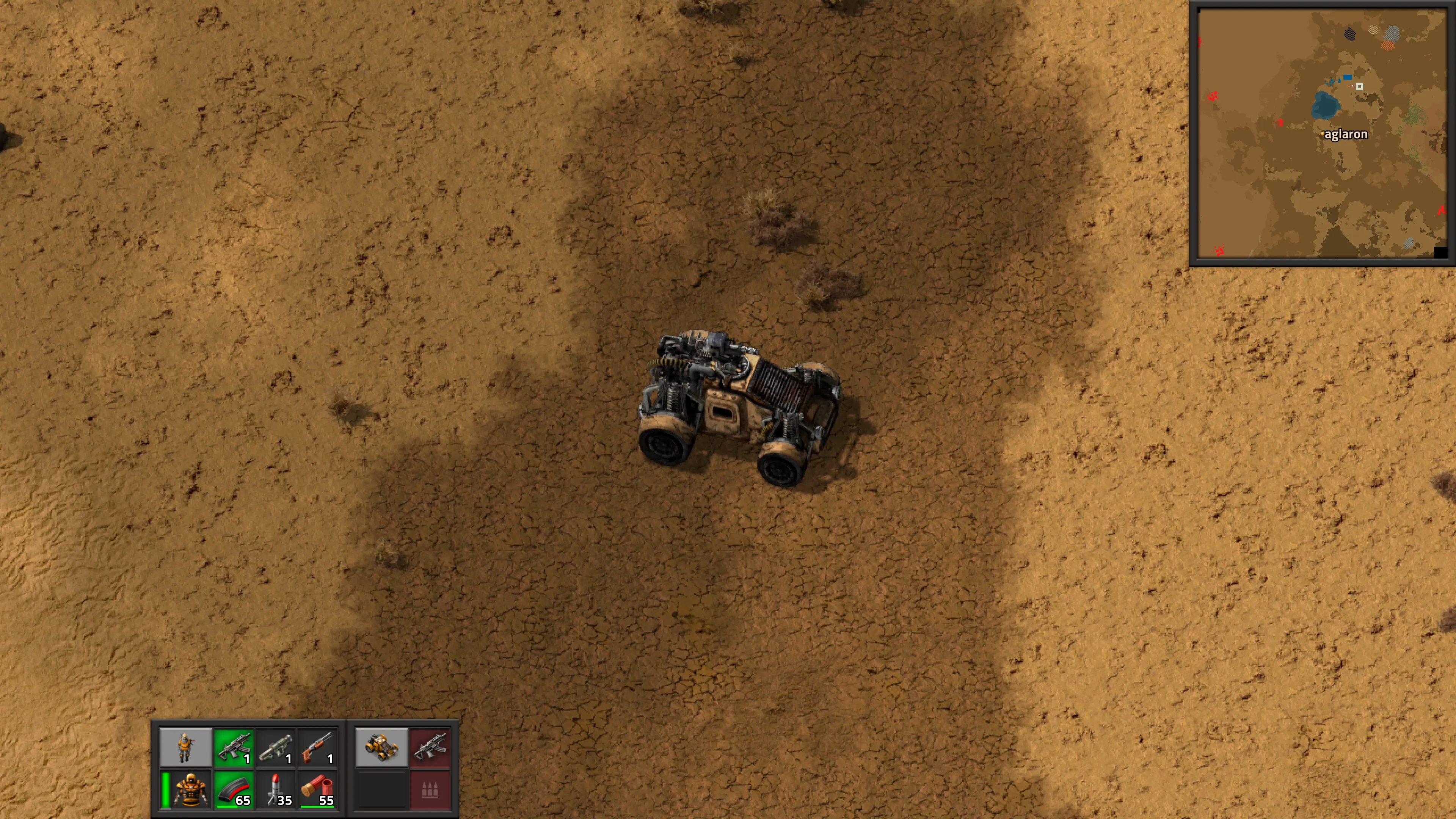
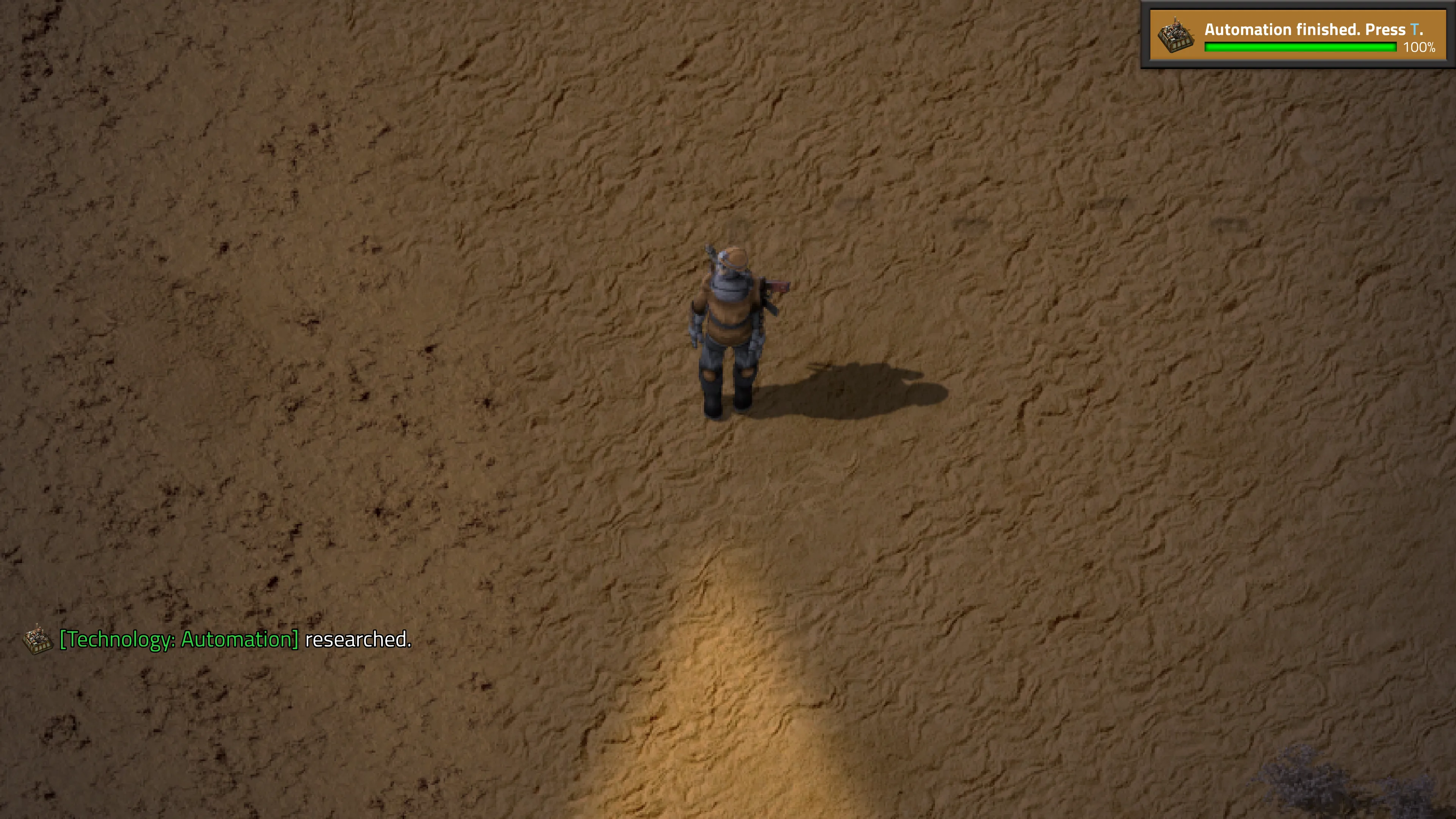
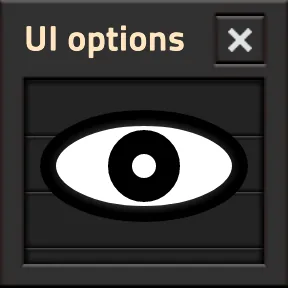
Automatically hides and shows only currently relevant parts of UI/HUD (minimap, research progress, quickbar, shortcuts, other mods buttons, etc.) based on your current in-game actions. Inspired by burn-in marks on my OLED.
Features
- Keeps currently irrelevant UI hidden.
- You can reveal all your UI by opening your character inventory or by moving mouse cursor to the top-center edge of the screen.
- You can reveal a part of UI you need right now by moving mouse cursor to the edge of the screen near the UI you need.
- Waits for a delay before hiding parts of the UI that stop being relevant (configurable delay).
- Automatically shows minimap when you are driving (configurable).
- Brings up weapons/ammo/toolbar when you are shoting, getting attacked, switching guns, or just managing your armor and ammo.
- Shows quickbar when you use its hotkeys (configurable).
- Shows reasearch progress panel temporarily to notify about finished research.
- Shows alerts only when there were recent changes to active alerts (configurable).
- Shortcuts bar is kept visible when using wires, so that you can easily switch to a different wire type.
- Hides other mods buttons (configurable).
- Built-in hotkey to disable auto-hiding (Alt + H by default).
- Helps keeping your OLED safe from burn-ins as a bonus.
Look up Dynamic HUD in Settings → Mod settings → Per player to configure some of the behavior.
Known issues and limitations
- Blueprints, planners and remotes cannot be selected from hidden quickbar with a hotkey (expected to be fixed in Factorio 2.1).
- When driving a vehicle with a character (not remotely), the vehicle's weapons/ammo bar will not be hidden (expected to be fixed in Factorio 2.1).
- List of pins, if there are any, will not be hidden (expected to be fixed in Factorio 2.1).
- After this mod is uninstalled, hidden UI will not reappear in existing saves on its own. See below.
How to uninstall
If you have a save file where UI is hidden with this mod, remember to re-save with all UI turned back on. Use this mod's hotkey (default Alt + H) to turn it on. Otherwise hidden UI would not reappear on its own. After that the mod can be uninstalled.