About This Radar
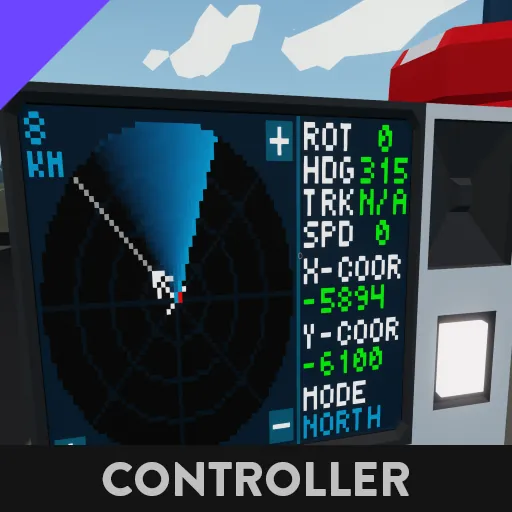
This is a marine radar which is made for any waterborne vessels. This version only works for 2x3 monitors . This radar is highly customizable and the settings can be changed during gameplay to suit your preferences.
This radar works using the clockwise/anti-clockwise sweeping modes. This microcontroller uses the “new” Stormworks radar with composite info.
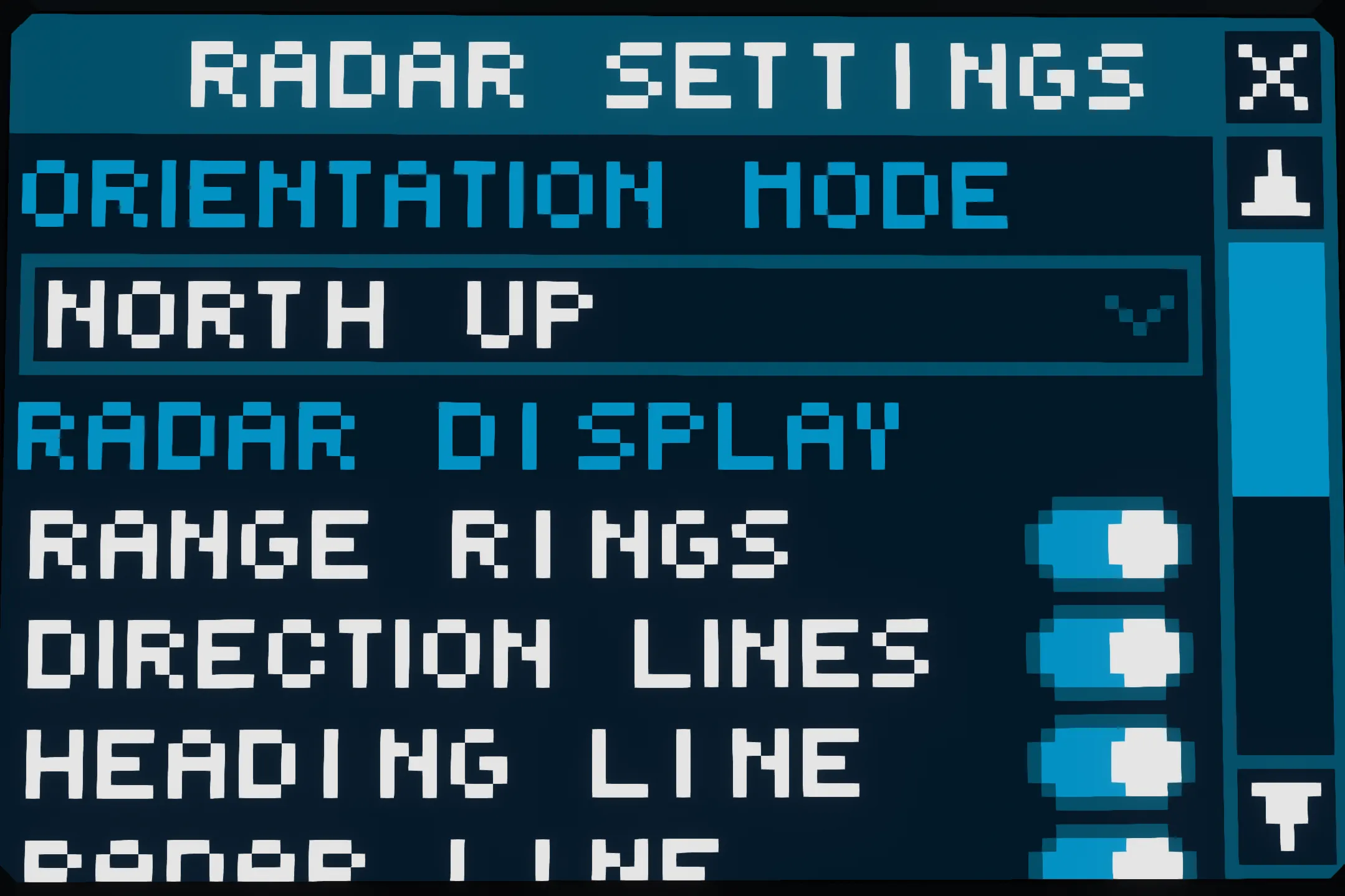
There are 2 different orientation modes you can choose to display the radar targets which are:
North-Up
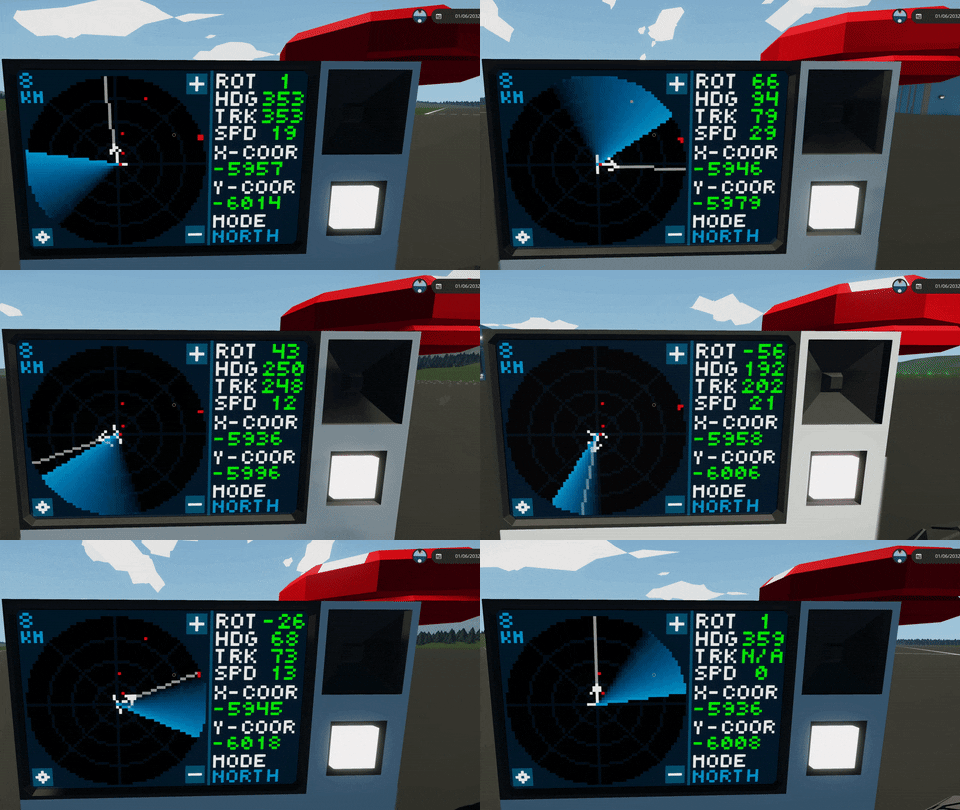
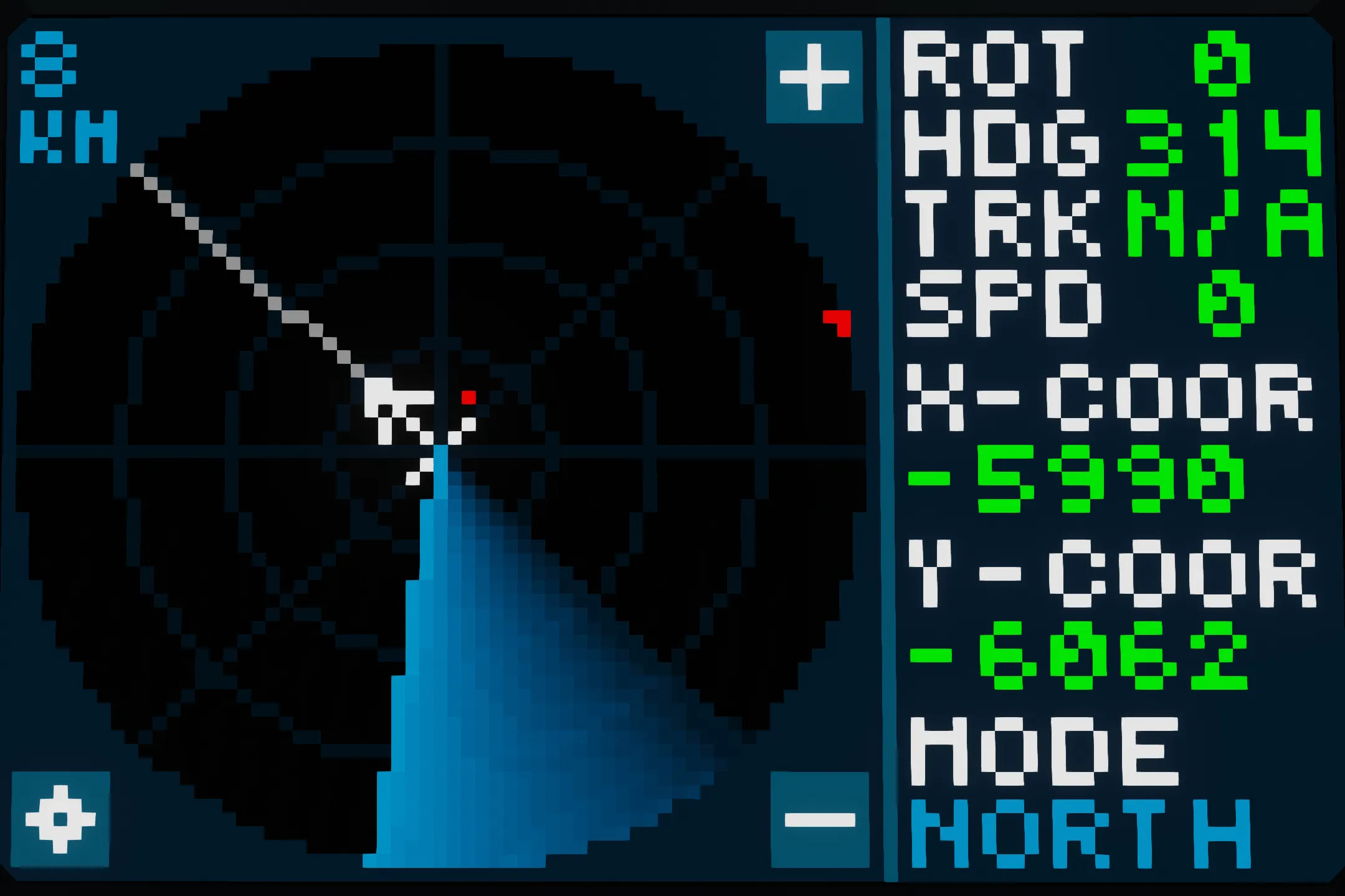
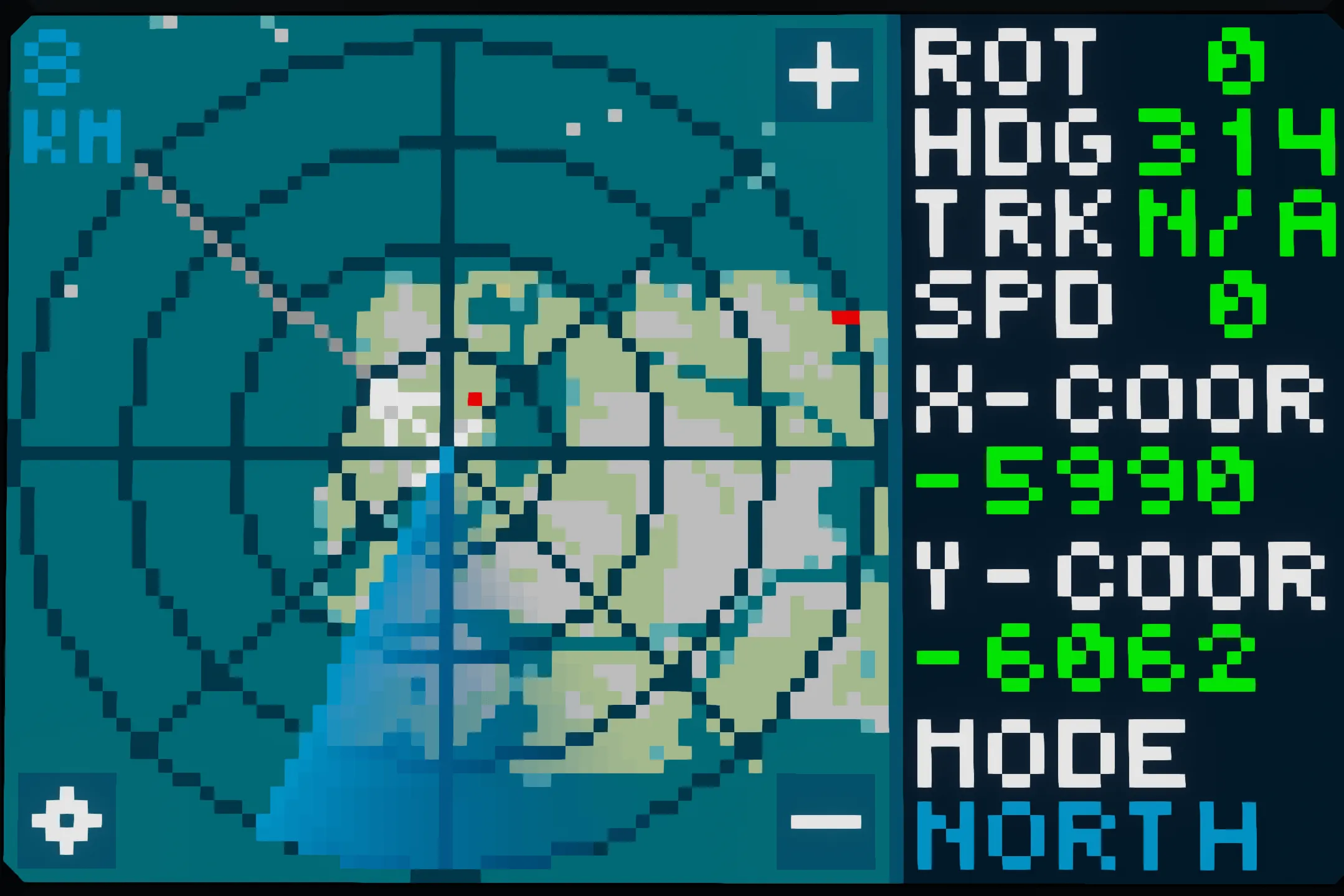
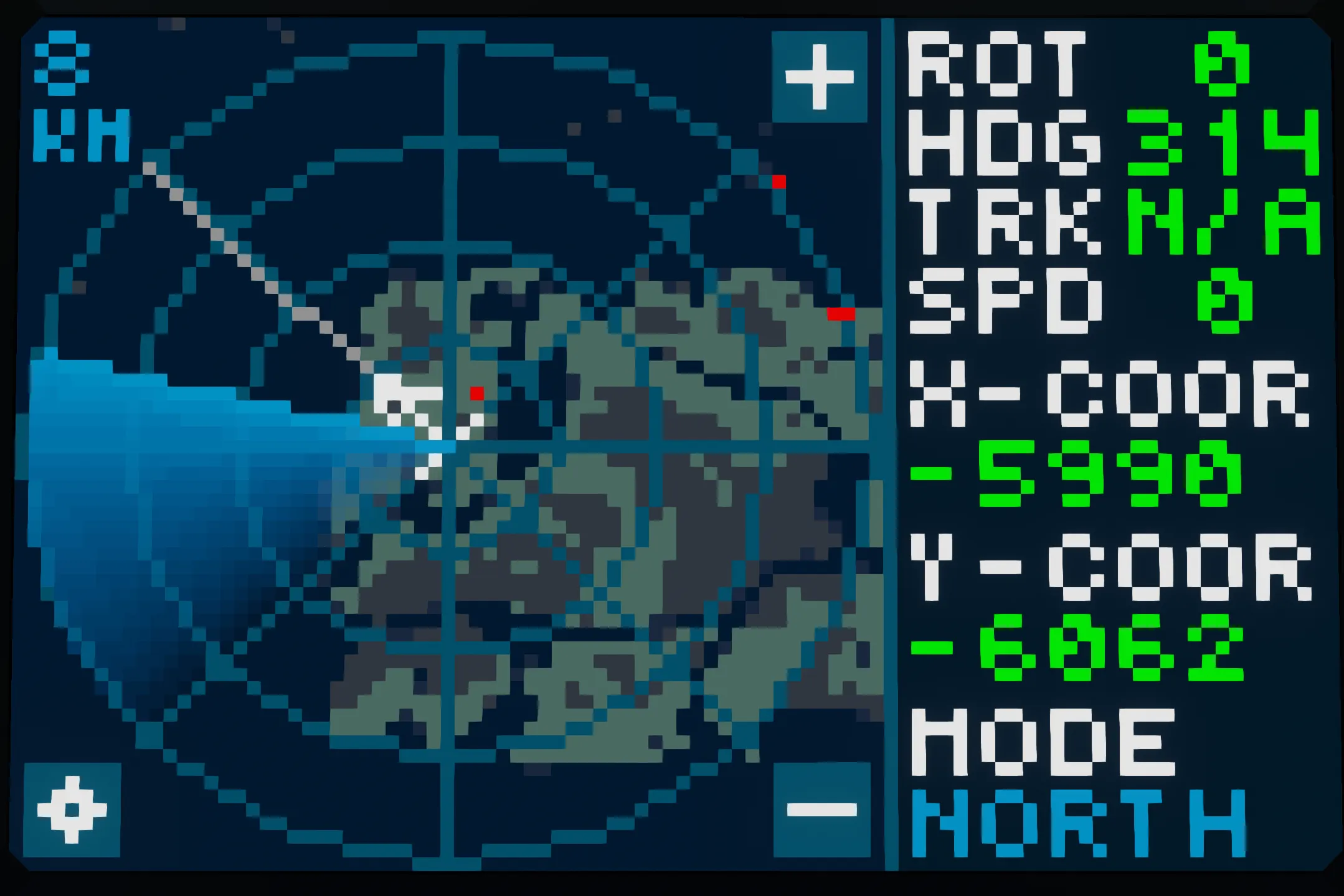
In “North-Up” mode, the top of the screen is the North. A separate cursor and line is shown to display the vehicle heading. This mode is more practical as targets will not shift around the screen as drastically when rotating the vehicle. The map underlay can be used in this mode.
Heading-Up
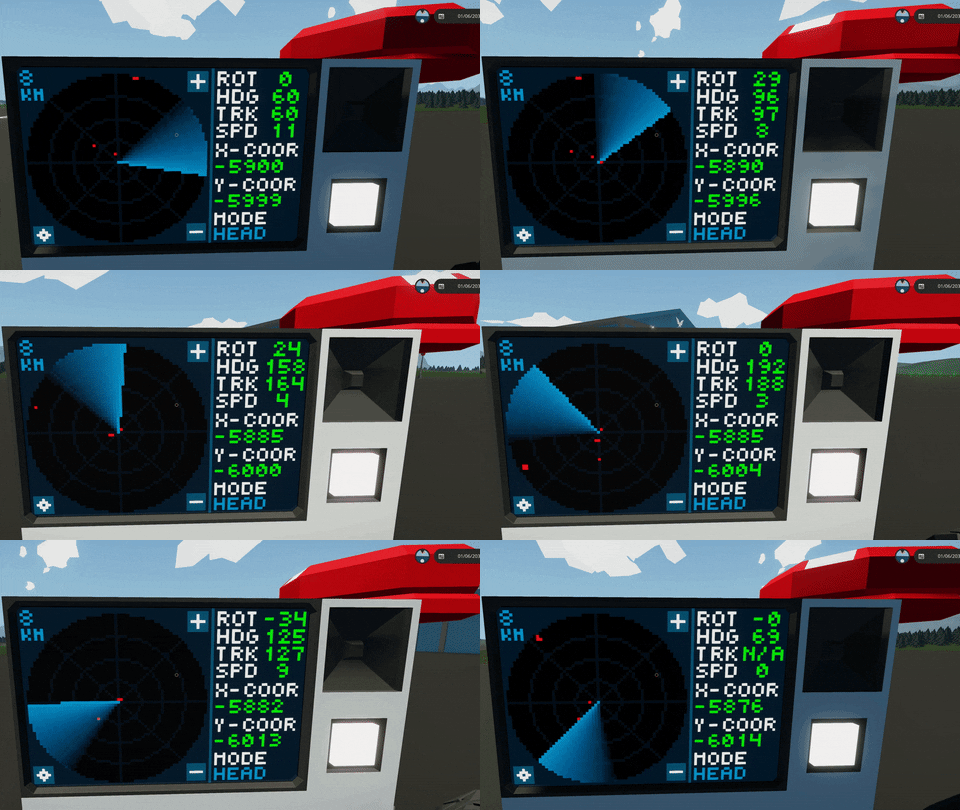
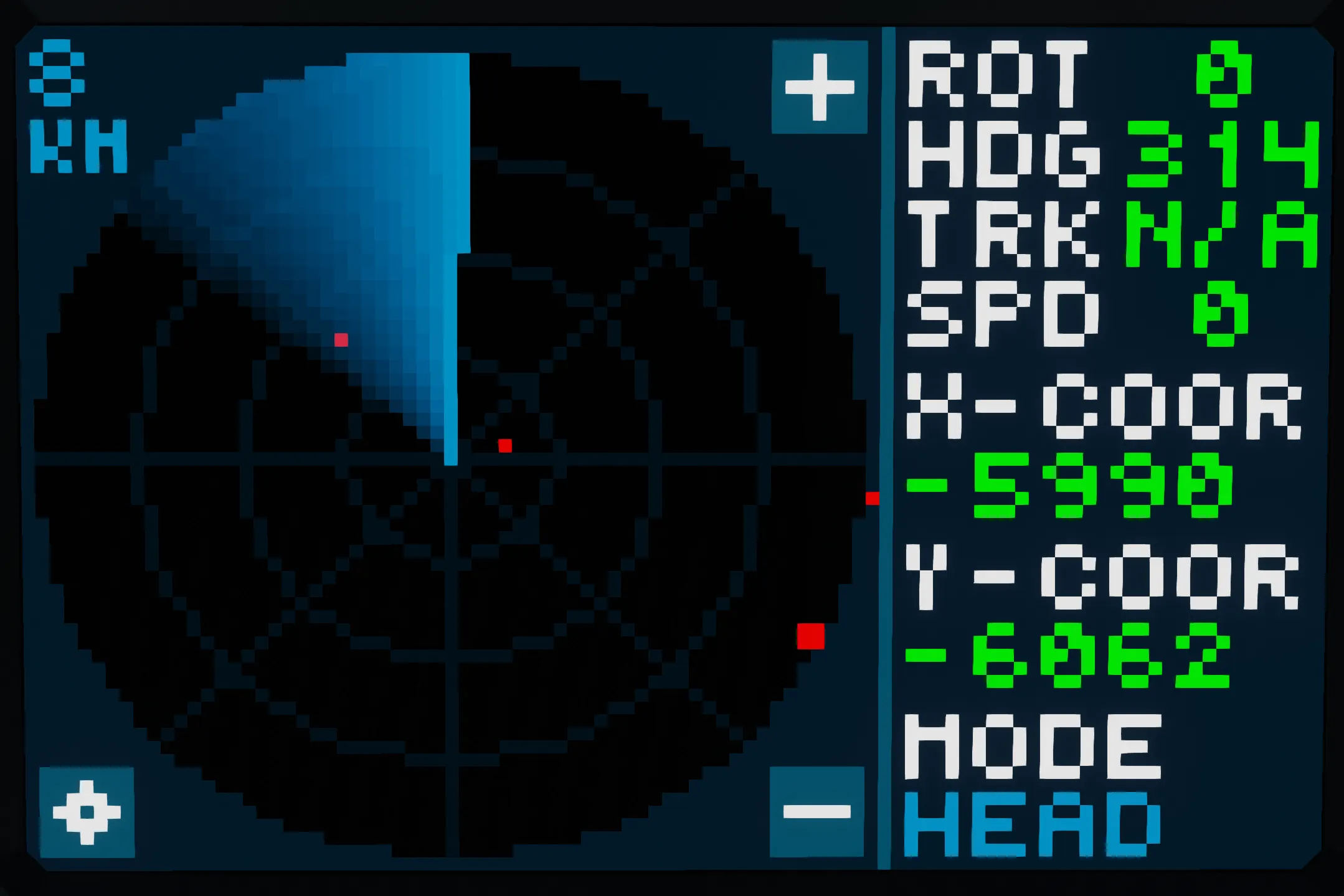
In “Heading-Up” mode, the top of the screen is the heading of the vehicle. This is the more traditional mode and it is more familiar to people as the rough direction of targets from the user can be easily interpreted from the screen. (Map underlay cannot be used in this mode as it is not possible to rotate the Lua map in Stormworks)
Features
- Highly customizable
- Settings can be adjusted during gameplay
- Two orientation modes to choose from
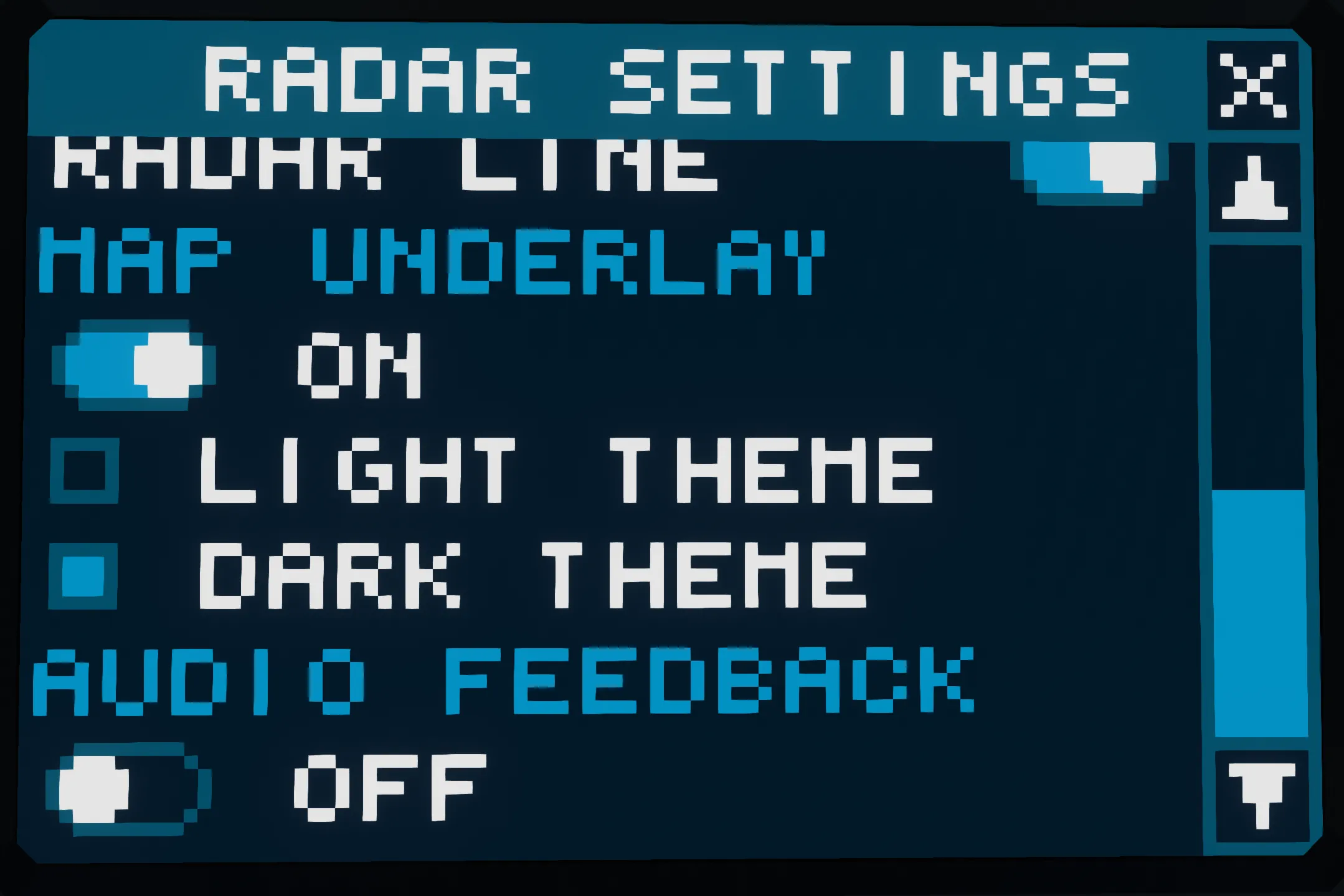
- Map can be displayed under the radar (in “North-Up” mode)
- Audio feedback for target detection (can be muted)
- 16 km max radar range
- Can detect up to 8 targets within a single “tick”
- Vehicle movement info displayed on the side of the screen
Screen Information

Radar Range - Range of the radar (radius of the whole circle)
Settings - Opens the settings page
Rate-of-turn (ROT) - How quickly the vehicle is rotating (in degrees per second)
Heading (HDG) - Direction of the front of the vehicle (in degrees) from north
Track (TRK) - Direction of motion of the vehicle (in degrees) from north
Speed - Absolute speed of the vehicle (in knots)
X-Coordinate (X-Coor) - X coordinate of the vehicle GPS
Y-Coordinate (Y-Coor) - Y coordinate of the vehicle GPS
Radar Orientation Mode (Mode) - Orientation mode of the radar (North/Heading Up)
Setting Up The Microcontroller
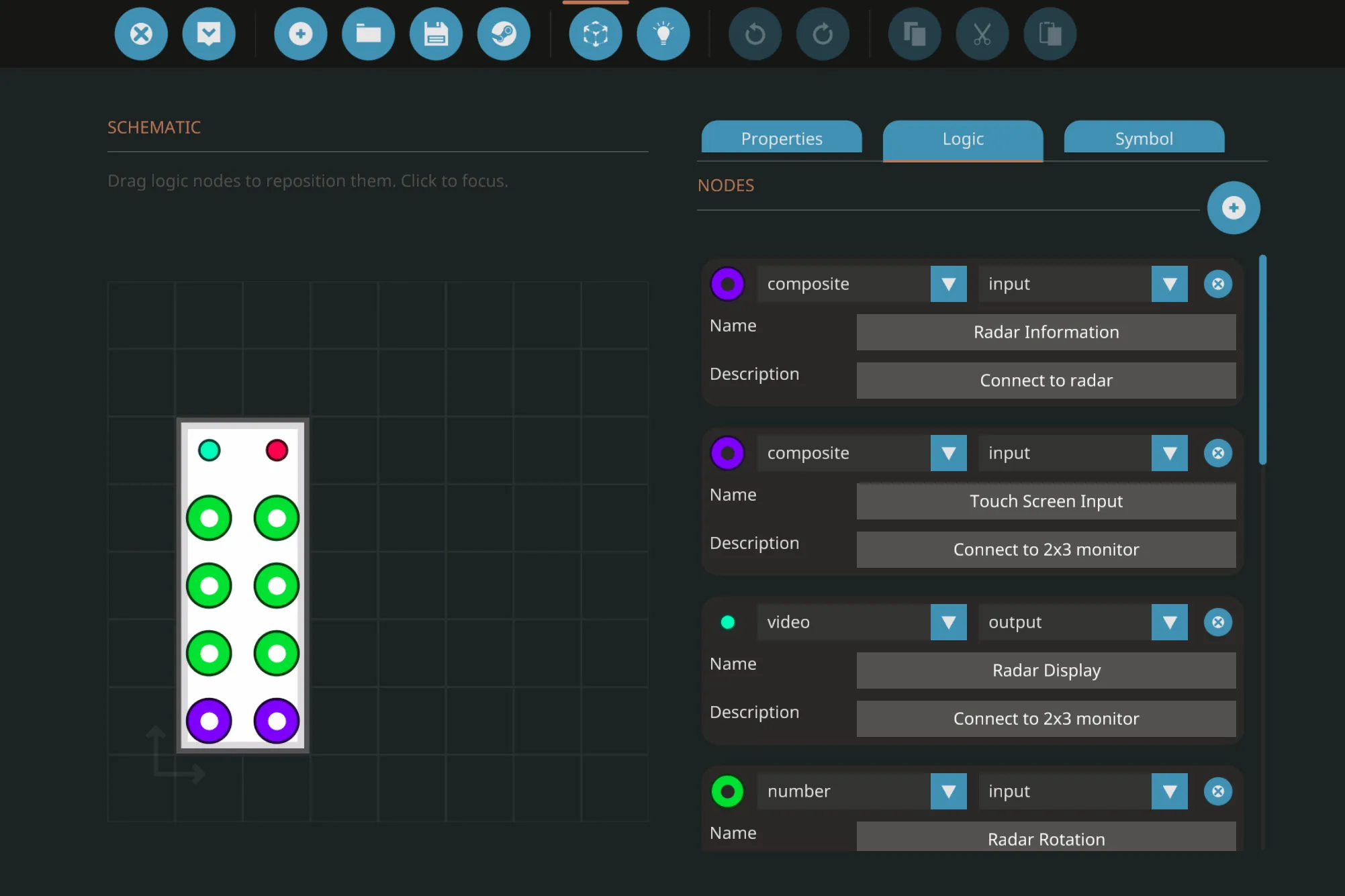
The components which are to be connected with the nodes are listed on each microcontroller node.
Ensure that:
- the compass sensor is placed upright facing forward of the vehicle.
- the “Linear Speed Sensor” mode is set to “Absolute”
- the “Angular Speed Sensor” is placed upright and the clockwise is positive while anti-clockwise is negative.
- the GPS sensor has electrical power when Radar is on.
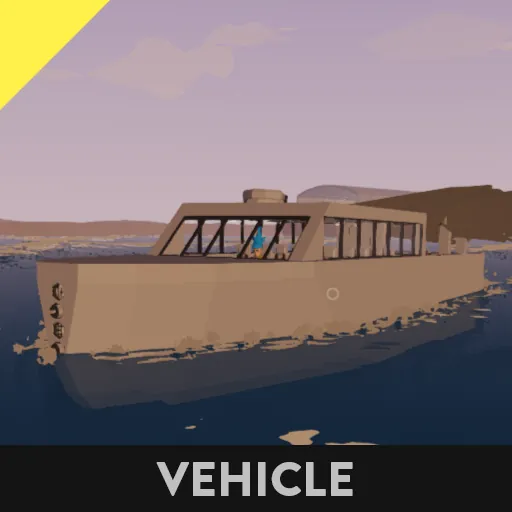
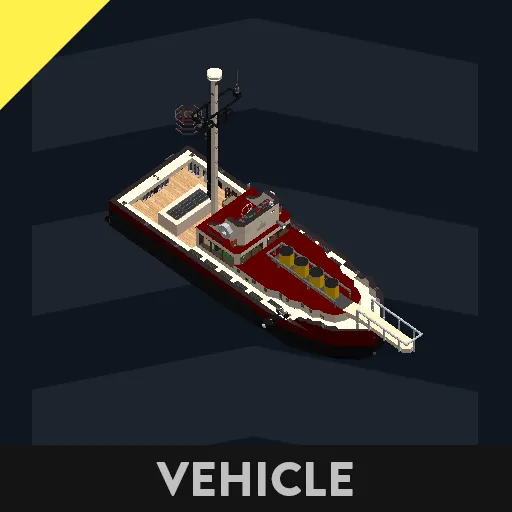
If you are having trouble setting up the microcontroller, you may refer to my example vehicle.
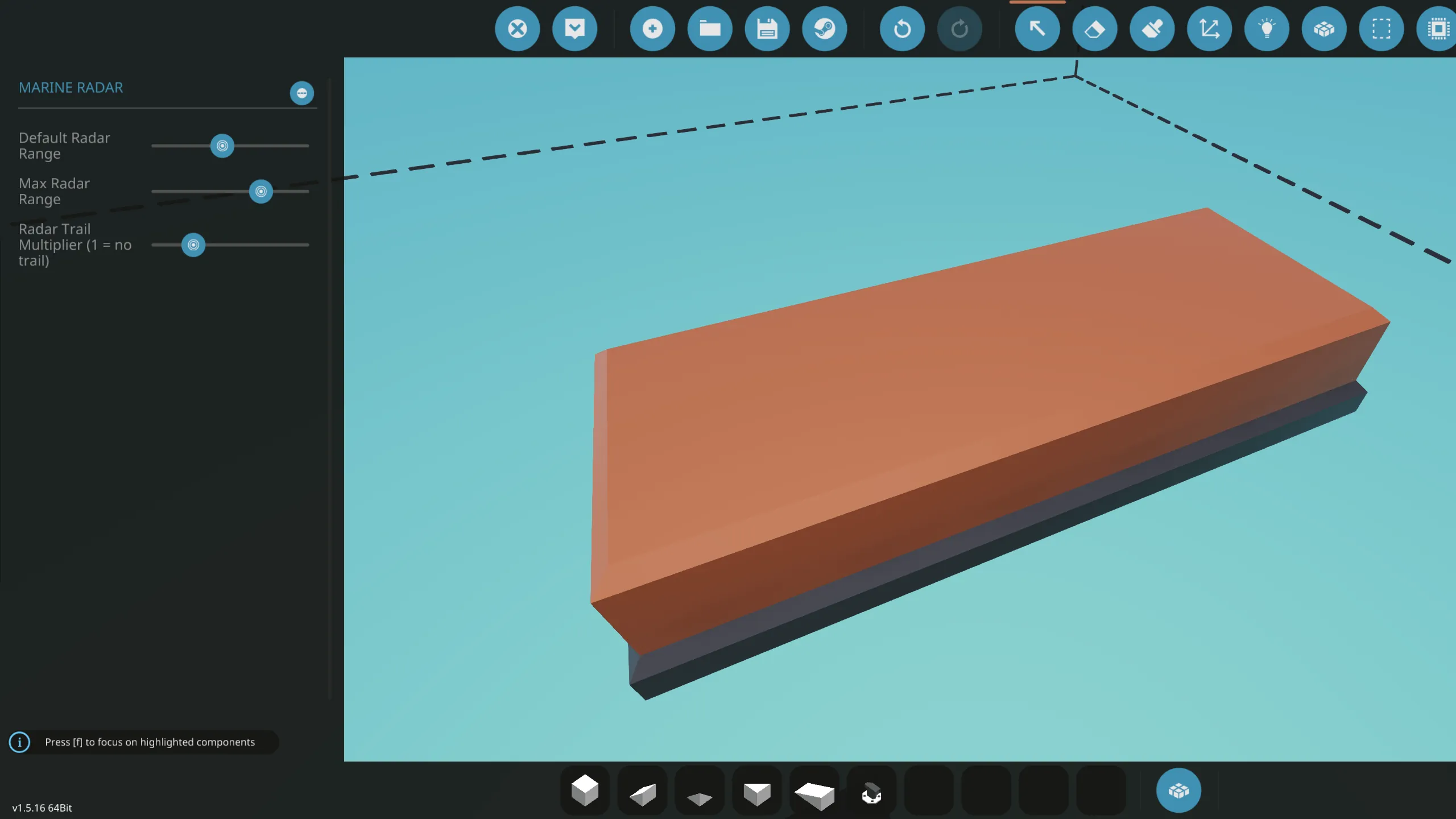
Microcontroller Properties

Default Radar Range - This is the range the radar will be set to when the vehicle is spawned in. Ensure that this value is less than or equal to the “Max Radar Range”.
Max Radar Range - This limits the radar range. Set this to be equal or less than your radar component’s “Effective Range”.
Radar Trail Multiplier - This is the amount of lines drawn behind the radar line to display a trailing effect. The higher the multiplier, the longer the trail and vice versa.
Default Orientation Mode - This is the orientation mode the radar will be set to when the vehicle is spawned in.
Closing Notes
Thank you for taking the time to read through the description.
As mentioned earlier, this microcontroller only works for 2x3 screens but I will probably make separate versions for different screen sizes in the future.
You are free to use this microcontroller on your vehicles but please credit me by providing a link to this page if you upload your vehicle to the workshop with my Radar. Please do not reupload my creation/modified versions onto the workshop.
Please report any bugs or issues you find and any feedback is welcome. I would also appreciate it if you leave a rating/favourite if you find this radar useful.