Overview
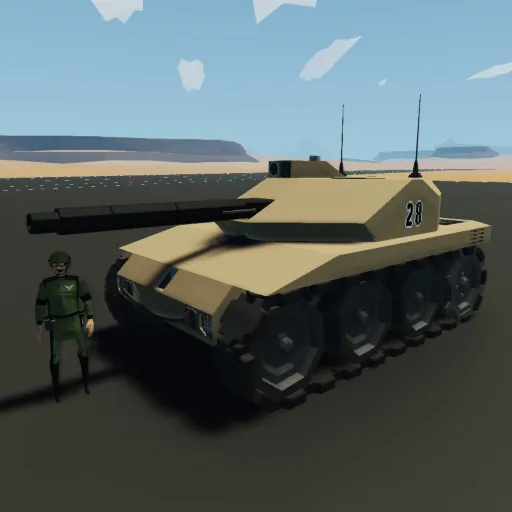
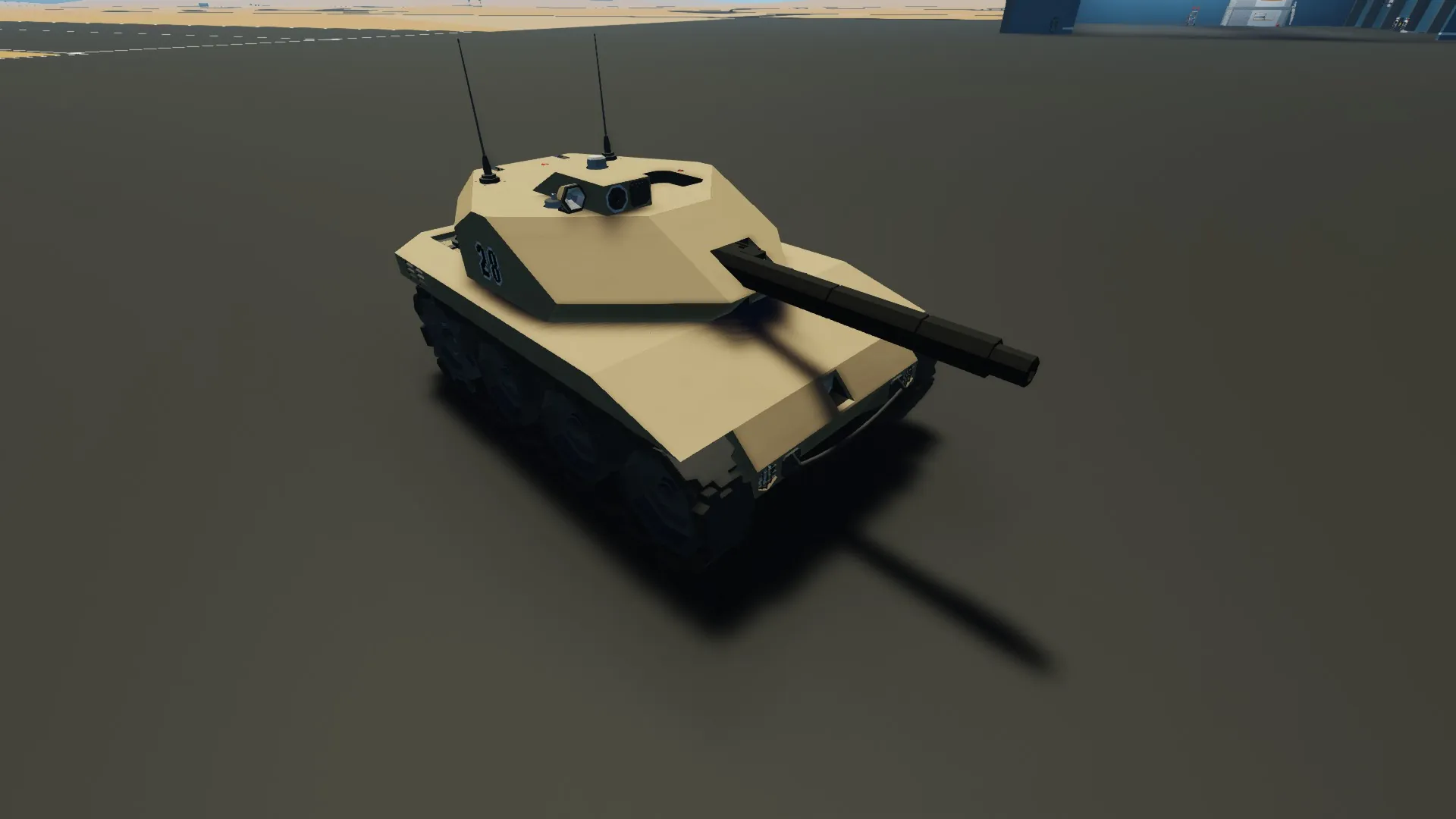
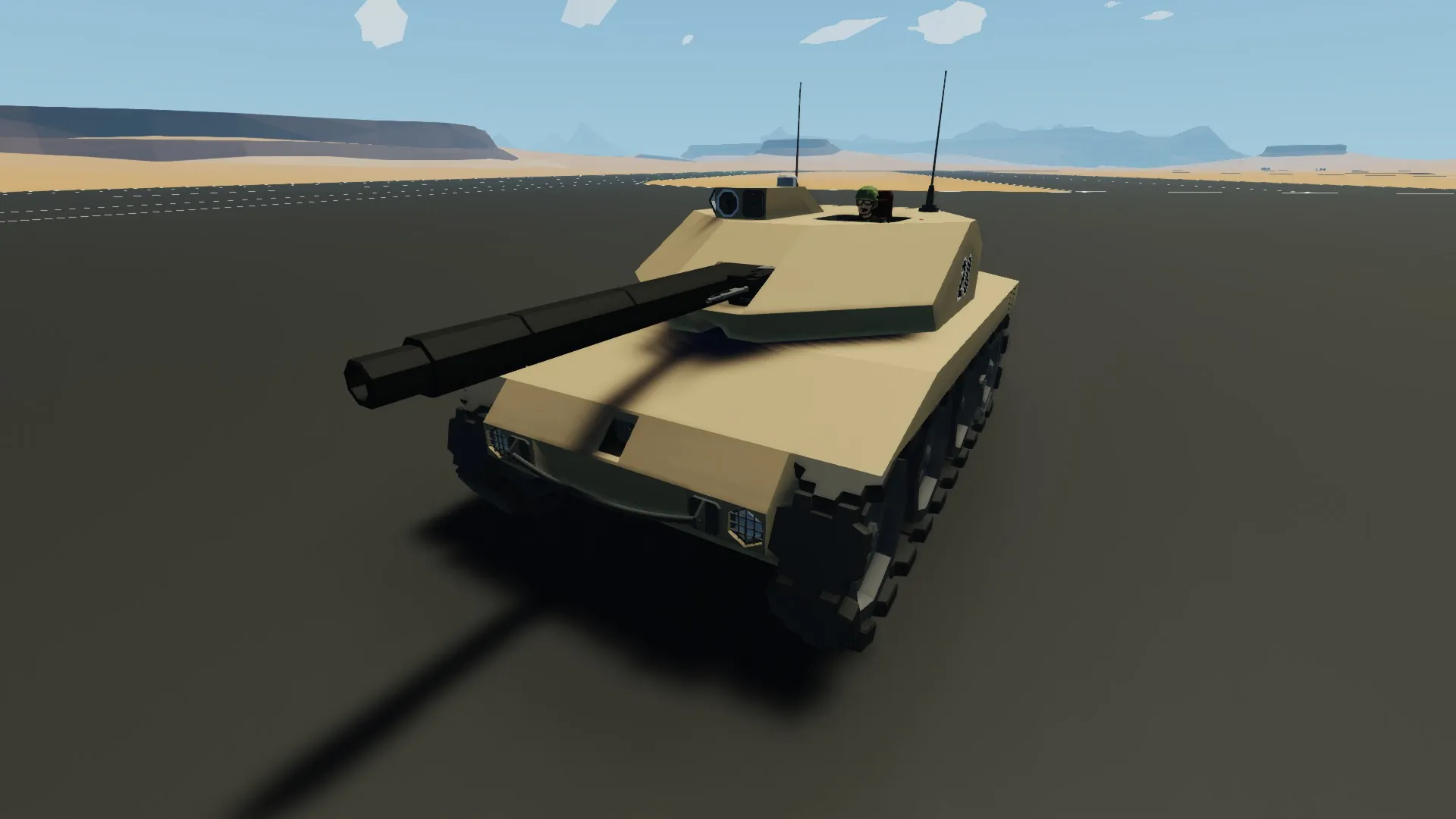
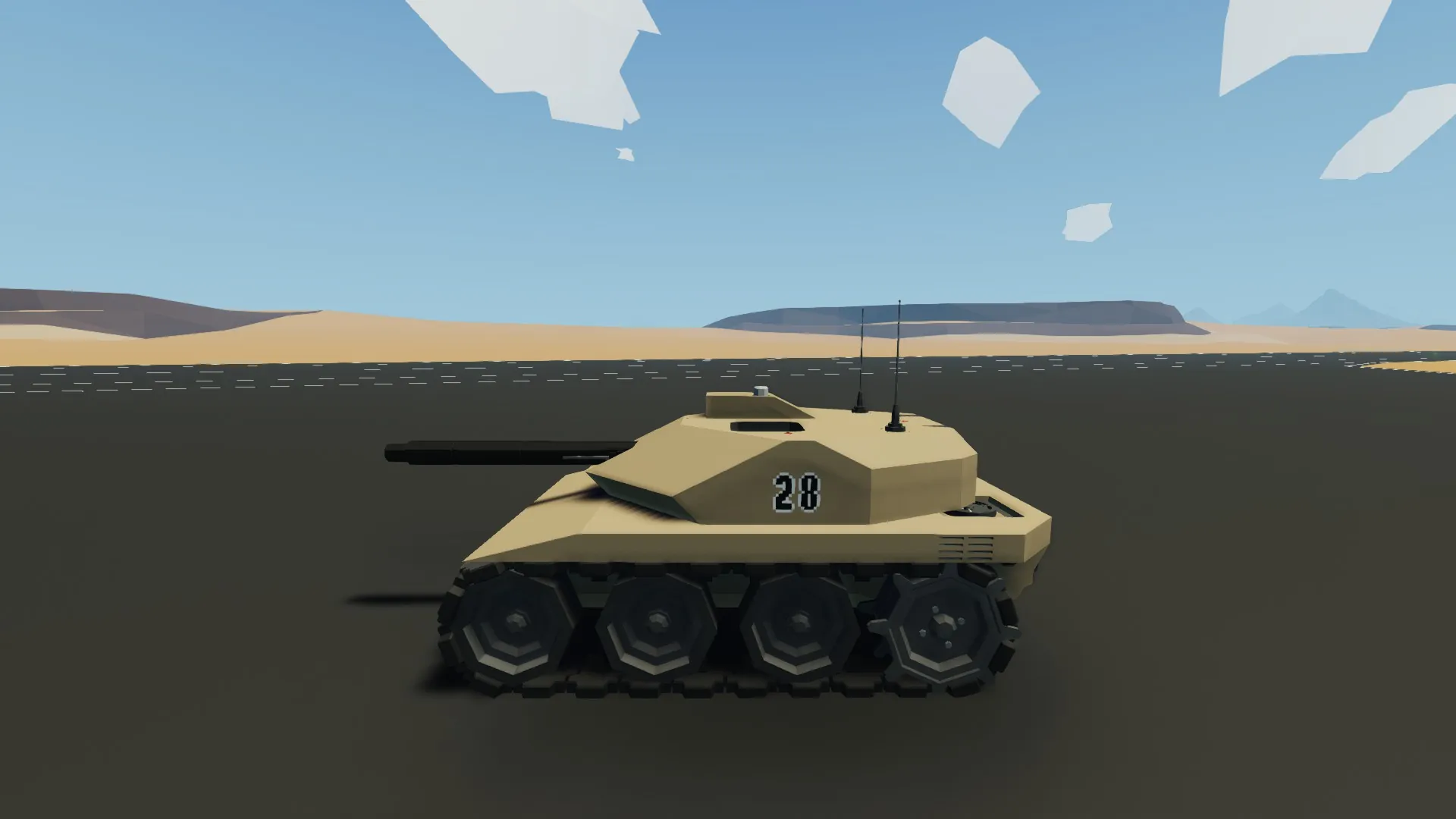
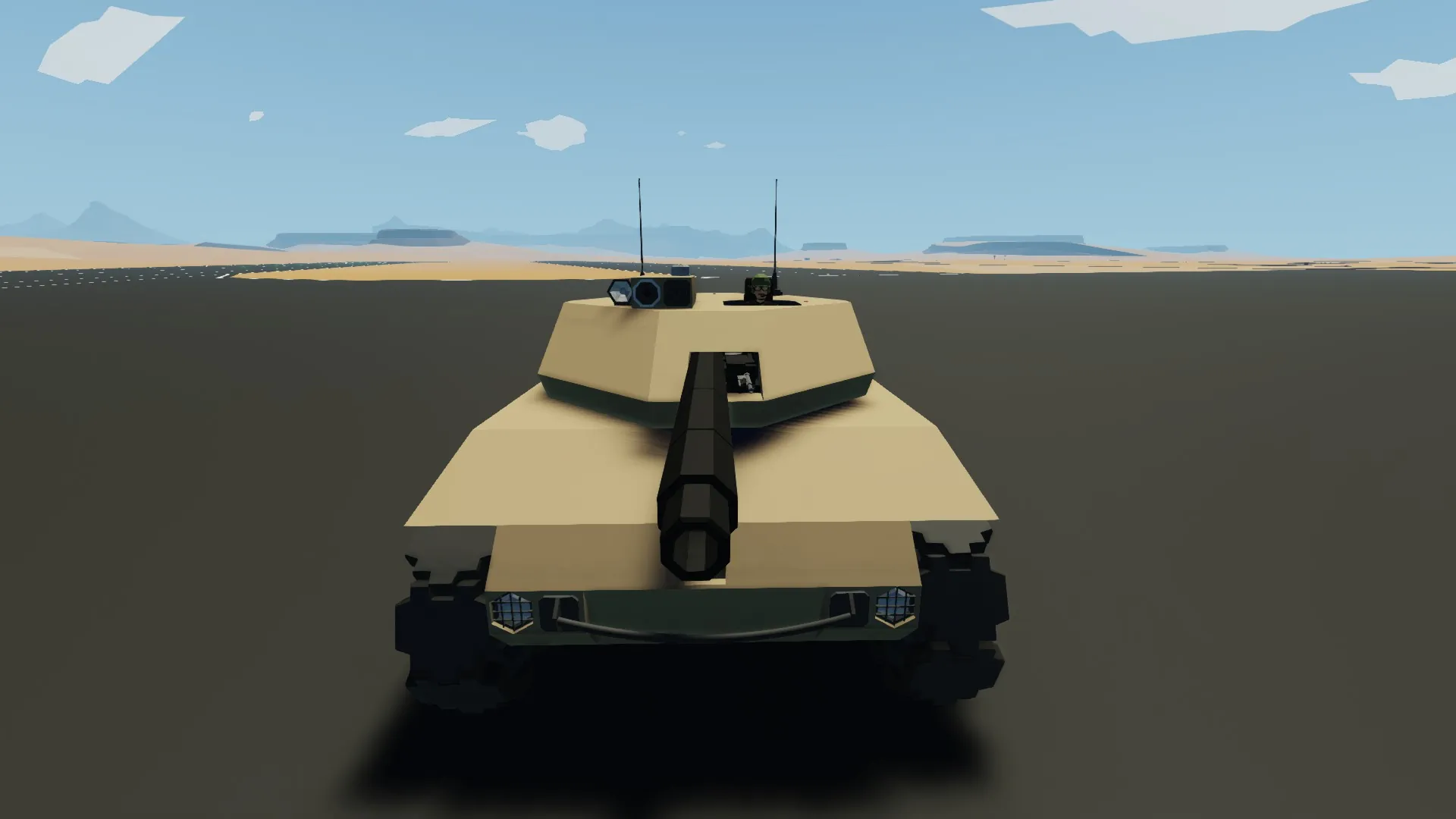
Wolverine single-crew mini tank that is designed to work around a single player. Armed with a battle cannon and coaxial machine gun.
To start:
1. Get into the seat in the turret, the hatch will automatically close.
2. Switch on main power switch located to the right of the seat.
3. Press 'Engine' button, check RPM indicator above to ensure engine is operating correctly.
4. Look into scope and cycle between turret and driver views using the "1" key.
5. Use WSAD to move tank forward/back/left/right.
Other features:
1. Use 2 and 3 to zoom in and out of the turret cam.
2. Use 4 to get the range of a target. This will automatically aim the gun.
3. Use 5 to switch between cannon and coaxial MG.
4. Use 6 to boost seat in and out of the turret.
5. Comes with night sights and IR flashlight.
Known Issues
1. Haven't quite figured out how to get the guns firing at 100% accuracy.
2. Empty shell case extractor does not always operate as intended but shouldn't cause much issue.
3. The engine operates at quite high RPM and can overheat if run for a long time at high RPM.