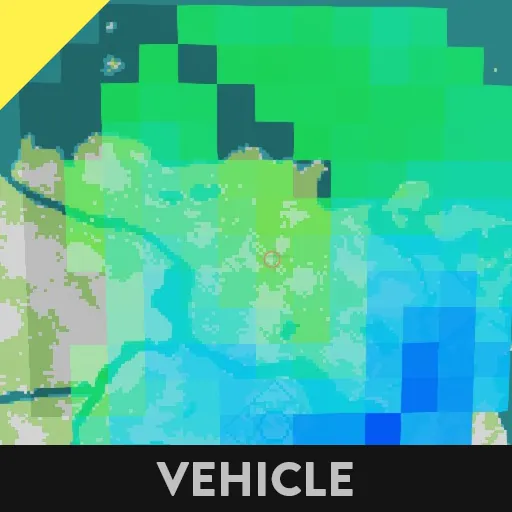
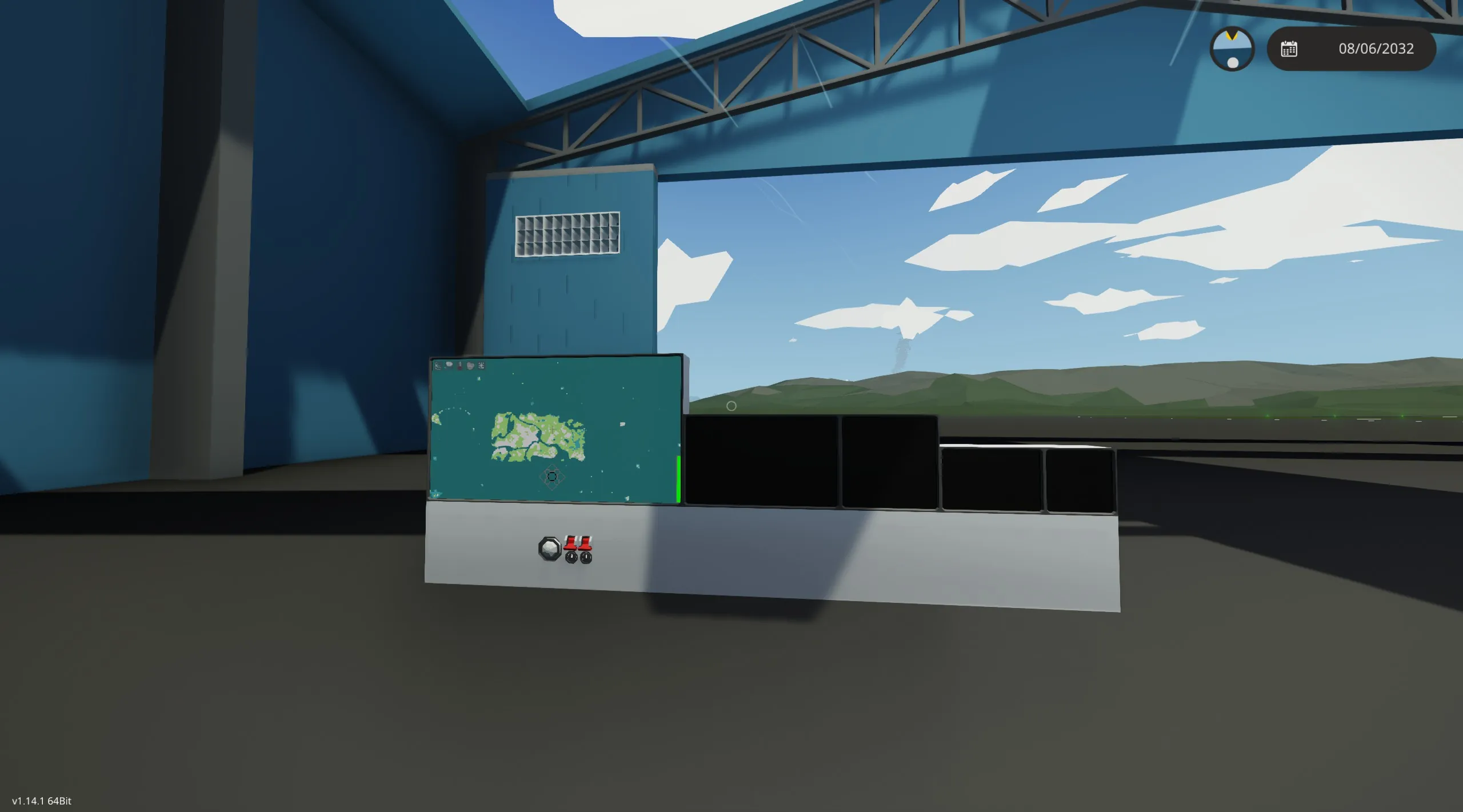
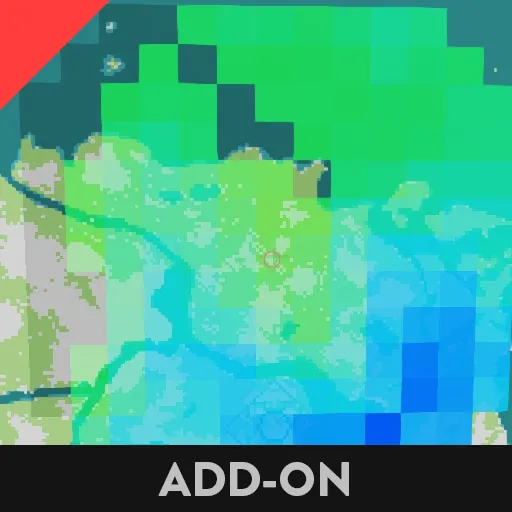
Working Weather Map
Radar is also working but can be glitchy.
Sonar is underway...
You need to subscribe to the addon Local Weather Map here:
https://steamcommunity.com/sharedfiles/filedetails/?id=3455311035
Then make a new save and enable the addon.
The example display should work then.
Only connect one monitor to the composite and video at a time or the mouse detection gets buggy.
Works on monitors 2x2 and larger, though smaller ones are coming.
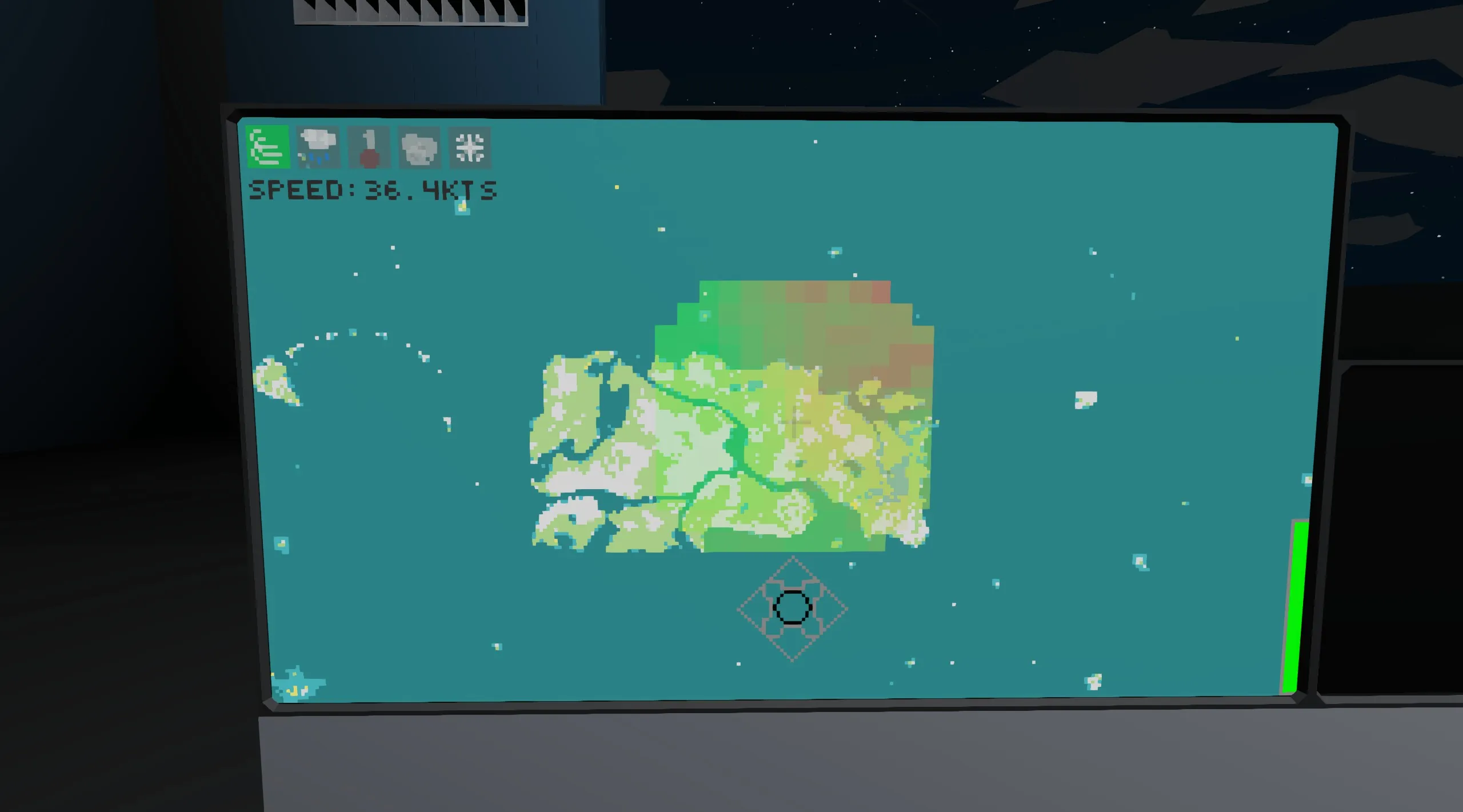
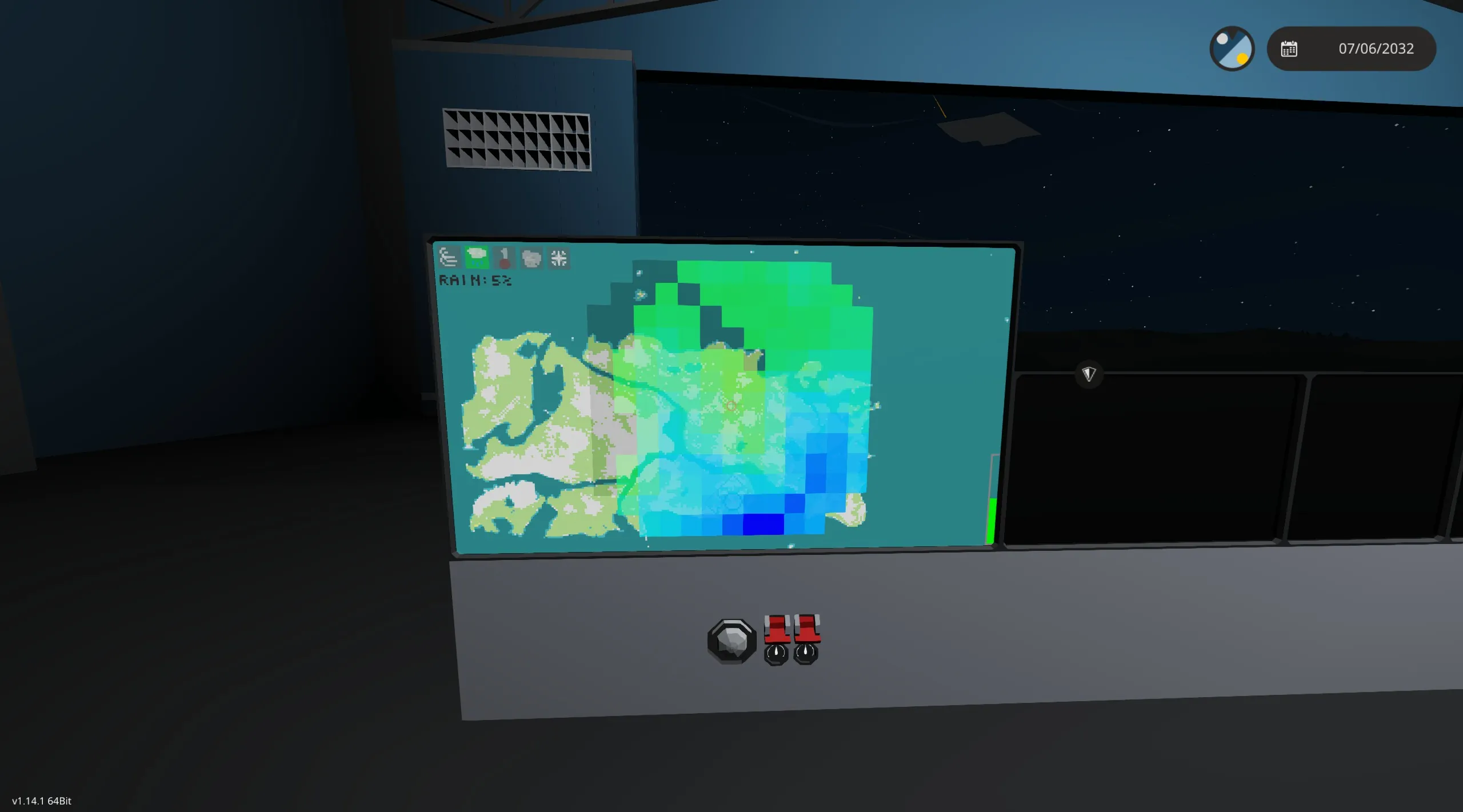
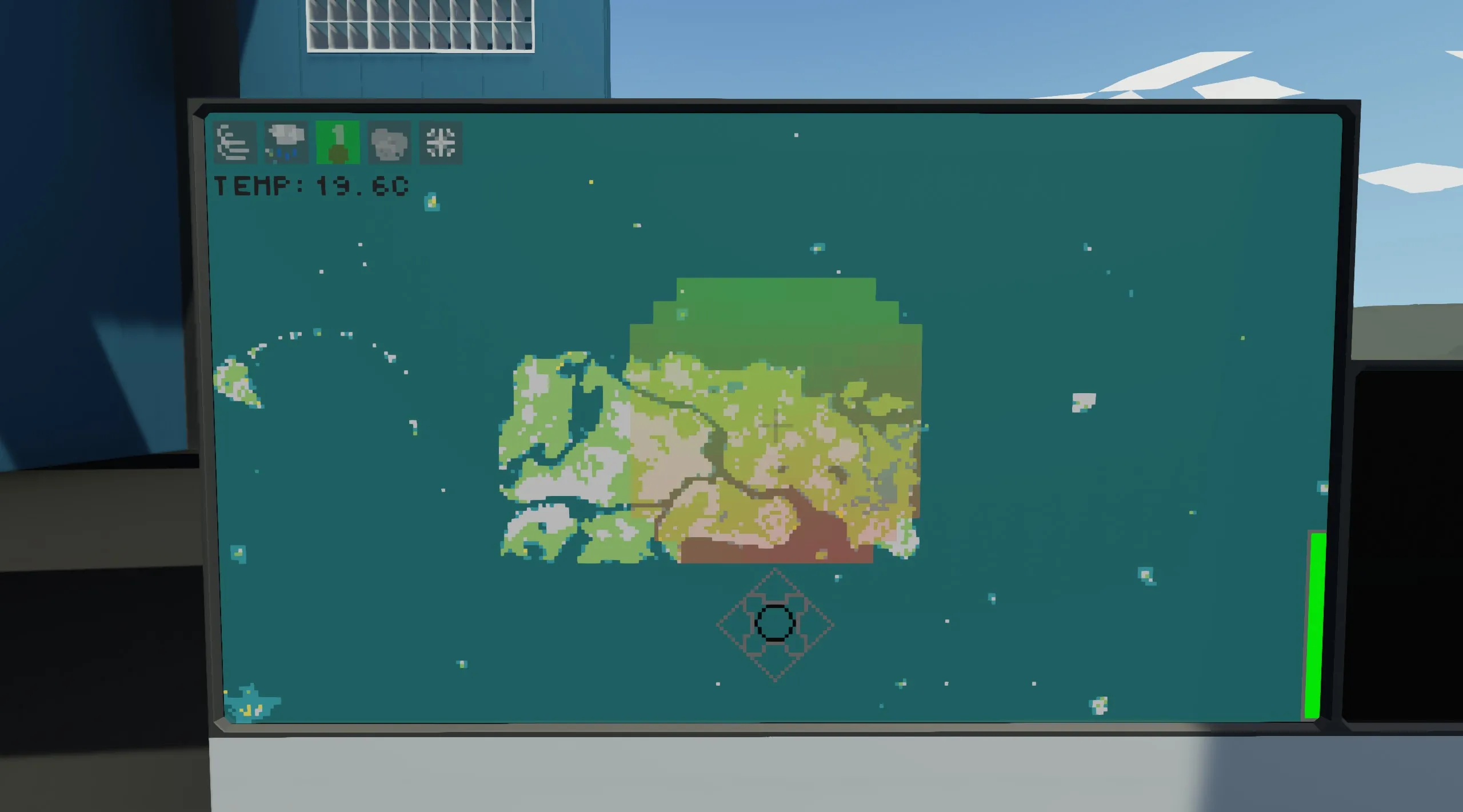
Use the buttons at the top to display the different local data around you, from left to right there are:
Wind Speed - Rain Level - Temperature - Fog Level - Snow Level
Clicking again on a highlighted button will close the weather display.
Use the buttons at the bottom center to pan the map and the center to reset the pan. You can also double-tap the screen to center on the touch coordinate.
Touch the green bar on the right side to adjust the zoom level.
Right now the radar and sonar are turned on by composite but will later be buttons on the display.
To make work on your vehicle using only the MC:
You need to have 6 keypads labeled as so:
wind speed
snow
temperature
fog
rain
location
Then hook them up to the MC where it says Keypad so and so, that allows the addon lua to talk to the vehicle lua.
I have tested 7 of these maps without lag issues.