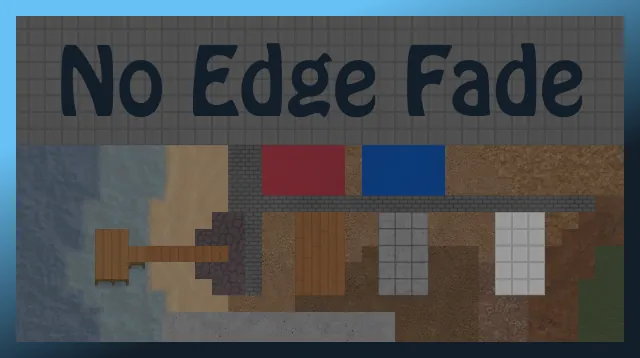
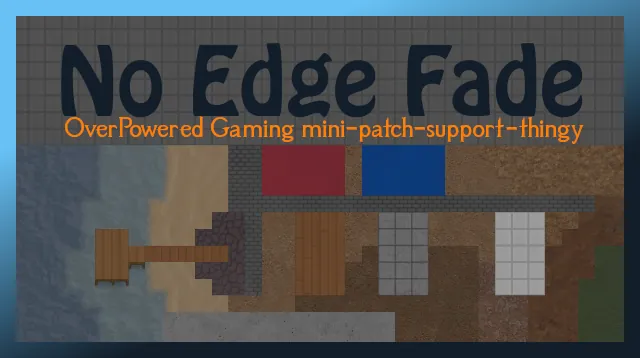
Man-made tiles AND natural terrains no longer fade out when bordering
other terrain types - instead, they will have distinct, crisp edges.
Natural shorelines will still be faded.
If you only want man-made terrain borders to be crisp, check out the
No Edge Fade - Lite mod.
Compatibility
- Compatible with RimWorld v1.0, v1.1, v1.2, and the Royalty DLC.
- No game-breaking incompatibilities, BUT…
This mod drastically re-orders the rendering precedence of terrains.
Floors and terrains added by other mods will probably not match this new
order. Worst case scenario, their terrain borders might fade when they
shouldn't, or vice versa.
Good news, though: This mod can be easily updated to fix these issues.
Please feel free to make a compatibility request for any mods you like.
Compatibile with floors and terrains from:
- Caution Tiles [1.0+]
- Fertile Fields [1.1]
- Floored [1.0+]
- Floored - Yellow and Striped Tiles Only [1.0+]
- Natural Paths
- Project RimFactory Revived
- Rimefeller
- Stuffed Floors
- Tilled Soil (and similar versions)
- VGP Garden Tools
- [FSF] Carpets of the Rainbow
- [RF] Fertile Fields [1.0]
- [T] MoreFloors
Known Issues
Rough, hewn, and smooth stone floors are hard-coded and can't be
modified by XML. As a result, they may have some faded borders.
Notes
- Is perfectly safe to add or remove at any time from your save.
- Can be placed anywhere in the mod list.
- Doesn't add or remove anything - it just changes the renderPrecedence
and edgeType of terrains.
GitHub
- Bug reports[github.com]
- Manual download[github.com]