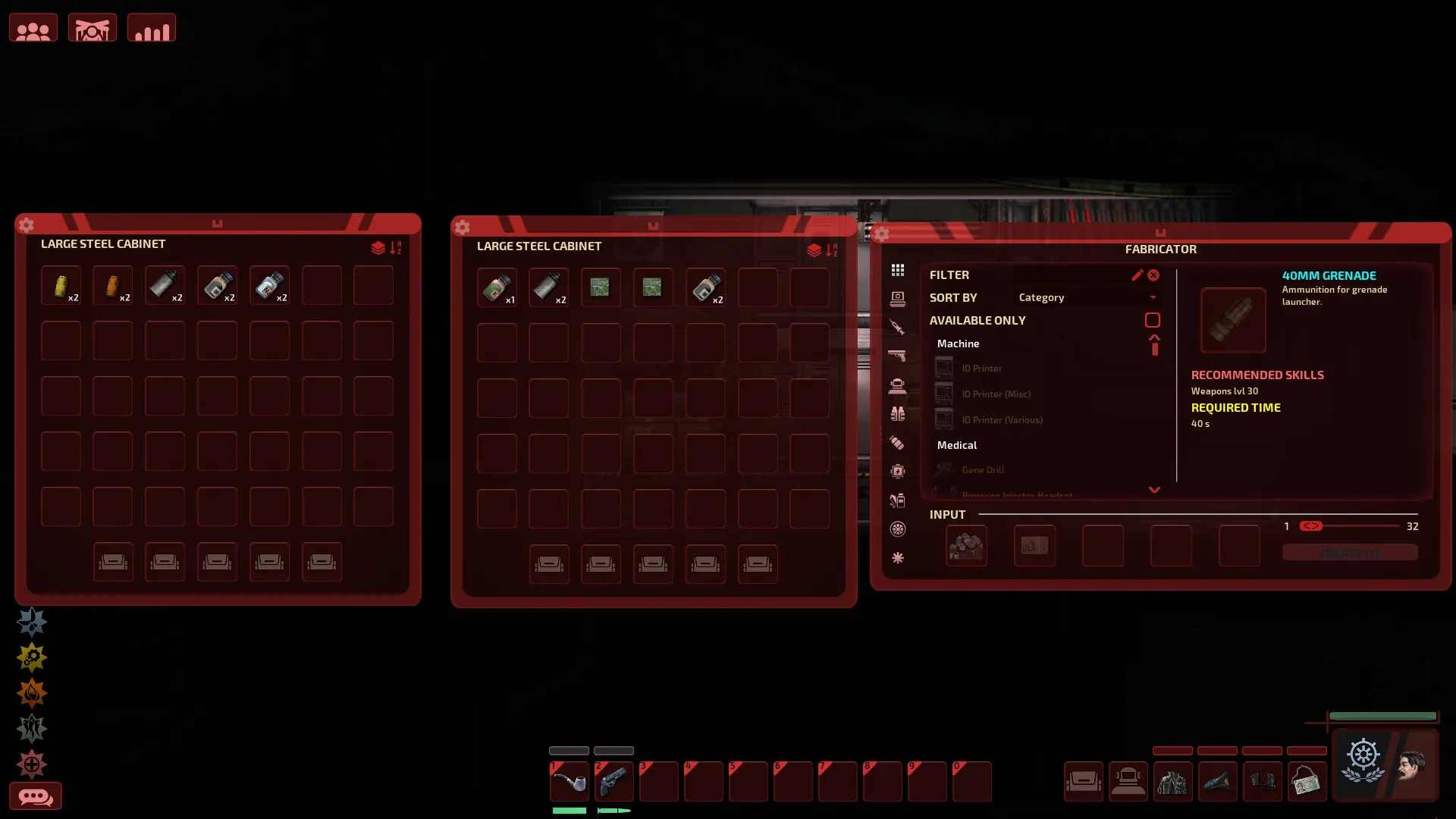
Tired of the original Barotrauma UI? Or just want something new & fresh? Try this out!
The Simple Clean UI collection!
A collection? I only see one color here!
And you can't be more right, voice in my head! This is in fact the RED version. To see the other colors, here are some links:
Red: https://steamcommunity.com/sharedfiles/filedetails/?id=3654622979
Blue: https://steamcommunity.com/sharedfiles/filedetails/?id=3654623608
Green: https://steamcommunity.com/sharedfiles/filedetails/?id=3654624147
Yellow: https://steamcommunity.com/sharedfiles/filedetails/?id=3654624680
Purple: https://steamcommunity.com/sharedfiles/filedetails/?id=3654622196
No color: https://steamcommunity.com/sharedfiles/filedetails/?id=3654625164
But what is actually this mod?
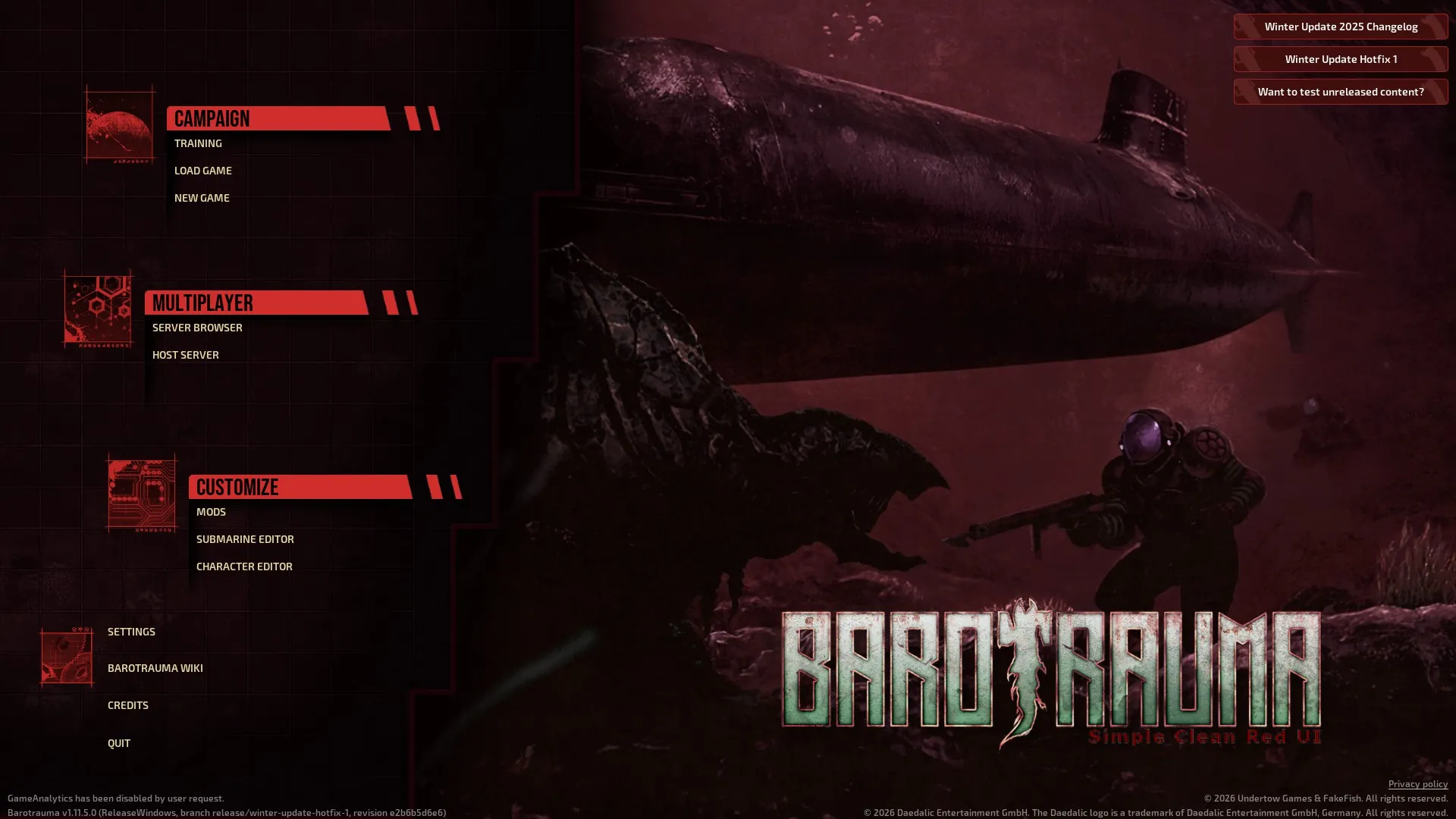
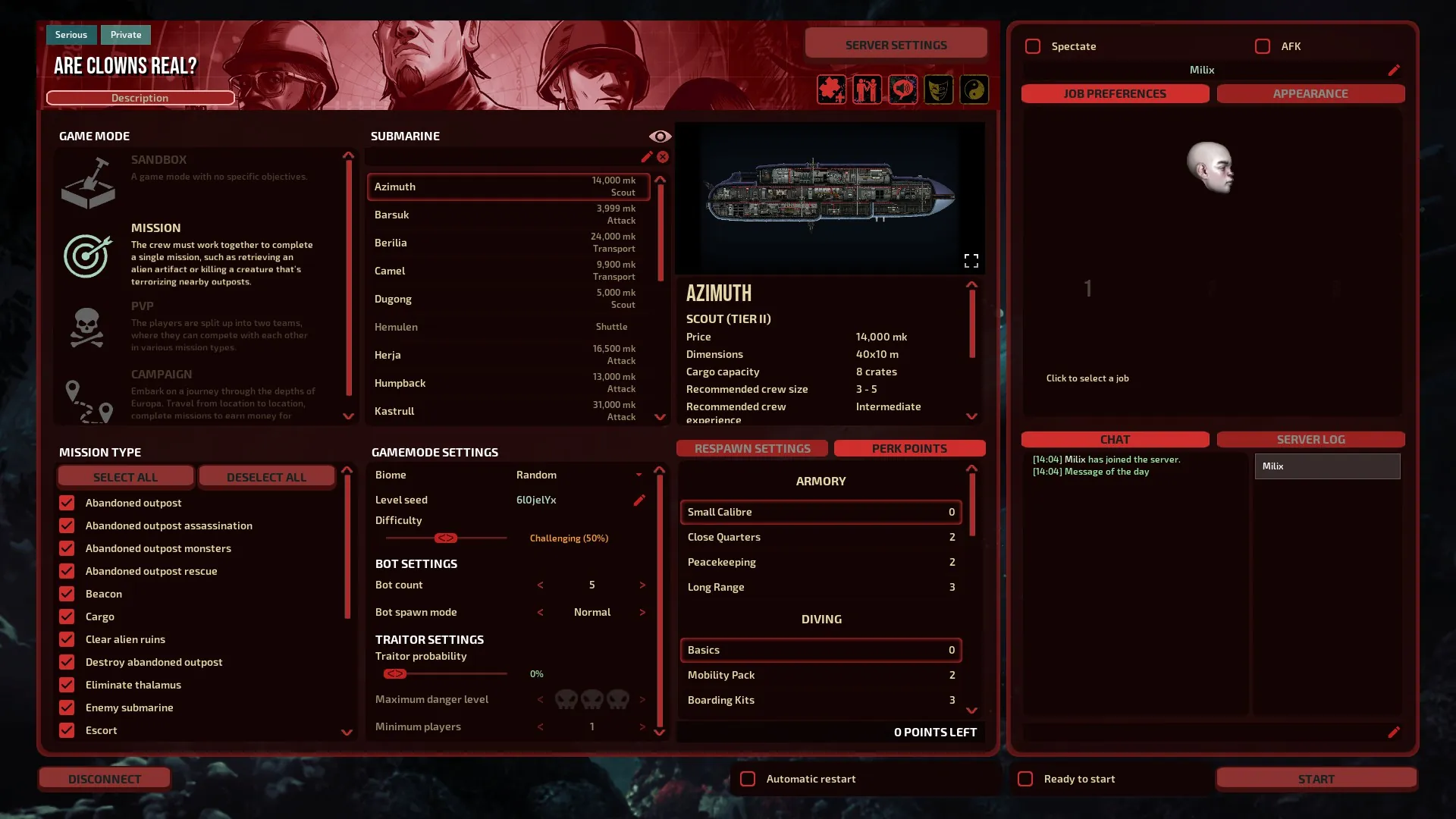
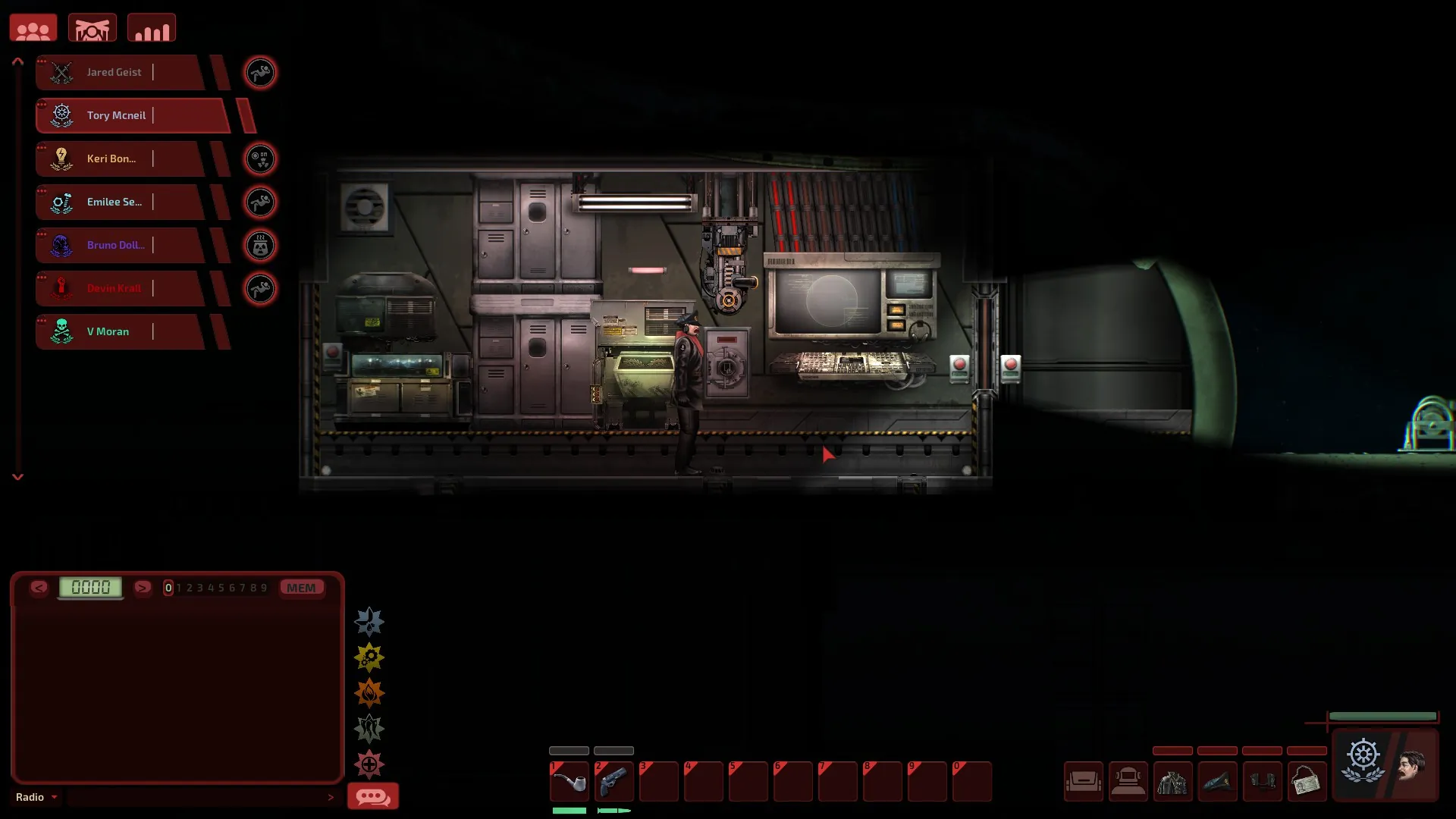
This mod simply changes a lot (if not all) of the Barotrauma UI with a handmade UI in a modern style.
This might not fit the Barotrauma universe, of course; it exists just if you want something clean without a lot of details.
If you're experiencing issues, put the mod above every other mod in your modlist. If you're still having issues, write a comment.
⚠ IT IS STILL IN BETA AND WIP ⚠
(More details below)
THERE IS AN INSTALL SCRIPT IN THE MOD'S FOLDER
It's purely optional but recommended.
And you might be wondering, why does the script exist?
This script exists because Barotrauma is coded in a way that makes it unable to change the inventory UI texture.
This workaround swaps the file directly so the game uses the custom version.
It is, of course, fully harmless and revertible very easily with the script or by hand.
And if you don't trust it (which is understandable), you can just do it by yourself:
- Open a file explorer with the mod files
(steamapps\workshop\content\602960\3654622979) - Open a second file explorer with the game files, inside the Content folder.
(steamapps\common\Barotrauma\Content) - Take the "MainMenuVignette.png" and the "InventoryUIAtlas.png" from the mod in the UI folder and drag them into the game's files in the UI folder.
- Do the same thing with the "MainMenu1.png" file in Map\LocationPortraits folder.
- Don't forget to enable the mod in the game. ;)
But what if I don't use the script/change these files?
Well, it's not that serious.
The loading during the start will remain like the original, and the inventory UI will remain unchanged.
If you're not bothered with that, you can safely ignore this.
These mods are still kind of in beta and need more in-depth testing, but since it's based on many factors (like monitor sizes and ratios), I'm not able to test everything.
So please, if you encounter any kind of bug, you have a suggestion, or you feel something is oddly off, report it.
Enjoy!